 ProMapRanker
Best Free Tools for Time Management in 2026

Key takeaways
- Every tool here has a genuinely free tier, not just a trial, so you can keep using it without paying.
- Clockify leads on free time tracking for teams of any size, while Toggl Track leads on simplicity for freelancers and small teams.
- Todoist, TickTick, Trello and Notion cover free task and project planning, with different strengths for lists, boards and notes.
- Pomofocus and Google Calendar cover free focus sessions and scheduling, which are the two habits that make task lists actually work.
- Free plans have limits, usually on users, projects, features or history, so check the limit that matters to you before you build a system around a tool.
Quick comparison
| Pick | Great for | Pricing starts at | Free tier | |
|---|---|---|---|---|
 Clockify | Free time tracking for any team size | Free | Yes | Visit |
 Toggl Track | Simple timer for freelancers | Free | Yes | Visit |
 Todoist | Free personal task lists | Free | Yes | Visit |
 TickTick | Tasks, habits and calendar in one free app | Free | Yes | Visit |
 Trello | Free kanban boards for projects | Free | Yes | Visit |
 Notion | Free notes, docs and databases | Free | Yes | Visit |
 Pomofocus | Free Pomodoro focus timer | Free | Yes | Visit |
 Google Calendar | Free scheduling and time blocking | Free | Yes | Visit |
 Harvest | Free time tracking with invoicing | Free | Yes | Visit |
The best free tools for time management
Time management is really three habits: knowing where time goes, deciding what to do next, and protecting focus time to do it. The tools below cover those habits, and each one can be used free for real work, not just for a trial week.
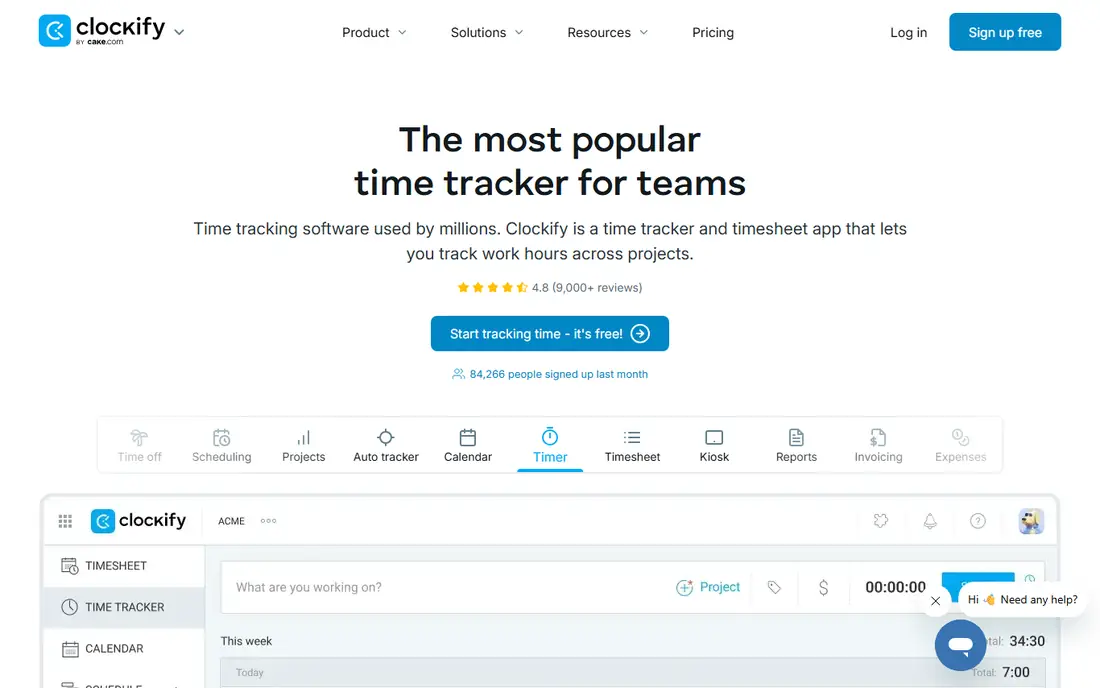
Clockify's free plan is the most generous time tracker available, with unlimited users, projects and time tracking. You can start a timer, enter time manually, use timesheets and calendar views, and run reports without paying. That makes it a strong choice for teams that want to know where hours go, whether for billing, capacity or simple self-awareness.
Paid plans add features such as approvals, invoicing, scheduling and advanced reporting, starting from a low per-user price on the vendor's pricing page. The free plan does not include those extras, so teams that need approvals or client invoicing should check the paid tier. For free, honest time tracking at any team size, Clockify is the first tool to try.
- Free plan with unlimited users and projects
- Simple timer and timesheets
- Reports and integrations
- Advanced features such as approvals and invoicing need paid plans
- Interface is functional rather than polished
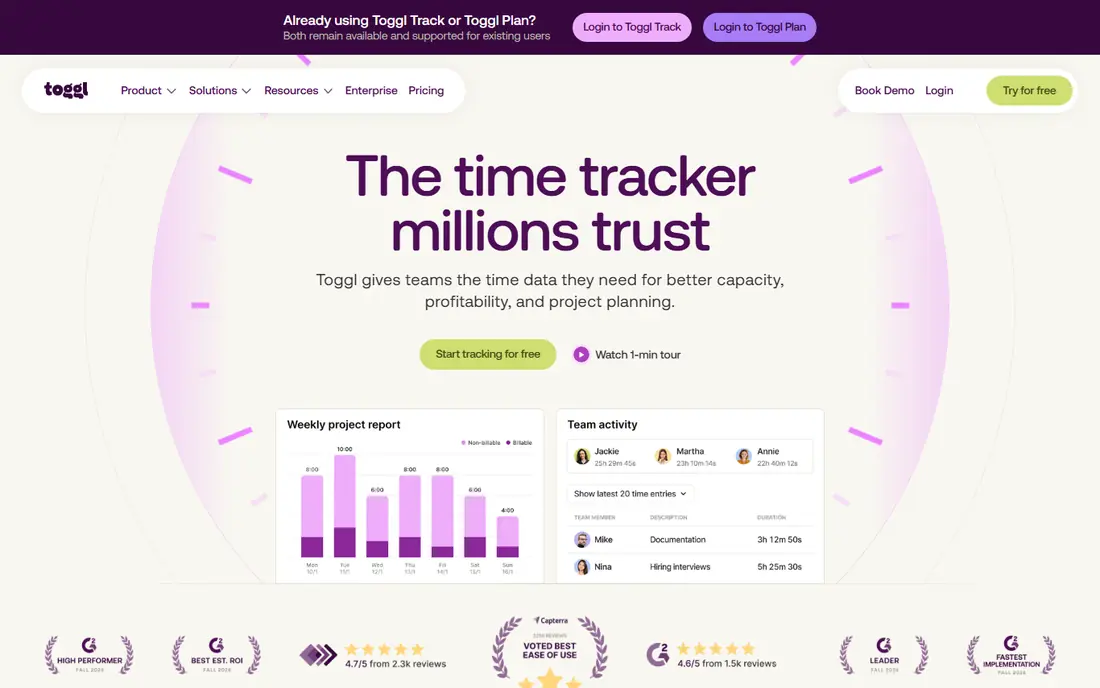
Toggl Track wins on simplicity. The timer takes one click, entries can be edited and tagged, and reports show where time went by project, client or tag. Freelancers and small teams adopt it quickly because there is almost nothing to learn, and that adoption is what makes time data useful. The free plan covers up to 5 users, which suits solo workers and small teams.
Larger teams will need a paid plan, and features such as billable rates, profitability reports and advanced approvals sit on paid tiers. Toggl Track also does not include invoicing on its own, so agencies that bill from tracked time may pair it with another tool. For a freelancer who wants to start tracking today, free, Toggl Track is hard to beat.
- One-click timer that staff actually use
- Clean reports
- Free plan for up to 5 users
- Free plan user limit
- Billable rates and advanced reports need paid plans
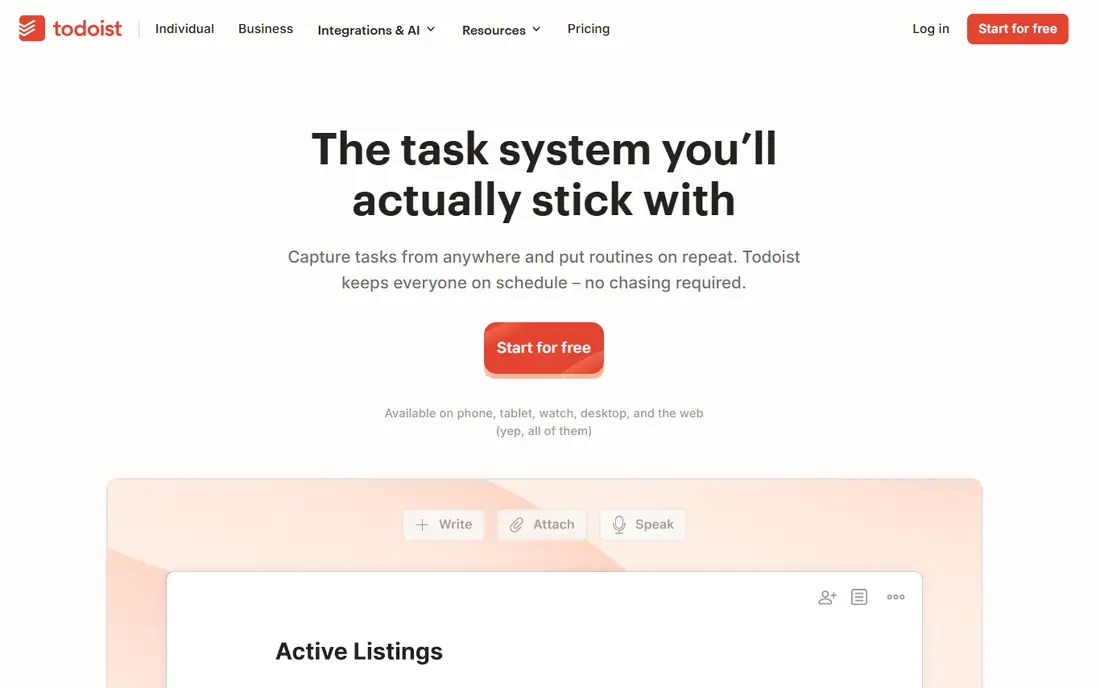
Todoist is a task manager built for speed. You can capture a task in seconds, set a date, add it to a project, and use labels and filters to see what matters today. Natural language dates, recurring tasks and a clean inbox make it easy to keep a trusted list, which is the core of personal time management. The free plan covers personal use with a limited number of projects.
Power features such as reminders, larger project limits, filters and team collaboration sit on paid plans, starting at $5 per month on the vendor's pricing page. For a personal task system, the free plan is enough for many people. For a team shared task system, Trello or Notion may fit better. If your main problem is remembering and prioritizing daily tasks, Todoist's free plan is an excellent start.
- Fast task capture
- Projects, labels and filters
- Free plan for personal use
- Free plan limits projects and features
- Team collaboration needs paid plans
TickTick combines tasks, calendar, habit tracking and a Pomodoro focus timer in one app, so a daily plan, a habit streak and a focus session can live together. That combination suits people who want one app for personal productivity, rather than a task app plus a separate habit app plus a separate timer. The free plan covers personal use, with limits on lists and features.
Paid plans raise those limits and add calendar views, more lists and advanced features. TickTick's strength is that it covers the whole personal system in one place, while its weakness is that no single part is as deep as a specialist tool. For someone starting a time management habit from scratch, TickTick's free plan is a friendly all-in-one choice.
- Tasks, calendar, habits and focus timer together
- Free plan for personal use
- Good mobile apps
- Free plan limits lists and features
- Advanced calendar views need paid plans
Trello turns work into boards, lists and cards that you drag from to-do to done. That visual flow suits personal projects, household planning and small team work, where seeing the whole pipeline matters more than detailed task fields. The free plan includes unlimited cards and core board features, with a limit on automation runs and some advanced views.
Teams with complex projects, dependencies and reporting will outgrow Trello or need paid plans, and some will prefer Notion or a full project tool. For free, visual planning that anyone can understand in minutes, Trello remains a strong pick. It is especially good for people who think in boards rather than lists.
- Simple kanban boards
- Free plan for personal and small team use
- Many integrations
- Free plan limits automation and views
- Large projects need paid plans or another tool
Notion's free plan for individuals gives you pages, docs, task lists and databases in one flexible workspace. You can build a daily planner, a project tracker, a reading list or a full personal wiki from templates, and link them together. That flexibility is why many people use Notion as both a notes app and a time management system.
The same flexibility can feel open-ended at first, and new users may spend time building a system instead of using one. Team collaboration, advanced permissions and larger file uploads sit on paid plans, starting at $10 per member per month on the vendor's pricing page. For a free personal system that grows with you, Notion is a powerful choice, especially if you also need notes and docs.
- Free plan for individuals
- Notes, tasks and databases in one workspace
- Flexible templates
- Can feel open-ended at first
- Collaboration and advanced features need paid plans for teams
Pomofocus is a free, browser-based Pomodoro timer: work in focused intervals, usually 25 minutes, with short breaks in between, and track tasks alongside the timer. There is nothing to install and nothing to configure beyond timer lengths, which makes it easy to start a focus habit today. That simplicity is the point, because focus tools fail when they add friction to the work itself.
Pomofocus is not a full time tracker or task manager, and its reporting is limited compared with Clockify or Toggl Track. It also has no deep mobile app, so phone-based users may prefer TickTick's built-in timer or Forest-style apps. For free, focused work sessions at a desk, Pomofocus is the simplest tool on this list.
- Free Pomodoro timer in the browser
- Simple task list alongside the timer
- No install needed
- No mobile app depth
- Reporting and integrations are limited
Google Calendar is free with a Google account and is the backbone of many time management systems. Time blocking, where you assign tasks to specific calendar slots, turns a task list into a realistic day, and shared calendars make team and family scheduling simple. Reminders, recurring events and scheduling features cover most everyday needs without paying.
Google Calendar alone does not manage tasks well, so most people pair it with Todoist, TickTick or Trello for task capture, then block time for those tasks on the calendar. That pairing is a proven free system: tasks in one app, time in the calendar, focus sessions with a timer. For free scheduling, Google Calendar is the default choice.
- Free with a Google account
- Time blocking and shared calendars
- Reminders and scheduling links
- Not a task manager on its own
- Needs a task tool for full planning
Harvest's free plan covers 1 seat and 2 projects, with time tracking, expenses and invoicing included. That makes it a genuine free option for a freelancer who bills by the hour, because tracked time can turn directly into an invoice without a separate billing tool. Reports show time by project and client, and expenses can be added to invoices.
The free plan is deliberately small, so growing freelancers and teams will move to a paid plan. Timesheet approvals also sit on higher plans. For a solo freelancer starting out, Harvest's free plan is a complete time-to-invoice loop. For a team, Clockify's unlimited free users or Toggl Track's small-team free plan will fit better.
- Free plan for 1 seat and 2 projects
- Time tracking plus expenses and invoicing
- Clean reports
- Free plan is small
- Team plans are paid
- Approvals need higher plans
How we picked these
We compared official product pages and pricing pages for tools with a genuinely free tier, not a trial-only offer. We favored tools that cover time tracking, task planning, scheduling or focus, and we left out trial-only tools such as RescueTime's paid plans and Timely, even though they are good products. Where a free plan had a user or project limit, we stated it plainly. Where a paid starting price was confirmed from a vendor page, we included it; otherwise we wrote See website.
What to check before you buy
Start with the habit, not the app. If you do not track time now, start with Clockify or Toggl Track for two weeks and review the data each Friday. If tasks slip, start with Todoist or TickTick and a daily review. If your calendar controls your day, try time blocking in Google Calendar for one week. A free tool only helps if the habit around it is simple enough to keep.
Building a free time system
A good free system often uses three tools, not one: a task app for capture, a calendar for time blocking, and a timer or tracker for focus and records. For example, Todoist for tasks, Google Calendar for blocks and Pomofocus for focus sessions costs nothing and covers all three habits. Avoid collecting many free apps, because maintaining five systems takes more time than the systems save.
Frequently asked questions
What is the best free time management software?
Clockify is the best free time tracker, because its free plan has unlimited users and projects. Todoist is the best free task manager for personal lists, while Trello is the best free board tool. The best overall free system usually pairs a task app with Google Calendar for time blocking.
What is the best free time management tool for teams?
Clockify, because its free plan does not limit user count, is the strongest free team tracker. Trello's free plan also works for small team boards, and Notion's free plan suits individual planning with shared pages. For larger teams with approvals and reporting needs, a paid plan will eventually be needed.
Are free time management tools really free?
Yes, for the tools here, with limits. Free plans usually limit users, projects, automation, history or advanced features, but the core tool keeps working without payment. Trial-only tools are different: they stop working or lock features when the trial ends, which is why we left them out of this list.
How do I manage my time better with free tools?
Start with three habits: capture every task in one list, block time for the most important tasks on your calendar, and track where time actually goes for two weeks. Review the data each week and adjust. Tools help, but the weekly review is what turns a list into better time use.
Is Clockify really free for unlimited users?
Clockify's free plan is described by the vendor as free for unlimited users, projects and time tracking, with paid plans adding approvals, invoicing, scheduling and advanced reporting. Always confirm the current free plan terms on the vendor's pricing page, because free limits can change.
Can I use these tools without paying forever?
Yes, for personal and small-team use, the free tiers here are designed for ongoing use, not just trials. You may choose to pay later for reminders, larger limits, collaboration or invoicing features, but the core free tool should keep working. Check each vendor's pricing page before you build a business process around a free limit.
Sources
See where you really rank - block by block
ProMapRanker scans Google Maps across a grid of your service area. Simple monthly plans from $19, white-label on every plan.
Start freeKeep reading
 wpforms alternatives
Best WPForms Alternatives in 2026
We compare 9 wpforms alternatives for WordPress forms, with free and paid options, current pricing notes, and honest limits for small business sites in 2026.
Read → windows task scheduler alternatives
Best Windows Task Scheduler Alternatives in 2026
Looking for Windows Task Scheduler alternatives? We compare 9 schedulers for Windows and cross-platform work, from free tools to enterprise automation.
Read → which ai video service is best
Which AI Video Service Is Best in 2026
which ai video service is best? We compare 10 legitimate AI video services on price, avatars, editing and output quality to help you pick the right tool.
Read →