 ProMapRanker
Best Free SEO Analysis Tools in 2026


Real Google search performance and indexing · Pricing starts at: Free
Key takeaways
- Google Search Console is the best free seo analysis tool for real search data, since it comes straight from Google.
- No single free tool covers everything, so pair Search Console with a crawler, a speed tool and a backlink checker.
- Free tiers cap crawls, searches or projects, so use them for focused questions, not broad browsing.
- The best free website seo analysis tool stack for most small sites costs nothing and takes under an hour to set up.
Quick comparison
| Pick | Great for | Pricing starts at | Free tier | |
|---|---|---|---|---|
| Google Search Console | Real Google search performance and indexing | Free | Yes | Visit |
 PageSpeed Insights PageSpeed Insights | Page speed and Core Web Vitals checks | Free | Yes | Visit |
 Screaming Frog SEO Spider Screaming Frog SEO Spider | Deep technical crawls on desktop | Free | Yes | Visit |
 Ahrefs Webmaster Tools Ahrefs Webmaster Tools | Backlinks and site health for your own sites | Free | Yes | Visit |
 Bing Webmaster Tools Bing Webmaster Tools | Bing indexing, crawling and keyword data | Free | Yes | Visit |
 Seobility Seobility | Beginner friendly all in one audits | Free | Yes | Visit |
 Ubersuggest Ubersuggest | Keyword ideas and simple site audits for beginners | Free | Yes | Visit |
 Semrush Free Tools Semrush Free Tools | Keyword and competitor lookups with deep data | Free | Yes | Visit |
The best free seo analysis tools
Free SEO tools can find indexing problems, speed issues, technical errors and keyword gaps without a paid subscription. We compared official free plan limits and 2026 guides that tested these tools on live sites, focusing on what each free tier actually allows.
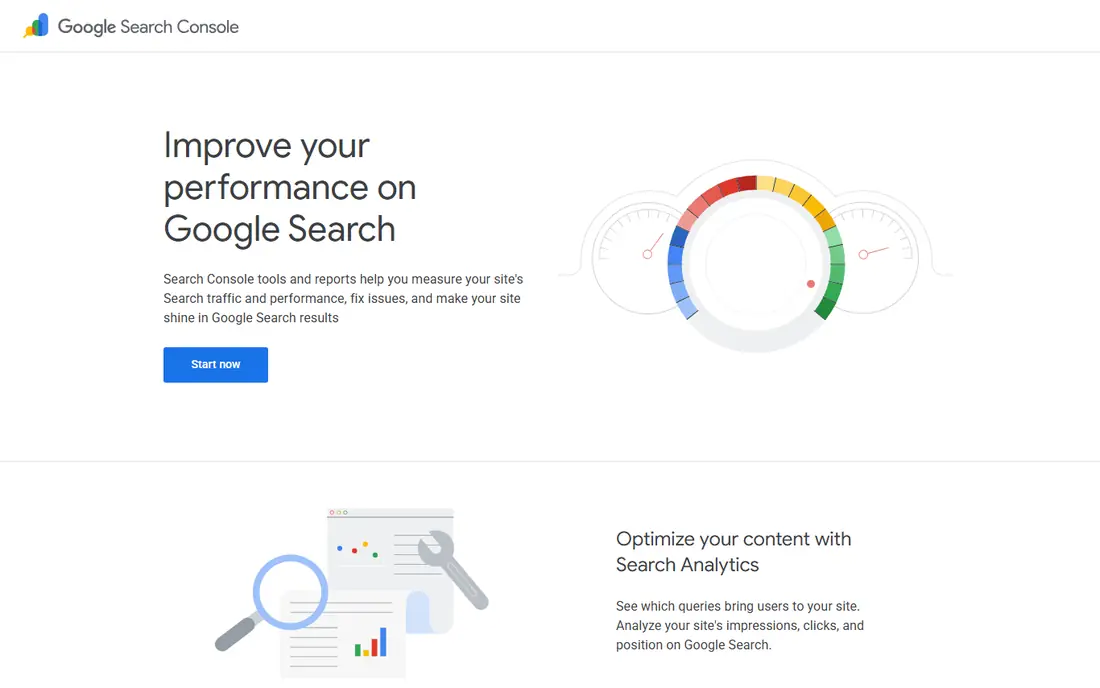
Google Search Console is the first tool every site owner should set up. It shows which queries bring clicks, which pages rank, and which pages Google cannot index. That data comes from Google itself, so it is more reliable than third party estimates for your own site.
The limits are clear. You only see your own sites, not competitors, and data is delayed by 24 to 48 hours in many reports. Still, for diagnosing a traffic drop, finding pages with high impressions but low clicks, or fixing indexing errors, Search Console is unmatched and free.
- First party data from Google
- Clicks, impressions and positions
- Sitemap and indexing tools
- Only your own verified sites
- No competitor data
- Data can lag by a day or two
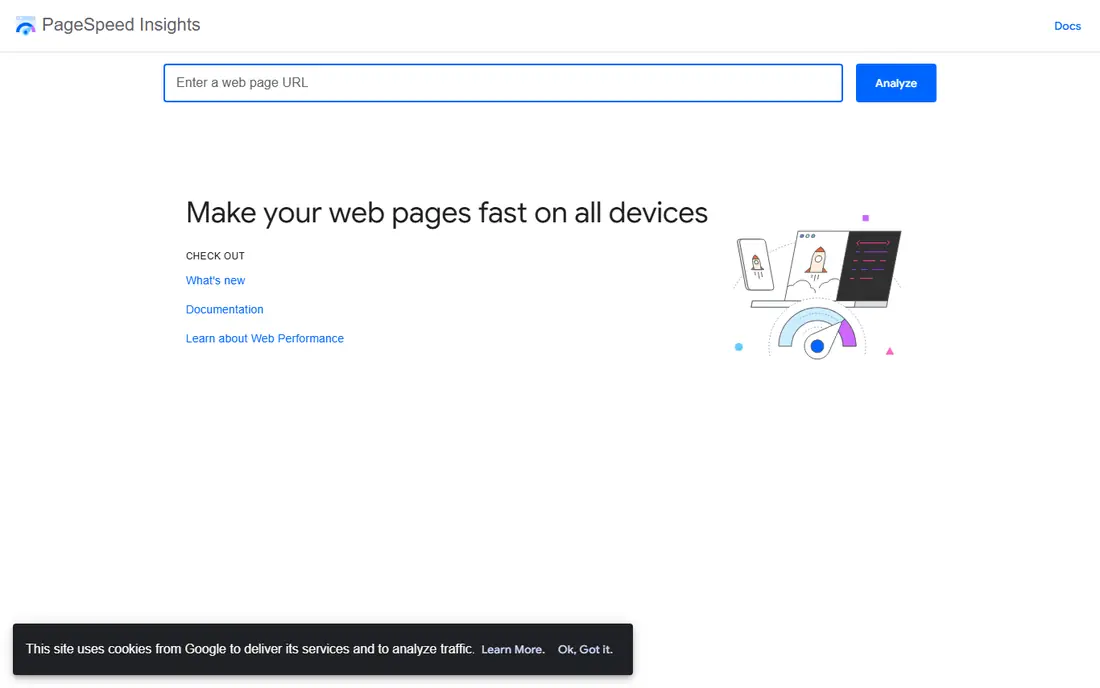
PageSpeed Insights, built on Lighthouse, checks how fast a page loads and how it feels to real users. It reports Core Web Vitals, shows field data from real Chrome users where available, and lists specific fixes such as image sizes or slow scripts. You can run it without an account, which makes it easy to check a page before and after a fix.
It is a page tool, not a site tool. You cannot crawl a whole site or track rankings here, so pair it with Search Console and a crawler. For speed work, though, it is the best free starting point, and its recommendations are practical.
- Real user field data plus lab data
- One URL at a time with clear fixes
- Free with no signup
- Checks one page at a time
- No site wide crawl or ranking data
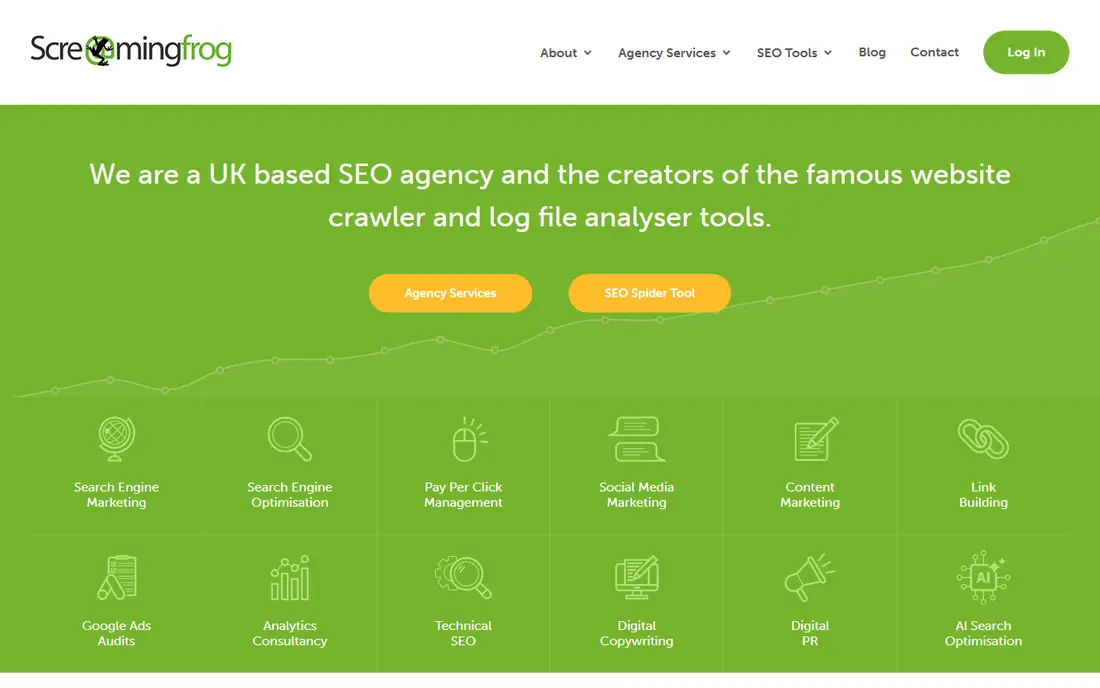
Screaming Frog is the best free seo analysis tool for technical audits on small to mid sized sites. The free version crawls up to 500 URLs and reports broken links, redirect chains, missing titles, duplicate meta descriptions and other technical issues. Exports to CSV make it easy to hand a fix list to a developer.
The free cap is the main limit. Sites over 500 pages need a paid license or a crawl in sections. The desktop interface also takes time to learn, but for a thorough technical check, no other free tool goes as deep on a single crawl.
- Crawls up to 500 URLs free
- Finds broken links, redirects and meta issues
- Exports to CSV
- Desktop app, not a web dashboard
- Free crawl cap limits large sites
- Learning curve for beginners
Ahrefs Webmaster Tools gives site owners a free slice of Ahrefs data for sites they verify. You get a site audit, health score, backlink list and keyword data for your own domains, with limits such as 5,000 crawl credits per project per month in published guides. That is generous for a small site.
You cannot use it to research competitors for free, since verification limits it to your own sites. Pair it with Semrush free lookups for competitor checks, and use Ahrefs for your own backlink and technical health. For a free backlink checker, it is the strongest option here.
- Backlink data for verified sites
- Site audit and health score
- Up to 1,000 backlinks shown
- Only verified sites you own
- Paid data for competitors sits behind paid plans
Bing Webmaster Tools is often overlooked, but it adds real value for free. It includes a site crawler, indexing reports and keyword data from Bing, plus tools to submit sitemaps and check markup. Since Bing powers other search surfaces, fixing Bing issues can help beyond Bing itself.
The drawback is scope. Most US search traffic comes from Google, so Bing data alone will not explain a Google traffic drop. Use Bing Webmaster Tools as a second check alongside Search Console, not as a replacement for it.
- Free site crawler
- Bing search performance data
- Keyword research tools
- Bing data, not Google data
- Smaller search share in the US than Google
Seobility is a good best online seo analysis tool for beginners who want one score and a clear fix list. The free plan covers one project with a 1,000 page crawl, which suits a small business site. Reports explain technical issues in plain language, which helps owners who are not SEO specialists.
The free plan limits you to one project, so agencies managing many sites will outgrow it quickly. Seobility is best for a single site owner who wants a regular audit score without learning a complex crawler.
- Clear audit score for beginners
- 1,000 page crawl on free plan
- One project free
- One project only on free plan
- Deeper keyword and backlink data needs paid plans
Ubersuggest is the best keyword analysis tool in this free list for beginners, because it pairs keyword ideas with a simple site audit. Type a seed keyword, get related ideas, volume ranges and difficulty hints, then run a quick audit for obvious technical issues. The interface is friendly for non specialists.
Free limits are tight, at 3 searches per day in published guides, plus extra overlay searches through the Chrome extension. That is enough for focused research, but not for broad browsing. Use Ubersuggest for a short keyword list, then verify top terms in Search Console and Keyword Planner.
- Simple keyword ideas and traffic estimates
- Easy site audit overview
- Chrome extension for extra searches
- Free searches capped at 3 per day in guides
- Health score is blunt compared with a full crawler
Semrush free tools give beginners a taste of the deepest SEO database in this guide. The free plan allows 10 lookups or reports per day, one project and no credit card, according to published guides. That is enough to check a competitor's top keywords, run a quick audit snapshot or research a keyword cluster.
The daily cap is the limit. Ten lookups disappear quickly if you browse broadly, so save them for focused questions. Semrush free tools are best as a complement to Search Console, not as a daily tracker, unless you upgrade to a paid plan.
- Deep keyword and competitor database
- 10 lookups per day free in guides
- One project free
- Daily limits run out fast
- Full audits and tracking need paid plans
How we picked these
We compared official free plan pages and 2026 guides that tested free SEO tools on live sites, checking crawl caps, search limits and project limits. We favored tools with a genuinely useful free tier, not just a trial, and tools that cover different jobs: search data, speed, crawling, backlinks and keywords. We left out tools that only offer a short trial with no free plan.
How to build a free SEO stack
Start with Search Console and Bing Webmaster Tools for real search data, then add PageSpeed Insights for speed. Run Screaming Frog once a month for technical issues, and check Ahrefs Webmaster Tools for backlinks and site health. That four tool core covers most small site needs at no cost.
Next, add keyword research in small doses. Use Ubersuggest for beginner friendly ideas and Semrush free lookups for competitor checks, saving daily limits for your most important keywords. Add Seobility if you want a single audit score to track over time, or skip it if Screaming Frog already covers technical checks.
Finally, set a routine. Check Search Console weekly for indexing errors and traffic drops, check speed after any theme or plugin change, and run a full crawl monthly. Free tools are good at finding symptoms, but they are weaker at ranking fixes, so fix indexing and speed issues first, then content gaps shown by high impression, low click queries.
Frequently asked questions
What is the best free seo analysis tool?
Google Search Console is the best free seo analysis tool for most site owners, because it shows real Google clicks, impressions and indexing data for free. Pair it with PageSpeed Insights for speed and Screaming Frog for technical crawls. No single free tool covers every job, so a small stack works better than one tool alone.
What is the best free website seo analysis tool for beginners?
Seobility and Ubersuggest are the friendliest free options for beginners, with clear scores and simple reports. Seobility gives an all in one audit score, while Ubersuggest pairs keyword ideas with a simple audit. For real search data, still set up Google Search Console, even if you start with a beginner tool.
What is the best seo checker tool that is free?
PageSpeed Insights is the best free checker for speed, Screaming Frog is best for technical checks, and Ahrefs Webmaster Tools is best for backlink and health checks. The best seo checker tools depend on the question you are asking, so pick the checker that matches the problem. A speed problem needs PageSpeed Insights, not a keyword tool.
How many free searches do Semrush and Ubersuggest allow?
Published guides list Semrush free tools at 10 lookups per day and Ubersuggest at 3 searches per day, plus extra overlay searches through its Chrome extension. Limits change, so check the official pricing page before you plan research around them. Save free searches for focused keywords, not casual browsing.
Can free SEO tools replace paid SEO software?
Free tools can cover audits, speed, indexing and basic keyword research for a small site, but paid tools add competitor tracking, large crawls and historical data. A small site can run well on free tools alone, while an agency or large site will usually need paid plans for scale. Start free, then upgrade when limits slow your work.
What is the best free seo ranking tool?
Google Search Console is the best free ranking tool for your own site, since it shows average positions for queries you actually rank for. For competitor rankings, free tiers are limited, so use Semrush or Ubersuggest free lookups sparingly. Paid rank trackers are covered in a separate guide for teams that need daily competitor tracking.
Sources
See where you really rank - block by block
ProMapRanker scans Google Maps across a grid of your service area. Simple monthly plans from $19, white-label on every plan.
Start freeKeep reading
 zoom alternatives
Best Zoom Alternatives in 2026
Compare Zoom alternatives in 2026, with free meeting limits and prices, so you can pick the best alternative to Zoom for your team, class, or community.
Read → which software is best for remote work
Which Software Is Best for Remote Work in 2026
Answering which software is best for remote work, we compare Slack, Zoom, Asana, Notion, Teams and more, with pricing and honest tradeoffs in 2026 now.
Read → which ai tool is best for content writing
Which AI Tool Is Best for Content Writing in 2026
Wondering which ai tool is best for content writing? We compare ChatGPT, Claude, Jasper, Grammarly, and more on price, quality, and best use in 2026 now.
Read →