 ProMapRanker
Best Free Reading Apps in 2026

Key takeaways
- Libby and Hoopla are the best free apps for current books, because they borrow from your local library.
- Project Gutenberg and Standard Ebooks are best for classics that are out of copyright.
- Kindle, Apple Books, Google Play Books, and Kobo Books are free apps, but most new books inside them cost money.
- Wattpad is best for free original stories, while Open Library is best for borrowing a wide range of older titles.
Quick comparison
| Pick | Great for | Pricing starts at | Free tier | |
|---|---|---|---|---|
 Libby | Library ebooks and audiobooks | Free | Yes | Visit |
 Hoopla | Instant library borrowing | Free | Yes | Visit |
 Project Gutenberg | Free public domain classics | Free | Yes | Visit |
 Standard Ebooks | Polished public domain ebooks | Free | Yes | Visit |
 Kindle | Reading on Amazon devices and apps | Free | Yes | Visit |
 Apple Books | Reading on Apple devices | Free | Yes | Visit |
 Google Play Books | Reading on Android and web | Free | Yes | Visit |
 Kobo Books | Reading on Kobo and apps | Free | Yes | Visit |
 Wattpad | Free original stories | Free | Yes | Visit |
 Open Library | Borrowing a wide digital catalog | Free | Yes | Visit |
The best free reading apps
We compared only legal sources, with book range, borrowing rules, offline reading, and device support. All ten apps below are free to download and use for at least some reading, and we note where new books cost money.
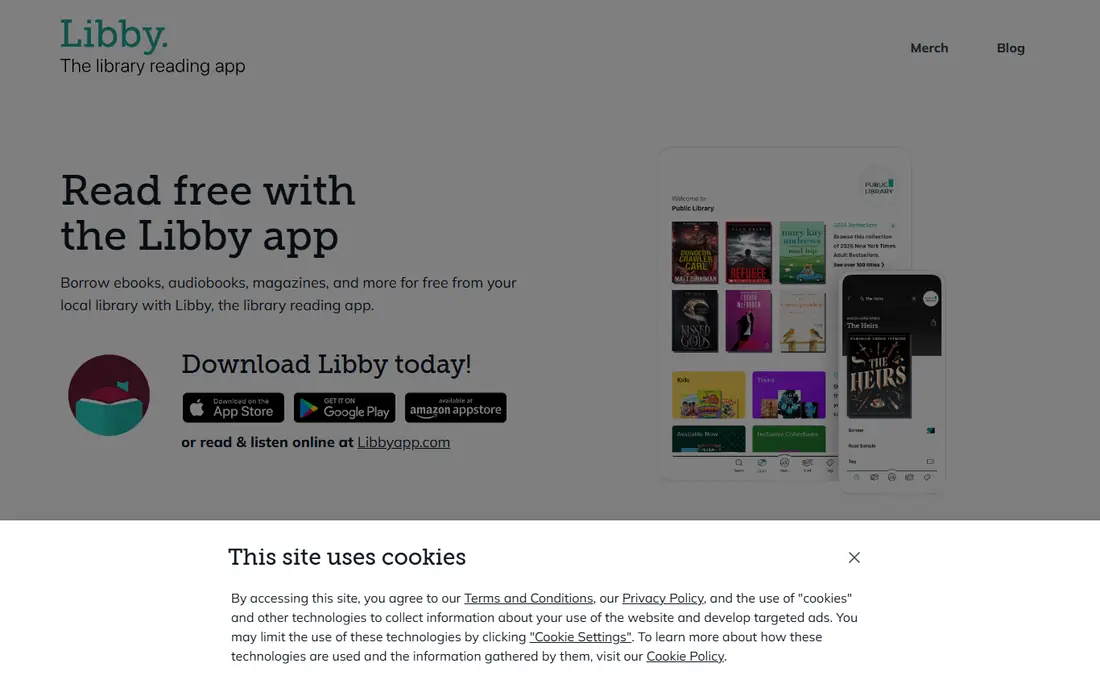
Libby is the first free reading app most US readers should install. With a library card, you can borrow ebooks and audiobooks from your local library, place holds, and read offline, all for free. The catalog includes current bestsellers, new releases, and magazines, which makes it far stronger than a classics-only source for everyday reading.
The limit is demand. Popular titles often have wait lists, because libraries own a limited number of digital copies, and loan periods vary by library, often from one to three weeks. Placing holds early and keeping a backup title ready helps. For free current books, though, Libby is unmatched.
- Free with a library card
- Current bestsellers and new releases
- Kindle sending in the US
- Popular titles often have wait lists
- Loan periods vary by library
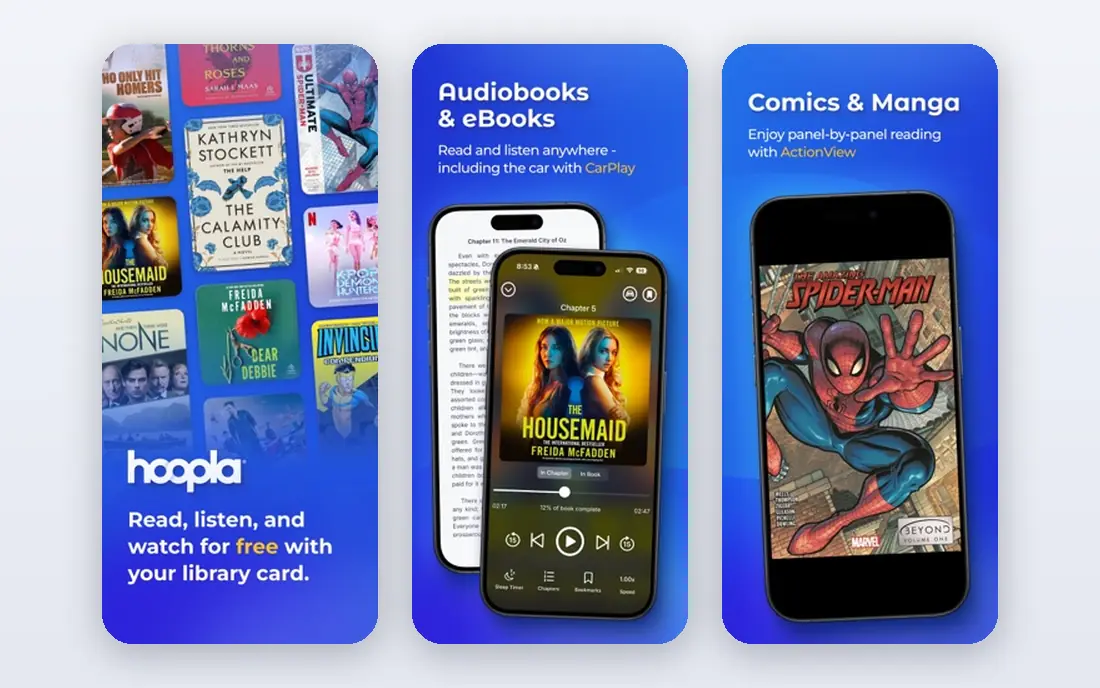
Hoopla is the best companion to Libby, because it works differently. Most titles on Hoopla have no wait list, so you can borrow instantly when you want to read, including ebooks, audiobooks, comics, and video. That instant access suits readers who do not want to wait weeks for a popular title.
The trade-off is a monthly borrow limit set by your library, so heavy readers may hit a cap. The catalog also differs from Libby, with fewer copies of some new bestsellers. Use Hoopla for instant reads and backlist titles, and Libby for holds on the newest releases.
- No wait lists on most titles
- Ebooks, audiobooks, comics, and video
- Instant borrowing
- Monthly borrow limit set by your library
- Catalog differs from Libby
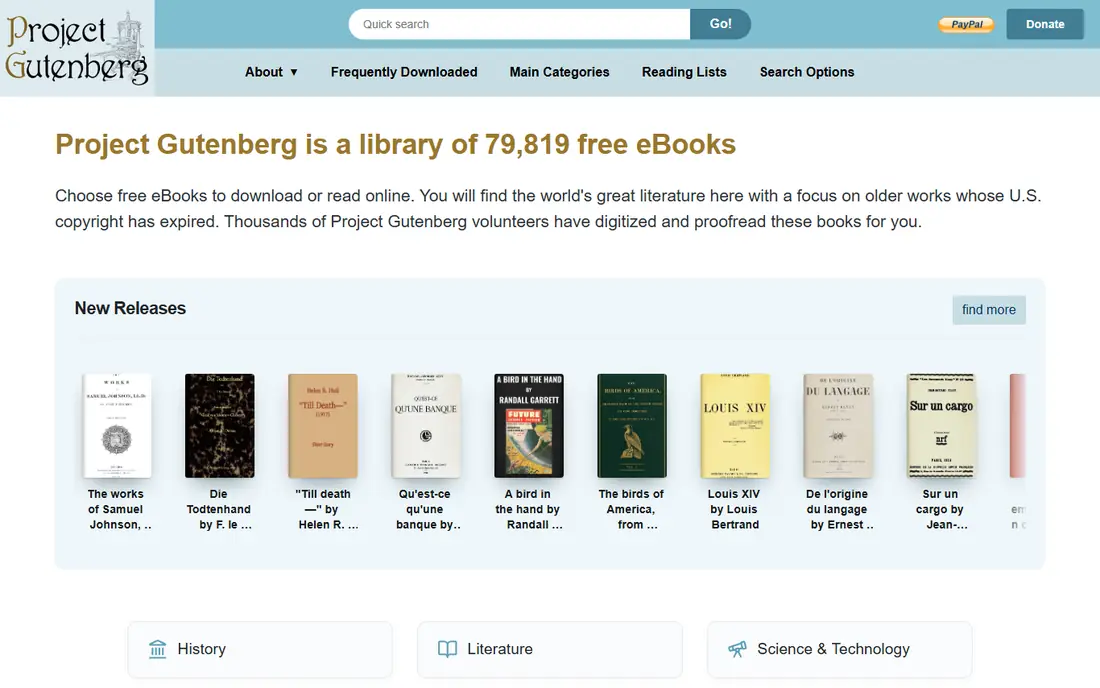
Project Gutenberg is the largest free source for public domain books, with tens of thousands of titles that are out of copyright in the US. You can download EPUB, Kindle, and plain text formats, or read online, with no account and no cost. Classics such as Pride and Prejudice, Moby Dick, and Alice's Adventures in Wonderland are all available.
The catalog is limited to older works, so you will not find current bestsellers here, and formatting quality varies by book, since many were scanned and proofread by volunteers. For classics, though, Project Gutenberg is essential, and it pairs well with a library app for newer books.
- Tens of thousands of free ebooks
- Many formats including EPUB and Kindle
- No account needed
- Older titles only
- Formatting varies by book
Standard Ebooks takes public domain books and produces polished, carefully formatted editions that read better than many scanned copies. Typography, chapter headings, and metadata are cleaned up by volunteers, which makes a real difference on an e-reader or phone. Downloads are free, with EPUB and Kindle-friendly formats available.
The catalog is smaller than Project Gutenberg, because each book takes time to polish, and it still covers only older titles. If you read classics often, Standard Ebooks is worth checking first for a clean edition, with Project Gutenberg as a backup for rarer titles.
- Carefully formatted public domain ebooks
- Clean typography
- EPUB, AZW3, and other formats
- Smaller catalog than Project Gutenberg
- Older titles only
The Kindle app is free, and it is the best way to read free books if you own a Kindle or use Amazon's ecosystem. The Kindle Store includes a free books section with public domain titles and promotional free books, and Libby can send borrowed library books to a Kindle in the US. Reading progress, notes, and dictionary lookup work well across devices.
The app itself is free, but most current books inside it cost money, and a Kindle Unlimited subscription is a separate paid option for borrowing a rotating catalog. If you mainly read free classics and library books, the Kindle app is excellent. If you want free current books, Libby and Hoopla matter more than the app itself.
- Free app
- Free books section in the Kindle Store
- Library borrowing with Libby in the US
- Most new books cost money
- Best experience tied to Amazon devices
Apple Books is the built-in reading app for iPhone, iPad, and Mac, and it is free to use. It includes a free books section with classics and promotional titles, plus a store for new releases and bestsellers. The reading interface is clean, with adjustable fonts, themes, and night mode, which suits long reading sessions.
The limits are platform and price. Apple Books works only on Apple devices, and most current books cost money, just as on Kindle. For Apple users who read a mix of free classics and purchased books, it is a convenient, well-designed app. For free current books, pair it with Libby or Hoopla.
- Free app on Apple devices
- Free books section
- Clean reading interface
- Apple devices only
- Most new books cost money
Google Play Books is the most flexible store-based reading app for Android users, with a free app, a web reader, and syncing across phones, tablets, and computers. Its free ebooks section includes classics and promotional titles, and purchased books stay in your Google account across devices. That cross-device access is a real advantage for readers who switch between phone and computer.
As with Kindle and Apple Books, most new releases cost money, and the free selection varies by region. For Android readers who want one app for free classics, purchased books, and web reading, Google Play Books is a solid choice, with Libby as the source for free current titles.
- Free app on Android and web
- Free ebooks section
- Syncs across devices
- Most new books cost money
- Free selection varies by region
Kobo Books suits readers who use a Kobo e-reader or prefer an alternative to Amazon and Apple. The app is free, the store includes a free ebooks section, and purchased books sync to Kobo devices and apps. Kobo readers are popular for their open format support and adjustable lighting, which appeals to serious readers.
In the US, the Kobo store is smaller than Kindle, and most new books still cost money. For Kobo device owners, the app is essential. For phone-only readers, Kindle, Apple Books, or Google Play Books may offer a larger store, but Kobo remains a good free app for classics and purchased books.
- Free app
- Free ebooks section
- Works well with Kobo e-readers
- Smaller US store presence than Kindle
- Most new books cost money
Wattpad is different from every other app here, because its books are original stories written by community authors, not published bestsellers. You can read romance, fantasy, fan fiction, and many other genres for free, follow writers, and comment chapter by chapter. Serial stories update over time, which suits readers who enjoy ongoing fiction.
Quality varies widely, since anyone can publish, and some stories and features sit behind a paid plan. Wattpad is not a replacement for a library app if you want published novels. For free original fiction and discovering new writers, though, it is the largest community in this list.
- Large library of free original stories
- Community comments
- New writers and serials
- Quality varies widely
- Some stories and features need a paid plan
Open Library, from the Internet Archive, lets you borrow digital books with a free account, including many older and out-of-print titles that are hard to find elsewhere. It complements Libby and Project Gutenberg by covering books that are neither new bestsellers nor public domain classics. Reading in a browser or compatible app is straightforward.
Borrowing limits and wait lists apply to some titles, and the interface is simpler than Libby, with fewer discovery features. For researchers, students, and readers hunting for a specific older title, Open Library is a valuable free source that fills gaps other apps leave.
- Free borrowing with an account
- Wide catalog including older and out-of-print titles
- Many formats
- Borrowing limits and wait lists on some titles
- Interface is simpler than Libby
How we picked these
We compared official app pages, library borrowing rules, and public domain catalogs, and we kept only legal sources that offer free reading today. We left out pirate ebook sites entirely, since they do not pay authors or licensors and often carry malware. We included store apps only where the app itself is free and offers free books, and we note clearly where new books cost money.
How to choose a free reading app
Start with a library card. Libby and Hoopla together cover most current books for free, with Libby for holds and Hoopla for instant borrowing. Add Project Gutenberg or Standard Ebooks for classics, and choose Kindle, Apple Books, Google Play Books, or Kobo Books based on the devices you already own.
Check formats, offline reading, and loan periods
Download a book and test offline reading before a trip, since library loans expire and need a connection to renew. Check whether your app sends books to your e-reader, since Kindle sending from Libby works in the US but varies elsewhere. Keep a second app ready for wait lists, so a hold delay does not leave you without a book.
Frequently asked questions
What is the best free reading app overall?
Libby is our top pick, because it borrows current ebooks and audiobooks free from your local library. Hoopla is the best second app for instant borrowing with no wait lists. Together, they cover most free reading needs for US readers with a library card.
What are the best apps to read books for free without a library card?
Project Gutenberg and Standard Ebooks offer free classics with no library card, and Wattpad offers free original stories. Kindle, Apple Books, Google Play Books, and Kobo Books also have free books sections. For current published books free, a library card through Libby or Hoopla is still the best route.
What is the best free reading app for Android?
Google Play Books is the best store app for Android, with a free ebooks section and web reading. Libby and Hoopla are the best free library apps on Android, and Project Gutenberg books can be read in most ebook apps. Choose based on whether you want classics, library books, or purchased titles.
What are the best apps for free books on iPhone?
Libby and Hoopla lead for free library books on iPhone, while Apple Books offers a clean free app with a free books section. Kindle and Google Play Books also work well on iPhone for free classics and purchased books. Wattpad is best for free original stories on any phone.
Do free reading apps include audiobooks?
Libby and Hoopla both include free audiobooks with a library card, which makes them the best free audiobook apps as well. Project Gutenberg and Standard Ebooks focus on text, not audio, though volunteer audiobook projects exist separately. Check your library's audiobook catalog, since availability varies by library.
Sources
See where you really rank - block by block
ProMapRanker scans Google Maps across a grid of your service area. Simple monthly plans from $19, white-label on every plan.
Start freeKeep reading
 best rank tracking software
Best Rank Tracking Software in 2026
Searching for the best rank tracking software? We compare 8 tools for daily keyword tracking, local rankings, client reports, and competitor checks in 2026.
Read → best platform for ecommerce website
Best Platform for Ecommerce Website in 2026
Find the best platform for ecommerce website builds in 2026. We compare Shopify, WooCommerce, BigCommerce, Wix and more on price, fees and scale for stores.
Read → best math apps
Best Math Apps in 2026: 8 Apps Compared
Find the best math apps for homework, revision, and deeper study in our 2026 comparison of 8 free and paid solvers, courses, and visual tools for students.
Read →