 ProMapRanker
Best Free Hairstyle App in 2026

Key takeaways
- YouCam Makeup is our pick for most people, with a large style library and a free try-on for basic looks.
- FaceApp gives striking previews, but free exports carry limits that push many users toward a paid plan.
- Canva and Fotor work well in a browser when you do not want to install another app.
- A preview is a guide for your stylist, not a promise, so take a clear front photo and show more than one option.
Quick comparison
| Pick | Great for | Pricing starts at | Free tier | |
|---|---|---|---|---|
 YouCam Makeup | Virtual hairstyles and color | Free | Yes | Visit |
 FaceApp | Realistic style previews | Free | Yes | Visit |
 Fotor | Browser based hair changes | Free | Yes | Visit |
 Canva | Simple edits without a new app | Free | Yes | Visit |
 Photo AI Studio | Hair changer with no sign-up | Free | Yes | Visit |
 BeautyPlus | Selfie edits plus hair looks | Free | Yes | Visit |
 AirBrush | Polished selfies and hair color | Free | Yes | Visit |
 Picsart | Creative edits and AI hair changes | Free | Yes | Visit |
 LightX | Quick mobile hair and color edits | Free | Yes | Visit |
The best free hairstyle apps
The best app for hairstyles is the one that keeps your face looking like you while it changes only the hair. The apps below do that job in different ways, from dedicated try-on tools to general editors with hair features, and we compared them on free access, style range, and how natural the results look in a normal selfie.
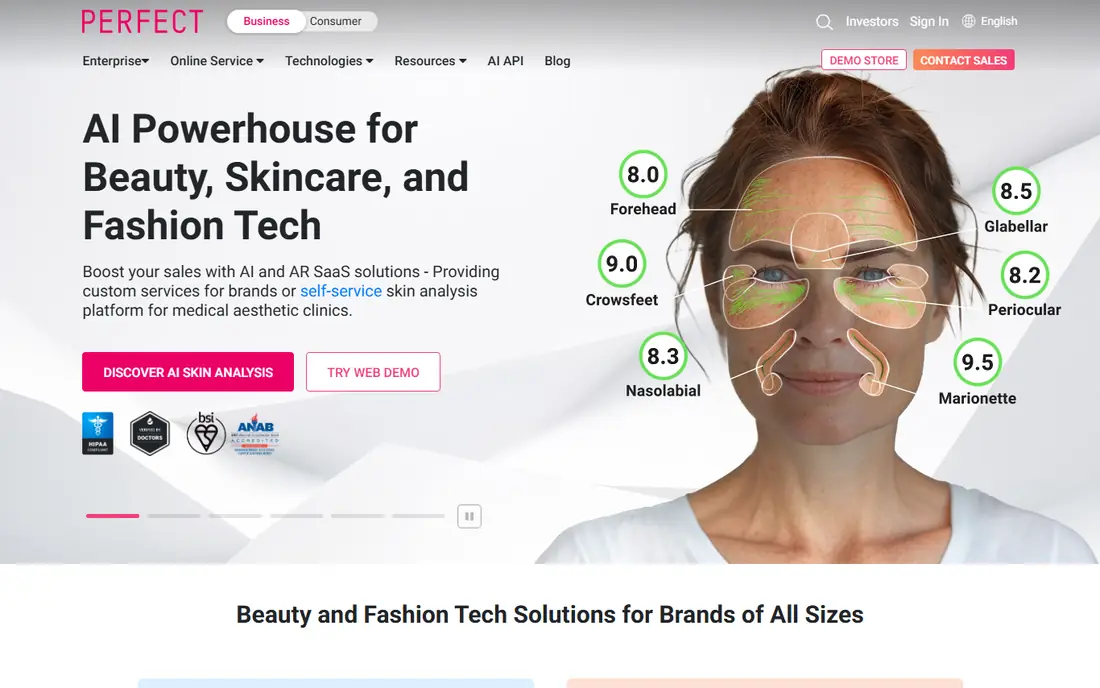
YouCam Makeup is our pick for most people looking for the best virtual hairstyle app. Its AI Hairstyle feature lets you try cuts and colors on your own photo, with styles for men and women, and a browser editor for users who prefer not to install an app. The free tier covers basic try-ons, which is enough to test a bob, a fade, or a new color before a salon visit.
The honest limit is that the most polished styles and unlimited saves belong to the paid tier. Lighting also matters a lot: a bright, front-facing photo gives a far more believable preview than a dark or angled shot. Take two or three photos in daylight, try the same cut in each, and bring the best one to your stylist.
- Large library of virtual hairstyles and colors
- Browser editor as well as mobile app
- Easy before and after saving
- Some styles and full-resolution saves sit behind a paid plan
- Results vary with photo lighting
FaceApp has been a go-to hairstyle app for years because its previews often look more like a photo than a filter. Short cuts, long styles, bangs, and color changes all render with plausible hairlines on a good selfie. If you want a quick answer to a simple question, such as whether bangs suit you, FaceApp gives it in seconds.
Free use comes with friction. Exports can carry a watermark, ads appear often, and the best styles sit behind a subscription. That does not make it a bad pick, but it does make it better for a one-off test than for building a whole album of looks. Save the preview, compare it with another app, and decide from both.
- Strong realism on many faces
- Wide range of hairstyles and colors
- Simple one-tap previews
- Free exports carry a watermark in many cases
- Frequent prompts to upgrade
- Some styles are paid only
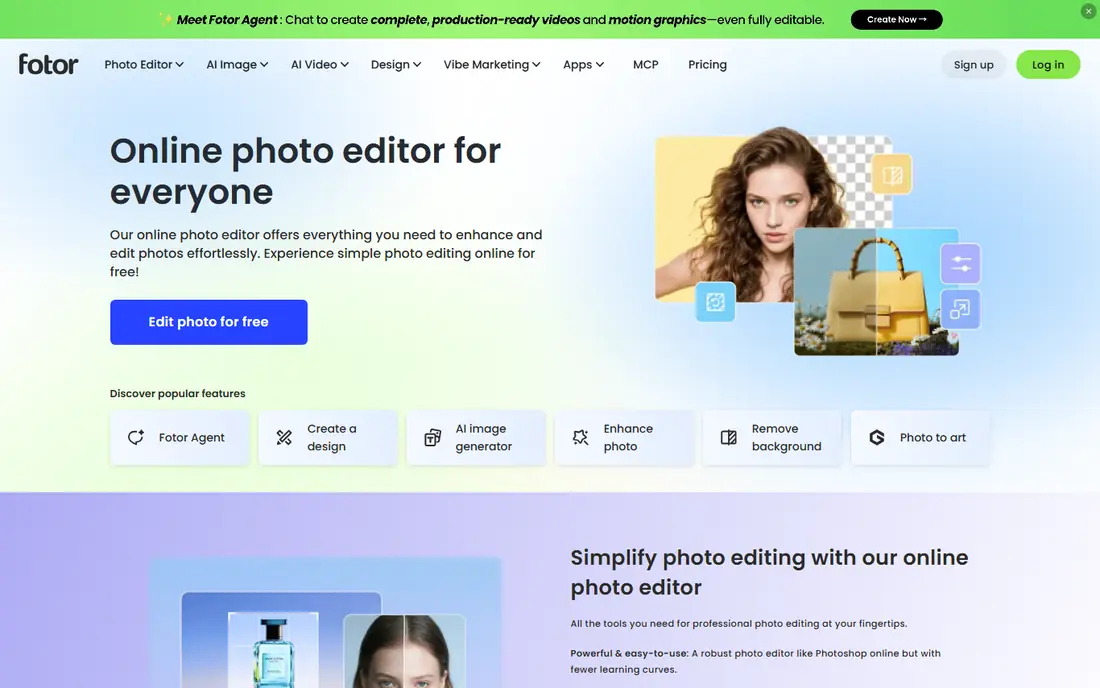
Fotor suits anyone who wants the best hairstyle app free in a browser. Its AI hair tools let you change style and color on an uploaded photo, and the same account covers basic photo editing, so you can crop, brighten, and frame the result for your stylist. No install means you can test a look on a shared computer or a work laptop without adding an app to your phone.
Realism is the trade. Fotor handles color changes well, but some cuts can look pasted on, especially around the hairline in side views. Use front-facing photos, keep the change modest, and treat a strong Fotor result as a starting point to confirm in YouCam Makeup or FaceApp before you book a cut.
- Works in a browser with no install
- AI hair changer plus general editing
- Useful for color tests
- Some hair styles look less natural than dedicated try-on apps
- Higher resolution exports may need a paid plan
Canva is not built as a hairstyle app, yet it earns a place because so many people already have a free account. Its Magic Edit tool can alter hair in a photo when you describe the change, and you can place before and after shots side by side for a stylist. That convenience matters when you only want one quick test.
Consistency is the weakness. Magic Edit can nail a length change and then struggle with a color shift on the next photo, so results need a second look. Think of Canva as a handy extra, not your only source. If the Canva preview looks promising, confirm it in a dedicated try-on app before you commit.
- Free account covers basic editing
- Magic Edit can change hair in a photo
- Easy sharing and collage layouts
- Not a dedicated hairstyle app
- Hair results are less consistent than specialist tools
Photo AI Studio stands out for users who dislike sign-ups. Its AI Hair Changer runs in a browser, offers a wide set of styles, and in our source comparisons produced natural lighting and shadow handling on test photos. For a fast, private-feeling test, that low friction is a real plus.
The catch is scale and payment. It is a smaller web tool rather than a major app store brand, and some premium options use credits. Processing takes a little longer than a native app filter. Still, for a free, no-account preview, it is one of the best options here, and it pairs well with a second check in YouCam Makeup.
- Hair changer works without an account
- No watermark on free results in many cases
- Good lighting handling
- Smaller brand footprint than big app stores
- Premium features need credits
- Processing can take a short wait
BeautyPlus is a selfie editor first, with hair color and style options inside a familiar camera flow. That makes it easy to test a look right after you take a photo, without exporting to another app. The retouching tools help when a raw selfie has harsh shadows that would spoil a hair preview.
Watch the smoothing. BeautyPlus defaults can soften skin more than you want, which makes the whole preview feel less like you. Turn retouching down before you judge a hairstyle, and compare the hair alone, not the filtered face. Used with restraint, it is a solid free pick for color tests.
- Easy selfie workflow
- Hair color and style filters
- Built-in retouching for a clean preview
- Beauty filters can over-smooth skin
- Some filters are paid only
- Results vary by phone camera
AirBrush focuses on polished selfies, and its hair color tools fit that brief. You can test a new shade, tidy the photo, and share it with a friend or stylist in a few taps. The interface is calm and simple, which suits users who feel lost in apps packed with dozens of filters.
The style range is the limit. AirBrush covers color well but offers fewer full haircut changes than YouCam Makeup or FaceApp. Pick it when color is the question, such as blonde versus copper, and pick a specialist when the cut itself is the big decision.
- Clean editing tools
- Hair color options
- Good for sharing a tidy preview
- Hairstyle range is narrower than specialist apps
- Best filters need a subscription
Picsart is the creative option. Its AI tools can replace or restyle hair in a photo, and the wider editor lets you build comparison boards, add notes for your stylist, and save several versions at once. For users who already edit photos in Picsart, adding a hair test costs no new install.
The downside is effort. You will tap through more menus than in a dedicated try-on app, and the best AI features need a subscription. Picsart suits patient users who want a styled comparison sheet. For a fast single preview, YouCam Makeup is quicker.
- Huge editing toolkit
- AI replace tools can change hair
- Strong sharing and collage options
- Hairstyle workflow takes more steps
- Many strong tools sit behind a paid plan
LightX is a light, fast mobile editor with hair color and style tools that work well for a quick check. It suits older phones and users who want a result in under a minute. The tools are easy to find, and sharing to a stylist or a friend takes only a few taps.
Its library is smaller than YouCam Makeup or FaceApp, so unusual cuts may not appear. Free use also includes ads and upgrade prompts. Treat LightX as a quick second opinion: if it agrees with a specialist app, you can feel more confident about the look.
- Fast mobile workflow
- Hair color and style edits
- Simple sharing
- Smaller style library than leaders
- Ads and paid prompts in free use
How we picked these
We compared official app pages, app store listings, and recent try-on comparisons for apps that offer a free tier, work in October 2026, and include hairstyle or hair color changes. We favored apps with a real free path, not a trial that ends after one photo, and we kept general editors only when their hair tools are usable for a normal selfie. We did not claim hands-on testing we did not do, and we noted where free exports, watermarks, or paid styles limit the free experience.
How to get a preview you can trust
Use a clear, front-facing photo in daylight, with your hair pulled back if you want to test a short cut. Try the same style in two apps, because each one handles hairlines and lighting differently. Save the best two versions and show them to your stylist along with a note about what you like and what you do not. A preview helps a stylist understand length, parting, and color, but it cannot show how your hair texture, growth pattern, or face shape will behave in real life.
Free versus paid in practice
Free tiers are enough for most decisions: a cut, a color family, or a fringe test. Paid plans mainly add more styles, higher resolution saves, and watermark-free exports. Pay only when you need many looks for an event, a portfolio, or a series of salon visits. For a single haircut, free previews from two apps usually give you all the evidence you need.
Frequently asked questions
What is the best app for hairstyles if I want it free?
YouCam Makeup is our free pick for most people, because its basic try-on covers many cuts and colors without payment. FaceApp is a strong second for realism, though free exports have limits. Try both on the same photo and keep the preview that looks most like you.
What is the best virtual hairstyle app for men?
YouCam Makeup includes a solid set of men's cuts, from buzz cuts to longer textured styles, and FaceApp also handles short men's styles well. Use a front photo with even light, and test a fade or a crop in both apps before you visit a barber.
What is the best AI hairstyle app for hair color?
YouCam Makeup, Fotor, and AirBrush all handle color well, with YouCam Makeup giving the widest color range in our sources. Test the same shade in daylight and indoor light photos, because color previews shift a lot with lighting.
Are free hairstyle apps accurate?
Previews are guides, not guarantees. They work best on front-facing, well-lit photos and for modest changes. Dramatic cuts, curly textures, and side views are harder for AI to render, so show your stylist the preview and talk through texture and upkeep before you agree to a cut.
Do I need to sign up to try a hairstyle app?
Not always. Photo AI Studio works without an account in a browser, and YouCam Makeup offers browser try-ons with optional sign-up. App store apps usually ask for an account for saving and syncing, so check permissions and only grant photo access you are comfortable with.
Can I use a hairstyle app without downloading anything?
Yes. YouCam Makeup, Fotor, Canva, and Photo AI Studio all offer browser tools. Browser options are handy for a quick test on a shared device, though mobile apps often give smoother previews and easier saving.
Sources
- https://www.perfectcorp.com/consumer/blog/hair/best-ai-hairstyle-testing-apps
- https://www.faceapp.com
- https://www.fotor.com
- https://www.canva.com
- https://photoaistudio.com/blog/7-best-free-ai-hairstyle-apps-compared-no-watermark-2026
- https://www.beautyplus.com
- https://www.airbrush.com
- https://picsart.com
- https://lightxeditor.com
See where you really rank - block by block
ProMapRanker scans Google Maps across a grid of your service area. Simple monthly plans from $19, white-label on every plan.
Start freeKeep reading
 free alternatives to grok imagine
Free Alternatives to Grok Imagine in 2026
We compared the best free alternatives to grok imagine for image generation, from fast daily credits to design tools, so you can create without paying.
Read → best tools for instagram content creation
Best Tools for Instagram Content Creation in 2026
Compare the best tools for Instagram content creation, from Canva and CapCut to Later and Buffer, on design, video, planning, scheduling, and price in 2026.
Read → best tool to split pdf files
Best Tool to Split PDF Files in 2026
We compared the best tool to split pdf files on split modes, file limits, privacy and price, so you can split a PDF cleanly and keep every page in one go.
Read →