 ProMapRanker
Best Free AI Talking Photo Tools in 2026

Key takeaways
- Free tiers are mostly for testing: most watermark output and limit length or monthly videos.
- HeyGen leads for polish, Hedra leads for expressive characters, and CapCut leads for quick mobile clips.
- A sharp, front facing, well lit photo gives far better lip sync than a angled or shadowed photo.
- Only animate photos you own or have written permission to use, and never animate a real person without consent.
- Paid plans become worthwhile only when you publish talking photos regularly, not for a one off test.
Quick comparison
| Pick | Great for | Pricing starts at | Free tier | |
|---|---|---|---|---|
 HeyGen | Polished presenter videos | Free | Yes | Visit |
 Hedra | Expressive character video | Free | Yes | Visit |
 D-ID | Budget photo avatars and API use | See website | Free trial | Visit |
 Vidnoz AI | Beginners and templates | Free | Yes | Visit |
 Magic Hour | Short free clips and experiments | Free | Yes | Visit |
 CapCut | Quick mobile talking photos | Free | Yes | Visit |
 Synthesia | Training and corporate video | See website | Free trial | Visit |
 Colossyan | Interactive learning video | See website | Free trial | Visit |
The best free ai talking photo tools
These eight tools let you turn a still photo into a speaking video, with free tiers for testing. Use only your own photos or photos you have clear permission to use, and never animate a real person without their consent.
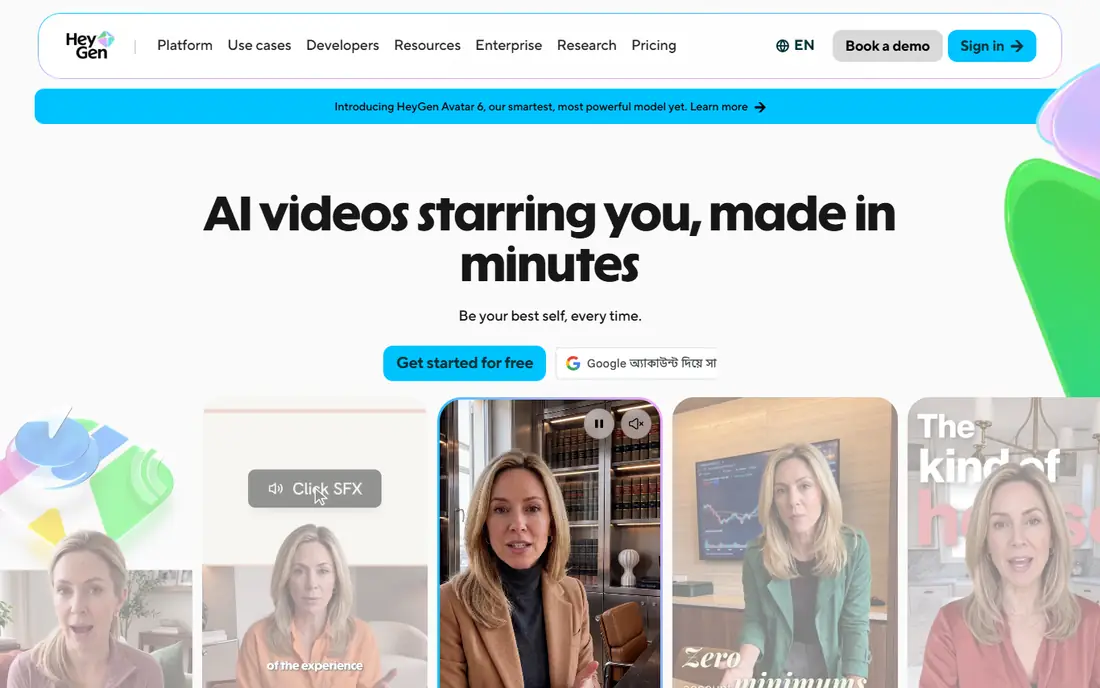
HeyGen is the most polished tool here for a talking photo that looks like a presenter. Upload a clear front facing photo, type a script, pick a voice, and the tool animates the mouth and head movement to match. Language support is broad, which helps teams making the same video for several audiences. Templates also speed up product explainers and training clips.
The free plan only covers a few short videos a month, with a watermark, so it is best for testing. Paid plans suit creators who publish often. Use HeyGen when quality and language range matter more than a free allowance, and always use only photos you own or have permission to animate.
- Photo avatars and realistic lip sync
- Many languages and voices
- Templates for marketing and training
- Free plan is limited and watermarked
- Paid plans are priced for regular creators
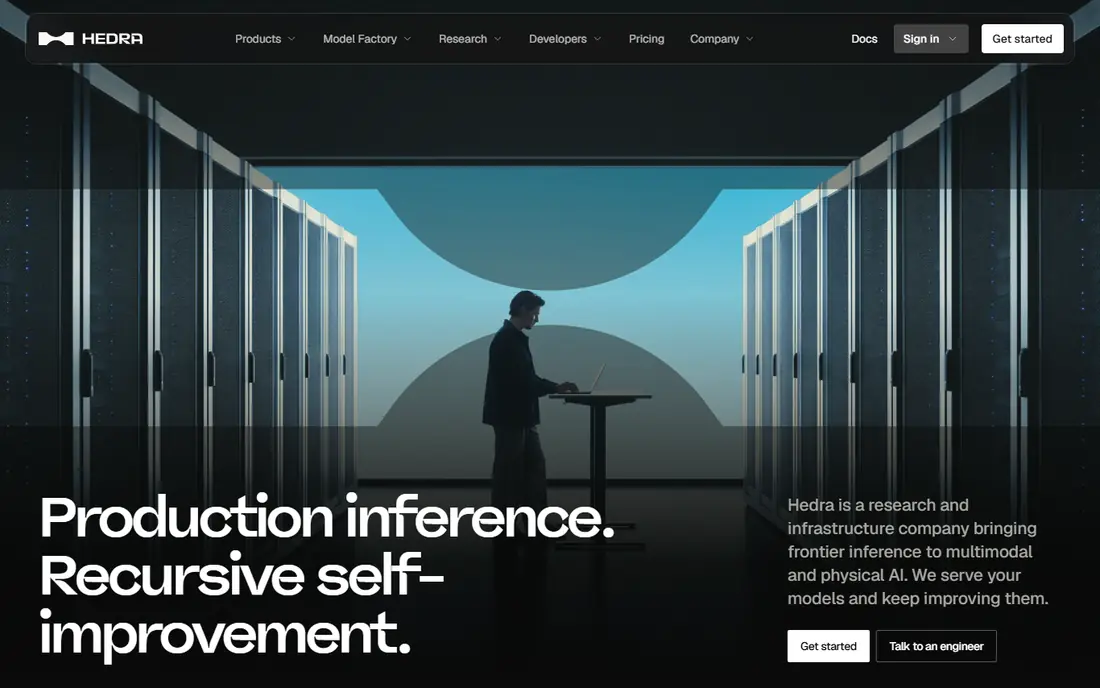
Hedra suits creative character work more than corporate presenting. Give it a photo and audio, and it produces an animated character with lively expressions, blinks and head movement. That expressiveness works well for storytelling, social clips and fictional characters, where a stiff presenter look would feel flat. The workflow is simple: photo, audio, generate, download.
Free generations are limited, and paid plans are needed for regular use. Lip sync is strongest on shorter scripts, so keep lines tight for best results. Hedra is our pick for creators who want character and emotion, rather than a formal talking head.
- Expressive facial movement from a photo and audio
- Character focused workflow
- Free tier for testing
- Free output is limited and watermarked
- Longer clips can drift on lip sync
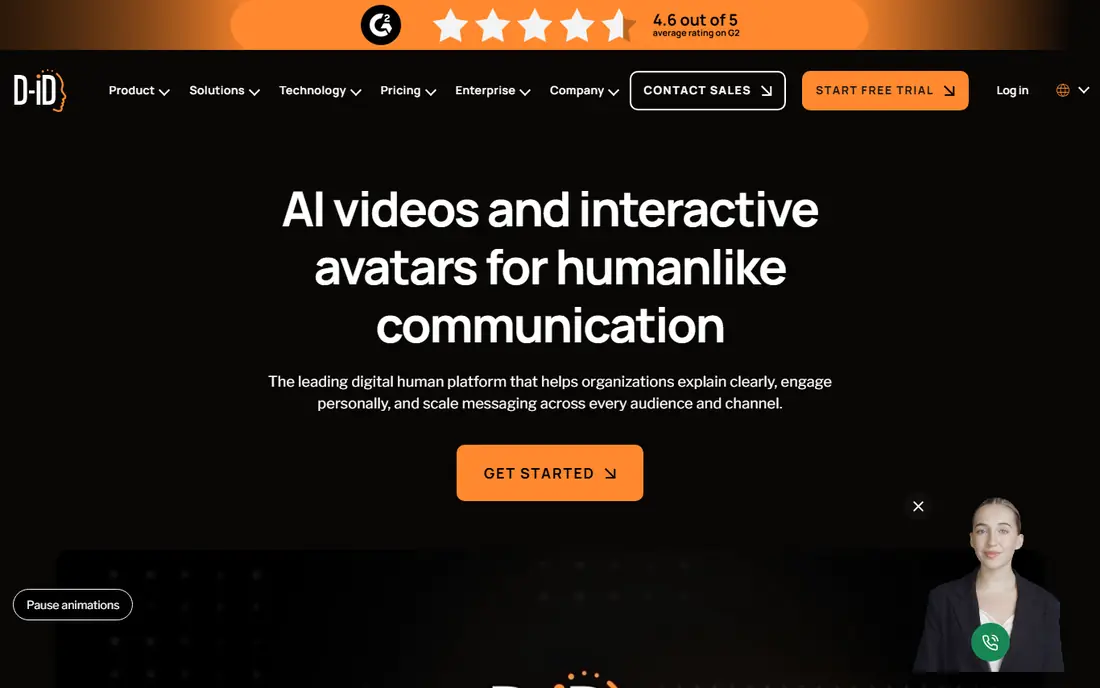
D-ID is a long standing talking photo tool, and it remains a useful budget entry point. Its core job is simple: turn one photo and a script or audio clip into a speaking video. Developers also use its API to add talking avatars to their own apps, which explains its popularity beyond individual creators. For a single test video, the trial is enough to judge quality.
Output quality has improved, but movement can still feel calculated on fast, natural speech. Slow, clear scripts give better results. Choose D-ID if you want a low cost start, or if you need an API, and test it with your own photo and script before committing.
- Photo to talking video from a single image
- Developer API for apps
- Low cost entry plans
- Trial is short and watermarked
- Facial movement can feel stiff on natural speech
Vidnoz is built for beginners who want a finished video fast. Templates cover marketing, education and social posts, and photo avatars sit next to ready made studio presenters. That choice helps if your own photo is not ideal, or if you want a presenter without filming anyone. The daily free allowance, where offered, lets you practise before paying.
Free videos carry a watermark, and credit costs can add up on longer projects. Template quality varies, so preview before you publish. Vidnoz fits new creators who want templates and a low barrier to start, rather than studios needing fine control over every frame.
- Large avatar and template library
- Daily free allowance on some plans
- Photo avatars alongside studio avatars
- Free output is watermarked
- Quality varies by template
- Some features need credits
Magic Hour bundles talking photos with lip sync, face swap, image generation and upscaling, so you can build a clip in stages without switching tools. For free users, short clips are the draw: you can test an idea, try variations and export a brief result. Creators who like experimenting will value the ability to generate several takes quickly.
The free tier is not a full production plan, since clips are short and credits limit volume. Paid plans suit regular creators. Use Magic Hour to test ideas and short social clips, and move to a paid plan only when you publish talking photos often.
- Talking photos plus lip sync and face tools in one place
- Short clips can export without a watermark on free
- Many models in one workspace
- Free clips are short
- Longer or high volume work needs paid credits
- Workflow is aimed at creators
CapCut is the fastest route from a photo to a shareable social clip. Its talking photo tools sit inside a full mobile editor, so you can add captions, music, cuts and effects without leaving the app. That matters for creators who publish daily on social platforms and who value speed over studio polish. Most basic features are free, which keeps the barrier low.
It is not a specialist avatar studio, so lip sync and expression control are simpler than HeyGen or Hedra. Pro adds more effects and higher quality exports. Choose CapCut if your talking photos are short social posts, and use a specialist tool for longer presenter videos.
- Easy mobile editing with talking photo features
- Large free feature set
- Direct social export
- Talking photo depth is less than specialist tools
- Some advanced features need Pro
- Output style is social first
Synthesia is aimed at training, onboarding and internal communications. You can turn slides or a script into a presenter video, with consistent avatars and brand styling across a team. That consistency helps large organisations that need many videos in the same style, without filming each time. Photo avatars can personalise a presenter, while studio avatars suit repeat use.
Costs are higher than casual tools, and the free route is mainly a trial. Solo creators making occasional social clips will find it heavy. Pick Synthesia when you need governed, repeatable training video at scale, and a simple approval workflow matters.
- Studio avatars and photo avatars for training
- Slide to video workflow
- Brand controls for teams
- Pricing is aimed at teams
- Free options are limited
- Less suited to casual social clips
Colossyan suits learning teams who want more than a talking head. Videos can include quizzes, branching choices and interactive elements, which help viewers stay engaged in training. Photo avatars let a trainer appear without filming, while studio avatars cover repeat courses. Team workspaces help reviewers comment and approve before publishing.
It is priced for organisations, not casual creators, and the free tier is a trial rather than a working plan. For marketing clips, a simpler tool will be faster. Choose Colossyan if your talking photos are part of courses, and interaction and tracking matter as much as the video itself.
- Avatars for learning with quizzes and branching
- Photo avatars plus studio presenters
- Team workspaces
- Starting price is higher than casual tools
- Free tier is limited
- Learning focus is not ideal for ads
How we picked these
We compared official feature pages, pricing pages and app store listings for products live in October 2026. We checked what each tool actually does, what its free tier includes, and what its paid plan costs. We left out discontinued tools and tools whose claims we could not verify from the vendor.
We did not claim hands-on testing that did not happen. Our notes rest on vendor pages, public documentation and public reviews, so you can verify any claim before you pay.
How to choose a free talking photo tool
Start with the photo and the script
A clear, front facing photo with eyes and mouth visible will beat any tool upgrade. Avoid sunglasses, masks, heavy shadows and extreme angles. Write a short, clear script in natural sentences, and keep it under a minute for a first test. If lip sync drifts, shorten sentences and slow the pace before blaming the tool.
Read the free tier rules before you publish
Free output often carries a watermark and a personal use licence, which means it may not suit client work or ads. Check monthly video limits, length limits and commercial use terms on the vendor page. A tool that looks free can become costly if you need unwatermarked, commercial video every week. For client work, budget for a paid plan from the start.
Use consent as a hard rule
Only animate your own photo, a fictional character you created, or a photo where the person has given clear written permission. Do not animate photos of private individuals, children or public figures without permission, and do not use talking photos to mislead viewers about who is speaking. Reputable tools now ask for consent checks, and you should treat that step as essential, not optional.
Frequently asked questions
What is the best free ai talking photo tool?
Magic Hour suits short free clips, Vidnoz suits daily template use, and HeyGen suits polished tests. The best free tool depends on if you need length, templates or polish, since no free tier covers all three well.
What is the best free talking photo ai tool for beginners?
Vidnoz and CapCut are the easiest starts. Vidnoz offers templates and photo avatars, while CapCut offers fast mobile editing and social export. Both let you test without a steep learning curve.
Do free talking photo videos have watermarks?
Most do. HeyGen, Hedra, D-ID and Vidnoz watermark free output in most cases. Check the current terms, since watermark and licence rules change by plan and region.
Can I use a free talking photo commercially?
Usually not, unless the vendor states commercial use for that tier. Vidnoz has stated commercial use for some watermarked free output, while other free tiers are personal use only. Read the licence before client work.
What photo works best for a talking photo?
A sharp, front facing, well lit portrait with a neutral expression works best. Eyes and mouth should be clear, and resolution should be high enough to avoid blur when the face moves.
Sources
See where you really rank - block by block
ProMapRanker scans Google Maps across a grid of your service area. Simple monthly plans from $19, white-label on every plan.
Start freeKeep reading
 wpforms alternatives
Best WPForms Alternatives in 2026
We compare 9 wpforms alternatives for WordPress forms, with free and paid options, current pricing notes, and honest limits for small business sites in 2026.
Read → windows task scheduler alternatives
Best Windows Task Scheduler Alternatives in 2026
Looking for Windows Task Scheduler alternatives? We compare 9 schedulers for Windows and cross-platform work, from free tools to enterprise automation.
Read → which ai video service is best
Which AI Video Service Is Best in 2026
which ai video service is best? We compare 10 legitimate AI video services on price, avatars, editing and output quality to help you pick the right tool.
Read →