 ProMapRanker
Best Free AI Hairstyle App in 2026

Key takeaways
- YouCam Makeup offers the widest hairstyle and color try-on library on this list, with a free tier for basic styles.
- FaceApp and Fotor are strong for quick edits, but free exports and style access are limited compared with their paid tiers.
- Canva and Photo AI Studio suit browser-based try-ons without a full app install, while Style My Hair suits color previews tied to real products.
- ImagineArt and Hair Zapp suit text-prompt or preset-based previews, though results vary by photo quality and lighting.
- Use only your own photos, or photos you have permission to use, and treat every preview as inspiration, not a guarantee of a salon result.
Quick comparison
| Pick | Great for | Pricing starts at | Free tier | |
|---|---|---|---|---|
 YouCam Makeup | Widest hairstyle try-on library | Free | Yes | Visit |
 FaceApp | Quick style and color edits | Free | Yes | Visit |
 Fotor | Browser edits plus hairstyles | Free | Yes | Visit |
 Canva | Browser try-ons in a design tool | Free | Yes | Visit |
 Photo AI Studio | Watermark-free hair changes | Free | Yes | Visit |
 ImagineArt | Text-prompt hairstyle previews | Free | Yes | Visit |
 Style My Hair | Hair color previews | Free | Yes | Visit |
 Hair Zapp | Simple preset try-ons | Free | Yes | Visit |
The best free ai hairstyle app
A free AI hairstyle app lets you preview a cut or color on your own photo before a salon visit. The tools below are legitimate hairstyle try-on tools, and they differ in style count, realism, export limits and whether they work in a browser or only in an app. Use only your own photos, or photos you have permission to use, and check the privacy settings before you upload any image.
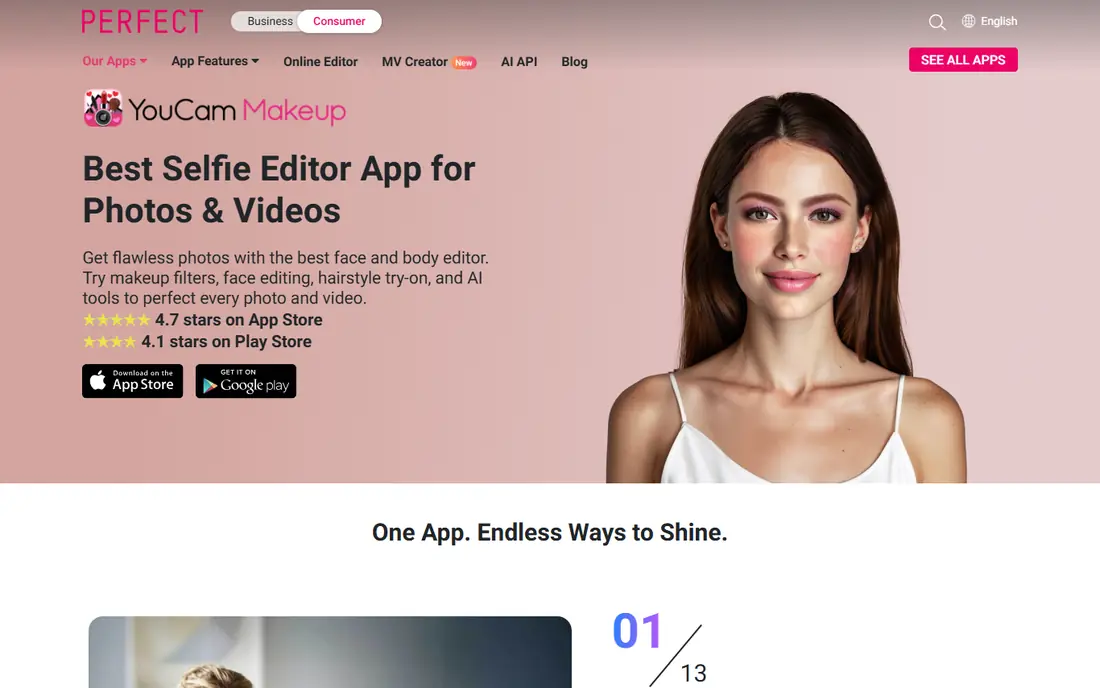
YouCam Makeup is the most complete free starting point for hairstyle try-ons, because its AI Hairstyle feature covers many cuts and colors for men and women, alongside makeup and photo editing tools. Upload a clear front-facing photo, pick a style or color, and the app blends the preview onto your face in real time. That immediacy helps when you are deciding between a few lengths or shades before a salon appointment.
The free tier is useful, but not unlimited. Some styles, unlimited changes and ad-free editing sit behind Premium, and the exact in-app purchase options vary by store. For a first test, the free styles are enough to narrow your choices, and you can save the best previews to show a stylist. Use a well-lit, front-facing photo for the most reliable result.
- Large hairstyle and color library for men and women
- Real-time AR previews on mobile
- Web editor available without an app install
- Free version limits some styles and exports
- Premium features need a subscription
- Results vary with photo angle and lighting
FaceApp is a familiar choice for quick hairstyle experiments, because its filters cover cuts, colors and styling changes in a few taps. It suits a casual check, such as whether a shorter cut or a warmer color might suit you, without learning a full editing tool. The app is available on iOS and Android, and the basic download is free.
The free version has clear limits. Some styles are paid, free exports can carry a watermark, and ads appear during use. That makes FaceApp better for a quick preview than for a polished image to share with a stylist, unless you pay for the full version. As with any face-editing app, use only your own photo and review the privacy settings before uploading.
- Wide range of hairstyle and color filters
- Fast edits on a single photo
- Familiar interface for casual users
- Free exports can carry a watermark
- Some styles need a paid subscription
- Ads appear in the free version
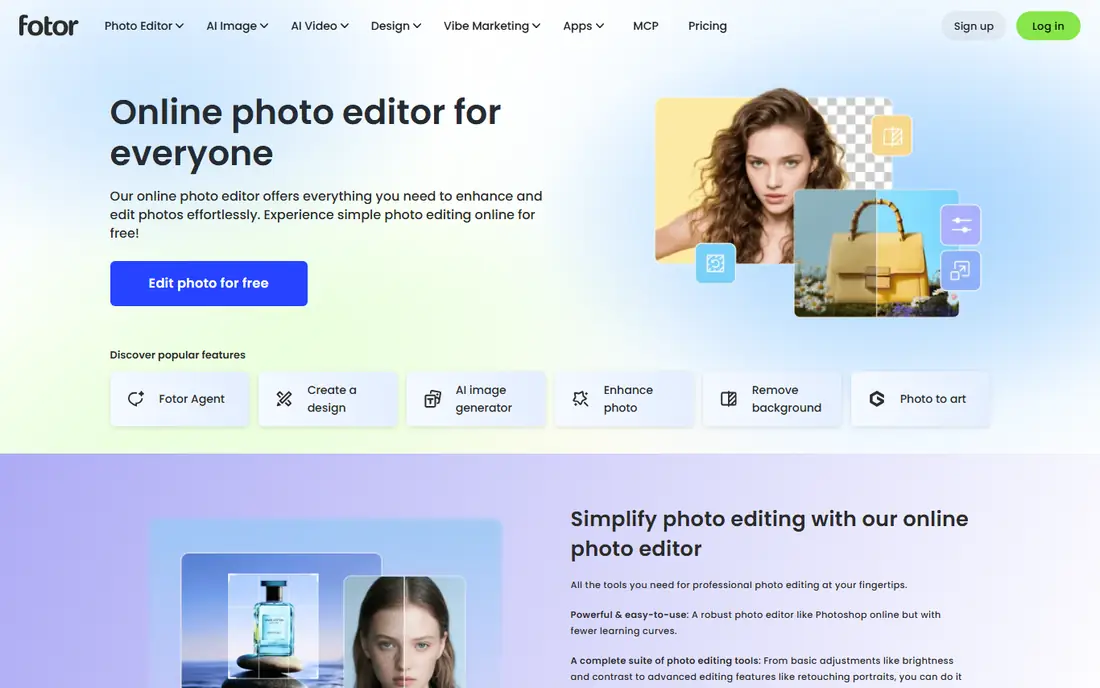
Fotor suits users who want to try a hairstyle in a browser and then adjust the same photo with standard editing tools. Its AI hair changer lets you pick a style or color and preview it on your uploaded photo, and the wider editor covers cropping, retouching and background changes. That combination is handy when you want a clean preview image to show a stylist.
Free use is limited by credits and export options, and results vary more than in a dedicated try-on app, especially for dramatic length changes. Use a front-facing, evenly lit photo, and try two or three similar styles rather than trusting a single output. For a free browser test, Fotor is a practical option, but YouCam Makeup offers a deeper hairstyle library.
- Web-based hair changer plus full photo editing
- No app install needed for browser use
- Useful for combining a hairstyle preview with other edits
- Free credits and exports are limited
- Realism varies by photo and style
- Some hairstyles need a paid plan
Canva is not a dedicated hairstyle app, but its free account and Magic Edit tool make it a useful browser option for a quick hair change. You can upload your own photo, describe or brush the area to change, and generate a preview, then place the before and after images side by side in a simple design. That layout is helpful when you want to compare two options for a stylist.
The limits are those of a general design tool. Length changes tend to work better than bold color shifts, and some AI features require a paid plan or credits. Canva is best when you already use it for design and want a free, no-install try-on, rather than when you need a large, dedicated hairstyle catalog.
- Free account covers basic editing
- Magic Edit can change hair in a photo
- Easy to build a before-and-after comparison
- Not a dedicated hairstyle app
- Results vary for dramatic color changes
- Some AI features need a paid plan
Photo AI Studio's AI Hair Changer is highlighted in recent 2026 comparisons for offering many hairstyles with watermark-free exports and no sign-up for basic use. That combination is rare among free tools, where watermarks and sign-up walls are common. You upload a photo, choose a style, and receive a preview that preserves lighting and face shape reasonably well in the comparisons we reviewed.
The main cautions are that premium features need credits, processing takes 15 to 30 seconds per image in those comparisons, and the brand is smaller than YouCam or FaceApp, so support and long-term availability are less certain. For a free, browser-based test without a watermark, it is still a strong pick, and it pairs well with a second app for comparison.
- Hair changer with many styles and no watermark on free results as described in recent comparisons
- No sign-up for basic use
- Full-resolution exports as described
- Premium tool needs credits for some features
- Processing takes time per image
- Smaller brand than YouCam or FaceApp
ImagineArt suits users who want to describe a hairstyle rather than pick from a preset list. Its AI hairstyle changer lets you upload a photo and write a prompt such as a shoulder-length layered bob with side-swept bangs, and it generates a preview that combines length, texture and color. That flexibility helps when you have a specific idea that does not match a preset name.
Prompt-based tools are less predictable than preset try-ons. A vague prompt can produce a cartoon-like result, and face likeness can shift, especially on side-angle photos. Use a clear front-facing photo, write a specific prompt with length, texture and color, and generate two or three versions before judging a style. The free basic tier is enough for that test, though paid credits expand generation limits.
- Describe a style in plain words
- Free basic hairstyle changer without a credit card
- Good for combining cut, color and texture in one prompt
- Results depend heavily on prompt wording and photo quality
- Free generations are limited
- Face likeness can shift on some outputs
Style My Hair, from L'Oreal, is the most practical free tool when color is the main question. You can preview shades on your own photo and see how a color family might look before buying a product or asking a salon for that shade. Because the shades link to real products, the preview is easier to translate into a salon conversation than a generic color filter.
The trade-off is scope. Style My Hair is built for color, not for trying a wide range of cuts, and some features ask for an account. For a color decision, it is a focused and free starting point. For a cut decision, pair it with YouCam Makeup or Photo AI Studio, which offer larger cut libraries.
- Color previews tied to real L'Oreal shades
- Free to use in a browser or app
- Useful before buying box color or visiting a salon
- Focus is color rather than cuts
- Account may be needed for some features
- Style library is smaller than YouCam
Hair Zapp is a simple option for a quick preset try-on, with a limited style library and free basic use as described in recent comparisons. It suits a user who wants to test a handful of styles fast, without learning a full editor or signing up for a large platform. The interface is straightforward, and the preview is enough to rule styles in or out.
The limits are the library size and export quality, which vary by plan, and some features may need an account. Hair Zapp is best as a second opinion alongside a larger app, rather than as the only tool for a major cut decision. Use your own photo, try the same style in two apps, and show the stylist the preview that looks most natural.
- Simple preset-based try-ons
- Free basic use
- Quick to test a few styles without a complex editor
- Style library is limited compared with larger apps
- Account may be needed for some features
- Export quality varies by plan
How we picked these
We compared official app and web pages, app store listings and recent hairstyle try-on comparisons, and we favored legitimate hairstyle try-on tools that are available in October 2026, that offer a free tier or free basic use, and that work on your own photo. We excluded tools that only generate faces or that require payment before any preview, and we wrote Free as the starting price where a free tier or free download is listed, with paid options checked in the app store before purchase.
What to check before you trust a preview
Use a good photo. A front-facing, evenly lit, high-resolution photo with your hair pulled back from your face gives the most reliable preview, while a side angle, sunglasses or harsh shadows will distort the result. Take two photos in the same light and compare the previews, since a single output can flatter or mislead.
Compare the same style in two apps
No free app is perfectly accurate, and each one blends hair differently. Try your top two styles in two different apps, and look for agreement on length, volume and face framing. If both apps show a similar result, the style is more likely to suit you. If they disagree sharply, treat the preview as a rough idea and talk it through with a stylist.
Show the preview, but ask the stylist
Bring the best preview to your appointment and describe the cut in words as well, including length, layers, texture and maintenance. A stylist can judge whether the style suits your hair type, growth pattern and daily routine, which an app cannot do. A preview is a starting point for that conversation, not a promise of the final result.
Protect your photos
Use only your own photos, or photos you have permission to use, and check each app's privacy settings before uploading. Avoid uploading photos of other people without their permission, delete previews you no longer need, and be cautious with apps that ask for broad photo library access when a single upload would do.
Frequently asked questions
What is the best ai hairstyle app free for a full try-on?
YouCam Makeup is a strong first choice, because its free tier covers many hairstyles and colors for men and women, with a web editor as well as mobile apps. For a watermark-free browser test, Photo AI Studio is also worth trying.
What is the best free ai app for hairstyles without a watermark?
Photo AI Studio is highlighted in recent comparisons for watermark-free hair changes with no sign-up for basic use. YouCam Makeup also offers basic previews without a watermark on free styles, though some features need a paid plan.
What is the best ai app for hairstyle free on iOS and Android?
YouCam Makeup and FaceApp both work on iOS and Android, with free tiers for basic try-ons. YouCam offers the larger hairstyle library, while FaceApp is faster for a quick single-photo edit.
Can a best hairstyle ai app free preview guarantee a salon result?
No. Previews depend on photo quality, lighting and hair type, and they cannot account for growth patterns, texture or maintenance. Use previews to narrow choices, then confirm the cut and color with a stylist.
Is it safe to upload my photo to a free AI hairstyle app?
Use only your own photos, or photos you have permission to use, and check privacy settings before uploading. Choose well-known apps from official app stores, limit photo library access where possible, and delete previews you no longer need.
Sources
- https://www.perfectcorp.com/consumer/apps/ymk
- https://www.faceapp.com
- https://www.fotor.com
- https://www.canva.com
- https://www.photoaistudio.com/blog/7-best-free-ai-hairstyle-apps-compared-no-watermark-2026
- https://www.imagine.art/apps/ai-hairstyle-changer
- https://www.lorealparisusa.com
- https://www.perfectcorp.com/consumer/blog/hair/best-ai-hairstyle-testing-apps
See where you really rank - block by block
ProMapRanker scans Google Maps across a grid of your service area. Simple monthly plans from $19, white-label on every plan.
Start freeKeep reading
 which software is best for pdf page removal
Which Software Is Best for PDF Page Removal in 2026
Find which software is best for pdf page removal, from free online tools to desktop editors, with page controls, privacy, safety, and pricing compared.
Read → when i work alternatives
Best When I Work Alternatives in 2026
Looking for when i work alternatives? We compare 8 scheduling apps for hourly teams, covering pricing, free plans, time clocks and the best fit for business.
Read → the best tool for keyword analysis
The Best Tool for Keyword Analysis in 2026
Find the best tool for keyword analysis with our 2026 comparison of 10 keyword analysis software tools on data depth, difficulty scores and price today.
Read →