 ProMapRanker
Best Food Tracker App Free in 2026

Key takeaways
- MyNetDiary and Cronometer offer the strongest free tiers, with barcode scanning and deep nutrient data at no cost.
- MyFitnessPal and Lose It are free for basic logging, but barcode scanning now sits behind Premium on both.
- FatSecret keeps its food diary, barcode scanner, and community free, with ads in the free tier.
- Yazio and Lifesum offer real free tiers, but planning tools and barcode scanning often need a paid plan.
- The best free food tracker app is the one you will still open in a month, so test logging speed before paying.
Quick comparison
| Pick | Great for | Pricing starts at | Free tier | |
|---|---|---|---|---|
 MyFitnessPal | Largest food database | Free | Yes | Visit |
 Cronometer | Micronutrients and verified data | Free | Yes | Visit |
 Lose It | Simple weight-loss diary | Free | Yes | Visit |
 MyNetDiary | Strongest free tier overall | Free | Yes | Visit |
 Yazio | Fasting and simple plans | Free | Yes | Visit |
 FatSecret | Free tracking with community | Free | Yes | Visit |
 Lifesum | Polished design and plans | Free | Yes | Visit |
 Fooducate | Food quality grades | Free | Yes | Visit |
The best free food tracker apps
These apps give general nutrition information only, not medical advice. If you have a medical condition, are pregnant, or take medication that affects diet, talk to a clinician before changing how you eat. We compared free plan limits, not just paid features, because a free tier that cannot log a normal day is not really free.
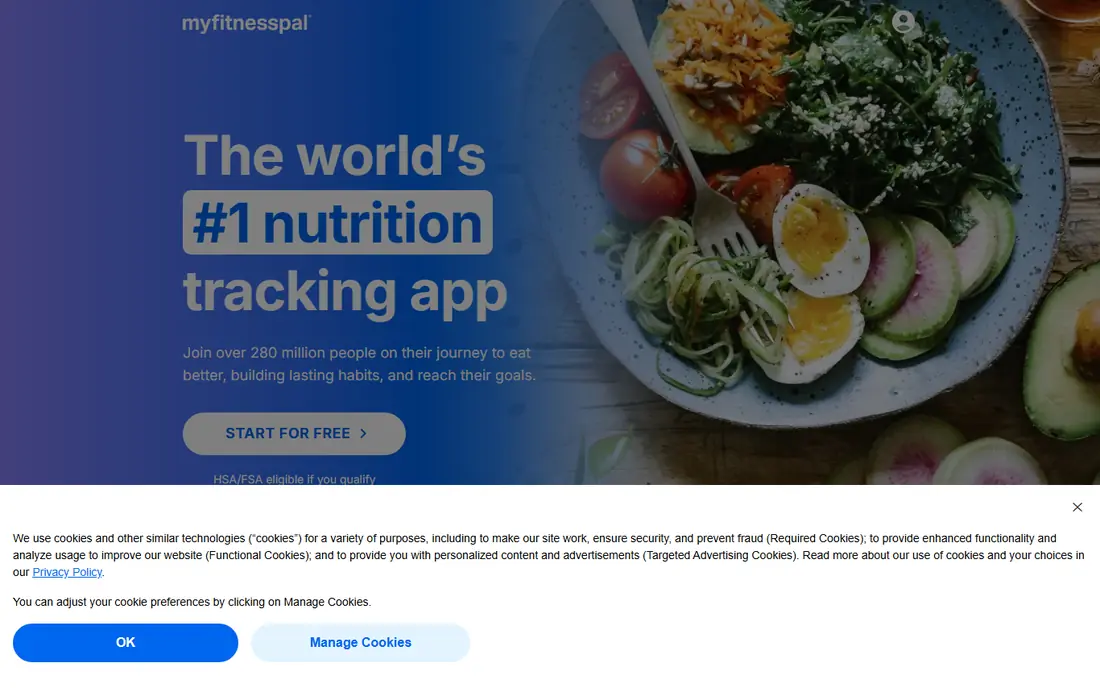
MyFitnessPal remains the default pick for many people because its food database covers packaged foods and restaurant items that smaller apps miss. Manual logging, calorie and macro totals, and exercise tracking work on the free plan, and the app connects to many fitness devices and wearables. If you eat a lot of branded or restaurant food, that database depth saves time every day.
The free tier has clear limits. Barcode scanning, voice logging, and meal scanning now require Premium, which costs $79.99 per year or $19.99 per month. The free plan also shows ads. For a user who logs by search and does not mind ads, the free plan still works well, but barcode-first users should look at Cronometer or MyNetDiary first.
- Very large food database
- Broad device integrations
- Simple manual logging
- Barcode scanner needs Premium
- Free tier includes ads
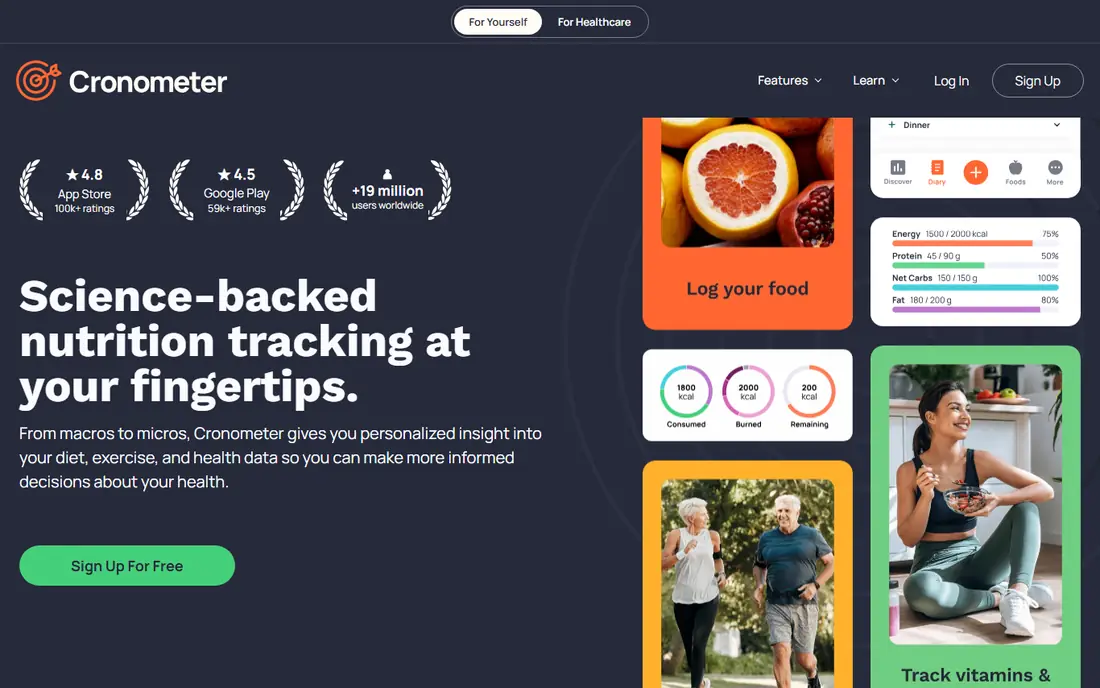
Cronometer is the pick for people who care about data quality. It draws on lab-verified sources such as USDA data, tracks up to 84 nutrients including vitamins and minerals, and keeps barcode scanning on the free plan. That combination is rare, and it makes Cronometer the strongest free option for anyone tracking more than calories and protein.
The trade-off is breadth and polish. The database is smaller than MyFitnessPal for restaurant meals and obscure brands, and the interface feels more like a spreadsheet than a lifestyle app. Gold costs $59.99 per year and adds photo and voice logging plus more customisation. For nutrient detail on a free plan, Cronometer is still the best starting point.
- Barcode scanning stays free
- Tracks up to 84 nutrients
- Lab-verified sources
- Smaller restaurant database
- Interface feels clinical
- Free tier shows ads
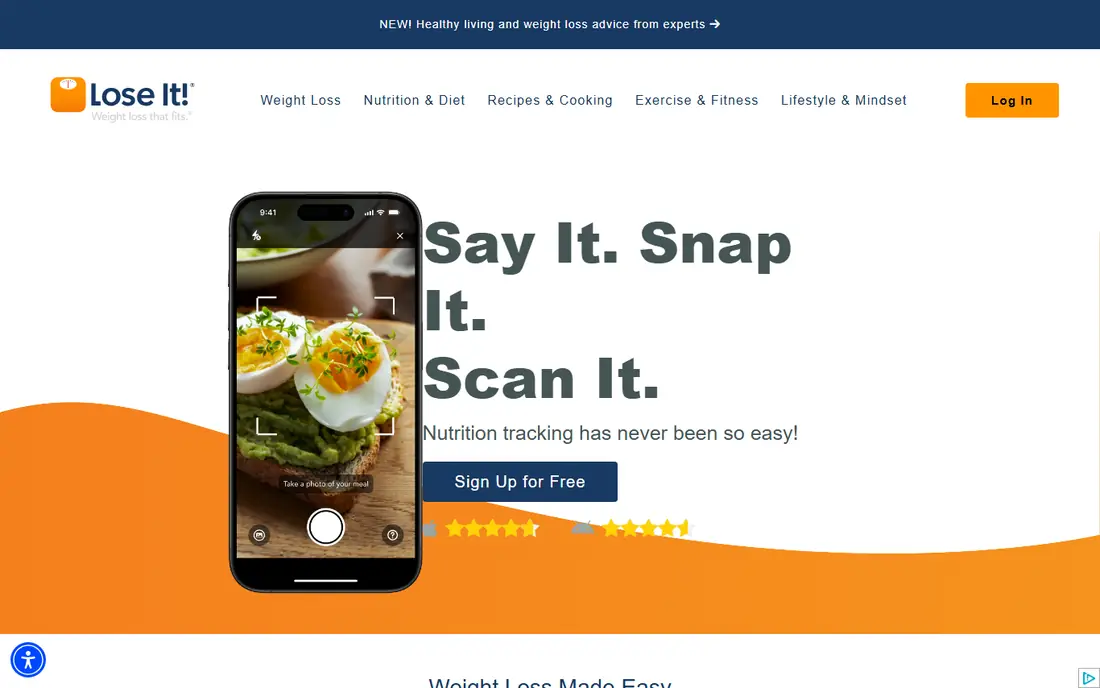
Lose It suits people who want a straightforward diary without a wall of nutrient charts. The free plan covers food logging, a daily calorie budget, and weight tracking, and the design makes it clear at a glance how much budget remains. That simplicity is why many beginners stick with it longer than with busier apps.
Paid features have moved over time. Barcode scanning and Snap It photo logging now need Premium, which costs $79.99 per year, though discounts are common. A user who logs by typing food names will find the free plan fine, but a barcode-first user will hit the paywall fast. Test the free diary for a week before paying.
- Clean, simple diary
- Clear calorie budget view
- Easy weight tracking
- Barcode and photo logging need Premium
- Premium costs $79.99 per year
MyNetDiary offers the most generous free tier in this list. Barcode scanning, voice logging, water tracking, and up to 108 nutrients per entry are free, with no ads and no account required to start. Foods are staff-verified, which reduces the bad entries that plague user-submitted databases. For a free calorie counter app that works from day one, this is our pick for most people.
Premium at $59.99 per year adds fasting, body measurements, medication and blood glucose tracking, and advanced planning tools. Premium Plus at $99.99 per year adds an AI coach and photo-based meal scanning. Most users will not need either tier at first, which is exactly why the free plan stands out.
- Free barcode scanning and voice logging
- No ads on free plan
- Up to 108 nutrients
- Photo logging needs higher tiers
- Fewer community features than FatSecret
Yazio combines food tracking with fasting timers and recipes in a clean daily view. The free plan covers basic calorie and macro logging, which suits users who want one app for both food and fasting windows. Recipes and meal ideas are a genuine strength, and the interface is less cluttered than some rivals.
Pro costs $47.90 per year at list price, with lower promotional prices sometimes offered, and it adds barcode scanning, photo logging, and more planning tools. Yazio has no web app, so logging happens on a phone. If fasting is part of your routine and you mostly log by search, the free plan is a good fit.
- Clear fasting tools
- Good recipes
- Simple daily view
- Barcode scanning and photo logging need Pro
- No web app
FatSecret keeps the core job free: food diary, calorie and macro tracking, barcode scanner, exercise diary, weight tracker, and community features all work without paying. That makes it one of the best free diet apps for users who want a no-frills tracker and a community to share progress with. Language support is also wider than most rivals.
Premium costs $59.99 per year and adds photo-based Smart Food Scan, quick logging, water tracking, and dietitian-created meal plans. The free tier includes ads and tracks fewer nutrients per entry than MyNetDiary. For a simple, free tracker with a social side, FatSecret still holds up well.
- Core diary and barcode scanner free
- Active community
- Wide language support
- Free tier includes ads
- Photo logging and water tracking need Premium
Lifesum is the prettiest app on this list, with diet-specific plans for keto, Mediterranean, and other eating styles, plus a clear daily view. Users who like guided plans and a polished interface often enjoy it more than plainer trackers. The free plan covers basic logging, so it works as a trial of the design and the plan structure.
The free tier is the weakest here for daily use. Meal plans, life score, and advanced tracking sit behind Premium, and barcode scanning is limited on free. Lifesum suits users who already plan to pay for Premium and want the design and plans that come with it. Free-only users will get more from MyNetDiary or Cronometer.
- Attractive design
- Diet-specific plans
- Clear daily scores
- Free tier is the least usable here
- Many tools need Premium
Fooducate takes a different angle from the other apps here. It grades foods by quality, so a user learns which swaps improve a meal, not just how many calories it contains. That teaching angle suits people who want to improve food choices rather than chase a perfect macro split. Basic tracking works on the free plan, with a Pro tier for extra features.
The limits are database size and the grading itself, which some users find subjective. A food can score well on quality and still be high in calories, so the grade should sit next to the calorie count, not replace it. For learning better choices while tracking for free, Fooducate earns its place.
- Grades foods by quality
- Helpful for learning healthier swaps
- Simple logging
- Smaller database than leaders
- Grading can feel subjective
- Pro needed for extras
How we picked these
We compared free plan limits from vendor sites and app store listings, checking which everyday features stay free: manual logging, barcode scanning, macro totals, and weight tracking. We favoured apps with a permanent free tier over trial-only apps, and we noted where barcode or photo logging moved behind a paywall. We did not claim hands-on testing; our comparison rests on official feature pages, pricing, and public reviews.
How to choose the best app for tracking calories and macros
Start with how you log. If you scan barcodes for most meals, pick MyNetDiary, Cronometer, or FatSecret, since those keep the scanner free. If you type food names and eat restaurant food often, MyFitnessPal has the database depth to match. If you want nutrient detail, Cronometer wins, and if you want fasting tools, Yazio fits best.
Test one week before you pay
Log every meal for seven days on the free plan and note where you get stuck. A tracker that takes two minutes per meal will be abandoned, while one that takes thirty seconds will last. Check if your regular foods appear, if the scanner works on your pantry items, and if the daily total is easy to read. Pay only for a feature you actually missed during that week.
Read the free plan limits in full
Free does not mean identical. One app may give free barcode scanning but show ads, another may hide the scanner but offer a cleaner diary. List the three features you use daily, then check each app against that list, not against a marketing page. That short check avoids the common trap of paying for Premium just to recover a feature that was free elsewhere.
Keep the data honest
Food databases contain errors, especially user-submitted entries. When a calorie count looks wrong, check the portion size and compare it with the package label. Weighing food for a week teaches portion sizes faster than any app feature. A tracker is a record tool, not a medical device, and its totals are estimates, even in the best apps here.
Frequently asked questions
What is the best free calorie counter app?
MyNetDiary is our pick for most free users, because it includes barcode scanning, voice logging, and up to 108 nutrients with no ads. Cronometer is best for micronutrient detail, and FatSecret is best for free tracking with a community. MyFitnessPal still wins for database size, but its free tier lacks barcode scanning.
Are there really free food tracker apps with no paywall on basics?
Yes, but the basics differ by app. MyNetDiary, Cronometer, and FatSecret keep barcode scanning free, while MyFitnessPal and Lose It now charge for it. Check the free plan for the three features you use most, since a free app that gates your main workflow is not free in practice.
Which app is best for tracking calories and macros for free?
MyNetDiary and Cronometer cover calories and macros well on free plans, with Cronometer adding micronutrient depth. FatSecret also covers calories and macros for free, with a simpler view. MyFitnessPal covers them too, but barcode scanning needs Premium, so search-based logging is the free path there.
Do I need a paid diet app to lose weight?
No. A free diary that you use consistently beats a paid plan you abandon. Paid tiers add convenience, such as photo logging and meal plans, but the core job of recording food and seeing a daily total works on free plans here. Pay when a specific paid feature solves a problem you hit in daily use.
Is calorie tracking safe for everyone?
Calorie tracking is general nutrition information, not medical advice, and it is not right for everyone. People with a history of disordered eating, or with medical conditions that affect diet, should talk to a clinician before tracking. If tracking causes stress or rigid eating patterns, stop and seek professional guidance.
Sources
See where you really rank - block by block
ProMapRanker scans Google Maps across a grid of your service area. Simple monthly plans from $19, white-label on every plan.
Start freeKeep reading
 best rank tracking software
Best Rank Tracking Software in 2026
Searching for the best rank tracking software? We compare 8 tools for daily keyword tracking, local rankings, client reports, and competitor checks in 2026.
Read → best platform for ecommerce website
Best Platform for Ecommerce Website in 2026
Find the best platform for ecommerce website builds in 2026. We compare Shopify, WooCommerce, BigCommerce, Wix and more on price, fees and scale for stores.
Read → best math apps
Best Math Apps in 2026: 8 Apps Compared
Find the best math apps for homework, revision, and deeper study in our 2026 comparison of 8 free and paid solvers, courses, and visual tools for students.
Read →