 ProMapRanker
Best Food Tracker App in 2026

Key takeaways
- MyFitnessPal has the largest food database, but several useful features now sit behind its Premium plan.
- Lose It is the simplest low cost choice for weight loss, while Cronometer is the strongest pick for detailed nutrient data.
- MacroFactor suits lifters and people who want adaptive calorie targets, but it has no permanent free tier.
- Photo logging is fastest in newer apps, but barcode and search logging remain more reliable for packaged foods.
- A tracker only helps if you log consistently, so pick the app you will actually open every day.
Quick comparison
| Pick | Great for | Pricing starts at | Free tier | |
|---|---|---|---|---|
 MyFitnessPal MyFitnessPal | Largest food database | $19.99 per month | Yes | Visit |
 Lose It Lose It | Simple weight loss tracking | $39.99 per year | Yes | Visit |
 Cronometer Cronometer | Micronutrient detail | $54.99 per year | Yes | Visit |
 MacroFactor MacroFactor | Adaptive macro targets | $71.99 per year | Free trial | Visit |
 YAZIO YAZIO | Recipes and fasting tools | See website | Yes | Visit |
 FatSecret FatSecret | Low cost free tracking | $19.99 per year | Yes | Visit |
 MyNetDiary MyNetDiary | Diabetes friendly tracking | $59.99 per year | Yes | Visit |
 Lifesum Lifesum | Polished meal plans | $44.99 per year | Yes | Visit |
The best food tracker apps
We compared the best food tracking app options on database size, logging speed, macro and micronutrient detail, and price. The best app to track food is the one that fits your eating style, not the one with the longest feature list.
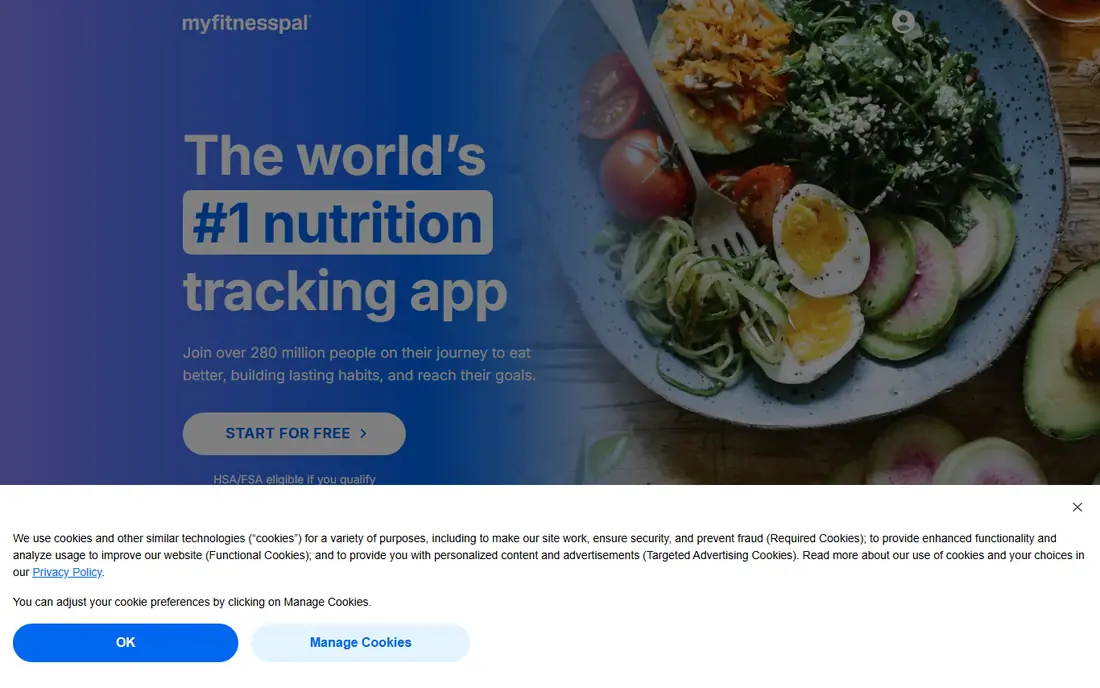
MyFitnessPal is the best calorie counter app for people who eat out often or buy packaged foods, because its database covers chain restaurants and branded products well. Search, barcode scanning and a large community of logged foods make it easy to find most items without typing a full recipe. It also connects with a wide range of fitness trackers and health apps.
The tradeoff is the paywall. Several logging shortcuts that used to be free, including barcode scanning, now require Premium, which costs 19.99 dollars per month or 79.99 dollars per year. If you are happy to search manually, the free tier still works. If barcode speed matters to you, compare Lose It and Cronometer before you pay.
- Very large food database
- Barcode scanning
- Syncs with many fitness devices and apps
- Barcode, voice and Meal Scan features require Premium
- Free tier shows ads
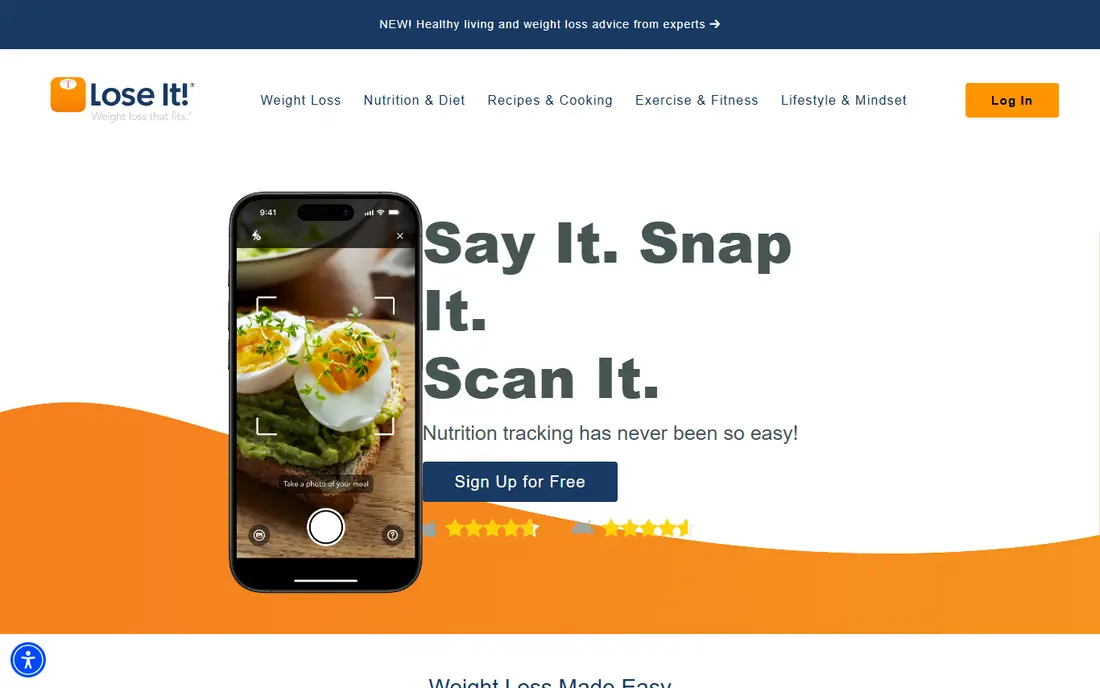
Lose It is the best food tracking app for weight loss if you want a clear daily budget and a simple diary. You set a goal, log meals, and the app shows how much budget remains, which keeps the daily habit visible without extra charts. Challenges, streaks and a friendly design help some people stay consistent in the first weeks.
It is less detailed than Cronometer on vitamins and minerals, and its database leans on user entries, so check portion sizes on unfamiliar foods. Premium adds photo logging, barcode scanning and meal planning at 39.99 dollars per year, which is one of the lowest paid prices here. For straightforward weight loss tracking, that combination is hard to beat.
- Simple daily calorie budget view
- Photo and barcode logging on Premium
- Low annual price
- Micronutrient detail is thinner than Cronometer
- Some logging shortcuts require Premium
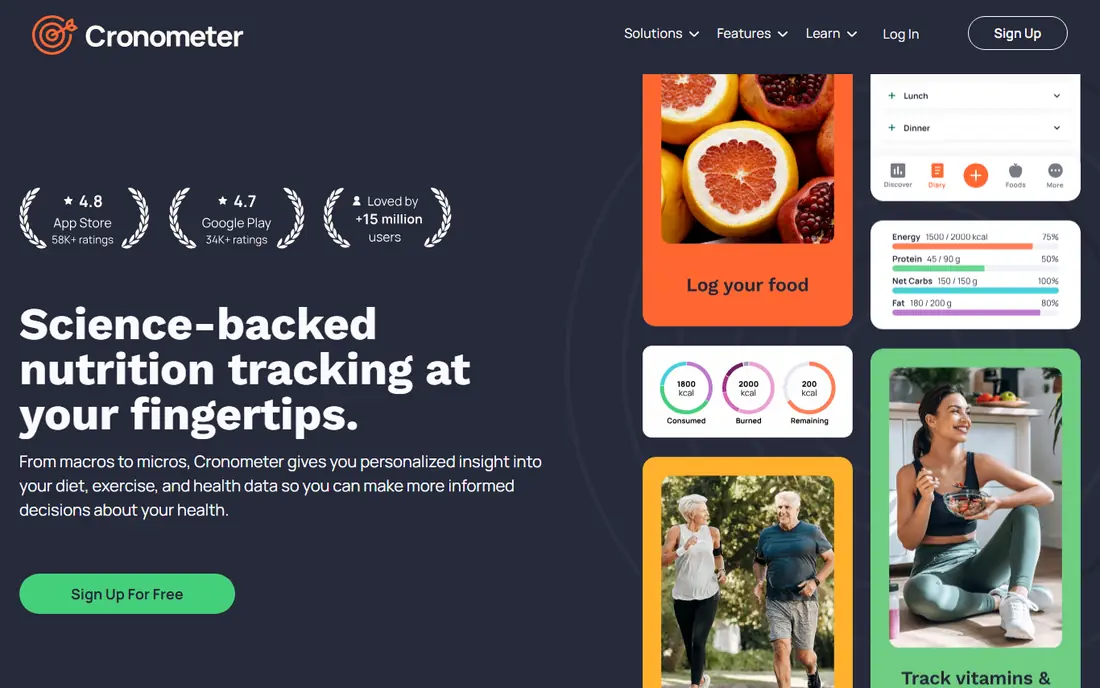
Cronometer is the pick for people who care about more than calories. It tracks a wide range of micronutrients, including vitamins and minerals, and it favours verified entries over unverified user submissions. That makes it useful for people following a restricted diet, tracking a nutrient for health reasons, or working with a dietitian.
The depth is also the drawback. The interface shows more numbers than a casual logger needs, and it can feel slow if you only want a quick calorie total. Gold costs 54.99 dollars per year and adds features such as fasting timers and custom charts. If your goal is simple weight loss, Lose It is easier, but for nutrient detail Cronometer leads this list.
- Detailed vitamin and mineral tracking
- Checked food entries
- Barcode scanning
- Interface feels dense for casual users
- Some advanced features require Gold
MacroFactor takes a different approach to calorie targets. Instead of fixing a number on day one, it adjusts your calorie and macro targets based on your logged food and your weight trend over time. That suits lifters and people running a structured cut or bulk, where targets should change as body weight changes. The app also handles barcode, voice and quick add logging well.
The catch is commitment. Without consistent logging, the adaptive model has little data to work with, and there is no free tier to fall back on after the trial. At 71.99 dollars per year, or 11.99 dollars per month, it is also pricier than Lose It and Cronometer. It earns its price only if you log most days and want targets that move with you.
- Targets adapt to your logged intake and weight trend
- Strong macro coaching
- Barcode and voice logging
- No permanent free tier
- Needs consistent logging to adapt well
YAZIO combines food tracking with recipes and fasting support, which suits people who want meal ideas as well as a diary. The recipe library gives you a starting point for the week, and fasting timers sit alongside calorie tracking for people who follow time restricted eating. The design is clean, and daily summaries are easy to read at a glance.
The limits are platform and paywall. YAZIO has no web app, so you log on your phone, and many planning tools require a Pro subscription. Check the current Pro price on the vendor site before you subscribe, because store prices vary by region and term. For phone first users who like recipes, it is a pleasant middle ground between Lose It and Cronometer.
- Large recipe library
- Fasting timers
- Clear calorie and macro summaries
- No web app
- Many planning tools require Pro
FatSecret is the best app to track calories and macros on a tight budget, because its free tier covers the core diary without constant paywall pressure. You can log meals, track weight and browse community recipes, and the paid tier costs only 19.99 dollars per year. That low price makes it a sensible backup app if a pricier tracker stops fitting your budget.
The tradeoff is polish. The design feels older than MyFitnessPal or Lifesum, and food entries vary in quality, so double check portions on branded items. If you want a modern interface and are willing to pay more, Lose It or YAZIO will feel smoother. If you want free tracking that simply works, FatSecret deserves a place on your shortlist.
- Usable free tier
- Food diary and weight chart
- Community and recipe features
- Design feels dated
- Database quality varies by food
MyNetDiary suits people who track food alongside health markers such as blood sugar, because it supports those fields in the same diary. Its food entries are checked, which helps accuracy, and its reports break down nutrients in a way that is useful to share with a clinician. It also offers plans for common eating styles, including low carb and diabetes friendly approaches.
The interface packs a lot onto each screen, and some users will find it busier than Lose It. Premium costs 59.99 dollars per year, with a higher Premium Plus tier for coaching features. If you only need calories, a simpler app will do. If health tracking matters as much as food tracking, MyNetDiary is a strong fit.
- Checked food entries
- Blood sugar and health tracking options
- Dietitian style reports
- Interface is busy
- AI coaching and advanced planning require paid tiers
Lifesum is the most polished app on this list, with meal plans, recipes and a life score that summarises your eating habits. That structure helps people who want guidance on what to eat, not just a blank diary. Fasting timers, water tracking and a clean daily view make it easy to see the whole day at a glance.
The free tier is the weakest here for serious tracking, because key features, including full barcode use, sit behind Premium at 44.99 dollars per year. If you plan to pay, Lifesum is a pleasant choice. If you want a strong free tier, start with FatSecret, Lose It or Cronometer instead, and only move to Lifesum if its meal plans win you over.
- Attractive design
- Meal plans and recipes
- Fasting and water tracking
- Free tier is limited
- Barcode scanning is restricted on free
How we picked these
We compared official pricing pages, app store listings and feature pages for the leading food trackers, and we kept only apps that work in October 2026 for US users. We weighed database quality, logging speed, macro and micronutrient detail, free tier usefulness and price. We favoured apps with a clear free or trial option, because food tracking only works when you can test the daily habit before you pay.
We did not claim hands on testing that did not happen, and we did not invent accuracy figures or database sizes. Where a price varies by store, region or billing term, we wrote See website so you can check the checkout figure. Calorie and nutrient data always carries some error, especially for restaurant meals, so treat totals as estimates and check portions on foods you eat often.
How to choose the right food tracker for your goal
Match the app to your goal first. For weight loss, a simple budget view from Lose It or MyFitnessPal keeps the habit easy. For detailed nutrition, Cronometer or MyNetDiary gives you micronutrients and checked entries. For lifting or a structured cut, MacroFactor adapts targets as your weight changes. For meal ideas, YAZIO and Lifesum add recipes and plans, while FatSecret keeps costs low.
Check the free tier before you pay, and test barcode scanning on foods you actually buy, because that is where paywalls bite most. Confirm the app syncs with your watch or fitness app if that matters to you, and check how easy it is to edit portions and copy yesterday meals. The best calories counter app is the one you still use in month three, so favour habit fit over feature count.
Frequently asked questions
What is the best food tracking app for weight loss?
Lose It is our pick for most people losing weight, because its daily budget view is simple and Premium costs only 39.99 dollars per year. MyFitnessPal suits people who eat out often, thanks to its large database. Pick the app whose daily screen you enjoy opening, because consistency matters more than small feature differences.
What is the best calorie deficit app for beginners?
A calorie deficit app should show your daily target, your logged food and your remaining budget in one place, and Lose It and MyFitnessPal both do that well. Start with the free tier, log honestly for two weeks, and only pay for features you actually miss. Avoid setting an extreme deficit without advice from a clinician.
What is the best app to track calories and macros?
MacroFactor is the strongest choice for detailed macro coaching, because its targets adapt to your intake and weight trend. Cronometer is better if you also want micronutrients, while MyFitnessPal is better if you want the largest database. All three track protein, carbs and fat, so choose based on coaching, detail or database size.
Is there a good free food tracker app?
Yes, FatSecret, Lose It and Cronometer all offer usable free tiers for basic food tracking. FatSecret is the least paywall heavy, while Lose It and Cronometer reserve some logging shortcuts for paid plans. Test the free tier on your usual foods before you subscribe, and check whether barcode scanning is included.
What is the best food app tracker for diabetes?
MyNetDiary is a strong choice here, because it supports blood sugar tracking alongside food and offers diabetes friendly plans. Cronometer also helps with detailed nutrient data you can share with a clinician. This article is general information, not medical advice, so discuss targets and medication with your clinician before changing your diet.
How accurate are calorie counter apps?
Calorie counts are estimates, and accuracy varies by food, portion size and database entry, with restaurant meals and mixed dishes carrying the largest error. Weighing food and checking branded entries improves accuracy more than switching apps. Use trends over weeks, not single day totals, to judge progress.
Sources
See where you really rank - block by block
ProMapRanker scans Google Maps across a grid of your service area. Simple monthly plans from $19, white-label on every plan.
Start freeKeep reading
 zoom alternatives
Best Zoom Alternatives in 2026
Compare Zoom alternatives in 2026, with free meeting limits and prices, so you can pick the best alternative to Zoom for your team, class, or community.
Read → which software is best for remote work
Which Software Is Best for Remote Work in 2026
Answering which software is best for remote work, we compare Slack, Zoom, Asana, Notion, Teams and more, with pricing and honest tradeoffs in 2026 now.
Read → which ai tool is best for content writing
Which AI Tool Is Best for Content Writing in 2026
Wondering which ai tool is best for content writing? We compare ChatGPT, Claude, Jasper, Grammarly, and more on price, quality, and best use in 2026 now.
Read →