 ProMapRanker
Best Firewall Software for Homelabs in 2026

Key takeaways
- OPNsense is our pick for most new homelabs, with a modern interface, frequent updates and a fully free feature set.
- pfSense Community Edition remains a strong choice, especially if you already know its packages and documentation.
- OpenWrt and IPFire suit older hardware or repurposed routers, where a full firewall distribution would be heavy.
- Firewall software alone does not secure a homelab. VLANs, strong passwords, updates and backups matter just as much.
Quick comparison
| Pick | Great for | Pricing starts at | Free tier | |
|---|---|---|---|---|
 OPNsense OPNsense | Most new homelabs | Free | Yes | Visit |
 pfSense Community Edition pfSense Community Edition | Experienced pfSense users | Free | Yes | Visit |
 MikroTik RouterOS MikroTik RouterOS | Low-cost router firewall hardware | See website | No | Visit |
 IPFire IPFire | Lightweight hardware | Free | Yes | Visit |
 Sophos Firewall Home Edition Sophos Firewall Home Edition | Enterprise features at home | Free | Yes | Visit |
 Untangle NG Firewall Untangle NG Firewall | Beginner-friendly interface | Free | Yes | Visit |
 VyOS VyOS | Router and firewall in one | Free | Yes | Visit |
 pfSense Plus pfSense Plus | Netgate hardware users | See website | No | Visit |
The best firewall software for homelabs
We compared official project pages, documentation and licensing notes for firewall distributions that run on your own hardware or in a virtual machine. The list covers open source firewalls, a free home edition from a commercial vendor, and a router-focused option, with hardware and learning curve noted for each.
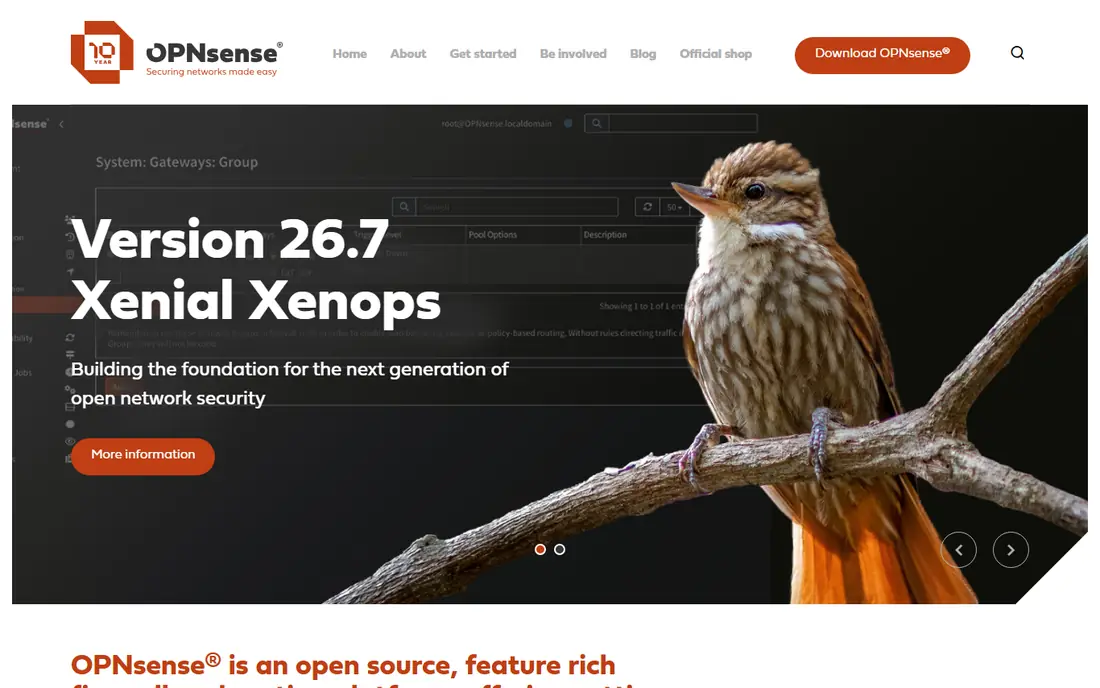
OPNsense is a FreeBSD-based firewall forked from pfSense in 2015, now developed as a fully open source project with a modern web interface. It includes firewall rules, NAT, VLANs, VPN support for WireGuard and OpenVPN, and intrusion detection through Suricata, all without a paid tier locking core features. Updates arrive regularly, which matters for a device that sits at the edge of your home network.
The main trade-off is ecosystem familiarity. If you rely on a specific pfSense package, check whether OPNsense offers an equivalent, such as Zenarmor or Unbound blocklists, before you switch. Migration also needs manual rule rebuilding, since pfSense backups do not import directly. For a fresh homelab build on a mini PC with Intel network ports, OPNsense is the clearest starting point.
- Fully free and open source
- Modern web interface
- Frequent security updates
- Some pfSense packages have no direct equivalent
- Migration from pfSense needs manual rebuild
- Needs x86 hardware with good network cards
pfSense Community Edition is the free version of the long-running pfSense firewall, maintained by Netgate. It offers firewall rules, VPN, VLANs, traffic shaping and a large package ecosystem, including pfBlockerNG for DNS and IP blocking and Snort or Suricata for intrusion detection. Documentation and forum help are extensive, because pfSense has been used in homes and small businesses for many years.
Licensing is the point to understand before you install. pfSense Plus, with Netgate support and some newer features, is paid on your own hardware, while Community Edition remains free. The interface also feels older than OPNsense, and releases arrive less often. If you already know pfSense, or you need a specific package only it offers, Community Edition remains a solid choice.
- Large documentation base
- Many packages including pfBlockerNG
- Long track record
- Plus version is paid on your own hardware
- Interface feels older
- Release pace is slower than OPNsense
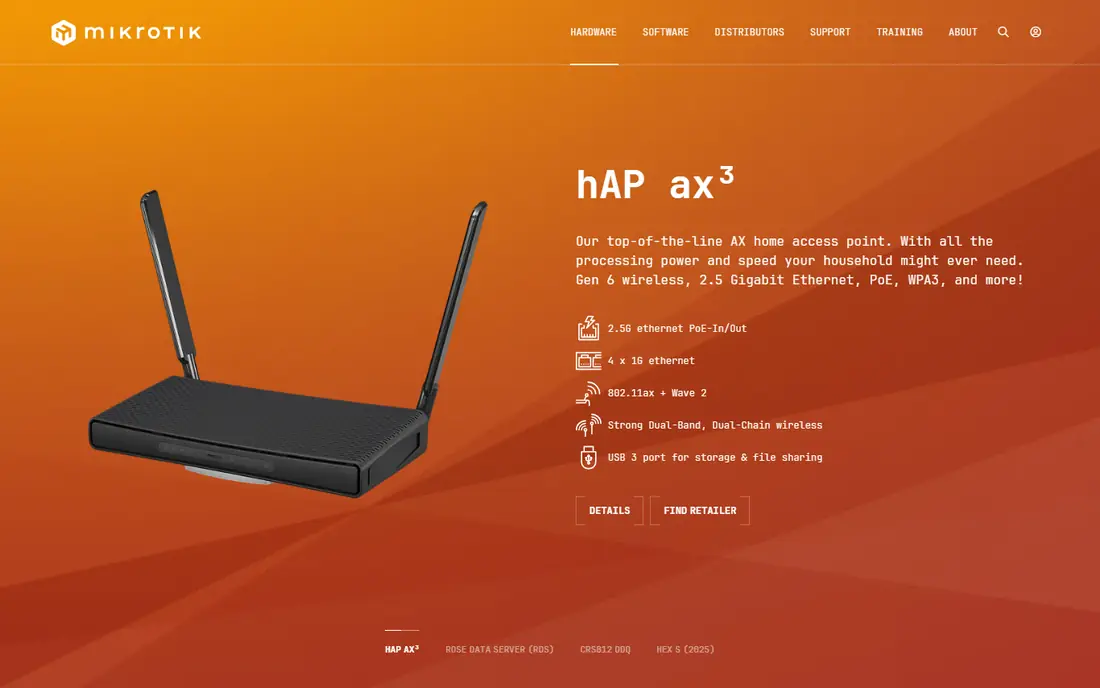
MikroTik RouterOS runs on low-cost MikroTik hardware and in virtual machines, and it gives homelab users a powerful firewall with detailed rules, address lists and connection tracking. A small MikroTik router can handle gigabit routing for a home, with VLANs, VPN servers and traffic controls, at a price well below many dedicated firewall boxes. That value makes it popular for labs where budget matters and where routing is part of the learning goal.
The trade-off is usability. RouterOS configuration uses WinBox, a web interface or a command line, and the firewall syntax takes time to learn. Intrusion detection is also more limited than in OPNsense or pfSense, so MikroTik suits a router-first firewall rather than a full inspection setup. For a homelab user who wants cheap, capable hardware and is willing to learn, RouterOS is a practical choice.
- Very affordable hardware
- Powerful firewall rules
- VLAN and VPN support
- Learning curve is steep
- Interface is less friendly
- Intrusion detection is limited
IPFire is a Linux-based firewall distribution built for performance and stability on modest hardware. It uses a colour-coded zone model, with green for trusted networks, red for the internet, orange for a DMZ and blue for wireless, which makes segmentation easy to understand. It includes Snort-based intrusion detection, a VPN server, and web proxy filtering, in a package that runs well on older or low-power machines.
IPFire is less flexible than OPNsense for complex setups, and its package ecosystem is smaller. The interface is clear but simpler, which can be a strength for a first firewall and a limit for advanced users. For a homelab on an old PC, a thin client or a low-power box, IPFire is a practical choice that leaves more resources for other services.
- Lightweight and stable
- Colour-coded zone model
- Snort intrusion detection
- Smaller package ecosystem
- Interface is simpler but less flexible
- Fewer modern VPN options by default
Sophos Firewall Home Edition brings a commercial firewall to home use for free, with limits on hardware and non-commercial use. It offers firewall rules, intrusion prevention, web filtering, VPN and reporting, with a polished interface that will feel familiar to anyone who has used enterprise firewalls. For a homelab user who wants to learn Sophos or to use its web filtering at home, the home edition is a direct route.
The limits matter. The home edition is not for business use, and it has hardware requirements that rule out very small devices. Setup also assumes some networking knowledge, especially for VLANs and VPNs. If your goal is to learn a commercial platform or to get strong filtering without paying, Sophos Home Edition is worth testing in a virtual machine first.
- Enterprise-grade features for home use
- Strong web filtering
- Clear reporting
- Free edition has hardware and use limits
- Setup needs more learning
- Commercial support is paid
Untangle NG Firewall uses an app-based interface where firewall, web filter, intrusion prevention and VPN appear as separate apps you enable. That visual approach helps a beginner understand what each part does, without learning a complex rule syntax first. The free version covers core firewall functions, with paid apps for more advanced filtering and reporting.
The free tier is not as complete as OPNsense, and Untangle can use more resources than a lightweight distribution. It also offers less open source flexibility for users who want to modify the system deeply. For a first homelab firewall where clarity matters more than squeezing every feature from free software, Untangle is a friendly entry point.
- Visual, app-based interface
- Easy to understand
- Good for first-time firewall users
- Some advanced features are paid
- Heavier than IPFire
- Less open source flexibility
VyOS is a Linux-based network operating system that combines routing, firewall, VPN and NAT in one system, configured mainly through a command line similar to enterprise routers. It suits homelab users who want to learn routing, build complex lab networks, or run a firewall and router together without a separate device. VyOS runs on x86 hardware and in virtual machines, which makes it easy to test in Proxmox or a similar platform.
The command-line focus is the main barrier. Beginners who prefer a web interface will find VyOS slower to learn than OPNsense or Untangle. Documentation is good, but you will need to be comfortable with terminal commands and network concepts. For a networking-focused homelab, VyOS is a strong choice, especially when routing and firewall need to live in the same box.
- Powerful routing and firewall in one system
- Command-line configuration
- Runs on x86 and in VMs
- Command-line focus suits experienced users
- Web interface is limited
- Learning curve is steep
pfSense Plus is the commercial version of pfSense, included with Netgate appliances and available as a paid licence for your own hardware in some cases. It adds newer features, Netgate support options and a faster update path than Community Edition in some areas, while keeping the familiar pfSense interface and package system. For a user who buys a Netgate box, Plus is the natural software to run on it.
On your own hardware, the cost changes the calculation. The free Home and Lab tier ended in 2023, and Plus on non-Netgate hardware now requires a paid licence, with pricing on the Netgate site. If you already own Netgate hardware, Plus makes sense. If you are building on a mini PC, OPNsense or pfSense Community Edition will usually be cheaper and simpler.
- Included with Netgate appliances
- Netgate support options
- Newer features than Community Edition
- Paid on your own hardware
- Less open than Community Edition
- Tied to Netgate ecosystem
How we picked these
We compared official project pages, documentation and licensing notes, and kept firewall software that is actively maintained in October 2026 and that runs on homelab hardware or in a virtual machine. We looked for a real firewall, not just a router with basic port forwarding, and we checked whether core features such as VPN, VLANs and intrusion detection were included or paid extras. Licensing was checked carefully, because pfSense Plus and some commercial home editions have changed terms in recent years.
Hardware advice in this article is general, not a guarantee for a specific box. Intel network ports tend to work best with FreeBSD-based firewalls, while Realtek 2.5 gigabit ports can cause trouble with intrusion detection. Check the project hardware notes for your chosen firewall before buying a mini PC or network card.
How to set up a homelab firewall safely
Start in a virtual machine or on spare hardware
Test your chosen firewall in a virtual machine or on a spare box before you replace your main router. Learn the interface, VLAN and VPN setup, and backup and restore process while your home internet still works. A failed first install is far less stressful when it does not cut off the whole house.
Segment your network with VLANs
Put trusted devices, guest devices, smart home gear and lab servers on separate VLANs with firewall rules between them. That way, a compromised smart camera or lab server cannot easily reach your main computers. Start with three segments, trusted, guest and lab, and add more only when you have a clear reason.
Back up, update and use strong access controls
Back up the firewall configuration after every major change, and store a copy off the device. Apply security updates promptly, use a strong admin password and two-factor authentication where offered, and disable remote admin access from the internet unless you have a VPN in place. A firewall that is not updated or backed up can become a single point of failure.
Frequently asked questions
What is the best firewall software for homelabs?
OPNsense is the best choice for most new homelabs, because it is fully free, has a modern interface and receives frequent updates. pfSense Community Edition is best if you already know pfSense or need its specific packages. MikroTik RouterOS and IPFire are better for older hardware or low-cost router builds.
Is pfSense or OPNsense better for a homelab?
OPNsense is usually easier for a fresh build in 2026, with clearer licensing and a more modern interface. pfSense Community Edition has better documentation and a larger package history, including pfBlockerNG. Performance on the same hardware is similar, so choose by licensing, interface and package needs rather than speed alone.
Can I run a firewall in a virtual machine?
Yes, OPNsense, pfSense, VyOS and others run well in Proxmox, VMware or similar platforms for testing and learning. For a production home firewall, a dedicated box or a properly configured virtual machine with passed-through network ports works best. Make sure the host and network setup do not create a single point of failure for your internet access.
What hardware do I need for a homelab firewall?
A mini PC with an Intel processor, at least two network ports and 4 gigabytes of memory handles gigabit routing and basic intrusion detection for most homes. Intel network cards work best with FreeBSD-based firewalls, while Realtek 2.5 gigabit cards can cause issues. Check the firewall project hardware notes before buying, and start with wired ports rather than Wi-Fi.
Is a homelab firewall enough to stay safe?
A firewall is one layer, not complete security. Use strong passwords, two-factor authentication, regular updates and backups, and segment your network with VLANs. Keep lab services off the internet unless you have a clear reason and a VPN or reverse proxy in place, and review firewall logs and rules regularly.
Sources
See where you really rank - block by block
ProMapRanker scans Google Maps across a grid of your service area. Simple monthly plans from $19, white-label on every plan.
Start freeKeep reading
 zoom alternatives
Best Zoom Alternatives in 2026
Compare Zoom alternatives in 2026, with free meeting limits and prices, so you can pick the best alternative to Zoom for your team, class, or community.
Read → which software is best for remote work
Which Software Is Best for Remote Work in 2026
Answering which software is best for remote work, we compare Slack, Zoom, Asana, Notion, Teams and more, with pricing and honest tradeoffs in 2026 now.
Read → which ai tool is best for content writing
Which AI Tool Is Best for Content Writing in 2026
Wondering which ai tool is best for content writing? We compare ChatGPT, Claude, Jasper, Grammarly, and more on price, quality, and best use in 2026 now.
Read →