 ProMapRanker
Best Fintech Apps in 2026: 10 Apps Compared

Key takeaways
- SoFi is the best all-in-one pick for US users who want banking, investing, and lending in one app.
- Robinhood and Cash App suit simple investing and fast payments, but they are not full banks on their own.
- Revolut and Wise are the strongest choices for multi-currency accounts and international transfers.
- YNAB and Betterment help with the two jobs most fintech apps handle worst: budgeting and hands-off investing.
Quick comparison
| Pick | Great for | Pricing starts at | Free tier | |
|---|---|---|---|---|
 SoFi | Banking, investing, and lending in one app | Free | Yes | Visit |
 Robinhood | Commission-free stock and ETF investing | Free | Yes | Visit |
 Cash App | Fast payments plus simple banking and investing | Free | Yes | Visit |
 Revolut | Multi-currency accounts and international spending | Free | Yes | Visit |
 Chime | Fee-free checking with early direct deposit | Free | Yes | Visit |
 Wise | International transfers with transparent fees | Free | Yes | Visit |
 PayPal | Online checkout and sending money widely | Free | Yes | Visit |
 Acorns | Automatic investing from spare change | $3 per month | Free trial | Visit |
 Betterment | Hands-off managed investing | $5 per month | No | Visit |
 YNAB | Zero-based budgeting that assigns every dollar a job | $14.99 per month | Free trial | Visit |
The best fintech apps
This is general information only, not financial advice, and no app on this list can promise returns. Investing carries risk, including loss of money, and rates and fees change, so check the provider page before you open an account. We compared official pricing pages, app store listings, and published feature lists for apps live in the United States in October 2026, and we favored apps with clear fees, deposit protection where applicable, and a free tier or low starting cost.

SoFi is the closest thing on this list to a full financial home. From one app, you can hold checking and savings, invest in stocks and ETFs, check your credit score, and apply for loans. That breadth matters for people who are tired of juggling five apps and five logins for basic money tasks.
The trade-off is depth. Serious traders will find SoFi investing simpler than a dedicated brokerage, with fewer advanced tools. For most everyday users, that simplicity is a benefit, not a flaw. If you want one app for everyday banking plus simple investing, SoFi is the natural starting point.
- No monthly fee for checking and savings
- Investing built in
- Early direct deposit and credit score tools
- Investment tools are simpler than a full brokerage
- Top savings rates may require direct deposit
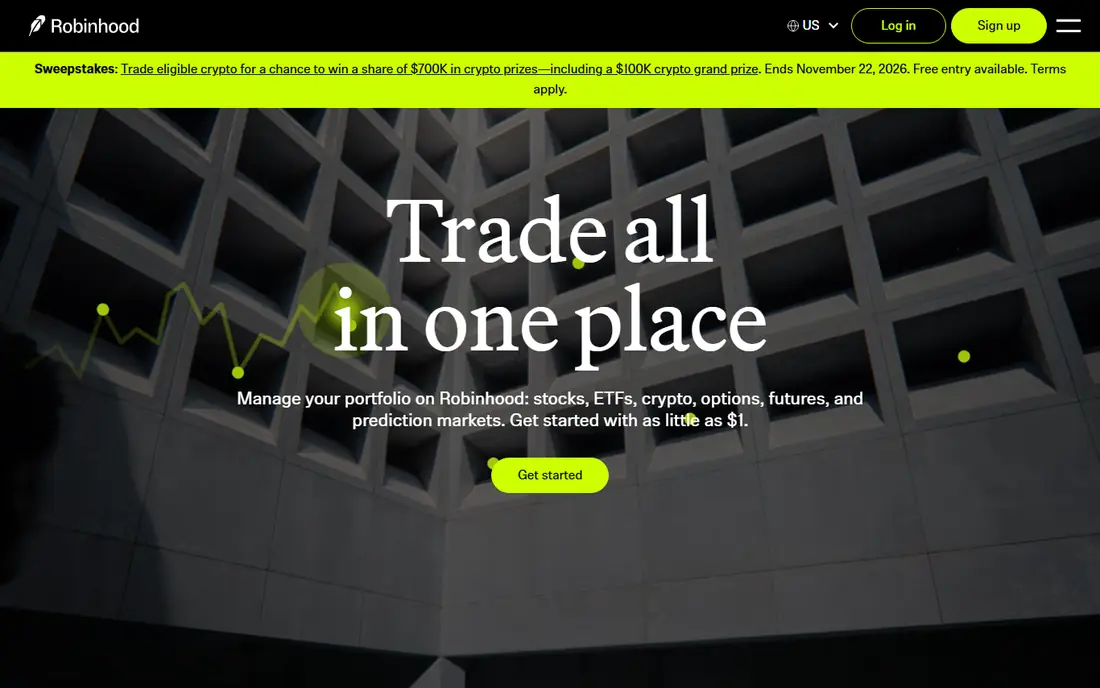
Robinhood made commission-free trading normal, and its app remains one of the simplest ways to buy stocks and ETFs. Fractional shares let you start with small amounts, and retirement accounts are available alongside taxable investing. The clean design helps beginners place a first trade without wading through jargon.
The limit is research depth. Robinhood is thinner on analyst research, screeners, and advanced planning tools than larger brokerages. Gold, its paid tier, adds features such as higher interest on uninvested cash and larger instant deposits. Start free, learn the basics, and move to a deeper brokerage only if you outgrow it.
- Commission-free stock and ETF trades
- Simple interface
- Fractional shares and retirement accounts
- Limited research tools next to full brokerages
- Gold subscription needed for higher cash interest
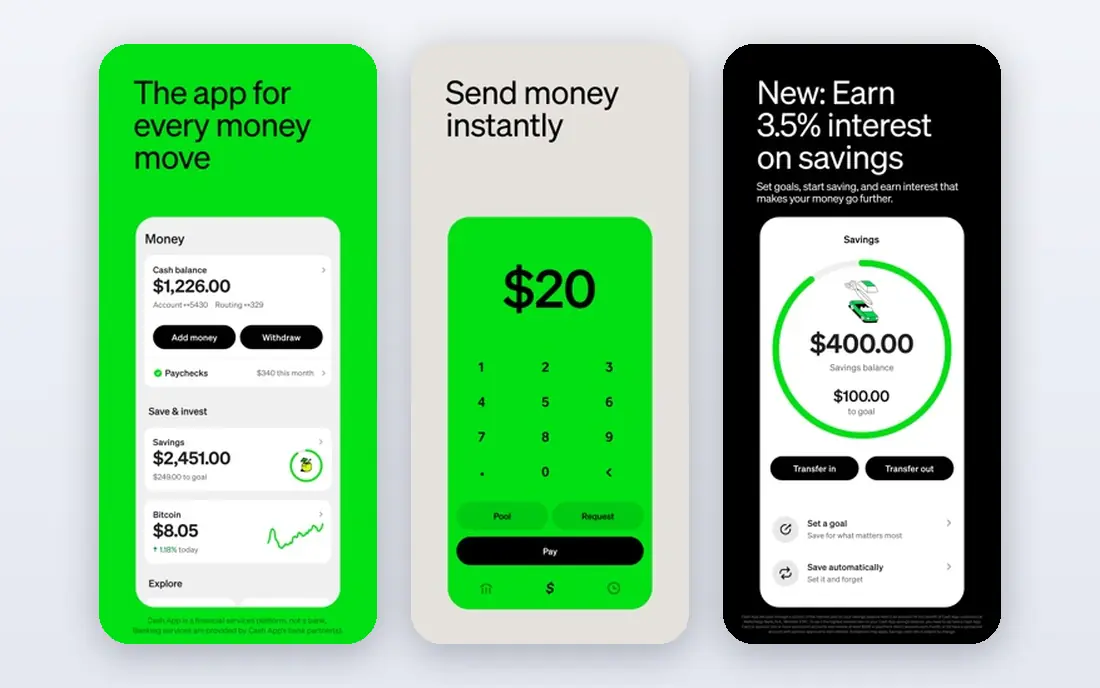
Cash App started as a payment app, and that remains its strongest job. Sending money to friends is fast, the free debit card works for everyday spending, and direct deposit can turn it into a light checking replacement. Stock and bitcoin buying sit inside the same app, which suits users who want small, simple positions.
The weakness is depth and support. Investing tools are basic, and help is largely through the app, which can frustrate users with an urgent account problem. Cash App is excellent as a payment and spending app, and only a light investing app. Keep a separate bank or brokerage if you need deeper tools.
- Fast peer-to-peer payments
- Free debit card
- Stock and bitcoin buying in the same app
- Customer support is app-based and can feel slow
- Investing tools are basic
Revolut is built for people whose money crosses borders. You can hold multiple currencies, exchange at clear rates within plan limits, and spend abroad with a card that avoids many of the surprise fees of a traditional bank card. Budgeting tools and spending analytics help you see where travel and everyday money actually goes.
The catch is that Revolut in the United States is not identical to Revolut in Europe, so check which features apply to your account before relying on it. Free plans cover the basics, while paid tiers add travel perks and higher limits. For frequent travelers and freelancers paid in other currencies, Revolut is hard to replace.
- Holds and exchanges many currencies
- Budgeting and analytics built in
- Cards for travel spending
- US feature set differs from Europe
- Higher tiers cost up to $55 per month for Ultra in some listings
Chime keeps the promise simple: a checking account with no monthly fee, no minimum balance, and early access to direct deposit pay. SpotMe gives eligible users fee-free overdraft coverage up to $200, which can prevent a small shortfall from becoming a costly fee. Automatic savings tools round out a clean everyday banking app.
The limit is the same as for most app banks. There are no branches, and support is online, so users who want face-to-face help will miss a traditional bank. Chime is a strong primary checking choice for people who are comfortable banking entirely on a phone, and it pairs well with a separate investing app.
- No monthly fees
- Early direct deposit
- Fee-free overdraft up to $200 with SpotMe for eligible users
- No physical branches
- Customer support is online only
Wise is the clearest choice for sending money abroad. You see the fee and the exchange rate before you confirm, which removes the hidden margin that makes many bank transfers expensive. The multi-currency account and debit card also help freelancers and travelers who receive money in one currency and spend in another.
Wise is not designed to replace a full US checking account, with branches, checks, and every domestic banking feature. Use it for what it does best, which is moving money across borders at a fair and visible price. For that job, few apps are easier to trust.
- Clear transfer fees shown before you send
- Multi-currency account and card
- Mid-market exchange rate approach
- Not a full everyday bank replacement
- Transfer fees apply even though there is no subscription
PayPal remains the default for online checkout, and that acceptance is its main strength. You can pay at a vast range of merchants without sharing card details with each one, send money to friends, and hold a balance for online spending. Buyer protection on eligible purchases adds confidence for larger orders.
Fees are the drawback. Some transfers, instant withdrawals, and currency conversions carry charges, so read the fee page for your exact use. Sellers also face holds in some cases. Even with those costs, PayPal earns its place because it works almost everywhere online, which no newer payment app yet matches.
- Accepted by a huge number of online merchants
- Buyer protection on eligible purchases
- Easy money sending
- Fees apply to some transfers and currency conversions
- Account holds can frustrate sellers
Acorns turns small, regular habits into investing. Round-ups invest the spare change from card purchases, and recurring deposits add steady contributions without daily decisions. That automation helps people who want to invest but keep putting it off, and the portfolios are diversified and simple by design.
The fee needs honest math. At $3 per month for the Personal plan, a very small balance pays a high percentage in fees, so Acorns works best once contributions become regular. Portfolio choice is also limited, which is fine for beginners and frustrating for hands-on investors. If automation is what you need, Acorns delivers it well.
- Round-ups invest spare change automatically
- Simple portfolios
- Retirement and family plans available
- Monthly fee can outweigh tiny balances
- Portfolio choice is limited by design
Betterment is for investors who want a plan without picking each fund. You set a goal, answer questions about risk and time horizon, and Betterment builds and rebalances a diversified portfolio for you. That hands-off structure suits retirement saving and long-term goals where frequent trading would only add noise.
The cost structure needs care. Some plans charge $5 per month, while others charge 0.25 percent a year, so the cheaper option depends on your balance. There is no free plan, so Betterment suits users with a real balance to invest, not a first $10 test. For set-and-forget investing, it is one of the cleanest options.
- Managed portfolios built for your goal
- Automatic rebalancing
- Tax-aware features on higher tiers
- No free plan
- Fee is 0.25 percent a year on some plans instead of a flat monthly cost for larger balances
YNAB, short for You Need A Budget, is a budgeting app with a method, not just a tracker. Every dollar gets a job before you spend it, and the app forces you to adjust when plans change. That discipline helps people who track spending but still run short before payday, because it plans for irregular bills as well as daily costs.
The price and learning curve are real barriers. At $14.99 per month, YNAB costs more than every other app here, and the first month takes effort to learn. A 34-day trial gives time to test the method properly. If budgeting is your main money problem, YNAB is worth that trial. If you only want a spending overview, a free app will do.
- Strong method for breaking paycheck-to-paycheck cycles
- Clear goals and reports
- Bank connections on many accounts
- Highest monthly price on this list
- Learning curve in the first month
How we picked these
We compared official pricing pages, app store listings, and published feature lists for fintech apps live in the United States in October 2026. We kept apps with clear fees, a working free tier or low starting cost, and a real use case, from payments to investing to budgeting. We left out apps with unclear fee pages, apps no longer operating in the United States, and apps that promised guaranteed returns, since no honest fintech app can do that.
How to build a fintech setup that fits your life
Do not try to make one app do everything. A practical setup is a fee-free checking app such as Chime or SoFi for daily money, a payment app such as Cash App or PayPal for sending money, and one investing app such as Robinhood, Acorns, or Betterment for long-term saving. Add Wise or Revolut only if you regularly send or spend money abroad, and add YNAB only if budgeting is the problem you actually need to solve.
Check four points before opening any account: the monthly fee, the transfer and conversion fees, whether deposits carry FDIC insurance through a partner bank where applicable, and how you reach support if your account is locked. This is general information only, not financial advice. Start with small amounts, read the fee schedule, and keep an emergency fund separate from any investing account.
Frequently asked questions
What is the best fintech app overall?
SoFi is the best all-in-one fintech app for most US users, since it combines banking, investing, and lending in one free app. If you only need one job done well, pick the specialist instead, such as Wise for transfers or YNAB for budgeting.
What is the best fintech app for investing?
Robinhood is the best simple investing app, with commission-free stock and ETF trades and fractional shares. Betterment is the better choice if you want managed portfolios and do not want to pick funds yourself, while Acorns suits automatic small contributions.
Are fintech apps safe?
Reputable fintech apps use encryption, two-factor authentication, and partner banks for deposit insurance where applicable, but safety also depends on your habits. Use strong passwords, turn on two-factor authentication, and check that any investing account states its SIPC coverage and fee schedule clearly.
What is the best fintech platform for international money?
Wise is the best choice for transparent international transfers, and Revolut is the best choice for holding and spending multiple currencies while traveling. Use Wise when the transfer itself matters most, and Revolut when you want a multi-currency account and card in one app.
Is there a good free fintech app?
Yes. SoFi, Robinhood, Cash App, Revolut, Chime, Wise, and PayPal all offer free core accounts, though fees may apply to specific transfers, conversions, or premium features. Read the fee page for your exact use before assuming every action is free.
Do fintech apps replace a traditional bank?
They can for many everyday needs, but not for everyone. App banks lack branches, and some services, such as cash deposits or complex business banking, are easier at a traditional bank. Many users keep a traditional account alongside a fintech app and use each where it is strongest.
Sources
See where you really rank - block by block
ProMapRanker scans Google Maps across a grid of your service area. Simple monthly plans from $19, white-label on every plan.
Start freeKeep reading
 wpforms alternatives
Best WPForms Alternatives in 2026
We compare 9 wpforms alternatives for WordPress forms, with free and paid options, current pricing notes, and honest limits for small business sites in 2026.
Read → windows task scheduler alternatives
Best Windows Task Scheduler Alternatives in 2026
Looking for Windows Task Scheduler alternatives? We compare 9 schedulers for Windows and cross-platform work, from free tools to enterprise automation.
Read → which ai video service is best
Which AI Video Service Is Best in 2026
which ai video service is best? We compare 10 legitimate AI video services on price, avatars, editing and output quality to help you pick the right tool.
Read →