 ProMapRanker
Best File Sharing Apps for Laptops in 2026


Google users and everyday sharing · Pricing starts at: $1.99 per month
Key takeaways
- Google Drive gives the most generous free storage here at 15 GB, while Dropbox gives only 2 GB but is known for fast, reliable sync.
- OneDrive is the best value for Windows and Microsoft 365 users, since paid plans bundle Office apps with 1 TB of storage.
- pCloud stands out for a one-time lifetime payment option, and Sync.com and Proton Drive stand out for end-to-end encryption.
- WeTransfer and MEGA suit different jobs: WeTransfer for sending large files without an account setup, and MEGA for a large encrypted free tier.
- The right pick depends on whether you need daily sync, one-off sending, or client sharing with strong privacy controls.
Quick comparison
| Pick | Great for | Pricing starts at | Free tier | |
|---|---|---|---|---|
| Google Drive | Google users and everyday sharing | $1.99 per month | Yes | Visit |
 Dropbox | Fast, reliable sync | $11.99 per month | Yes | Visit |
 OneDrive | Windows and Microsoft 365 users | $1.99 per month | Yes | Visit |
 Box | Business sharing and controls | $5 per user per month | Yes | Visit |
 pCloud | Lifetime payment option | $4.99 per month | Yes | Visit |
 Sync.com | Private client sharing | $12 per month | Yes | Visit |
 Proton Drive | Encrypted sharing | $3.99 per month | Yes | Visit |
 WeTransfer | Sending large files quickly | $12 per month | Yes | Visit |
 MEGA | Large encrypted free tier | See website | Yes | Visit |
The best file sharing apps for laptops
A file sharing app for a laptop has to do more than store files: it must sync reliably, share with a link, and work when you are offline. These nine apps cover everyday sync, business sharing, private sharing, and one-off large sends.
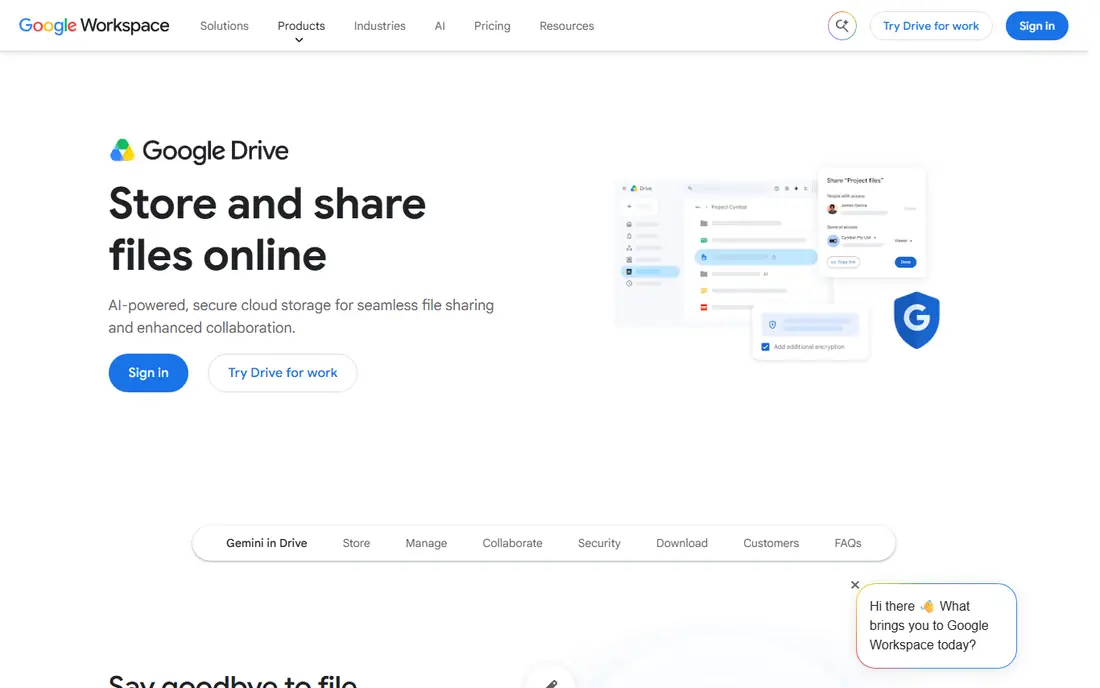
Google Drive is our pick for most laptop users, because it combines generous free storage with tools most people already use. The 15 GB free tier covers Drive, Gmail, and Photos together, and paid Google One plans start at $1.99 per month for 100 GB. Sharing is simple: right-click a file, set permissions, and send a link.
The catch is that the shared 15 GB fills faster than it first appears, especially if you keep a large Gmail history or photo library. Drive's sync is also reliable rather than the fastest in this list. For everyday sharing and collaboration in Google Docs, it remains the most practical default.
- 15 GB free across Google services
- Strong Docs, Sheets, and Gmail integration
- Simple link sharing
- Free storage is shared with Gmail and Photos
- Desktop app can feel heavier than Dropbox
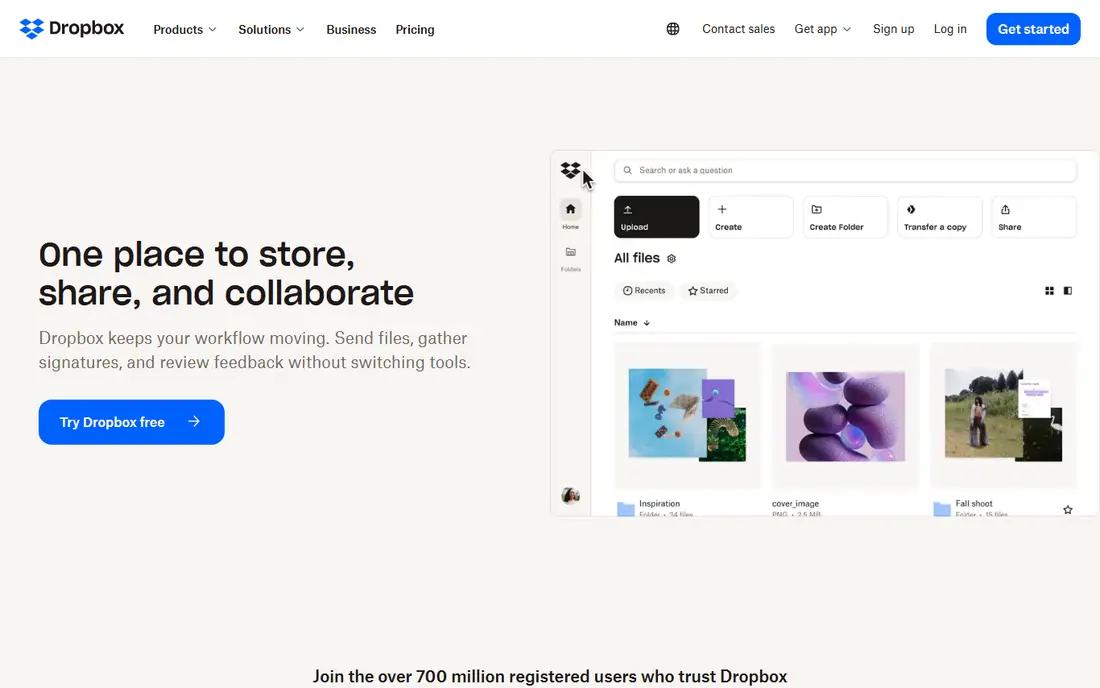
Dropbox built its name on sync that simply works, and that reputation still holds. Files appear quickly across laptops, phones, and the web, and its integrations with tools like Slack, Zoom, and Microsoft Office make it easy to share from inside other apps. Paid Plus plans start at $11.99 per month for 2 TB billed monthly.
The free plan is the weak point, with only 2 GB, so Dropbox is a poor choice if you want a large free tier. Its paid pricing is also higher than Google One or OneDrive for similar storage. If sync speed and reliability matter more than free storage, Dropbox is still a strong pick.
- Fast and dependable sync across devices
- Wide app integrations
- Clear file request and sharing controls
- Only 2 GB free
- Paid plans cost more per terabyte than some rivals
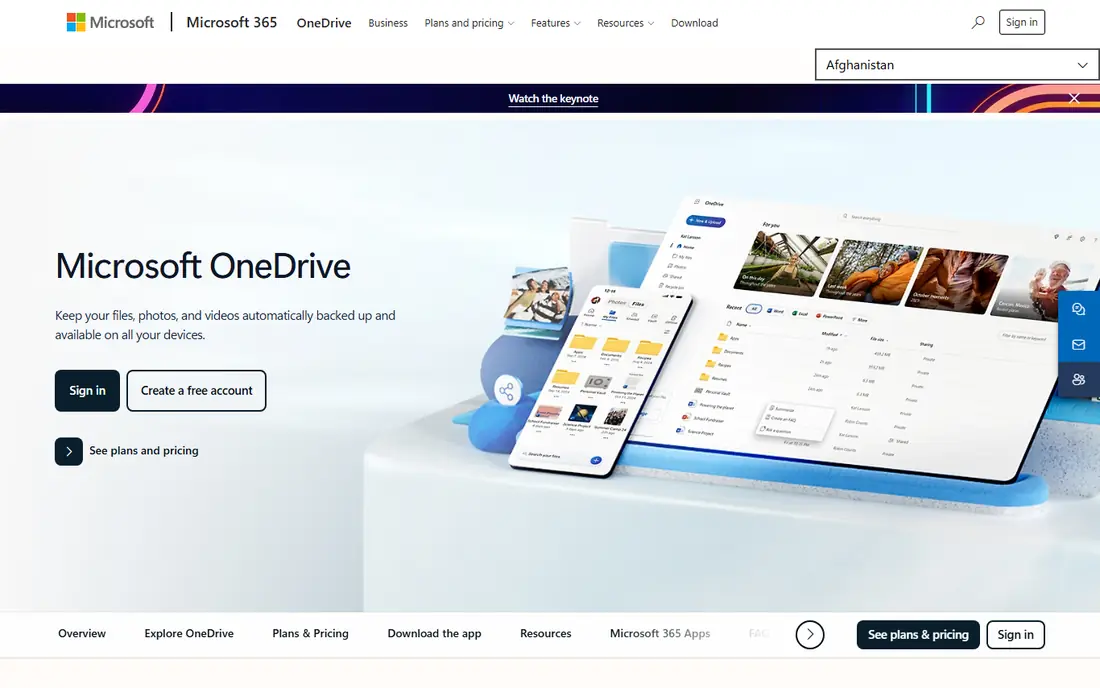
OneDrive is the natural choice on a Windows laptop, because it appears inside File Explorer and syncs with Microsoft 365. Files On-Demand lets you see online files without downloading them all, which helps on laptops with smaller drives. A standalone 100 GB plan starts at $1.99 per month, while Microsoft 365 Personal adds 1 TB plus Office desktop apps.
The 5 GB free tier is modest, and the best value clearly comes from the Microsoft 365 bundle rather than storage alone. If you already pay for Microsoft 365, OneDrive is effectively included, and there is little reason to add another sync service for everyday files.
- Deep Windows and File Explorer integration
- Microsoft 365 bundles include Office apps
- Files On-Demand saves local space
- Only 5 GB free
- Best value requires a Microsoft 365 subscription
Box is built for business sharing, with detailed permissions, version history, and admin controls that IT teams value. It integrates with Google Workspace, Microsoft 365, Slack, and Salesforce, so shared files fit into existing workflows. Individual accounts get 10 GB free, and business plans start at $5 per user per month.
Box is less appealing as a personal media library than Dropbox or Google Drive, and some business tiers require a minimum number of users. For teams that share client files, contracts, or regulated documents, its controls justify the business focus.
- Strong admin, permission, and governance controls
- Many business app integrations
- 10 GB free for individuals
- Business plans require a three-user minimum on some tiers
- Less focused on personal photo or media use
pCloud suits people who dislike subscriptions, because it offers lifetime plans alongside monthly and annual options. Monthly plans start at $4.99 per month for 500 GB, and the free tier offers up to 10 GB. It also handles media playback well, so music and video stored in pCloud can be played without downloading first.
The main catch is encryption: pCloud's client-side encryption add-on, called Crypto, costs extra, while some rivals include end-to-end encryption by default. A lifetime plan is also a bigger upfront commitment. If you want to pay once and keep a large library, pCloud is the standout here.
- Up to 10 GB free
- Lifetime plans avoid ongoing subscriptions
- Media playback and file versioning included
- Client-side encryption costs extra
- Lifetime pricing is a larger upfront payment
Sync.com is designed for professionals who share files with clients and want privacy built in. Files are end-to-end encrypted, so only you and your recipients can read them, and shared links can carry passwords, expiry dates, and download limits. Personal plans start at $12 per month billed annually for 1 TB, with a 5 GB free tier.
Sync is not the fastest sync engine here, especially for very large media libraries, and its free tier is small. For accountants, lawyers, designers, and other professionals sending sensitive client files from a laptop, its privacy controls matter more than raw speed.
- End-to-end encryption by default
- Password-protected links and expiry dates
- Good for sharing with clients
- 5 GB free
- Sync can be slower than Dropbox for very large libraries
Proton Drive, from the makers of Proton Mail, applies end-to-end encryption to files, folder names, and sharing links by default. That means Proton itself cannot read your stored files, which appeals to users who want strong privacy without managing encryption themselves. Drive Plus starts at $3.99 per month billed annually for 200 GB.
Proton Drive has fewer integrations than Google Drive or Dropbox, and its ecosystem works best if you already use other Proton services. For privacy-first sharing from a laptop, it is one of the cleanest options, especially combined with Proton Mail.
- End-to-end encryption by default
- Swiss privacy jurisdiction
- Integrates with Proton Mail, Calendar, and VPN on higher plans
- 5 GB free on the basic free tier in recent listings
- Fewer third-party integrations than Drive or Dropbox
WeTransfer solves a different problem: sending a large file to someone, once, without setting up shared folders. You upload the file, enter an email address or copy a link, and the recipient downloads it. The free tier covers smaller transfers, and paid Pro plans start at $12 per month with larger limits and longer availability.
WeTransfer is not a replacement for Dropbox or Drive, because it does not sync a folder on your laptop or keep a permanent library. For designers, photographers, and video editors who regularly send finished files to clients, it is the simplest tool in this list for that one job.
- Send large files without the recipient needing an account
- Simple email or link delivery
- Good for creatives sending finished work
- Not a sync or backup service
- Free transfers have size limits and expiry
MEGA offers the largest free tier here at 20 GB, with end-to-end encryption by default and apps for Windows, macOS, Linux, and mobile. That combination makes it attractive for users who want private storage without paying, and its sharing links include password and expiry options. Paid plans add more storage and transfer quota.
The free tier carries transfer limits, so heavy downloading can pause until the quota resets, and pricing varies by currency and plan. MEGA also has fewer business integrations than Box or Drive. For a large, encrypted free tier on a laptop, it is hard to beat.
- 20 GB free tier
- End-to-end encryption by default
- Chat and sharing features built in
- Pricing is shown in euros on some plans
- Transfer quotas can limit heavy free use
How we picked these
We compared official feature pages, pricing pages, and app listings for file storage and sharing services with laptop apps, and we kept only services that exist and work today. We weighed free storage, paid pricing, sync reliability, sharing controls, encryption, and platform support for Windows and macOS. We did not claim hands-on testing we did not do; this comparison reflects published features, pricing, and public reviews.
What to check before you choose
Start with how you actually share. If you sync the same folders every day, pick a sync service like Drive, Dropbox, or OneDrive. If you send finished files to clients, a sharing-focused service like Sync.com or WeTransfer may fit better, even if it is not your main storage. If privacy is the priority, check whether encryption is end-to-end by default or an extra-cost add-on.
Next, check the limits that matter on a laptop: free storage, file size limits, and whether files can stay online-only to save local disk space. Test sharing with a real recipient, including password-protected links and expiry, before you move client work over. Finally, confirm the desktop app runs well on your operating system and that version history covers accidental overwrites.
For everyday laptop use
Google Drive or OneDrive will cover most people, with Dropbox as the pick if sync speed matters most. MEGA is the best free-tier alternative if you want encryption included.
For client and business sharing
Box and Sync.com offer the strongest permission and expiry controls, while Proton Drive adds strong default encryption for privacy-led teams.
For one-off large sends
WeTransfer is the simplest choice, and pCloud works well if you also want a permanent media library with a lifetime payment option.
Frequently asked questions
What is the best free file sharing app for laptops?
Google Drive gives the most free storage at 15 GB, while MEGA gives 20 GB with encryption by default. The best free pick depends on whether you value Google integration or a larger encrypted free tier more.
Is Dropbox still worth it in 2026?
Yes, if sync reliability and integrations matter to you, Dropbox remains strong despite a small 2 GB free tier. If free storage or price per terabyte matters more, Google Drive or OneDrive will usually offer better value.
Which file sharing app is most private?
Sync.com, Proton Drive, and MEGA all offer end-to-end encryption by default, so the provider cannot read your files. pCloud offers client-side encryption as a paid add-on, while Drive, Dropbox, and OneDrive do not encrypt files end-to-end by default.
Can I share large files without the recipient having an account?
Yes, WeTransfer is built for that, and most services here also let recipients download from a link without creating an account. Check the file size limit and link expiry on the free tier before sending a very large file.
Do these apps work offline on a laptop?
Yes, the sync services here keep local copies of selected files for offline use, and online-only settings help save disk space. WeTransfer is the exception, since it is a sending service rather than a sync service.
How much storage do I need on a laptop sharing app?
For documents and occasional photos, 100 GB is usually enough. For video, design files, or a full photo library, 1 TB or 2 TB is a safer starting point, and a lifetime plan may cost less over several years.
Sources
See where you really rank - block by block
ProMapRanker scans Google Maps across a grid of your service area. Simple monthly plans from $19, white-label on every plan.
Start freeKeep reading
 best resource management software
Best Resource Management Software in 2026
We compared the best resource management software for scheduling, capacity and utilization, with current pricing and free trials, to help teams choose well.
Read → best reporting tools
Best Reporting Tools in 2026
Compare the best reporting tools for dashboards, scheduled reports, and business insights, from Power BI and Tableau to Looker Studio for every team size.
Read → best remote support software
Best Remote Support Software in 2026
Looking for the best remote support software? We compare 9 tools on price, security, session controls, and fit for helpdesks, MSPs, and small teams in 2026.
Read →