 ProMapRanker
Best ERD Diagram Tools in 2026


developers who prefer code-first schema design · Pricing starts at: See website
Key takeaways
- dbdiagram and QuickDBD suit developers who want a diagram from text fast.
- Lucidchart and diagrams.net suit visual discussion and stakeholder diagrams.
- SqlDBM, Vertabelo and DbSchema suit formal modeling with DDL and version control.
- MySQL Workbench and DBeaver suit teams that want a diagram from a live database.
- Choose by workflow: sketching, formal modeling and live-database work are different jobs.
Quick comparison
| Pick | Great for | Pricing starts at | Free tier | |
|---|---|---|---|---|
| dbdiagram | developers who prefer code-first schema design | See website | Yes | Visit |
 Lucidchart | cross-functional teams that need clear diagrams for stakeholders | $9 per month | Yes | Visit |
 diagrams.net | teams that want a free, general diagram tool | Free | Yes | Visit |
 QuickDBD | people who want text-to-diagram speed | $14 per month | Yes | Visit |
 Vertabelo | teams that want traditional logical and physical modeling in a browser | See website | Yes | Visit |
 SqlDBM | teams that model for warehouses and modern data platforms | See website | Free trial | Visit |
 MySQL Workbench | MySQL developers and database administrators | Free | Yes | Visit |
 DBeaver | developers who work across many database engines | Free | Yes | Visit |
 DrawSQL | teams that want clean diagrams with templates and AI review | $19 per month | Yes | Visit |
 DbSchema | enterprises with many legacy database engines | See website | Yes | Visit |
The best ERD diagram tools
An entity-relationship diagram shows tables, columns and relationships in a form a team can discuss before code is written. We compared code-first tools, visual modelers and database-connected tools, with attention to DDL generation, reverse engineering, collaboration and price.
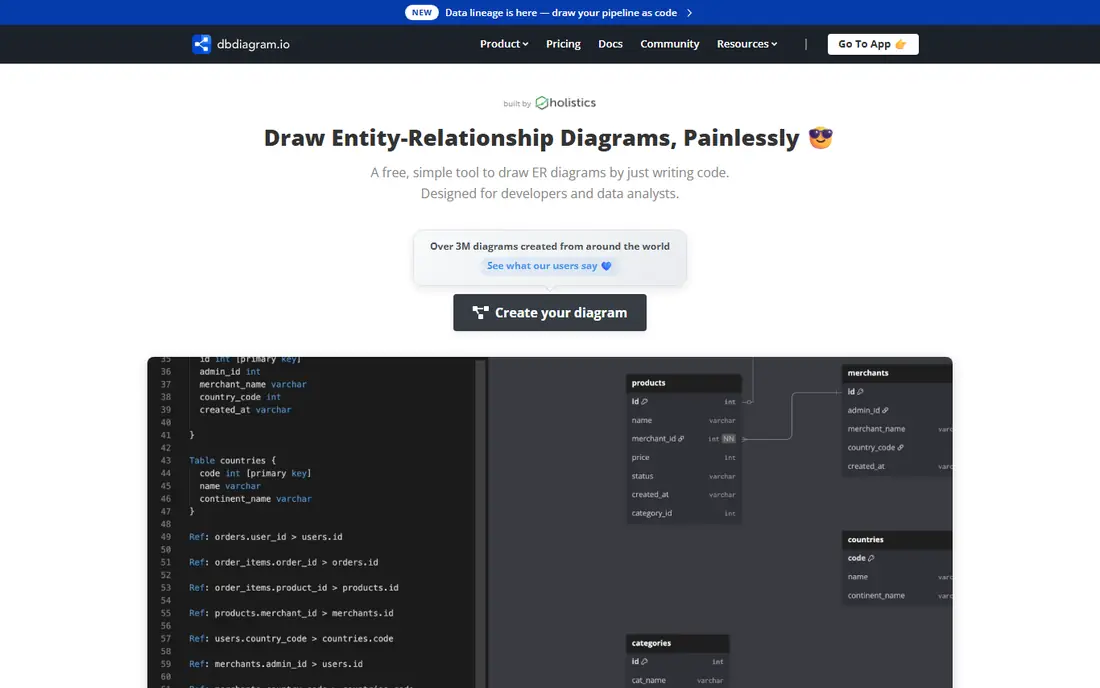
dbdiagram is a strong match for developers who prefer code-first schema design. Typing a schema is faster than dragging tables when the design is already clear in code. In practice, that helps when a team must agree on tables and relationships before building, and an unclear diagram leads to rework later.
The catch is worth stating plainly. Visual-only teammates may prefer a drag-and-drop editor, so check who will actually edit the diagram. Check the plan limits and the export or reporting options before you commit, since those details decide whether the tool fits your workflow. Our view is that dbdiagram earns its place for developers who prefer code-first schema design, as long as you buy it for that job and not for every job at once.
- DBML text input with live diagram
- Fast for developers
- Sharing and export options
- No live database connection for sync in the web editor
Lucidchart
Great for: cross-functional teams that need clear diagrams for stakeholders
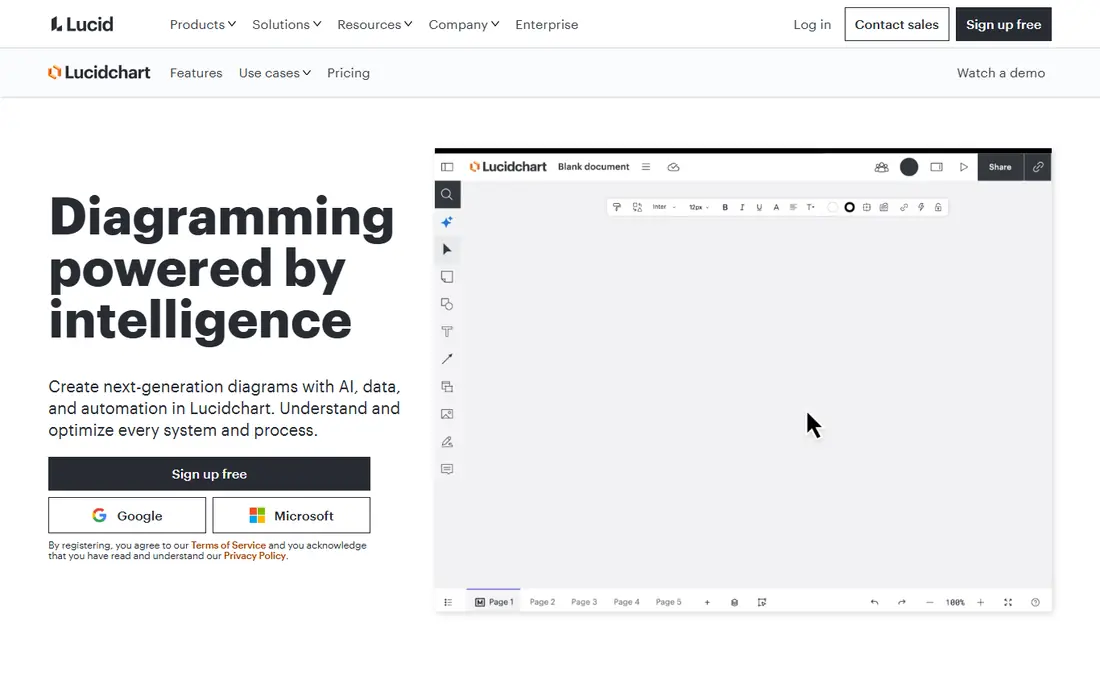
For cross-functional teams that need clear diagrams for stakeholders, Lucidchart stands out because communication is the strength, since a clean diagram helps non-technical stakeholders follow a design discussion. That matters in daily work, since a team must agree on tables and relationships before building, and an unclear diagram leads to rework later.
There is a trade-off to weigh. Database engineers will still need a separate tool for DDL generation and schema sync. Look at the current pricing page and test the tool on a real example before paying, since a demo can hide limits that only show up in daily use. For cross-functional teams that need clear diagrams for stakeholders, Lucidchart remains a solid pick when that trade-off is acceptable.
- Real-time collaboration
- Large template library
- Broad integrations
- No forward or reverse engineering of a live database
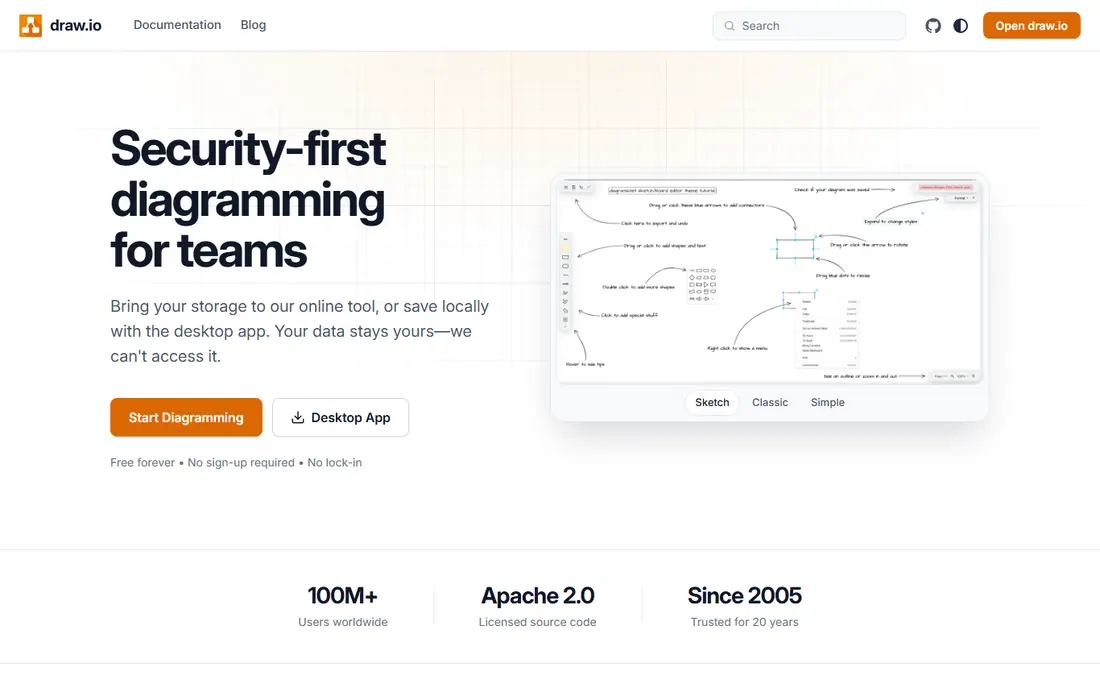
diagrams.net fits teams that want a free, general diagram tool well. For a one-off ERD or a quick whiteboard sketch, a free tool with no signup friction is hard to beat. The practical effect is clear when a team must agree on tables and relationships before building, and an unclear diagram leads to rework later.
Be clear-eyed about the limit. It will not reverse-engineer a database or enforce naming rules, so larger models need a specialist tool. Confirm what the plan includes, try a realistic task, and compare the result with your current tool. For teams that want a free, general diagram tool, diagrams.net is worth shortlisting, provided the limit above does not block your main use.
- Free
- No account needed for basic use
- Offline app
- Storage integrations
- Not database specific
- SQL generation is manual
QuickDBD is a strong match for people who want text-to-diagram speed. Speed is the whole pitch, and it works well for a diagram needed in a meeting or a pull request. In practice, that helps when a team must agree on tables and relationships before building, and an unclear diagram leads to rework later.
The catch is worth stating plainly. Complex models with strict standards may outgrow it quickly. Check the plan limits and the export or reporting options before you commit, since those details decide whether the tool fits your workflow. Our view is that QuickDBD earns its place for people who want text-to-diagram speed, as long as you buy it for that job and not for every job at once.
- Plain-text input turns into a diagram fast
- Clean interface
- Fewer modeling and collaboration features than larger platforms
Vertabelo
Great for: teams that want traditional logical and physical modeling in a browser
For teams that want traditional logical and physical modeling in a browser, Vertabelo stands out because traditional modeling is handled well, with logical design that can generate a physical model. That matters in daily work, since a team must agree on tables and relationships before building, and an unclear diagram leads to rework later.
There is a trade-off to weigh. Teams that need continuous sync with a live database should check the import workflow first. Look at the current pricing page and test the tool on a real example before paying, since a demo can hide limits that only show up in daily use. For teams that want traditional logical and physical modeling in a browser, Vertabelo remains a solid pick when that trade-off is acceptable.
- Logical and physical models
- DDL import and export
- Collaboration and versioning
- Reverse engineering is file based rather than a live connection
SqlDBM fits teams that model for warehouses and modern data platforms well. Warehouse support is the differentiator, since Snowflake, BigQuery and similar platforms are first-class here. The practical effect is clear when a team must agree on tables and relationships before building, and an unclear diagram leads to rework later.
Be clear-eyed about the limit. Small one-diagram users may find a lighter tool faster and cheaper. Confirm what the plan includes, try a realistic task, and compare the result with your current tool. For teams that model for warehouses and modern data platforms, SqlDBM is worth shortlisting, provided the limit above does not block your main use.
- Browser based
- Reverse and forward engineering
- Collaboration and version history
- Pricing is quote based on current pages, so budgeting needs a sales conversation
MySQL Workbench is a strong match for MySQL developers and database administrators. For MySQL work, a free official tool that can read a live database and generate SQL is a strong starting point. In practice, that helps when a team must agree on tables and relationships before building, and an unclear diagram leads to rework later.
The catch is worth stating plainly. Teams on PostgreSQL or SQL Server will need a different tool. Check the plan limits and the export or reporting options before you commit, since those details decide whether the tool fits your workflow. Our view is that MySQL Workbench earns its place for MySQL developers and database administrators, as long as you buy it for that job and not for every job at once.
- Free
- Reverse and forward engineering for MySQL
- Visual design plus SQL tools
- MySQL focus only
- Interface feels dated next to web tools
For developers who work across many database engines, DBeaver stands out because breadth wins here, since one desktop tool can connect to many engines and show their schemas. That matters in daily work, since a team must agree on tables and relationships before building, and an unclear diagram leads to rework later.
There is a trade-off to weigh. If the diagram itself is the deliverable for stakeholders, export and styling may disappoint. Look at the current pricing page and test the tool on a real example before paying, since a demo can hide limits that only show up in daily use. For developers who work across many database engines, DBeaver remains a solid pick when that trade-off is acceptable.
- Community edition is free
- Many database connections
- ER diagrams from a live connection
- Diagram polish is weaker than dedicated modeling tools
DrawSQL fits teams that want clean diagrams with templates and AI review well. Clean presentation and embeds make it a good fit for documentation that people actually read. The practical effect is clear when a team must agree on tables and relationships before building, and an unclear diagram leads to rework later.
Be clear-eyed about the limit. Private work needs a paid plan, so the free tier suits public or trial diagrams only. Confirm what the plan includes, try a realistic task, and compare the result with your current tool. For teams that want clean diagrams with templates and AI review, DrawSQL is worth shortlisting, provided the limit above does not block your main use.
- SQL and DBML import
- Table groups
- Version history
- Live embeds
- Free diagrams are public only
- Real-time editing starts on a higher tier
DbSchema is a strong match for enterprises with many legacy database engines. Keeping data local on the desktop suits teams with strict security rules. In practice, that helps when a team must agree on tables and relationships before building, and an unclear diagram leads to rework later.
The catch is worth stating plainly. Cloud-first teams may miss real-time browser collaboration. Check the plan limits and the export or reporting options before you commit, since those details decide whether the tool fits your workflow. Our view is that DbSchema earns its place for enterprises with many legacy database engines, as long as you buy it for that job and not for every job at once.
- Desktop tool with many database connections
- Reverse engineering
- Documentation output
- Desktop only, so browser collaboration needs Git or files
How we picked these
We compared official product and pricing pages for ERD tools, checking whether each tool supports visual editing, text input, DDL import and export, reverse engineering and collaboration. We kept tools that are still sold and supported and that handle entity-relationship diagrams as a core use, not only as one shape among many. Where pricing was quoted or unclear, we used See website.
How to choose an ERD diagram tool
Decide how the diagram will be made
Code-first tools suit developers who already think in SQL or DBML. Visual tools suit mixed teams and stakeholder reviews. Database-connected tools suit teams documenting an existing system. The best tool is the one the people who edit the diagram will actually use.
Check DDL and reverse engineering needs
If the diagram must become SQL, check forward engineering and dialect support. If the diagram must reflect a live database, check reverse engineering and sync. A pretty diagram that cannot generate or read SQL will create manual work on every change.
Think about sharing and version control
Teams need to know who changed a table, when and why. Check version history, comments, embeds and export formats. For code-first teams, a text format that lives in Git often beats a diagram locked in a proprietary file.
Frequently asked questions
What is an ERD?
An entity-relationship diagram shows the tables in a database, their columns, and how tables relate to each other. It helps a team agree on structure before building, and it helps new developers understand an existing system.
Do I need a database-specific tool or a general diagram tool?
A general tool such as diagrams.net or Lucidchart suits sketches and stakeholder discussion. A database-specific tool suits formal work, since it can generate SQL, import DDL and check relationships. Many teams use both for different stages.
What is reverse engineering in this context?
Reverse engineering reads an existing database and draws its schema as a diagram. It is useful for documenting legacy systems. Not every tool offers it, and some only import a SQL file rather than connecting live.
Which notation should I use?
Crow's Foot notation is common for showing one-to-many and many-to-many relationships. Chen notation is used in teaching and formal modeling. The tool matters less than using one notation consistently across a project.
Can I keep diagrams in version control?
Code-first tools such as dbdiagram use text formats that work well in Git. Visual tools may offer version history inside the app instead. If Git history matters to your team, check the export format before committing.
Sources
See where you really rank - block by block
ProMapRanker scans Google Maps across a grid of your service area. Simple monthly plans from $19, white-label on every plan.
Start freeKeep reading
 wpforms alternatives
Best WPForms Alternatives in 2026
We compare 9 wpforms alternatives for WordPress forms, with free and paid options, current pricing notes, and honest limits for small business sites in 2026.
Read → windows task scheduler alternatives
Best Windows Task Scheduler Alternatives in 2026
Looking for Windows Task Scheduler alternatives? We compare 9 schedulers for Windows and cross-platform work, from free tools to enterprise automation.
Read → which ai video service is best
Which AI Video Service Is Best in 2026
which ai video service is best? We compare 10 legitimate AI video services on price, avatars, editing and output quality to help you pick the right tool.
Read →