 ProMapRanker
Best Enterprise Patch Management Software in 2026


Microsoft-centred organisations · Pricing starts at: $8 per user per month
Key takeaways
- Action1 is free for the first 200 endpoints, which makes it a low-risk pilot for smaller estates.
- ManageEngine Patch Manager Plus offers a free edition for up to 25 computers, with paid plans from under $1 per endpoint per month in published comparisons.
- Automox lists OS patching from $1 per endpoint per month, while Microsoft Intune lists $8 per user per month standalone.
- Atera prices per technician from $149 per month for IT departments, which suits teams with many endpoints per technician.
- Third-party application coverage varies widely, so check your most-used apps before choosing on OS patching alone.
Quick comparison
| Pick | Great for | Pricing starts at | Free tier | |
|---|---|---|---|---|
| Microsoft Intune | Microsoft-centred organisations | $8 per user per month | No | Visit |
 ManageEngine Patch Manager Plus | Cost-conscious mid-market teams | See website | Yes | Visit |
 Automox | Cloud-first remote teams | $1 per endpoint per month | Free trial | Visit |
 Action1 | Small teams starting free | Free | Yes | Visit |
 NinjaOne | Unified endpoint management | See website | Free trial | Visit |
 Ivanti Neurons for Patch Management | Large risk-based estates | See website | No | Visit |
 Atera | IT teams and MSPs | $149 per technician per month | Free trial | Visit |
 Jamf Pro | Apple-only fleets | $12.50 per Mac per month | Free trial | Visit |
 PDQ | Package-based Windows remediation | See website | Free trial | Visit |
The best enterprise patch management software
Enterprise patch management is about closing the gap between a patch being released and a device actually receiving it, across operating systems and third-party apps. The best automated patch management software for IT teams does that on a schedule, with rollback, reporting and clear records for audits.
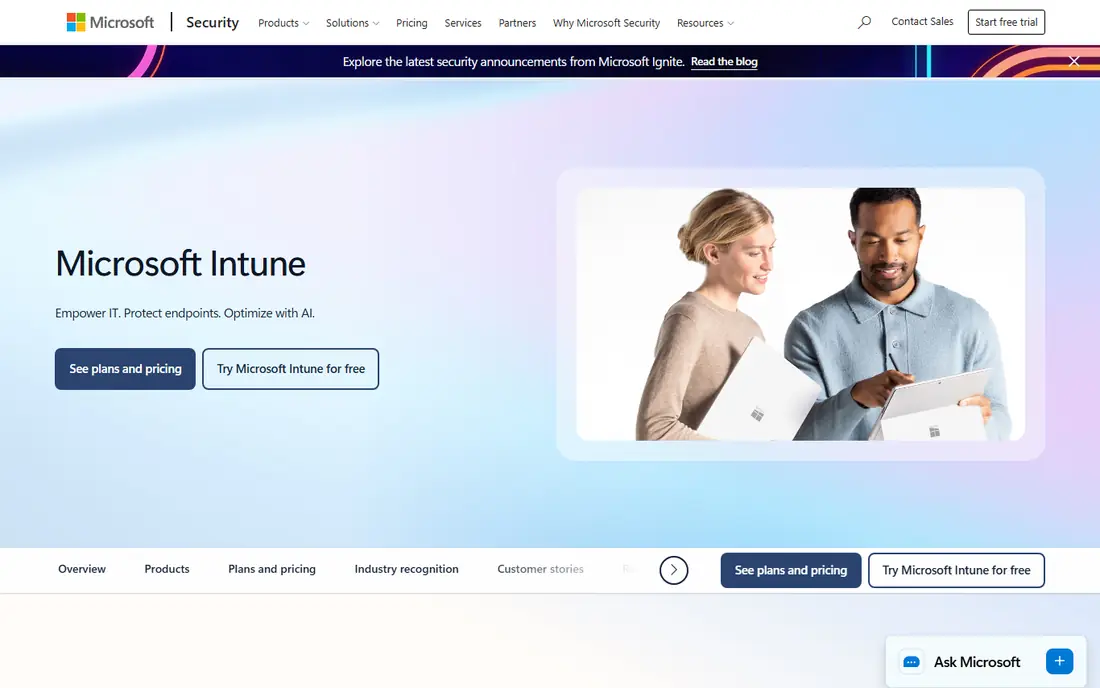
Microsoft Intune suits organisations that already run Microsoft 365 and Windows, since update policies, device compliance and app deployment share one console. Published comparisons list Intune standalone at $8 per user per month, or $22 per user per month as part of Business Premium, though exact bundle terms should be confirmed. Autopatch options can further automate Windows updates for qualifying licences.
The limitation is breadth. macOS and Linux management exists, but depth does not match Windows, and third-party Windows app updates remain narrower than specialist patch tools. Teams with mixed fleets often pair Intune with another tool, rather than relying on it alone for every application.
- Deep Windows and Microsoft 365 integration
- Policy-based updates
- Included in some Microsoft 365 plans
- MacOS and Linux parity is weaker
- Third-party app catalogue is still limited
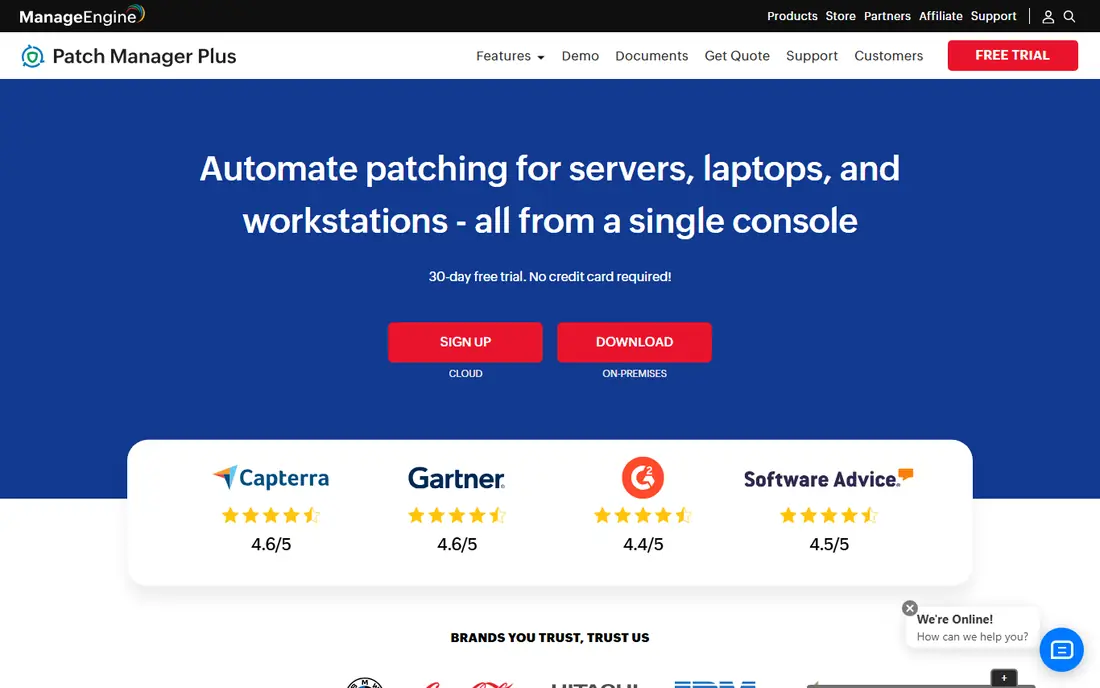
ManageEngine Patch Manager Plus covers Windows, macOS and Linux, with a third-party catalogue reported at more than 1,000 applications in published comparisons. That breadth matters because browsers, office tools and utilities often carry as much risk as the operating system itself. A free edition for up to 25 computers lets small teams test real patching before paying.
The interface packs many options into one console, which can feel dense for new administrators. Paid pricing is published as a grid by endpoint count, so read the tier that matches your estate size rather than assuming the lowest figure applies. For cost-conscious mid-market teams, the combination of breadth and published pricing is a strong point.
- Windows, macOS and Linux coverage
- Large third-party app catalogue
- Free edition for small estates
- Interface can feel dense
- Paid pricing grid needs careful reading
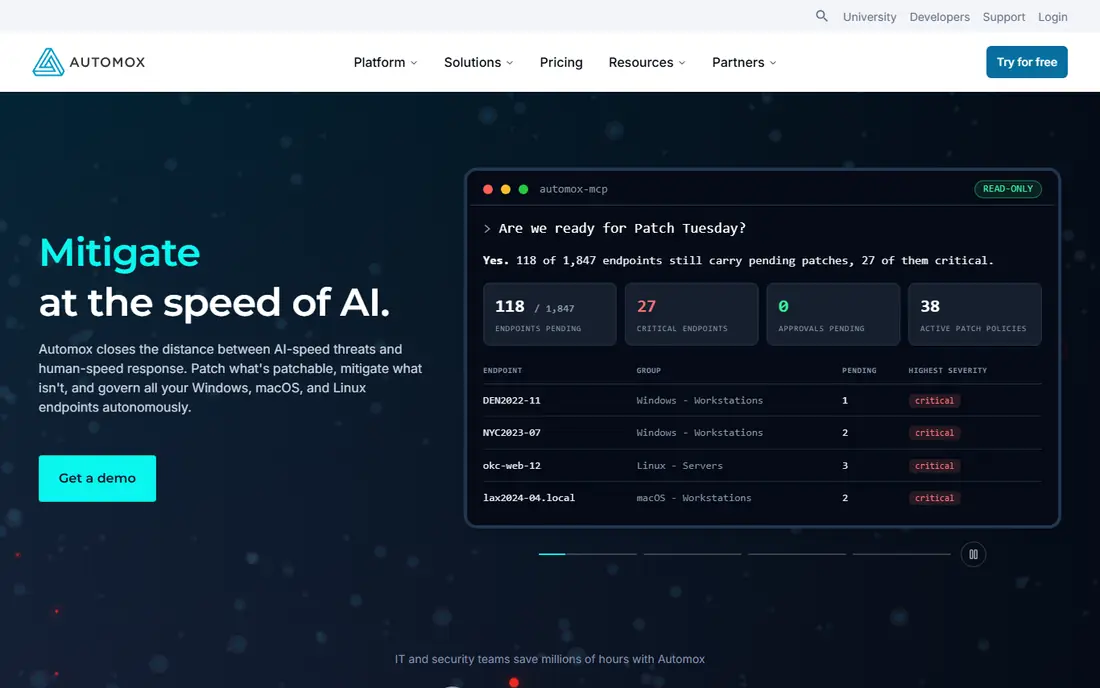
Automox is built for cloud-first teams with remote devices that rarely sit on a corporate network. Its agent checks in from anywhere, applies OS and third-party patches on policy, and reports compliance centrally. Published pricing lists OS patching from $1 per endpoint per month on annual billing, which makes budgeting simple for larger estates.
Third-party patching depth is the catch. The fuller catalogue of more than 500 applications in published comparisons applies to Automate tiers, not the base OS tier, so teams should confirm which apps are covered at the price they plan to pay. For remote-heavy fleets, the cloud model still outweighs that tier question in many cases.
- Cloud-native agent
- Windows, macOS and Linux support
- Simple per-endpoint pricing
- Third-party coverage sits on higher tiers
- Policy depth varies by plan
Action1 stands out for its free tier, covering the first 200 endpoints with cloud patching at no cost in published comparisons. That makes it an easy pilot for small IT teams, schools and non-profits that need real patching without an immediate licence bill. Policies control which patches deploy, when they deploy and which groups receive them first.
Coverage is Windows-led, so teams with large macOS or Linux fleets should validate depth for those systems before committing. Above 200 endpoints, pricing is per endpoint and quoted, so larger enterprises should get a written figure early. For estates under the free limit, there is little reason not to trial it.
- Free for the first 200 endpoints
- Cloud-based patching
- Policy-based deployment
- Windows-led coverage
- Larger estates need a quote
NinjaOne combines patch management with remote monitoring, asset inventory, backup and remote access, so patching sits inside daily endpoint work rather than in a separate console. It covers Windows, macOS and Linux, with a broad third-party catalogue and automation that can pause risky patches based on patch intelligence. That integration helps teams that want one agent per device.
The trade-off is that pricing is quoted, and the platform is broader than patching alone. Teams that only need patching may pay for management features they do not use, while teams that already need endpoint management will find the bundle more convincing. Ask for a quote tied to endpoint count and required modules.
- Patching inside a wider endpoint platform
- OS and third-party patching
- Automation and reporting
- Pricing is by quote
- Full value needs the wider platform
Ivanti Neurons for Patch Management targets large enterprises that want risk-based patching tied to asset and service management data. Patches can be prioritised by vulnerability risk rather than release order, which helps teams with thousands of endpoints focus on what matters first. Reporting and role controls support audit and compliance work.
The main drawback is pricing transparency. There is no published rate card in comparisons, so budgeting requires a sales quote and a clear scope of endpoints and modules. Smaller teams may find the platform heavier than needed, while large IT organisations with existing Ivanti tooling will see the integration value.
- Risk-based prioritisation
- Windows, macOS and Linux coverage
- Asset and service links
- No published rate card
- Implementation suits larger teams
Atera bundles patch management into a remote monitoring and management platform, with pricing per technician rather than per endpoint. Published comparisons list $149 per technician per month for IT departments and $129 for MSPs, billed annually, with unlimited endpoints per technician. That model suits teams that manage many devices with few technicians.
The model cuts the other way for larger support teams, since each additional technician adds a full licence. Autonomous patching through its AI add-on also costs extra, so the base price does not cover every automation claim. Teams should model technician count, not just endpoint count, before comparing Atera with per-endpoint tools.
- Patching inside an RMM platform
- Per-technician pricing
- Unlimited endpoints per technician
- Per-technician cost rises with team size
- AI autonomy is an add-on
Jamf Pro is the clear pick for organisations that run only Apple devices, since it manages macOS, iOS and related Apple platforms with depth that cross-platform tools rarely match. Published comparisons list $12.50 per Mac per month for Jamf for Mac, with an app installer catalogue for third-party apps and policy controls for updates. Schools, design studios and Apple-heavy firms benefit most.
The scope is also the limit. Jamf Pro does not manage Windows or Linux fleets, so mixed estates need another tool alongside it. Per-device pricing also adds up quickly for large Mac fleets, so check volume terms and whether iOS and iPadOS devices need separate licensing.
- Deep Apple device management
- App installer catalogue
- Policy-based patching
- Apple-only scope
- Per-device cost adds up for large fleets
PDQ links vulnerability findings to package-based remediation, so teams can move from a detected issue to a supported fix in the same console. It supports Windows and macOS application vulnerability work, with CISA known-exploited-vulnerability context, scheduled reports, deployment history and integrations with ticketing tools such as Jira and ServiceNow. That workflow suits endpoint teams that own both detection and fixing.
The limits are clear. Every tier has a 100-device purchase minimum, and macOS operating system vulnerabilities can be reported but not remediated through the same workflow, needing a separate process. Teams below 100 devices, or with large Mac fleets, should weigh those boundaries before choosing PDQ.
- Vulnerability findings tied to package deployment
- Scheduling and reporting
- Ticketing integrations
- 100-device purchase minimum
- MacOS OS updates need a separate process
How we picked these
We compared official product pages and 2026 published comparisons, and we kept only tools that are live in October 2026 and fit enterprise patching rather than consumer update tools. We favoured tools with scheduled, policy-based deployment, third-party app coverage and audit reporting, and we noted where pricing is quoted. We did not claim hands-on testing, and we treated vendor catalogue counts as vendor claims to confirm for your specific applications.
What to check before you buy
Start with your fleet mix, not the feature list. Count Windows, macOS and Linux devices, then list the third-party applications that matter most, from browsers to line-of-business tools. A tool that patches the OS perfectly but misses your key apps leaves the largest risk untouched, while a tool with broad app coverage may be weaker on your main OS.
Test staging and rollback first
Run patches through a pilot group before a full rollout, and check how the tool handles failed patches, reboots and user disruption. Confirm reporting shows which devices actually installed a patch, not just which devices were targeted. That distinction matters for audits and for catching devices that were offline during the window.
Clarify the pricing basis
Per-endpoint, per-user, per-technician and per-device pricing produce very different totals for the same estate. Model your actual counts, including seasonal or contractor devices, and ask whether offline devices still count. Get the renewal price in writing, since first-year discounts can hide a higher ongoing cost.
Frequently asked questions
What is the best automated patch management software for IT teams?
There is no single winner, since the best fit depends on fleet mix and size. Action1 suits small teams with its free 200-endpoint tier, Automox suits cloud-first remote fleets, and Microsoft Intune suits Microsoft-centred organisations. Large mixed estates should compare ManageEngine, NinjaOne and Ivanti on third-party coverage and reporting.
How much does enterprise patch management software cost?
Pricing varies by model. Published comparisons list Automox OS patching from $1 per endpoint per month, Jamf Pro from $12.50 per Mac per month, and Atera from $149 per technician per month. Many enterprise tools price by quote, so get a written figure for your endpoint count and required modules.
Does patch management cover third-party applications?
Most tools on this list do, but depth varies sharply. ManageEngine reports more than 1,000 third-party applications, while other tools limit fuller catalogues to higher tiers or focus on Windows apps. List your essential applications and confirm each one is covered before you buy.
Can patching run without disrupting users?
Good tools allow maintenance windows, reboot controls and staged rollouts to limit disruption, but no tool can guarantee zero impact. Test patches on a pilot group, schedule larger updates outside working hours where possible, and give users clear notice for updates that require a restart.
Is free patch management software enough for a business?
For small estates, Action1 free for 200 endpoints and ManageEngine free for 25 computers can be enough, provided they cover your operating systems and apps. Larger estates usually need paid tiers for reporting, automation, support and wider third-party coverage, so treat free tiers as a pilot rather than a permanent enterprise plan.
Sources
See where you really rank - block by block
ProMapRanker scans Google Maps across a grid of your service area. Simple monthly plans from $19, white-label on every plan.
Start freeKeep reading
 wpforms alternatives
Best WPForms Alternatives in 2026
We compare 9 wpforms alternatives for WordPress forms, with free and paid options, current pricing notes, and honest limits for small business sites in 2026.
Read → windows task scheduler alternatives
Best Windows Task Scheduler Alternatives in 2026
Looking for Windows Task Scheduler alternatives? We compare 9 schedulers for Windows and cross-platform work, from free tools to enterprise automation.
Read → which ai video service is best
Which AI Video Service Is Best in 2026
which ai video service is best? We compare 10 legitimate AI video services on price, avatars, editing and output quality to help you pick the right tool.
Read →