 ProMapRanker
Best Enterprise Collaboration Tools in 2026


Companies already on Microsoft 365 · Pricing starts at: $8.55 per user per month
Key takeaways
- Large companies usually need one main hub for chat and meetings, plus separate tools for docs and work tracking, rather than one tool that claims to do everything well.
- Microsoft Teams and Google Workspace make the most sense when your company already uses their email, files, and identity tools.
- Slack, Zoom Workplace, and Cisco Webex are stronger choices when meetings and messaging need to work well for outside guests and partners.
- Asana, monday.com, Notion, Miro, and Confluence add structure around the conversation, so decisions and documents do not get lost in chat threads.
- Per user pricing can look low until you multiply it by headcount and add phone, AI, or compliance features.
Quick comparison
| Pick | Great for | Pricing starts at | Free tier | |
|---|---|---|---|---|
| Microsoft Teams | Companies already on Microsoft 365 | $8.55 per user per month | Yes | Visit |
 Slack | Channel based team messaging | Free | Yes | Visit |
 Zoom Workplace | Meetings, chat, and phone in one place | Free | Yes | Visit |
 Google Workspace | Browser based email, docs, and meetings | $7 per user per month | No | Visit |
 Cisco Webex | Regulated and Cisco heavy organisations | Free | Yes | Visit |
 Asana | Structured projects and portfolios | Free | Yes | Visit |
 Notion | Docs, wikis, and team databases | Free | Yes | Visit |
 Miro | Visual workshops and planning boards | Free | Yes | Visit |
 monday.com | Visual work boards and dashboards | Free | Yes | Visit |
 Confluence | Company knowledge and documentation | Free | Yes | Visit |
The best enterprise collaboration tools
We compared tools for messaging, meetings, shared documents, and work tracking at enterprise scale. Our pick for most large companies depends less on a single feature and more on the systems you already run and your security requirements.

Teams works best as part of a wider Microsoft setup, not as a standalone chat app. Channels, chat, meetings, file sharing, and tasks sit close to the Office apps many staff already use. The enterprise page lists Teams Enterprise from $8.55 per user per month on an annual subscription, with group meetings up to 30 hours and 10 GB of cloud storage per user.
The trade-off is complexity. Teams pricing changes with the Microsoft 365 plan you choose, and phone calling, advanced security, and AI help may sit in a different bundle or add-on. Companies that only want chat and video may find the full suite more than they need.
- Deep links to Outlook, SharePoint, and OneDrive
- Long meetings on paid plans
- Strong admin and compliance controls in Microsoft 365
- Pricing varies a lot by Microsoft 365 bundle
- Phone and some advanced features can require add-ons
- Setup can feel heavy for smaller teams
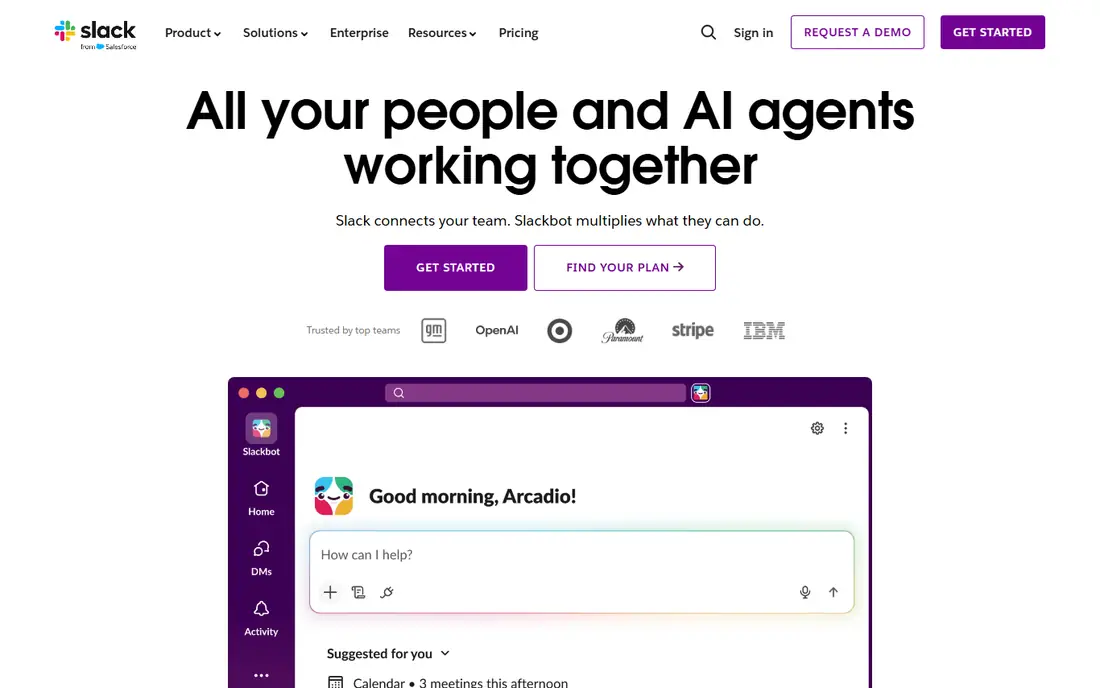
Slack remains a strong choice for day to day team conversation. Channels keep project talk separate from general announcements, and canvases and lists give teams a place to store short notes without leaving the conversation. Pro is listed at $7.25 per user per month billed annually, while Business+ is listed at $15 per user per month billed annually.
For large companies, the higher tiers matter. Business+ adds stronger admin and security controls, including SAML based single sign-on, and Enterprise+ is priced through sales. The free plan is useful for a trial, but the 90 day visible history limit makes it a poor fit for a company that needs a lasting record of decisions.
- Clear channel structure for teams and projects
- Many app integrations
- Full message history on paid plans
- Free plan limits visible history to 90 days
- Enterprise controls sit on higher tiers
- Costs rise with every active member
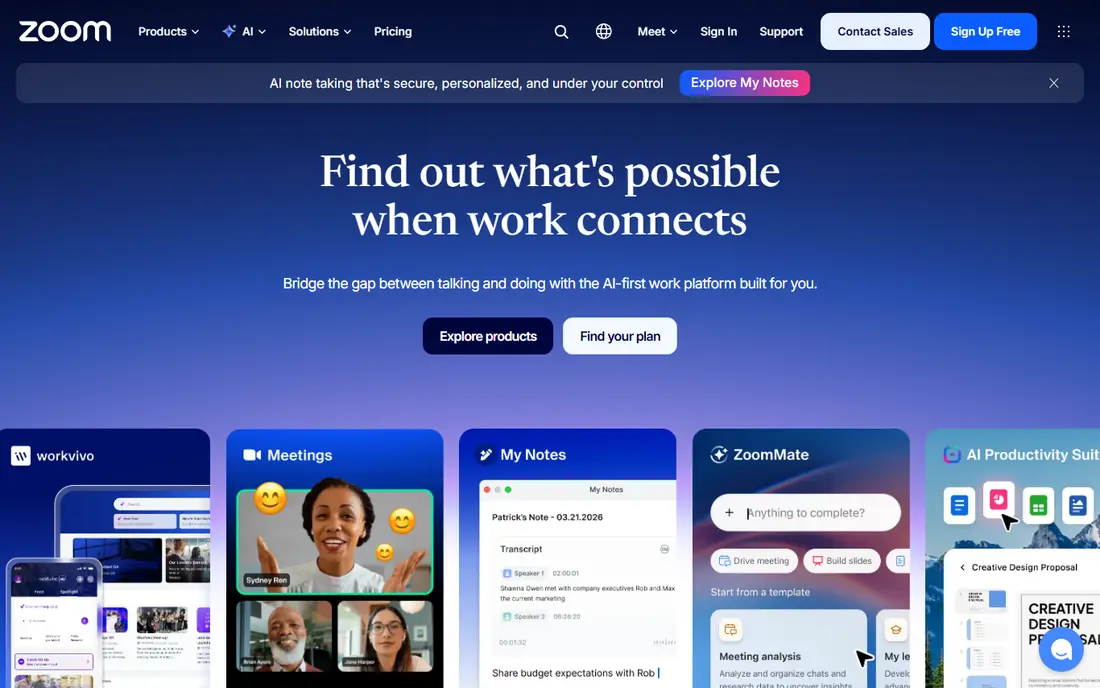
Zoom Workplace suits companies that run a lot of meetings with people outside the company. Guests usually know how to join, and the suite covers team chat, whiteboards, docs, mail, and calendar alongside meetings. The free Basic plan covers short meetings, while Pro is listed at $14.16 per user per month billed annually and Business at $18.33.
The main cost question is which extras you need. Business raises the participant limit and adds admin controls such as single sign-on, while Enterprise is quoted for larger deployments. If your team mainly needs chat and documents, Zoom may duplicate tools you already pay for.
- Familiar meeting experience for guests
- Team chat, mail, and calendar in the same suite
- AI Companion included on paid plans in recent pricing guides
- Free group meetings end after 40 minutes
- Phone, webinars, and larger meetings can require add-ons
- Enterprise pricing is quoted by sales
Google Workspace is a good fit for teams that live in a browser and edit documents together. Gmail on your own domain, shared Drive folders, Docs, Sheets, Calendar, Meet, and Chat are managed from one admin console. Business Starter is listed at $7 per user per month on an annual plan, Standard at $14, and Plus at $22, with storage from 30 GB per user on Starter to 5 TB on Plus.
Enterprise pricing is quoted by sales and removes the 300 user cap that applies to Business plans. A 14 day trial is offered on Business plans in recent guides. Companies tied to desktop Office macros should test those files first, since Google Docs does not always match every desktop feature.
- Gmail, Drive, Docs, Meet, and Chat under one admin console
- Real time editing in docs and sheets
- Simple setup for distributed teams
- Business plans are capped at 300 users before Enterprise
- Desktop Office compatibility can be a concern for heavy Excel and Word users
- No free business tier
Webex is built for organisations where security review, compliance, and room systems carry real weight. The Webex app covers meetings, messaging, and calling, and Cisco also sells room systems and desk phones that run on the same platform. The free plan covers meetings of up to 40 minutes for up to 100 attendees, with messaging and local recording.
Paid plans add longer meetings, more participants, cloud recording, calling, and enterprise controls, with Enterprise quoted for up to 1,000 attendees in recent guides. Companies that already run Cisco networking or room hardware may get the most value here.
- Strong security and compliance focus
- Meetings, messaging, and calling in one app
- First party room and desk hardware from Cisco
- Paid pricing is modular and can be hard to compare at a glance
- Some advanced features sit on higher tiers
- Smaller teams may find it more formal than needed
Asana turns collaboration into trackable work. Tasks carry owners, due dates, dependencies, and comments, while timelines and portfolios help managers see progress across many projects. The free Personal plan covers unlimited tasks and projects for up to 2 users, Starter is listed at $10.99 per user per month billed annually, and Advanced at $24.99.
Enterprise and Enterprise+ are quoted by sales and add SAML, SCIM, capacity planning, and stronger governance controls. That split matters, since the features IT teams often require for single sign-on and provisioning do not appear on Starter or Advanced. Asana is more of a work record than a chat tool, so most companies will still pair it with a meeting and chat hub.
- Clear tasks, timelines, portfolios, and goals
- Many integrations
- Unlimited tasks and projects on the free Personal plan
- Free Personal plan is limited to 2 users
- Enterprise security features require quoted plans
- Some budgeting features require a separate add-on
Notion works well as a shared company wiki and a light project tracker in one place. Pages can hold notes, specs, meeting records, and embedded databases, and teams can link related work instead of keeping the same facts in several documents. The free plan suits one person, with 5 MB file uploads and 7 day page history, while Plus is listed at $10 per member per month billed annually and Business at $20.
Business is the practical starting point for companies that want full Notion AI, including meeting notes and enterprise search, plus SAML single sign-on and private teamspaces. Enterprise adds SCIM, audit logs, and advanced security controls and is quoted by sales. Notion does not replace a meeting or phone system, but it can cut down on repeated questions by giving staff one place to find current policies.
- Flexible pages, databases, and templates in one workspace
- Guests are free on every plan
- Full AI features included on Business
- Free plan limits file size and page history
- Full AI requires Business or Enterprise
- Large workspaces need care to stay organised
Miro gives distributed teams a shared wall for ideas, plans, and diagrams. Sticky notes, diagrams, and templates sit on one canvas where several people can work at the same time, which suits workshops and product planning better than a long chat thread. The free plan covers a small number of editable boards, while Starter and Business add unlimited boards and stronger controls, and Enterprise is quoted by sales.
The honest catch is board hygiene. A board that grows for months can become hard to search and slow to load, especially with many images and notes, so teams need owners and a clear structure for each board. Miro works best alongside chat and document tools, not as a replacement for them.
- Large shared canvas for brainstorming, mapping, and workshops
- Many templates
- Works well for distributed product and design teams
- Large boards can slow down and become hard to navigate
- Single sign-on and advanced admin controls require higher tiers
- Per member pricing adds up at scale
monday.com suits teams that want work status to be visible at a glance. Boards track tasks, owners, dates, and status, while dashboards pull several boards together for managers. The free plan covers up to 2 seats and 3 boards, Basic is listed at $9 per seat per month billed annually, Standard at $12, and Pro at $19.
Standard is often the real entry point for teams that need automations and integrations, since Basic does not include them in recent pricing guides. Seat rules also matter, because paid plans start at 3 seats and then step up in set sizes, so a team of four may pay for five seats.
- Colourful boards, timelines, and dashboards that are easy to read
- Automations and integrations on paid plans
- Free plan for up to 2 seats
- Paid plans require a 3 seat minimum and seats are sold in set sizes
- Automations are limited on lower tiers
- Enterprise pricing is quoted
Confluence is a solid home for company knowledge that needs to stay current. Spaces organise pages by team or topic, permissions control who can view or edit sensitive pages, and templates keep specs and project plans in a consistent form. The free plan covers up to 10 users, Standard was listed at $5.42 per user per month in an August 2026 check, and Premium at $10.44, with Enterprise quoted by sales.
Premium adds unlimited storage, unlimited whiteboards, stronger analytics, and 24/7 support, while Enterprise adds multiple sites, data controls, and a higher uptime commitment. Confluence pairs naturally with Jira, but companies outside the Atlassian world should check whether they need that link or would prefer a simpler wiki.
- Structured spaces for policies, specs, and meeting notes
- Strong fit with Jira
- Whiteboards, databases, and templates included
- Free plan is limited to 10 users and 2 GB of storage
- Pricing varies by user count
- Best value comes with other Atlassian tools
How we picked these
We compared official feature pages, pricing pages, and recent pricing guides for each product, and kept only tools that are live in October 2026 and fit enterprise collaboration in a real sense. That meant chat, meetings, shared documents, or work tracking at a scale where admin controls, permissions, and security review matter. We left out tools that only cover one narrow task, tools that are mainly for consumers, and any product we could not verify as a current, working service.
We also weighed the total cost, not just the headline price. Free plans, seat minimums, add-ons for phone and AI, and quoted enterprise tiers all change the final bill. Prices can change, so readers should confirm the checkout price on the vendor site before signing.
What to check before you sign a contract
Start with identity and access. Ask whether the tool supports single sign-on, SCIM provisioning, and granular permissions, and who can invite guests, share files outside the company, and export data. Large companies often find that these controls, rather than chat features, decide which tier they must buy.
Next, test the real workflow with a small pilot group. Run live meetings with outside guests, edit a shared document at the same time, and track a project from request to completion. Watch for limits on meeting length, participant numbers, storage, and message history.
Finally, model the full bill for your headcount. Count paid seats, guests, viewers, and any phone, webinar, AI, or compliance add-ons, and ask about renewal terms and data export if you leave. A tool that looks cheap for ten people can become a large annual contract at 500 people.
Frequently asked questions
What is the best enterprise collaboration tool for most large companies?
There is no single winner for every company. Microsoft Teams or Google Workspace often win when a company already uses that vendor for email and files, while Slack or Zoom Workplace can be better when outside guests and daily messaging matter most.
Do enterprise collaboration tools include video meetings and chat?
Many do, but not all in the same way. Teams, Slack, Zoom Workplace, Google Workspace, and Webex cover live chat and meetings, while Asana, Notion, Miro, monday.com, and Confluence focus on tasks, documents, and visual planning.
How much do enterprise collaboration tools cost?
Prices in this guide range from free plans for small trials to quoted enterprise contracts for large deployments. As a starting point, paid plans listed here run from $7 to $24.99 per user per month billed annually on common business tiers, before phone, AI, or compliance add-ons. Always multiply the per user price by your paid headcount and check seat minimums.
Are free plans enough for an enterprise?
Free plans are useful for trials and very small teams, but they usually limit history, storage, users, or admin controls. Slack limits visible free history to 90 days, Asana free is limited to 2 users, and Confluence free is limited to 10 users. Enterprises that need single sign-on, audit logs, data controls, and support will usually need a paid or quoted tier.
Should we use one collaboration tool or several?
One hub for chat and meetings keeps conversation in one place, but a single tool rarely covers docs, visual planning, and portfolio tracking equally well. A common setup is Teams, Slack, Zoom, or Webex for live work, plus Asana or monday.com for projects and Notion or Confluence for knowledge.
How do we keep company data safe in these tools?
Use single sign-on and multi factor authentication where available, set clear rules for guests and external sharing, and review admin controls before rollout. Check data retention, export options, and compliance features on the enterprise tier.
Sources
- https://www.microsoft.com/en-us/microsoft-teams/enterprise
- https://slack.com
- https://zoom.us
- https://workspace.google.com
- https://www.webex.com
- https://asana.com
- https://www.notion.com
- https://miro.com
- https://monday.com
- https://www.atlassian.com/software/confluence
- https://www.jotform.com/blog/microsoft-teams-pricing/
- https://www.larksuite.com/en_us/blog/microsoft-teams-pricing
- https://bettermode.com/blog/slack-community-pricing
- https://meetgeek.ai/blog/zoom-price-plans
- https://www.lexnetcg.com/blog/google-workspace/worth-it-small-business/
- https://www.flozic.ai/blog/comparison/webex-vs-zoom
- https://saascrmreview.com/asana-pricing/
- https://workmanagementhub.com/notion-pricing-2026/
- https://www.g2.com/products/miro/reviews/miro-review-9460035/
- https://plaky.com/learn/plaky/monday-com-pricing/
- https://www.anygen.io/showcase/atlassian-confluence/index.html
See where you really rank - block by block
ProMapRanker scans Google Maps across a grid of your service area. Simple monthly plans from $19, white-label on every plan.
Start freeKeep reading
 wpforms alternatives
Best WPForms Alternatives in 2026
We compare 9 wpforms alternatives for WordPress forms, with free and paid options, current pricing notes, and honest limits for small business sites in 2026.
Read → windows task scheduler alternatives
Best Windows Task Scheduler Alternatives in 2026
Looking for Windows Task Scheduler alternatives? We compare 9 schedulers for Windows and cross-platform work, from free tools to enterprise automation.
Read → which ai video service is best
Which AI Video Service Is Best in 2026
which ai video service is best? We compare 10 legitimate AI video services on price, avatars, editing and output quality to help you pick the right tool.
Read →