 ProMapRanker
Best Employee Scheduling Software for Healthcare Practices (2026)

Aligning schedules with patient demand · Pricing starts at: See website
Direct answer
For aligning schedules with patient demand, ShiftWizard is where this list starts. Listed starting prices: Connecteam from $29 per month, Sling from $1.70 per user a month and Deputy from $5 per user a month. Alternatives: Connecteam for frontline team scheduling and communication, and QGenda for healthcare-specific workforce management. Prices, free plans and limits for all 6 tools follow.
Choosing employee scheduling software for healthcare practices usually comes down to price, fit and limits. This ProMapRanker guide sets 6 tools side by side on those three points, with the facts kept short and checkable.
Key takeaways
- ShiftWizard sits first on this list: aligning schedules with patient demand.
- When I Work suits simple shift scheduling and messaging.
- The main caution on ShiftWizard: part of the HealthStream ecosystem.
- The lowest published monthly entry price here is $1.70 per user per month, from Sling.
- A free plan is available from 2 of the 6 tools: Connecteam, Sling.
Quick comparison
| Pick | Great for | Pricing starts at | Free tier | |
|---|---|---|---|---|
| ShiftWizard | Aligning schedules with patient demand | See website | Not stated | Visit |
 Connecteam | Frontline team scheduling and communication | $29 per month | Yes | Visit |
 QGenda | Healthcare-specific workforce management | See website | Not stated | Visit |
 Sling | Straightforward shift planning and communication | $1.70 per user a month | Yes | Visit |
 Deputy | Scheduling with HR and payroll | $5 per user a month | Free trial | Visit |
 When I Work | Straightforward shift scheduling and messaging | $2.50 per user a month | Free trial | Visit |
The 6 tools in detail
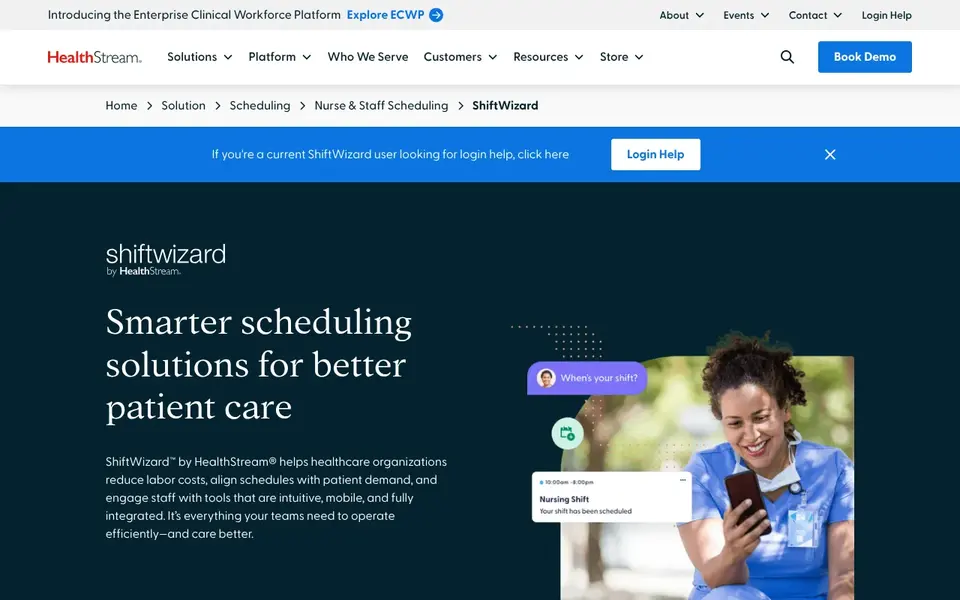
In short, ShiftWizard is for aligning schedules with patient demand. It fits practices that want scheduling connected to staffing needs and staff communication instead of a standalone calendar.
ShiftWizard does not show a starting price in this comparison, so check the vendor site for current pricing. Free access: Not stated.
Points against: May suit larger clinical teams better.
- Aims to align schedules with patient demand
- Scheduling built for healthcare teams
- Part of the HealthStream ecosystem
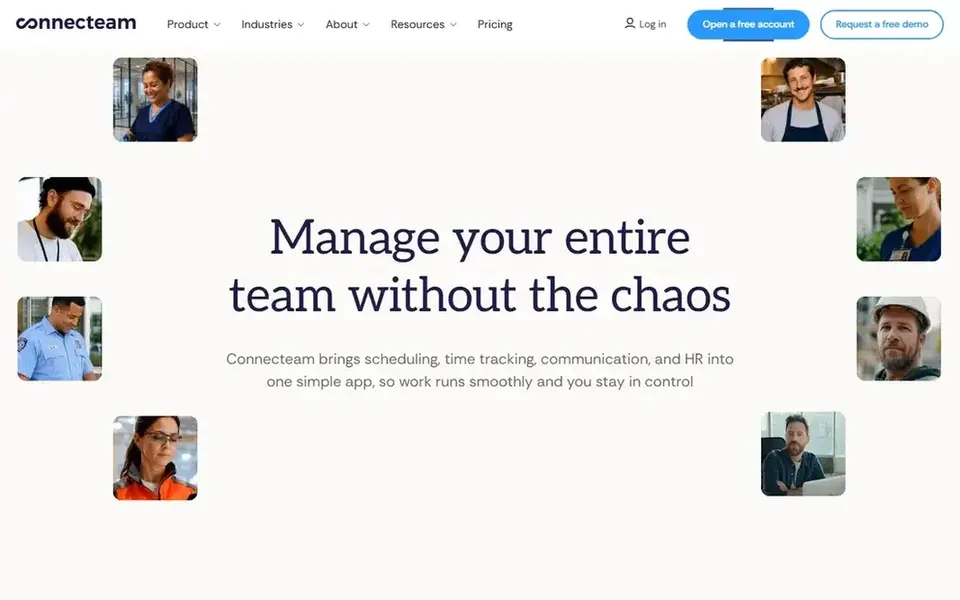
Connecteam is aimed squarely at frontline team scheduling and communication. Healthcare practices with frontline staff can use it to consolidate shift planning and team updates into a single mobile-friendly tool.
Drawbacks to consider: May need configuration for healthcare workflows.
On cost, Connecteam starts like this: $29 per month. Connecteam includes a free tier.
- Designed for frontline teams
- Time tracking and communication in one app
- General frontline focus, not clinical
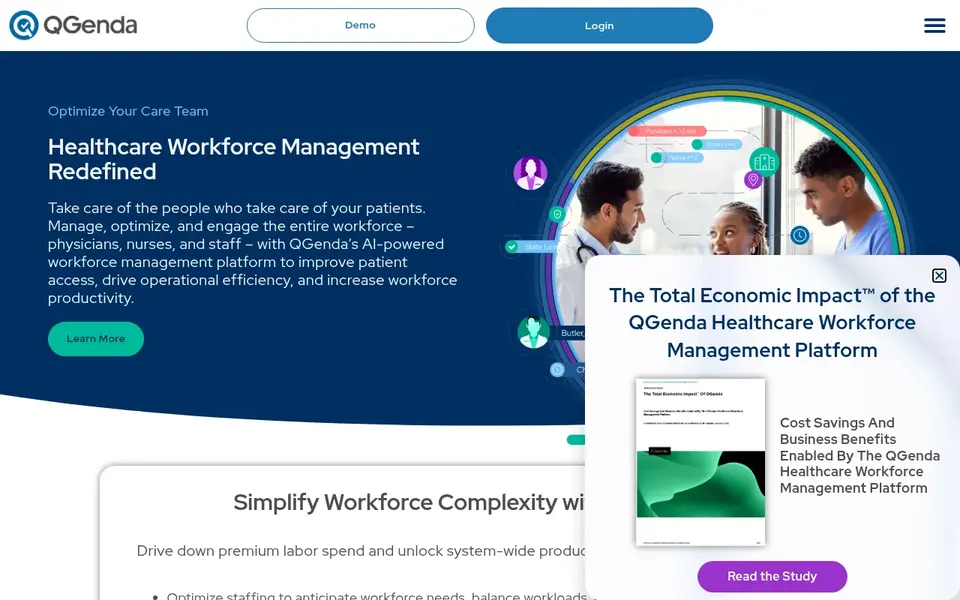
Think of QGenda for healthcare-specific workforce management. Consider QGenda when clinical staffing complexity and retention are central concerns instead of just posting shifts.
Drawbacks to consider: Healthcare focus may be more than small offices need.
Pricing for QGenda is not stated here, so ask the vendor for current figures. Trial and free access: Not stated.
- Aims to optimize staffing and engagement
- Focus on reducing labor costs
- Narrower fit for non-clinical teams
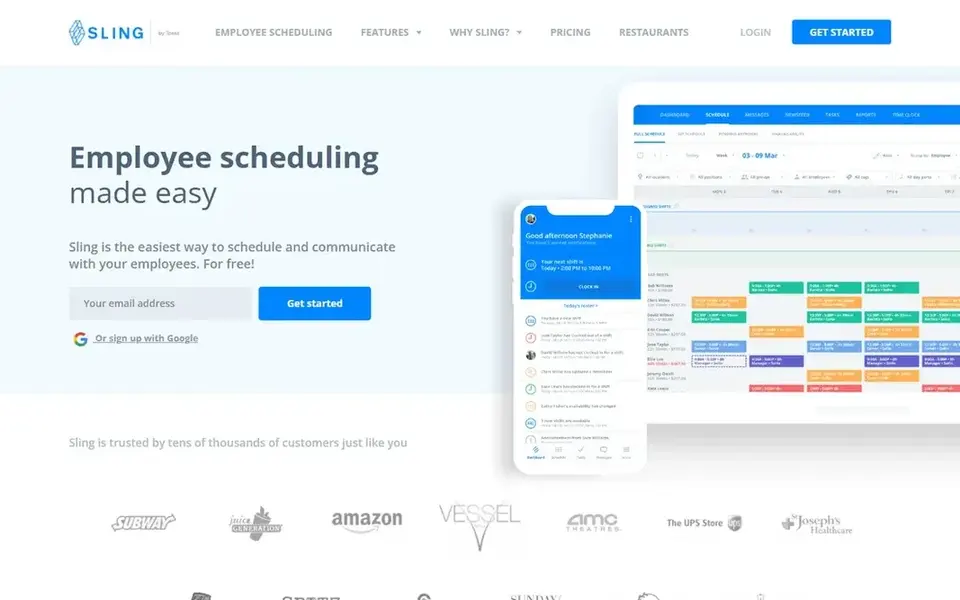
Pick Sling if this describes you: straightforward shift planning and communication. Sling is a general scheduling tool, so specialized clinical coverage requirements may not be addressed.
Trade-offs to know: Entry-level fit for complicated clinical needs.
For everyday use, consider it for more straightforward shift environments, and look to healthcare-focused products when clinical scheduling rules are central. Sling starts at: $1.70 per user per month. Sling has a free plan.
- Employee shift scheduling and planning
- Easy-to-use positioning
- Restricted healthcare-specific features
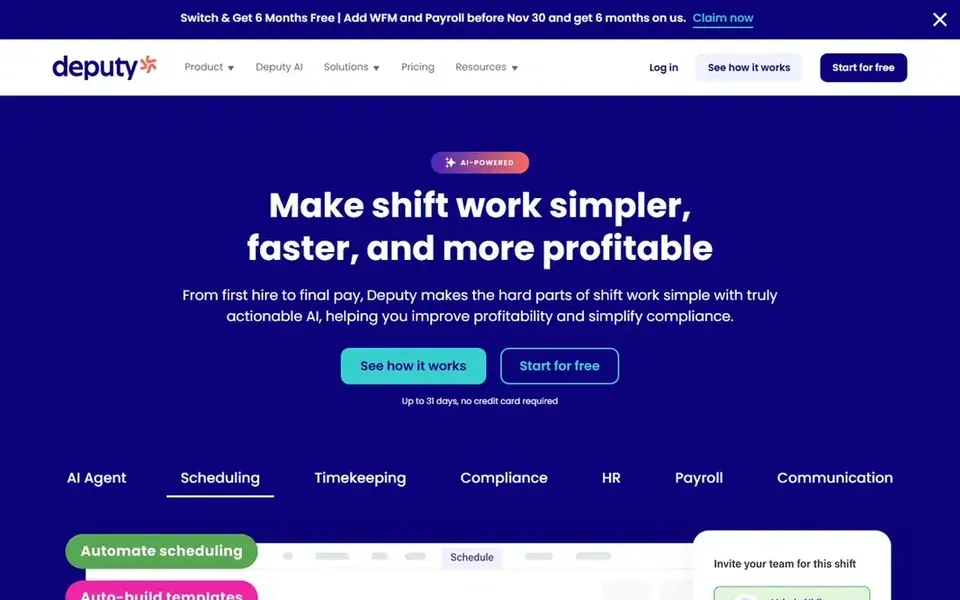
For scheduling with HR and payroll, Deputy is a natural candidate. Deputy is not made for clinical scheduling, so practices with complicated provider rotations may have to check how well it handles those patterns.
Deputy starts at: $5 per user per month. Trial and free access: Free trial.
Downsides: Not healthcare-specific.
- Payroll and labor forecasting tools
- Employee scheduling plus HR features
- Broader feature set may be more than needed
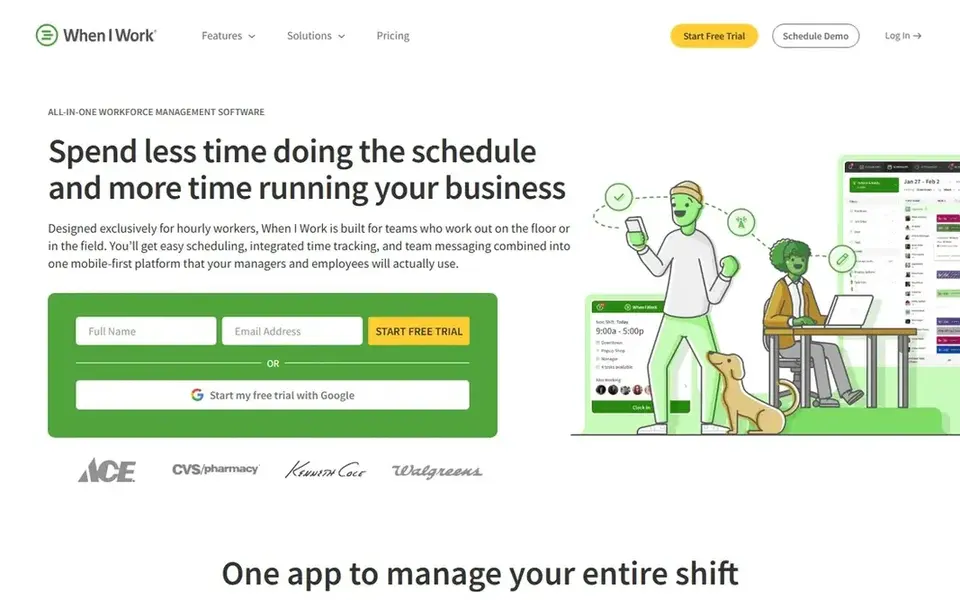
For straightforward shift scheduling and messaging, When I Work is a natural candidate. Practices with predictable shift structures, like front office and support staff, can use it to keep schedules and communication in a single place.
Watch-outs: Advanced clinical rules may need workarounds.
The product is general-purpose, so clinical scheduling requirements like coverage rules across provider types may not be native. Entry price for When I Work: $2.50 per user per month. Free plan details: Free trial.
- Schedule shifts and track time in one app
- Team messaging included
- General instead of healthcare-specific
Questions to settle before buying
- Get a written quote from ShiftWizard and QGenda; the list shows no starting price for them.
- Read the fine print on the free plans from Connecteam and Sling; seat, project and feature caps differ.
- Run a trial of Deputy and When I Work with real work before paying for a year; your own workflow is the best test.
- Before choosing ShiftWizard, weigh its main limit: part of the HealthStream ecosystem.
- Ask QGenda which support channels and response times come with the plan you would buy.
- Get the contract term, renewal terms and any onboarding fees from When I Work in writing.
Frequently asked questions
Is ShiftWizard the right pick for everyone comparing employee scheduling software for healthcare practices?
No single tool suits every team. ShiftWizard comes first because it fits aligning schedules with patient demand, while Connecteam suits frontline team scheduling and communication and QGenda suits healthcare-specific workforce management. Match the tool to your own size, budget and workflow before deciding.
What features matter most for healthcare scheduling?
Look for role-based scheduling, mobile access for staff, clear handling of shift changes and coverage gaps, and reporting on staffing and labor costs. Integration with time tracking and payroll helps cut duplicate work. Confirm each of these on the vendor site.
Can I try these tools before paying?
Often, yes. Connecteam and Sling have a free plan and Deputy and When I Work offer a free trial. Use your own data and a real task during the test, and check what the free tier or trial limits before you rely on it.
What is the cheapest option for employee scheduling software for healthcare practices in this list?
On published monthly entry prices, Sling is the lowest here at $1.70 per user per month. Entry price is only part of the cost, because seats, add-ons and billing terms can change the total. Prices, free plan details and limits for all 6 tools in this employee scheduling software for healthcare practices roundup sit on the individual cards above.
Do these tools publish their prices?
Not all of them. ShiftWizard and QGenda publish no starting price, so expect a quote request for those. The rest, Connecteam included, show a starting price, though seats and billing terms still change the final cost.
Should a healthcare practice choose a healthcare-specific scheduler or a general one?
General tools like Deputy or When I Work can work well for more straightforward administrative and hourly teams. Match the choice to how complicated your coverage rules are.
Sources
See where you really rank - block by block
ProMapRanker scans Google Maps across a grid of your service area. Simple monthly plans from $19, white-label on every plan.
Start freeBrowse all guides
← 6 Best Shift Scheduling Software for Nursing Homes in 20265 Best Learning Platform for Corporate Mentorship Programs (2026) →
 best lms platforms for customer education
LMS Platforms for Customer Education: Best Picks of 2026
Compare 6 picks for the best LMS platforms for customer education, with prices, free plans and who each fits. Plus the drawbacks of each tool. No filler.
Read → best employee scheduling software for healthcare
7 Best Employee Scheduling Software for Healthcare Options (2026)
Searching for the best employee scheduling software for healthcare? Here are 7 options with prices and free plans. Real limits included. Choose faster.
Read → whats the best data integration platforms
Best Whats the Best Data Integration Platforms in 2026
Comparing whats the best data integration platforms? 6 contenders, each with entry cost, free tier and best-fit buyer. Each listing flags where it falls short.
Read → best christian apps free
Best Christian Apps Free in 2026
Looking for the best christian apps free? We compare 9 free Bible, prayer, and devotional apps, with clear notes on what is free and what needs a plan.
Read → companies with the best benefits
Companies With the Best Benefits in 2026
We compare companies with the best benefits, from parental leave and health cover to learning budgets, sabbaticals, and retirement help for US staff in 2026.
Read → best hr software for employee management
6 HR Software for Employee Management Options Ranked for 2026
6 tools for the best HR software for employee management, compared on pricing, free plans and best-fit use. Concise write-ups of every option. No filler.
Read →More in HR & Recruiting · All guides A to Z by date · Latest guides