 ProMapRanker
7 Best Employee Scheduling Software for Healthcare Options (2026)

Deskless teams that require scheduling plus chat · Pricing starts at: $29 per hub/month (billed annually)
Direct answer
This list puts Connecteam first for deskless teams that require scheduling plus chat. Listed starting prices: Connecteam from $29 per hub/month, Deputy from $5 per user/month and 7shifts from $39.99 per location/month. Alternatives: Deputy for multi-site teams with labor rules, and ShiftWizard for hospital nurse self-scheduling. The full list of 7 tools follows, with prices and free plan facts.
ProMapRanker put together this guide to employee scheduling software for healthcare for readers who want a clear shortlist without reading every vendor page. It compares 7 tools on starting price, free plans, who each one suits and where each one falls short.
Key takeaways
- Connecteam is the opening pick, best for deskless teams that require scheduling plus chat.
- What to know about Deputy first: monthly plans carry a $30 minimum monthly spend per invoice.
- Starting prices begin at $1.70 per user/month with Sling.
- Sling is the one to check for small teams that want free scheduling to 30 users.
Quick comparison
| Pick | Great for | Pricing starts at | Free tier | |
|---|---|---|---|---|
| Connecteam | Deskless teams that require scheduling plus chat | $29 per hub/month (billed annually) | Yes | Visit |
 Deputy | Multi-site teams with labor rules | $5 per user/month (billed yearly) | Free trial (14 days) | Visit |
 ShiftWizard | Hospital nurse self-scheduling | Quote only | No | Visit |
 7shifts | Shift teams that require a free plan to 15 staff | $39.99 per location/month (billed yearly) | Yes | Visit |
 QGenda | Hospital physician scheduling | Quote only | No | Visit |
 Planday | Shift teams that require working-time warnings | $2.99 per user/month | Free trial (30 days) | Visit |
 Sling | Small teams that want free scheduling to 30 users | $1.70 per user/month (billed yearly) | Yes | Visit |
Employee Scheduling Software for Healthcare compared in detail
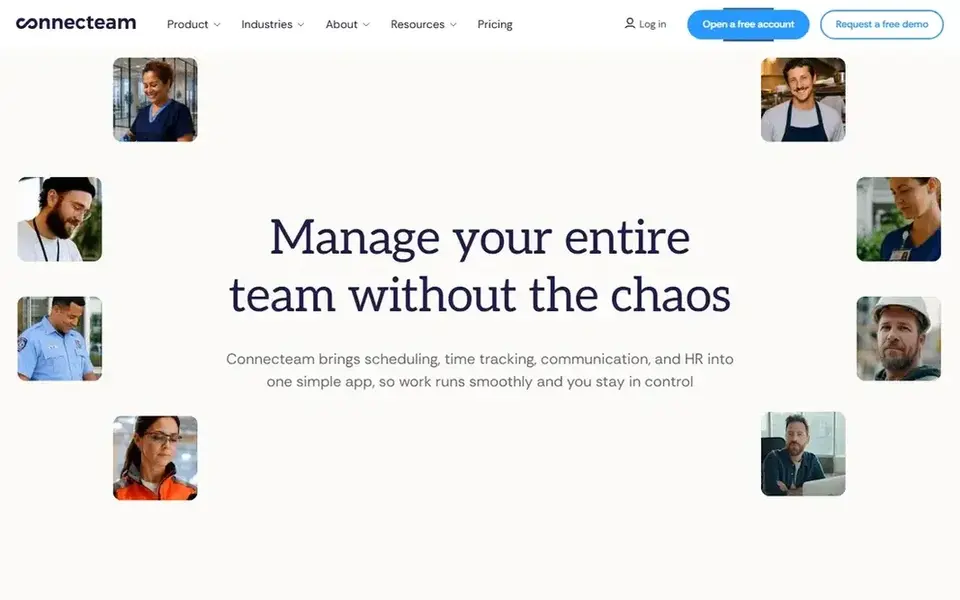
Connecteam makes the most sense for deskless teams that require scheduling plus chat. Communications handles chat, company updates, surveys and a knowledge base. Operations handles scheduling, the time clock, tasks and forms.
The main drawbacks: additional users past 30 add a per-user charge.
Also, Connecteam is an all-in-one employee app for deskless teams, split into three hubs: Operations, Communications, and HR and Skills. From a buyer's view, entry-level is $29 per hub a month billed yearly, or $35 billed monthly, for the first 30 users. Connecteam pricing: $29 per hub/month. Connecteam has a free plan.
- Scheduling
- Small Business plan is free for up to 10 users across all hubs
- Each hub is sold separately, so three hubs cost $87 a month on Basic
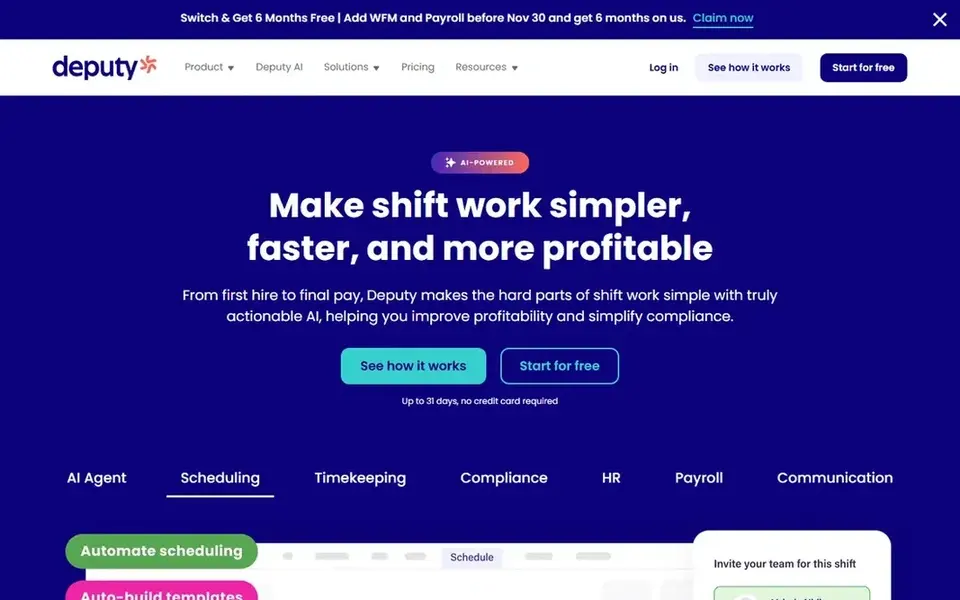
For multi-site teams with labor rules, Deputy is a natural candidate. Deputy is priced per user. Beyond that, Deputy lists a $30 minimum monthly spend per invoice on monthly plans, and annual plans need a minimum of 4 users.
Honest limits: annual plans need a minimum of 4 users.
In daily use, all users, including administrators and supervisors, count in your total user number. In practice, core is $6.50 billed yearly, or $7.25 billed monthly, and Pro is $9 billed yearly, or $10 billed monthly. On cost, Deputy starts like this: $5 per user/month. As for free access: Free trial (14 days).
- Shift swaps and finding replacements included
- Entry-level scheduling plus labor-law compliance on Lite
- Monthly plans carry a $30 minimum monthly spend per invoice
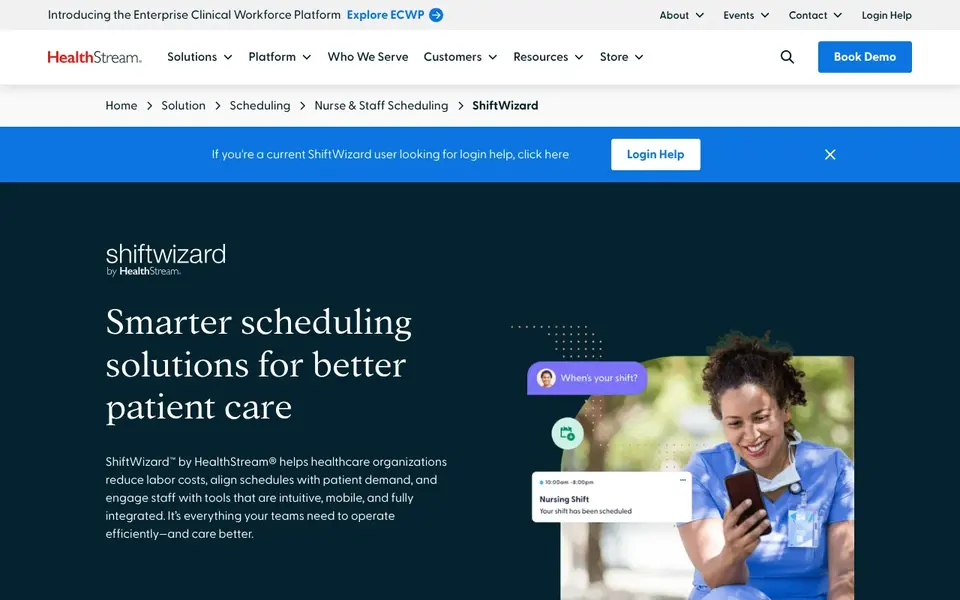
Think of ShiftWizard for hospital nurse self-scheduling. It supports nurse and staff self-scheduling, demand-based predictive scheduling, open-shift management and multi-facility schedule management.
Drawbacks to consider: No listed price.
It also links to HR, payroll and clinical systems. For everyday use, ratio and workload matching sit in a companion product, Acuity and Assignment Manager, which HealthStream says is sold with ShiftWizard, so ask for bo In practice, no price is listed, so pricing is by quote. There is no list price for ShiftWizard, so a quote is the way in. No free plan comes with ShiftWizard.
- Demand-based staffing tools for hospitals
- Self-scheduling for nurses
- Ratio matching sits in a companion product, so confirm what a quote bundles
Choose 7shifts for shift teams that require a free plan to 15 staff. 7shifts charges per location, with a free Comp plan for 1 location and up to 15 employees, handling entry-level scheduling, one-way announcements, availability and time-off requests. A 25-person team on Essentials pays $39.99 a month billed yearly.
Limits to weigh: payroll is a separate add-on.
In daily use, essentials is $39.99 per location a month billed yearly, or $44.99 billed monthly, for up to 30 employees, and it layers on advanced scheduling, team messaging, entry-level time clocking and configurable permission settings. Worth adding: choose 7shifts if you have a small shift team and want a free plan to 15 staff, not if you need credential tracking or on-call rules. On top of that, 7shifts was aimed at restaurants. So its healthcare fit is for shift teams that want a clean rota, time-off handling and a free start, not for hospital credential rules. What you pay to start with 7shifts: $39.99 per location/month. 7shifts has a free plan.
- Free Comp plan for 1 location and up to 15 employees
- Advanced scheduling on Essentials
- Essentials is capped at 30 employees per location
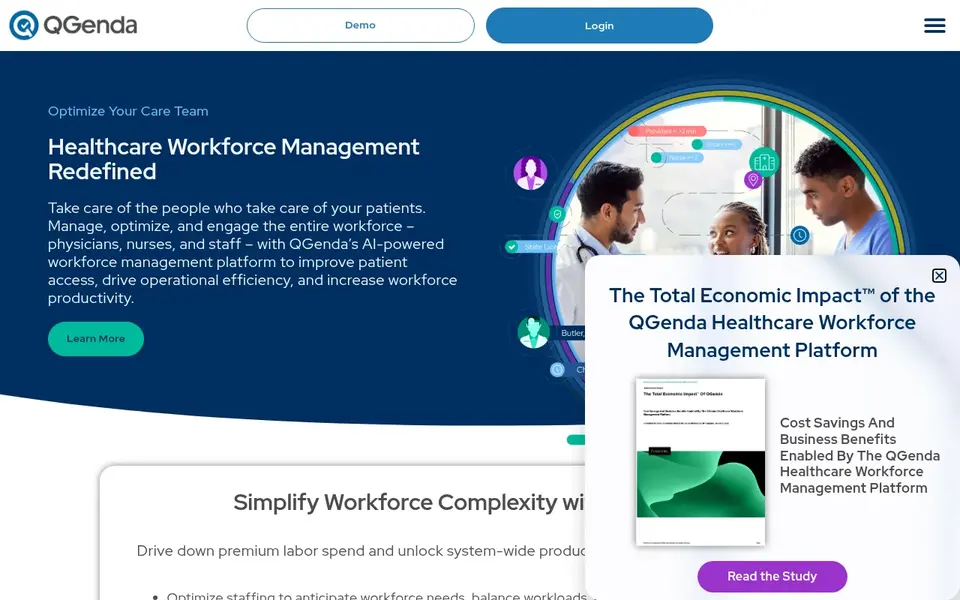
Pick QGenda if this describes you: hospital physician scheduling. Automatic schedule generation respects provider preferences, credentials and scheduling rules.
What to check first: No listed price, so budgeting needs a sales quote.
As for the details, choose QGenda for a hospital with complicated provider rules, not for a small clinic that needs a listed price. Also, QGenda does not list a price, so you get a quote, usually with a one-time implementation fee. QGenda sells by quote instead of a published price. QGenda does not include a free plan.
- Credential and on-call tracking in one suite
- Rules-based provider scheduling
- Setup is a project, not self-serve
Think of Planday for shift teams that require working-time warnings. Planday is a workforce management system for shift-based teams, and it suits a clinic that must watch working-time rules. Worth adding: starter is $2.99 per user a month, with a 5-user minimum.
What to check first: Starter needs a minimum of 5 users.
It contains scheduling, straightforward time tracking, working-time rules with compliance warnings, entry-level payroll reporting and team communication. As for the details, Planday bills in bundles of 5 users. So a team of 8 users still pays for 10, and a team of 10 users on Starter pays $29.90 a month. There is no free plan, only a 30-day free trial with no card required. As for the details, a 25-person team on Starter pays $74.75 a month. On cost, Planday starts like this: $2.99 per user/month. On free options: Free trial (30 days).
- Working-time rules with compliance warnings on Starter
- Straightforward time tracking included
- No free plan
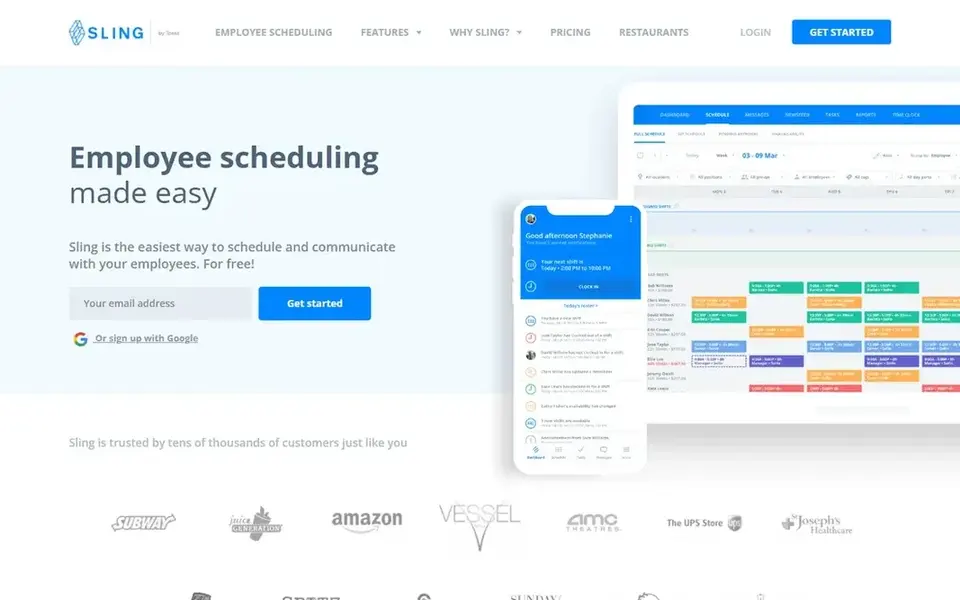
Sling was built for small teams that want free scheduling to 30 users. Choose Sling if you have 30 staff or fewer, not if you need credential tracking or on-call rules. Beyond that, a 25-person clinic pays $0 on the free plan, or $42.50 a month on Premium billed yearly.
More specifically, business is $3.40 billed yearly, or $4 billed monthly, and it layers on kiosk time tracking and reports. On top of that, the free plan spans scheduling, time-off requests, shift gives you and messaging for up to 30 users. Entry price for Sling: $1.70 per user/month. Free access exists with Sling.
Trade-offs to know: Free plan has no time clock.
- Free plan handles scheduling for up to 30 users
- Premium brings time tracking and overtime alerts
- Per-user pricing grows with every hire past 30 users
Before you commit
- Get a written quote from ShiftWizard and QGenda; the list shows no starting price for them.
- Read the fine print on the free plans from Connecteam, 7shifts and Sling; seat, project and feature caps differ.
- Take the trial from Deputy and Planday and push a live task through it before you pay.
- Before choosing Connecteam, weigh its main limit: each hub is sold separately, so three hubs cost $87 a month on Basic.
- Make sure QGenda lets you export your data in a format another tool can read.
- Add up seats, add-ons and usage charges for Connecteam before comparing it with cheaper entries.
Frequently asked questions
What should a clinic check about overtime before buying?
Sling brings overtime alerts on Premium at $1.70 per user a month billed yearly, Planday warns on working-time rules on Starter at $2.99 per user a month, and Deputy lists labor-law compliance on Lite at $5 per user a month billed yearly.
How are the tools for employee scheduling software for healthcare ordered?
Connecteam sits first and Sling last because the order follows typical fit for employee scheduling software for healthcare, then price clarity and free access. It is a judgement call, so read each profile for fit and limits.
Which tool is a good match for nurse scheduling in a hospital?
This list starts with Connecteam, which fits deskless teams that require scheduling plus chat. For other needs, Deputy is aimed at multi-site teams with labor rules, and ShiftWizard at hospital nurse self-scheduling. Check each tool's price and main limit first.
Is Connecteam the right pick for everyone comparing employee scheduling software for healthcare?
No single tool suits every team. Connecteam comes first because it fits deskless teams that need scheduling plus chat, while Deputy suits multi-site teams with labor rules and ShiftWizard suits hospital nurse self-scheduling. Match the tool to your own size, budget and workflow before deciding.
Which options for employee scheduling software for healthcare have a free plan?
Connecteam, 7shifts and Sling offer a free plan in this list. Free plans usually cap users, projects or features, so check the limits on the vendor page. Several others offer a trial instead.
What is the best employee scheduling software for healthcare?
Start with Connecteam if you need deskless teams that require scheduling plus chat. Deputy is the better match for multi-site teams with labor rules, and ShiftWizard for hospital nurse self-scheduling. The best choice depends on budget, team size and workflow.
Sources
See where you really rank - block by block
ProMapRanker scans Google Maps across a grid of your service area. Simple monthly plans from $19, white-label on every plan.
Start freeBrowse all guides
← Best Whats the Best Data Integration Platforms in 2026LMS Platforms for Customer Education: Best Picks of 2026 →
 best digital engagement platforms for healthcare
Best Digital Engagement Platforms for Healthcare (2026)
Best digital engagement platforms for healthcare, compared. 8 tools with published prices, free plans and limits. Every profile names its biggest catch.
Read → best onboarding software for small business
Onboarding Software for Small Business: Best Picks of 2026
Best onboarding software for small business in 2026: 6 tools with starting prices, free plans and limits. Honest caveats for every entry. Clear verdicts.
Read → best learning experience platform
Learning Experience Platform: 5 Options Compared in 2026
Comparing the best learning experience platform? 5 contenders, each with entry cost, free tier and best-fit buyer. Short verdicts, no fluff. See the full list.
Read → jobber alternatives
Jobber Alternatives in 2026: 8 Tools Compared
Compare the best Jobber alternatives for scheduling, dispatch, invoicing, and field teams, with current pricing and honest trade-offs for small crews in detail.
Read → best mobile friendly hris software
Top 7 Mobile Friendly HRIS Software for 2026, Compared
7 products for the best mobile friendly HRIS software, ranked by fit, with starting costs and free tiers. Each pick comes with its main catch. Facts only.
Read → best hr management platform reviews
Best HR Management Platform Reviews in 2026
We reviewed the best hr management platform options for payroll, benefits, and hiring, so small and mid-size teams can compare real features and pricing.
Read →More in HR & Recruiting · All guides A to Z by date · Latest guides