 ProMapRanker
Jobber Alternatives in 2026: 8 Tools Compared

Key takeaways
- Housecall Pro is the closest like-for-like switch for small home service teams that want simple scheduling and booking.
- Service Fusion suits teams that want flat pricing as headcount grows, while ServiceTitan suits larger teams that want deep reporting.
- Workiz suits phone-heavy shops, and FieldEdge suits shops tied to QuickBooks Desktop.
- Trial the mobile app with your own technicians, since a system your field team avoids will not save office time.
Quick comparison
| Pick | Great for | Pricing starts at | Free tier | |
|---|---|---|---|---|
 Housecall Pro | small home service teams | $79 per month | Free trial | Visit |
 ServiceTitan | large residential teams | See website | No | Visit |
 FieldEdge | QuickBooks Desktop shops | See website | No | Visit |
 Service Fusion | flat-rate scaling | $245 per month | No | Visit |
 Workiz | phone-heavy shops | $187 per month | Free trial | Visit |
 FieldPulse | custom workflows | See website | No | Visit |
 Kickserv | small crews on a budget | $60 per month | Free trial | Visit |
 ServiceM8 | solo operators and small crews | $29 per month | Yes | Visit |
The best jobber alternatives
We compared tools that cover the same core jobs: quotes, scheduling, dispatch, invoicing, and mobile field work for trade and home service teams.
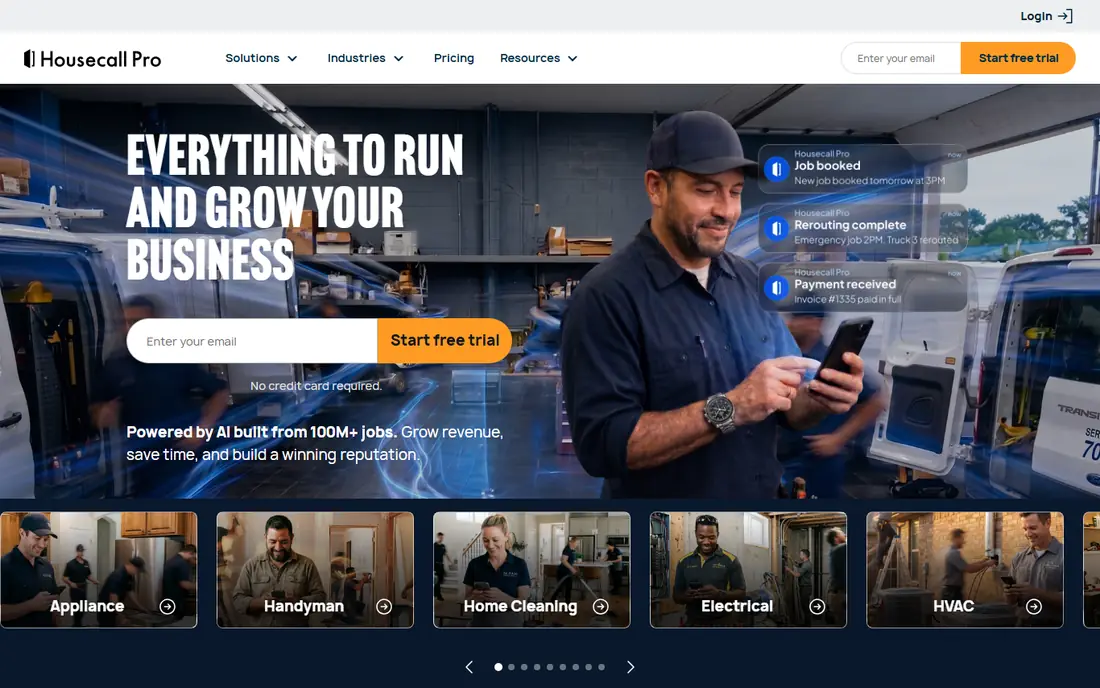
Housecall Pro is the most direct switch for teams that liked the simplicity of their old system but want stronger booking and marketing tools. Scheduling, dispatch, estimates, invoicing, and online booking sit in one flow, and customers can book online without a phone call. Technicians get clear job details and a simple way to take payments on site.
The cost rises with higher tiers, so teams should check which features sit in the base plan. Commercial-heavy teams may still need a deeper platform. For residential teams that want a smooth move with little retraining, Housecall Pro is our pick for most switchers.
- Easy scheduling, dispatch, and booking
- Online payments built in
- Good technician mobile app
- Advanced features sit in higher tiers
- Less depth than larger platforms for commercial work
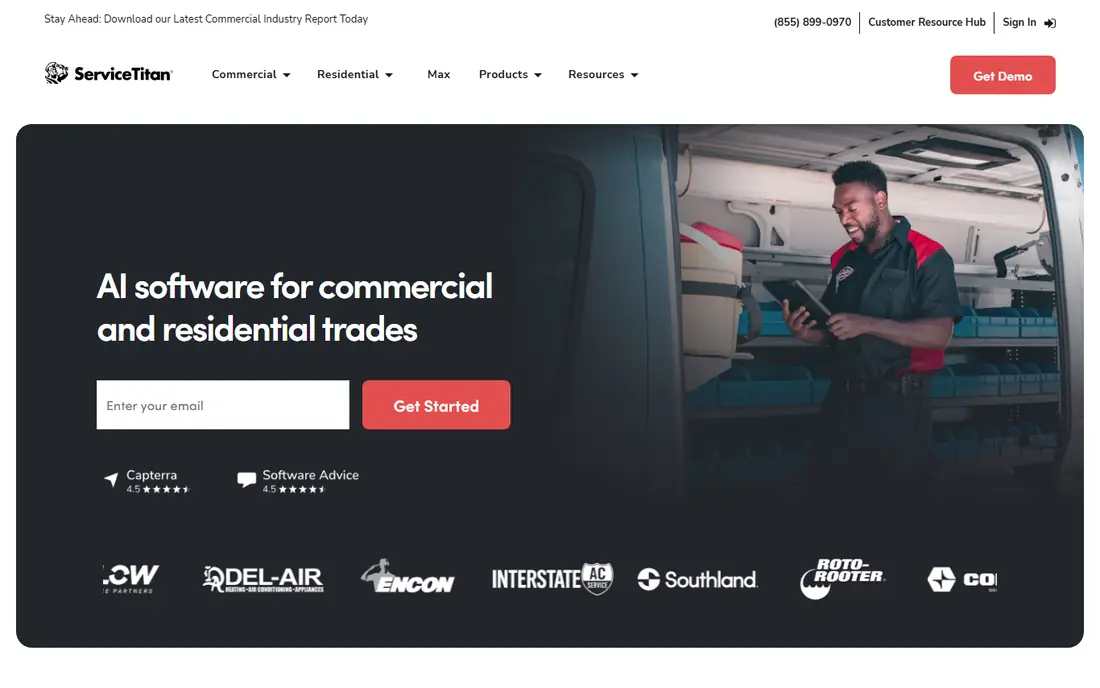
ServiceTitan suits teams that have outgrown a simple system and now need reporting, pricebooks, and marketing in one place. Job profitability, technician performance, and campaign results are visible in a way that small tools cannot match. That depth helps large residential teams manage growth.
The move is a step up in cost and complexity, so small crews should not switch here just for extra features they may not use. Ask for a full quote and a phased rollout plan, and trial the reporting with your own job data. For large teams ready for that depth, ServiceTitan is the clear upgrade path.
- Deep job costing and reporting
- Pricebook and marketing tools
- Wide integration library
- Pricing is quoted
- Rollout takes time and training
- Cost suits larger teams
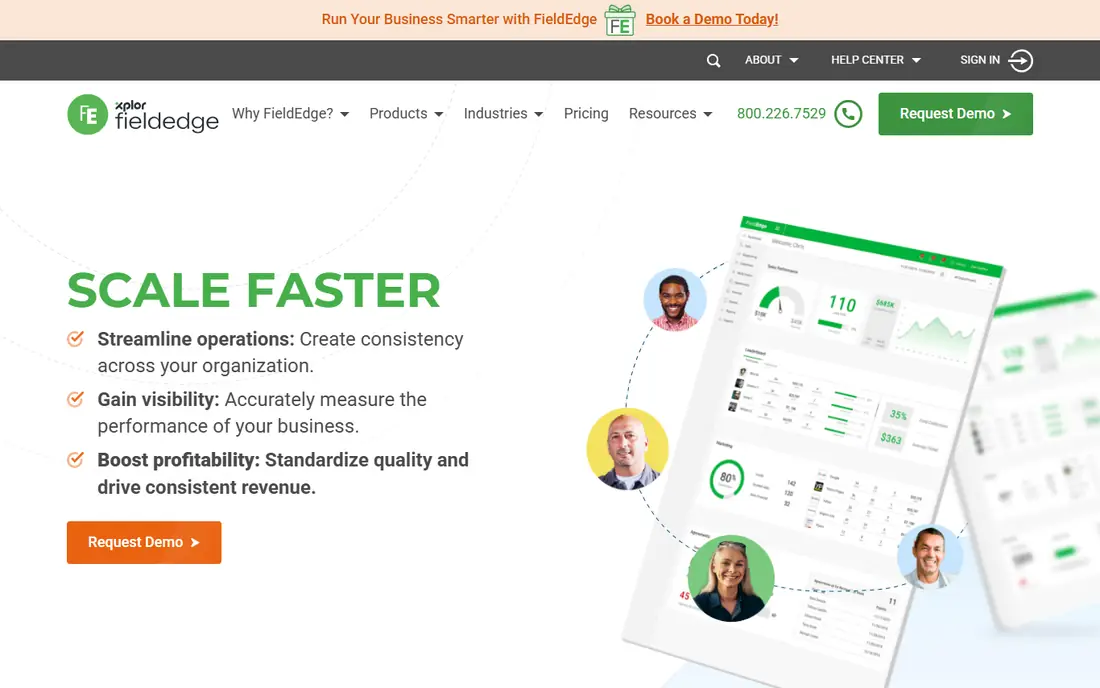
FieldEdge appeals to shops that run QuickBooks Desktop and want field software that respects that accounting setup. Invoices and payments sync with desktop accounting, and the flat-rate pricebook helps technicians present good, better, and best options on site. That combination saves office rework for desktop-based firms.
Pricing is quoted, and the interface is less modern than cloud-first rivals. Shops moving to cloud accounting may prefer a different tool. If QuickBooks Desktop stays central to your office, FieldEdge is a strong alternative to consider.
- Strong QuickBooks Desktop sync
- Flat-rate pricebook tools
- Built for HVAC, plumbing, and electrical
- Pricing is quoted
- Interface feels older in places
- Demo needed to confirm fit
Service Fusion helps teams that expect to add staff, since plans cover unlimited users instead of charging per technician. Dispatch, GPS tracking, invoicing, and customer history cover the core workflow, and the flat price makes budgeting simple as headcount grows. That model beats per-user pricing once a team passes a handful of users.
Solo operators will find the entry price high, and there is no free plan for a slow trial. Teams with several users should compare total cost with per-user rivals at their actual headcount. If growth is your plan, Service Fusion is a smart financial pick.
- Unlimited users on plans
- GPS tracking and dispatch
- Flat cost as teams grow
- No free plan
- Entry price is high for a solo operator
- Some features cost extra
Workiz suits shops where most jobs start with a phone call, since the phone system, call tracking, and booking tools live inside the same platform. Staff can see call history, job status, and booking outcome together, which cuts missed calls and double entry. That phone focus is a real difference from tools that treat calls as an afterthought.
Confirm the current plan price and which phone features are included, since guides report different figures. Some advanced phone tools sit in higher tiers. If your phone is your main booking channel, Workiz deserves a trial.
- Built-in phone system and call tracking
- Booking and lead tools
- AI answering in higher tiers
- Pricing details vary across guides
- Some phone features are add-ons
FieldPulse suits teams whose jobs do not fit a standard template, since custom forms, fields, and workflows let you shape the system to your process. Job costing and reporting help teams that run multi-stage installs or service contracts. Field staff get a mobile app that matches the office workflow.
Setup takes more work than a simple tool, and pricing is quoted rather than published. Teams that want a system ready in a day may find it heavy. If custom workflows are the reason you are switching, FieldPulse is a strong candidate.
- Flexible forms and workflows
- Job costing and reporting
- Mobile use for field teams
- Pricing is quoted
- Setup needs configuration
- Heavier than simple tools
Kickserv is a budget-friendly switch for small crews that need the core field workflow without a large monthly bill. Scheduling, dispatch, invoicing, and customer history work in a clear flow, and setup is quick. That simplicity helps teams that want to move fast and keep costs down.
Advanced marketing, pricebook, and reporting tools are thinner than on larger platforms. Growing teams may outgrow it, but small crews with straightforward jobs will find it covers the essentials. If price is the main reason you are switching, start with Kickserv.
- Low entry price for a small crew
- Scheduling, invoicing, and customer records
- Simple setup
- Fewer advanced features
- Smaller integration library
- Less suited to large teams
ServiceM8 suits solo operators and very small crews that want to start with a free tier and pay only as work grows. Jobs, scheduling, invoicing, and client communication sit in a simple flow, and the free tier covers a single user with a set job limit. That low-risk start helps new businesses.
Larger teams will need paid tiers and may find depth thinner than on bigger platforms. For a solo operator testing field software for the first time, ServiceM8 is an easy and low-cost trial. Upgrade only when job volume or team size demands it.
- Free tier for a single user
- Simple job and invoicing flow
- Good starting point for solo operators
- Paid tiers rise with use
- Less depth for large teams
- Some features need add-ons
How we picked these
We compared official product and pricing pages and 2026 field service guides, and we kept only tools that are live and that cover quotes, scheduling, dispatch, invoicing, and mobile field work. We favoured a mix of team sizes and pricing models, since switchers leave for different reasons, from price to phone tools to reporting depth. We marked pricing as See website where vendors quote rather than publish, and we did not claim hands-on field testing.
How to switch without disrupting jobs
Start by listing why you are switching, since that reason should drive the shortlist. Price switchers should compare total cost at their real headcount, while reporting switchers should test dashboards with their own data. A tool that fixes your main pain but breaks a daily workflow is not a good switch.
Next, move data in stages. Export customers, job history, and open quotes, clean duplicates, and import a small test set first. Run the new system alongside the old one for one crew and one week, and check invoices, payments, and messages before a full move. That parallel run catches import errors before they affect customers.
Finally, train field staff on real jobs, not just in a demo. Show technicians how to find job details, add photos, and take payments on site, and give office staff a clear process for scheduling and follow-up. Keep the old system readable for a month after the switch, so no job history is lost during the change.
Frequently asked questions
What is the best free alternative to Jobber?
ServiceM8 offers a free tier for a single user with a set job limit, which suits solo operators testing field software. Other tools on this list offer free trials rather than a permanent free plan. Check job and user limits on any free tier, since a free plan that caps jobs too low will force an upgrade fast.
Which alternative is cheapest for a small team?
Kickserv and ServiceM8 are among the cheapest entry points for small crews, with ServiceM8 offering a free tier for solo use. Housecall Pro costs more at entry but adds booking and marketing tools that some teams value. Compare total cost at your team size, including any add-ons, before judging on headline price alone.
What is the best alternative for a large team?
ServiceTitan suits large residential teams that need deep reporting, pricebooks, and marketing tools in one system. Service Fusion also suits growing teams through flat pricing for unlimited users. Large teams should request full quotes and trial reporting with their own job data before choosing.
Can I import my customers and job history?
Most platforms offer import tools for customers and job history, though the depth varies by tool and by how clean your old data is. Export a test set first, check how jobs, invoices, and notes map across, and clean duplicates before a full import. Ask the vendor about import support during your trial, since good help here saves hours.
How long does switching take?
A small crew can switch in a week or two with a clean import and simple workflows, while a large team with custom pricebooks and integrations may need a month or more. Run one crew on the new system first, fix issues, and then roll out to the full team. Rushing a full switch in one weekend risks lost jobs and confused staff.
Sources
See where you really rank - block by block
ProMapRanker scans Google Maps across a grid of your service area. Simple monthly plans from $19, white-label on every plan.
Start freeKeep reading
 twitch alternatives
Twitch Alternatives in 2026
Explore the best Twitch alternatives in 2026 for live streaming, with free platforms, monetisation options, audiences, chat tools, and tips for new streamers.
Read → firebase alternatives
Best Firebase Alternatives in 2026
Looking for Firebase alternatives? We compare 9 backend platforms for auth, databases, realtime, storage, functions, self-hosting, and pricing for your app.
Read → companies with best work life balance
Companies With Best Work Life Balance in 2026
See companies with best work life balance in 2026, ranked by employee ratings, with flexible work options, benefits, and what to check before applying.
Read →