 ProMapRanker
6 Best Shift Scheduling Software for Nursing Homes in 2026

Straightforward shift swaps and messaging · Pricing starts at: $2.50 per user per month
Direct answer
For straightforward shift swaps and messaging, When I Work is where this list starts. Listed starting prices: When I Work from $2.50 per user per month, Connecteam from $29 a month and Deputy from $5 per user a month. Alternatives: Connecteam for frontline team communication and scheduling, and Deputy for scheduling plus labor forecasting. All 6 tools are compared below on price, free plan and limits.
If you are comparing shift scheduling software for nursing homes, this page covers 6 tools in one place: what each is best for, what it costs to start, whether it has a free plan, and the main limit to know about.
Key takeaways
- When I Work takes the first slot, best suited to straightforward shift swaps and messaging.
- Sling has the lowest monthly starting price in this list: $1.70 per user per month.
- One limit worth knowing about Deputy: wide feature set may feel heavy.
- For simple shift planning and communication, Sling is worth a look.
Quick comparison
| Pick | Great for | Pricing starts at | Free tier | |
|---|---|---|---|---|
| When I Work | Straightforward shift swaps and messaging | $2.50 per user per month | Free trial | Visit |
 Connecteam | Frontline team communication and scheduling | $29 a month | Yes | Visit |
 Deputy | Scheduling plus labor forecasting | $5 per user a month | Free trial | Visit |
 Shiftboard | Workforce scheduling for complicated operations | See website | Not stated | Visit |
 Homebase | All-in-one hourly team management | $30 per location per month | Yes | Visit |
 Sling | Simple shift planning and communication | $1.70 per user per month | Yes | Visit |
Shift Scheduling Software for Nursing Homes, one by one
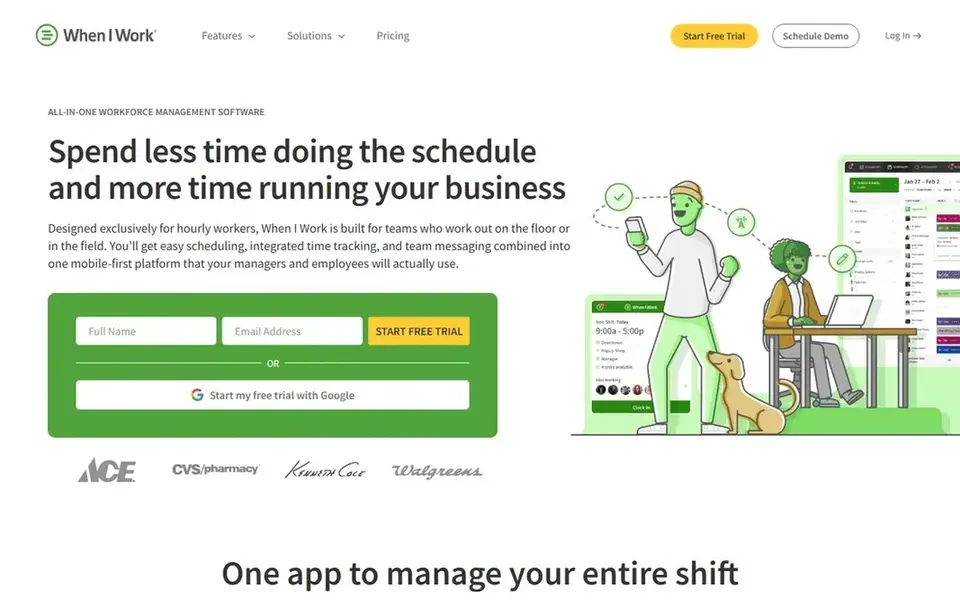
When I Work was built for straightforward shift swaps and messaging. The messaging element is useful for shift updates and coverage requests across care teams.
Bigger operators with complicated compliance reporting may prefer a broader workforce system. Starting cost for When I Work: $2.50 per user per month. As for free access: Free trial.
Where it falls short: Fewer HR features than bigger suites.
- Message the team in-app
- Schedule shifts in one app
- Payroll handled through integrations
Connecteam makes the most sense for frontline team communication and scheduling. Connecteam is an employee management app built for frontline teams, combining scheduling, time tracking and communication in one place. On top of that, since it includes plenty of functions, setting it up to match nursing home workflows takes some effort.
For everyday use, nursing homes with caregivers who seldom sit at a desk can benefit from a mobile-friendly way to share schedules and updates. Facilities seeking only an entry-level shift calendar may find a more straightforward scheduling tool quicker to deploy. What you pay to start with Connecteam: $29 per month. Connecteam includes a free tier.
Watch-outs: Wide toolkit takes time to configure.
- Communication tools included
- Made for frontline teams
- Mobile-first approach may need adjustment
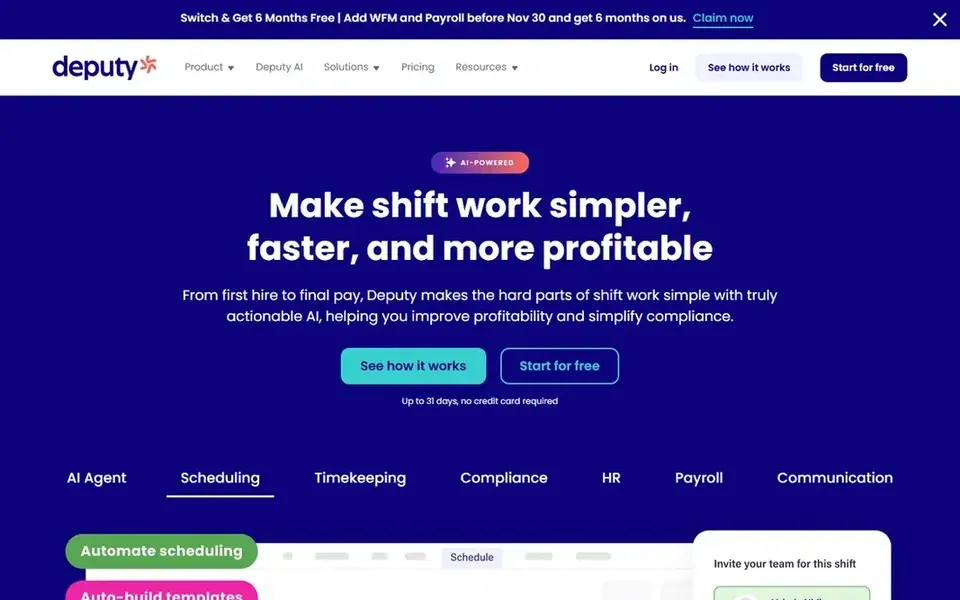
Think of Deputy for scheduling plus labor forecasting. For nursing homes, that mix can help administrators build coverage across day, evening and night shifts whereas keeping staff records in one place.
If the priority is only a straightforward shared schedule with minimal setup, a lighter tool may be simpler to adopt. Beyond that, the breadth of features means more configuration before the team is completely comfortable, and very small facilities may find it more than they need. On cost, Deputy starts like this: $5 per user per month. Free plan details: Free trial.
What to check first: Wide feature set may feel heavy.
- HR and payroll support
- AI labor forecasting features
- Setup needs planning
Shiftboard is built with Workforce scheduling for complicated operations in mind. Shiftboard gives you workforce scheduling for shift-based operations, and its customer page now points to support and next steps following UKG's acquisition of the company.
From a buyer's view, the acquisition means existing and prospective customers should verify roadmap and support details before committing. This comparison lists no price for Shiftboard; ask the vendor. Trial and free access: Not stated.
Where it falls short: Less suited to very small teams.
- Support and login resources available
- Suits bigger staffing operations
- Transition period for existing customers
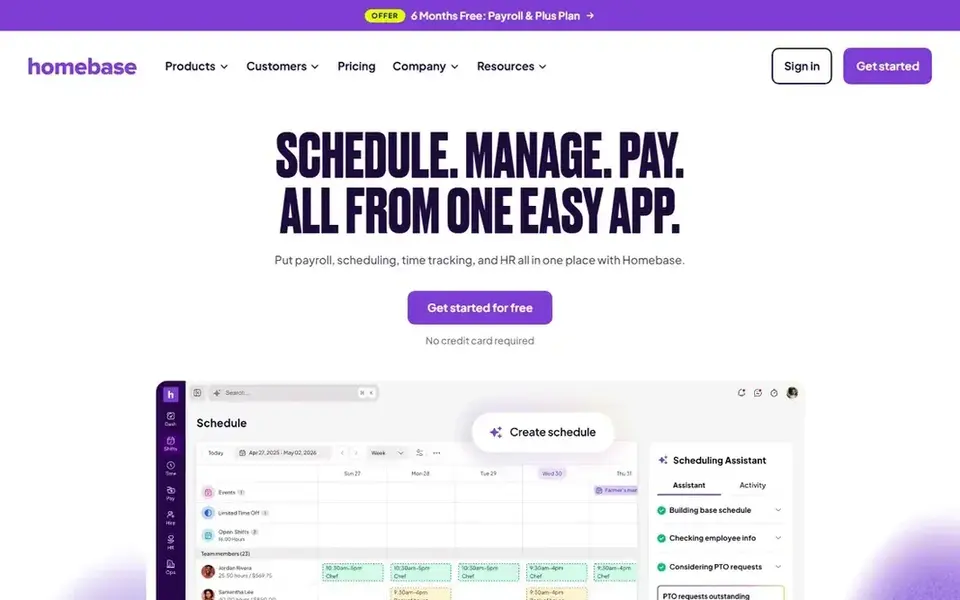
In short, Homebase is for all-in-one hourly team management. The product is oriented toward small business operations, so very large facilities with layered departments may outgrow it.
Facilities needing advanced labor forecasting should compare it against systems made for that purpose. On cost, Homebase starts like this: $30 per location per month. Homebase has a free plan.
Where it is weaker: Advanced workforce analytics restricted.
- Aimed at hourly teams
- Payroll and hiring in one app
- Designed around small business use
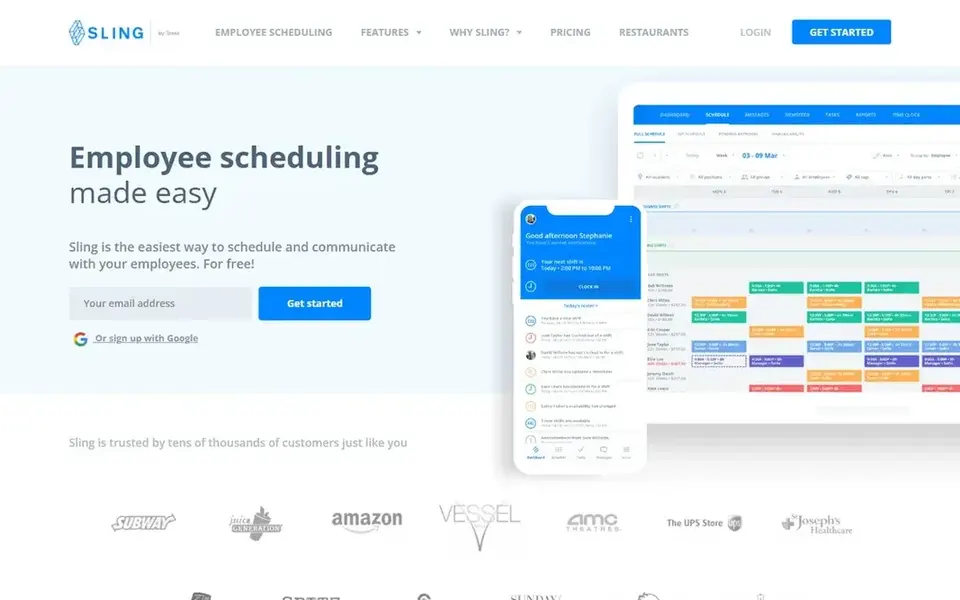
Sling serves simple shift planning and communication. Sling is employee shift scheduling and planning software that helps companies run shifts and communicate with employees.
It suits care teams that want a focused scheduling tool without a large suite of HR modules attached. Sling starts at: $1.70 per user per month. You can start on Sling without paying.
Limits to weigh: Payroll and HR not the focus.
What users get: Team communication tools.
- Shift scheduling and planning
- Easy-to-use design
- Narrower feature range
How we compared the tools
Selection started from tools commonly considered for shift scheduling software for nursing homes, then narrowed to 6 that have clear pricing information or a clear quote process. Seat minimums, billing terms and add-ons can move the real cost, so the starting prices here are a guide and not a quote. The order reflects how well each tool fits the most common buying scenario for shift scheduling software for nursing homes, then price clarity, then free plan access. It is a starting point, not a verdict.
Pre-purchase checklist
- Get a written quote from Shiftboard; the list shows no starting price for them.
- Look at free plan limits closely: Connecteam, Homebase and Sling have one, and the caps decide whether it is usable for real work.
- Run a trial of When I Work and Deputy with real work before paying for a year; your own workflow is the best test.
- Before choosing When I Work, weigh its main limit: payroll handled through integrations.
- List the apps you already depend on and check that Sling supports each one on the plan you would buy.
- Pick one real project and run it in Connecteam first; a small pilot shows fit faster than a checklist.
Frequently asked questions
How should a facility evaluate these choices before buying?
Confirm shift pattern support, mobile usability, payroll connections and support terms straight with each vendor. A short pilot with a small team can reveal whether the tool suits daily care workflows before a wider rollout.
How are the tools for shift scheduling software for nursing homes ordered?
The order follows typical fit for shift scheduling software for nursing homes, with When I Work first and Sling last, then price clarity and free access. It is editorial judgement, not a score, so another team could rank the tools differently.
Can I try these tools before paying?
Often, yes. Connecteam, Homebase and Sling have a free plan and When I Work and Deputy offer a free trial. Use your own data and a real task during the test, and check what the free tier or trial limits before you rely on it.
What is the cheapest option for shift scheduling software for nursing homes in this list?
On published monthly entry prices, Sling is the lowest here at $1.70 per user per month. Entry price is only part of the cost, because seats, add-ons and billing terms can change the total. For the full picture, the cards above cover all 6 entries of this shift scheduling software for Nursing Homes list, including price, free plan and limits.
Do these tools publish their prices?
Not all of them. Shiftboard publishes no starting price, so expect a quote request for it. The rest, When I Work included, show a starting price, though seats and billing terms still change the final cost.
Sources
See where you really rank - block by block
ProMapRanker scans Google Maps across a grid of your service area. Simple monthly plans from $19, white-label on every plan.
Start freeBrowse all guides
← LMS Platforms for Customer Education: Best Picks of 2026Best Employee Scheduling Software for Healthcare Practices (2026) →
 best employee scheduling software for healthcare
7 Best Employee Scheduling Software for Healthcare Options (2026)
Searching for the best employee scheduling software for healthcare? Here are 7 options with prices and free plans. Real limits included. Choose faster.
Read → whats the best data integration platforms
Best Whats the Best Data Integration Platforms in 2026
Comparing whats the best data integration platforms? 6 contenders, each with entry cost, free tier and best-fit buyer. Each listing flags where it falls short.
Read → best digital engagement platforms for healthcare
Best Digital Engagement Platforms for Healthcare (2026)
Best digital engagement platforms for healthcare, compared. 8 tools with published prices, free plans and limits. Every profile names its biggest catch.
Read → best software for hiring in hr
Top 6 Software for Hiring in HR Picks for 2026, Compared
Need the best software for hiring in HR? We compare 6 tools on cost, free access and who each suits. Each profile ends with a plain caveat. Pick by budget.
Read → best text recruiting software
Comparing 7 Text Recruiting Software Options in 2026
Searching for the best text recruiting software? Here are 7 options with prices and free plans. Honest caveats for every entry. Last reviewed November 2026.
Read → best arborgold alternatives
Best Arborgold Alternatives in 2026
Compare the best Arborgold alternatives for tree care businesses, from SingleOps and ArboStar to Jobber, ServiceTitan, and TreeCommand, with pricing in 2026.
Read →More in HR & Recruiting · All guides A to Z by date · Latest guides