 ProMapRanker
Best Employee Scheduling Software in 2026


Hourly shift teams that need fast mobile scheduling · Pricing starts at: $2.50 per user per month
Key takeaways
- The best employee scheduling app for most small teams is one staff will actually open, with swaps and reminders built in.
- Free plans can work for teams under 10 to 30 people, but paid plans usually add time tracking, labor costs and approvals.
- Per user pricing suits growing teams, while per location pricing suits a single site with many hourly staff.
- Check payroll links, overtime rules and mobile apps before you move a whole team to a new tool.
Quick comparison
| Pick | Great for | Pricing starts at | Free tier | |
|---|---|---|---|---|
| When I Work | Hourly shift teams that need fast mobile scheduling | $2.50 per user per month | No | Visit |
 Deputy Deputy | Shift teams that need compliance and labor cost controls | $5 per user per month | Free trial | Visit |
 Homebase Homebase | Single location businesses with hourly staff | Free | Yes | Visit |
 Sling Sling | Teams that want free scheduling with messaging | Free | Yes | Visit |
 Connecteam Connecteam | Frontline teams that need scheduling plus communication | Free | Yes | Visit |
 7shifts 7shifts | Restaurants and hospitality teams | Free | Yes | Visit |
 Zoho Shifts Zoho Shifts | Teams already using Zoho apps | See website | Yes | Visit |
 Findmyshift Findmyshift | Very small teams that need a simple rota | See website | Yes | Visit |
The best employee scheduling software
These tools help managers build shifts, handle swaps, track time and keep labor costs in view. We compared official feature pages, pricing pages and app store listings, not hands-on trials.
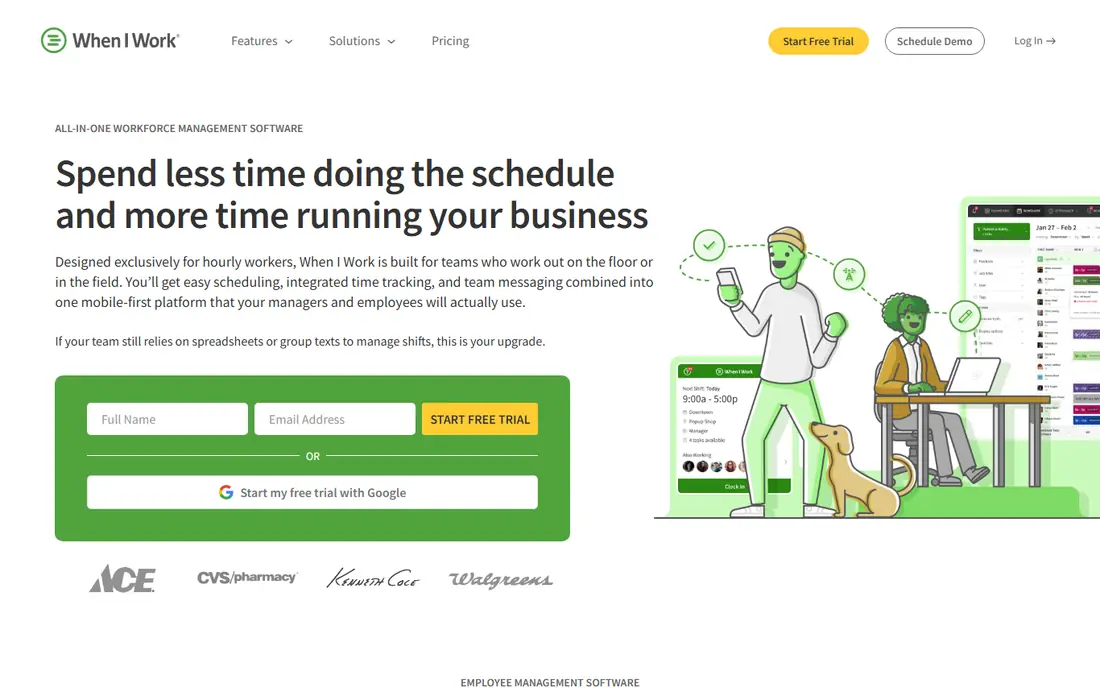
When I Work is a strong pick for hourly teams in restaurants, retail and health care. Managers can build a schedule, publish it to staff phones and let staff request swaps or time off in the same place. That simple loop matters more than a long feature list when shifts change at short notice.
The catch is cost and scope. There is no free plan, so even a small team pays from the start. Payroll is handled through integrations, which is fine if you already use a payroll tool, but less tidy if you want one system for everything.
- Clear mobile scheduling
- Shift swaps and availability tools
- Time tracking on paid plans
- No free plan
- Payroll runs through integrations rather than inside the app
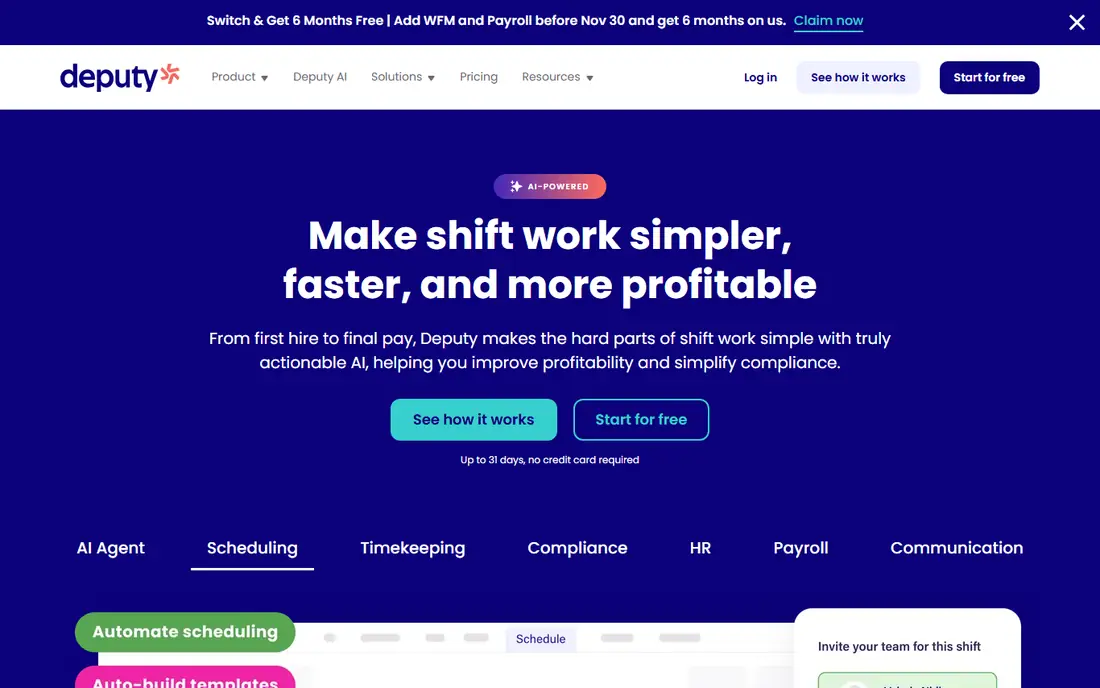
Deputy suits businesses that run shifts across several sites or in places with strict break and overtime rules. It pairs scheduling with a time clock and checks labor rules before a schedule is published, which can save managers from costly errors. The interface is built for managers who plan days or weeks ahead.
Smaller teams may find the price hard to justify when a free tool covers basic shifts. Deputy is best when compliance, multi-location control and labor cost reporting are real daily needs, not occasional extras.
- Scheduling plus time clock
- Labor law and overtime controls
- Works across locations
- Higher starting price than budget tools
- Some advanced features sit on higher plans
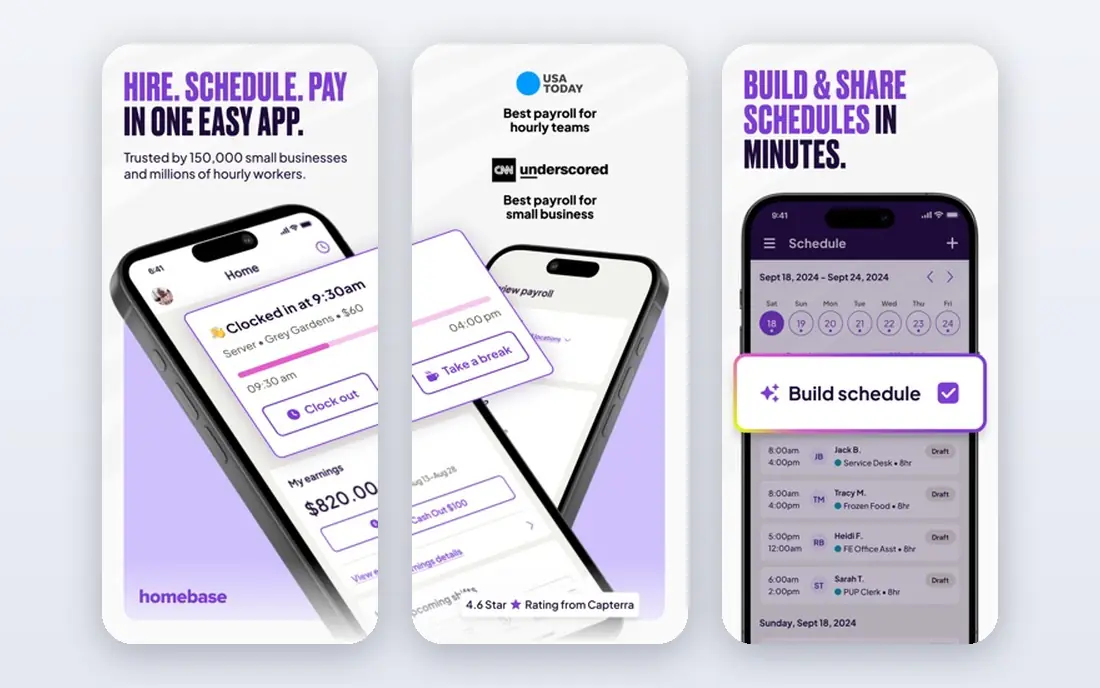
Homebase is a practical starting point for a cafe, shop or salon with one site. The free basic plan covers scheduling for a small team, and the same app adds a time clock and team chat. That keeps daily communication close to the schedule itself.
Paid plans add more scheduling control, hiring tools and payroll. If you run several locations, check the per location price carefully, since that model can cost more than per user pricing for a small team spread across sites.
- Free basic plan for one location
- Scheduling, time clock and team chat
- Optional payroll
- Some shift features, such as open shifts, sit on paid plans
- Per location pricing rises with sites
Sling is one of the cheapest ways to get started, and it is a good fit for restaurants, retail, hospitality and care teams. Staff can see shifts, message each other and request changes without a separate chat app. Managers get a clear weekly view without a steep learning curve.
The free tier is best for scheduling alone. If you need detailed time tracking, labor cost reports or stronger payroll links, expect to move to a paid plan. For a team that mainly needs a reliable rota and a way to talk about it, Sling covers the core job well.
- Free scheduling for up to 30 users in published guides
- Built-in messaging
- Low paid prices
- Time tracking and deeper reporting require paid plans
- Fewer payroll links than larger tools
Connecteam works well for deskless teams who rarely sit at a desk. The free plan gives small teams scheduling controls, a time clock and chat in one mobile app. That combination helps field crews, cleaners, security staff and delivery teams stay on the same page.
Larger teams will need a paid plan, and the price is set for blocks of users rather than each person alone. Still, if your staff need more than a rota, such as checklists, forms or training material, Connecteam packs more into one app than most scheduling-only tools.
- Free plan for up to 10 users
- GPS time clock and team chat
- Forms and training tools
- Full scheduling control needs the paid plan for larger teams
- Pricing is per user block on paid plans
7shifts is built around restaurant work, where labor cost, tips and demand swings shape every schedule. Managers can build shifts, handle swaps and time off requests, and compare labor costs against sales on paid plans. Forecasting tools help match staffing to expected demand rather than guesswork.
The free plan covers basic scheduling for a small team, but the tools that make 7shifts stand out sit higher up. It is a strong choice for a restaurant group, and a less obvious pick for an office or field team with different needs.
- Restaurant focused scheduling
- Labor budgeting and forecasting
- Tip management on higher plans
- Time tracking and advanced compliance sit on paid plans
- Per location pricing can add up
Zoho Shifts is a sensible add-on if your business already runs on Zoho. It covers basic shift creation, staff availability and schedule publishing without asking the team to learn a whole new system. Data can sit alongside Zoho People and other Zoho tools, which keeps admin tidy.
As a standalone scheduling app, it is more basic than Deputy or When I Work. Swaps, recurring shifts and advanced coverage tools are limited on the free plan. Choose it for simplicity and Zoho fit, not for the deepest scheduling controls.
- Simple shift scheduling inside Zoho
- Low per user pricing in published guides
- Works with Zoho People
- Free plan lacks swaps and recurring shifts
- Fewer standalone scheduling features than specialists
Findmyshift is a good fit for a tiny team that just needs a clear rota and timesheets. The free plan covers up to five staff, which suits a small shop, clinic or volunteer rota. Setup is quick, and staff can check shifts online without a complex app.
Growth is the limit here. The free plan does not stretch far ahead, and templates are a paid feature. If your team grows past five people or needs recurring schedules, you will likely outgrow it, but as a first step it is hard to beat on simplicity.
- Free plan for teams of five or fewer
- Timesheets included
- Simple web based scheduling
- Free plan limits scheduling to one week and lacks templates
- Smaller feature set overall
How we picked these
We compared official pricing pages, feature lists and app store listings for scheduling tools that are still offered in October 2026. We favored tools with clear mobile apps, shift swap and availability features, and published pricing or free plans. We left out appointment booking tools, since they solve a different problem from staff rotas.
What to check before you choose
Start with team size and locations. A per location plan can be cheap for one busy site and costly for several small ones. A per user plan can be cheap for a small team and costly as headcount grows, so run the math for your actual roster, not the advertised minimum.
Next, test the staff experience. Ask two or three staff members to view a shift, request a swap and clock in on their own phones. If that flow feels clumsy, managers will spend more time answering questions than the tool saves. Also check overtime alerts, break rules and payroll exports, since those details decide whether a schedule is just a calendar or a real management tool.
Finally, set a trial period with a clear end date. Run one full rota cycle, including a swap, a time off request and a late change. Keep the old method running in parallel for that cycle, so a missed shift does not become a staffing crisis while the team learns the new app.
Frequently asked questions
What is the best employee scheduling app for a small business?
For most small businesses, Homebase or Sling are good starting points because both offer free plans and simple mobile scheduling. When I Work is a stronger pick if you want a more polished mobile experience and can pay per user. The best app for scheduling employees depends on team size, locations and whether you need time tracking in the same tool.
What is the best app for employee scheduling with shift swaps?
When I Work, Deputy, Sling and 7shifts all support shift swaps with manager approval, though some features sit on paid plans. Check whether swaps, open shifts and availability are included in the plan you would actually buy, not just the top plan. A free plan that blocks swaps can create more manual work than it saves.
Is there a best employee scheduling app for small business that is free?
Yes, Homebase, Sling, Connecteam and Findmyshift all offer free plans, but each caps users, locations or features. Homebase suits one location, Sling suits up to 30 users for basic scheduling, and Findmyshift suits teams of five or fewer. Read the free plan limits before you invite the whole team.
Do these apps include time tracking and payroll?
Many do, but not in the same way. Deputy, Homebase and Connecteam include time clocks, while When I Work pairs scheduling with time tracking on paid plans and payroll through integrations. If payroll is a must, confirm the exact integration with your payroll provider before you commit.
How much does the best work scheduling app cost?
Costs range from free for small teams to a few dollars per user per month, or tens of dollars per location per month. Per user tools in this guide start around $2.50 to $5 per user per month, while per location tools start higher but cover unlimited staff at one site. Always compare the total monthly cost for your roster, not just the headline price.
Sources
See where you really rank - block by block
ProMapRanker scans Google Maps across a grid of your service area. Simple monthly plans from $19, white-label on every plan.
Start freeKeep reading
 zoom alternatives
Best Zoom Alternatives in 2026
Compare Zoom alternatives in 2026, with free meeting limits and prices, so you can pick the best alternative to Zoom for your team, class, or community.
Read → which software is best for remote work
Which Software Is Best for Remote Work in 2026
Answering which software is best for remote work, we compare Slack, Zoom, Asana, Notion, Teams and more, with pricing and honest tradeoffs in 2026 now.
Read → which ai tool is best for content writing
Which AI Tool Is Best for Content Writing in 2026
Wondering which ai tool is best for content writing? We compare ChatGPT, Claude, Jasper, Grammarly, and more on price, quality, and best use in 2026 now.
Read →