 ProMapRanker
Best Email Service for Business in 2026


Teams that live in Gmail and Docs · Pricing starts at: $7 per user per month
Key takeaways
- Google Workspace and Microsoft 365 remain the default picks for most teams, because email comes with documents, calendars and video meetings.
- Zoho Mail and Fastmail give small teams professional addresses for far less, if they do not need a full office suite.
- Privacy-first providers trade some integrations for encryption and a smaller data footprint.
- Check storage limits and renewal pricing before you move a whole team, since both decide the real annual cost.
Quick comparison
| Pick | Great for | Pricing starts at | Free tier | |
|---|---|---|---|---|
| Google Workspace | Teams that live in Gmail and Docs | $7 per user per month | Free trial | Visit |
 Microsoft 365 | Outlook and Office shops | $7 per user per month | Free trial | Visit |
 Zoho Mail | Low-cost professional email | $1 per user per month | Yes | Visit |
 Proton Mail | Privacy-first businesses | $6.99 per user per month | Free trial | Visit |
 Fastmail | Email-focused teams | $5 per user per month | Free trial | Visit |
 Titan | Small teams buying email with a domain | $1.50 per user per month | Free trial | Visit |
 Rackspace Email | Businesses that want human support | $2.99 per user per month | Free trial | Visit |
 Tuta Mail | Encrypted email on a budget | See website | Yes | Visit |
The best email services for business
Business email is not just a mailbox. It is your domain, your calendar, your file sharing and the first impression every client gets from your address, so the cheapest option is not always the cheapest decision. The eight services below cover full office suites, email-only hosts and privacy-first providers, with current per-user pricing where we could verify it.
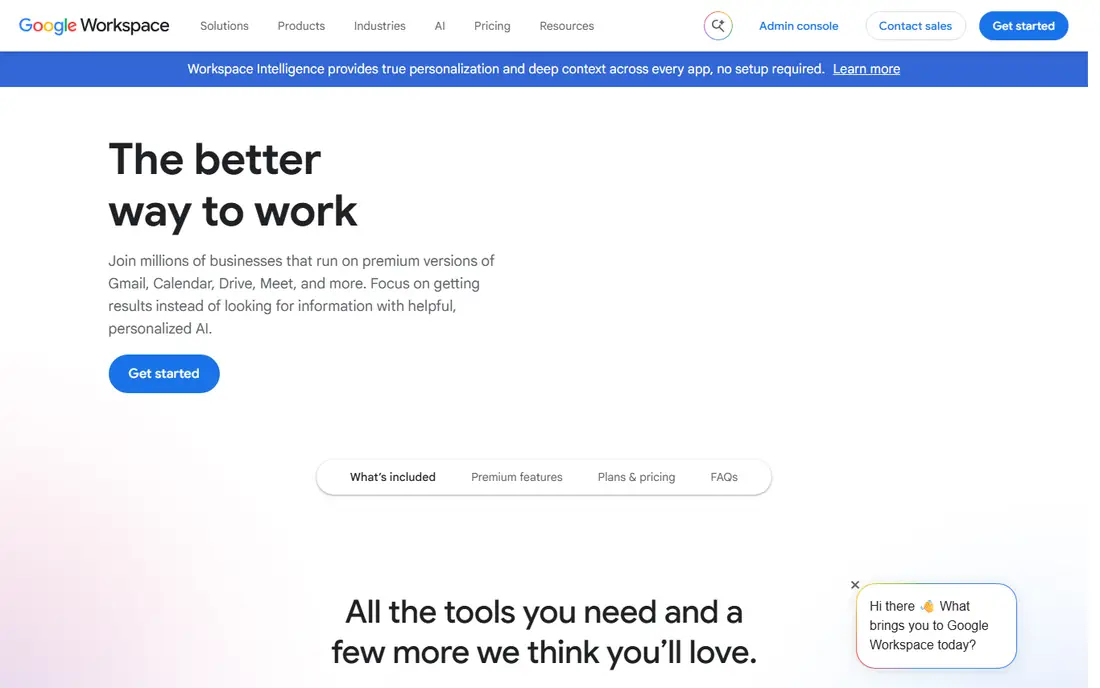
Google Workspace is our pick for most small businesses, and the reason is habit: most teams already know Gmail, and the business version adds your own domain, admin controls and shared drives without changing how people work. Business Starter pairs Gmail with Docs, Sheets, Drive and Meet, so email is one part of a complete, well-understood toolkit.
Business Starter was listed at $7 per user per month on annual billing, with 30 GB of pooled storage per user. The catch is that pooled storage figure: a team that stores large video files or keeps every attachment forever will outgrow it, and the next tier is a clear step up in price.
- Familiar Gmail interface
- Docs, Drive and Meet included
- Strong spam filtering
- Storage on the entry plan can feel tight for heavy file users

Microsoft 365 is the natural choice when your work already runs on Word, Excel and Outlook, because the business plans keep that workflow intact and add Teams and OneDrive around it. Exchange calendaring is still the standard many larger clients expect, and shared mailboxes and compliance tools suit regulated or growing teams.
Business Basic was listed at $7 per user per month after a July 2026 price rise, with a 50 GB mailbox and 1 TB of OneDrive storage. The catch is complexity: the admin centre and the many plan tiers take longer to learn than Google Workspace, so budget setup time or get help for the first migration.
- Full Outlook and Exchange calendaring
- Desktop Office path on higher plans
- Strong compliance tools
- Admin setup is more involved
- Plan structure can confuse first-time buyers
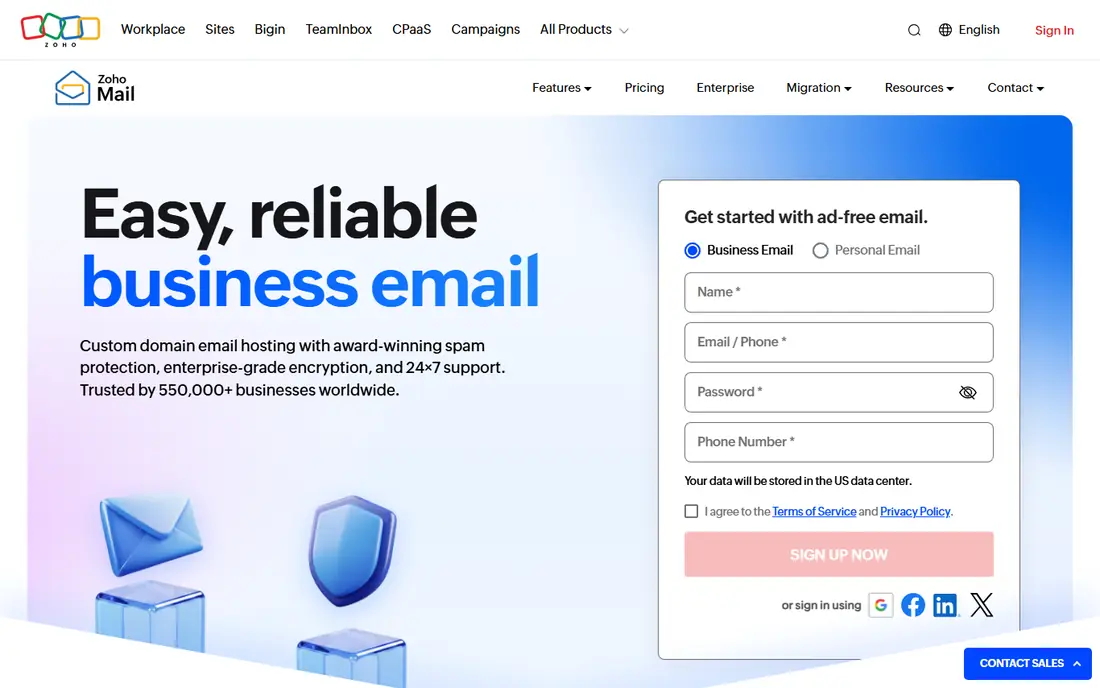
Zoho Mail is the budget pick that still feels like a real business service rather than a cut-down free mailbox. You get your own domain, an ad-free inbox and optional access to the wider Zoho suite, all from $1 per user per month on the entry paid plan. For a startup that needs professional addresses before it needs a full office suite, that price is hard to argue with.
The entry paid plan was listed at $1 per user per month on annual billing, and a free tier covers a single domain for a small number of users with limits on protocols. The catch is ecosystem depth: if your team relies on tools outside Zoho, check each integration first, because the suite is strongest when you stay inside it.
- Very low entry price
- Free tier for tiny teams
- Ad-free mail
- Smaller integration range outside Zoho tools
- Fewer collaboration extras than the big suites
Proton Mail suits businesses that want privacy to be a feature, not a setting buried in an admin panel. Mail is end-to-end encrypted by default, the company is based in Switzerland, and the business plans add your domain, shared inboxes and admin controls without ads or tracking in the inbox. For law, health and consulting firms, that posture can matter to clients as well as to staff.
Mail Essentials for business was listed at $6.99 per user per month on annual billing, with 15 GB of storage per user. The catch is workflow friction: encryption limits some integrations, and desktop clients may need the Proton Bridge app, so test your exact setup during the trial before you move a team.
- End-to-end encryption by default
- Swiss jurisdiction
- Clean, ad-free inbox
- Some desktop use needs a bridge app
- Fewer third-party integrations by design
Fastmail is for teams that want email done well and nothing else bolted on. There is no document suite to learn and no advertising in the inbox, just fast search, reliable delivery, calendars, contacts and custom domains, run by an independent provider. Teams that already use separate tools for documents often prefer this separation.
Business pricing was listed from about $5 per user per month on annual billing, with storage varying by plan. The catch is scope: you will still need Docs, Office or another suite for collaborative documents, so add that cost to the comparison before calling Fastmail the cheaper option.
- Fast, clean, ad-free mail
- Strong calendar and contacts
- Independent provider
- No full office suite
- Smaller app ecosystem than Google or Microsoft
Titan is a practical pick for a very small business that buys a domain and wants email working the same day without learning an admin console. Setup is simple, the price is low, and the mailbox covers the basics a solo owner or tiny team actually uses. It is not trying to be a suite, and for many micro-businesses that is a strength.
Pricing was listed from about $1.50 per user per month in recent comparisons, with exact terms varying by partner and billing period. The catch is depth: larger teams that need shared drives, advanced compliance or a wide integration catalogue will outgrow Titan quickly, so treat it as a starter service, not a long-term platform.
- Low price for a professional address
- Simple setup
- Useful when bought with hosting
- Limited integrations
- Less suited to large or complex organisations
Rackspace Email appeals to businesses that value a support team they can actually reach over a long feature list. It is hosted email on your own domain, without the extra products that complicate the big suites, and it suits owners who would rather call someone than search a help centre. For a team that mainly needs reliable mail, that focus is enough.
Pricing was listed from about $2.99 per user per month in recent comparisons. The catch is that you are buying mail, not a productivity platform, so calendars, documents and video meetings need separate tools, and the total stack can end up costing as much as a suite.
- Straightforward hosted email
- Support is a selling point
- Custom domain included
- No office suite
- Feature set is narrower than the big suites
Tuta Mail, formerly Tutanota, is the low-cost encrypted alternative for teams that want end-to-end encryption without paying Proton prices. The free tier lets a tiny team test the service, and business plans add custom domains and more storage at a modest per-user rate. Its German jurisdiction also matters to buyers with European privacy requirements.
We list pricing as See website because published business rates varied by currency and billing term in the sources we checked. The catch is the same trade as with any encrypted provider: strong privacy comes with fewer integrations, so confirm that your calendar, contacts and any mail tools you rely on work with Tuta before migrating.
- Encrypted mailbox and calendar
- Low-cost business plans
- European jurisdiction
- Smaller ecosystem
- Encryption limits some outside integrations
How we picked these
We compared official pricing pages and recent business email roundups, and we kept only providers that support custom domains and are still selling business plans. Prices are per user per month on annual billing unless noted, and free tiers are noted where a provider genuinely offers one for business use. We did not migrate a mailbox for this guide, so setup and support notes reflect published features and public reviews, not a personal migration.
How to choose a business email service
Start with the tools your team already uses. If everyone works in Docs or Office, the suite that matches those tools will cause less friction than a cheaper mailbox that fights your workflow. If email is the only need, an email-only host saves money without losing anything you use.
Check storage, domains and migration help together. Storage limits decide whether the entry plan lasts a year, domain support decides whether your address looks professional, and migration tools decide how painful the move is. Ask each provider what happens to mail, calendars and contacts during the switch, and test with one mailbox first.
Price the whole stack, not the mailbox alone. A $1 mailbox plus separate document, meeting and storage tools can cost more than a $7 suite, while a $7 suite for a team that only sends email is money wasted. Add up the tools you will actually pay for, then compare annual totals, including renewal rates.
Frequently asked questions
What is the best business email service for a small business?
For most small businesses, Google Workspace or Microsoft 365 is the safest default, because email arrives with documents, calendars and meetings in one managed account. If budget is the main constraint, Zoho Mail gives professional addresses for far less, and Fastmail is a strong email-only alternative.
Which business email service is the best for privacy?
Proton Mail and Tuta Mail are the strongest privacy-first choices in this list, with end-to-end encryption and European jurisdiction. They trade some integrations for that privacy, so test your calendar, contacts and desktop setup before moving a whole team.
What are the best business email services for a team on a budget?
Zoho Mail, Titan and Tuta Mail are the lowest-cost credible options, with entry prices well below the big suites. Check storage and protocol limits on free and entry tiers, since those limits decide whether the cheap plan stays workable as the team grows.
Can I use a free email service for business?
A free tier can work for a solo owner or a tiny team, but free consumer mail on a generic domain looks less professional and usually lacks admin controls, shared inboxes and migration support. A paid plan on your own domain is a small cost for the credibility and control it adds.
Is Google Workspace or Microsoft 365 better for business email?
Google Workspace suits teams that prefer Gmail, Docs and Meet and want a simpler admin setup. Microsoft 365 suits teams that rely on Outlook, desktop Office and Exchange calendaring, and it offers stronger compliance tooling on its business plans.
Sources
- https://workspace.google.com
- https://www.microsoft.com/microsoft-365/business
- https://www.zoho.com/mail
- https://proton.me/mail
- https://www.fastmail.com
- https://titan.email
- https://www.rackspace.com/email-hosting
- https://tuta.com
- https://www.techrepublic.com/article/best-business-email-providers/
- https://exclaimer.com/email-signature-handbook/top-email-service-providers/
See where you really rank - block by block
ProMapRanker scans Google Maps across a grid of your service area. Simple monthly plans from $19, white-label on every plan.
Start freeKeep reading
 top rated pdf scanner software
Best PDF Scanner Software in 2026
Looking for top rated pdf scanner software? We compare 8 scanner apps on scan quality, OCR, price, watermarks and privacy to find your best fit for daily use.
Read → expensify alternatives
Best Expensify Alternatives in 2026
Looking for expensify alternatives? We compare 8 top expense tools on price, cards, receipts and approvals to help your team pick the right one in 2026.
Read → best tools for drawing diagrams
Best Tools for Drawing Diagrams in 2026
Compare the best tools for drawing diagrams, from Lucidchart and Miro to free diagrams.net. See pricing, templates, and collaboration features for teams.
Read →