 ProMapRanker
Best Email Finder Tools for Sales Teams in 2026

Key takeaways
- Hunter and Apollo are the safest starting points for most small sales teams, with free tiers that allow a real trial.
- Credit models differ widely, so cost per verified email matters more than the headline monthly price.
- Apollo and Snov.io add outreach sequences, while Hunter and Skrapp stay closer to finding and verifying only.
- Verify every address before sending, and only contact business prospects who have a legitimate reason to hear from you.
Quick comparison
| Pick | Great for | Pricing starts at | Free tier | |
|---|---|---|---|---|
 Hunter | domain based prospecting on a budget | $34 per month | Yes | Visit |
 Apollo | teams that want finding plus outreach in one place | $49 per month | Yes | Visit |
 Snov.io | cold email teams that want finder plus campaigns | $39 per month | Yes | Visit |
 Lusha | LinkedIn prospecting with phone numbers | $37 per month | Yes | Visit |
 RocketReach | recruiters and teams chasing senior contacts | See website | Yes | Visit |
 ZoomInfo | enterprise teams that need depth and intent data | See website | No | Visit |
 LeadIQ | teams that live in Outreach or Salesloft | $36 per month | Yes | Visit |
 Skrapp | small teams that want a simple free tier finder | See website | Yes | Visit |
 UpLead | teams that want a verified email guarantee | $99 per month | Yes | Visit |
 Prospeo | teams that want to pay per verified email | See website | Yes | Visit |
The best email finder tools for sales teams
We compared official feature pages, pricing pages and public documentation for 10 tools that fit this topic, and we kept only products that exist and work today. Our pick for most readers is in the list below, but the right choice depends on your budget, your team size and the job you need done first.
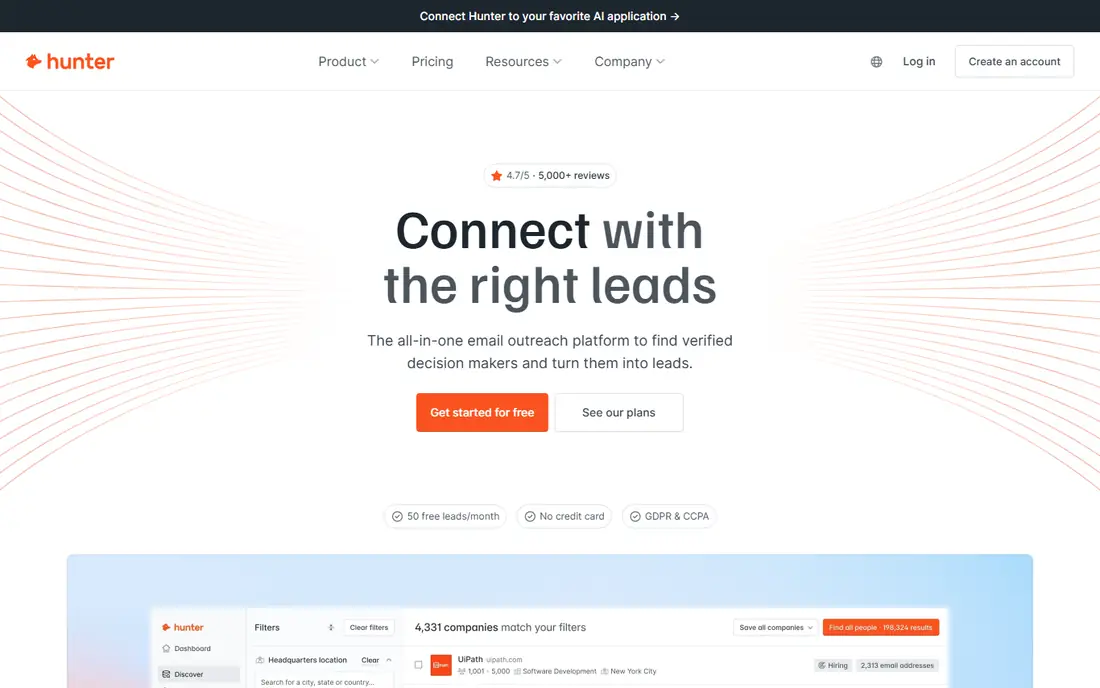
For teams that need this, domain based prospecting on a budget, Hunter deserves a close look. Hunter is the tool we would hand to a new sales team first, because domain search turns one company website into a list of patterns and public addresses in minutes. The strengths that stood out in its official pages are domain search and verifier in one tool; confidence scores; simple campaign tool.
The trade-off is no phone data of note; credit use varies by search type. Before you pay, check how credits are charged for searches versus verifications on the vendor site, and run the tool on one real project or campaign for at least a week. A short trial on real work tells you more than any feature page.
- Domain search and verifier in one tool
- Confidence scores
- Simple campaign tool
- No phone data of note
- Credit use varies by search type
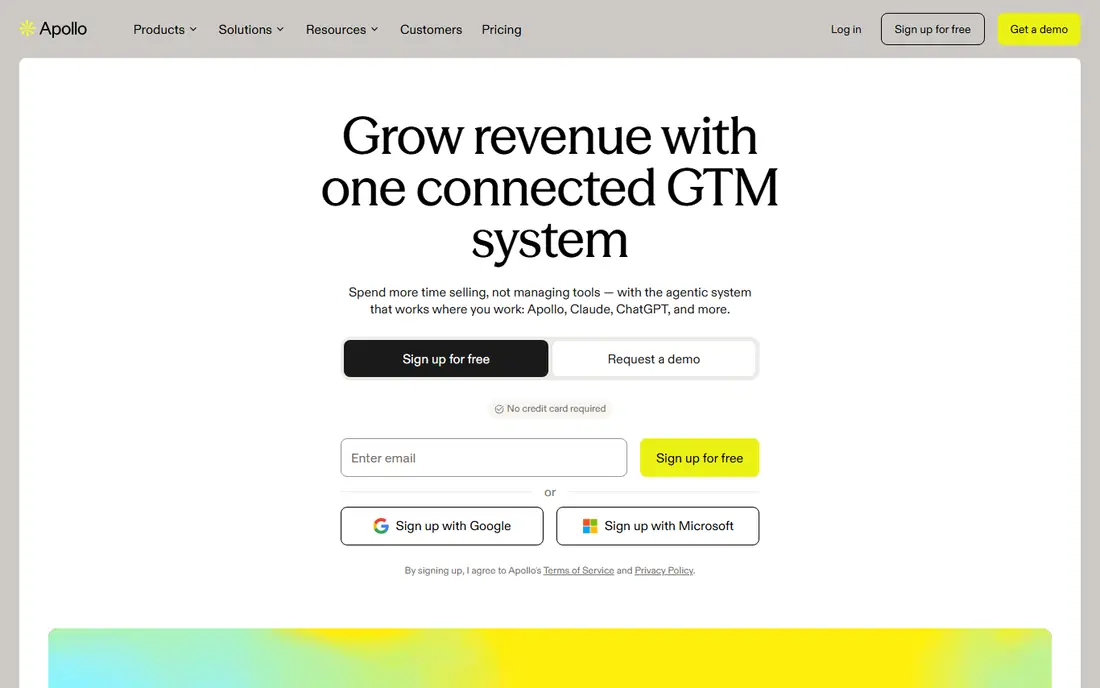
If your main job is this, teams that want finding plus outreach in one place, Apollo deserves a close look. Apollo is more than a finder, since it adds sequences, scoring and CRM sync, which can replace two or three separate tools for a small team. The strengths that stood out in its official pages are large contact database; sequences and crm sync; generous free tier.
The trade-off is data freshness varies; phone data is thinner than email data. Before you pay, check the email credit allowance and sequence limits on your plan on the vendor site, and run the tool on one real project or campaign for at least a week. A short trial on real work tells you more than any feature page.
- Large contact database
- Sequences and CRM sync
- Generous free tier
- Data freshness varies
- Phone data is thinner than email data
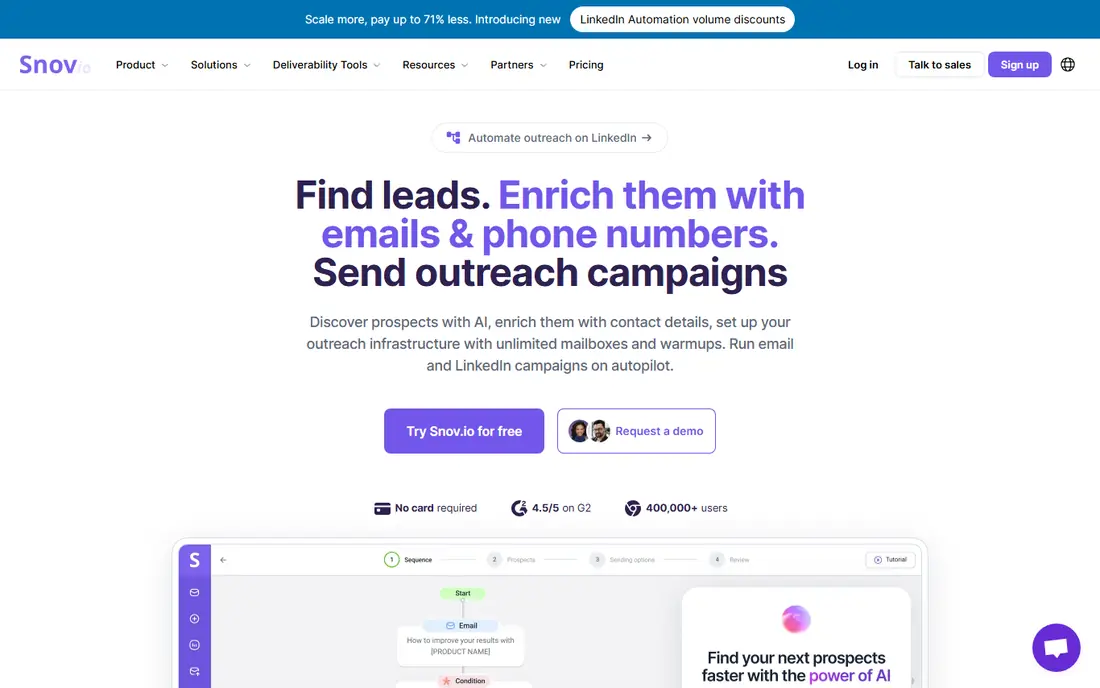
Start here when cold email teams that want finder plus campaigns, Snov.io deserves a close look. Snov.io suits teams that run cold email end to end, because finding, verifying, warming up and sending live in the same place. The strengths that stood out in its official pages are finder, verifier and drip campaigns in one account; email warm-up tools; browser extension.
The trade-off is phone data is limited; credit rules take time to learn. Before you pay, check the credit balance for finding versus sending before you commit on the vendor site, and run the tool on one real project or campaign for at least a week. A short trial on real work tells you more than any feature page.
- Finder, verifier and drip campaigns in one account
- Email warm-up tools
- Browser extension
- Phone data is limited
- Credit rules take time to learn
A practical choice for LinkedIn prospecting with phone numbers, Lusha deserves a close look. Lusha is at its best on LinkedIn, where a rep can pull a verified address and direct dial without leaving a prospect profile. The strengths that stood out in its official pages are strong linkedin extension; verified email and phone data; buying signals on higher plans.
The trade-off is credit costs rise with phone lookups; smaller teams can burn credits quickly. Before you pay, check the monthly credit allowance and the cost of phone credits on the vendor site, and run the tool on one real project or campaign for at least a week. A short trial on real work tells you more than any feature page.
- Strong LinkedIn extension
- Verified email and phone data
- Buying signals on higher plans
- Credit costs rise with phone lookups
- Smaller teams can burn credits quickly
For a team that wants this, recruiters and teams chasing senior contacts, RocketReach deserves a close look. RocketReach is known for breadth, and it is often the tool teams try when a niche finder returns nothing for a senior title. The strengths that stood out in its official pages are broad professional coverage; senior and executive contacts; bulk lookup tools.
The trade-off is entry pricing has moved over time, so check the current page; credits are per lookup. Before you pay, check the current entry price and lookup allowance on the vendor site on the vendor site, and run the tool on one real project or campaign for at least a week. A short trial on real work tells you more than any feature page.
- Broad professional coverage
- Senior and executive contacts
- Bulk lookup tools
- Entry pricing has moved over time, so check the current page
- Credits are per lookup
When the brief is this, enterprise teams that need depth and intent data, ZoomInfo deserves a close look. ZoomInfo is the enterprise option here, with company hierarchies and buying signals that smaller finders do not try to match. The strengths that stood out in its official pages are deep company and contact data; intent signals; org charts and integrations.
The trade-off is enterprise pricing and annual contracts; far more than most small teams need. Before you pay, check the contract length and seat minimum before a trial on the vendor site, and run the tool on one real project or campaign for at least a week. A short trial on real work tells you more than any feature page.
- Deep company and contact data
- Intent signals
- Org charts and integrations
- Enterprise pricing and annual contracts
- Far more than most small teams need
This one earns a place for teams that live in Outreach or Salesloft, LeadIQ deserves a close look. LeadIQ earns its place when a team already runs Outreach or Salesloft, because captured contacts arrive in the CRM cleanly instead of as a spreadsheet import. The strengths that stood out in its official pages are clean crm sync; linkedin capture; workflow built for sales engagement tools.
The trade-off is value depends on using a supported engagement platform; credits are capped. Before you pay, check which CRM and engagement integrations your plan includes on the vendor site, and run the tool on one real project or campaign for at least a week. A short trial on real work tells you more than any feature page.
- Clean CRM sync
- LinkedIn capture
- Workflow built for sales engagement tools
- Value depends on using a supported engagement platform
- Credits are capped
For buyers focused on this, small teams that want a simple free tier finder, Skrapp deserves a close look. Skrapp is a low friction starting point for a solo rep or a tiny team, and its free tier is enough to judge whether the data fits your market. The strengths that stood out in its official pages are simple linkedin and domain search; email verification included; low learning curve.
The trade-off is smaller database than the leaders; advanced features are limited. Before you pay, check the free credit allowance and the paid plan limits on the vendor site, and run the tool on one real project or campaign for at least a week. A short trial on real work tells you more than any feature page.
- Simple LinkedIn and domain search
- Email verification included
- Low learning curve
- Smaller database than the leaders
- Advanced features are limited
A solid option when teams that want a verified email guarantee, UpLead deserves a close look. UpLead makes its case on data quality rather than volume, with verification at the point of lookup and credits back when data proves bad. The strengths that stood out in its official pages are real time verification; credit refund for bad data in many cases; technographic filters.
The trade-off is higher entry price; smaller feature set than all in one platforms. Before you pay, check the exact terms of the accuracy guarantee on your plan on the vendor site, and run the tool on one real project or campaign for at least a week. A short trial on real work tells you more than any feature page.
- Real time verification
- Credit refund for bad data in many cases
- Technographic filters
- Higher entry price
- Smaller feature set than all in one platforms
Close the shortlist with teams that want to pay per verified email, Prospeo deserves a close look. Prospeo is worth testing because paying only for valid emails changes the maths for teams that waste credits on dead addresses. The strengths that stood out in its official pages are pay per valid email model; multi-step verification; browser extension.
The trade-off is newer brand than the leaders; phone coverage is a separate question. Before you pay, check the definition of a valid email and the free monthly allowance on the vendor site, and run the tool on one real project or campaign for at least a week. A short trial on real work tells you more than any feature page.
- Pay per valid email model
- Multi-step verification
- Browser extension
- Newer brand than the leaders
- Phone coverage is a separate question
How we picked these
We compared official feature pages, pricing pages, app store listings and public documentation, and we removed products that had shut down, changed direction, or no longer fit the topic. We did not claim hands-on testing that did not happen, and we wrote See website wherever a current price could not be confirmed from the vendor.
We also weighed fit over fame. A well known tool that misses the core job for this topic did not make the list, while a smaller tool that does that job well did. Prices change often, so confirm the current plan terms before you buy.
How to pick an email finder for a sales team
Start with your market, not the feature list. A finder with strong United States coverage may be weak in your region, and a finder built for recruiters may be thin on the operations titles your team actually sells to. Test with a list of real target accounts, not sample data.
Then compare cost per usable email. Divide the monthly price by the number of verified, deliverable addresses you actually get, and include phone credits separately if you need them. A tool that looks cheap per month can be expensive per good address.
Finally, check the workflow. If reps have to export spreadsheets and reimport them into the CRM, data will go stale and duplicates will pile up. A clean extension and CRM sync save more time than any single feature on a pricing page.
Frequently asked questions
How accurate are email finders?
Accuracy varies by market, job title and how fresh the database is, so treat vendor claims as a starting point. Run the same 50 prospects through two tools, verify the results, and measure bounces on a small first send.
What is a credit, exactly?
A credit is the unit a tool charges for a lookup, and it means something different on every platform. Some tools charge per search, others per verified result, and phone numbers often cost more than emails.
Should a sales team buy the cheapest finder?
Only if its data covers your market. A cheap tool with poor coverage costs more in wasted rep time than a pricier tool that returns usable addresses for your target titles.
Is cold email legal?
Rules differ by country and by whether the recipient is a business contact, and spam laws still apply to business mail in many places. Keep lists targeted, offer a clear opt out, and check the rules for each market you contact.
Do I still need a verifier if the finder verifies?
Yes, for important sends. A second verification pass before a large campaign catches stale addresses and protects your sending reputation, which is hard to repair once damaged.
Sources
See where you really rank - block by block
ProMapRanker scans Google Maps across a grid of your service area. Simple monthly plans from $19, white-label on every plan.
Start freeKeep reading
 wpforms alternatives
Best WPForms Alternatives in 2026
We compare 9 wpforms alternatives for WordPress forms, with free and paid options, current pricing notes, and honest limits for small business sites in 2026.
Read → windows task scheduler alternatives
Best Windows Task Scheduler Alternatives in 2026
Looking for Windows Task Scheduler alternatives? We compare 9 schedulers for Windows and cross-platform work, from free tools to enterprise automation.
Read → which ai video service is best
Which AI Video Service Is Best in 2026
which ai video service is best? We compare 10 legitimate AI video services on price, avatars, editing and output quality to help you pick the right tool.
Read →