 ProMapRanker
Best Email Cleaner App Free in 2026

Key takeaways
- Cleanfox and Unroll.Me are fully free, but both fund themselves from inbox data, so read their privacy terms before connecting an account.
- Clean Email offers the strongest cleanup tools with a free tier covering 1,000 emails, and it does not sell your email content.
- Trimbox and Leave Me Alone are the best privacy-leaning free options, with free unsubscribes and data that stays on your device or is not stored.
- Canary Mail and Edison Mail clean up inside a full email app, which suits people who want to replace their mail app rather than add a tool.
- Start with your mail provider's own unsubscribe and filter tools, then add a cleaner only for the backlog they cannot handle.
Quick comparison
| Pick | Great for | Pricing starts at | Free tier | |
|---|---|---|---|---|
 Cleanfox | Free mass unsubscribing | Free | Yes | Visit |
 Unroll.Me | Free daily digest | Free | Yes | Visit |
 Clean Email | Full inbox cleanup | $9.99 per month | Yes | Visit |
 Trimbox | Private Gmail unsubscribing | Free | Yes | Visit |
 Leave Me Alone | Pay-as-you-go unsubscribing | $19 per 7-day pass | Yes | Visit |
 Canary Mail | Cleaning inside an email app | Free | Yes | Visit |
 Edison Mail | Free email app with cleanup | Free | Yes | Visit |
The best free email cleaner apps
A free email cleaner should do one thing well: remove mail you do not want, without creating a bigger privacy problem than the clutter it fixes. Every app below offers a genuinely free tier, not just a short trial. That rule matters in this category, because several well-known tools charge nothing by turning inbox data into a product. We compared official feature pages, pricing pages and privacy policies, and we flagged that trade-off plainly wherever it applies.
Before you connect any tool, move important mail out of the way and back up anything you cannot lose. Most cleaners move mail to trash rather than deleting it at once, which gives you a safety window, but a bulk action still deserves a careful first pass.
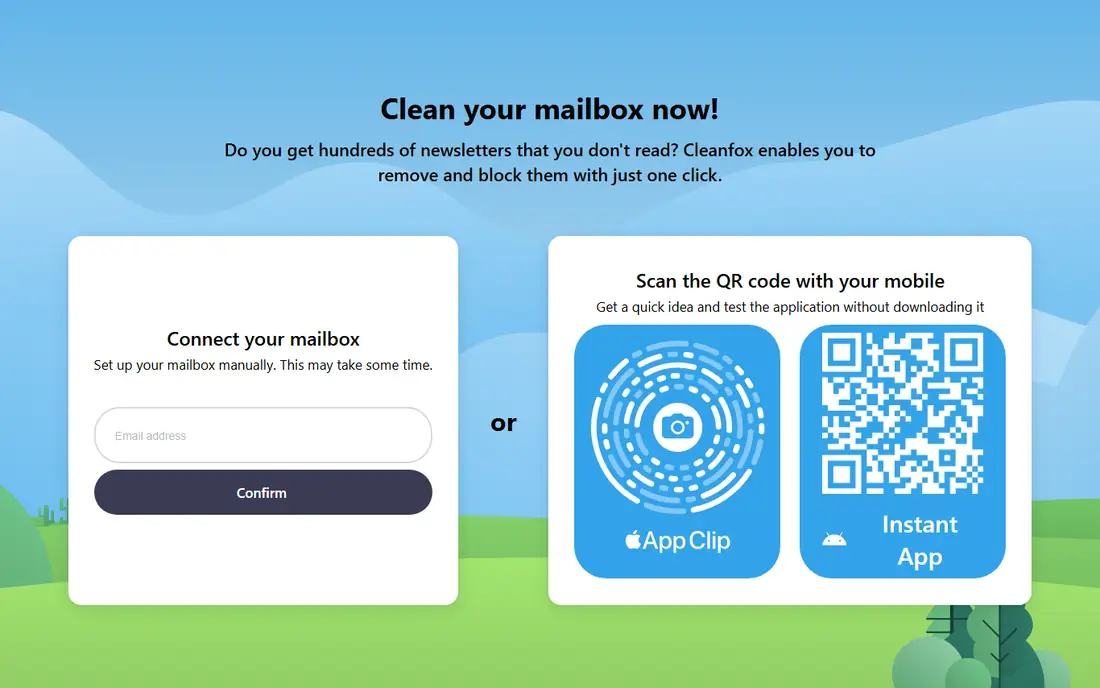
Cleanfox is the fastest free way to cut a huge inbox down to size. Connect an account, see your subscriptions sorted by how much mail each one sends, and unsubscribe or delete old messages from the worst senders in bulk. For an inbox with thousands of unread marketing mails, that single screen does more in ten minutes than a week of manual unsubscribing.
The cost is privacy, not money. Cleanfox states that it monetizes anonymized inbox data, and its owner NielsenIQ sells market intelligence. If you are comfortable with that trade, Cleanfox is hard to beat for speed. If you are not, pick Trimbox or Leave Me Alone instead. Some users also report that the web version errors and pushes them to the mobile app, so try it on your phone first if the website stalls.
- Completely free
- Sorts subscriptions by volume
- Deletes old mail from a sender in a few taps
- Owned by NielsenIQ, a market research company, and monetizes anonymized inbox data
- Web version draws reliability complaints
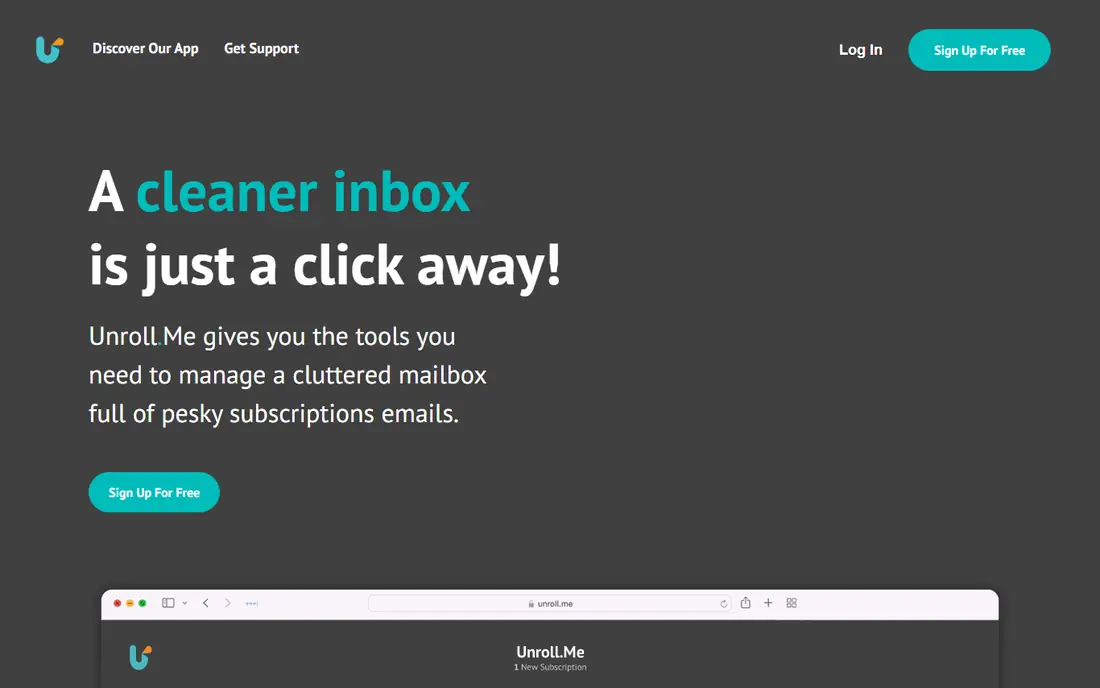
Unroll.Me takes a different approach from bulk deletion. Its Rollup feature bundles your subscriptions into a single daily digest, so newsletters you half-read stop flooding your inbox but stay available in one place. The unsubscribe screen is quick, and the whole service is free, with no paid tier at all.
That free price comes with the clearest privacy warning on this list. Unroll.Me is owned by the same data company behind Cleanfox, its privacy policy says it may sell or share some types of personal information, and its parent derives market intelligence from commercial emails. The US Federal Trade Commission also brought an action against its operator in 2019 over how it described email access. We list it because it is genuinely free and widely used, but we would not connect a work inbox or an account holding sensitive mail to it.
- Completely free with no paid tier
- Fast unsubscribe screen
- Rollup bundles subscriptions into one daily digest
- Privacy policy allows selling or sharing some personal information
- Data can be retained for up to seven years
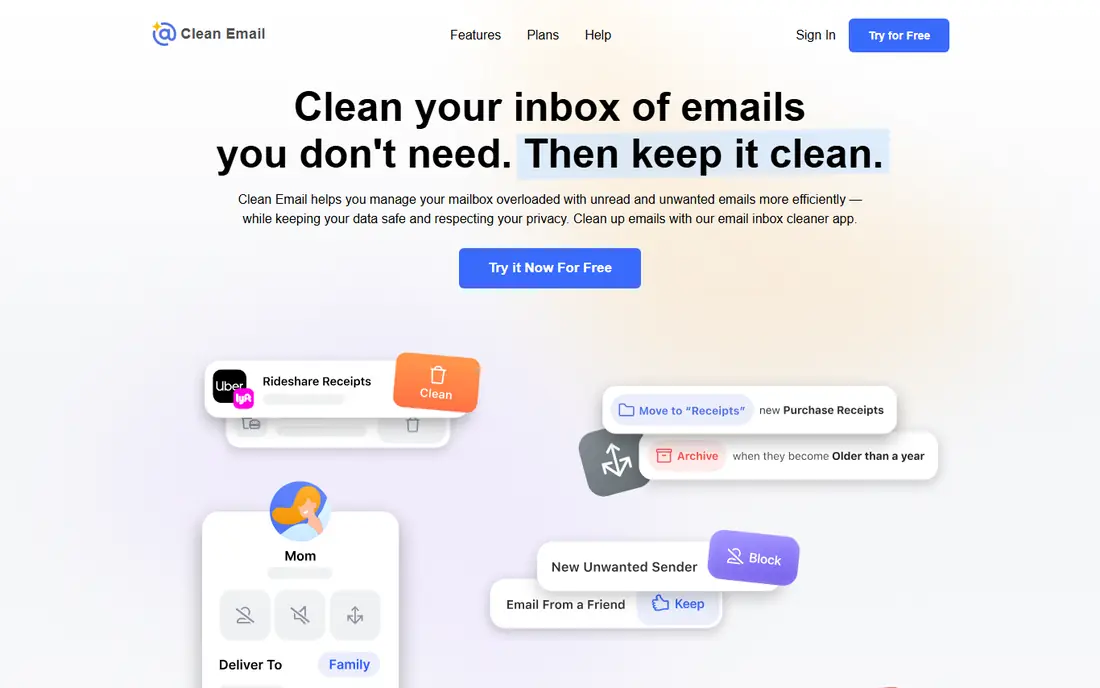
Clean Email is the best all-round cleaner here, and the only one that pairs strong tools with a subscription business model rather than data sales. Its free tier lets you clean up to 1,000 emails, which is enough to clear a small backlog or test whether the tool fits your habits. Smart views group mail by sender, age and type, so you can delete years of social notifications without touching messages from real people.
Paid plans start at $9.99 per month for one account and add auto-clean rules, which apply your choices to new mail automatically. That ongoing automation is where Clean Email earns its price: a one-time clean fixes today, while rules stop the inbox filling again. The downside is setup. The first screen offers a lot of options at once, so start with the largest groups, check what is selected, and leave smaller groups for a second pass.
- Free tier covers 1,000 emails
- Smart views group mail by sender and age
- Auto-clean rules keep new clutter down
- Full cleanup needs the paid plan at $9.99 per month
- Setup can feel busy at first
Trimbox is the privacy-leaning pick for Gmail users. Its free version unsubscribes you from senders and helps filter mail, and it keeps email data on your device rather than sending your inbox contents to its own servers. That design removes the main worry that comes with Cleanfox and Unroll.Me, and it works inside Gmail, so there is no new inbox to learn.
The limits are scope and platform. Trimbox only works with Gmail, and it is mainly an unsubscribe and filtering tool rather than a deep bulk-deletion engine like Clean Email. If your problem is subscriptions, Trimbox fixes it cleanly and cheaply. If your problem is ten thousand old messages across several providers, Clean Email or a manual pass with search operators will serve you better.
- Free version available
- Email data stays on your device
- Works inside Gmail
- Gmail only
- Mainly filters and unsubscribes rather than deep bulk deletion
- Paid upgrades needed for full features
Leave Me Alone does one job and prices it plainly. You get 10 free unsubscribes to test it, and paid access costs $19 for a 7-day pass, which suits a one-time purge better than a monthly subscription you forget to cancel. The service does not store your email content, which puts it on the safer side of this category.
The trade-off is narrowness. Leave Me Alone unsubscribes you and rolls subscriptions into a digest, but it will not bulk-delete old mail or build auto-clean rules the way Clean Email does. That makes it a good pairing: use Leave Me Alone for the subscription purge, then use your mail provider's search tools for the old mail itself. For people who only need the purge, it is the cleanest paid option here.
- 10 free unsubscribes
- Does not store your email content
- Clear upfront pricing with no subscription trap
- Only handles subscriptions, not full inbox cleaning
- Paid access is a 7-day pass rather than a monthly plan
Canary Mail is a full email app with cleanup built in, rather than a separate cleaner you visit once. Its free plan includes one-tap unsubscribing, so you can clear senders as you read, and the company states that your email is not used to train AI models. That combination suits someone who wants to switch mail apps anyway and pick up cleanup tools at the same time.
The catch is that Canary Mail asks you to change where you read mail, which is a bigger switch than a one-time cleaner. Its Growth plan costs $36 per year and adds the fuller feature set. If you like your current mail app, Trimbox or Clean Email will disturb your routine less. If you are open to a new app, Canary Mail gives you cleanup without a separate subscription.
- Free plan includes unsubscribing inside your mail app
- Email is not used to train AI
- Works across providers
- Full cleanup features sit behind Growth at $36 per year
- It replaces your mail app rather than sitting beside it
Edison Mail is a free email app with smart inbox features, including sorting, block sender and unsubscribe options that help you clear unwanted mail as you go. It handles multiple accounts in one place and searches fast across them, which suits people juggling personal and work inboxes. The free plan covers the core app, so there is no paywall for basic cleanup.
The honest warning is history. Edison's parent company faced scrutiny over how anonymized email data fed a separate trends business, and that record still shapes how careful users should be. If that history bothers you, pick Canary Mail or Trimbox instead. If you want a free, fast mail app and you read the current privacy policy first, Edison Mail remains a usable free option.
- Free app with smart inbox sorting
- Block sender and unsubscribe options
- Fast search across accounts
- Past privacy controversy around its data business
- Cleanup tools are lighter than dedicated cleaners
How we picked these
We searched for email cleaners with free tiers, then checked each one against its official site, pricing page or app store listing. We kept only tools that offer a genuinely free tier, not just a trial, and we excluded paid-only tools even when they clean well. Where a vendor did not publish a price, we wrote See website instead of guessing. We also read privacy policies and public reporting for the free tools, because a free cleaner funded by inbox data is a different deal from a free tier funded by paid upgrades, and readers deserve to know which one they are choosing.
What to check before you connect a cleaner
Start with privacy, not features. Read how the tool makes money. A subscription tool like Clean Email or a paid pass like Leave Me Alone earns money from you. A fully free tool like Cleanfox or Unroll.Me earns money from data derived from your inbox, and you should decide whether that trade is acceptable before you connect anything. Never connect a cleaner to an inbox holding sensitive work, legal or medical mail unless you have checked its data handling first.
Next, protect yourself from mistakes. Move important mail into a folder first, then start with your largest and most obvious groups, such as old marketing mail and social notifications. Check what the tool selected before you confirm, and remember that most tools move mail to trash, where your provider keeps it for a recovery window. Finally, try your provider's own tools first. Gmail, Outlook and Apple Mail all offer one-tap unsubscribe and search operators that clear a large share of clutter for free, with no third party involved.
Frequently asked questions
What is the best free email cleaner app?
Clean Email is our top pick for thorough cleaning, with a free tier covering 1,000 emails and a subscription model that does not sell your content. For pure speed at zero cost, Cleanfox is faster, but it monetizes anonymized inbox data. If privacy matters most, Trimbox is the best free option for Gmail users.
Are free email cleaner apps safe?
Paid tools from established companies are generally safer, because they earn money from subscriptions rather than data. Free tools vary: some, like Trimbox, keep data on your device, while others, like Cleanfox and Unroll.Me, derive market intelligence from your mail. Always use official sign-in, check the privacy policy, and never give a cleaner your password directly.
Can an email cleaner delete important emails by mistake?
It can, which is why you should check selections before confirming a bulk action. Start with large, obvious groups and leave smaller or mixed groups for later. Most tools move mail to trash rather than deleting it at once, so your provider's trash window gives you time to recover a mistake. Back up anything irreplaceable before a big clean.
What is the best free email cleaner app for Gmail?
Trimbox is the best free Gmail-specific option, since it works inside Gmail and keeps data on your device. Cleanfox also works well with Gmail and clears subscriptions fast, with the privacy trade-off noted above. Gmail's own search operators and filters are also worth trying first, since they cost nothing and involve no third party.
Do I need a paid email cleaner at all?
Often, no. Spend 30 minutes with your provider's unsubscribe button, filters and search tools, and you may clear most of the problem for free. Paid tools earn their price when you want ongoing automation, rules for new mail, or cleanup across several accounts at once. Start free, and only pay when the free tier stops solving your problem.
Sources
See where you really rank - block by block
ProMapRanker scans Google Maps across a grid of your service area. Simple monthly plans from $19, white-label on every plan.
Start freeKeep reading
 wpforms alternatives
Best WPForms Alternatives in 2026
We compare 9 wpforms alternatives for WordPress forms, with free and paid options, current pricing notes, and honest limits for small business sites in 2026.
Read → windows task scheduler alternatives
Best Windows Task Scheduler Alternatives in 2026
Looking for Windows Task Scheduler alternatives? We compare 9 schedulers for Windows and cross-platform work, from free tools to enterprise automation.
Read → which ai video service is best
Which AI Video Service Is Best in 2026
which ai video service is best? We compare 10 legitimate AI video services on price, avatars, editing and output quality to help you pick the right tool.
Read →