 ProMapRanker
Best Electronic Signature Software in 2026

Key takeaways
- DocuSign remains the most widely accepted signing platform, with a Personal plan from $10 per month billed annually.
- signNow is the value pick for small teams, with Business from $8 per month billed annually, though sending limits apply.
- PandaDoc, Zoho Sign and SignWell all offer a free tier, which makes them good first steps for occasional senders.
- Adobe Acrobat Sign suits teams that already live in PDFs and Acrobat, while Dropbox Sign suits teams already in Dropbox.
- Envelope and invite limits matter more than headline price, so check how many documents you can send each month before you pay.
Quick comparison
| Pick | Great for | Pricing starts at | Free tier | |
|---|---|---|---|---|
 DocuSign | Widely accepted signing | $10 per month | Yes | Visit |
 Adobe Acrobat Sign | PDF and Acrobat workflows | $14.99 per month | No | Visit |
 Dropbox Sign | Dropbox users | $15 per month | Yes | Visit |
 PandaDoc | Sales proposals and contracts | Free | Yes | Visit |
 signNow | Budget small business signing | $8 per month | No | Visit |
 Zoho Sign | Zoho suite users | Free | Yes | Visit |
 Signeasy | Simple mobile signing | $10 per month | No | Visit |
 SignWell | Cheap unlimited documents for small teams | Free | Yes | Visit |
The best electronic signature software
Electronic signature tools look similar at first glance, since they all let you upload a document, add fields and send it for signing. The differences show up in sending limits, templates, integrations and price, and those details decide which tool fits your work.
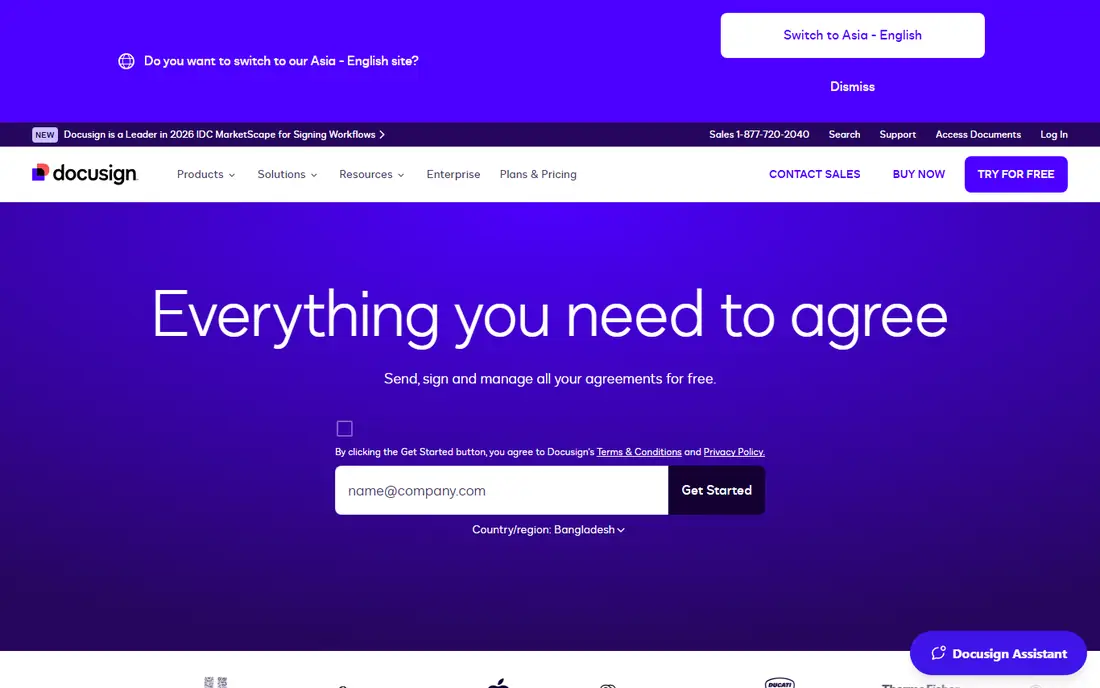
DocuSign is our pick for most people, mainly because signers already know it. When a client or a new hire gets a DocuSign link, they rarely need instructions, and that familiarity speeds up signing and cuts support questions. The Personal plan starts at $10 per month billed annually, or $15 month to month, and includes reusable templates, while a limited free plan allows a small number of sends. Audit trails and a certificate of completion come with signed documents, which matters for contracts and HR forms.
The limits deserve attention. Personal allows 5 envelopes per month, and Standard and higher plans carry a 100 envelope per user per year cap in published comparisons, with overage fees beyond that. If you send a high volume of contracts, the per-seat cost and the caps change the maths. For typical small business use, though, DocuSign is the safest default, since acceptance matters as much as features.
- Most widely recognised by signers and businesses
- Strong templates and audit trail
- Large integration library
- Personal plan limited to 5 envelopes per month
- Higher tiers rise quickly
- Overage and volume limits need care
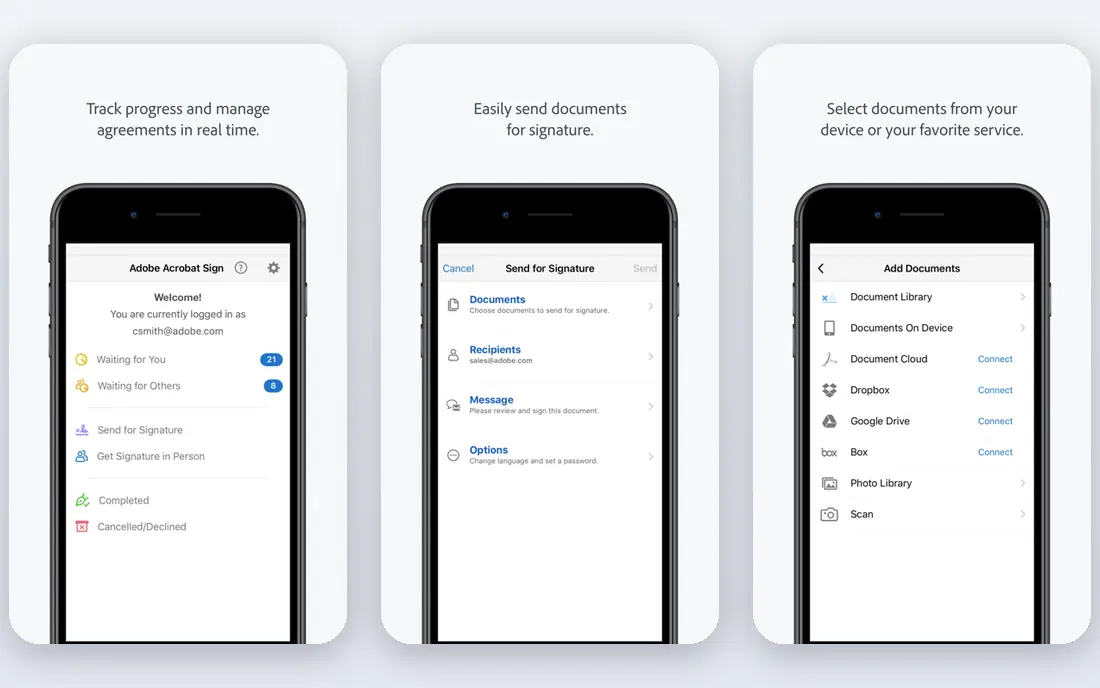
Adobe Acrobat Sign, formerly Adobe Sign, fits teams that already work in PDFs all day. If your documents start as PDFs, need form fields, and end up stored as PDFs, staying inside Acrobat avoids converting files between tools. Acrobat Standard is listed at $14.99 per month on an annual plan billed monthly, with Pro at $19.99, and Sign solutions for larger teams are quoted. The signing flow is solid, with audit trails, reminders and mobile signing.
The drawback is that you are buying into the Adobe ecosystem. If you do not need PDF editing, a cheaper signing-only tool will do the same job for less. Reporting is also limited on lower tiers in published comparisons. Choose Adobe when PDF work is central to your business, not just when you need a signature.
- Deep PDF editing and Acrobat integration
- Strong enterprise controls
- Familiar Adobe interface for PDF users
- Signing alone is bundled with Acrobat plans
- Reporting is limited on lower tiers
- Higher cost for teams
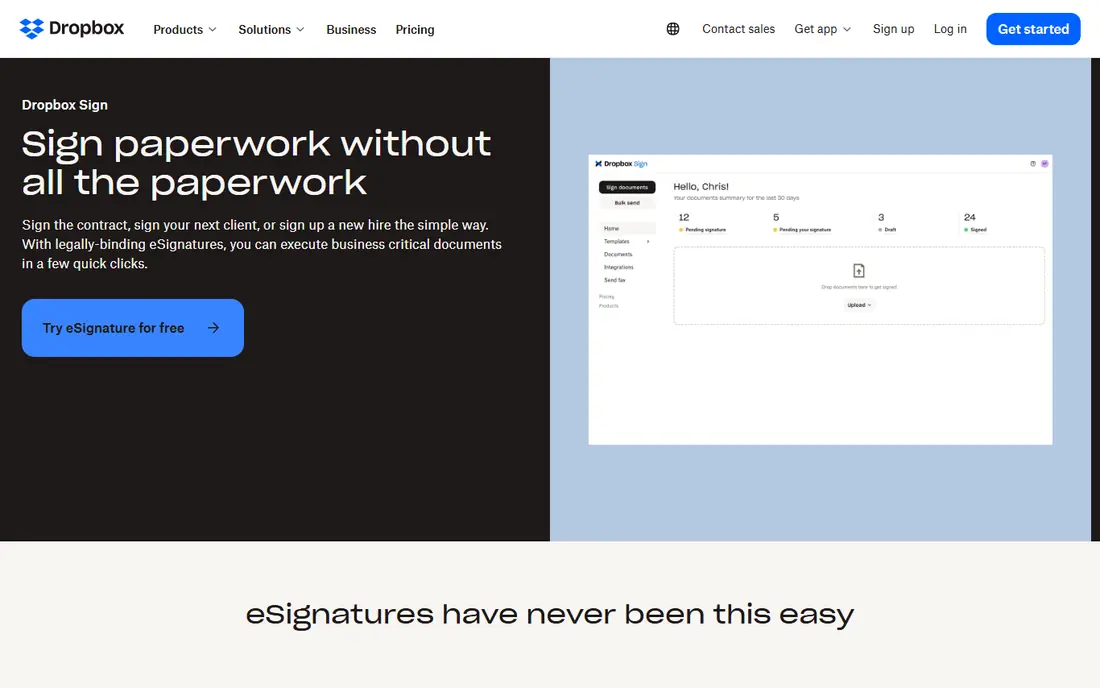
Dropbox Sign, formerly HelloSign, is the simplest tool on this list to learn. Upload a PDF, drag fields into place, send it, and track it from a clean dashboard. That simplicity suits small teams that send contracts, NDAs and offer letters but do not need proposals, quotes or payment collection in the same tool. Essentials is listed at $15 per month, with Standard at $25 per user per month billed annually, and a free tier for occasional use.
The trade-off is depth. Dropbox Sign does not build proposals from scratch or handle complex document automation the way PandaDoc does, and its template library is limited. If your team already stores files in Dropbox, though, the integration removes friction, since signed documents land where you already work. For straightforward signing, it is a reliable, low-fuss pick.
- Simple signing flow
- Strong Dropbox, Google Drive and HubSpot links
- Unlimited signature requests on paid plans in published comparisons
- Essentials at $15 per month is pricier than signNow
- Fewer document creation tools than PandaDoc
- No standalone mobile app focus
PandaDoc is more than a signing tool, and that is its strength for sales teams. You can build a proposal with pricing tables, add a quote, send it for signature and track when the client opens it, all in one flow. The free tier allows 5 documents per month, which is enough to test the editor properly, and Starter is listed at $19 per seat per month billed annually, with Business at $49. That makes PandaDoc a good step up from a signing-only tool when proposals are part of your sales process.
If you only need signatures, PandaDoc is more tool than you need, and the per-seat price reflects the extra features. Signing-only users will get better value from signNow or DocuSign Personal. Choose PandaDoc when the document itself, the proposal, the quote and the signature, is the work, not just the final signature.
- Free tier with 5 documents per month
- Strong proposal and quote builder
- CRM integrations and pricing tables
- Paid plans start at $19 per seat per month billed annually
- Signing-only users pay for sales features
- Some features need Business tier
signNow is our value pick for small businesses. Business starts at $8 per month billed annually, or $20 month to month, which undercuts DocuSign, Adobe and Dropbox Sign at entry level. You still get templates, bulk sending, audit trails, reminders and a solid mobile app, so the lower price does not mean a bare signing tool. For a team that sends regular contracts but watches every subscription, signNow stretches the budget furthest.
The catch is volume. Published comparisons note a 100 invite per year workspace cap on Business, which forces a jump to a Site Licence for high-volume senders. If you send only a few dozen documents a year, that cap will not bite. If you send hundreds, price the Site Licence before you commit. For most small teams, signNow is the best balance of price and features.
- Lowest entry price among major paid tools
- Good mobile app
- Templates, audit trails and reminders included
- Workspace invite caps on lower plans
- Scaling to high volume needs a Site Licence
- Interface is plainer than DocuSign
Zoho Sign makes most sense if your business already runs on Zoho. It links to Zoho CRM, Zoho Books and other Zoho apps, so a signed quote can flow into your CRM and accounting without manual copying. The free tier covers occasional use, Standard is listed at $10 per user per month billed annually, with Professional at $16 and Enterprise at $22. Certificate-based signing is also available, which suits firms that need stronger signer verification.
Outside Zoho, the case is weaker, since the integrations that justify Zoho Sign do not apply, and the interface feels less polished than DocuSign or Dropbox Sign. If you are already a Zoho shop, though, adding Zoho Sign is cheaper and simpler than buying a separate tool and integrating it yourself.
- Free tier for occasional use
- Standard from $10 per user per month billed annually
- Strong links to Zoho CRM and accounting
- Best value only inside the Zoho suite
- Interface is less polished than DocuSign
- Some advanced features need higher tiers
Signeasy is the tool to pick when simplicity matters more than depth. Setup takes minutes, the mobile app is easy for signers who are on their phones, and Personal starts at $10 per month. For freelancers, landlords and small firms that send a steady stream of simple agreements, that ease of use saves time every week. Templates, reminders and audit trails cover the basics well.
Advanced users will hit limits sooner. Complex approval workflows, deep CRM automation and proposal building are not Signeasy strengths, and larger teams will need higher tiers for team controls. If your documents are simple and your signers are often mobile, Signeasy is a clean, affordable choice. If your workflow is complex, start with DocuSign or PandaDoc instead.
- Very simple setup
- Strong mobile signing experience
- Personal from $10 per month
- Fewer advanced workflow features than PandaDoc or DocuSign
- Team features need higher tiers
- Smaller integration library
SignWell, formerly Docsketch, is a low-cost signing tool that suits small businesses with repeat documents. The free tier allows 3 documents per month, Light is listed at $10 per month billed annually, and Business at $30, with unlimited documents on paid plans in published comparisons. Templates make repeat contracts fast, and the interface is straightforward for both senders and signers. For a firm that sends the same few agreements each month, SignWell covers the job at a low price.
The limits are brand familiarity and integrations. Signers may not recognise SignWell as quickly as DocuSign, and the integration library is smaller. That matters less for internal HR forms and more for client-facing sales contracts. If price and simplicity lead your shortlist, SignWell deserves a trial alongside signNow.
- Free tier with 3 documents per month
- Light from $10 per month billed annually
- Quick setup for repeat documents
- Smaller brand than DocuSign
- Fewer integrations
- Business tier needed for team features
How we picked these
We compared official pricing pages and recent October 2026 pricing roundups for electronic signature tools that are actively sold in the United States. We favoured tools with a working vendor site, a clear free or paid entry point, audit trails, templates and mobile signing, and we left out tools that had closed or that only offer signing as a minor add-on. Where prices differed between sources, we used the most commonly published annual-billing figure and marked uncertain prices as See website.
How to choose the right signing tool
Start by counting how many documents you send each month, and how many people send them. A freelancer sending five contracts a month has different needs from a sales team sending fifty, and envelope caps can turn a cheap plan expensive. Next, check who your signers are. If clients expect DocuSign, using a lesser-known tool can slow signing, while internal forms can use any reliable tool.
Then test the template and reminder workflow with a real document, not a sample. A tool that makes templates easy will save hours each month, while a tool with weak reminders will leave contracts unsigned. Finally, check storage and integrations: where do signed documents go, and does the tool link to your CRM, Drive or accounting system without manual downloads. Price matters, but a tool that fits your workflow will pay for itself in time saved.
Frequently asked questions
What is the best electronic signature software?
DocuSign is the best overall choice for most businesses, because signers know it and it covers templates, audit trails and integrations well. signNow is the best budget choice, PandaDoc is best for sales proposals, and Adobe Acrobat Sign is best for PDF-heavy teams. The right tool depends on volume, document type and budget.
What is the best electronic signature app for mobile signing?
Signeasy and signNow both offer strong mobile signing, with simple flows for signers on phones. DocuSign also has a well-known mobile app and is widely recognised by clients. Test signing on your own phone before you choose, since signer experience matters as much as sender features.
What is the best free electronic signature software?
PandaDoc, Zoho Sign, Dropbox Sign and SignWell all offer free tiers, with limits of 3 to 5 documents per month in published listings. PandaDoc free is the most useful for proposal work, while Zoho Sign free suits Zoho users. For regular sending, a paid plan will soon be cheaper in time than juggling free limits.
What is the best e signature app for small business?
signNow is our small business pick, with Business from $8 per month billed annually and a full set of templates and audit trails. DocuSign Personal is also strong for very low volume, while SignWell suits firms with repeat documents. Compare envelope limits, not just monthly price, before you commit.
Is electronic signature software legally binding?
In the United States, electronic signatures are generally legally binding under federal and state law when the signer intends to sign and the process keeps an audit trail, though some documents such as wills and certain court filings have special rules. All the tools on this list provide audit trails, but check the rules for your document type and state, and use stronger verification where the stakes are high.
Sources
See where you really rank - block by block
ProMapRanker scans Google Maps across a grid of your service area. Simple monthly plans from $19, white-label on every plan.
Start freeKeep reading
 free alternatives to grok imagine
Free Alternatives to Grok Imagine in 2026
We compared the best free alternatives to grok imagine for image generation, from fast daily credits to design tools, so you can create without paying.
Read → best tools for instagram content creation
Best Tools for Instagram Content Creation in 2026
Compare the best tools for Instagram content creation, from Canva and CapCut to Later and Buffer, on design, video, planning, scheduling, and price in 2026.
Read → best tool to split pdf files
Best Tool to Split PDF Files in 2026
We compared the best tool to split pdf files on split modes, file limits, privacy and price, so you can split a PDF cleanly and keep every page in one go.
Read →