 ProMapRanker
Best Ebook Apps in 2026: 8 Apps Compared

Key takeaways
- Libby is the best free starting point for most readers, since a library card opens ebooks, audiobooks, and magazines at no cost.
- Kindle has the largest store, while Kobo is the stronger choice for readers who want open EPUB files and a Kobo e-reader.
- Subscription services only pay off if you read several included titles a month, so check that your authors are in the catalog first.
- Most readers end up using two apps: one for borrowing or buying, and one for their own files.
Quick comparison
| Pick | Great for | Pricing starts at | Free tier | |
|---|---|---|---|---|
 Kindle | The largest ebook store | Free | Yes | Visit |
 Libby | Free library borrowing | Free | Yes | Visit |
 Kobo | EPUB friendly reading | Free | Yes | Visit |
 Apple Books | iPhone and iPad readers | Free | Yes | Visit |
 Google Play Books | Uploaded EPUB and PDF files | Free | Yes | Visit |
 Everand | Subscription reading and listening | $11.99 per month | Free trial | Visit |
 Hoopla | Instant library borrows | Free | Yes | Visit |
 Moon+ Reader | Android file reading | Free | Yes | Visit |
The best ebook apps
The best ebook app depends on where your books come from. Library readers, store buyers, and file collectors need different tools, and this list covers all three groups.
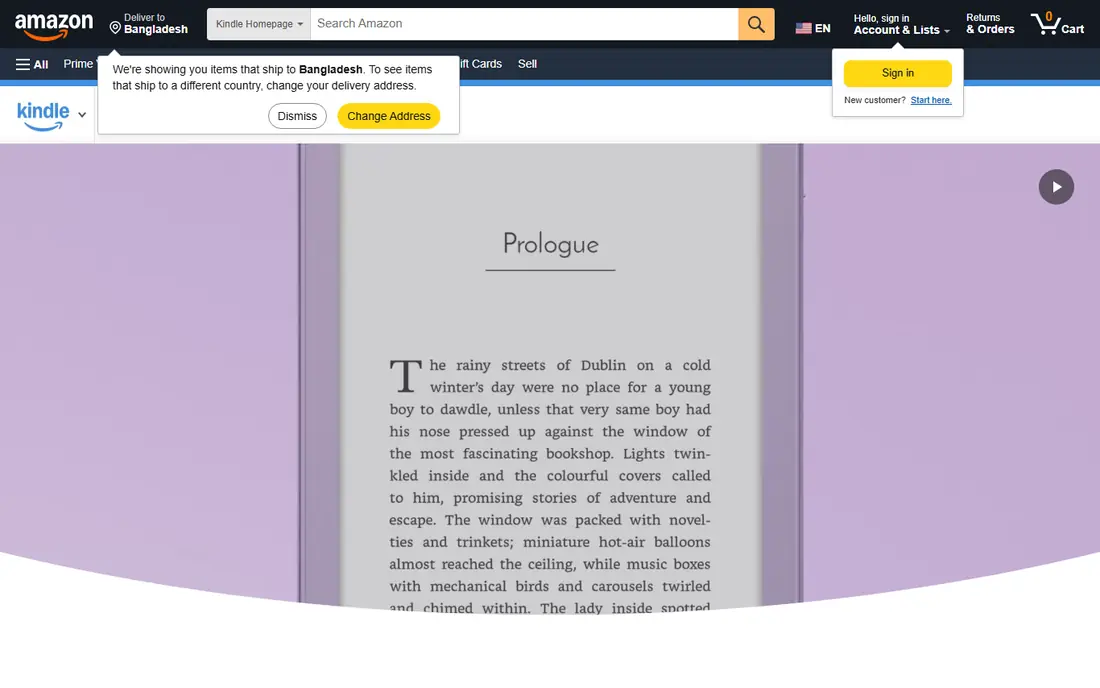
The Kindle app is the default choice for readers who buy books, because Amazon has the largest ebook store and the widest range of indie and genre titles. Your library, highlights, and reading position sync across your phone, tablet, and any Kindle device, so you can switch devices without losing your place. Kindle Unlimited, at $11.99 per month, adds a subscription shelf for heavy readers, though popular new releases are often not included.
The lock-in is real. Kindle purchases do not open in Kobo or other reading apps, so switching platforms later means keeping the Kindle app for your old library. If you already buy from Amazon or own a Kindle device, that trade is easy to accept. If you want open files you can move anywhere, Kobo or Google Play Books fit better.
- Largest ebook store
- Syncs across phones, tablets, and Kindle devices
- Kindle Unlimited for heavy readers
- Books stay inside Amazon apps
- EPUB support runs through Send to Kindle
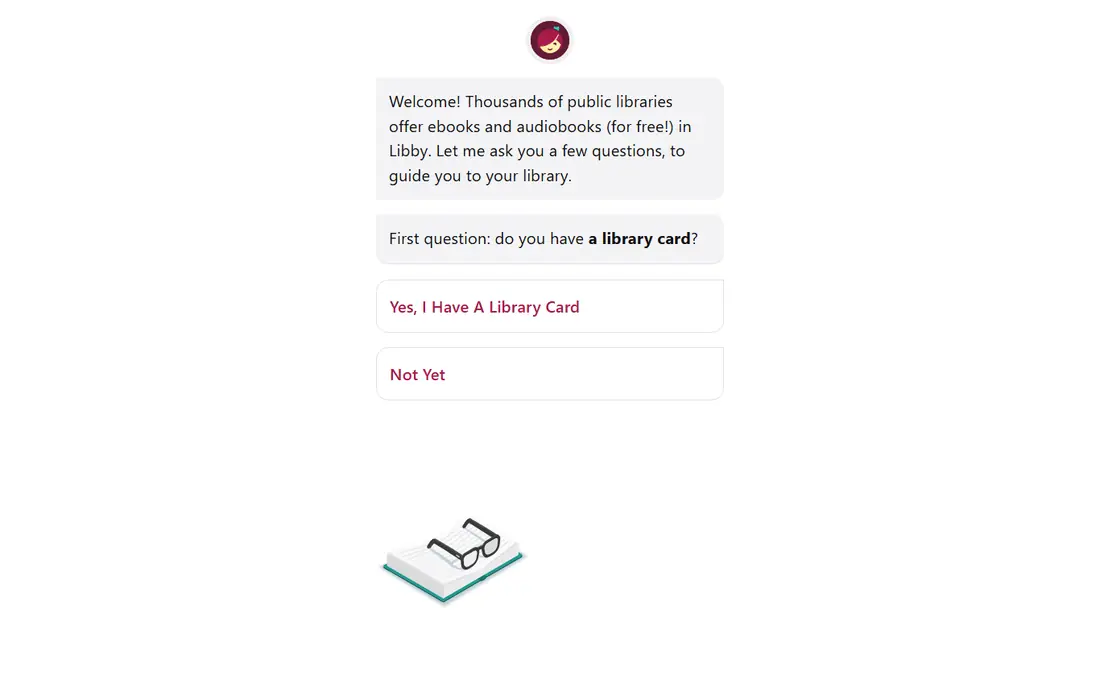
Libby, built on OverDrive, turns a public library card into a free ebook and audiobook app, and it is the first app we suggest to any reader on a budget. You borrow titles, read or listen offline, and loans return automatically, so there are no late fees. The app is clean, syncs across devices, and carries magazines alongside books.
The catch is availability. Popular titles often have waits, and your library's catalog sets the limits, so a small library system may lack the book you want. Holds and notifications help, and pairing Libby with Hoopla covers many gaps. For patient readers, Libby alone can replace a paid subscription.
- Free with a library card
- Ebooks, audiobooks, and magazines
- No ads or purchases
- Waits for popular titles
- Catalog depends on your library
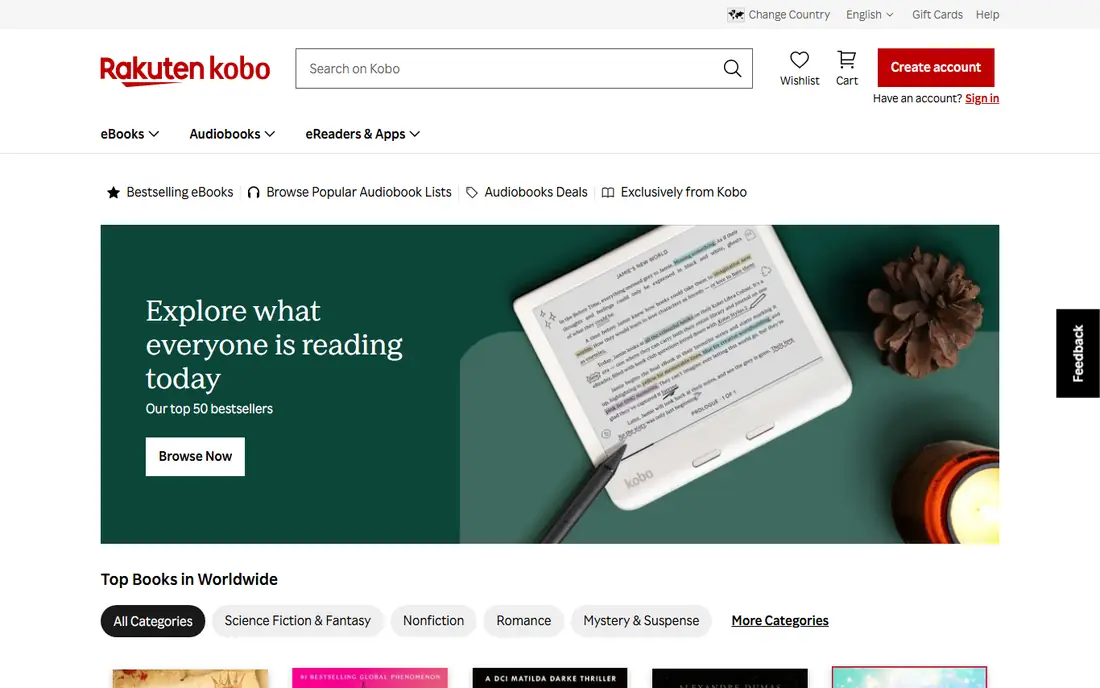
Kobo is the best home for readers who want their books to stay portable. The app handles EPUB files well, syncs with Kobo e-readers, and connects to a store that competes with Amazon on many titles. Kobo Plus, from $7.99 per month for reading, adds a subscription shelf, and the combined reading and listening plan costs $9.99 per month.
The store is smaller than Amazon, and Kobo Plus availability and pricing vary by region, so check the US plan before you subscribe. For readers who own EPUB files, borrow through OverDrive on a Kobo device, or want to avoid Amazon lock-in, Kobo is the strongest alternative in this list.
- Open EPUB support
- Kobo Plus subscription
- Syncs with Kobo e-readers
- Smaller store than Amazon
- Some features vary by region
Apple Books is the simplest choice for iPhone and iPad owners, since it is already on the device and works well with purchased books and imported EPUB files. The reading layout is clean, syncing across iPhone, iPad, and Mac is automatic, and the store covers most major releases. There is no monthly fee for the app itself, since you pay per book.
The limit is the platform. Apple Books runs only on Apple devices, so Android readers and Kobo or Kindle device owners cannot use it as their main library. If you read only on Apple hardware, it is an excellent, low-friction choice. If you switch devices often, a cross-platform app is safer.
- Built into Apple devices
- Clean reading layout
- Imports your own EPUB files
- Apple devices only
- No subscription shelf for most readers
Google Play Books stands out for readers with their own files. You can upload EPUB and PDF books to your library, and they sync across Android, iOS, and the web without extra steps. The store sells individual titles with no subscription pressure, which suits readers who buy a few books a month and want to keep costs simple.
The reading experience is plainer than Kindle or Kobo, and the store lacks some of the indie depth Amazon offers. For file collectors, though, the upload feature alone makes it worth keeping. It is also a good second app for readers whose main store is elsewhere but who still have files to read.
- Accepts your own EPUB and PDF uploads
- Works on Android, iOS, and web
- Per book purchases
- Store is smaller than Amazon
- Reading features are plainer than Kindle or Kobo
Everand, formerly Scribd, bundles ebooks, audiobooks, magazines, and podcasts into a single subscription, with a standard plan at $11.99 per month. The plan gives one credit for premium titles plus access to a set of included titles, which suits readers who mix formats and want variety without buying each book separately.
It is not an unlimited shelf. Premium titles use credits, and the catalog does not carry every new release, so check that the books you want are available before subscribing. For readers who finish several books a month across text and audio, Everand can still beat buying each title. For slow readers, Libby plus per book purchases costs less.
- Ebooks, audiobooks, magazines, and podcasts in one plan
- Credit system for premium titles
- Not all you can read
- Catalog varies by title and region
Hoopla solves the main frustration of Libby: waiting. Most titles on Hoopla are available instantly, with no hold queue, and the catalog adds comics, music, and video alongside ebooks and audiobooks. Like Libby, it is free with a participating library card, and borrows return automatically.
The limit is monthly. Your library sets how many titles you can borrow each month, so heavy readers may run out before month end. Catalog depth also varies by library system. Used together, Libby for new releases and Hoopla for instant reads give most library readers everything they need at no cost.
- No waits on most titles
- Ebooks, audiobooks, comics, and video
- Free with a library card
- Monthly borrow limit set by your library
- Catalog depends on your library
Moon+ Reader is the power tool for Android readers with their own files. It offers deep control over fonts, margins, themes, and reading gestures, and it reads EPUB, PDF, and other common formats. The free version carries ads, and a paid Pro version removes them, but the core reading features are available without paying.
It has no store and no library borrowing, so you must supply your own books or pair it with Libby, Hoopla, or a store app. Android only is another limit, since iPhone readers cannot use it. For Android users who sideload books and care about layout control, it is the best file reader in this list.
- Strong control over fonts, themes, and layout
- Reads many file formats
- Works with your own files
- Android only
- No store or library borrowing built in
How we picked these
We compared official store listings, vendor pricing pages, and library app documentation, and we kept only apps that work in the US in October 2026. We favored apps that cover the main ways people get books: buying, borrowing, subscribing, and reading their own files. Prices shown are US prices from vendor and review sources, and library apps are free only with a participating library card.
Choosing the right ebook app for you
Start with your book source, not the app design. Library readers should install Libby first, then add Hoopla for instant titles. Store buyers should choose between Kindle and Kobo based on which device they own and whether they want open EPUB files. File collectors should pick Google Play Books for cross-platform sync or Moon+ Reader for Android control.
Check lock-in before you build a library
Books bought in one store usually stay in that store's apps, so a large library makes switching costly. If you are starting fresh and value portability, favor EPUB friendly options such as Kobo and Google Play Books. If you already own many Kindle books, staying with Kindle keeps your library in one place.
Test a subscription before you pay for a year
Subscription value depends on your reading pace and on whether your authors are included. Use the trial period, borrow or read several titles you actually want, and count how many included books you finish in a month. If that number is low, library borrowing plus occasional purchases will cost less.
Frequently asked questions
What is the best ebook app overall?
Libby is the best starting point for most readers because it is free with a library card, while Kindle is best for buyers who want the largest store. The right overall pick depends on whether you borrow, buy, or subscribe most often.
What is the best free ebook app?
Libby and Hoopla are the best free ebook apps, since both work with a public library card and carry ebooks and audiobooks at no cost. Libby is stronger for new releases, while Hoopla is stronger for instant borrows with no wait.
What is the best ebook app for Android?
Google Play Books is the best cross-platform choice for Android readers with their own files, and Moon+ Reader is best for Android readers who want layout control. Kindle and Kobo also run well on Android and suit store buyers.
What is the best ebook platform for buying books?
Kindle has the largest store, especially for indie and genre fiction, while Kobo is better for readers who want EPUB files they can move between apps and devices. Apple Books and Google Play Books are solid for per book purchases on their own platforms.
Is Kindle Unlimited worth it?
Kindle Unlimited is worth it if you read several included titles a month, especially indie romance, fantasy, and thriller series. It is less useful if you mainly read new major releases, since those are often not in the subscription catalog.
Can I read my own EPUB files in these apps?
Yes, with limits. Kobo, Apple Books, Google Play Books, and Moon+ Reader all handle EPUB files, while Kindle accepts them through Send to Kindle. Library apps such as Libby do not take your own files, since they serve borrowed titles only.
Sources
See where you really rank - block by block
ProMapRanker scans Google Maps across a grid of your service area. Simple monthly plans from $19, white-label on every plan.
Start freeKeep reading
 free alternatives to grok imagine
Free Alternatives to Grok Imagine in 2026
We compared the best free alternatives to grok imagine for image generation, from fast daily credits to design tools, so you can create without paying.
Read → best tools for instagram content creation
Best Tools for Instagram Content Creation in 2026
Compare the best tools for Instagram content creation, from Canva and CapCut to Later and Buffer, on design, video, planning, scheduling, and price in 2026.
Read → best tool to split pdf files
Best Tool to Split PDF Files in 2026
We compared the best tool to split pdf files on split modes, file limits, privacy and price, so you can split a PDF cleanly and keep every page in one go.
Read →