 ProMapRanker
Best E-Commerce Platforms in 2026

Key takeaways
- Shopify is our pick for most new stores because its checkout, app store, and hosted setup reduce the technical work of launching.
- WooCommerce gives WordPress site owners the most control over design, content, and data, but hosting and upkeep sit with the store owner.
- BigCommerce suits growing stores that want strong built-in features and no extra platform fee on most payment providers.
- The subscription price is only part of the cost, so check card fees, app fees, and theme costs before you commit.
Quick comparison
| Pick | Great for | Pricing starts at | Free tier | |
|---|---|---|---|---|
 Shopify | Most new online stores | $39 per month | Free trial | Visit |
 WooCommerce | WordPress site owners | Free | Yes | Visit |
 BigCommerce | Growing and mid-size stores | $39 per month | Free trial | Visit |
 Wix | Small design-led stores | $29 per month | Yes | Visit |
 Squarespace | Creators and visual brands | $25 per month | Free trial | Visit |
 Adobe Commerce | Large and complex catalogs | See website | No | Visit |
 Ecwid | Adding a store to an existing site | $5 per month | Yes | Visit |
 Shift4Shop | US sellers using Shift4 payments | Free | Yes | Visit |
The best e-commerce platforms
These eight platforms all let you sell online, but they suit very different owners. We compared official pricing pages, feature pages, and app listings, and we weighed checkout quality, design control, and total cost.

Shopify remains the simplest path to a complete store for most owners. Hosting, security updates, checkout, and payment handling sit in one account, so a small team can launch without hiring a developer. Themes cover a wide range of store styles, and the app store adds tools for reviews, email, shipping, and subscriptions.
The catch is the monthly total rather than the headline plan price. Card fees apply on every order, and a third-party payment gateway adds a further platform fee on lower plans. App subscriptions add up fast, so list the apps you truly need before launch and test the checkout on a phone, where most shoppers will complete a purchase.
- Hosted setup with checkout included
- Large app store
- Strong multichannel selling
- Transaction fees apply with third-party gateways
- Costs rise as apps are added
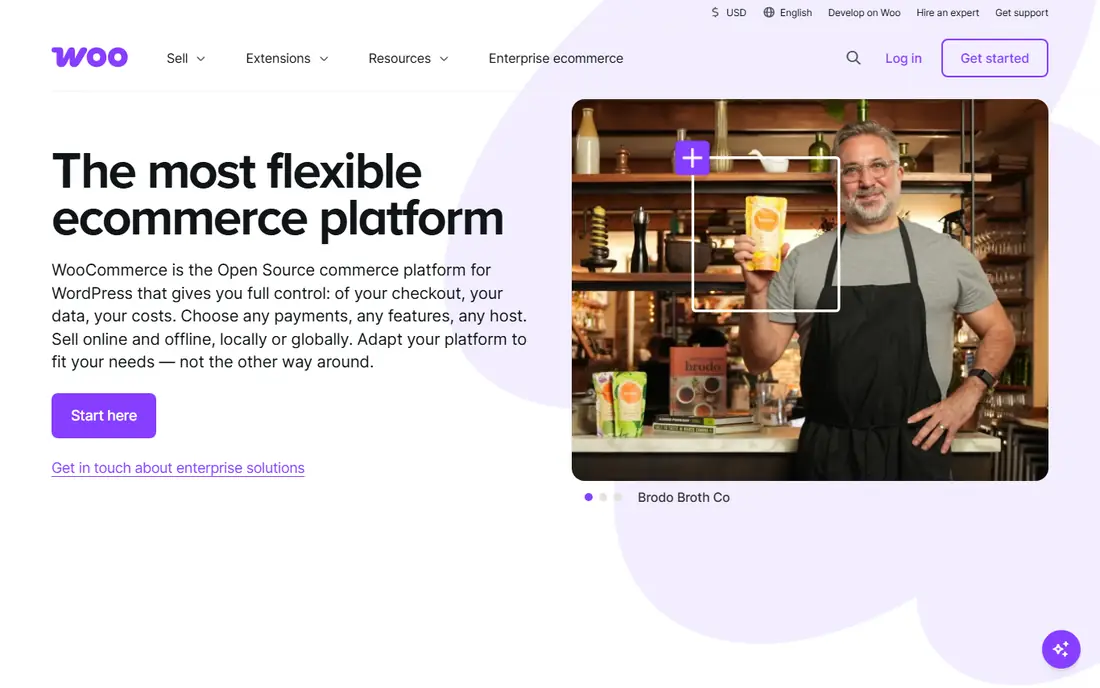
WooCommerce turns a WordPress site into a store through a free, open-source plugin. That matters for businesses built on content, because blog posts, landing pages, and product pages live in the same system and share the same search setup. Owners can change almost anything, from checkout fields to shipping rules, and they keep full control of their data.
That freedom comes with responsibility. You arrange hosting, backups, security updates, and plugin compatibility, or you pay someone to do it. Many stores also need paid extensions for subscriptions, bookings, or advanced shipping. If you already run WordPress and feel comfortable with that upkeep, the control is hard to beat.
- Full control over code and data
- Huge extension library
- No platform fee from WooCommerce itself
- Hosting and maintenance are your job
- Paid extensions add cost
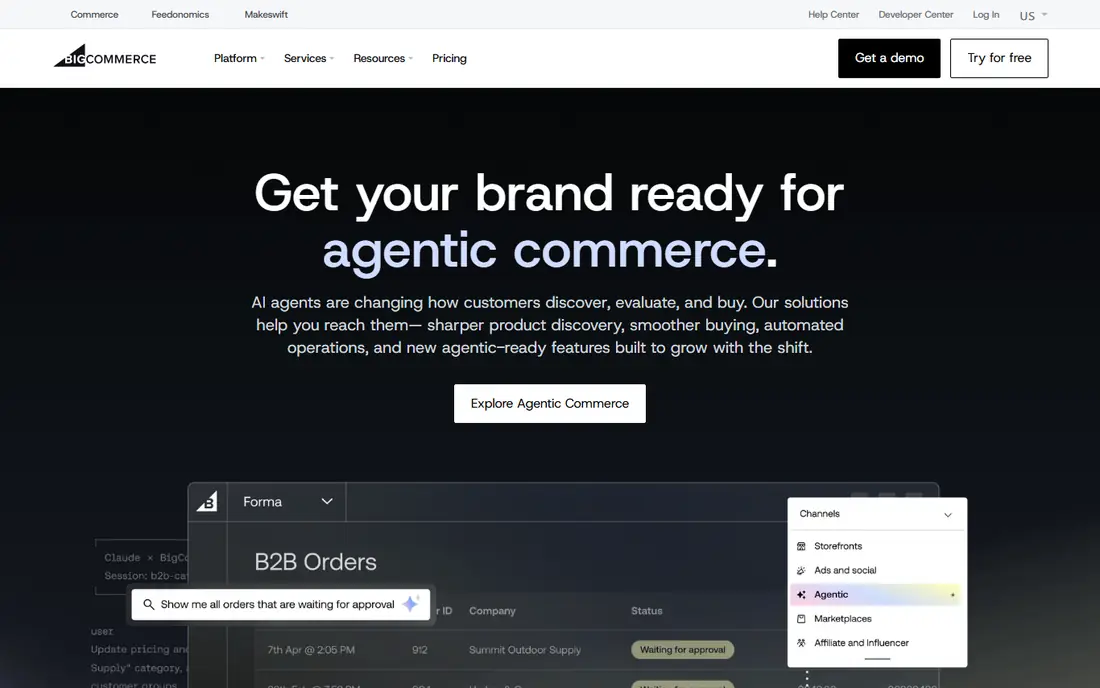
BigCommerce appeals to stores that want more included from the start. Product options, customer groups, discounts, and multi-currency selling are built in, which can reduce the number of paid apps a growing store needs. It also handles larger catalogs and business-to-business selling well, so a store does not need to move platforms as soon as wholesale orders arrive.
Plan limits deserve a close read. Each plan carries an annual online sales threshold, and crossing it can push a store to a higher plan. Theme editing is also more structured than on a drag-and-drop builder, so a brand that wants a highly unusual page layout may need a developer. For a store focused on growth rather than custom design, those trade-offs are reasonable.
- Strong built-in features
- No platform transaction fee on approved gateways
- Multi-storefront support
- Sales volume limits apply by plan
- Design editing is less free-form than Wix
Wix is a good fit when design speed matters more than catalog depth. The editor lets owners place text, images, and products where they want them, and the commerce plans add checkout, payments, and shipping tools. Small stores, service businesses, and creators can pair a portfolio or booking page with a shop in one place.
The limits show up at scale. Stores with very large catalogs, complex product options, or heavy business-to-business needs will find more depth in Shopify or BigCommerce. Also note that the free plan is for building a site, not for selling, so budget for a commerce plan from the start. For a tidy store with a clear visual identity, Wix gets you live quickly.
- Easy drag-and-drop design
- Hosting included
- Good tools for services and bookings
- Free plan cannot sell online
- Switching templates later is limited
Squarespace suits brands where the look of the site does the selling. Its templates are clean and consistent, and the editor keeps colors, fonts, and spacing in line without much fiddling. Blogging, email campaigns, and scheduling sit in the same account, which helps creators and small service businesses sell alongside their content.
Commerce is capable for small and mid-size stores, but the app ecosystem is smaller than Shopify's, and some advanced selling tools sit on higher plans. Check the transaction fee on the entry plan as well, since it can eat into margins on low-priced products. If your store is modest and your brand presentation matters most, Squarespace is a strong, calm choice.
- Polished templates
- Blogging and email tools included
- Simple store setup
- Fewer third-party apps than Shopify
- Advanced commerce features cost more
Adobe Commerce, formerly Magento, is built for businesses with complex needs rather than for first-time sellers. It handles large catalogs, multiple storefronts, customer-specific pricing, and detailed business-to-business workflows that simpler platforms only approximate with apps. Companies that already run on Adobe tools may also value the shared data and reporting.
That depth carries a serious price and project load. Pricing is quoted, implementation usually runs through a partner, and hosting and upkeep need planning. A small store would pay for power it never uses. For a large brand with several storefronts, complex pricing, and a development budget, it is one of the few platforms that fits without heavy workarounds.
- Deep catalog and business-to-business features
- Multi-store management
- Broad customization
- High cost and partner-led setup
- Overkill for a small store
Ecwid takes a different approach from the rest of this list. Instead of asking you to rebuild your website, it adds a store widget to the site you already have, whether that site runs on WordPress, Wix, Squarespace, or a plain HTML page. Products, checkout, and order management live in Ecwid, while your existing pages stay untouched.
That convenience has a trade-off in design. The store has to sit inside your current site layout, so a brand that wants a fully custom storefront will feel constrained. The free plan also suits only a small number of products, and growing stores move to paid plans. For a business with a good site that simply needs to start selling, Ecwid is the lowest-friction option here.
- Embeds into almost any website
- Free plan for a small catalog
- Sells on social channels
- Design control is limited by the host site
- Larger catalogs need higher plans
Shift4Shop stands out on price for US sellers willing to process payments through Shift4. Stores on that arrangement get a full hosted store, including unlimited products, without a monthly platform subscription, and card processing rates apply as with any payment provider. Built-in tools cover search optimization, discounts, and email, which keeps extra app spending lower.
The main condition is the payment link. Switching to a different processor later means moving to a paid plan, so treat the free tier as a commitment rather than a casual trial. The app and theme selection is also smaller than Shopify's, and support quality matters more when fewer third-party tools are available. For a US store that wants a complete shop at a low fixed cost, it is worth a serious look.
- Full store features with no subscription when using Shift4
- Unlimited products
- Built-in marketing tools
- Free plan ties you to one payment processor
- Smaller app ecosystem than Shopify
How we picked these
We compared official pricing pages, feature pages, and app store listings for each platform in October 2026, and we favored platforms that are actively sold and supported today. We looked for a mix of hosted builders, open-source control, and enterprise depth, so readers at different sizes can find a fit. We did not claim hands-on testing, and we left prices as "See website" where a vendor quotes by project or the public price was unclear.
What to check before you choose a platform
Start with your catalog and your sales channels. A store with ten products and one sales channel has different needs from a store with ten thousand products selling on a website, on social media, and in a physical shop. Write down the must-have features, such as subscriptions, digital downloads, or wholesale pricing, and check them on the vendor's own feature page rather than trusting a roundup.
Count the full monthly cost
Add the subscription, card fees, and the apps you will actually use, then compare that total across two or three finalists. A cheaper plan with several paid apps often costs more than a pricier plan with those features built in. Also check whether the plan charges a fee when you use a third-party payment gateway, and whether sales volume limits could force an upgrade.
Test checkout on a phone
Most shoppers buy on a phone, so run a test order on mobile before you commit. Check how many steps checkout takes, whether guest checkout is offered, and whether shipping costs appear before payment. A pretty homepage will not save a checkout that confuses buyers, and this test takes less than an hour on a trial store.
Plan for the move you may never make
Switching platforms later is possible but rarely painless, because product data, customer records, and search rankings all need care. Pick a platform that fits the business you expect in two years, not only the business you have this week. If you expect wholesale orders or several storefronts, that future need should weigh heavily in the choice.
Frequently asked questions
What is the best e-commerce platform for a small business?
Shopify is the safest default for most small businesses because hosting, checkout, and a large app store come in one account. WooCommerce fits better if you already run WordPress and want full control, while Wix and Squarespace suit smaller, design-led stores. The right pick depends on your catalog size, your comfort with technical upkeep, and your sales channels.
What is the best e-commerce software for a store that already has a website?
Ecwid is the simplest answer, since it embeds a store into an existing site without a rebuild. WooCommerce is the stronger choice if that site runs on WordPress and you want deeper control. Both avoid starting from scratch, but Ecwid is faster and WooCommerce is more flexible.
Is WooCommerce really free?
The WooCommerce plugin itself is free, but running a store is not. You still pay for hosting, a domain, security tools, and often paid extensions for subscriptions or advanced shipping. Budget for those costs honestly, and compare the total with a hosted platform before deciding that free means cheaper.
Which platform has the lowest transaction fees?
It depends on your payment provider and plan. BigCommerce charges no extra platform fee on approved gateways, and Shopify charges no extra fee when you use Shopify Payments. Card processing fees still apply on every order, so read the pricing page for your plan and provider before comparing.
Should a large brand choose Adobe Commerce over Shopify?
Adobe Commerce fits large brands with complex catalogs, multiple storefronts, or detailed business-to-business pricing. Shopify Plus fits large brands that want a hosted setup with less project overhead. The deciding factor is usually complexity: the more custom pricing and catalog rules you need, the stronger the case for Adobe Commerce.
Sources
See where you really rank - block by block
ProMapRanker scans Google Maps across a grid of your service area. Simple monthly plans from $19, white-label on every plan.
Start freeKeep reading
 best resource management software
Best Resource Management Software in 2026
We compared the best resource management software for scheduling, capacity and utilization, with current pricing and free trials, to help teams choose well.
Read → best reporting tools
Best Reporting Tools in 2026
Compare the best reporting tools for dashboards, scheduled reports, and business insights, from Power BI and Tableau to Looker Studio for every team size.
Read → best remote support software
Best Remote Support Software in 2026
Looking for the best remote support software? We compare 9 tools on price, security, session controls, and fit for helpdesks, MSPs, and small teams in 2026.
Read →