 ProMapRanker
Best Disposable Email Services in 2026

Key takeaways
- Quick throwaway inboxes suit one-off signups, while aliases suit accounts you may need again.
- Public inboxes are not private: anyone who knows the address can read mail sent to it.
- Never use a disposable address for banking, recovery, or any account you must not lose.
- Use these tools only for lawful purposes, and never to hide spam, fraud, or abuse.
Quick comparison
| Pick | Great for | Pricing starts at | Free tier | |
|---|---|---|---|---|
 Guerrilla Mail | Quick inbox with sending | Free | Yes | Visit |
 Temp Mail | Fast throwaway inbox | Free | Yes | Visit |
 10 Minute Mail | Shortest one-off signups | Free | Yes | Visit |
 Mailinator | Public testing inboxes | Free | Yes | Visit |
 SimpleLogin | Long-term aliases | Free | Yes | Visit |
 Firefox Relay | Browser-friendly masks | Free | Yes | Visit |
 Burner Mail | Blocking senders easily | Free | Yes | Visit |
 AdGuard Temp Mail | Temporary mail in AdGuard apps | Free | Yes | Visit |
The best disposable email services
A disposable email service gives you an address you can abandon, so your real inbox stays clear of newsletters, trial spam, and data breaches tied to a throwaway signup. The tools below fall into two groups. Throwaway inboxes are fast and need no account, but they expire and are often public. Alias services forward mail to your real inbox and let you disable one alias without changing your main address, which suits accounts you want to keep.
Our pick for most people is SimpleLogin for ongoing use, with Guerrilla Mail or Temp Mail for a quick one-off signup. Use these tools only for lawful purposes, such as reducing spam from a newsletter or trial. Do not use them to evade bans, send spam, commit fraud, or hide abusive behaviour, and never use them for accounts where losing access would lock you out of money, health care, or identity recovery.
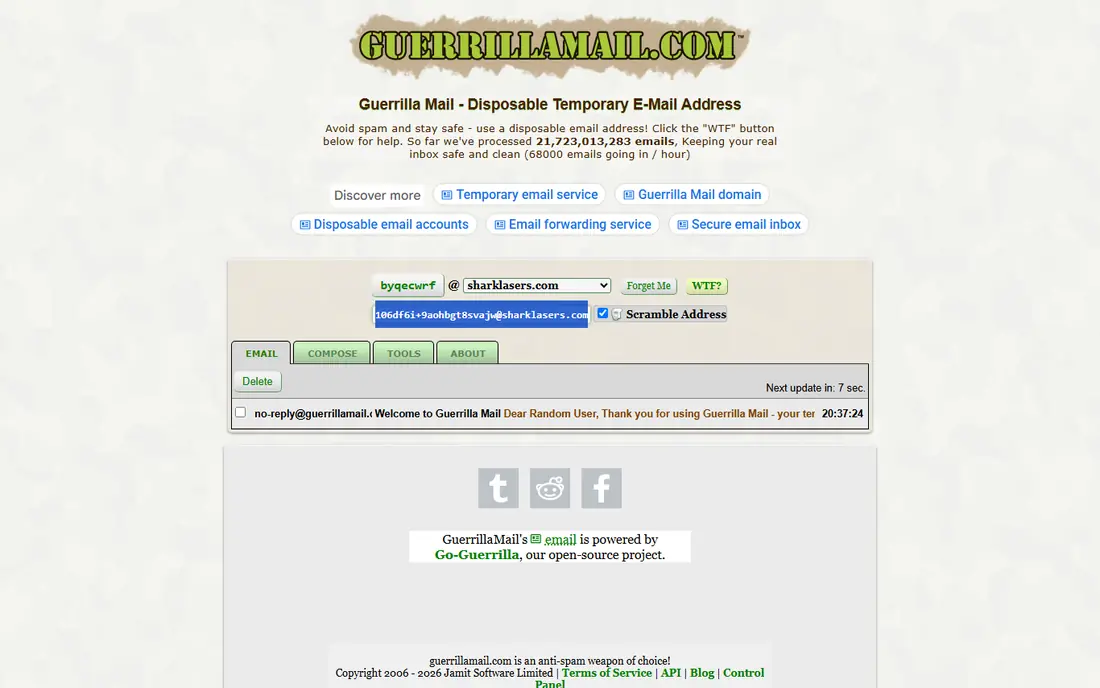
Guerrilla Mail is the most flexible quick option, because it lets you receive mail and also compose messages to outside addresses. You can pick an address or scramble one, read mail in the browser, and walk away when you are done. That sending ability sets it apart from most receive-only throwaway services.
The limit is privacy. Guerrilla Mail inboxes are address-based, so anyone who guesses or learns your address can open the same inbox. Use it for low-risk signups where a leaked code would not matter, and never for password resets, financial mail, or anything sensitive.
- No signup needed
- Can compose and send mail
- Choose or scramble an address
- Inbox is public to anyone with the address
- Mail expires after about an hour
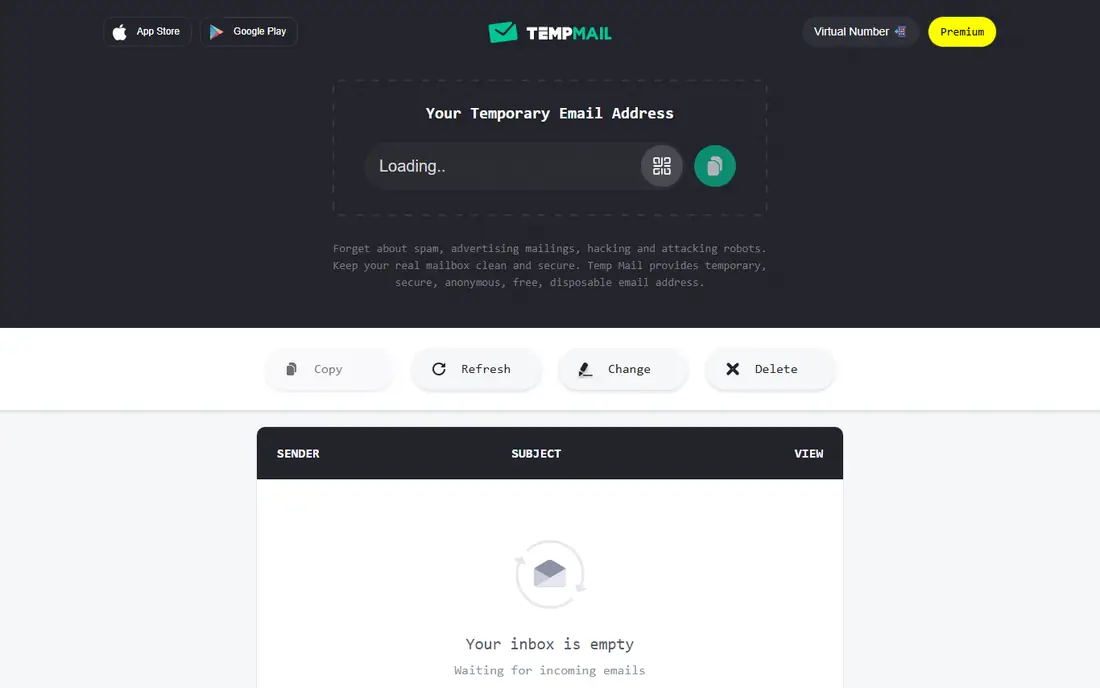
Temp Mail gives you an address in seconds, with no account to create and no personal details to hand over. That speed makes it ideal for downloading a file, reading a gated article, or testing a signup that you do not plan to keep. You can generate a new address when the old one starts attracting spam.
It is receive-only in its basic form, so you cannot reply from a Temp Mail address. Also, many large sites block well-known disposable domains, so a signup may fail even when the inbox works. If a site blocks it, switch to an alias service rather than trying to trick the site, since that site may need a real address for account recovery.
- Instant address with no signup
- Easy to refresh or change
- Apps and browser tools available
- Receive-only on the basic service
- Some sites block its domains
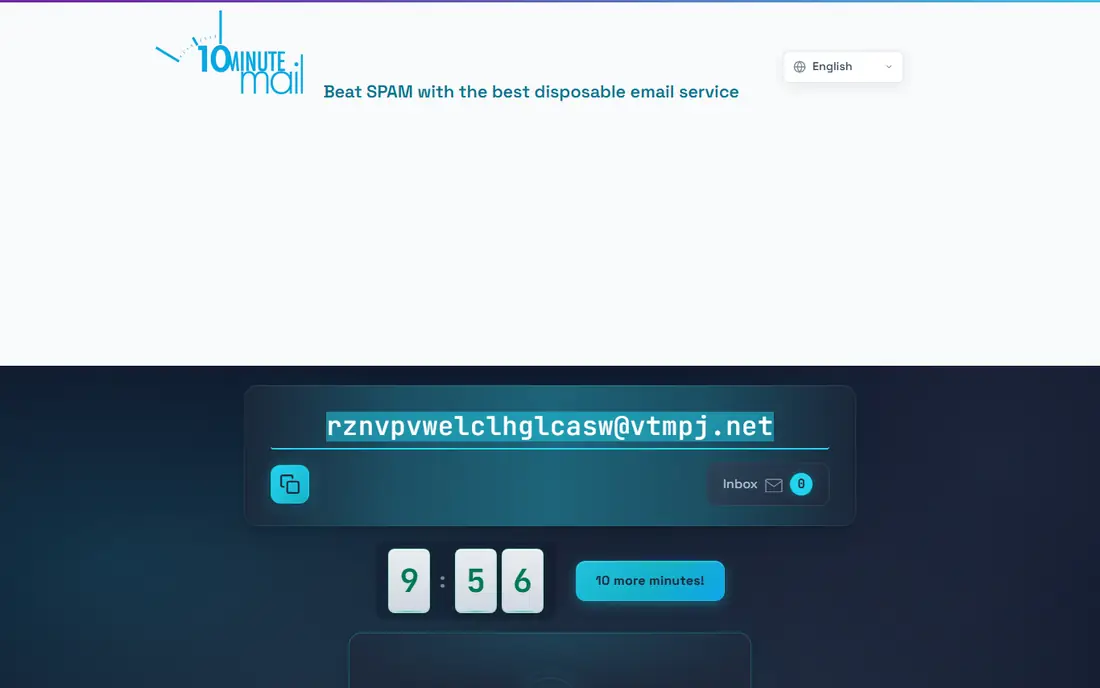
10 Minute Mail does exactly what its name promises: it creates an inbox that lasts 10 minutes, with the option to extend in further 10-minute steps. That short life is a strength for a single confirmation code, because the address disappears soon after you use it. There is nothing to manage and nothing to remember.
The same short life is the weakness. If a confirmation mail is delayed, or you need a second code later, the inbox may already be gone. Use it only when you can complete the signup in one sitting, and never for an account you may need to recover.
- Simplest possible workflow
- Address expires quickly
- Extension adds extra time in 10-minute steps
- Very short life makes recovery hard
- No sending or long-term use
Mailinator lets anyone open an inbox simply by using an address at its domain, with no signup at all. That makes it handy for developers and testers who need to check that a signup mail arrives, and for curious users who want to see how a disposable inbox works. Paid plans add private domains, API access, and team features for professional testing.
For personal privacy, Mailinator free inboxes are the weakest choice on this list, because anyone can read mail sent to a public address. Treat it as a testing tool, not a privacy tool, and use Guerrilla Mail, Temp Mail, or an alias service when the message is yours alone.
- Instant public inboxes with no signup
- Useful for testing and QA
- Paid private domains for teams
- Free inboxes are fully public
- Many sites block its domains
SimpleLogin is our pick for ongoing disposable use, because it works differently from a throwaway inbox. You create an alias for each site, mail forwards to your real inbox, and you can reply from the alias. If one site starts spamming you, disable that alias and the rest of your mail keeps flowing. That control is worth more than a fast throwaway for accounts you keep.
The free plan includes 10 aliases, which fills up quickly if you alias every signup. Premium was listed at $4 per month or $36 per year in recent October 2026 reports, adding unlimited aliases, custom domains, and PGP encryption on forwarded mail. Start free, and pay only when you run out of aliases or need a custom domain.
- Aliases forward to your real inbox
- Disable one alias without changing your address
- Open-source and part of Proton
- Free plan caps aliases at 10
- Custom domains and PGP need Premium
Firefox Relay, from Mozilla, creates email masks that forward to your real address and can be disabled when they start attracting spam. The browser integration is its main strength: when a site asks for an email, Relay can offer a mask without leaving the page. That small friction saving makes people actually use aliases, rather than giving up and using a real address.
Free masks are limited in number, and Premium, listed at $0.99 per month in recent comparisons, adds more masks and a custom domain option. Relay suits Firefox users best, though it also works through its website and apps. As with SimpleLogin, keep your real address for banking and recovery, and use masks for newsletters, trials, and shopping.
- Masks forward to your real inbox
- Browser integration makes signup fast
- Premium adds custom domain masks
- Free masks are limited
- Best experience needs Firefox or the extension
Burner Mail creates anonymous addresses that forward to your real inbox, and lets you block mail from a specific burner address when it becomes noisy. That per-address blocking is useful for shopping sites and trials, where you want order updates for a while and silence afterwards. The browser extension makes creating a burner address part of the signup flow.
The free plan includes only a small number of burner addresses, and Premium was listed at $2.99 per month in older guides, so check the current plan before relying on it for many signups. Burner Mail is a good middle ground between a throwaway inbox and a full alias system, but SimpleLogin offers more free aliases for heavy users.
- Burner addresses forward to your inbox
- Block a sender without changing your address
- Browser extension for quick creation
- Free plan limits burner addresses
- Premium needed for unlimited addresses
AdGuard Temp Mail provides temporary addresses that you can use for quick signups without creating an account. In reports we reviewed, addresses last for a period of inactivity, with longer retention for regular use, up to several months. That middle-length life suits a trial that runs for weeks, where a 10-minute inbox would expire too soon.
It is less flexible than SimpleLogin for long-term aliasing, and it lacks the developer features of Mailinator. Its best fit is a user who already trusts AdGuard products and wants a simple temporary inbox inside that ecosystem. For permanent accounts, use an alias service instead.
- Free temporary addresses
- No account needed for basic use
- Handy if you already use AdGuard products
- No public API in reports we reviewed
- Retention depends on activity
How we picked these
We compared official product pages and recent disposable email guides for October 2026, and we kept only services that are live, clearly aimed at lawful privacy and spam reduction, and honest about public versus private inboxes. We excluded services that market themselves for evading bans, sending bulk spam, or hiding abuse. Where prices differed across sources, we used the most recent vendor-linked figure we could confirm, or See website where the conflict was sharp.
How to choose between a throwaway inbox and an alias
Use a throwaway inbox for one-off tasks
A throwaway inbox suits a single download, a gated article, or a trial you will abandon today. Pick Guerrilla Mail if you need to send, Temp Mail for speed, or 10 Minute Mail for the shortest life. Complete the task in one sitting, and do not use the address for anything you may need later.
Use an alias for accounts you keep
An alias suits shopping, newsletters, forums, and any account you may need to recover. SimpleLogin, Firefox Relay, and Burner Mail all forward to your real inbox and let you disable one alias at a time. That way, a breach at one site does not expose your main address everywhere else.
Keep your real address for important accounts
Never use a disposable address for banking, email recovery, government services, health care, or work accounts. If the disposable address expires or is blocked, you may lose access to the account and its recovery options. A few minutes saved on signup is not worth that risk.
Frequently asked questions
What is the best disposable email service?
SimpleLogin is our pick for ongoing use, because its aliases forward to your real inbox and can be disabled one by one. For a quick one-off signup, Guerrilla Mail or Temp Mail is faster. Choose based on whether you need the address again, not just on which service is free.
What is the best disposable email service list for privacy?
A good list separates public inboxes from private aliases. Guerrilla Mail, Temp Mail, 10 Minute Mail, and free Mailinator inboxes are public or short-lived, so they suit low-risk tasks only. SimpleLogin, Firefox Relay, and Burner Mail forward to your inbox and give you per-alias control, which suits privacy better for accounts you keep.
Are disposable email addresses safe?
They are safe for low-risk signups when used correctly, and unsafe for sensitive accounts. Public inboxes can be read by anyone who knows the address, and short-lived inboxes can expire before a recovery code arrives. Use them for spam reduction, not for banking, password recovery, or identity documents.
Can I use a disposable email for account recovery?
No, not safely. If the address expires, is blocked, or is public, you may lose access to the account when you need a reset code. Use your real, secured email address for recovery, and use disposable addresses only for accounts where losing access would not matter.
Do websites block disposable email addresses?
Yes, many large sites block well-known disposable domains to reduce spam and fake accounts. If a signup fails with a disposable address, use an alias service or your real address for that site, rather than trying to bypass the block. A site that needs to verify your identity may have a good reason to require a real address.
Is it legal to use a disposable email service?
Using a disposable address for lawful privacy and spam reduction is legal in most cases, but using it to commit fraud, send spam, evade bans, or hide abuse is not. Follow the terms of the site you join, and do not use disposable mail to mislead a service about who you are when identity matters.
Sources
See where you really rank - block by block
ProMapRanker scans Google Maps across a grid of your service area. Simple monthly plans from $19, white-label on every plan.
Start freeKeep reading
 wpforms alternatives
Best WPForms Alternatives in 2026
We compare 9 wpforms alternatives for WordPress forms, with free and paid options, current pricing notes, and honest limits for small business sites in 2026.
Read → windows task scheduler alternatives
Best Windows Task Scheduler Alternatives in 2026
Looking for Windows Task Scheduler alternatives? We compare 9 schedulers for Windows and cross-platform work, from free tools to enterprise automation.
Read → which ai video service is best
Which AI Video Service Is Best in 2026
which ai video service is best? We compare 10 legitimate AI video services on price, avatars, editing and output quality to help you pick the right tool.
Read →