 ProMapRanker
Best Digital Asset Management Software in 2026


Larger brands needing portals and governance · Pricing starts at: See website
Key takeaways
- Most enterprise digital asset management tools are quote-only, so small teams should start with tools that publish prices or offer a free plan.
- Search quality matters more than storage size: auto-tagging, metadata and visual search decide whether anyone finds an asset twice.
- Brand portals and permission controls are the features that separate a real DAM from a shared drive folder.
- Teams already using Google Drive or a cloud media pipeline may not need a full enterprise platform at all.
Quick comparison
| Pick | Great for | Pricing starts at | Free tier | |
|---|---|---|---|---|
| Bynder | Larger brands needing portals and governance | See website | Free trial | Visit |
 Canto | Mid-size teams wanting an easy DAM | See website | Free trial | Visit |
 Brandfolder | Teams needing asset analytics | See website | Free trial | Visit |
 Acquia DAM (Widen) | Enterprises needing workflow control | See website | Free trial | Visit |
 Frontify | Brand guidelines plus DAM in one place | See website | Free trial | Visit |
 Cloudinary | Developer-led teams needing delivery too | Free | Yes | Visit |
 Air | Creative teams wanting a modern library | Free | Yes | Visit |
 Pics.io | Small teams keeping Google Drive or S3 | See website | Free trial | Visit |
The best digital asset management software
We compared digital asset management tools on search, permissions, portals, integrations and pricing transparency. The list mixes enterprise platforms with smaller, cheaper options so a small business is not forced into an enterprise sales process.
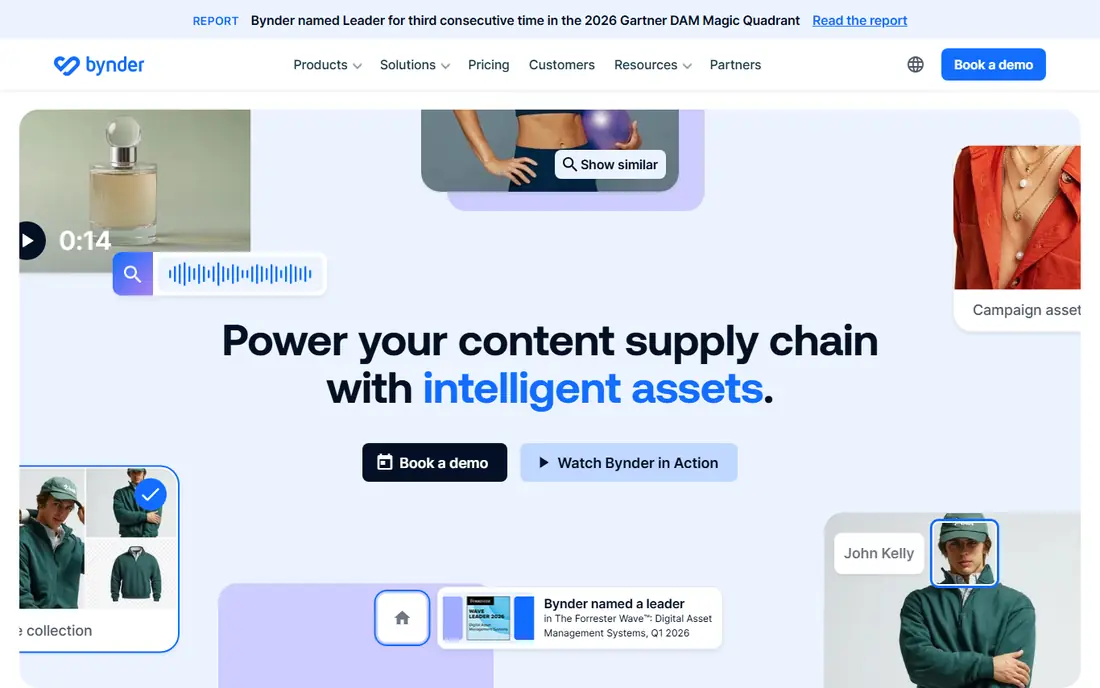
Bynder is the platform to shortlist when a brand has many people, partners and agencies touching the same assets. Its brand portals let each audience see only the approved files for them, while approval workflows keep unapproved work from leaking into campaigns. That governance is the reason larger marketing teams pick Bynder over a shared drive.
The cost is the catch. Pricing is quote-only, and published contract medians suggest an annual cost far above a small business budget. Small teams should only consider Bynder if they already feel the pain of uncontrolled assets, such as outdated logos in circulation or agency files scattered across inboxes.
- Strong brand portals
- Workflow and approval tools
- Wide integration library
- Quote-only pricing
- More platform than a small team needs
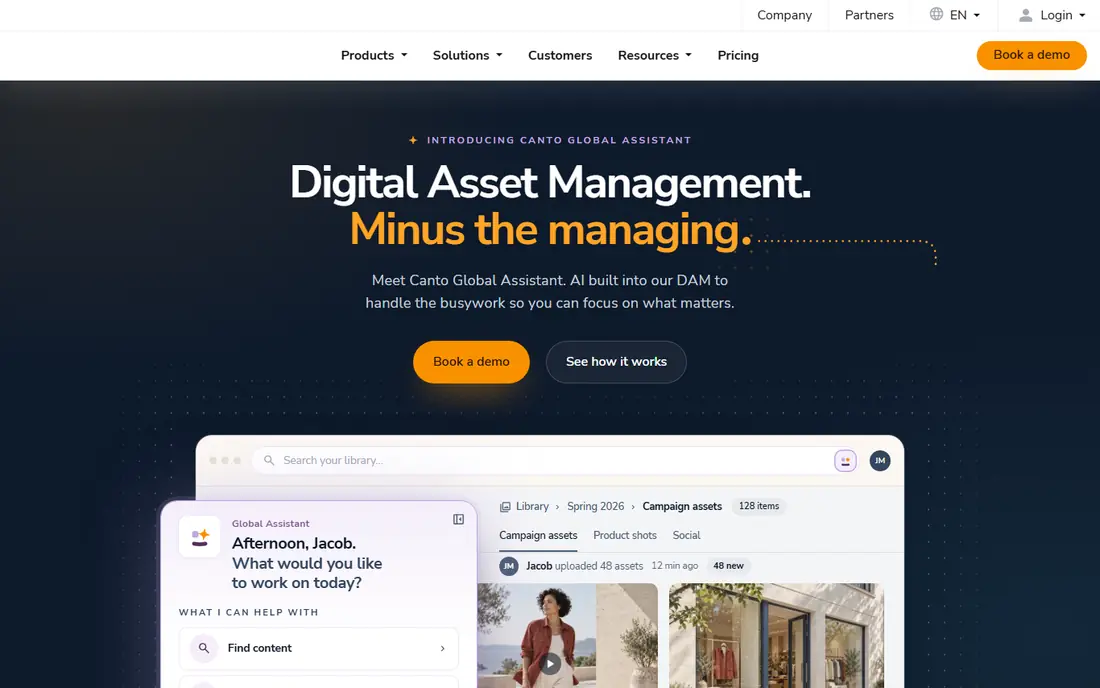
Canto earns its place as the friendliest mid-market DAM for teams that do not have a dedicated asset librarian. Uploads get auto-tagged, visual search finds images by content, and folders stay usable without strict training. Product teams can also tie product data to assets, which helps ecommerce teams keep images and specs together.
Quote-only pricing is the main frustration, since a small team cannot budget without a sales call. Canto also scales into enterprise territory, so confirm which features sit in the entry tier before signing. For a mid-size team that wants adoption without a long rollout, it remains a strong default.
- Easy to learn for non-technical teams
- AI tagging and visual search
- Product data options
- Pricing is quote-only
- Advanced features may need a higher tier
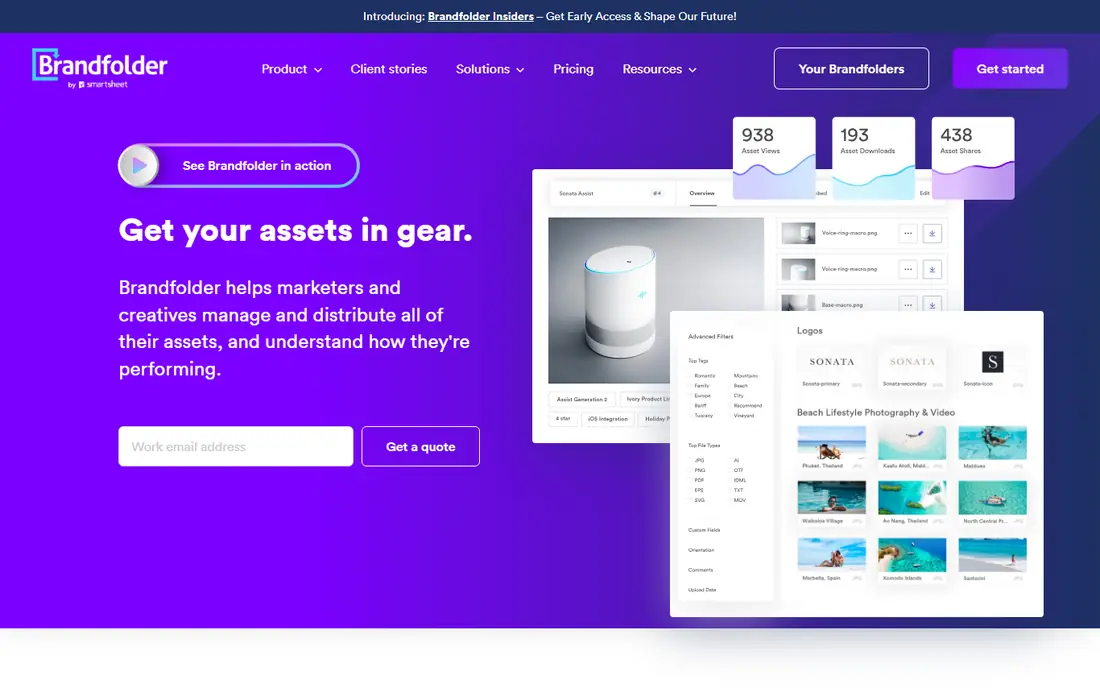
Brandfolder, part of Smartsheet, stands out for teams that want to know what happens after an asset is shared. Its analytics show which files partners and teams actually use, which helps a brand team retire stale assets and invest in formats that get reused. Templates and portals round out a platform built for distributed brand work.
The trade-off is price transparency. There is no public price list, and reviewers have complained about renewal increases, so negotiate the renewal terms as hard as the first-year price. Teams already using Smartsheet get extra value from the shared ecosystem, while others should weigh Brandfolder against cheaper rivals with similar portals.
- Asset usage analytics
- Brand portals and templates
- Smartsheet ecosystem links
- Quote-only pricing
- Reviewers often cite high cost at renewal
Acquia DAM, formerly Widen, suits organizations that treat asset management as part of a wider content operation. Its workflows move assets through review and approval, and its product information features help teams that manage large catalogs. For enterprises already using Acquia products, the shared platform is a practical advantage.
For a small business, though, Acquia DAM is likely too much platform and too much process. Pricing is quote-only and implementation needs planning, metadata design and migration work. Shortlist it when governance, scale and workflow control outweigh speed and price, not when you only need a searchable folder.
- Central asset library with workflows
- Product information options
- Strong enterprise support
- Quote-only pricing
- Implementation can be a real project
Frontify appeals to teams that keep rewriting the same brand rules in slide decks and PDFs. It combines brand guidelines, templates and the asset library in one hub, so a partner can read the rule and download the approved file in the same place. That pairing reduces the classic problem of correct guidelines pointing at outdated files.
Pricing based on monthly active users needs careful reading, since a campaign that pulls in many occasional users can raise the bill. Confirm how active users are counted before committing. For brand-led teams, the combined hub still beats buying a DAM and a guidelines tool separately.
- Guidelines, templates and DAM in one hub
- AI search features
- Clear brand portal experience
- Pricing is based on active users, so costs shift with usage
- Smaller teams may not use every module
Cloudinary is a different kind of pick: a media platform that handles storage, transformation and delivery, with DAM features on top. Developers can resize, crop and reformat assets on the fly, and the built-in delivery network serves them fast on the web. A free plan makes it easy for a small team or a solo developer to start without a sales call.
The weakness is that Cloudinary is not primarily a brand governance tool. Portals, approvals and brand guidelines are thinner than in Bynder or Brandfolder. Choose it when your main problem is managing and delivering web media at scale, and choose a pure DAM when brand control is the priority.
- Free plan to start
- Image and video transformation
- Content delivery network built in
- Feels developer-first
- Brand portal features are thinner than pure DAM tools
Air is built for creative teams who find older DAM tools stiff and slow. Its visual library, boards and sharing controls feel closer to a modern creative tool than to an enterprise archive. A free plan lets a small team test the workflow with real work before paying, and integrations with common creative apps keep assets near the tools that use them.
Paid pricing uses credits in places, so a team that shares and downloads heavily should model its real usage before picking a tier. Air also lacks some of the heavy governance of enterprise rivals. For creative teams that value speed and a clean library over strict controls, it is an easy recommendation.
- Free plan available
- Modern, visual library
- Sharing permissions and integrations
- Credit-based pricing on paid plans can confuse budgeting
- Enterprise governance is lighter
Pics.io suits teams that already live in Google Drive or Amazon S3 and do not want to move every file to a new home. It adds tagging, search, versioning and sharing on top of storage you already pay for, which keeps migration work low and avoids duplicate libraries. That approach is a genuine advantage for small teams with limited IT time.
The catch is dependence: if your Drive structure is messy, Pics.io inherits that mess, and you still need to design metadata and permissions. Pricing also requires a quote for current tiers, so confirm the cost for your storage volume and team size. For Drive-first teams, it is the lowest-friction path to a real DAM.
- Layers DAM on top of existing storage
- No big migration needed
- Visual search features
- Depends on your storage setup
- Pricing needs a quote for current tiers
How we picked these
We compared official product pages, pricing pages, feature documentation and independent 2026 comparisons of DAM tools. We favored tools that are actively sold and supported in October 2026, and we mixed enterprise platforms with small-team options so the list fits different budgets. We did not run hands-on trials, and where a vendor does not publish a price we say so rather than repeating an unverified estimate.
How to choose a DAM without buying too much platform
Start by listing the jobs the DAM must do in the next year: find files fast, share approved assets with partners, control who can download what, or deliver web media. A tool that does one of those jobs well beats a platform that does all of them badly for your team. Run a trial with a real folder of messy files, not a clean demo set, and see whether search and tagging actually help.
Then price the full picture: seats, storage, active users and any implementation or migration help. Quote-only tools can still be good value for a large team, but a small team should favor published prices and a free plan. Finally, name one owner for metadata and permissions, because even the best DAM turns into a junk drawer without someone tending it.
Frequently asked questions
What is the best digital asset management software for small business?
For a small business, Cloudinary, Air and Pics.io are the most practical starting points, because they offer a free plan or a low-friction setup. Enterprise tools such as Bynder and Brandfolder suit larger teams with governance needs. Match the tool to your team size first, then to features.
What is the best digital asset management platform for brand teams?
Bynder, Brandfolder and Frontify lead for brand teams, thanks to portals, templates and usage insight. Frontify adds guidelines in the same hub, while Brandfolder leans on analytics. Compare portal permissions and approval workflows in a trial before choosing.
What is the best digital asset management tool for Google Drive users?
Pics.io is the most direct fit, because it layers DAM features on top of Google Drive without forcing a migration. Check that its tagging and permission model matches how your team already organizes folders. A messy Drive still needs a metadata plan, even with a DAM on top.
What are the top digital asset management software options overall?
The top options in 2026 include Bynder, Canto, Brandfolder, Acquia DAM, Frontify, Cloudinary, Air and Pics.io, each with a different strength. Enterprise buyers should shortlist the first four, while smaller teams should start with the last three. Pricing transparency should weigh heavily in the final choice.
How much does digital asset management software cost?
Costs range from free plans at Cloudinary and Air to quote-only enterprise contracts that can run into five figures a year. Small teams can often start free or at a modest monthly tier, while large teams pay for seats, storage and implementation. Always ask for the renewal price, not just the first-year quote.
Sources
See where you really rank - block by block
ProMapRanker scans Google Maps across a grid of your service area. Simple monthly plans from $19, white-label on every plan.
Start freeKeep reading
 best resource management software
Best Resource Management Software in 2026
We compared the best resource management software for scheduling, capacity and utilization, with current pricing and free trials, to help teams choose well.
Read → best reporting tools
Best Reporting Tools in 2026
Compare the best reporting tools for dashboards, scheduled reports, and business insights, from Power BI and Tableau to Looker Studio for every team size.
Read → best remote support software
Best Remote Support Software in 2026
Looking for the best remote support software? We compare 9 tools on price, security, session controls, and fit for helpdesks, MSPs, and small teams in 2026.
Read →