 ProMapRanker
Best Digital Art Software in 2026

Key takeaways
- Procreate at $12.99 one-time is the best value for iPad artists, while Krita and Affinity give professional tools for free.
- Photoshop remains the industry standard for painting plus photo work, but its subscription adds up over time.
- Clip Studio Paint and MediBang Paint are the first choices for comics and manga, thanks to panel, tone, and inking tools.
- Corel Painter and Rebelle suit traditional media looks, while Affinity Designer suits vector illustration and logo work.
Quick comparison
| Pick | Great for | Pricing starts at | Free tier | |
|---|---|---|---|---|
 Procreate Procreate | iPad drawing and painting | $12.99 one-time | No | Visit |
 Adobe Photoshop Adobe Photoshop | Professional painting and photo editing | $22.99 per month | Free trial | Visit |
 Clip Studio Paint Clip Studio Paint | Comics, manga, and illustration | See website | Free trial | Visit |
 Krita Krita | Free digital painting | Free | Yes | Visit |
 Affinity by Canva Affinity by Canva | Free vector and raster design | Free | Yes | Visit |
 Corel Painter Corel Painter | Traditional media painting | $429 one-time | Free trial | Visit |
 MediBang Paint MediBang Paint | Free manga and comic creation | Free | Yes | Visit |
 Rebelle Rebelle | Realistic watercolour and wet media | $89.99 one-time | Free trial | Visit |
The best digital art software
We compared official feature pages, pricing pages, and public documentation for software that supports digital painting, drawing, illustration, and comic creation.
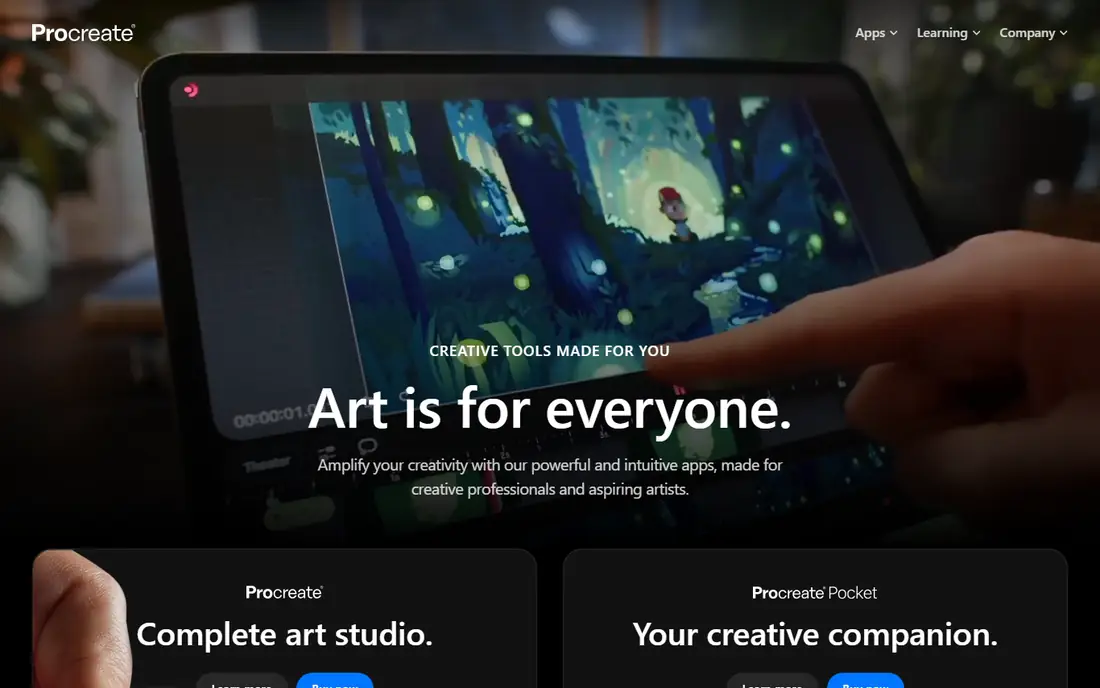
Procreate is an iPad only painting and illustration app that has become the default for many illustrators, thanks to a responsive brush engine, a large brush library, and a clean touch interface built for Apple Pencil. It supports layers, masks, animation assist, and high resolution canvases, and its one-time price of $12.99 makes it one of the best value professional tools available. For sketching, illustration, and finished painting on iPad, it is hard to beat.
The limit is platform: there is no Windows, Mac, or Android version, so desktop artists need a different tool. File exchange with Photoshop via PSD helps, but a Procreate workflow still assumes an iPad. If you draw on iPad, Procreate is our pick for most people, and its low price means it pays for itself quickly.
- Excellent brush engine
- One-time price
- Strong iPad and Apple Pencil support
- IPad only
- No desktop version
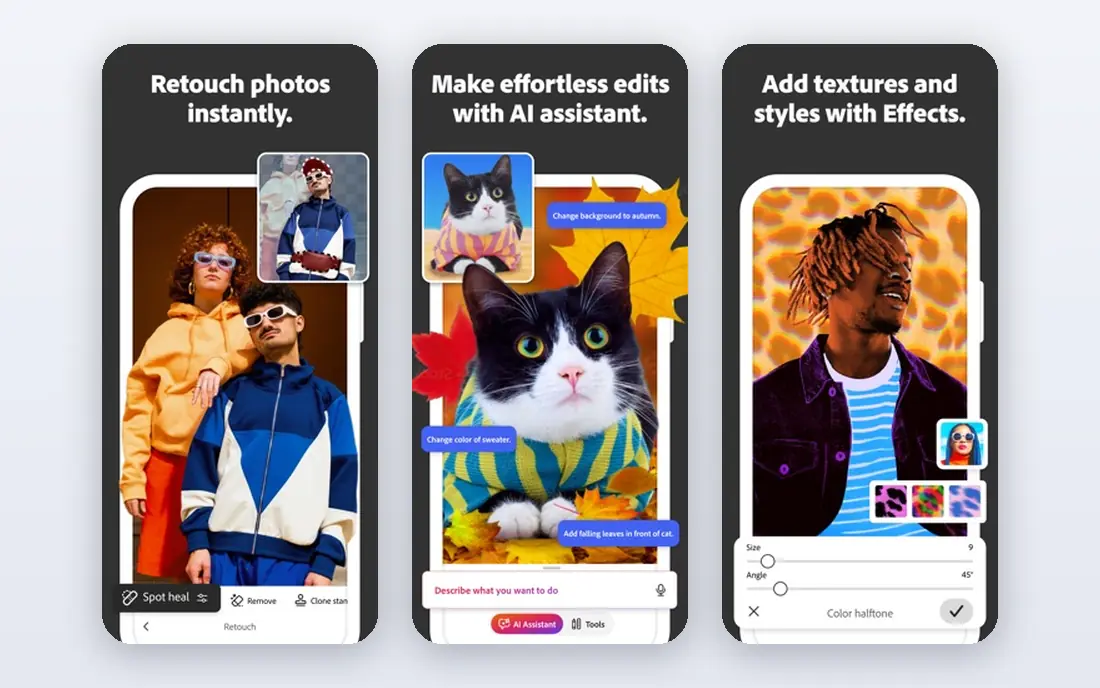
Photoshop remains the industry standard for digital painting combined with photo editing, retouching, and compositing, with a single app plan from $22.99 per month. Its brush engine, layer system, and plugin ecosystem are unmatched for professional work that mixes painting with photo manipulation, and its PSD format is the exchange standard across studios. For concept artists, illustrators, and designers who also edit photos, that breadth matters.
The subscription is the honest downside. Over several years, Photoshop costs far more than one-time tools such as Procreate or Clip Studio Paint, and its interface can feel heavy if you only want to draw. Still, for professional work where clients expect PSD files and photo tools in the same app, Photoshop remains the safest and most capable choice.
- Industry standard
- Huge brush and plugin ecosystem
- Strong photo and painting tools in one app
- Subscription cost adds up
- Interface can feel heavy for pure drawing
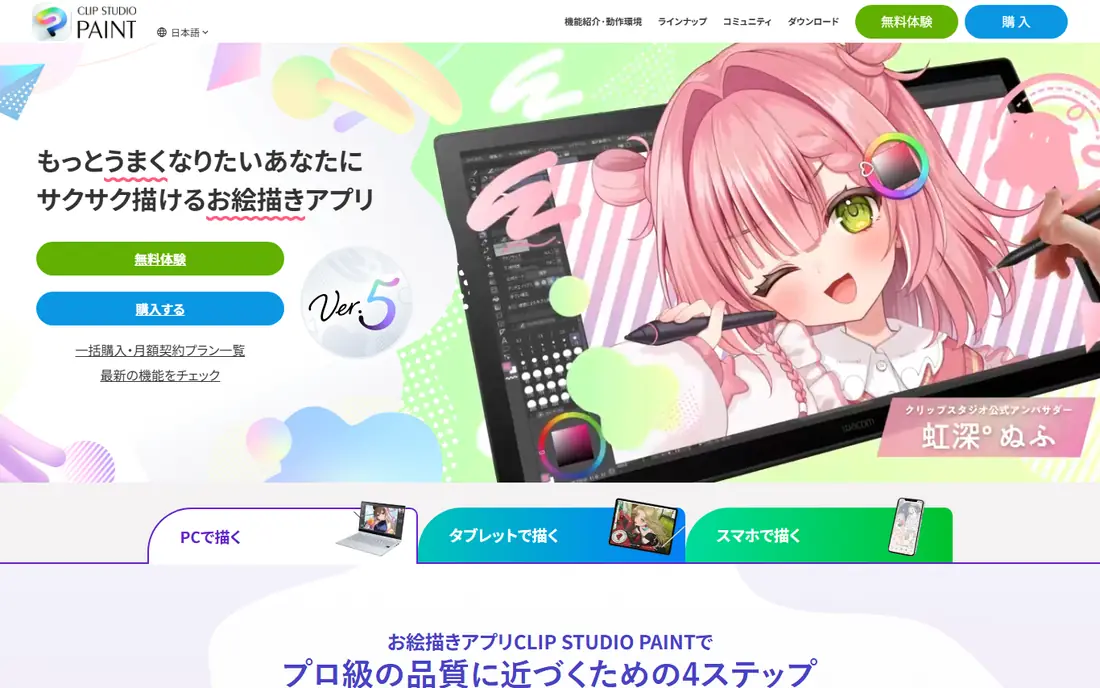
Clip Studio Paint is built for comics, manga, and illustration, with panel tools, screen tones, perspective rulers, and inking brushes that general painting apps lack. It runs on Windows, Mac, iPad, Android, and Chromebook, so a comic artist can sketch on a tablet and finish on a desktop. A perpetual desktop licence for PRO has been listed from around $63, with subscription options on mobile, so check the current price for your platform.
The pricing model is the part to read carefully, because desktop perpetual licences, subscriptions, and PRO versus EX editions differ. EX adds multi-page comic management and other book features that professional comic artists need. For manga and comic work, Clip Studio Paint is the clear first choice, and for general illustration it is also a strong, well supported tool.
- Panel, tone, and inking tools for comics
- Strong brush engine
- Works on desktop and mobile
- Pricing model varies by platform
- EX version costs more for full comic features
Krita is a free, open source digital painting program for Windows, Mac, and Linux, with a brush engine, stabilisers, layer management, and animation tools that rival paid painting apps. It supports PSD files, custom brushes, and a wide range of colour management options, which makes it a genuine professional tool, not just a free starter app. For hobbyists, students, and freelancers on a budget, it is the best free painting choice.
The learning curve is real. Krita packs many features into its interface, so new users should allow time to set up brushes, shortcuts, and canvas settings. Its vector tools are also thinner than a dedicated vector app such as Affinity Designer. If your main work is painting and illustration, and you want to pay nothing, Krita is the tool to download first.
- Free and open source
- Excellent painting brushes
- Animation and PSD support
- Interface takes time to learn
- Vector tools are thinner than Affinity
Affinity, now from Canva, offers professional vector design, illustration, and photo editing tools that became free in October 2025, covering Windows, Mac, and iPad. Affinity Designer handles vector illustration, logos, and layout, while Affinity Photo handles raster editing, and the apps share a consistent interface. For designers leaving Adobe subscriptions, that free price changes the calculation completely.
The ecosystem is still smaller than Adobe, with fewer plugins and less studio standard file exchange, though Affinity supports common formats such as PSD, PDF, and SVG. Canva ownership also means future plans could change, so keep an eye on terms. For free, professional grade vector and raster work today, Affinity is an outstanding pick.
- Free since October 2025
- Professional vector and raster tools
- Works on desktop and iPad
- New free model still settling
- Plugin ecosystem is smaller than Adobe
Corel Painter simulates traditional media, including oils, watercolours, pastels, and pencils, with brush behaviour, paper texture, and blending that aim to feel like real paint. Its one-time licence costs $429, with a trial available, and it runs on Windows and Mac. For fine artists and illustrators who want a painted look rather than a flat digital look, Painter remains a reference point.
The price and system demands are the barriers. At $429, it costs far more than Procreate or Krita, and its large brush library benefits from a capable computer and a good pen tablet. For artists whose style depends on traditional media simulation, that cost can be justified. For general illustration, cheaper tools will cover most needs.
- Realistic traditional media brushes
- Huge brush library
- Strong texture and paper simulation
- High one-time price
- Interface and performance need a capable machine
MediBang Paint is a free comic and illustration app for Windows, Mac, iPad, Android, and other platforms, with panel tools, screen tones, and cloud saving that let you start on one device and continue on another. Its collaboration features suit comic teams and classrooms, and its free price makes it an easy recommendation for beginners and students. For manga creation on a budget, it is the best free alternative to Clip Studio Paint.
Its brush engine and advanced features are simpler than Clip Studio Paint, and some premium materials sit behind a subscription. That trade is fair at a free price, and most beginners will not miss the advanced tools at first. If you want to learn comic creation without paying, start with MediBang Paint and move to Clip Studio Paint when you need its deeper tools.
- Free on desktop and mobile
- Comic panel and tone tools
- Cloud saving and collaboration
- Brush engine is simpler than Clip Studio Paint
- Some assets need a subscription
Rebelle, from Escape Motions, focuses on realistic wet media painting, with watercolour that flows, dries, and granulates, plus oils, acrylics, and inks that behave like their real counterparts. Its Pro version starts from $89.99 one-time, with a 30 day trial, and it runs on Windows and Mac. For artists who love watercolour and want that look digitally, Rebelle is more convincing than general painting apps.
Rebelle is a specialist, not an all-rounder. It lacks the photo editing, comic, and vector depth of Photoshop, Clip Studio Paint, or Affinity, so most artists will pair it with another tool for layout or finishing. As a painting tool for traditional media looks, though, it is distinctive, affordable for a one-time purchase, and easy to enjoy from the first session.
- Realistic watercolour, oil, and wet media simulation
- One-time price
- Clean interface
- Narrower than Photoshop or Clip Studio Paint
- Best as a painting specialist, not an all-rounder
How we picked these
We compared official feature pages, pricing pages, and public documentation, and we favoured software that is actively maintained, covers real digital art work, and publishes clear pricing or a genuine free tier. We mixed painting, vector, and comic tools because digital art covers all three, and we noted where a tool is platform limited or subscription based rather than hiding that cost. We did not claim hands-on testing, and prices are starting points that change with platform and promotion.
How to choose digital art software for your work
Start with your device and your art type. iPad artists should start with Procreate, desktop painters on a budget should start with Krita, and vector illustrators should start with Affinity. Comic and manga artists should look at Clip Studio Paint first, with MediBang Paint as the free starting point, while traditional media painters should test Rebelle and Corel Painter for their brush feel.
Then check file exchange and long term cost. If clients need PSD files, Photoshop or a PSD compatible tool matters. If you dislike subscriptions, favour one-time or free tools such as Procreate, Clip Studio Paint desktop, Rebelle, Krita, and Affinity. Download trials, draw the same piece in two tools, and judge brush feel, layer handling, and export quality on your own tablet or computer, because a brush engine that feels right to you matters more than any feature list.
Frequently asked questions
What is the best digital art software?
The best digital art software depends on your device and art type. Procreate is best for iPad painting, Photoshop is best for professional painting plus photo work, and Krita is best for free painting. For vector work, Affinity is best for free, and for comics, Clip Studio Paint is best overall, with MediBang Paint best for free.
What is the best drawing software for beginners?
Krita and MediBang Paint are the best free drawing software for beginners, because both are free, cover painting and illustration, and run on desktop and mobile. Procreate is also beginner friendly on iPad, with a low one-time price and a simple touch interface. Start free, learn layers and brushes, and only pay when you need a specific feature.
What is the best digital painting software?
For digital painting, Procreate leads on iPad, Krita leads for free on desktop, and Corel Painter leads for traditional media simulation. Photoshop remains the professional standard when painting and photo editing must live in one app. Test brush feel and pressure response on your own tablet, because painting comfort is personal.
What is the best digital art app for comics?
Clip Studio Paint is the best digital art app for comics and manga, thanks to panel tools, screen tones, perspective rulers, and multi-page support in EX. MediBang Paint is the best free comic app, with panel and tone tools on desktop and mobile. Procreate can also handle comic pages, but it lacks the dedicated comic workflow of Clip Studio Paint.
Is Affinity really free?
Yes, Affinity became free in October 2025, when Canva made its professional design apps available at no cost on Windows, Mac, and iPad. That includes vector design and photo editing tools that previously required a purchase. Check the current terms on the Affinity site, because free models can change, but at the time of writing it is a genuine free professional option.
Sources
See where you really rank - block by block
ProMapRanker scans Google Maps across a grid of your service area. Simple monthly plans from $19, white-label on every plan.
Start freeKeep reading
 zoom alternatives
Best Zoom Alternatives in 2026
Compare Zoom alternatives in 2026, with free meeting limits and prices, so you can pick the best alternative to Zoom for your team, class, or community.
Read → which software is best for remote work
Which Software Is Best for Remote Work in 2026
Answering which software is best for remote work, we compare Slack, Zoom, Asana, Notion, Teams and more, with pricing and honest tradeoffs in 2026 now.
Read → which ai tool is best for content writing
Which AI Tool Is Best for Content Writing in 2026
Wondering which ai tool is best for content writing? We compare ChatGPT, Claude, Jasper, Grammarly, and more on price, quality, and best use in 2026 now.
Read →