 ProMapRanker
Best Dictation Software Free in 2026

Key takeaways
- The built-in tools on Mac and Windows cover most free dictation needs, with no extra install.
- Google Docs Voice Typing is the strongest free browser option, but it only works inside Google Docs.
- Wispr Flow, Superwhisper and Spokenly offer free tiers with smarter cleanup, at the cost of limits or setup.
- Offline dictation protects privacy better, and Apple Dictation on Apple Silicon and local tools lead there.
Quick comparison
| Pick | Great for | Pricing starts at | Free tier | |
|---|---|---|---|---|
 Apple Dictation | Free Mac and iPhone dictation | Free | Yes | Visit |
 Windows Voice Typing | Free Windows dictation | Free | Yes | Visit |
 Google Docs Voice Typing | Free browser dictation | Free | Yes | Visit |
 Speechnotes | Lightweight browser notes | Free | Yes | Visit |
 Wispr Flow | AI cleanup across apps | Free | Yes | Visit |
 Superwhisper | Custom modes and models | Free | Yes | Visit |
 Spokenly | Free local dictation | Free | Yes | Visit |
 MacWhisper | Mac file transcription | Free | Yes | Visit |
 Microsoft Word Dictate | Dictation inside Word | Free | Yes | Visit |
The best dictation software free
We compared free built-in tools, free browser tools and free tiers of paid apps in October 2026. The best speech to text software free for you depends on your device, your need for offline use, and how much cleanup you want after dictation.
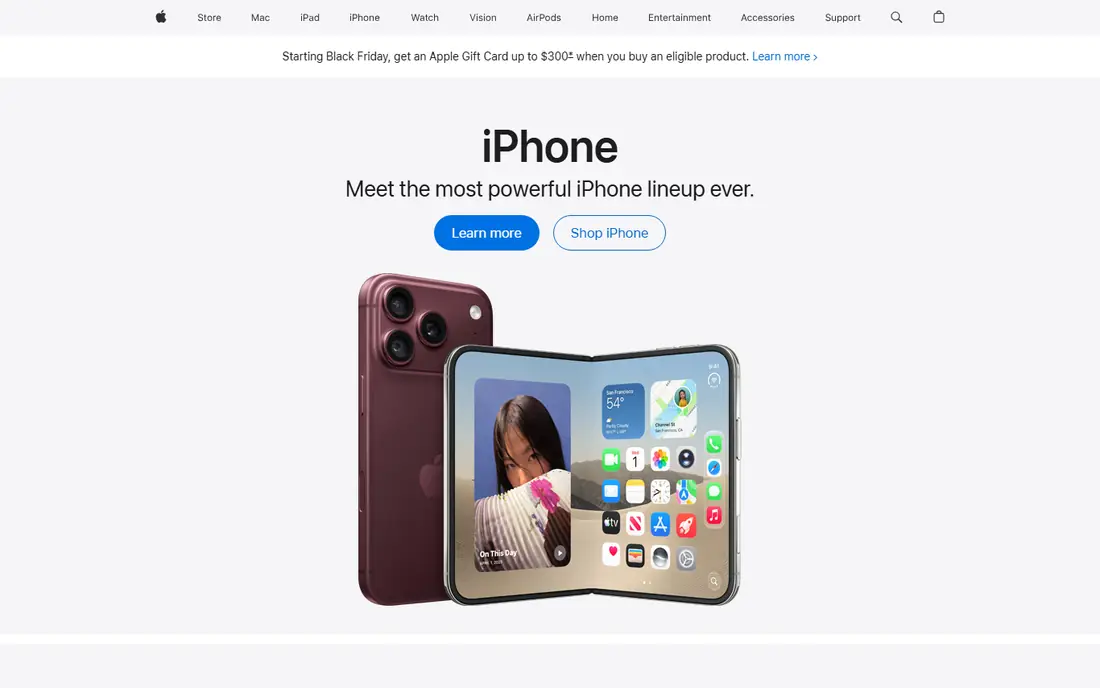
Apple Dictation is the simplest free starting point for Mac and iPhone users. It ships with the system, so you can dictate into email, notes and documents without installing anything. On Apple Silicon Macs, much of the processing can run on the device, which helps privacy and offline use.
The limit is polish. Apple Dictation types what you say, with less automatic cleanup than newer AI tools. You will still need to fix punctuation and filler words in longer drafts, but for messages, notes and first drafts, it is fast and free.
- Built into macOS and iOS
- On-device processing on Apple Silicon
- Works in most apps
- Accuracy varies by accent and noise
- Fewer cleanup features than AI apps
- Best on newer Macs
Windows Voice Typing, opened with Windows key plus H, is the free equivalent for Windows users. It lets you dictate into documents, browsers and chat apps without buying software. For students and office workers who already use Windows, that zero-cost start is hard to beat.
It does need an internet connection for most use, and it offers less control than dedicated dictation apps. Background noise and poor microphones also hurt results more than users expect. Use a decent headset, speak in a quiet room, and treat it as a first draft tool.
- Built into Windows 11
- No download needed
- Works in many apps with a shortcut
- Needs an internet connection
- Accuracy drops in noisy rooms
- Fewer voice commands than some tools
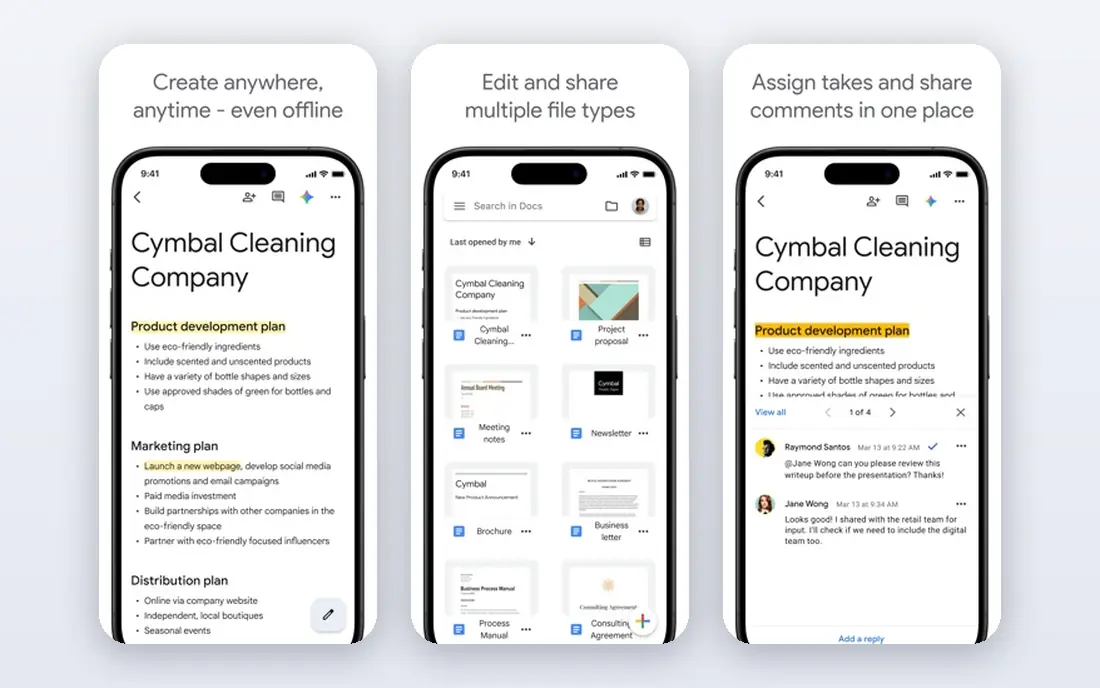
Google Docs Voice Typing is the best free dictation app for people who already write in Google Docs. Open a document in Chrome, start voice typing, and your speech appears as text with support for many languages. It is a strong choice for essays, reports and collaborative drafts.
The catch is scope. It does not dictate into email clients, word processors or other apps, so it cannot replace a system-wide tool. If most of your writing lives in Google Docs, that limit may not matter. If you write across many apps, pair it with a system tool.
- Free with a Google account
- Supports many languages
- No install in Chrome
- Only works inside Google Docs
- Needs internet
- Cannot dictate into other apps
Speechnotes gives you a clean browser notepad that turns speech into text. It suits quick notes, outlines and drafts when you do not want to install software or open a full word processor. The layout stays out of the way, which helps when you are capturing ideas fast.
It is not a system-wide dictation keyboard. You dictate inside Speechnotes, then copy text elsewhere. That extra step is fine for notes, but less smooth for email replies or long documents across apps. Still, for a free, no-install start, it is a useful tool.
- Fast browser dictation
- Simple notepad layout
- No install for basic use
- Browser based
- Needs internet
- Fewer app integrations than desktop tools
Wispr Flow is our pick for the best dictation app free tier when you want smarter output. It dictates into ordinary text fields and can clean up filler words and grammar, so first drafts read more smoothly. That cleanup saves real editing time for emails and documents.
The free tier is a trial of that workflow, not an unlimited tool. Heavy daily users will hit limits and need a paid plan, reported near 15 dollars per month in recent comparisons. Start free, measure how much you dictate, and upgrade only if the cleanup saves you daily editing time.
- Dictates into many apps
- AI cleanup removes fillers
- Desktop and mobile support
- Free tier has limits
- Cloud processing for AI features
- Paid plan needed for heavy use
Superwhisper suits users who want control over how dictation is rewritten. You can set modes for email, notes or code-like text, and choose models that fit your device. That flexibility helps writers and developers who dictate in different styles during the day.
Setup is the trade. Choosing models and modes takes time, and the full feature set sits behind paid plans. If you only need plain dictation, a built-in tool is simpler. If you dictate often and want tailored output, Superwhisper rewards the setup.
- Custom modes for different tasks
- Model choice
- Free tier for basic dictation
- Setup takes longer
- Paid features for full use
- Best on Mac and newer systems
Spokenly stands out for privacy-minded users who want free local dictation. Basic on-device use needs no account, which keeps audio off remote servers for that mode. It runs on Mac, Windows, Linux and iPhone, so it fits mixed-device households.
It is newer than Apple or Windows tools, so community guides are thinner. Paid plans add AI cleanup and higher limits, reported near 9.99 dollars per month. For private notes and everyday dictation, the free local mode is a strong, low-risk start.
- Free on-device dictation
- No account for basic use
- Cross-platform support
- Newer and less known
- AI cleanup features are paid
- Accuracy depends on device
MacWhisper is a different kind of free tool: it transcribes files rather than live dictation into every app. That makes it useful for recorded interviews, lectures and voice memos on a Mac. Local models keep files on your machine, which matters for sensitive recordings.
Do not buy it expecting a system-wide dictation keyboard. Its strength is turning existing audio into text, with a paid Pro version for added features. Pair it with Apple Dictation if you need both live dictation and file transcription on a Mac.
- Transcribes audio and video files on Mac
- Local models
- Useful for recordings
- Mac only
- Mainly file transcription, not live dictation
- Pro needed for full features
Microsoft Word Dictate suits writers who already live in Word. It types speech directly into documents and supports voice commands for punctuation and formatting. For Word users, that tight fit beats copying text from a browser tool.
Access varies. The web version of Word offers dictation free with a Microsoft account, while desktop features tie to Microsoft 365 in many cases. If you rarely use Word, a system tool will serve you better. If Word is your main editor, Dictate is a natural free start.
- Built into Word and web Word
- Voice commands for punctuation
- Familiar Word workflow
- Best with Microsoft 365
- Web version has limits
- Cannot dictate system-wide
How we picked these
We compared official product pages, system documentation and 2026 free dictation comparisons for tools that offer a real free tier or a built-in free feature. We kept tools that dictate into text or transcribe speech without a required payment, and that still operate in October 2026. We left out meeting-only recorders, paid-only tools, and file transcription services that cannot help with everyday writing.
We did not claim hands-on testing. Our notes rest on published features, pricing and platform support, plus the known trade between free convenience, offline privacy and AI cleanup.
How to get good results from free dictation
Start with the tool already on your device, then test it with your real work. Dictate an email, a paragraph and a set of notes, using the same microphone you will use daily. A headset mic in a quiet room often improves accuracy more than switching apps.
Next, learn the punctuation commands for your tool. Saying comma, period and new paragraph as you speak cuts editing time sharply. Many new users skip this step, then blame the app for messy drafts that a few commands would have fixed.
Finally, decide what matters most: privacy, cleanup or cross-app use. If privacy leads, choose on-device options. If cleanup leads, try a free AI tier. If cross-app use leads, choose a system-wide tool over a browser-only tool, even if the browser tool feels simpler at first.
Fixing common dictation problems
When words are wrong, slow down slightly and check mic distance, since rushing and room echo cause many errors. When names or technical terms fail, add them to a custom vocabulary if your tool supports it, or spell them once and correct them in editing. When the app stops listening, check mic permission and internet status, since both cause silent failures.
When to pay for dictation
Pay when free limits block your daily work, when you need reliable jargon, or when AI cleanup saves you more editing time than the plan costs. Before paying, test the free tier for a full work week. A paid plan that only adds features you never use is not a bargain, even at a low monthly price.
Frequently asked questions
What is the best dictation software free?
Apple Dictation is the best free option on Mac and iPhone, while Windows Voice Typing leads on Windows. For browser writing, Google Docs Voice Typing is the strongest free choice. The best speech to text software free for you depends on your device and where you write most.
What is the best dictation app free for Windows?
Windows Voice Typing is the best free starting point, since it is built into Windows 11 and needs no install. Speechnotes and Wispr Flow also work on Windows, with Wispr Flow adding AI cleanup in its free tier. Try the built-in tool first, then add a second tool only if you miss a feature.
Can free dictation software work offline?
Some can. Apple Dictation on Apple Silicon works offline for several languages, and local tools such as Spokenly and MacWhisper can process audio on your device. Windows Voice Typing and Google Docs Voice Typing need an internet connection for most use.
Is free dictation software accurate enough?
For everyday messages, notes and first drafts, yes, with a good mic and a quiet room. Accuracy falls with noise, accents the model handles poorly, and technical terms. Read back longer drafts before sending, and correct names and numbers by hand.
Does Wispr Flow have a free plan?
Yes, Wispr Flow offers a free tier for basic dictation and cleanup, with limits on usage. Heavy users move to a paid plan. Start free, track how much you dictate in a week, and upgrade only when limits affect real work.
What is the best free speech to text software for writers?
Writers who use Google Docs should start with Google Docs Voice Typing, while Mac writers should start with Apple Dictation. Writers who want AI cleanup across apps should try the Wispr Flow free tier. In each case, keep a built-in tool as a backup for offline or quick notes.
Sources
See where you really rank - block by block
ProMapRanker scans Google Maps across a grid of your service area. Simple monthly plans from $19, white-label on every plan.
Start freeKeep reading
 wpforms alternatives
Best WPForms Alternatives in 2026
We compare 9 wpforms alternatives for WordPress forms, with free and paid options, current pricing notes, and honest limits for small business sites in 2026.
Read → windows task scheduler alternatives
Best Windows Task Scheduler Alternatives in 2026
Looking for Windows Task Scheduler alternatives? We compare 9 schedulers for Windows and cross-platform work, from free tools to enterprise automation.
Read → which ai video service is best
Which AI Video Service Is Best in 2026
which ai video service is best? We compare 10 legitimate AI video services on price, avatars, editing and output quality to help you pick the right tool.
Read →