 ProMapRanker
Best Demo Platform Software for Product Demos in 2026

Key takeaways
- Storylane and Navattic are the most accessible starting points, with free plans and clear paths into HTML demos.
- Walnut, Reprise, and Demostack suit larger sales teams that need personalization, cloning, or sandbox environments, at enterprise prices.
- Arcade and Supademo suit marketing teams that need fast, visual tours without a long implementation.
- Price the plan you will actually need, because HTML capture, SSO, and sandbox features are often gated to higher tiers.
- Run a one-week build test on your real product before buying, because demo maintenance matters as much as demo creation.
Quick comparison
| Pick | Great for | Pricing starts at | Free tier | |
|---|---|---|---|---|
 Storylane | All round interactive demos | Free | Yes | Visit |
 Navattic | HTML demos at scale | Free | Yes | Visit |
 Walnut | Personalized sales demos | $575 per month | No | Visit |
 Arcade | Fast visual product stories | Free | Yes | Visit |
 Supademo | Budget tours and enablement | See website | Yes | Visit |
 Guideflow | Broad demo formats on a budget | Free | Yes | Visit |
 Reprise | Enterprise cloned demos | See website | No | Visit |
 Demostack | Sandbox demos for complex products | See website | No | Visit |
 Tourial | Guided demo centers | See website | Free trial | Visit |
The best demo platform software for product demos
We compared official pricing, demo formats, analytics, integrations, and plan gates for platforms that help sales, presales, and marketing teams show a product without a live environment or a long engineering project.
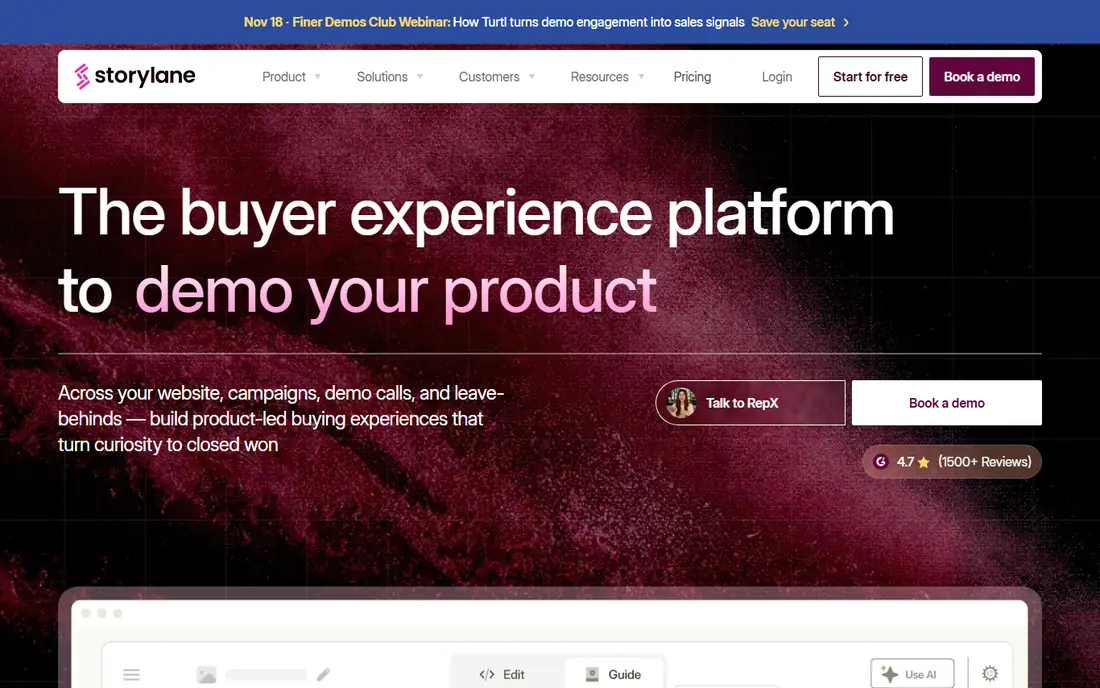
Storylane is the easiest platform here to start with. The free plan includes one seat and one published demo with unlimited views, and Starter, at $40 per month billed annually in recent pricing comparisons, adds screenshot and video demos with unlimited published demos. That makes it a practical first test for a marketing or sales team that needs a demo live quickly.
Growth, at $500 per month for five seats, adds HTML demos, personalization, A/B testing, and deal intelligence, while Premium adds Salesforce, SSO, presenter demos, and Hubs. Price the Growth or Premium plan if you need HTML capture or presenter features, because the Starter price alone does not include them.
- Free plan with one published demo
- Screenshot, video, and HTML formats
- Hubs and presenter mode on higher plans
- HTML demos start at Growth
- SSO and advanced features sit on Premium
- Sandbox is Enterprise only
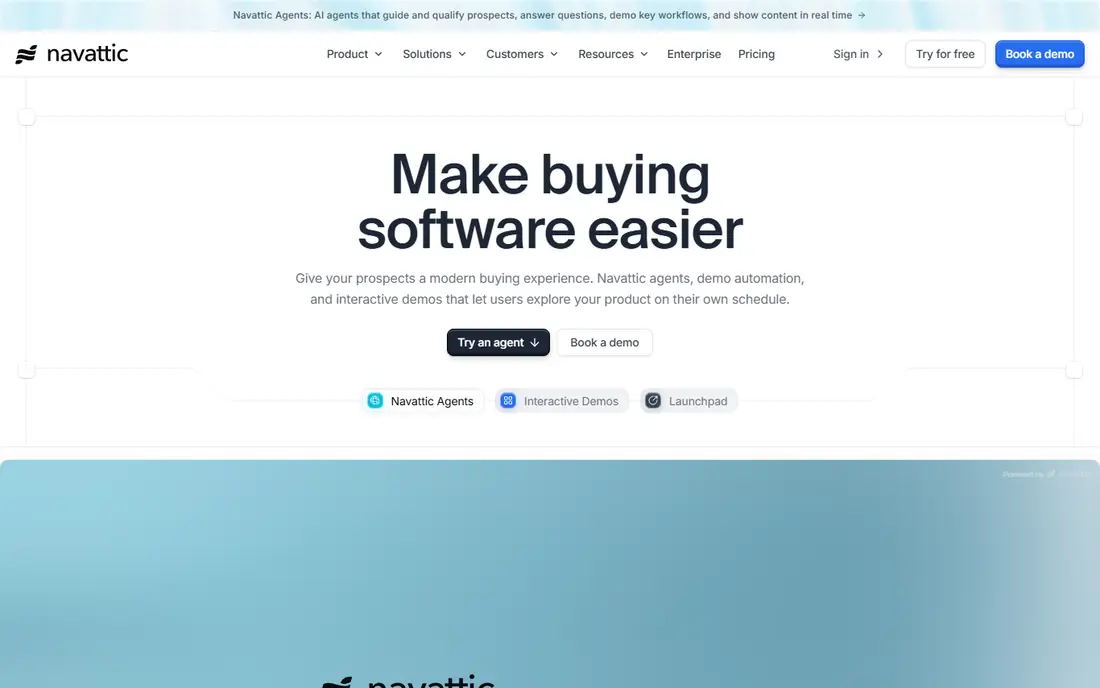
Navattic is a strong pick for teams that want HTML demos that feel like the real product. Its capture, analytics, and integrations with Salesforce, HubSpot, and other sales tools suit revenue teams that track how buyers move through a demo. Agent demos and Launchpad features also help sales teams guide buyers after the first click.
The free Starter plan covers one HTML demo, which is enough to test capture quality. Paid Base and Growth plans in published comparisons start around $500 and $1,000 per month billed annually, with Enterprise custom. Confirm the current quote, seat count, and which features are gated before you commit, because paid prices are not always shown publicly.
- Mature HTML capture
- Step-level analytics
- AI Copilot and Launchpad features
- Paid plan prices are not always public
- SSO and sandbox sit on higher plans
- No monthly billing in some comparisons
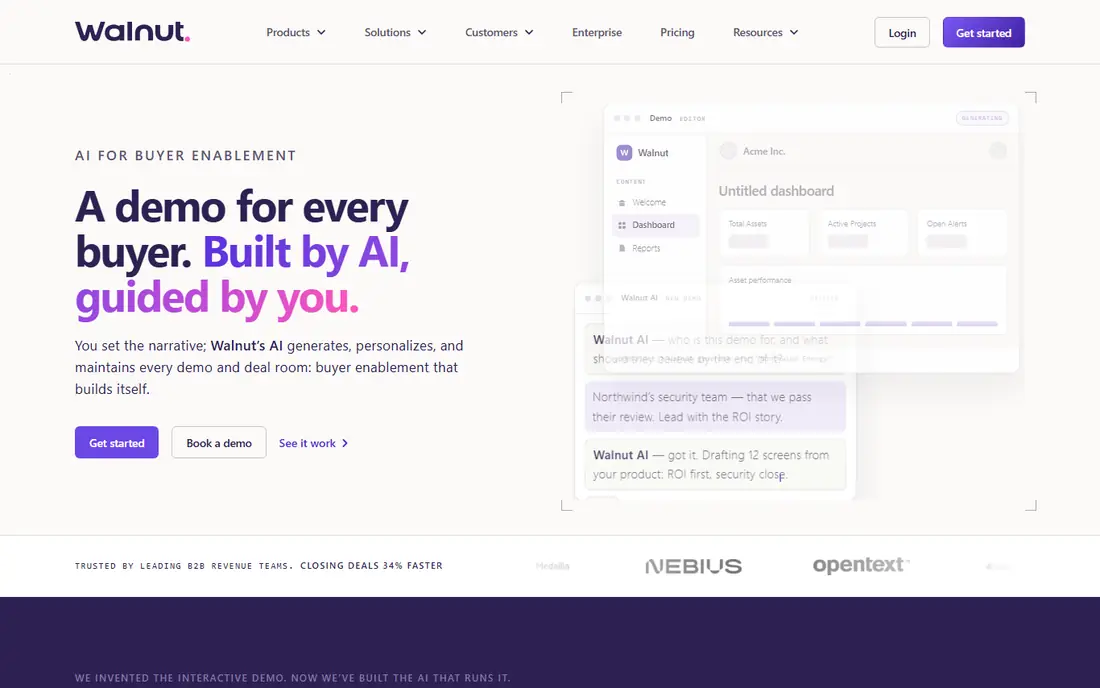
Walnut suits sales-led teams that personalize demos for each account. In-demo data editing lets reps show a prospect realistic data without rebuilding the product, and personalization features help tailor a demo to a specific company or use case. Ignite, at $575 per month billed annually in recent comparisons, is the entry published tier, with Accelerate higher.
Walnut has no self-serve free plan, so evaluation usually starts with a sales conversation and a guided trial. That is normal for enterprise demo tools, but it means you should ask early about seat types, Deal Rooms costs, SSO, and demo maintenance, so the final price matches the workflow you actually need.
- In-demo data editing
- Personalization for accounts
- AI assisted demo drafting
- No self-serve free plan
- Higher bundles add significant cost
- Demo maintenance takes effort
Arcade is built for speed and polish. A marketing team can record a product walkthrough, edit steps, add voiceover, and publish a visual demo quickly, without a long setup. Growth, at $42.50 per seat per month billed annually in recent comparisons, suits teams that publish regularly.
The main limit is format depth. HTML capture sits on Enterprise, so Arcade is best for guided visual stories rather than fully interactive cloned products. If your main need is marketing demos, onboarding tours, and social sharing, Arcade is one of the fastest options here.
- Fast recording to publish flow
- AI voiceovers
- Polished visual tours for marketing
- HTML capture is Enterprise only
- Per-seat pricing adds up as teams grow
Supademo is a budget-friendly way to build guided product tours for sales enablement, onboarding, and customer training. The free plan covers basic tours, and paid plans start around $38 per creator per month in published comparisons, with Growth bundling more creators and advanced formats.
Check the Growth gates before you buy. HTML tours and unlimited sandbox demos sit on Growth, so a team that needs those formats should price Growth from the start. For simple tours and enablement, however, Supademo offers strong value for small teams.
- Free plan for basic tours
- Per-creator pricing
- Useful for sales enablement and onboarding
- HTML and unlimited sandbox demos are gated to Growth
- Per-creator costs rise with team size
Guideflow stands out for format coverage. It supports screenshot, HTML, sandbox, mobile, and live demo formats, which helps teams that need different demo types for marketing, sales, and customer success. The free plan lets you test the basics, and Solo, at $35 per month in recent comparisons, suits individual creators.
Growth, at $499 per month billed annually, is where HTML capture starts, with Advanced and Enterprise higher still. That tier jump matters, so map your format needs before you choose a plan. If you need many formats on a budget, Guideflow is worth a close look.
- Screenshot, HTML, sandbox, mobile, and live formats
- Free plan
- Solo plan for individuals
- HTML capture starts at Growth
- Higher plans rise sharply for advanced needs
Reprise is built for enterprise presales teams that need realistic, cloned product environments rather than screenshots. Data injection, product tours, and live demo infrastructure help reps show complex software safely, without risking a live customer environment. That depth suits large deals where the demo itself can decide the outcome.
Pricing is quote-based, with annual platform fees plus per-user licenses in published comparisons, often reaching tens of thousands per year for larger deployments. Reprise is overkill for a small team that only needs a website tour, but for enterprise presales, it is one of the most capable platforms here.
- Cloned product environments
- Data injection
- Strong presales and enterprise controls
- Quote-based pricing
- Implementation and governance take time
- Overkill for simple tours
Demostack focuses on sandbox demos for complex enterprise software, where buyers need to explore a realistic product environment on their own. Cloning and simulation tools help presales teams create stable demo environments without constant engineering support, which is valuable when a product changes often.
Pricing is enterprise and quote-based, with published comparisons placing annual costs in the tens of thousands for teams. Demostack suits companies where demo environment setup is the bottleneck, not demo creation speed. Smaller teams should start with Storylane, Navattic, or Supademo instead.
- Sandbox and cloned environments
- Simulation for complex products
- Enterprise security focus
- Enterprise pricing by quote
- Security review and setup take time
- Not self-serve
Tourial helps marketing teams build demo centers, where website visitors can explore guided product tours by use case or persona. That structure suits companies that want self-serve demos on their site, rather than only rep-led demos on calls. Analytics show which tours and steps engage buyers.
Tourial is less focused on cloned sandbox environments than Reprise or Demostack, so enterprise presales teams with complex products may need a second tool. For website-led demo centers and guided tours, however, Tourial is a focused and practical choice.
- Demo centers for marketing pages
- Guided tours with analytics
- Useful for website conversion
- Pricing is not always public
- Less suited to deep sandbox or cloned environments
How we picked these
We compared official pricing pages, demo formats, analytics, integrations, and plan gates, with a focus on tools that are available now and support real product demos, not just video recording. We favored platforms with clear free plans or published pricing where possible, and we used See website where pricing is quote-based or not published clearly. We did not claim hands-on testing, and we treated third-party pricing comparisons as a starting point to verify with each vendor.
What to check before you choose
Match the format to the job
Screenshot tours suit simple marketing demos. HTML demos suit interactive website tours. Sandbox and cloned demos suit complex enterprise products. Live demo tools suit rep-led calls. Pick the format your buyers actually need, not the most advanced format on the pricing page.
Price the plan you will need in six months
Check which plan includes HTML capture, SSO, custom domains, CRM integration, and sandbox features. A cheap starter plan that lacks HTML or SSO can force an expensive upgrade later. Ask each vendor for a yes or no answer on those gates before you sign.
Test maintenance, not just creation
Products change, and demos break when screens change. Build a demo, then change a screen in your product and see how long it takes to update the demo. A tool that is fast to create but slow to maintain will cost more over a year than a slightly slower tool that updates cleanly.
Measure demo performance
Track views, step completion, drop-off points, and meetings booked from demos. Step-level analytics help you see where buyers get stuck, and CRM integration helps you connect demo engagement to pipeline. Choose a tool whose analytics your sales and marketing teams will actually review.
Frequently asked questions
What is the best product demo software?
Storylane and Navattic are the strongest general picks for interactive demos, with free plans and HTML options. Walnut suits personalized sales demos, Arcade suits fast marketing tours, and Reprise and Demostack suit enterprise sandbox demos. The best pick depends on format, team size, and budget.
What are the best demo platforms for product demos on a budget?
Storylane, Supademo, Guideflow, and Arcade all offer free plans for basic tours, with paid plans starting well below enterprise tools. Price the plan that includes the format you need, because HTML and sandbox features often sit on higher tiers.
Do I need a sandbox demo or an interactive tour?
An interactive tour suits most website and marketing demos, where a guided walkthrough is enough. A sandbox or cloned demo suits complex products where buyers need to explore freely, enter data, and test workflows. Start with a tour, and move to sandbox only when buyers ask for hands-on exploration.
How much does demo platform software cost?
Free plans cover basic tours, while paid self-serve plans in this list start around $35 to $50 per month for individuals or small teams. Mid-market plans often run $500 to $1,000 per month, and enterprise sandbox platforms are quote-based and can cost tens of thousands per year.
Can demo tools replace live product demos?
Demo tools reduce the need for live demos, especially for early website visitors and standard use cases, but they do not replace live demos for complex deals. Many teams use interactive tours for self-serve buyers, presenter demos for live calls, and sandbox demos for technical evaluations.
What integrations should I check?
Check CRM integration with Salesforce or HubSpot, analytics, custom domains, SSO, and sharing controls. Sales teams also need presenter mode, personalization, and deal tracking, while marketing teams need website embedding, Hubs or demo centers, and A/B testing.
Sources
See where you really rank - block by block
ProMapRanker scans Google Maps across a grid of your service area. Simple monthly plans from $19, white-label on every plan.
Start freeKeep reading
 free alternatives to grok imagine
Free Alternatives to Grok Imagine in 2026
We compared the best free alternatives to grok imagine for image generation, from fast daily credits to design tools, so you can create without paying.
Read → best tools for instagram content creation
Best Tools for Instagram Content Creation in 2026
Compare the best tools for Instagram content creation, from Canva and CapCut to Later and Buffer, on design, video, planning, scheduling, and price in 2026.
Read → best tool to split pdf files
Best Tool to Split PDF Files in 2026
We compared the best tool to split pdf files on split modes, file limits, privacy and price, so you can split a PDF cleanly and keep every page in one go.
Read →