 ProMapRanker
Best Database Platforms With Integration Features in 2026

Key takeaways
- Snowflake, BigQuery, and Databricks are the strongest analytic database choices, because each pairs a managed warehouse or lakehouse with broad ingestion options.
- Fivetran and Airbyte are the best ELT choices for teams that want data moved with little pipeline code, while Estuary suits teams that need lower-latency movement.
- Change data capture, or CDC, matters most for operational databases, since it keeps a warehouse close to current without full reloads.
- Connector count alone is a weak test, so check the exact sources you use, sync frequency, and how schema changes are handled.
- Usage-based pricing means total cost depends on data volume and sync frequency, so run a trial on real tables before committing.
Quick comparison
| Pick | Great for | Pricing starts at | Free tier | |
|---|---|---|---|---|
 Snowflake | Managed multi-cloud analytics | See website | Free trial | Visit |
 Databricks | Lakehouse plus analytics and AI | See website | Free trial | Visit |
 Google BigQuery | Serverless Google Cloud analytics | See website | Yes | Visit |
 Amazon Redshift | AWS-native analytics | See website | Free trial | Visit |
 Microsoft Fabric | Microsoft and Power BI teams | See website | Free trial | Visit |
 Fivetran | Managed ELT with wide connectors | See website | Free trial | Visit |
 Airbyte | Open-source ELT flexibility | Free | Yes | Visit |
 Estuary Flow | Low-latency CDC and streaming | See website | Free trial | Visit |
The best database platforms with integration features
We compared analytic database platforms and ELT tools that move data from operational systems, apps, and files into a warehouse or lakehouse. The list mixes databases with strong ingestion features and dedicated ELT tools, because most teams need both layers to get data ready for reporting.
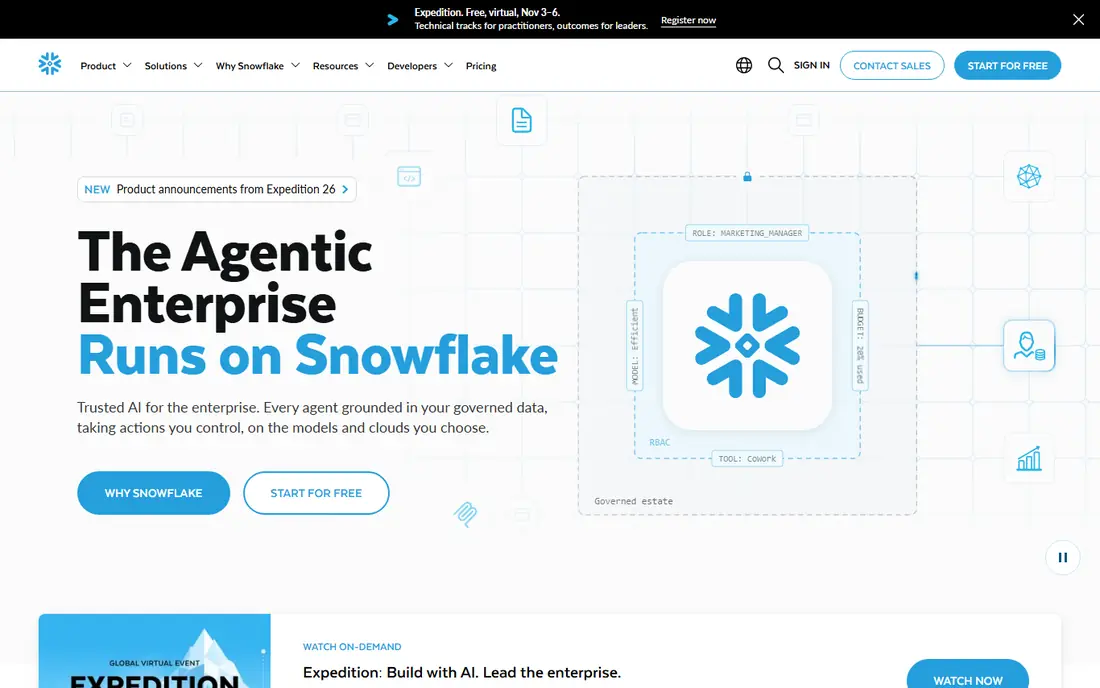
Snowflake is a managed cloud data platform that separates compute from storage, so a team can scale query power without resizing stored data. Integration features include native connectors, Snowpipe for continuous loading, data sharing without copying data, and a marketplace of third-party connectors. For a reporting team that wants SQL analytics without managing clusters, Snowflake is a reliable default.
The main risk is cost control. Credits are consumed by running warehouses, and a warehouse left running will keep consuming credits, even if auto-suspend is set to a generous interval. Set auto-suspend low, monitor credit use by warehouse, and test query patterns on a trial account before moving production reporting over.
- Separate compute and storage scaling
- Broad ingestion and sharing options
- Multi-cloud availability
- Consumption pricing needs monitoring
- Costs rise with idle compute if auto-suspend is not set
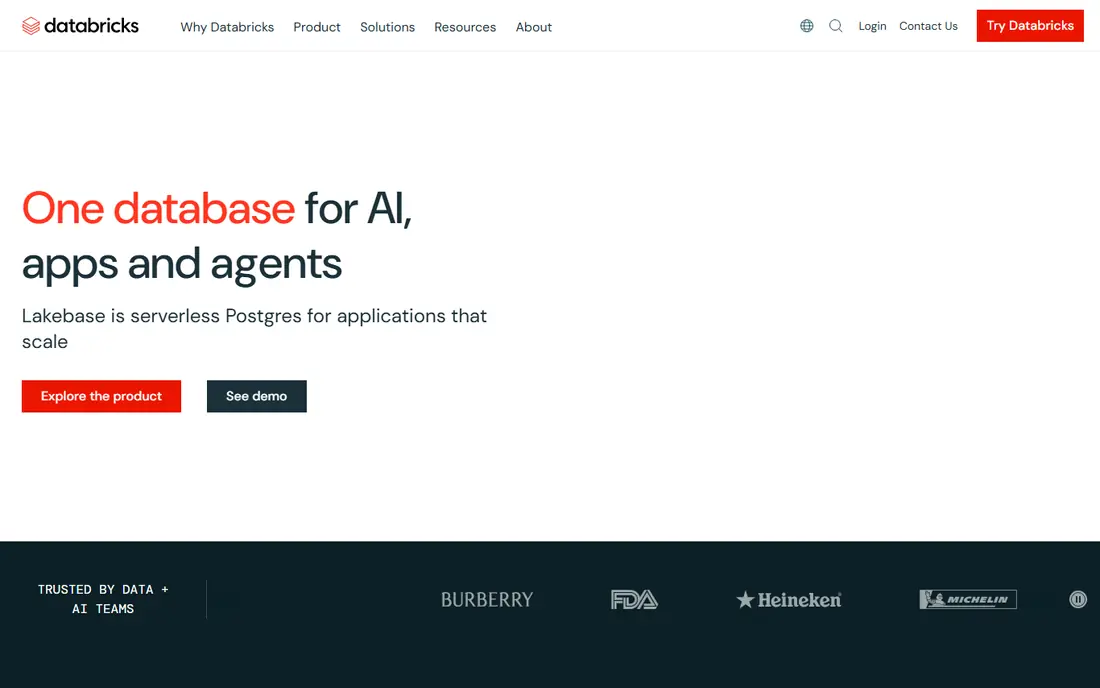
Databricks combines a data lakehouse, SQL analytics, data engineering, and machine learning in one platform, built on open formats such as Delta Lake. Integration comes through Lakeflow Connect for ingestion from databases and apps, streaming pipelines for near-real-time data, and SQL warehouses for reporting. Teams that want analytics and AI on the same data, without copying it between systems, get real value here.
The trade-off is ecosystem depth. Databricks is strongest when a team commits to its lakehouse model, and advanced pipelines still benefit from Spark knowledge. A pure SQL reporting team may find Snowflake or BigQuery simpler, but a team that also builds models and streaming jobs will find Databricks hard to beat.
- Unified lakehouse for SQL, engineering, and AI
- Streaming and batch pipelines
- Broad connector options
- Strongest inside its own ecosystem
- Spark knowledge helps for advanced pipelines
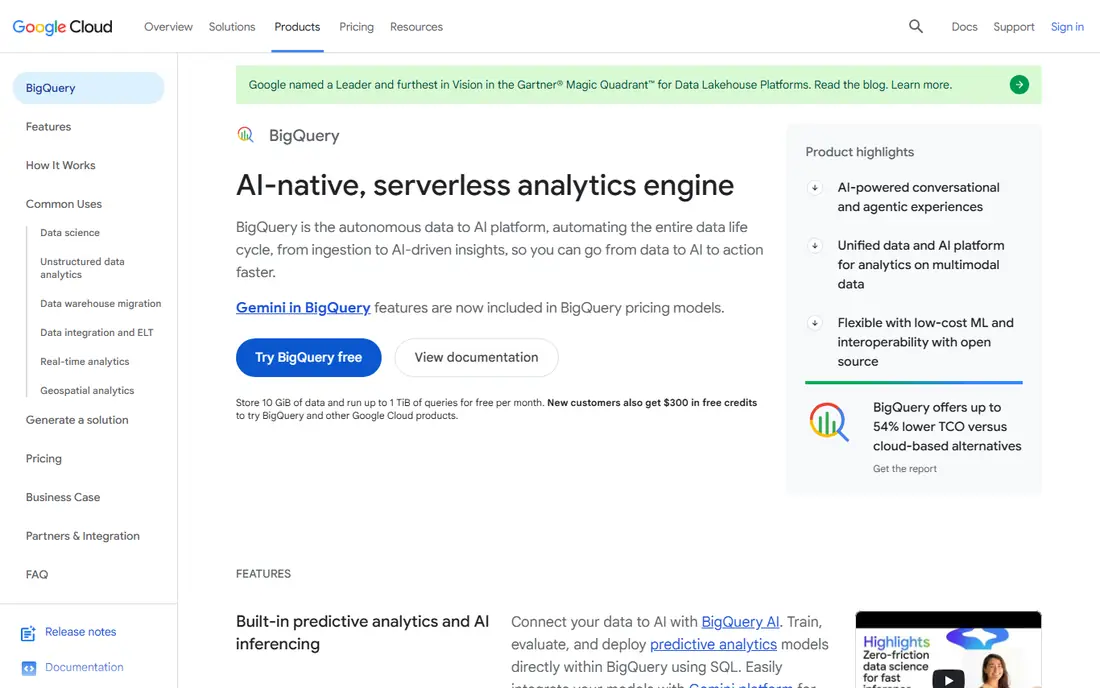
BigQuery is a serverless analytic database on Google Cloud, which means there are no clusters to provision or tune for a standard query workload. Integration options include scheduled queries, Data Transfer Service for apps and storage, streaming inserts, and federated queries over data in other clouds. A free tier covers a monthly amount of queries and storage, which makes it easy to test with real data.
Cost control is about scanning. On-demand pricing charges by data scanned, so a wide query over a large table costs more than a filtered query over a partitioned table. Use partitioned and clustered tables, preview queries before running them at scale, and consider slot reservations only once query volume is steady and predictable.
- Serverless queries with no clusters to manage
- Free monthly query and storage tiers
- Built-in ML functions
- Query costs depend on data scanned
- Deepest value inside Google Cloud
Amazon Redshift is the analytic database for AWS-centered teams, with provisioned clusters for steady workloads and a serverless option for variable workloads. Integration features include streaming ingestion, zero-ETL links from operational AWS databases, data sharing across clusters, and direct queries over data in S3. For a team already running production systems on AWS, those links reduce pipeline work.
The limit is portability. Redshift is an AWS service, so a multi-cloud team will need extra tooling for other clouds, and provisioned clusters require capacity choices that serverless platforms avoid. Start with serverless for variable reporting, and move to provisioned nodes only when usage is steady enough to justify reserved capacity.
- Strong AWS integration
- Serverless and provisioned options
- Streaming ingestion and data sharing
- Best value inside AWS
- Provisioned clusters need capacity planning
Microsoft Fabric brings data engineering, warehousing, real-time analytics, and Power BI into one software-as-a-service platform, with OneLake as a shared storage layer. Integration features include Data Factory pipelines, shortcuts that link to data in other clouds without copying it, and a direct path from warehouse tables to Power BI reports. For a team already using Microsoft 365 and Power BI, Fabric removes several handoffs between tools.
Capacity pricing is the planning challenge. Fabric is sold by capacity units, and a team needs to size capacity for its heaviest workload, not its average report. Run a trial with real Power BI reports and pipeline loads, and check how shortcuts behave for your external data sources before committing to a capacity tier.
- Unified data, engineering, and BI in one SaaS
- Native Power BI link
- OneLake storage model
- Capacity pricing needs planning
- Newest platform in this list, so migration guides vary
Fivetran is a managed ELT platform, which means it extracts data from a source, loads it into a warehouse, and lets transforms run in the warehouse afterward. It offers hundreds of prebuilt connectors for databases, apps, and files, handles schema changes automatically on supported connectors, and integrates with dbt for modeling. For an analytics team that wants pipelines with little maintenance, Fivetran is the lowest-effort option here.
The main drawback is cost at scale. Pricing is based on monthly active rows, so a high-volume source can become expensive even if the pipeline itself is simple. A free tier covers a small row volume for testing, but get a volume estimate from your actual tables, not a guess, before signing an annual plan.
- Hundreds of managed connectors
- Automatic schema handling
- Dbt integration for transforms
- Consumption pricing by monthly active rows
- High-volume costs can rise fast
Airbyte is an open-source ELT platform with a managed cloud option, offering hundreds of connectors and a low-code builder for custom sources. Teams can self-host the open-source core at no license cost, or use Airbyte Cloud for a managed service with volume-based pricing. Integration with dbt and orchestration tools such as Airflow makes it a fit for engineering-led teams that want control over deployment and data movement.
Self-hosting is also the cost. Running Airbyte yourself means owning upgrades, monitoring, and connector maintenance, which can offset the license saving for a small team. Airbyte Cloud removes that work but moves pricing to a volume model, so compare total effort, not just license cost, when choosing between the two deployments.
- Open-source core with self-hosting
- Hundreds of connectors
- Custom connector builder
- Self-hosting adds operations work
- Cloud pricing is volume-based
Estuary Flow is built for teams that need data to move in seconds, not hours, combining change data capture, streaming, and batch delivery in one platform. It captures database changes, applies SQL or code transforms in flight, and delivers to warehouses, lakes, and operational systems, with exactly-once guarantees where the destination supports transactional writes. That design suits real-time dashboards and operational analytics that cannot wait for an hourly batch.
The catalog is smaller than Fivetran or Airbyte, so check that your exact sources are supported before committing. Streaming concepts, such as backfills and schema evolution, also need learning for a team used only to batch pipelines. For a batch-only warehouse load, a simpler ELT tool may be enough, but for low-latency use cases Estuary is a strong specialist pick.
- CDC and streaming in one platform
- In-stream transforms
- Exactly-once delivery where destinations support it
- Connector catalog is smaller than Fivetran
- Streaming concepts need learning
How we picked these
We compared official connector lists, ingestion methods, CDC support, transform options, governance features, and pricing models, along with 2026 ELT and warehouse guides. We kept platforms that are live in October 2026, support integration into an analytic database or lakehouse, and publish connector or ingestion documentation. We did not claim hands-on testing, and prices are shown as See website where vendor pricing is quoted or volume-based.
How to choose between a database and an ELT tool
First, separate the two jobs. A database stores and queries data, while an ELT tool moves data into that database. Most teams need both, so the question is rarely database or ELT tool, but which pair works together with the least custom code. Snowflake, BigQuery, and Databricks all accept data from Fivetran, Airbyte, and Estuary, so the pairing choice is usually about cost and team skill, not compatibility alone.
Next, test with your hardest source, not your easiest one. A source with frequent schema changes, deletes, or high update volume will expose sync limits, cost, and latency problems that a simple append-only table will hide. Run a trial on that source, check how deletes and schema changes are handled, and measure end-to-end latency from source change to warehouse query.
Finally, plan for governance early. Decide who can add a source, how personal data is masked, and how long raw data is kept, before pipelines multiply. A platform with clear role controls, audit logs, and column-level masking will save a painful cleanup later, especially when reporting touches customer or financial data.
Frequently asked questions
What are the best ELT tools for data integration?
Fivetran suits teams that want managed ELT with little maintenance, Airbyte suits engineering teams that want open-source flexibility, and Estuary suits teams that need low-latency CDC and streaming. The best choice depends on connector needs, volume, latency, and how much pipeline operations your team can own.
What is the difference between ETL and ELT?
In ETL, data is transformed before loading into a warehouse, while in ELT, data is loaded first and transformed inside the warehouse. ELT is now common for cloud warehouses, because warehouses can handle transforms at scale, while ETL still suits cases where data must be cleaned before it is stored.
Do database platforms include integration features, or do I need a separate tool?
Many analytic databases include native ingestion, such as Snowpipe, streaming inserts, and zero-ETL links, but a separate ELT tool usually covers more SaaS apps and databases with less custom code. Use native ingestion for a few core sources, and add an ELT tool when source count or schema change handling grows.
How do I handle schema changes in a data pipeline?
Choose a tool that detects schema changes automatically and either applies them or pauses with a clear alert, rather than failing silently. Test a schema change on a trial table first, confirm how new columns, renamed fields, and deleted columns are handled, and keep a transform layer that can adapt without rewriting every report.
Is a free tier enough for a small data project?
Often yes for testing and small reporting, since BigQuery offers a free monthly tier and Airbyte offers a free open-source core. A free tier may still limit sync frequency, connector choice, or support, so check those limits against your actual tables before building production reports on it.
Sources
See where you really rank - block by block
ProMapRanker scans Google Maps across a grid of your service area. Simple monthly plans from $19, white-label on every plan.
Start freeKeep reading
 wpforms alternatives
Best WPForms Alternatives in 2026
We compare 9 wpforms alternatives for WordPress forms, with free and paid options, current pricing notes, and honest limits for small business sites in 2026.
Read → windows task scheduler alternatives
Best Windows Task Scheduler Alternatives in 2026
Looking for Windows Task Scheduler alternatives? We compare 9 schedulers for Windows and cross-platform work, from free tools to enterprise automation.
Read → which ai video service is best
Which AI Video Service Is Best in 2026
which ai video service is best? We compare 10 legitimate AI video services on price, avatars, editing and output quality to help you pick the right tool.
Read →