 ProMapRanker
Best Customer Service Software in 2026


Easy ticket management for small teams · Pricing starts at: See website
Key takeaways
- Freshdesk and Zoho Desk offer the lowest friction starting points for small teams, with free or low-cost tiers and multichannel ticketing.
- Zendesk suits larger or more complex support operations, but its full Suite pricing and add-ons need careful budgeting.
- HubSpot Service Hub is strongest for teams already using HubSpot CRM, where tickets, contacts and deals share one record.
- Help Scout, Front and Intercom each suit a different style: email-first support, shared inbox work, or chat-first product support.
Quick comparison
| Pick | Great for | Pricing starts at | Free tier | |
|---|---|---|---|---|
| Freshdesk | Easy ticket management for small teams | See website | Limited free terms, see website | Visit |
 Zendesk Zendesk | Advanced ticket management at scale | See website | No, trial available | Visit |
 HubSpot Service Hub HubSpot Service Hub | CRM-connected support | See website | Yes, free tools available | Visit |
 Zoho Desk Zoho Desk | Affordable multichannel ticketing | See website | Yes, up to 3 users on free tier | Visit |
 Help Scout Help Scout | Clean email-first support | See website | Yes, limited | Visit |
 Intercom Intercom | AI-first chat and in-app support | See website | No, trial available | Visit |
 Front Front | Shared inbox collaboration | See website | No, trial available | Visit |
 Gorgias Gorgias | Ecommerce support with store data | See website | No, trial available | Visit |
The best customer service software
We compared official feature pages, pricing pages, app store listings and public reviews to build this list. The eight options below cover different budgets, skill levels and use cases, so start with the best-for label, then read the full block for the product that fits your situation.
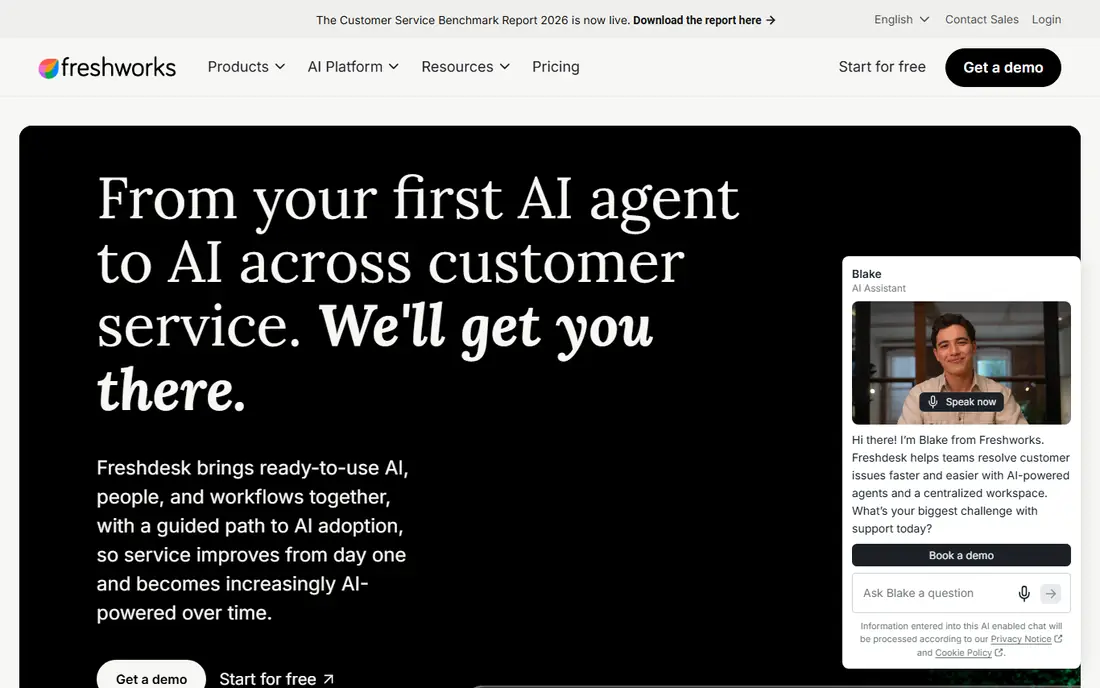
Freshdesk fits readers and buyers who want easy ticket management for small teams. It covers email, chat, phone and social tickets in one queue, plus automations, and it also offers a help centre, canned replies and reporting for small teams. That combination makes it a practical shortlist option, but the right fit still depends on your budget, device and long-term plans. In practice, check the current pricing page and free plan terms before you commit, because vendors change tiers and limits during the year. The main limit to weigh is that higher tiers are needed for deeper reporting and AI features. If that limit matters for your work, compare the next product on this list before deciding.
- Multichannel ticketing, automations, help centre and Freddy AI tools
- Pricing and AI add-ons have changed over time, so confirm the current plan details
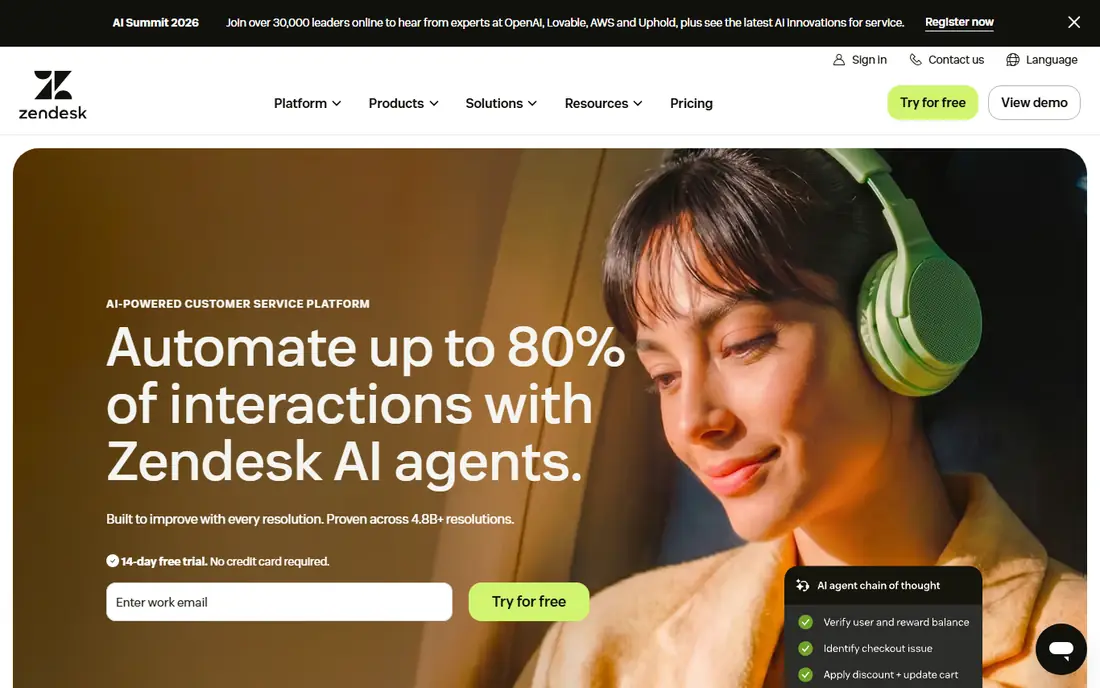
Zendesk fits readers and buyers who want advanced ticket management at scale. It covers omnichannel tickets, advanced workflows and a large integration marketplace, and it also offers help centre, messaging and reporting in Suite plans. That combination makes it a practical shortlist option, but the right fit still depends on your budget, device and long-term plans. In practice, check the current pricing page and free plan terms before you commit, because vendors change tiers and limits during the year. The main limit to weigh is that small teams may pay for depth they do not yet need. If that limit matters for your work, compare the next product on this list before deciding.
- Deep omnichannel routing, large app marketplace, strong reporting and AI options
- Cost rises fast with Suite tiers and AI add-ons, setup can be complex
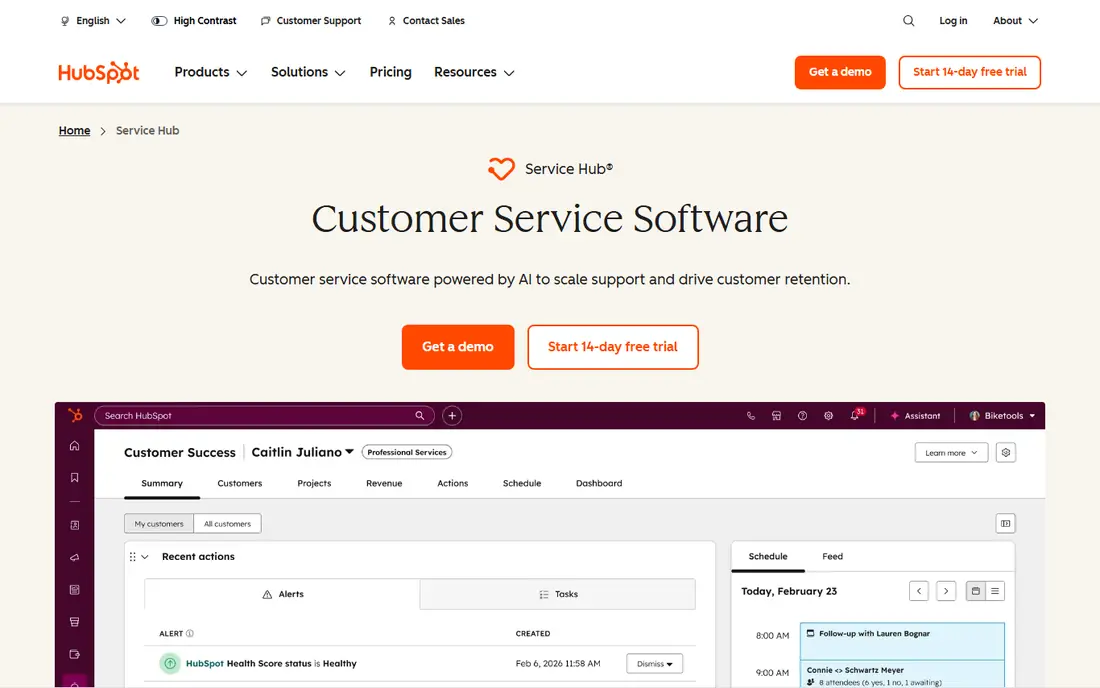
HubSpot Service Hub fits readers and buyers who want crm-connected support. It covers CRM-linked tickets, live chat, help centre and customer feedback, and it also offers one customer record across sales, marketing and service. That combination makes it a practical shortlist option, but the right fit still depends on your budget, device and long-term plans. In practice, check the current pricing page and free plan terms before you commit, because vendors change tiers and limits during the year. The main limit to weigh is that teams outside HubSpot may find setup less direct. If that limit matters for your work, compare the next product on this list before deciding.
- Tickets linked to CRM contacts and deals, help centre, chat and feedback tools
- Full help desk value grows with paid seats and HubSpot ecosystem use
Zoho Desk fits readers and buyers who want affordable multichannel ticketing. It covers email, chat, phone and social tickets with automation rules, and it also offers deep links to Zoho CRM, Books and Projects. That combination makes it a practical shortlist option, but the right fit still depends on your budget, device and long-term plans. In practice, check the current pricing page and free plan terms before you commit, because vendors change tiers and limits during the year. The main limit to weigh is that advanced AI and reporting need higher tiers. If that limit matters for your work, compare the next product on this list before deciding.
- Low-cost tiers, Zoho CRM and app integrations, multichannel tickets and automation
- AI assistant is more basic than some rivals, interface can feel busy
Help Scout fits readers and buyers who want clean email-first support. It covers shared inbox, docs and customer profiles in a simple layout, and it also offers a calm agent view that suits email-first teams. That combination makes it a practical shortlist option, but the right fit still depends on your budget, device and long-term plans. In practice, check the current pricing page and free plan terms before you commit, because vendors change tiers and limits during the year. The main limit to weigh is that phone and complex omnichannel routing are less central. If that limit matters for your work, compare the next product on this list before deciding.
- Simple shared inbox feel, docs help centre, collaboration notes and AI assist options
- Pricing is per user and AI pricing is separate on some plans
Intercom fits readers and buyers who want ai-first chat and in-app support. It covers live chat, AI answers and in-app help for product teams, and it also offers a help centre and targeted messages close to the product. That combination makes it a practical shortlist option, but the right fit still depends on your budget, device and long-term plans. In practice, check the current pricing page and free plan terms before you commit, because vendors change tiers and limits during the year. The main limit to weigh is that email ticketing depth is less central than chat. If that limit matters for your work, compare the next product on this list before deciding.
- In-app messaging, AI agent replies, help centre and product tours
- Seat plus AI outcome pricing can be hard to forecast
Front fits readers and buyers who want shared inbox collaboration. It covers shared inboxes, assignments, internal notes and rules, and it also offers a familiar email view with team collaboration built in. That combination makes it a practical shortlist option, but the right fit still depends on your budget, device and long-term plans. In practice, check the current pricing page and free plan terms before you commit, because vendors change tiers and limits during the year. The main limit to weigh is that advanced help centre and phone features need checking by plan. If that limit matters for your work, compare the next product on this list before deciding.
- Shared email, internal comments, assignments and workflow rules
- Per-seat pricing adds up for large teams, help desk reporting is lighter than Zendesk
Gorgias fits readers and buyers who want ecommerce support with store data. It covers tickets enriched with order, shipping and customer data, and it also offers macros and rules that speed up common store questions. That combination makes it a practical shortlist option, but the right fit still depends on your budget, device and long-term plans. In practice, check the current pricing page and free plan terms before you commit, because vendors change tiers and limits during the year. The main limit to weigh is that it fits ecommerce best, and general support teams may prefer a broader desk. If that limit matters for your work, compare the next product on this list before deciding.
- Shopify and ecommerce integrations, order data inside tickets, macros and automation
- Ticket-volume pricing can rise with order and support peaks
How we picked these
We compared official feature pages, pricing pages, app store listings, privacy policies and public reviews for each product in this list. We checked whether the product exists and works today, whether it truly fits the topic, and whether its pricing and free tier could be confirmed from vendor or store sources. Where a price could not be confirmed, we wrote See website rather than guessing a figure. We did not claim hands-on testing, lab testing or daily use for any product. Our comparison focuses on published features, plan structure, free access, limits and fit for different users. That method keeps the list useful for shortlisting, while the vendor page remains the final source for current pricing and terms.
How to choose customer service software
Start from channels, not feature lists
List every channel customers actually use: email, chat, phone, social or a help centre. A tool that covers those channels in one queue saves more time than a long feature list for channels you never use. Check whether phone, chat and social are included or sold as add-ons.
Test triage with real tickets
During a trial, import or recreate ten real tickets and test assignment, replies, internal notes and macros. The fastest tool on a sales page can still feel slow if assignment rules, canned replies or customer history take too many clicks.
Watch per-agent and AI pricing together
Entry prices often exclude AI replies, advanced reporting or extra channels. Model the cost for your actual agent count plus any AI add-on, then compare that total across vendors before choosing.
Frequently asked questions
What is the best customer service software for small business?
Freshdesk, Zoho Desk and Help Scout are strong small business choices, because they combine ticketing, a help centre and automation without enterprise pricing. The right pick depends on whether email, chat or phone carries most of your volume.
What is the best customer support software for small business teams on a tight budget?
Zoho Desk free tier for up to three users and HubSpot free tools are useful low-cost starting points. Freshdesk also offers a low-cost entry path, but check current free terms on the vendor site before planning around them.
What is the best customer service platform for growing teams?
Zendesk Suite and Intercom suit growing teams that need deeper automation, reporting and omnichannel routing. They cost more per agent, so growth teams should confirm which features sit on each tier.
Should small teams choose a shared inbox or a full help desk?
A shared inbox like Front or Help Scout works when volume is low and most work is email. A full help desk adds ticket rules, SLAs, help centres and reporting, which matter once volume, channels or agent count grows.
Do these tools include live chat and help centres?
Most tools in this list include a help centre, and many include chat, but packaging differs. Check whether chat, phone and social are in the base plan or require an omnichannel upgrade.
Sources
See where you really rank - block by block
ProMapRanker scans Google Maps across a grid of your service area. Simple monthly plans from $19, white-label on every plan.
Start freeKeep reading
 zoom alternatives
Best Zoom Alternatives in 2026
Compare Zoom alternatives in 2026, with free meeting limits and prices, so you can pick the best alternative to Zoom for your team, class, or community.
Read → which software is best for remote work
Which Software Is Best for Remote Work in 2026
Answering which software is best for remote work, we compare Slack, Zoom, Asana, Notion, Teams and more, with pricing and honest tradeoffs in 2026 now.
Read → which ai tool is best for content writing
Which AI Tool Is Best for Content Writing in 2026
Wondering which ai tool is best for content writing? We compare ChatGPT, Claude, Jasper, Grammarly, and more on price, quality, and best use in 2026 now.
Read →