 ProMapRanker
Best Customer Quoting Software in 2026


All-round quoting and signing · Pricing starts at: $19 per user per month
Key takeaways
- PandaDoc is our pick for most sales teams, because it covers quotes, proposals, contracts, and e-signatures in one flow.
- Qwilr suits teams that want web-page proposals, while Proposify suits teams that need approval control and a content library.
- Better Proposals, Nusii, and Bidsketch offer lower-cost paths for freelancers and small agencies.
- Check seat minimums, proposal caps, and payment collection before you pick, since those limits decide the real monthly cost.
Quick comparison
| Pick | Great for | Pricing starts at | Free tier | |
|---|---|---|---|---|
| PandaDoc | All-round quoting and signing | $19 per user per month | Yes | Visit |
 Proposify | Approvals and content control | $35 per user per month | No | Visit |
 Qwilr | Interactive web proposals | $35 per user per month | No | Visit |
 Better Proposals | Low-cost agency proposals | $13 per user per month | No | Visit |
 GetAccept | Deal rooms and video messages | $25 per user per month | No | Visit |
 Nusii | Flat-price agency quoting | $29 per month | No | Visit |
 QuoteWerks | CRM-based product quotes | $50 per concurrent user per month | No | Visit |
 Quotient | Simple online quotes | See website | No | Visit |
 Bidsketch | Simple proposals for small teams | $29 per month | No | Visit |
The best customer quoting software
Customer quoting software turns a price list and a scope of work into a document a buyer can accept and sign. The best tools keep pricing tables accurate, track when a quote is opened, and collect a signature or payment without a separate tool. We compared official pricing and feature pages in October 2026, and we kept tools that are live for small and mid-size sales teams.
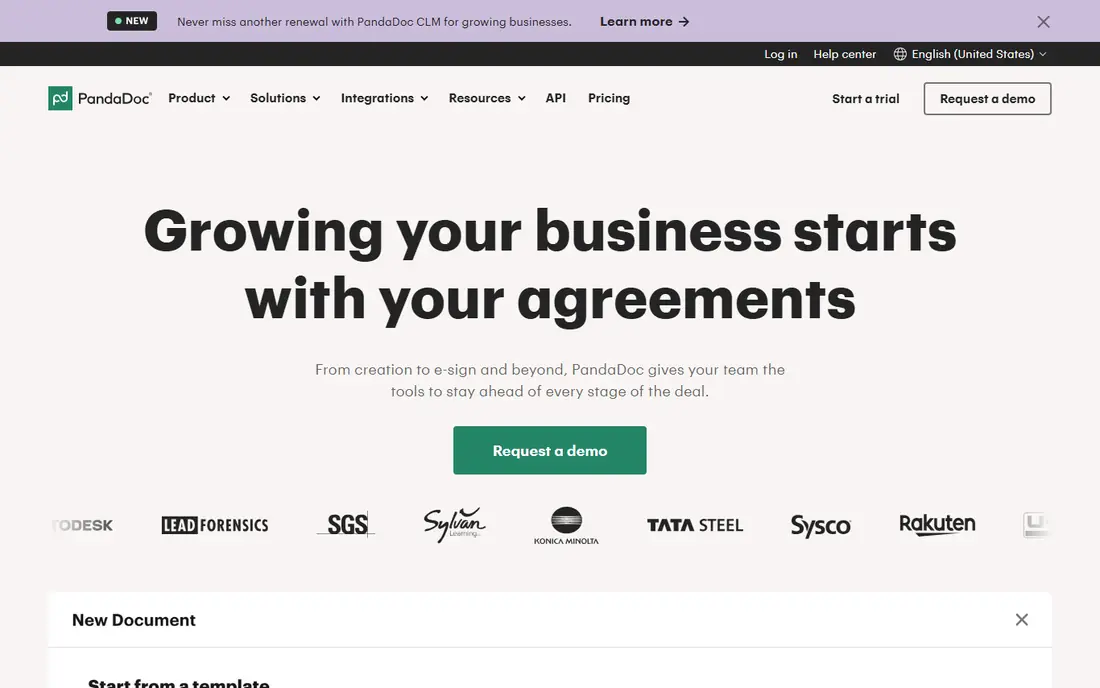
PandaDoc covers the full quote flow, from a template to a signed document. Sales teams can build a quote with line items, discounts, and optional items, send it as a link, see when it is opened, and collect a signature in the same document. That single flow cuts the back-and-forth that happens when quotes live in one tool, contracts in another, and signatures in a third. CRM integrations with HubSpot, Salesforce, and Pipedrive help keep deal data in sync.
The free plan covers basic e-signing, which is useful for a solo seller who only needs a few signed documents. Paid plans add templates, pricing tables, approval workflows, and payment collection, so the entry price is not the price for a full quoting setup. Still, for a team that wants one tool for quotes, proposals, and contracts, PandaDoc is the most complete starting point on this list.
- Templates, pricing tables, e-signatures, and payments in one tool
- Wide CRM integrations
- Free e-sign plan for light use
- Pricing tables and payments need higher plans
- Per-seat cost adds up for large teams
- Some features are gated by tier
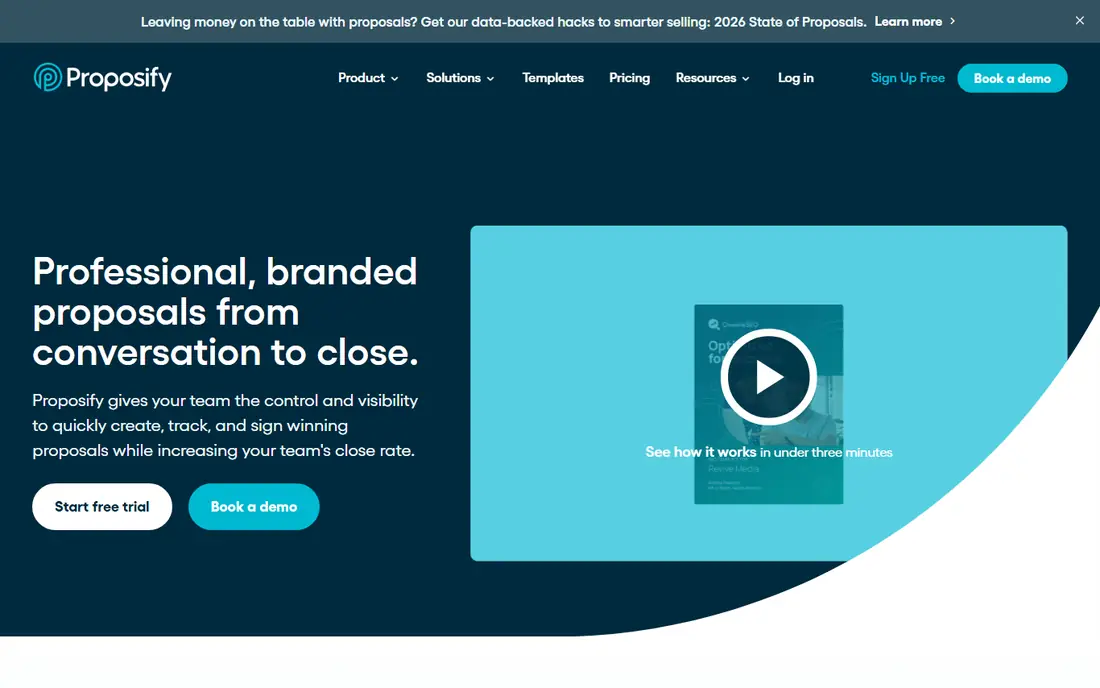
Proposify suits teams where quote quality control matters. Managers can lock approved pricing and legal sections, so a rep cannot edit a clause by accident, and approval workflows route a quote for review before it goes to a client. A shared content library keeps case studies, terms, and service descriptions consistent across the team, which helps larger sales groups sound like one company.
The trade-off is cost and complexity. There is no free plan, and the most useful approval features sit on higher tiers, so a small team may pay for control it does not yet need. Trial access lets you test the builder and tracking before committing. Choose Proposify when several reps send quotes and a manager needs to review them, and choose a simpler tool when one person writes every quote.
- Content library and locked sections
- Approval workflows for managers
- Engagement tracking and e-signatures
- No free plan
- Higher plans needed for full approval control
- Payments are limited on newer plans
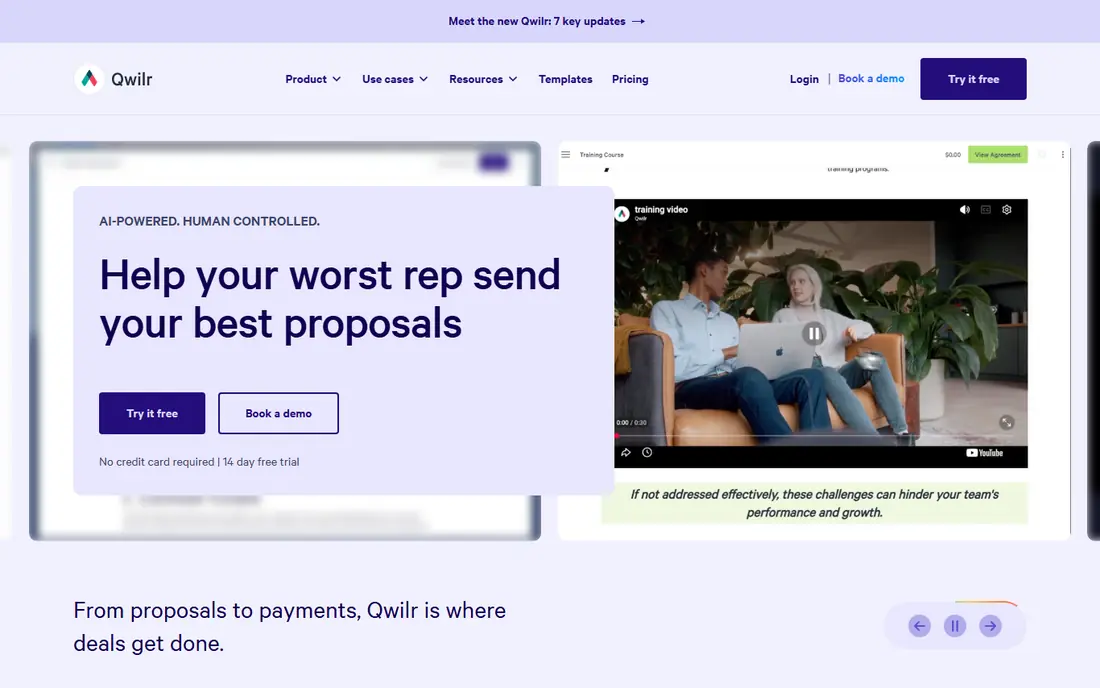
Qwilr turns a proposal into a web page with blocks for pricing, scope, case studies, and video. That format reads well on a phone, lets a buyer accept and pay inside the page, and shows the seller when sections are viewed. For agencies and consultancies where presentation wins deals, a Qwilr page can feel more polished than a standard document. Integrations with HubSpot, Pipedrive, and Zoho cover common CRM setups.
The limits are structural. Starter covers one seat and up, while Growth and Scale carry seat minimums that raise the floor for small teams. Custom branding also sits above Starter, so a brand-conscious team should budget for Growth. If your buyers expect a Word or PDF file for procurement, Qwilr may need a PDF export step. If they are happy with a link, Qwilr is a strong presentation-first pick.
- Proposals look like web pages, not PDFs
- Built-in payments and e-signatures
- Engagement tracking and CRM links
- No free plan
- Higher tiers have seat minimums
- Page format may not suit buyers who expect a PDF document
Better Proposals is a sensible low-cost option for agencies, consultants, and freelancers. Templates cover common services, pricing tables are easy to build, and clients can sign and pay from the proposal itself. Analytics show when a proposal is opened, which helps a seller time a follow-up call instead of guessing. Live chat on a proposal can answer a pricing question while the buyer is still reading.
Starter limits sends per month and seats, so a busy team will need Premium or Enterprise. The tool also lacks the deep approval and content locking that larger sales teams want. For a small team that sends a steady but modest number of proposals, Better Proposals delivers the core quoting job at a price that is hard to beat.
- Low entry price
- Templates and payment collection
- Proposal analytics and live chat on proposals
- No free plan
- Starter caps sends per month
- Fewer enterprise controls than Proposify or PandaDoc
GetAccept focuses on the buying group, not just one contact. Deal rooms gather the quote, contract, video message, and chat in one place, so a champion can share the deal with finance, legal, and operations without forwarding PDFs. Video messages add a personal touch that plain documents lack, and reminders plus tracking help a rep know when to follow up. CRM links to HubSpot, Pipedrive, and Freshsales keep deal stages in sync.
The catch is commitment and learning curve. Some plans use annual terms, so a team should test the trial and read the term before signing. The deal room model also works best when buyers are willing to use a link-based workspace. For complex business-to-business deals with several approvers, GetAccept is worth a trial. For a simple one-page quote, a lighter tool will be faster.
- Deal rooms for multi-stakeholder deals
- Video messages inside documents
- E-signatures and chat built in
- No free plan
- Annual agreements reported on some plans
- Interface takes a short time to learn
Nusii takes a different pricing approach: a flat monthly fee for a plan, rather than a charge per user. That helps a small agency where several people touch proposals but only one or two send them each week. The builder is simple, with templates, pricing sections, and e-signatures, and clients can pay a deposit through Stripe on Agency plans. A 14-day trial gives time to test the flow.
Active proposal caps are the main limit. Freelancer plans cap active proposals, so a busy agency must move to Agency or higher. CRM coverage is also narrower than PandaDoc or Qwilr. Choose Nusii when flat pricing and simplicity matter more than deep CRM automation, and choose a per-seat leader when every rep needs full access and automation.
- Flat monthly pricing rather than per-seat billing
- Simple proposal builder
- Stripe deposits on higher plans
- No free plan
- Caps on active proposals
- Fewer CRM integrations than the leaders
QuoteWerks is built for product quotes, especially for IT resellers, managed service providers, and integrators. It pulls products and distributor pricing into a quote, routes it for peer review and manager approval, and tracks revisions so a buyer sees a clean final version. The concurrent user model is a real saving for teams that quote at different times: several named users can share a smaller number of concurrent licenses.
The interface shows its age, and the product is less polished than Qwilr or PandaDoc for design-led proposals. Pricing also differs between web and legacy desktop editions, so the figure on the current web pricing page should be confirmed for your setup. For a product-heavy quote workflow tied to a CRM, QuoteWerks remains a workhorse. For a design-led agency proposal, look earlier in this list.
- Concurrent user pricing, not per named user
- Wide CRM and accounting integrations
- Quote approval and revision tracking
- No free plan
- Interface looks dated
- Web plan pricing differs from older desktop editions
Quotient keeps quoting simple. A service business can build a quote, send it online, and let a client accept and sign without a long setup process. That simplicity suits trades, consultants, and small agencies that do not need a content library or complex approval chain. The builder focuses on clear line items and terms, which helps buyers understand what they are approving.
The trade-off is depth. Teams that need CRM automation, deal rooms, or advanced pricing rules will outgrow Quotient quickly. Pricing details should be checked on the vendor site before budgeting, since third-party listings differ. Choose Quotient when speed and simplicity are the priority, and choose PandaDoc or Proposify when a quote must pass through approvals and integrations.
- Simple quote builder with e-signatures
- Online acceptance for clients
- Useful for service businesses
- Smaller feature set than the leaders
- Pricing should be confirmed on the vendor site
- Fewer integrations
Bidsketch suits a solo consultant or a very small team that needs clean proposals without a large platform. Templates cover common services, clients can approve online, and e-signatures are included, so the core job is covered at a flat monthly price. Setup is quick, and the builder does not demand a long learning period.
Automation, CRM depth, and payment options are thinner than on PandaDoc or Better Proposals. Teams that send many proposals per month, or that need detailed analytics, may hit limits sooner. For a freelancer who sends a handful of proposals each week and wants a tidy, professional result, Bidsketch is a practical low-cost choice.
- Simple proposal templates
- Client approval and e-signatures
- Low flat monthly price for solo users
- No free plan
- Fewer automation features
- Smaller integration list than larger tools
How we picked these
We compared official pricing and feature pages, plus recent third-party pricing roundups, for quoting tools live in October 2026. We kept tools that build a customer quote, send it online, and support acceptance or e-signature, and we favored a mix of all-round platforms, design-led tools, and low-cost options. Prices that differ across sources are marked as See website, and trial terms are noted where they affect a buying decision.
What to check before you buy
Start with the document your buyer expects. A procurement team may need a PDF, while a marketing client may prefer a web page with video and payment. Test the exact flow: build a quote with your real line items, discounts, taxes, and terms, send it to a test address, and check how it looks on a phone. A tool that looks good in a demo can still fail on a real price table.
Check the cost drivers next. Seat minimums, proposal caps, payment fees, and CRM add-ons change the monthly total more than the headline price. If several people need to view quotes but only one sends them, a flat or concurrent model may cost less than per-seat billing. Finally, test tracking and follow-up. Open notifications, reminders, and expiry dates decide how quickly a quote moves, and a tool without them leaves follow-up to memory and spreadsheets.
Frequently asked questions
What is customer quoting software?
Customer quoting software builds a priced proposal or quote, sends it to a buyer online, and records acceptance or an e-signature. It usually includes templates, pricing tables, discounts, taxes, and terms. Many tools also track opens, send reminders, and collect payments or deposits.
Do I need quoting software if I already have a CRM?
A CRM tracks deals and contacts, but it rarely builds a polished, signable quote with pricing tables and payment collection. Quoting tools fill that gap and sync deal data back to the CRM. If your quotes are simple and rare, a CRM quote feature or a document template may be enough. If quotes are frequent or complex, a dedicated tool saves time and reduces errors.
What is the cheapest good quoting tool?
Better Proposals starts at $13 per user per month, and Nusii and Bidsketch offer flat monthly plans from $29 per month. The cheapest headline price is not always the cheapest total, so check proposal caps, seat counts, and payment features. A free PandaDoc e-sign plan may suit a seller who only needs a few signed documents per month.
Can clients sign and pay from a quote?
Yes, on most tools on this list. PandaDoc, Qwilr, Better Proposals, GetAccept, and Nusii support e-signatures, and several support payment collection or deposits. Check which plan includes payments, since entry plans sometimes cover signing but not payment collection.
How long does it take to set up quoting software?
A simple tool can be ready in a day with a template, logo, and price list. A team tool with CRM links, approval workflows, and a content library can take one to three weeks to set up well. Start with one template and one real quote, test it with a colleague, and add automation only after the basic flow works.
Sources
See where you really rank - block by block
ProMapRanker scans Google Maps across a grid of your service area. Simple monthly plans from $19, white-label on every plan.
Start freeKeep reading
 wpforms alternatives
Best WPForms Alternatives in 2026
We compare 9 wpforms alternatives for WordPress forms, with free and paid options, current pricing notes, and honest limits for small business sites in 2026.
Read → windows task scheduler alternatives
Best Windows Task Scheduler Alternatives in 2026
Looking for Windows Task Scheduler alternatives? We compare 9 schedulers for Windows and cross-platform work, from free tools to enterprise automation.
Read → which ai video service is best
Which AI Video Service Is Best in 2026
which ai video service is best? We compare 10 legitimate AI video services on price, avatars, editing and output quality to help you pick the right tool.
Read →