 ProMapRanker
Best Customer Messaging Platform in 2026

Key takeaways
- Intercom is the strongest AI first choice for SaaS teams, while Zendesk suits larger support operations that need full omnichannel ticketing.
- Crisp and tawk.to give the best value for small teams, with flat workspace pricing and a genuinely free plan respectively.
- AI pricing is often separate from seat pricing, so check per resolution or per conversation fees before committing.
- Teams already inside HubSpot or Freshworks should start with that ecosystem's messaging tool before adding a new vendor.
Quick comparison
| Pick | Great for | Pricing starts at | Free tier | |
|---|---|---|---|---|
 Intercom | AI first SaaS support | $29 per seat per month | Free trial (14 days) | Visit |
 Zendesk | Omnichannel support at scale | $55 per agent per month | Free trial (14 days) | Visit |
 LiveChat | Chat first sales and support | $19 per agent per month | Free trial (14 days) | Visit |
 Tidio | Small stores and AI chat | $29 per month | Yes | Visit |
 Crisp | Small teams and flat pricing | $45 per month | Yes | Visit |
 Freshchat | Freshworks teams | $19 per agent per month | Yes | Visit |
 Help Scout | Email plus chat in one inbox | $25 per user per month | Yes | Visit |
 HubSpot Live Chat | HubSpot CRM users | Free | Yes | Visit |
 tawk.to | Free chat for small sites | Free | Yes | Visit |
The best customer messaging platforms
A customer messaging platform brings live chat, in-app messages, email, and often AI replies into one inbox. These nine cover the main choices for small teams through to large support operations.
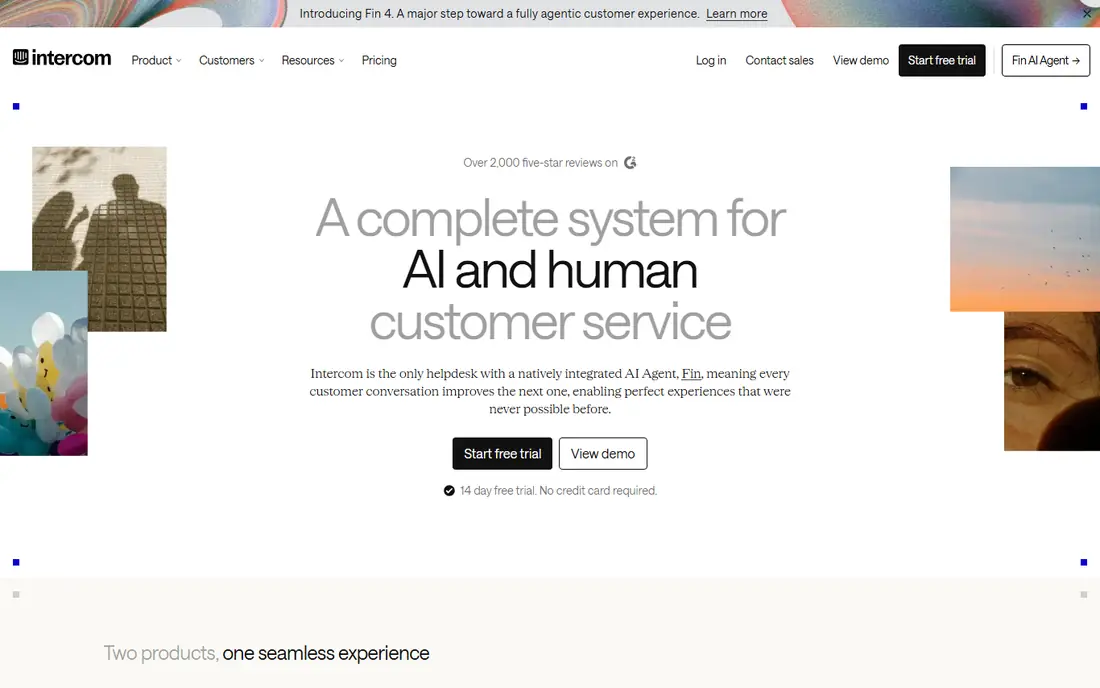
Intercom remains the default for product led SaaS teams that want AI to handle the first reply. Its Fin AI agent answers from the help center and past conversations, and human agents pick up the cases it cannot resolve, with full context intact. The platform also covers in-app messages, product tours, and outbound onboarding messages, so support, product, and growth teams can work from the same conversation record.
The catch is pricing structure. Seats start at $29 per month billed annually, and Fin bills $0.99 per resolved conversation on top. A team with high chat volume can see a large AI bill even with a small agent count. If AI resolution is a core goal and volume justifies it, Intercom is hard to beat. If the team mainly needs a solid chat widget, cheaper tools here will do.
- Fin AI agent resolves many routine chats
- Shared inbox, help center, and product tours in one system
- Deep integrations
- Per resolution AI fees add up at volume
- Total cost grows fast with seats and usage
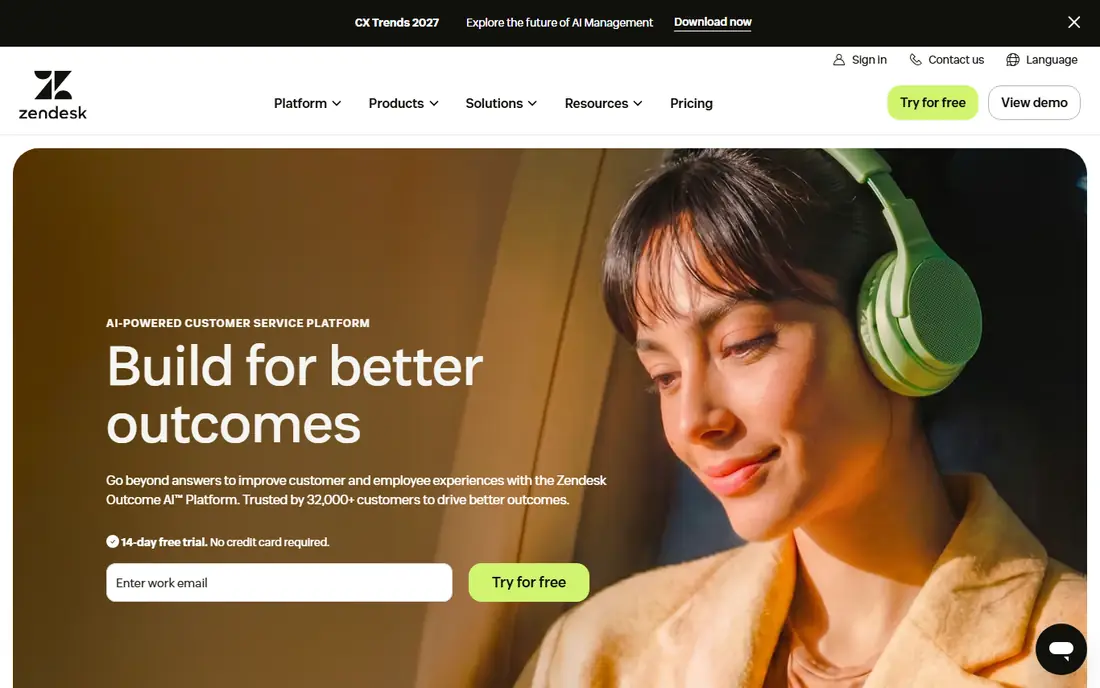
Zendesk is the heavyweight choice when messaging is only one channel among many. Its Suite brings chat, email, voice, and social messages into one agent workspace, with routing, macros, and reporting built for larger teams. AI agents and copilot features help with triage and drafting, and the platform scales from a mid-size support team to a global operation without a migration.
That scale comes with weight. Zendesk Suite Team starts at $55 per agent per month billed annually in current listings, though some older listings show a lower entry tier, so confirm the plan before buying. Small teams that only need chat may find the setup and cost excessive. Teams that need proper ticketing, SLAs, and multi-channel reporting will find the structure worth it.
- Mature ticketing across chat, email, voice, and social
- Strong AI and automation tools
- Large integration catalog
- Heavy setup for small teams
- Price rises quickly with add-ons and higher tiers
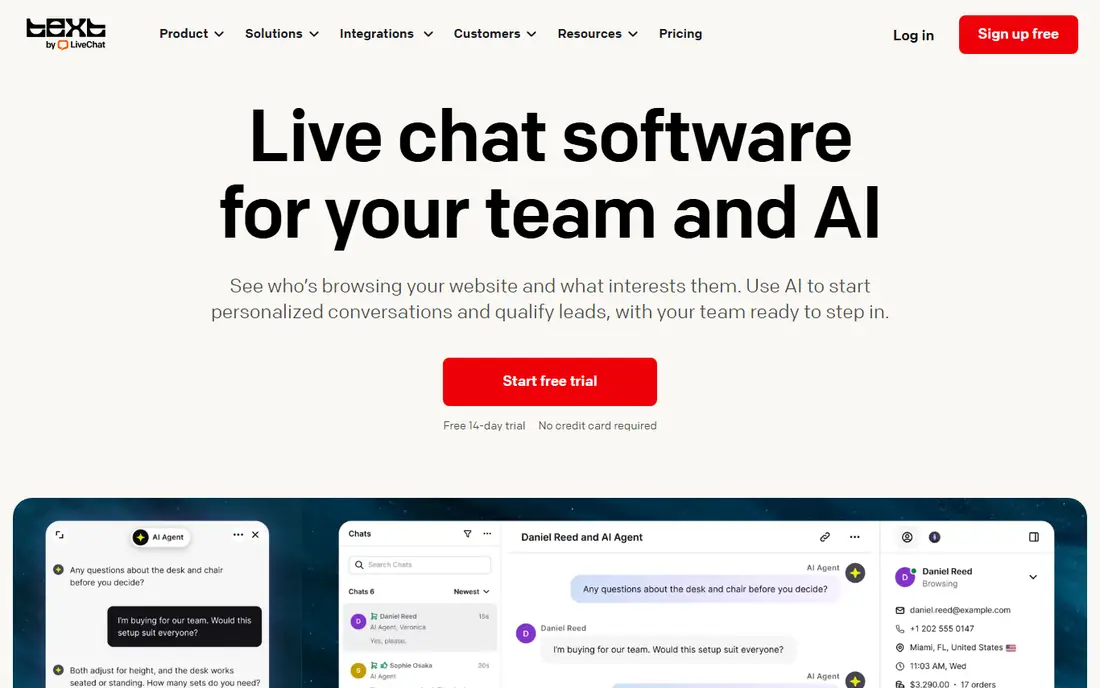
LiveChat does one job very well: real time chat on a website. The widget is fast, the agent interface is clean, and integrations with Shopify and other ecommerce tools let agents see cart and order context while they chat. That makes it a strong fit for stores where chat is a sales channel, not only a support channel, since agents can answer product questions and help close orders in the same conversation.
LiveChat starts at $19 per agent per month billed annually, with a 14-day trial. It is less of an all-in-one inbox than Intercom or Zendesk, and email, voice, and social coverage require other products in the Text group. Teams that want chat done properly, without paying for a full help desk they will not use, will like the focus.
- Polished chat widget and agent app
- Strong ecommerce integrations
- Clear chat focused workflow
- Channels beyond chat cost extra
- AI features sit on higher tiers
Tidio is built for small ecommerce stores that want live chat plus an AI agent without a long setup. The free plan covers basic chat, and paid plans from $29 per month add more conversations, automation, and the Lyro AI agent, which answers routine questions from the store's own content. Shopify and WordPress integrations are straightforward, which is why so many small stores start here.
The limits appear as a team grows. Mid tiers cap the number of agents, and the jump to the higher Tidio plan is steep. For a store with one or two support staff, that rarely matters. For a growing team, it is worth checking the agent and conversation limits against expected volume before building workflows around Tidio.
- Fast setup for small stores
- Free plan available
- Lyro AI agent for routine questions
- Agent caps on mid tiers
- Steep jump to higher plans for larger teams
Crisp stands out for its pricing model. Instead of charging per agent, it charges per workspace, so a small team with many part time agents pays far less than it would on a per seat tool. The free plan covers up to two seats, and paid plans from $45 per month add more seats, automation, and integrations. The inbox covers live chat, email, and social messages in one place.
The trade-off is enterprise depth. Crisp lacks some of the advanced controls, reporting, and compliance features of Zendesk or Intercom. For startups, agencies, and small support teams, that is rarely a problem. For a large regulated operation, it may be. As a value pick for a lean team, Crisp is one of the strongest options in this list.
- Flat workspace pricing instead of per seat billing
- Free plan for up to two seats
- Shared inbox with chat, email, and social
- Fewer enterprise controls than Zendesk
- AI bot limits on lower plans
Freshchat is the messaging tool inside Freshworks, and it makes most sense for teams already using Freshdesk or Freshsales. The free plan covers up to ten agents, which is generous, and paid Growth plans start at $19 per agent per month billed annually. Conversations, tickets, and CRM records connect without middleware, so an agent can see a customer's history while chatting.
Outside the Freshworks ecosystem, Freshchat is less compelling, since its deepest integrations are with its own products. AI features such as Freddy AI Copilot are priced separately. Teams that already run Freshworks should treat Freshchat as the default. Teams on another CRM should compare it with Crisp or Tidio on price and fit, rather than assuming the free plan alone settles the choice.
- Free plan for up to ten agents
- Native Freshdesk and Freshsales integration
- Bot builder included
- Best value is locked to the Freshworks bundle
- AI copilot costs extra
Help Scout suits teams that live in email but still want live chat on their site. The shared inbox is clean and easy to learn, Docs provides a simple knowledge base, and Beacon brings chat and self-service help to the website without a heavy setup. Pricing starts at $25 per user per month, with a free plan available, which keeps it affordable for small teams.
Help Scout does not try to match Intercom on AI resolution or Zendesk on enterprise ticketing. Its strength is clarity: fewer features, well arranged, so a small team can run support without a dedicated administrator. Email heavy teams, agencies, and small SaaS companies that value a calm inbox over an AI showcase will feel at home here.
- Clean shared inbox for email and chat
- Simple setup
- Docs knowledge base included
- Less AI depth than Intercom
- Chat is part of a broader inbox, not a standalone star
HubSpot Live Chat is free, and for teams already using HubSpot CRM, that is a strong argument on its own. Chat conversations land on contact records, so sales and support can see the same history, and the no code chatbot builder handles simple routing and FAQs without developer time. Paid Service Hub plans from around $20 per seat per month add more automation and AI features.
The limit is scope. HubSpot chat is a CRM feature, not a dedicated messaging platform, so teams that need advanced AI agents, complex routing, or multi-brand support may outgrow it. For a small business already on HubSpot, it is the obvious first choice, and it costs nothing to test before paying for anything else.
- Free live chat and CRM integration
- No code chatbot builder
- Conversations tied to contact records
- Advanced AI and automation need paid Service Hub plans
- Best only inside HubSpot
tawk.to is the only serious free option with unlimited agents and chats. A small business can add a chat widget, answer visitors from a phone app, and pay nothing for the core product. That makes it ideal for a new site, a side project, or a business testing whether live chat brings any sales at all before spending on a paid tool.
The trade-offs are visible. The "Powered by tawk.to" badge stays unless you pay to remove it, and automation, AI replies, and advanced routing are thin next to Tidio or Intercom. For a business that already gets real volume from chat, a paid tool will pay for itself in saved agent time. For a business starting from zero, tawk.to removes every excuse not to try chat.
- Truly free core product with unlimited agents
- Simple widget
- Mobile apps for agents
- Branding stays unless you pay
- Automation is thin compared with paid rivals
How we picked these
We compared official pricing pages, product documentation, and public reviews, and we weighted inbox quality, AI pricing, channel coverage, and fit for small versus large teams. We excluded single channel widgets with no inbox, and tools that no longer offer a current product. Prices change often, especially AI add-ons, so confirm seat and per resolution fees on the vendor page before signing.
How to choose without overbuying
Start with volume and channels. A team that gets ten chats a day does not need enterprise routing, and a team that gets a thousand tickets a day cannot run on a free widget. Count agents, channels, and expected AI resolutions, then price the whole stack, not only the seat. A $29 seat with $0.99 per AI resolution can cost more than a $55 seat with AI included, depending on volume.
Run a two week trial with real conversations, not demo data. Check how fast agents can find order history, how well the AI answers from your own help content, and how the inbox feels at peak times. Also check data and privacy terms, since messaging tools store customer conversations. Pick the tool that your smallest team can run well, and upgrade when volume forces it, not before.
Frequently asked questions
What is the best customer messaging platform for a small business?
Crisp, Tidio, and tawk.to are the strongest small business picks. Crisp gives flat workspace pricing, Tidio gives a strong free plan plus AI, and tawk.to is free with unlimited agents. The right one depends on whether the team values price, AI replies, or a clean inbox most.
What is the difference between a customer messaging platform and live chat software?
Live chat is one channel, usually a website widget. A customer messaging platform brings chat together with email, in-app messages, and often social and voice, in one inbox, with shared customer history and automation across channels.
How much does Intercom cost in total?
Seats start at $29 per seat per month billed annually, and Fin AI bills $0.99 per resolved conversation on top. A team should estimate monthly AI resolutions before budgeting, since that fee, not the seat price, often drives the total bill.
Do I need AI chat if my team is small?
Not always. A small team with low volume may answer faster and better than a bot, and a good help center can deflect routine questions without AI. AI earns its cost when the same questions repeat at volume, or when chats arrive outside working hours.
Can I switch messaging platforms later without losing history?
It depends on export tools and APIs. Most platforms export conversations, but formatting and customer links rarely transfer cleanly. Before switching, export a sample, check what is preserved, and keep the old account readable until the migration is confirmed.
Sources
See where you really rank - block by block
ProMapRanker scans Google Maps across a grid of your service area. Simple monthly plans from $19, white-label on every plan.
Start freeKeep reading
 wpforms alternatives
Best WPForms Alternatives in 2026
We compare 9 wpforms alternatives for WordPress forms, with free and paid options, current pricing notes, and honest limits for small business sites in 2026.
Read → windows task scheduler alternatives
Best Windows Task Scheduler Alternatives in 2026
Looking for Windows Task Scheduler alternatives? We compare 9 schedulers for Windows and cross-platform work, from free tools to enterprise automation.
Read → which ai video service is best
Which AI Video Service Is Best in 2026
which ai video service is best? We compare 10 legitimate AI video services on price, avatars, editing and output quality to help you pick the right tool.
Read →