 ProMapRanker
Best Customer Feedback Tools in 2026

Key takeaways
- Qualtrics is the pick for large teams that need deep survey research and enterprise reporting.
- SurveyMonkey is the safest general choice for teams that want a familiar survey tool with wide template coverage.
- Survicate and Qualaroo suit product teams that want feedback inside a website or app, not just by email.
- Typeform and SurveySparrow win on completion rates when a survey must feel easy and conversational.
- Price rises fast with seats and responses, so estimate your monthly volume before choosing a plan.
Quick comparison
| Pick | Great for | Pricing starts at | Free tier | |
|---|---|---|---|---|
 Qualtrics | Enterprise feedback management | See website | No | Visit |
 SurveyMonkey | General team surveys | See website | Yes | Visit |
 Survicate | Multi-channel product feedback | $56 per month | Free trial | Visit |
 SurveySparrow | Conversational surveys | See website | Yes | Visit |
 Typeform | Beautiful forms that people finish | See website | Yes | Visit |
 Qualaroo | In-app and on-site feedback | $19.99 per month | Yes | Visit |
 UserVoice | Feature requests and product feedback | See website | No | Visit |
 Canny | Public roadmaps and feature voting | See website | Yes | Visit |
The best customer feedback tools
Feedback tools split into survey platforms, in-product widgets, and feature request boards. The best pick depends on where your customers already are.
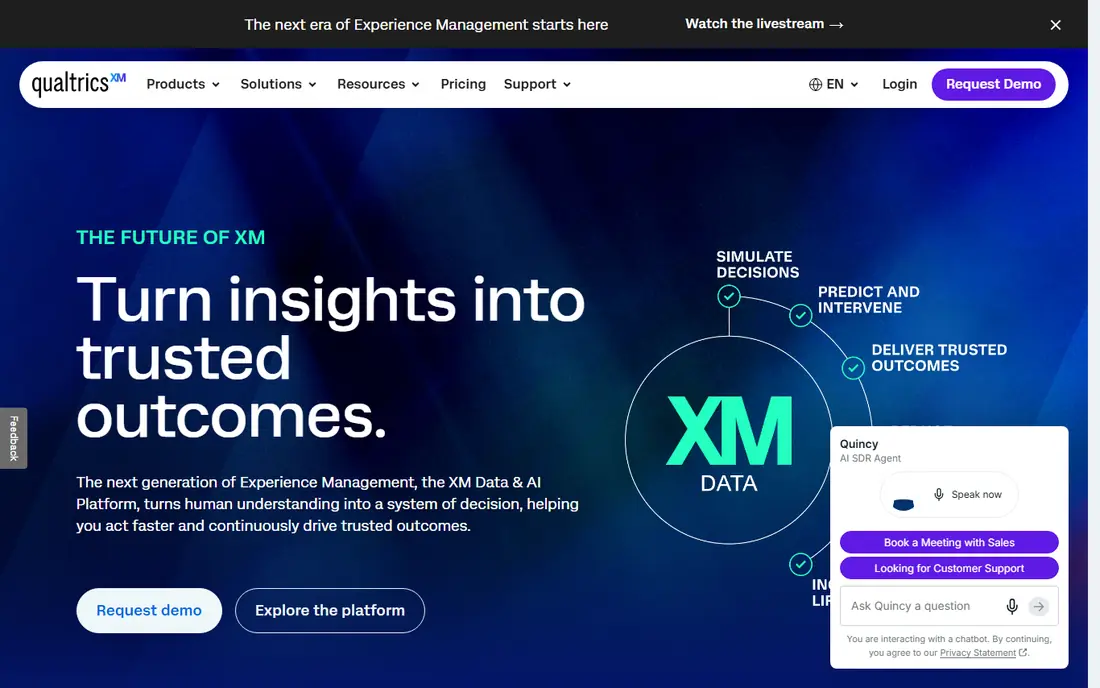
Qualtrics is the platform large teams choose when feedback is a program, not a single survey. It handles complex logic, multi-channel distribution by email, SMS, and in-app prompts, and analysis that groups open-ended comments by theme. Dashboards can be shared across teams, and integrations with CRM and support tools tie feedback to customer records.
The price and complexity are the honest costs. Small teams will find Qualtrics more than they need, and a short survey can be built faster elsewhere. For a company running NPS, CSAT, and research programs at scale, though, Qualtrics gives depth that simpler tools cannot match.
- Deep survey logic, text analysis, and dashboards
- Strong enterprise controls and integrations
- Covers customer, product, and brand feedback in one platform
- Quote-based pricing can be high for small teams
- Setup and training take real time
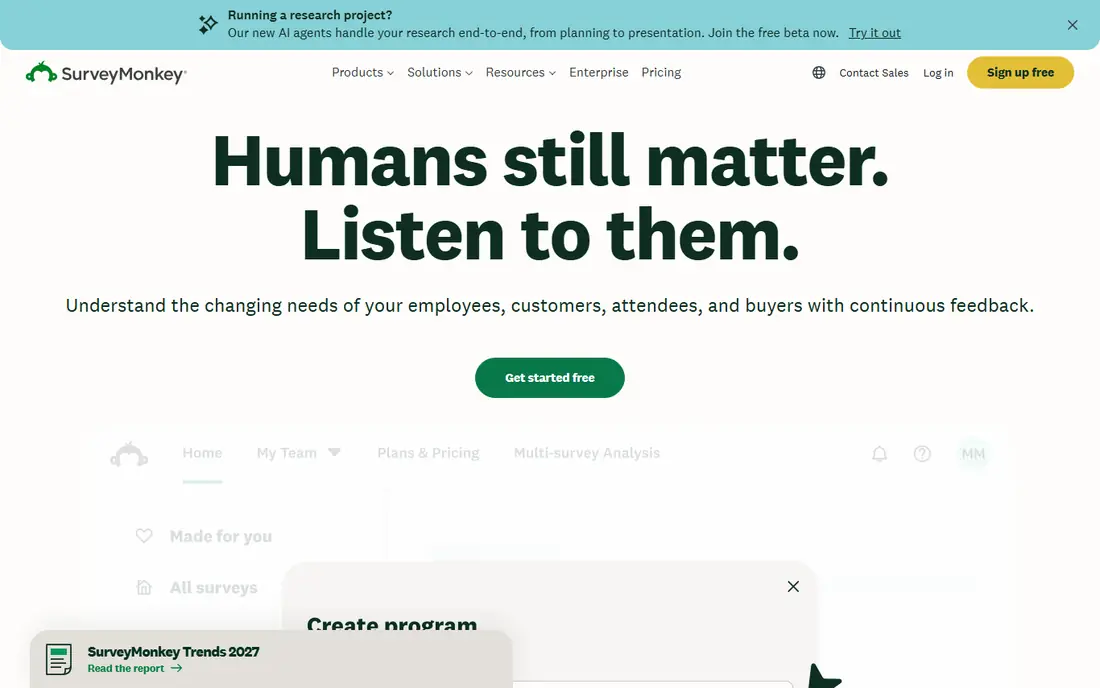
SurveyMonkey remains the default survey tool for many teams because respondents recognize it and staff can build a survey in minutes. Templates cover NPS, CSAT, post-purchase checks, and employee feedback, and built-in charts, filters, and exports make sharing results simple. Integrations with Salesforce, HubSpot, and Slack help feedback reach the teams that act on it.
The free plan is limited, with caps on questions and responses per survey, so most serious programs need a paid plan. Team pricing is per seat, which adds up as more people need full access. Still, for a team that needs a reliable, well-known survey platform, SurveyMonkey is a safe and sensible choice.
- Wide template library and familiar interface
- Strong analytics and export options
- Large integration library
- Free plan limits questions and responses
- Per-seat pricing adds up for large teams
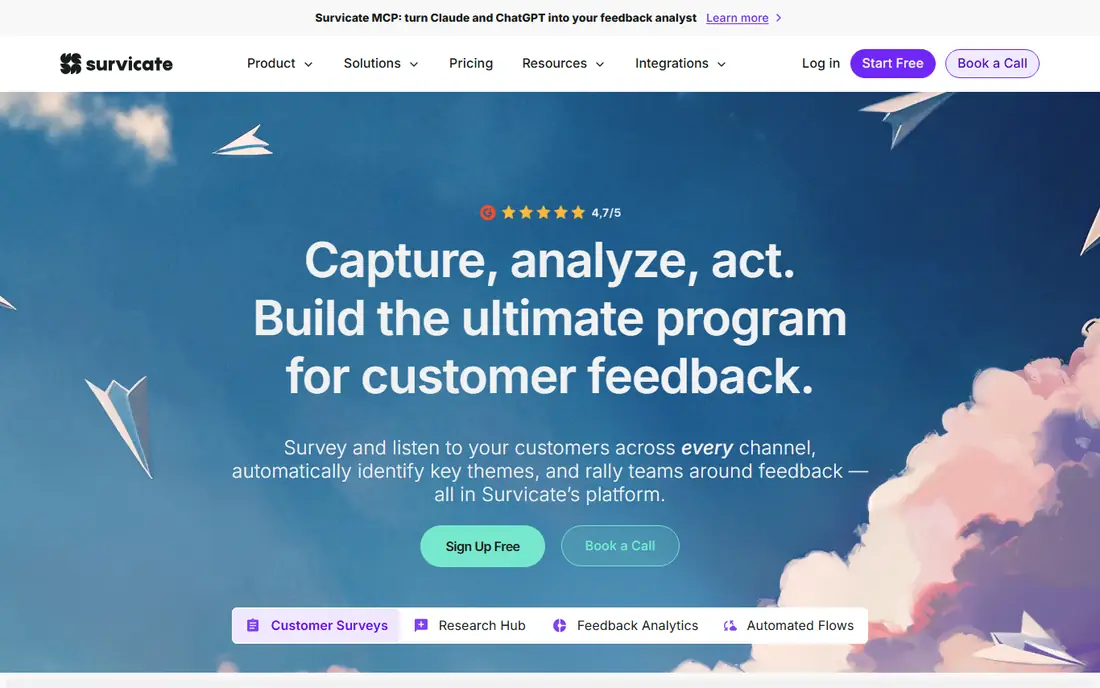
Survicate is built for product and marketing teams that want feedback where customers actually use the product. You can trigger a survey inside an app, on a website, or by email, and target it by plan, usage, or other traits. That targeting means you ask fewer people better questions, which usually improves both response quality and completion.
The entry price sits above a basic survey tool, so a team that only sends one email survey a month may not need it. For a product team running ongoing feedback loops, the multi-channel reach and targeting justify the cost, and the dashboards make it easy to spot trends without exporting data elsewhere.
- Surveys by email, website, in-app, and link
- Targeted surveys based on user traits
- Clear dashboards for product teams
- Entry price is higher than basic form tools
- Advanced analysis needs a higher plan
SurveySparrow presents one question at a time in a chat-like flow, which suits mobile respondents and people who abandon long forms. That format can lift completion rates for short feedback surveys, especially post-purchase or post-support checks. Recurring surveys and automation help teams run NPS or CSAT on a schedule without rebuilding each round.
The trade is depth. SurveySparrow covers most everyday feedback work well, but a research team that needs conjoint analysis or complex statistical tools will still need Qualtrics or a similar platform. For customer-facing teams that value completion and ease, it is a strong pick.
- Chat-like survey flow that feels less like a form
- Automation and recurring surveys
- Free plan to start
- Pricing is quote-based on some plans, so comparison takes a sales call
- Deeper research features trail Qualtrics
Typeform is the tool to pick when the survey itself must feel good to complete. Its one-question flow, clean design, and branding options suit customer-facing feedback, sign-ups, and quizzes where a dull form would lose people. Logic jumps let you skip irrelevant questions, which keeps surveys short for each respondent.
The cost model needs care. Pricing rises with monthly responses and with access to logic, branding removal, and integrations, so a high-volume program can get expensive. Reporting is solid for everyday feedback but lighter than Qualtrics for research. If completion rate matters most, Typeform is worth the premium.
- Clean, one-question-at-a-time design
- Strong branding options
- Good logic and integrations
- Costs rise with responses and features
- Reporting is lighter than a research platform
Qualaroo focuses on a narrow job and does it well: asking a short question at the right moment on a website or inside a product. A two-question survey after checkout, or a prompt on a pricing page, often tells you more than a long emailed survey sent weeks later. Targeting by page and behavior keeps those prompts relevant instead of annoying.
Qualaroo is not the tool for a 40-question research study, and it works best alongside a broader survey platform for longer work. As a focused feedback widget with a low entry price and a free plan, though, it is an easy addition for product and marketing teams.
- Short on-site and in-app surveys
- Targeting by page, behavior, and user traits
- Low entry price
- Not a full survey research platform
- Best as a complement to a larger survey tool
UserVoice gives customers a place to suggest ideas, vote on them, and see what your team plans to build. That structure turns a flood of emails and chat messages into a ranked list product teams can actually plan from. Status updates let you tell voters when an idea ships, which builds trust and reduces repeat requests.
The limit is scope. UserVoice is a feedback forum, not a survey tool, so you will still need another product for NPS or long surveys. Pricing is also quote-based, which makes comparison slower. For a product team drowning in feature requests, that focus is a strength rather than a weakness.
- Structured feature request forums with voting
- Status updates that close the loop with customers
- Moderation and admin tools
- Quote-based pricing
- Narrower than a general survey tool
Canny is a lighter, faster route to the same idea as UserVoice: a public board where customers post, vote on, and track feature requests. A changelog and roadmap view let you show progress without writing a separate update each time. Setup is quick, and the free plan lets a small team test whether a public board suits its customers.
The free plan has limits, and admin controls and integrations improve on paid plans, so growing teams should check those details. For a startup or small product team that wants to show customers it listens, Canny is an approachable and affordable way to start.
- Public boards for feature requests with voting
- Changelog and roadmap views
- Simple setup for small teams
- Free plan limits boards and features
- Larger teams may need a higher plan for admin controls
How we picked these
We compared official feature and pricing pages, plus public reviews, for tools that collect, analyze, and act on customer feedback. We kept only tools that exist and work in October 2026 and that fit one of the main feedback jobs: surveys, in-product feedback, or feature requests. Where pricing was quote-based or could not be verified on the vendor site, we wrote See website. We did not claim hands-on testing we did not do.
How to choose the right feedback tool
Start with the question you need answered and the moment you need to ask it. A post-purchase survey by email suits SurveyMonkey or Typeform. A question inside your product suits Survicate or Qualaroo. A ranked list of feature ideas suits UserVoice or Canny. Picking by moment keeps surveys short and response rates higher than sending one long survey for every purpose.
Watch volume, seats, and survey length
Three costs surprise buyers most: monthly responses, paid seats, and survey length. Estimate how many responses you will collect each month, how many staff need full access versus view-only access, and how long your surveys really need to be. A short survey sent to the right people at the right time beats a long survey sent to everyone, and it usually costs less to run as well.
Close the loop or feedback will dry up
Collecting feedback without acting on it teaches customers to stop replying. Assign an owner for each survey, set a simple rule for replying to unhappy respondents, and publish a short summary of what changed because of feedback. Tools with dashboards and status updates make this easier, but the habit matters more than the tool. A small team that replies and acts will learn more than a large team with a dashboard nobody reads.
Frequently asked questions
Which customer feedback tool is best for a small business?
SurveyMonkey or Typeform are the safest starting points for a small business, because both are easy to set up and cover common surveys such as CSAT and NPS. If feedback needs to happen inside a product or website, add Qualaroo or Survicate. Start with a free plan and upgrade only when response volume or features demand it.
What is the best enterprise feedback management software?
Qualtrics is the strongest enterprise pick here, thanks to deep survey logic, text analysis, enterprise controls, and integrations with CRM and support systems. Large teams running ongoing NPS, CSAT, and research programs will use that depth. Smaller teams should weigh the quote-based price and setup time before choosing it.
Is there a free customer feedback tool?
Yes. SurveyMonkey, SurveySparrow, Typeform, Qualaroo, and Canny all offer free plans, though each limits responses, questions, or features. A free plan suits a small team running occasional short surveys. A team with steady volume or a need for advanced logic will usually need a paid plan.
How do I get more customers to answer a survey?
Keep it short, ask at a relevant moment, and tell people why you ask. A two-question survey right after a purchase or support chat beats a long survey sent weeks later. Conversational formats from Typeform and SurveySparrow can also help, as can a clear promise to share what you changed based on replies.
Should I use a survey tool or a feature request board?
Use both for different jobs. A survey tool measures satisfaction and gathers structured answers from a sample of customers. A feature request board from UserVoice or Canny collects open ideas and votes over time. Many product teams run a survey tool for NPS and CSAT and a board for ideas, then link the two in planning.
Sources
See where you really rank - block by block
ProMapRanker scans Google Maps across a grid of your service area. Simple monthly plans from $19, white-label on every plan.
Start freeKeep reading
 best rank tracking software
Best Rank Tracking Software in 2026
Searching for the best rank tracking software? We compare 8 tools for daily keyword tracking, local rankings, client reports, and competitor checks in 2026.
Read → best platform for ecommerce website
Best Platform for Ecommerce Website in 2026
Find the best platform for ecommerce website builds in 2026. We compare Shopify, WooCommerce, BigCommerce, Wix and more on price, fees and scale for stores.
Read → best math apps
Best Math Apps in 2026: 8 Apps Compared
Find the best math apps for homework, revision, and deeper study in our 2026 comparison of 8 free and paid solvers, courses, and visual tools for students.
Read →