 ProMapRanker
Best CRM Mobile App in 2026: 8 Apps Compared

Key takeaways
- HubSpot offers the best free mobile start, while Zoho CRM offers the most features per dollar on paid plans.
- Pipedrive has the clearest mobile pipeline, and Close is best for teams that call all day from their phones.
- Salesforce is the most scalable mobile CRM, but setup and cost suit larger teams better than solo sellers.
- Test the mobile app on a real day of calls and visits before you buy, since desktop strength does not always carry over to phones.
Quick comparison
| Pick | Great for | Pricing starts at | Free tier | |
|---|---|---|---|---|
 HubSpot | Free mobile start | $20 per user per month | Yes | Visit |
 Salesforce | Scaling sales teams | $25 per user per month | Free trial | Visit |
 Zoho CRM | Value and depth | $14 per user per month | Yes | Visit |
 Pipedrive | Visual mobile pipeline | $14 per user per month | Free trial | Visit |
 Freshsales | Built-in calling and email | $9 per user per month | Free trial | Visit |
 Monday Sales CRM | Visual workflows on mobile | $12 per user per month | Free trial | Visit |
 Insightly | CRM plus project delivery | $29 per user per month | Free trial | Visit |
 Close | High-volume calling | $9 per user per month | Free trial | Visit |
The best CRM mobile app
A mobile CRM must work in the moments that matter: after a call, between meetings, and on the road. The apps below all offer iOS and Android apps, but they differ in what you can actually do from a phone, and in how much of the desktop power carries over.
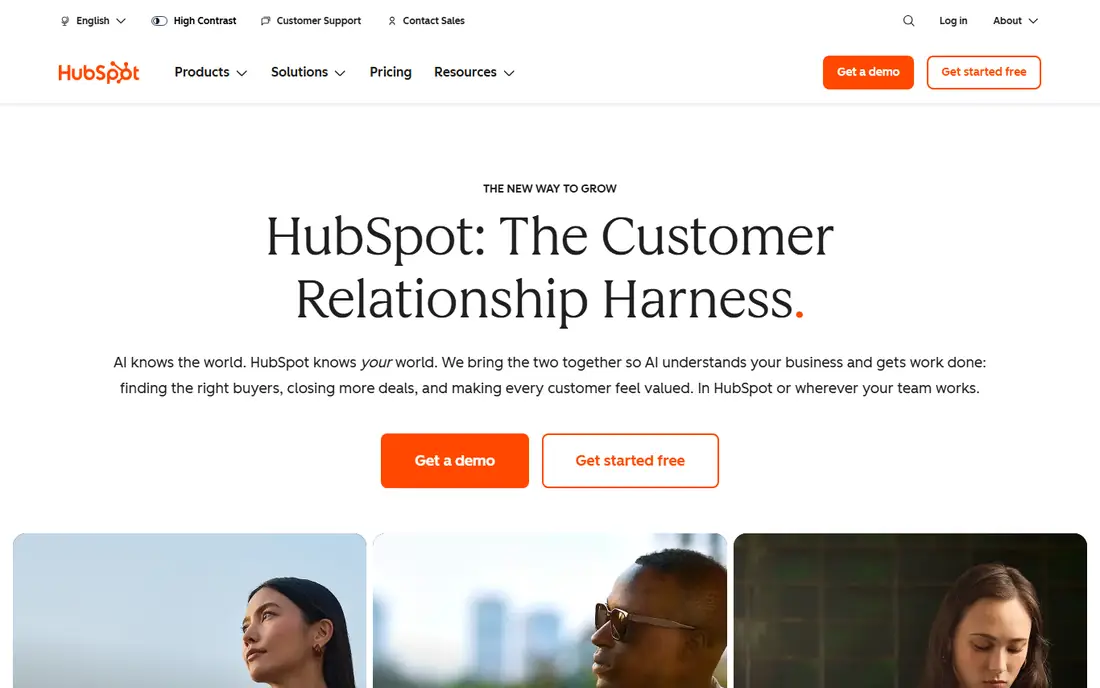
HubSpot is the easiest mobile CRM to start with, because the free tier already covers contacts, deals, tasks, and meeting scheduling. On a phone, a rep can log a call, add a note, and move a deal right after a visit, without waiting to get back to a desk. That speed is what makes a mobile CRM useful in practice.
The limits appear as a team grows. Email sequences, deeper automation, and custom reporting sit on higher tiers, and the jump in price is large. Start free, learn which mobile actions your team actually uses, and upgrade only when a paid feature earns its cost.
- Free CRM with contacts and deals
- Mobile app covers calls, notes, and tasks
- Strong integrations
- Automation and reporting jump to higher-priced tiers
- Costs rise as contacts grow
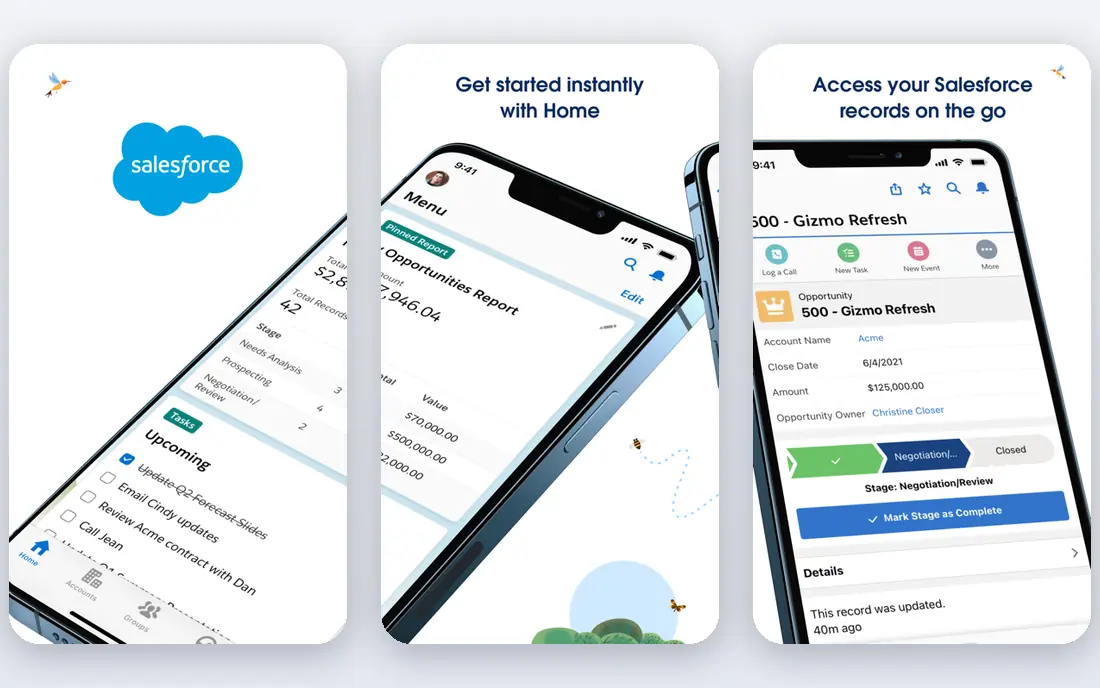
Salesforce is the pick for teams that plan to scale and need a CRM that can grow with them. The mobile app covers leads, accounts, opportunities, tasks, and approvals, and managers can review pipelines from a phone. Custom objects and workflows let larger teams shape the CRM to their own process.
That power comes with setup cost. Small teams may find the admin work heavy, and the price rises quickly past the starter tier. Salesforce suits companies with an admin, or a partner, who can keep the mobile experience tidy as the team grows.
- Deep customization
- Mobile app for leads, accounts, and approvals
- Huge app ecosystem
- Setup can be complex
- Costs and admin time grow with customization
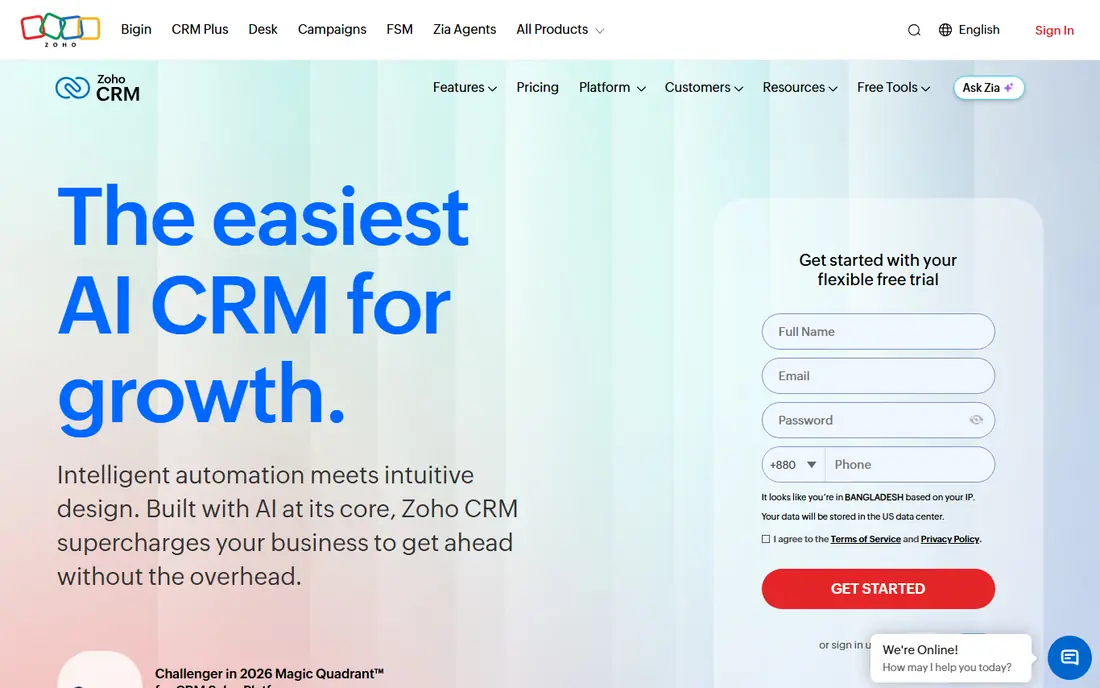
Zoho CRM gives small teams a lot for the price. The mobile app handles leads, contacts, deals, calls, and check-ins, and it connects well to other Zoho apps for email, books, and support. For a team already using Zoho tools, that shared data is a real advantage.
The interface is less polished than HubSpot or Pipedrive in places, and first setup rewards patience. Once configured, though, Zoho is a strong mobile CRM for budget teams that want depth without enterprise pricing.
- Free plan for up to 3 users
- Mobile app with leads, deals, and visits
- Wide Zoho app integration
- Interface can feel inconsistent
- Setup takes time to get right
Pipedrive is built around the pipeline, and that focus translates well to a phone. A rep can open the app, see deals by stage, drag one forward, and log the call that moved it. The mobile experience stays focused on selling, rather than burying deals under marketing tools.
Marketing features are thinner, and some useful tools, such as lead generation and campaigns, cost extra. Pipedrive is best for sales-led teams who live in the pipeline and want a mobile app that keeps that view front and center.
- Clear drag-and-drop pipeline on mobile
- Call and email logging
- Simple setup for sales teams
- No free plan
- Automation and lead tools need higher tiers or add-ons
Freshsales suits small teams that call and email prospects all day. The mobile app brings contacts, deals, calls, and email together, so a rep does not need a separate dialer to work a list. The entry price is among the lowest on this list, which helps a growing team control seat costs.
Customization and reporting are less deep than larger platforms, and advanced automation sits on higher tiers. For a team that wants a simple, affordable mobile CRM with calling built in, Freshsales is a practical pick.
- Low entry price
- Built-in phone and email
- AI lead scoring on higher tiers
- Customization is thinner than Zoho or Salesforce
- Some features need higher plans
Monday Sales CRM works well for teams that think in boards rather than classic pipelines. Deals, tasks, and follow-ups sit on colorful boards that are easy to read on a phone, and automations can move items or send reminders without manual work. Teams already using Monday for projects will find the CRM familiar.
It is less of a pure sales machine than Pipedrive or Close, and the three-seat minimum makes it less suited to a solo seller. Pick Monday when visual workflow and flexibility matter more than deep sales automation.
- Visual boards that work on mobile
- Flexible columns and automations
- Easy to adapt to non-sales work
- Three-seat minimum on paid plans
- Native sales depth is thinner than Pipedrive
Insightly stands out for service businesses that sell a project and then deliver it. A won opportunity can become a managed project without moving to another tool, and the mobile app lets staff check project and contact details on site. The business card scanner also helps at events and meetings.
The entry price is higher than most apps here, and there is no free plan to test long term. Insightly is worth that cost mainly when the sales-to-delivery handoff is a core part of your work, rather than a rare extra step.
- Mobile app with contacts, deals, and dashboards
- Projects convert from won deals
- Business card scanner
- No free plan
- Higher entry price
- Workflow automation needs upper tiers
Close is built for inside sales teams that work the phone. Calling, SMS, and email live inside the CRM, so reps can power through a lead list without switching apps. Follow-ups, notes, and deal stages stay close to the conversation, which keeps high-volume days organized.
Marketing automation and complex reporting are not its strengths. Close is best for outbound and high-volume teams who judge a mobile CRM by how fast they can call, log, and move to the next lead.
- Built-in calling, SMS, and email
- Fast lead list workflow
- Mobile app for on-the-go follow-up
- Marketing tools are minimal
- Less suited to teams that need deep reporting
How we picked these
We compared official pricing pages, mobile app listings, and feature pages for CRMs with a working iOS and Android app in October 2026. We kept only CRMs where the mobile app covers core selling work, such as contacts, deals, calls, and tasks, not just a dashboard view. Where pricing varied across sources, we used the most recent annual-billing figure and marked uncertain cases as See website in other articles; here, listed prices reflect the annual figures found in recent comparisons.
What to test in a mobile CRM before you buy
Use the trial on a real working day, not just at a desk. Make a call from the app, log the outcome, add a note with a photo or attachment if you need one, and move a deal to the next stage. Check whether the app works when signal is weak, and whether changes sync cleanly when you return to coverage. A CRM that loses notes on the road will not be trusted by a field team.
Also check permissions and admin control. Managers need to see pipelines without seeing every private note, and new reps need a simple view without dozens of unused fields. Test notifications too: a good mobile CRM reminds you of follow-ups without buzzing for every minor update. If the app passes a real day of selling, it is likely to stick.
Frequently asked questions
What is the best mobile CRM software?
HubSpot is best for a free start, Pipedrive is best for a clear mobile pipeline, and Close is best for high-volume calling. The right pick depends on whether your team sells in the field, by phone, or through a visual pipeline.
What is the best CRM with a mobile app for small business?
Zoho CRM and Freshsales offer strong value for small teams, with mobile apps that cover leads, deals, and calls. HubSpot is best if you want to start free and upgrade later as the team grows.
Does Salesforce have a good mobile app?
Yes, the Salesforce mobile app covers leads, accounts, opportunities, tasks, and approvals. It is strongest for larger teams with an admin to configure it, while smaller teams may find setup heavier than HubSpot or Pipedrive.
Is there a free mobile CRM app?
Yes, HubSpot and Zoho CRM both offer free plans with mobile apps, with limits on users and features. Pipedrive, Freshsales, and Close offer free trials rather than free plans, so test them before paying.
What is the best CRM app for mobile sales reps?
Pipedrive suits reps who live in a pipeline, Close suits reps who call all day, and HubSpot suits reps who need contacts, deals, and tasks in one free app. Test call logging and offline sync on your own phone before you choose.
Can I run a CRM only from my phone?
For a small team, yes, especially with HubSpot, Pipedrive, or Close. Larger teams will still need desktop work for reporting, imports, and admin, but daily selling, calls, and follow-ups can run from the mobile app.
Sources
See where you really rank - block by block
ProMapRanker scans Google Maps across a grid of your service area. Simple monthly plans from $19, white-label on every plan.
Start freeKeep reading
 best rank tracking software
Best Rank Tracking Software in 2026
Searching for the best rank tracking software? We compare 8 tools for daily keyword tracking, local rankings, client reports, and competitor checks in 2026.
Read → best platform for ecommerce website
Best Platform for Ecommerce Website in 2026
Find the best platform for ecommerce website builds in 2026. We compare Shopify, WooCommerce, BigCommerce, Wix and more on price, fees and scale for stores.
Read → best math apps
Best Math Apps in 2026: 8 Apps Compared
Find the best math apps for homework, revision, and deeper study in our 2026 comparison of 8 free and paid solvers, courses, and visual tools for students.
Read →