 ProMapRanker
Best CRM for Home Service Business in 2026


Small and midsize home service teams · Pricing starts at: $49 per month
Key takeaways
- Jobber and Housecall Pro are the easiest all-round picks for small home service teams that need scheduling, quoting and invoicing in one place.
- ServiceTitan, FieldEdge and Service Fusion suit larger teams with complex dispatch, pricebooks and multi-technician operations.
- Per-user pricing can hide the real bill, because seats, add-ons and payment processing all change the monthly total.
- A general CRM such as HubSpot or Zoho suits sales-led teams, but it needs more setup to match field service workflows.
- Trial the mobile app with a real job, not just the desktop demo, because technicians live in the mobile workflow every day.
Quick comparison
| Pick | Great for | Pricing starts at | Free tier | |
|---|---|---|---|---|
| Jobber | Small and midsize home service teams | $49 per month | Free trial | Visit |
 Housecall Pro | Residential trades with online booking | $59 per month | Free trial | Visit |
 ServiceTitan | Larger firms with complex dispatch | See website | No | Visit |
 FieldEdge | HVAC, plumbing and electrical shops | See website | No | Visit |
 Service Fusion | Growing shops wanting flat-rate pricing | See website | No | Visit |
 Workiz | Phone-heavy service operations | See website | Free trial | Visit |
 Kickserv | Budget-conscious micro-teams | $60 per month | Free trial | Visit |
 HubSpot CRM | Sales-led teams wanting a free start | Free | Yes | Visit |
 Zoho CRM | Budget teams wanting deep CRM features | See website | Yes | Visit |
 QuoteIQ | Contractors wanting AI estimating | $29.99 per month | Free trial | Visit |
The best CRMs for home service businesses
These tools cover field service CRMs built for trades, plus general CRMs that some home service firms adapt for sales and follow-up. We compared official pricing pages, feature lists and public reviews, and we focused on scheduling, job history, quoting, invoicing, mobile use and total cost.
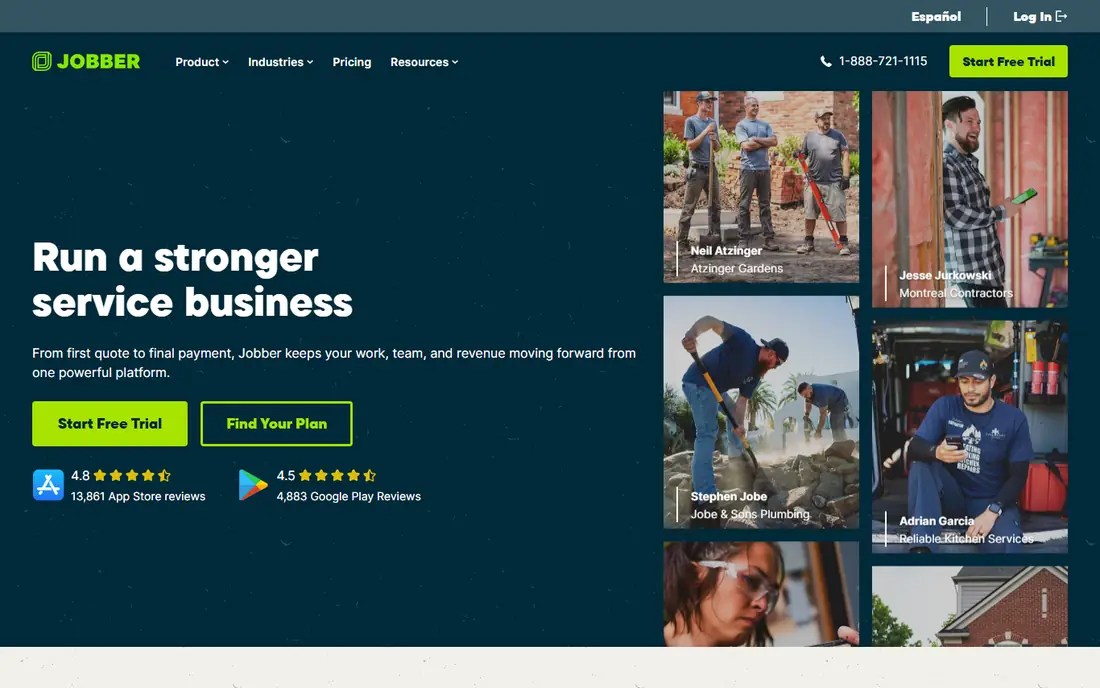
Jobber is the safest default for a home service business that wants one system from first quote to final payment. Client profiles hold job history and communication notes, scheduling shows who is free, and invoicing and payments flow from the same job record. That continuity helps when a customer calls about a past job, because the team can see what was quoted, done and paid without hunting through separate tools.
The mobile app is a genuine strength for technicians in the field. They can view job details, update status and collect payment on site, which reduces office chasing. The catch is tiering: pipeline, marketing and AI receptionist depth sit higher up, so a growing firm should price the tier it will actually need in a year, not just the entry tier it can start on today.
- Quotes, scheduling, invoicing and payments in one system
- Strong mobile app
- QuickBooks sync
- Marketing and AI receptionist tools sit on higher tiers
- Per-user costs rise with team size
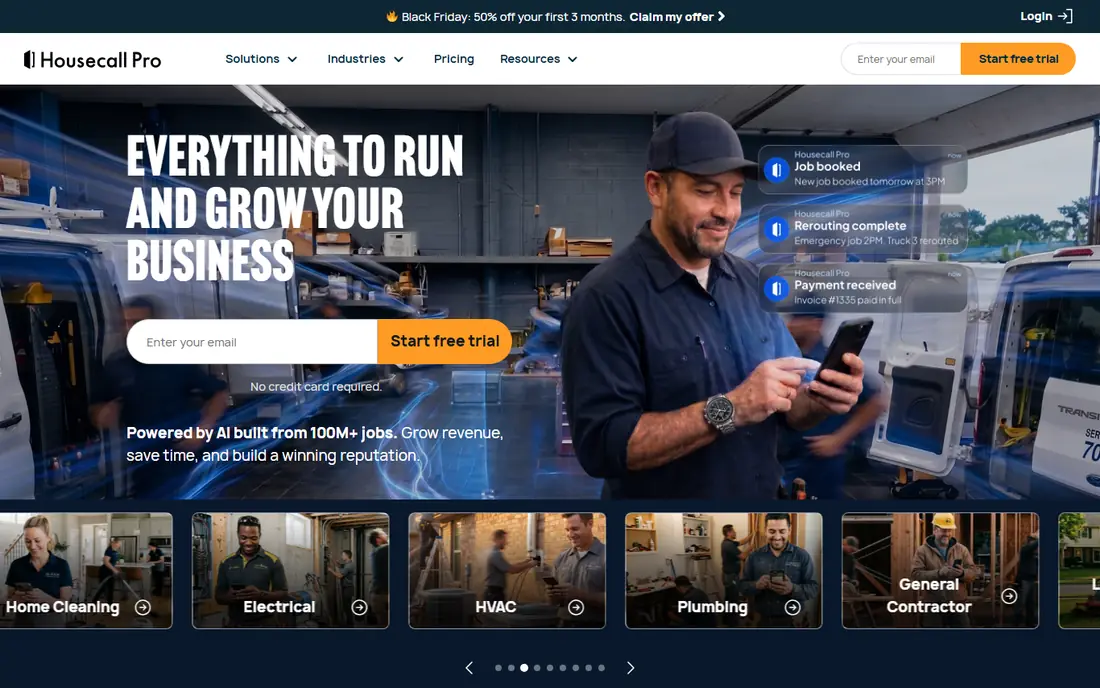
Housecall Pro suits owner-operators and small residential teams that want a friendly, fast setup. Online booking lets customers pick a time without a phone call, dispatch shows jobs on a clear board, and estimates, invoices and payments live in the same workflow. Review prompts after a job help small firms build local trust, which matters a lot for trades that win work by reputation.
Growth is where the bill needs watching. Higher plans and add-ons include marketing, pipeline and advanced dispatch tools, and extra seats carry their own cost. A solo operator or a team of two or three will find the entry tiers good value, while a team planning rapid hiring should compare the full seat cost against Jobber and Service Fusion before committing.
- Friendly online booking and dispatch
- Review management
- Payments and estimates built in
- Some growth tools require higher plans or add-ons
- Seat costs add up for larger teams
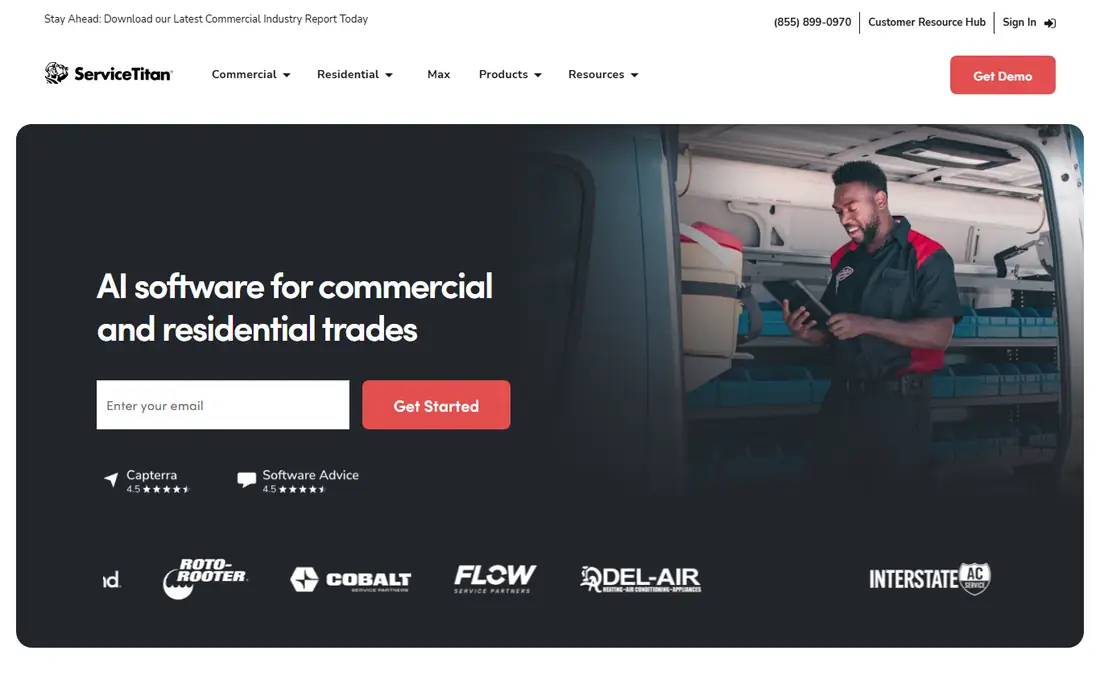
ServiceTitan is built for established firms with many technicians, dispatchers and office staff. The dispatch board, pricebook, equipment history and call tracking give managers a detailed view of each job, each technician and each marketing source. For a firm doing high volume across HVAC, plumbing or electrical work, that depth can pay for itself in fewer missed jobs and clearer pricing.
The barrier is cost and implementation. Pricing is quoted per technician, and onboarding can take weeks of staff time. A small firm with two trucks will likely find the system heavy and expensive, while a larger firm with dedicated operations staff can use its depth properly. Buyers should ask for a full first-year quote, including onboarding, before judging it against simpler tools.
- Deep dispatch board and pricebook
- Equipment history
- Marketing attribution and reporting
- Quote-only pricing
- Implementation takes time and staff effort
FieldEdge appeals to HVAC, plumbing and electrical shops that live by a pricebook and service agreements. Technicians can price jobs consistently from a flat-rate book, managers can track agreement renewals, and the QuickBooks sync keeps accounting aligned with field work. That combination suits shops where consistent pricing and repeat maintenance work drive revenue.
The sales-led model is the main drawback. Pricing is quoted rather than published, and buyers often need a demo and a sales conversation to get numbers. Shops that want a quick online signup should start with Jobber or Housecall Pro, while shops that value pricebook depth and QuickBooks alignment should still get a FieldEdge quote for comparison.
- Flat-rate pricebook
- Service agreement management
- QuickBooks integration
- Quote-only pricing
- No self-serve trial in many cases
Service Fusion stands out for its unlimited-user approach, which helps growing shops that would otherwise pay per technician. Job scheduling, dispatch, estimates and invoicing sit in one system, and customer history helps office staff answer questions without calling a technician back. Referral tracking and call tracking add useful marketing insight for firms that win work from local referrals.
Pricing still needs a quote in many cases, so buyers cannot budget from a public price list alone. Advanced inventory, job costing and API access also sit on higher tiers, so a firm that needs those tools should confirm which tier includes them. For a shop adding staff quickly, the unlimited-user model can still beat per-seat rivals on total cost.
- Unlimited users on plans
- Job and dispatch management
- Call tracking and customer history
- Quote-only pricing in many cases
- Some advanced features need higher tiers
Workiz suits service businesses that win most work by phone. Its phone tools, including AI answering add-ons, help a firm capture calls after hours and route jobs without missing leads. Scheduling, dispatch, invoicing and payments cover the rest of the job cycle, and online booking gives customers a second route in.
The total cost depends on which phone add-ons a firm actually uses, so the base quote can understate the real bill. A team that already answers calls well during business hours may not need the full phone suite, while a team that misses calls regularly may find the add-ons pay for themselves. Trial the phone workflow with real calls before committing to the add-on stack.
- Phone system and AI answering add-ons
- Scheduling and dispatch
- Online booking
- Pricing is quote-led for many plans
- Add-ons raise the total for phone-heavy teams
Kickserv is a practical pick for micro-teams that need the core job workflow without enterprise depth. Scheduling, customer records, estimates and invoicing cover the daily work of a small trade firm, and the entry plan covers several users, which keeps the per-person cost low. Setup is straightforward, which suits owner-operators who cannot spare weeks for onboarding.
Larger firms will hit limits sooner. Advanced dispatch, marketing automation and complex pricebook tools are thinner than on the enterprise platforms, and a firm planning to scale past ten technicians should compare Jobber or Service Fusion first. For a team of two to five, Kickserv offers a clean balance of price and capability.
- Low entry cost for a small team
- Scheduling, invoicing and customer records
- Simple setup
- Less depth than ServiceTitan or FieldEdge for large operations
- Fewer advanced marketing tools
HubSpot CRM suits a home service firm that is sales-led rather than dispatch-led. The free tier handles contacts, deals, pipelines and basic reporting, and paid hubs add marketing, sales automation and service tools. A firm that wins work through follow-up, quotes and repeat sales can build a strong pipeline here, and the integration library connects to many other tools.
Field workflows need work. Scheduling, dispatch and job costing are not native strengths, so a firm that needs technician routing and job history in one place may need integrations or a separate field tool. HubSpot works best as the sales and marketing layer, paired with a field system, or as the sole CRM for a small firm with light field needs.
- Genuine free CRM tier
- Strong pipelines and reporting
- Large integration library
- Field service features need setup or add-ons
- Paid hubs get expensive as teams grow
Zoho CRM gives budget-conscious teams a lot of CRM depth per dollar. Pipelines, automation, email integration and reporting cover sales and follow-up well, and the wider Zoho ecosystem adds invoicing, forms and support tools. A home service firm that is comfortable with setup can shape Zoho around its sales process without paying enterprise CRM prices.
The trade is effort. Zoho is a general CRM, so dispatch, job tracking and technician scheduling need customization or integrations. A team that wants a ready-made field workflow should pick Jobber or Housecall Pro, while a team that values CRM depth and low cost, and can invest setup time, will find Zoho strong value.
- Deep CRM features for the price
- Automation and workflows
- Large app ecosystem
- Setup takes time
- Field service workflows need customization
QuoteIQ targets contractors and startups that want AI estimating without a high entry price. The entry plan covers one user, and higher tiers add seats without a separate per-user charge inside the plan limit. AI estimating, review collection and job costing tools aim to help small firms quote faster and win more work, which is a real pain point for new trade businesses.
Because it is newer than the established field service brands, buyers should check reviews, trial the estimating workflow with their own job types, and confirm support quality before moving a full client list. For a startup that needs estimating help more than deep dispatch, QuoteIQ is worth a trial, while larger firms should still compare Jobber and ServiceTitan.
- Low entry price for one user
- AI estimating and review collection
- No per-user fee inside plan seat counts
- Newer and less proven at scale than Jobber or Housecall Pro
- Advanced tools vary by tier
How we picked these
We compared official pricing and feature pages, app store listings and public reviews for CRMs used by home service businesses in October 2026. We kept field service CRMs built for trades, plus general CRMs that home service firms commonly adapt, and we excluded tools with no US presence or no clear home service fit. We favored tools with a trial or free tier where possible, and we marked quote-only pricing as such instead of repeating a third-party figure as fact.
We weighed mobile workflow, scheduling and total cost heavily, because those decide daily use for technicians and office staff. A CRM with a beautiful desktop demo but a weak mobile app will fail in the field, so readers should trial the mobile job flow before signing a yearly contract.
How to choose for your trade
Start with team size and job type. A solo operator or a team of three needs booking, quoting and invoicing, not enterprise dispatch. A team of ten or more needs dispatch, pricebooks and reporting. Next, list the integrations that matter, such as QuickBooks, payment processing and review platforms, and confirm they are included in the tier you will buy, not just on the vendor's feature page.
Then run a real trial. Create a customer, book a job, send a quote, update it in the field and invoice it, using the mobile app for the field steps. Check how long each step takes, whether office staff can see updates without chasing technicians, and what the full monthly cost looks like with seats and add-ons. That trial reveals fit faster than any comparison table.
Frequently asked questions
What is the best CRM for home service businesses?
Jobber and Housecall Pro are the strongest all-round picks for small and midsize teams, because they combine scheduling, quoting, invoicing and payments. Larger firms should compare ServiceTitan, FieldEdge and Service Fusion for dispatch and pricebook depth.
What is the best CRM for home service businesses that are just starting?
Jobber, Housecall Pro and Kickserv suit startups because they offer trials, clear core workflows and modest entry prices. QuoteIQ also suits new contractors that want AI estimating help, while HubSpot suits firms that start with sales and follow-up.
How much does a home service CRM cost?
Entry prices on this list run from free for HubSpot, through about $30 to $60 per month for small-team plans, up to quote-only enterprise pricing for ServiceTitan and FieldEdge. The real total depends on seats, add-ons and payment processing fees.
Do home service CRMs include scheduling and dispatch?
Field service CRMs such as Jobber, Housecall Pro, ServiceTitan and Workiz include scheduling and dispatch as core features. General CRMs such as HubSpot and Zoho need setup or integrations to match that field workflow.
Can a home service CRM handle invoicing and payments?
Yes, most field service CRMs on this list include estimates, invoices and payment collection in the same job record. Confirm which payment methods are supported and what processing fees apply, because those fees sit outside the subscription price.
Should a small trade firm use a general CRM or a field service CRM?
A field service CRM suits firms that schedule technicians, track jobs and invoice from the field, while a general CRM suits firms focused on sales pipelines and follow-up. Many firms use a field CRM as the main system and a general CRM only if sales automation becomes a separate need.
Sources
See where you really rank - block by block
ProMapRanker scans Google Maps across a grid of your service area. Simple monthly plans from $19, white-label on every plan.
Start freeKeep reading
 wpforms alternatives
Best WPForms Alternatives in 2026
We compare 9 wpforms alternatives for WordPress forms, with free and paid options, current pricing notes, and honest limits for small business sites in 2026.
Read → windows task scheduler alternatives
Best Windows Task Scheduler Alternatives in 2026
Looking for Windows Task Scheduler alternatives? We compare 9 schedulers for Windows and cross-platform work, from free tools to enterprise automation.
Read → which ai video service is best
Which AI Video Service Is Best in 2026
which ai video service is best? We compare 10 legitimate AI video services on price, avatars, editing and output quality to help you pick the right tool.
Read →