 ProMapRanker
Best CPQ Software in 2026: 8 Tools Compared


Salesforce-native teams · Pricing starts at: $150 per user per month
Key takeaways
- Salesforce Revenue Cloud is the natural pick for teams already on Salesforce, but it needs Sales Cloud seats and a longer setup.
- HubSpot CPQ and PandaDoc suit smaller teams that want quoting inside tools they already use, without an enterprise project.
- DealHub and Conga handle guided selling and complex catalogs for midsize and large teams that need approval controls.
- QuoteWerks gives small businesses a low entry price, while Oracle and SAP CPQ fit companies already tied to those ERP systems.
- Budget for setup and training, not just licenses, since enterprise CPQ projects often cost more to implement than to license.
Quick comparison
| Pick | Great for | Pricing starts at | Free tier | |
|---|---|---|---|---|
| Salesforce Revenue Cloud | Salesforce-native teams | $150 per user per month | Free trial | Visit |
 HubSpot CPQ | HubSpot sales teams | $90 per user per month | Free trial | Visit |
 DealHub | Mid-market sales teams | See website | Free trial | Visit |
 PandaDoc | Proposal-led small teams | $19 per user per month | Free trial | Visit |
 Conga CPQ | Complex catalogs | $35 per user per month | Free trial | Visit |
 Oracle CPQ | Oracle ERP companies | See website | No | Visit |
 SAP CPQ | SAP companies | $62 per user per month | No | Visit |
 QuoteWerks | Small businesses | $15 per user per month | Free trial | Visit |
The best CPQ software
CPQ stands for configure, price, quote. Good CPQ software stops reps from building quotes in spreadsheets, applies pricing rules on its own, and routes discounts for approval before a bad price reaches a customer. These eight tools cover that job at very different sizes and prices.
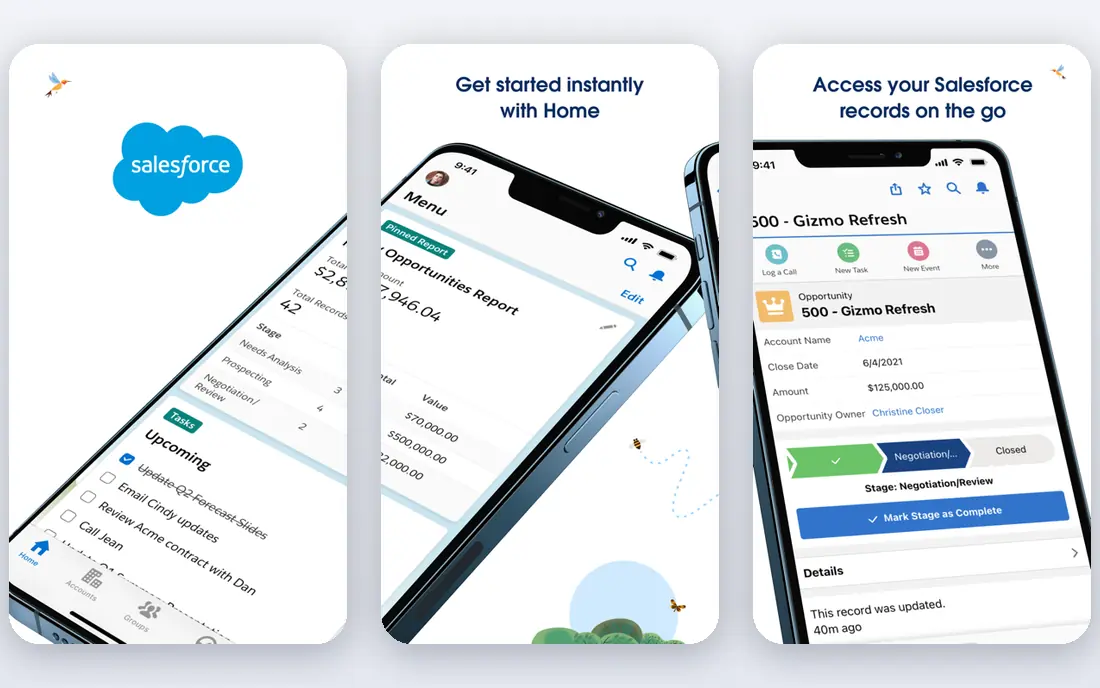
Salesforce Revenue Cloud is the successor to Salesforce CPQ, rebuilt for subscriptions, usage billing, and renewals. For a team that already lives in Salesforce, it keeps opportunity data, product rules, and quotes in one place, so reps do not copy numbers between systems. The Growth edition at $150 per user per month covers streamlined CPQ and subscription management, while Advanced adds contracts, orders, and more.
The cost is the catch. Licenses sit on top of required Sales Cloud seats, and setup work in year one often costs more than the software itself. This is the enterprise default for Salesforce shops, not a quick buy for a ten-person team, so plan the project and the migration path before you commit.
- Deepest Salesforce CRM integration
- Built for subscriptions and usage billing
- AI-assisted quoting in higher editions
- Requires Sales Cloud seats on top
- Setup often takes months
- Legacy CPQ customers face a migration
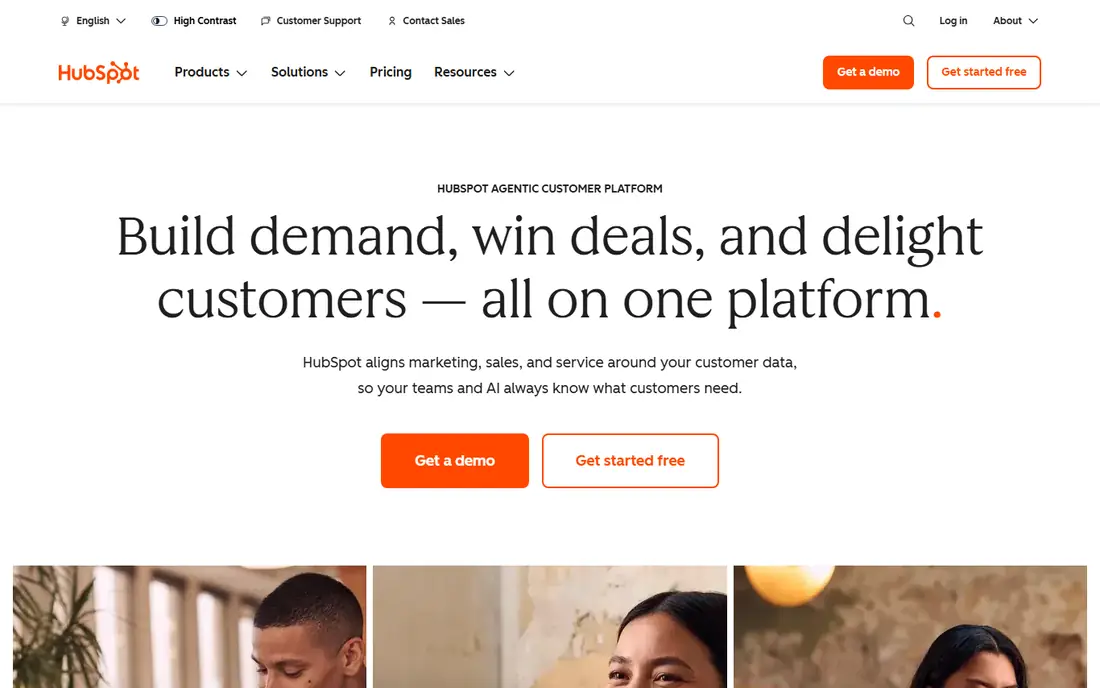
HubSpot CPQ works best when your sales team already runs deals in HubSpot. Reps build quotes from the deal record, apply product and discount rules, and send a branded quote without moving to a separate system. That closeness keeps data clean and shortens the time from first call to signed quote, which matters for mid-market teams with straightforward products.
Complex manufacturing rules, deep bundle logic, and multi-level approvals can stretch HubSpot past its comfort zone. If your products need heavy configuration or your pricing depends on many linked rules, test those exact cases in a trial before you assume HubSpot will handle them.
- Quoting inside HubSpot CRM
- Simple product library and quote templates
- Fast setup for existing HubSpot users
- Less depth for highly complex configurations
- Higher tiers needed for advanced approvals

DealHub sits between simple quoting tools and heavy enterprise CPQ. Its guided selling playbooks walk reps through questions that narrow the right configuration, and its DealRoom gives buyers one place to review quotes, documents, and next steps. That mix helps mid-market teams that sell configurable products but do not want a year-long project.
Pricing is quoted, so ask for a clear per-user rate and any charge for DealRoom, billing links, or implementation help. Teams that already use Salesforce or HubSpot will get the fastest value, since DealHub is built to sit on top of those CRMs rather than replace them.
- Guided selling playbooks
- DealRoom for buyer collaboration
- Strong Salesforce and HubSpot links
- Quote-based pricing
- Setup still needs care for complex catalogs
PandaDoc is the friendliest entry point for a small team that needs quotes and proposals more than deep configuration. The Essentials plan at $19 per user per month covers documents, templates, and e-signature, and higher plans add quote rules, price tables, and approval workflows. For service firms and simple product sellers, that is often enough.
The limit shows up with complex products. Full CPQ features, including advanced pricing rules, sit in the Enterprise plan, which is quoted rather than published. If your catalog needs strict bundle logic, check that plan early, since the low entry price does not include the full CPQ set.
- Low entry price
- Strong templates and e-signature
- CPQ features in higher plans
- Full CPQ sits in the Enterprise plan, with quoted pricing
- Less suited to heavy manufacturing rules
Conga CPQ, formerly Apttus CPQ, is built for enterprises with large catalogs and tricky pricing. Product attributes, bundles, configuration rules, price lists, and discount matrices give pricing teams real control, and its Salesforce fit keeps quotes tied to opportunities. Teams that also need contract lifecycle tools can stay in the same vendor family.
That depth comes with admin cost. Someone needs to own the catalog, the rules, and the approval paths, and changes need testing before they reach reps. Small teams with simple products will pay for power they never use, so this pick fits best when complexity is the actual problem.
- Strong product attributes, bundles, and price rules
- Deep Salesforce fit
- Contract tools alongside CPQ
- Setup and admin work can be heavy
- Smaller teams may find it more than they need
Oracle CPQ fits companies that already run Oracle ERP or Oracle commerce. Configuration rules, pricing, and quote data connect to the systems that handle orders and finance, which reduces rework for large B2B sellers. Its strength is in complex manufacturing and multi-channel pricing, where rules must hold across regions and product lines.
Outside an Oracle shop, the case weakens. Setup is an enterprise project, pricing is quoted, and the tool assumes your team can support Oracle workflows. If you are not already on Oracle, a CRM-native or mid-market tool will usually launch faster and cost less.
- Strong fit with Oracle ERP and commerce
- Handles complex B2B configuration
- Global pricing support
- Quote-based pricing
- Heavyweight setup
- Weak fit outside Oracle shops
SAP CPQ serves companies that run SAP for ERP and sales. It brings product configuration, pricing, and quoting into line with SAP product and order data, which helps manufacturers that sell engineered or variant-heavy products. The Standard tier at $62 per user per month and Professional at $99 per user per month give a published starting point, which is rare in enterprise CPQ.
The catch is skills. Your team, or your partner, needs SAP knowledge to set up rules, connect data, and keep the system current. For a company without SAP, the same money buys a faster launch elsewhere, so treat SAP CPQ as a fit for SAP houses first.
- Fits SAP S/4HANA shops
- Standard and Professional tiers
- Product configuration for manufacturing
- Setup needs SAP skills
- Less appealing for non-SAP teams
QuoteWerks is the budget pick for small businesses and managed service providers that need clean quotes without an enterprise platform. At $15 per user per month for the Standard plan, it covers quoting, product data, and integrations that small teams actually use, and it launches far faster than enterprise CPQ.
The limit is scale. Deep bundle logic, guided selling at enterprise depth, and complex approval chains are not its strength. If your quotes are mostly standard products with simple discounts, QuoteWerks saves money and time, but if configuration rules drive your sales, look at DealHub or Conga instead.
- Lowest entry price here
- Quick setup for small teams
- Works with common CRMs and distributors
- Less depth for enterprise configuration
- Interface feels older than newer tools
How we picked these
We compared official pricing pages, vendor product pages, and public CPQ comparisons for tools still sold in October 2026, and we kept only tools with real configuration, pricing rules, and quote generation, not simple document tools. We weighed CRM fit, catalog complexity, approval controls, published pricing, and setup effort, and we flagged quote-based pricing rather than guessing at a number. We did not claim hands-on use, and we based our notes on vendor pages and public comparisons.
What to check before you buy
Start with your hardest quote, not your easiest one. Pick a real deal with bundles, options, tiered pricing, and a discount that needs approval, then ask each vendor to build it live. If the tool cannot handle that deal cleanly, it will not handle your normal week either, no matter how good the demo looks.
Match the tool to your CRM and ERP
CPQ only pays off when it reads product, price, and customer data from systems you already trust. Ask how the tool syncs with your CRM, how often prices update, and what breaks when a product code changes. A tool that needs constant manual syncing will push reps back to spreadsheets.
Price setup, training, and upkeep
Ask for an implementation estimate in writing, including catalog setup, rule building, template design, and training. Ask who owns the rules after launch, how changes are tested, and what support costs after year one. Enterprise CPQ often costs more to set up than to license, so a low license price can hide a large project bill.
Test approvals and discount control
Discount leaks are a quiet cost. Check that the tool enforces discount limits, routes exceptions to the right manager, and logs who approved what. A clear audit trail helps finance trust the quotes and helps sales managers spot patterns before they become margin problems.
Frequently asked questions
What is the best CPQ software for a small business?
For most small businesses, PandaDoc or QuoteWerks are the practical starting points, since they cost far less and launch faster than enterprise CPQ. HubSpot CPQ is the better pick when the team already runs deals in HubSpot and wants quoting inside that CRM.
What does CPQ software do?
CPQ software helps sales teams configure products, apply pricing rules, and generate accurate quotes. It stops reps from guessing at bundle rules or discounts, routes special prices for approval, and keeps quote data tied to the CRM record.
How much does CPQ software cost?
Entry prices here range from $15 per user per month for QuoteWerks to $150 per user per month for Salesforce Revenue Cloud Growth, and several enterprise tools are quote-based. Setup, training, and CRM seats sit on top of those license prices.
Is CPQ the same as a CRM?
No. A CRM tracks customers, deals, and activity, while CPQ handles product configuration, pricing rules, and quote creation. Most CPQ tools sit on top of a CRM, and the best results come when the two share product and deal data cleanly.
How long does CPQ take to set up?
Simple tools can launch in one to two weeks, mid-market tools often take four to eight weeks, and enterprise CPQ can take three to nine months. The time depends on catalog size, rule complexity, approval design, and how clean your product data is at the start.
What is the best CPQ software for Salesforce users?
Salesforce Revenue Cloud is the closest fit for Salesforce-native teams, since it is built on the same platform. Conga CPQ and DealHub are strong alternatives when you want deeper catalog control or a guided selling style that Salesforce native tools handle less well.
Sources
See where you really rank - block by block
ProMapRanker scans Google Maps across a grid of your service area. Simple monthly plans from $19, white-label on every plan.
Start freeKeep reading
 wix alternatives
Wix Alternatives in 2026: 8 Products Compared
Compare the best Wix alternatives in 2026 for portfolios, stores and blogs, with current prices, free plans and the right builder by site type in this guide.
Read → webflow alternatives
Best Webflow Alternatives in 2026
Looking for webflow alternatives? We compared 8 website builders on design control, CMS, hosting and price, so you can build without the learning curve.
Read → squarespace alternatives
Best Squarespace Alternatives in 2026
We compared the best Squarespace alternatives for portfolios, stores, blogs and client work, with current pricing, free plans and honest trade-offs in 2026.
Read →