 ProMapRanker
Best cPanel Alternatives in 2026

Key takeaways
- DirectAdmin is the closest low-cost paid replacement for cPanel, starting at $5 per month with a familiar hosting workflow.
- Plesk is the best paid option for Windows hosting and WordPress agencies, with a strong WordPress Toolkit.
- Free panels like CyberPanel, CloudPanel, HestiaCP, and ISPConfig can replace cPanel for self-managed servers, but they need more Linux comfort.
- Count accounts per server before you switch, since panel pricing often depends on account or domain limits.
Quick comparison
| Pick | Great for | Pricing starts at | Free tier | |
|---|---|---|---|---|
 Plesk | Windows and WordPress hosting | See website | Free trial | Visit |
 DirectAdmin | Low-cost paid replacement | $5 per month | Free trial | Visit |
 CyberPanel | Fast WordPress hosting | Free | Yes | Visit |
 CloudPanel | Fast PHP sites on a VPS | Free | Yes | Visit |
 aaPanel | Beginner-friendly free panel | Free | Yes | Visit |
 HestiaCP | Simple free hosting stack | Free | Yes | Visit |
 ISPConfig | Multi-server hosting | Free | Yes | Visit |
 Virtualmin | Hands-on Linux control | Free | Yes | Visit |
 RunCloud | Managed server panel for agencies | $9 per month | Free trial | Visit |
The best cpanel alternatives
We compared official product pages, pricing pages, and documentation for hosting control panels that were live in October 2026. cPanel itself is not listed here, since this article covers alternatives to it.
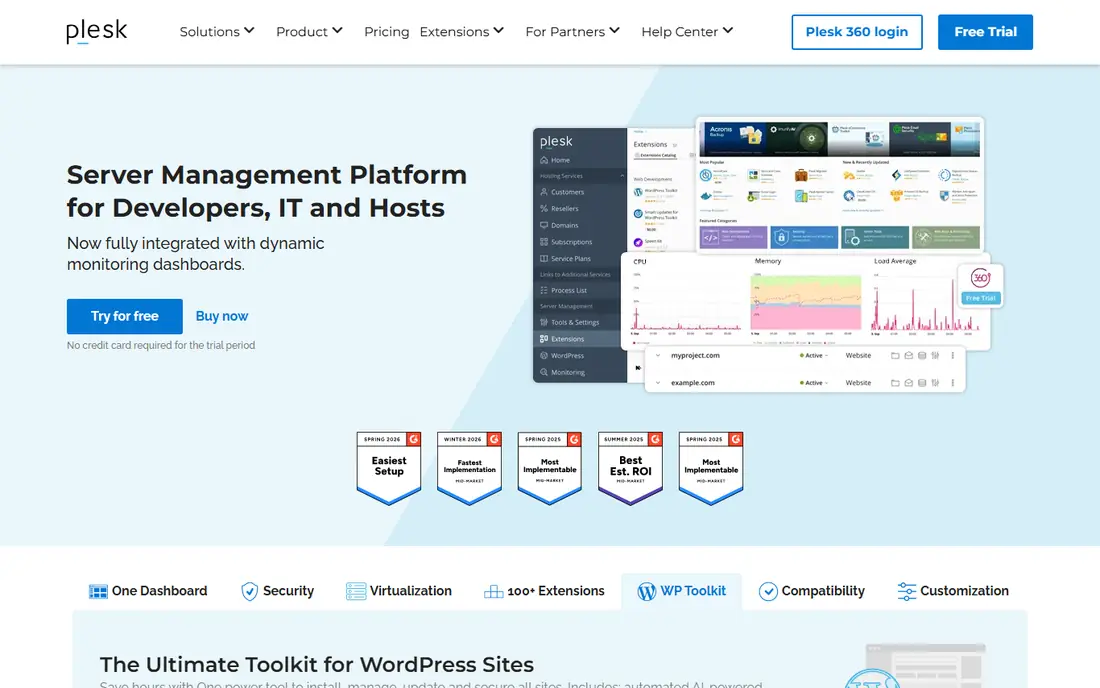
Plesk is the most established paid alternative to cPanel, and it is the clear choice if you need Windows hosting. It covers websites, email, databases, DNS, and SSL, and its WordPress Toolkit helps agencies manage updates, staging, and security across many WordPress sites. Resellers and hosts already know its workflow.
The cost is the main drawback. Licences are priced per server and tier, so a host with many servers needs to budget carefully. If you only run Linux sites and want the lowest cost, DirectAdmin or a free panel will be cheaper.
- Runs on Windows and Linux
- Strong WordPress Toolkit
- Familiar interface for agencies and resellers
- Paid licences add up per server
- Heavier than lightweight panels
- Pricing varies by licence tier
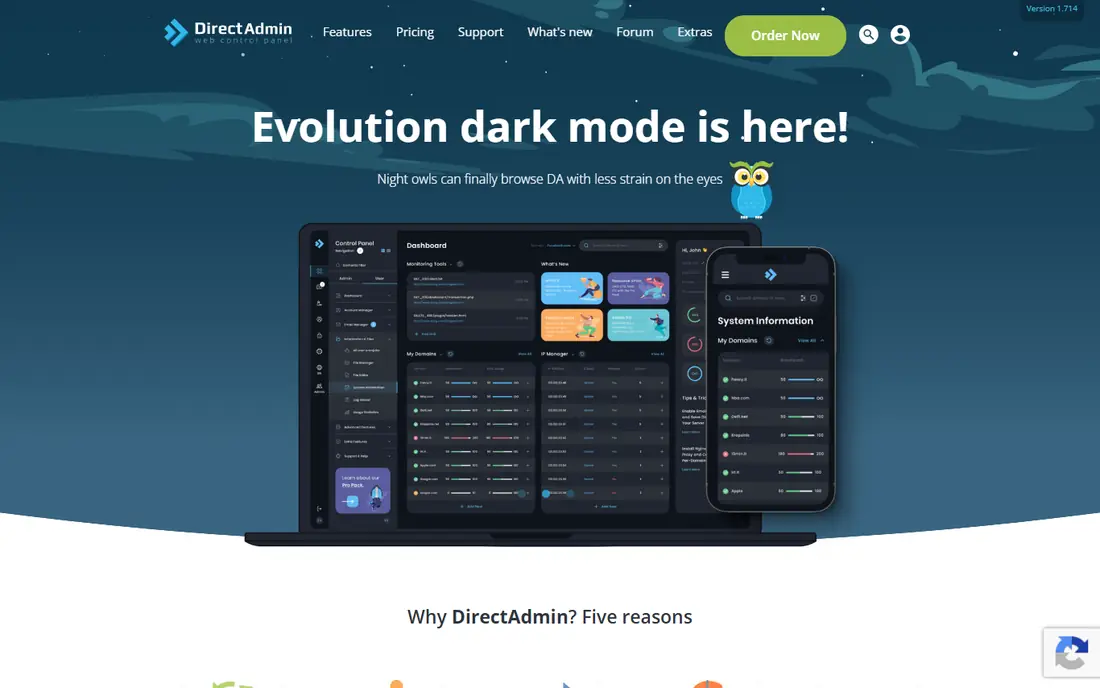
DirectAdmin is the closest like-for-like paid replacement for cPanel at a lower price. Its Personal Plus plan starts at $5 per month for a small number of accounts, and it handles the same core jobs: domains, email, databases, file management, and SSL. For small hosts and VPS owners, that price gap is the main reason to switch.
The interface is simpler and less polished than cPanel, and some users will miss specific cPanel integrations. If you can live with a plainer panel, DirectAdmin gives you a supported, commercial product without the higher cPanel bill.
- Low starting price
- Lightweight and fast
- Covers websites, email, databases, and DNS
- Plainer interface than cPanel or Plesk
- Fewer built-in integrations
- Higher tiers needed for unlimited accounts

CyberPanel suits WordPress hosts who care about speed. Its free version uses OpenLiteSpeed with LSCache, which can serve WordPress sites quickly without extra caching plugins. It also includes email, DNS, databases, and a WordPress manager for one-click installs and staging.
Paid plans add LiteSpeed Enterprise, higher resources, and extra tools such as an advanced backup system. For a single WordPress VPS, the free version is often enough. For a hosting business with many accounts, compare paid tiers carefully against DirectAdmin.
- Free core version with OpenLiteSpeed
- Built-in WordPress manager and caching
- One-click SSL and backups
- Paid tiers needed for LiteSpeed Enterprise
- Interface can feel busy
- Some advanced features are paid
CloudPanel is a free panel built for speed on cloud servers. It uses NGINX with PHP-FPM, Redis, and MariaDB, and it manages sites, databases, SSL, and users through a clean interface. Developers who run PHP, WordPress, Node.js, or Python apps on a VPS often prefer its lean approach.
The main gap is email. CloudPanel does not provide built-in email hosting, so you need a separate mail service if your sites need mailboxes. It also supports a limited set of Linux versions, so check compatibility before installing it on a new server.
- Free and open source
- Fast NGINX-based stack
- Simple interface for PHP, Node.js, and Python sites
- No built-in email hosting
- Limited to supported Linux versions
- Community support rather than commercial support
aaPanel is a good free starting point for beginners who want a modern panel without paying. It covers websites, databases, email, DNS, and SSL, and its app store makes it easy to add common software. The interface is visual and approachable for someone moving from shared hosting to a first VPS.
A paid Pro version adds extra features, so check which tools you need before assuming everything is free. For a personal server or a small project, the free version covers the essentials well.
- Free core panel with a modern interface
- One-click app installs
- Built-in firewall and monitoring tools
- Some useful features need the paid Pro version
- Documentation is thinner than Plesk
- Server resource use can grow
HestiaCP is a free, open-source panel that gives a single server a complete hosting stack: Apache with NGINX, mail with Exim and Dovecot, DNS, databases, and SSL. It is lightweight and straightforward, which suits personal servers, small hosts, and developers who want control without a monthly licence.
Support comes from the community rather than a vendor helpdesk, so you need some Linux comfort to troubleshoot. If you want a free panel with mail included, HestiaCP is a stronger choice than CloudPanel.
- Free and open source
- Full stack with web, mail, DNS, and databases
- Lightweight on a single server
- Community support only
- Fewer commercial integrations
- Interface is functional rather than polished
ISPConfig suits hosts and system admins who manage several servers or reseller accounts. It can control multiple servers from one panel, with separate logins for admins, resellers, and clients. That structure is useful for a small hosting business that has outgrown a single-server panel.
The interface looks dated next to Plesk or aaPanel, and initial setup needs attention to DNS and mail configuration. Once running, though, it is stable and capable, and the price is hard to argue with.
- Free and open source
- Multi-server and reseller support
- Full web, mail, and DNS management
- Interface is dated
- Setup takes more care
- Learning curve for new server admins
Virtualmin, built on Webmin, gives experienced Linux admins detailed control over servers, domains, mail, databases, and users. The free GPL version covers the core hosting job, while a Pro version adds extra installers and support. It is a strong choice when you want to manage a server at a low level rather than through a simplified panel.
Beginners may find the interface dense, since it exposes many settings that simpler panels hide. If you are comfortable with Linux and want total control, Virtualmin rewards that skill. If you want a guided setup, start with aaPanel or DirectAdmin instead.
- Free GPL version with deep control
- Built on Webmin
- Handles many domains and server tasks
- Interface is dense for beginners
- Best for admins comfortable with Linux
- Paid Pro adds some features
RunCloud is a managed panel for agencies and developers who run sites on their own cloud servers. It handles server setup, NGINX configuration, SSL, staging, Git deployment, and backups through a central dashboard. That workflow suits teams that deploy often and manage many client sites.
Like CloudPanel, it does not host email, so pair it with a separate mail provider. Pricing starts at $9 per month per server, so count your servers before comparing it with a flat panel licence. For deployment-heavy agencies, the time saved can justify the cost.
- Git deployment and staging tools
- NGINX with Redis caching
- Good for agencies managing many sites
- No built-in email hosting
- Per-server pricing adds up
- Needs a separate VPS
How we picked these
We compared official product pages, pricing pages, and documentation in October 2026. We included paid and free panels, Windows and Linux options, and panels with and without email hosting, so readers can match a panel to their server setup. Where pricing varies by licence tier or account count, we wrote See website rather than picking a single figure that might not apply to your server.
How to switch panels safely
Back up everything before you move, including website files, databases, email, DNS records, and SSL certificates. A panel switch is a server migration, not just a settings change, and a missing DNS record can take a site offline.
Next, test on a spare server or a staging VPS. Install the new panel, migrate one low-risk site, and check email delivery, SSL renewal, backups, and cron jobs. Only move production sites once that test site runs cleanly for a few days.
Finally, check client impact. If you host clients, confirm that login URLs, ports, and control panel features change, and tell clients what will look different. A panel that saves money but confuses clients can cost more in support time than it saves in licences.
Frequently asked questions
What are the best cpanel alternatives for a small host?
DirectAdmin is the closest paid replacement at $5 per month, while HestiaCP and CyberPanel are strong free options for self-managed servers. Plesk suits hosts that need Windows support or a strong WordPress Toolkit.
Are there free cpanel alternatives?
Yes. CyberPanel, CloudPanel, aaPanel, HestiaCP, ISPConfig, and Virtualmin all offer free versions that cover core hosting tasks. Free does not mean unsupported, but support is usually community-based rather than a vendor helpdesk.
Which cpanel alternative supports Windows hosting?
Plesk is the main panel in this list that runs on Windows as well as Linux, which matters for ASP.NET and MSSQL hosting. The other panels here are Linux-only, so check operating system support before you choose.
Can I migrate from cPanel to DirectAdmin or Plesk?
Yes, both offer migration tools and documentation for moving accounts, though results depend on your server setup. Always back up first, test on a staging server, and check email, DNS, and SSL after migration.
Do free panels include email hosting?
Most do, including CyberPanel, aaPanel, HestiaCP, ISPConfig, and Virtualmin. CloudPanel and RunCloud do not include built-in email hosting, so you will need a separate mail service with those panels.
Sources
See where you really rank - block by block
ProMapRanker scans Google Maps across a grid of your service area. Simple monthly plans from $19, white-label on every plan.
Start freeKeep reading
 wpforms alternatives
Best WPForms Alternatives in 2026
We compare 9 wpforms alternatives for WordPress forms, with free and paid options, current pricing notes, and honest limits for small business sites in 2026.
Read → windows task scheduler alternatives
Best Windows Task Scheduler Alternatives in 2026
Looking for Windows Task Scheduler alternatives? We compare 9 schedulers for Windows and cross-platform work, from free tools to enterprise automation.
Read → which ai video service is best
Which AI Video Service Is Best in 2026
which ai video service is best? We compare 10 legitimate AI video services on price, avatars, editing and output quality to help you pick the right tool.
Read →