 ProMapRanker
Best Conversation Intelligence Software in 2026

Key takeaways
- Gong and Chorus by ZoomInfo lead on deal insight, but both are quote priced and built for larger revenue teams.
- Fireflies.ai, Avoma, and Fathom cover recording, transcription, and basic coaching at far lower entry prices.
- The best conversation intelligence platform depends on your CRM, your call volume, and how much coaching your managers will actually do.
- Consent and recording notices matter on every call, so check your local rules before you turn on automatic recording.
Quick comparison
| Pick | Great for | Pricing starts at | Free tier | |
|---|---|---|---|---|
 Gong | Large revenue teams | See website | No | Visit |
 Chorus by ZoomInfo | ZoomInfo customers | See website | No | Visit |
 Fireflies.ai | Budget searchable transcripts | $10 per month | Yes | Visit |
 Avoma | Small and mid-market sales teams | $19 per month | Free trial | Visit |
 Fathom | Small teams wanting a free start | Free | Yes | Visit |
 Otter.ai | Live transcripts during meetings | $8.33 per month | Yes | Visit |
 tl;dv | Short clips and coaching moments | $18 per month | Yes | Visit |
 Claap | Fast setup and CRM field updates | $32 per month | Yes | Visit |
The best conversation intelligence software
These tools record sales calls, turn them into searchable transcripts, and surface patterns that managers can coach on. We compared them on recording coverage, analysis depth, CRM links, and published pricing.
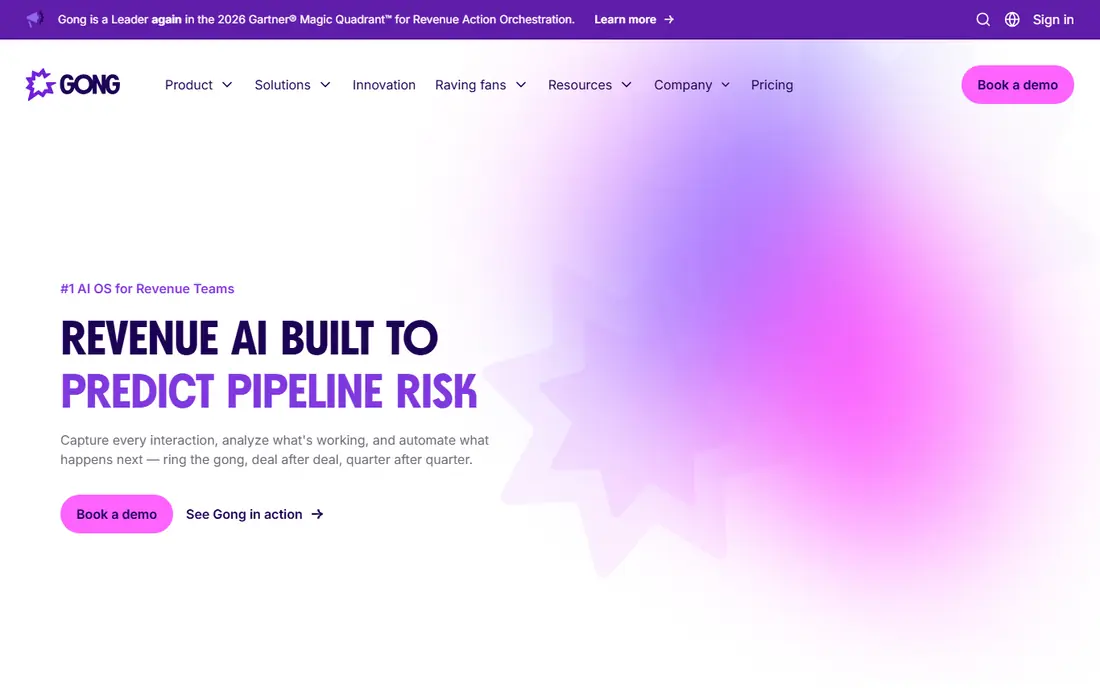
Gong is the best-known name in this category, and for a larger revenue team that depth is the point. It captures calls, emails, and meetings, then links what was said to pipeline movement, deal risk, and forecast changes. Managers get coaching views that show talk patterns, objections, and next steps without listening to every call.
The catch is cost and effort. Pricing is quoted, and a platform fee sits on top of per-user licences, so small teams often pay for power they never use. It also needs a clear owner for CRM setup and coaching habits, or the reports sit unread. Our pick for most people is not Gong, unless the team is large enough to run it properly.
- Deep deal and forecast analysis
- Strong coaching tools
- Wide CRM and meeting integrations
- Quote-only pricing
- Heavy setup for small teams
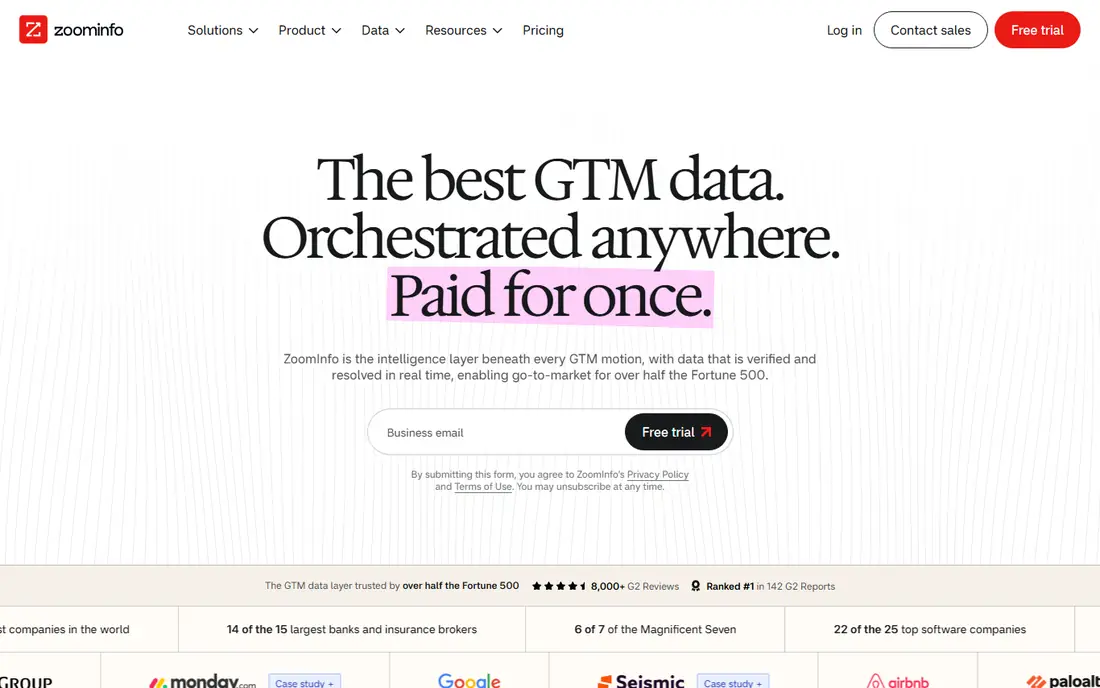
Chorus records and analyses calls and meetings, and it makes most sense inside a ZoomInfo stack. When contact data, intent signals, and call insight live in one place, reps spend less time switching tools and managers see the account story in one view. Its search and deal views are built for revenue leaders who review many calls each week.
As a standalone buy, the case is thinner. Pricing is quoted through ZoomInfo, and teams that do not already use ZoomInfo may find a simpler tool cheaper and faster to adopt. Choose Chorus when ZoomInfo is already central to your sales motion, not just because the name is familiar.
- Tight fit with ZoomInfo data
- Deal and relationship views
- Strong call search
- Quote-only pricing
- Weaker value as a standalone purchase
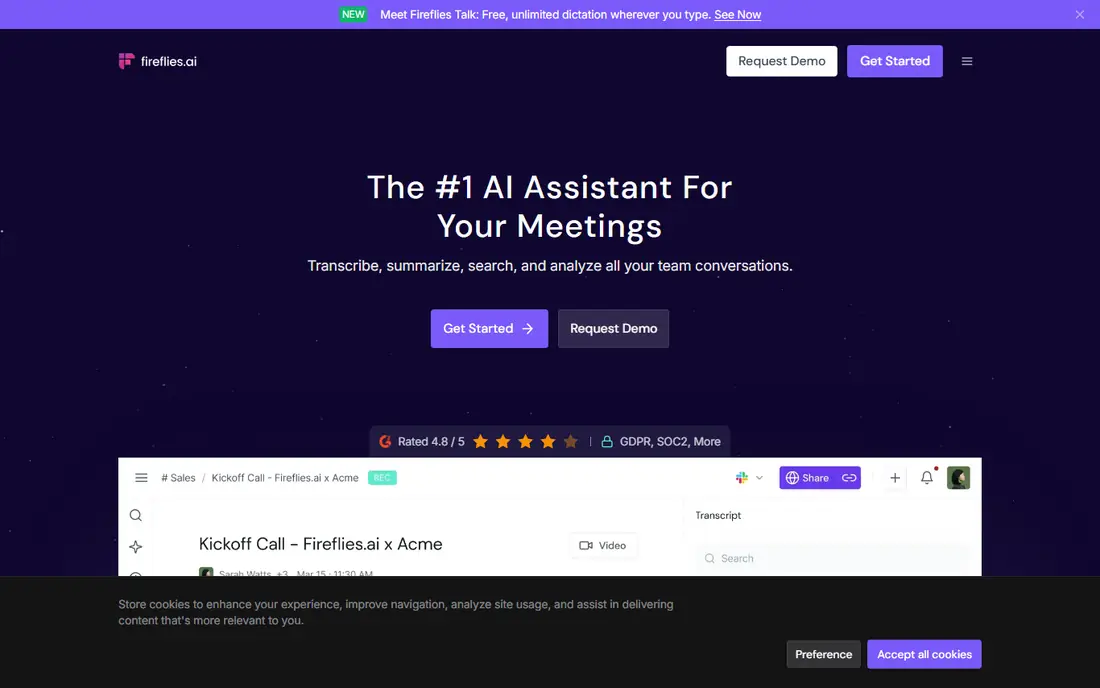
Fireflies.ai is the budget pick that still feels like a real tool rather than a demo. It joins meetings, transcribes them, and builds a searchable library so anyone can find a pricing objection or a competitor mention in seconds. Summaries and action items help managers follow up without replaying a full call.
The trade is depth. It will not give you the same deal scoring or forecast analysis as the enterprise tools, and some integrations sit behind paid plans. For teams under about twenty reps, that trade is usually worth it. You get the core habit, which is recording and reviewing calls, at a price that does not need a finance meeting.
- Low entry price
- Free plan with transcription
- Many integrations
- Coaching depth is thinner than Gong
- CRM links are limited on the free plan
Avoma suits teams that want more than a transcript but less than an enterprise platform. It records meetings, writes structured notes, and adds coaching and deal views as you move up the plans. Scheduling and agenda tools sit in the same product, which keeps the meeting workflow tidy.
Read the plan details before you buy, because the headline price covers recording seats, while deeper intelligence features can be add-ons. That modular design is useful if only managers need the full analysis, but it can surprise a buyer who assumed every seat included everything. Start with the core plan, then add intelligence seats for managers and team leads.
- Meeting notes, scheduling, and coaching in one place
- Clear published entry price
- Full conversation intelligence sits in add-ons
- Annual billing lowers the headline price
Fathom is the easiest place to start, because the free plan covers unlimited recordings and transcripts for individuals and small teams. It joins calls, writes summaries, and lets you share short clips instead of asking a colleague to watch a whole meeting. Setup takes minutes, which matters when adoption is the main risk.
The limits appear as you scale. Deeper CRM sync and team controls sit on paid plans, and some paid tiers carry a minimum seat count. Still, for a small team that wants to test whether call review changes behaviour, Fathom removes the price barrier. If the habit sticks, the paid upgrade is a small step.
- Free plan with unlimited recordings and transcripts
- Quick setup
- Clean summaries
- Full CRM sync needs a paid plan
- Minimum seats on some paid tiers
Otter.ai is best known for live transcription, and that live view changes how meetings feel. Participants can follow along, search back, and catch a point they missed without waiting for a post-call summary. It also works well for interviews and internal meetings, not just sales calls.
It is not a full revenue platform. Deal scoring and forecast views are thin compared with Gong or Chorus, and the free plan caps monthly minutes and conversation length. Pick Otter.ai when the main need is accurate, searchable transcripts that people can use during and right after the call.
- Live transcript on screen
- Searchable conversations
- Low annual entry price
- Free plan caps minutes and conversation length
- Meeting focus, not deep deal scoring
tl;dv, written as tldv, is built around moments rather than whole calls. A manager can clip a strong discovery question or a fumbled objection and share that minute with the team, which makes coaching faster than assigning a full recording. Timestamps and summaries keep the library usable as it grows.
The free plan is useful for trying the workflow, but team-wide CRM workflows and deeper features sit on paid plans. It also has a smaller integration range than Gong or Fireflies.ai. Choose tl;dv when coaching by example is the goal and your team already lives in video meetings.
- Clip sharing for coaching
- Timestamped moments
- Simple team library
- Paid plan needed for fuller workflows
- Smaller integration range than the leaders
Claap aims at sales teams that want CRM fields filled and AI notes on calls without a long implementation. Its video-first approach suits teams that review calls as clips and comments, and the published pricing makes budgeting simple. A free plan lets a small team test it before committing.
The honest limit is scale. It does not yet match Gong on forecasting depth or on the range of enterprise controls, and very large teams should test its Salesforce or HubSpot sync carefully. For teams of five to one hundred reps, though, Claap is a strong middle option between a basic notetaker and an enterprise platform.
- Published pricing
- Fills CRM fields after calls
- Video-first workflow
- Less enterprise depth than Gong
- Smaller track record at very large scale
How we picked these
We compared official feature pages, pricing pages, and public documentation for tools that record, transcribe, and analyse sales conversations in October 2026. We kept tools that are live today, that cover meetings and calls rather than only dictation, and that show a clear fit for sales coaching, deal review, or CRM updates. Where a vendor does not publish a price, we wrote See website rather than repeating a third-party estimate as fact.
What to check before you buy
Start with consent, because recording rules differ by state and country, and some require all parties to agree. Pick a tool that announces recording, offers a decline option for guests, and lets you control retention. Then check your meeting stack, since a tool that misses your phone calls or your dialler will leave gaps in the record.
Next, match the analysis to the coaching you will actually do. A small team needs searchable transcripts, summaries, and clip sharing more than forecast models. A larger team needs deal scoring, CRM hygiene, and manager dashboards, and should budget time for setup and training. Finally, count the full cost, including add-ons, CRM seats, and minimum commitments, and trial the tool on real calls before you sign an annual deal.
Frequently asked questions
What is conversation intelligence software?
It records sales calls and meetings, transcribes them, and analyses patterns such as objections, competitor mentions, talk time, and next steps. Managers use those patterns to coach reps and to spot deals at risk, instead of relying only on CRM notes written after the call.
Which conversation intelligence tool is best for a small sales team?
Fireflies.ai, Fathom, and Avoma are strong starting points because they offer free plans or low entry prices and quick setup. A small team should start with searchable transcripts and summaries, then move to deeper deal analysis only when managers are reviewing calls every week.
Do I need consent to record sales calls?
Yes, in many places you need to tell participants and, in some states and countries, get agreement from all parties before recording. Use the tool's recording notice, check the rules where your callers are located, and set a retention policy so recordings are not kept longer than needed.
Is Gong worth the price?
For a large revenue team with a RevOps owner and regular coaching, Gong's deal and forecast depth can justify a quoted enterprise price. For a team under twenty reps, a lower-cost tool usually covers the same core habit of recording, transcribing, and reviewing calls for far less money.
Can conversation intelligence replace CRM notes?
No, it should improve them rather than replace them. The best tools push summaries and key fields into the CRM, but reps still need to confirm next steps, owners, and dates. Treat the transcript as evidence, and treat the CRM record as the agreed plan.
Sources
See where you really rank - block by block
ProMapRanker scans Google Maps across a grid of your service area. Simple monthly plans from $19, white-label on every plan.
Start freeKeep reading
 free alternatives to grok imagine
Free Alternatives to Grok Imagine in 2026
We compared the best free alternatives to grok imagine for image generation, from fast daily credits to design tools, so you can create without paying.
Read → best tools for instagram content creation
Best Tools for Instagram Content Creation in 2026
Compare the best tools for Instagram content creation, from Canva and CapCut to Later and Buffer, on design, video, planning, scheduling, and price in 2026.
Read → best tool to split pdf files
Best Tool to Split PDF Files in 2026
We compared the best tool to split pdf files on split modes, file limits, privacy and price, so you can split a PDF cleanly and keep every page in one go.
Read →