 ProMapRanker
Best Contractor Management Software in 2026

Key takeaways
- Jobber is our pick for most small service contractors because it covers quoting, scheduling, invoicing and payments in a clear, easy system.
- Housecall Pro is best for home-service teams that want online booking, dispatch and review tools in one place.
- Buildertrend suits residential builders and remodelers who need project, budget and client communication tools.
- Procore is built for larger commercial projects, with deeper project controls and a higher, quote-based price.
- The right tool depends on job type. Service visits and construction projects need different workflows, so match the tool to your work.
Quick comparison
| Pick | Great for | Pricing starts at | Free tier | |
|---|---|---|---|---|
 Jobber Jobber | Small service contractors | See website | Free trial | Visit |
 Housecall Pro Housecall Pro | Home-service teams | See website | Free trial | Visit |
 Buildertrend Buildertrend | Residential builders and remodelers | See website | No | Visit |
 Procore Procore | Large commercial projects | See website | No | Visit |
 Fieldwire Fieldwire | Field teams and job site coordination | See website | Free trial | Visit |
 ServiceTitan ServiceTitan | Large service operations | See website | No | Visit |
 JobNimbus JobNimbus | Roofing and exterior contractors | See website | Free trial | Visit |
 Contractor Foreman Contractor Foreman | Budget-conscious general contractors | See website | Free trial | Visit |
 Buildxact Buildxact | Small builders and remodelers | See website | Free trial | Visit |
The best contractor management software
Contractor software is not one product. A plumbing crew needs dispatch and invoicing. A remodeler needs budgets, selections and client updates. A large general contractor needs drawings, submittals and field coordination. These nine tools cover that range, so start from your job type rather than the longest feature list.
Jobber is the most approachable all-round system for small service businesses, from lawn care and cleaning to plumbing and electrical work. You can turn a quote into a job, schedule a crew, send an invoice and take payment without juggling separate apps. Online booking and automated reminders also cut down on phone tag, which matters for a one-person office.
The limit is project depth. Jobber handles service jobs well, but a multi-month remodel with budgets, change orders and selections will need a construction-focused tool. Add-ons for marketing and other features can also raise the monthly total. For service contractors, though, Jobber is a strong, low-friction starting point.
- Clear quoting, scheduling and invoicing
- Online booking and payments
- Easy to learn for small crews
- Add-ons raise the total cost
- Deeper construction project tools are limited
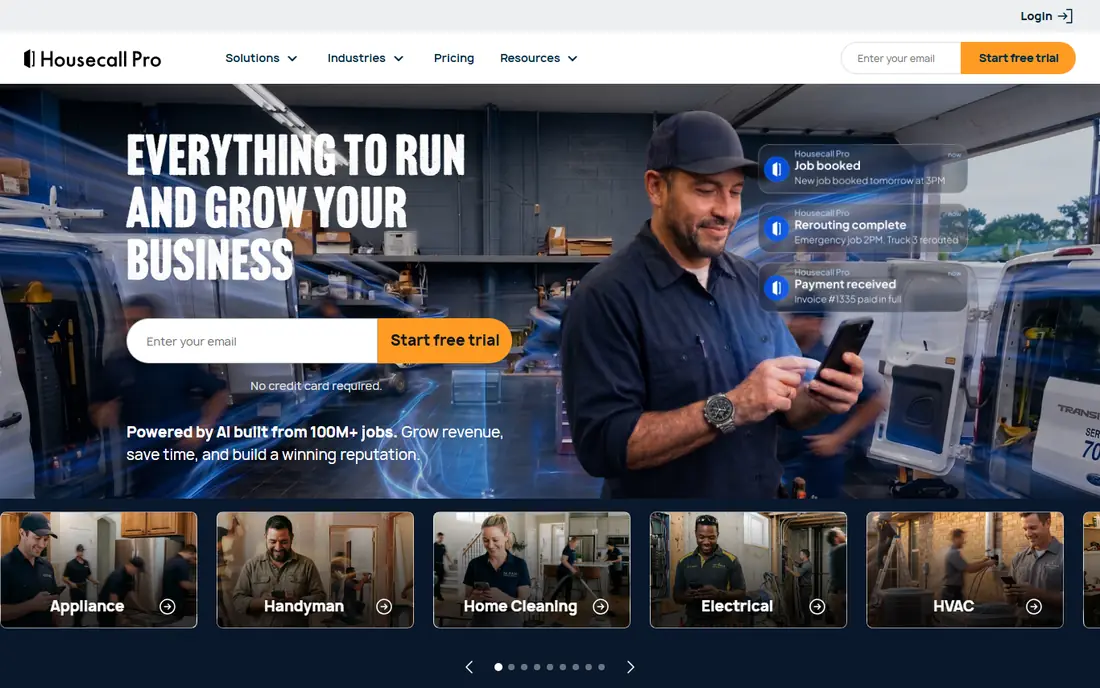
Housecall Pro is built for home-service companies that live on bookings and repeat visits. It combines online booking, scheduling and dispatch with quotes, invoices, payments and review requests, so a small office can run most of the business from one dashboard. The mobile app gives techs job details, photos and payment tools in the field.
Pricing scales with team size and plan, so a growing crew should check user limits and higher-tier features before committing. Some advanced tools sit on upper plans. For a home-service team that wants booking and marketing beside core job management, Housecall Pro is one of the strongest options.
- Online booking and dispatch
- Quotes, invoices and payments
- Built-in review and marketing tools
- Higher tiers needed for larger teams
- Per-user and plan limits need checking
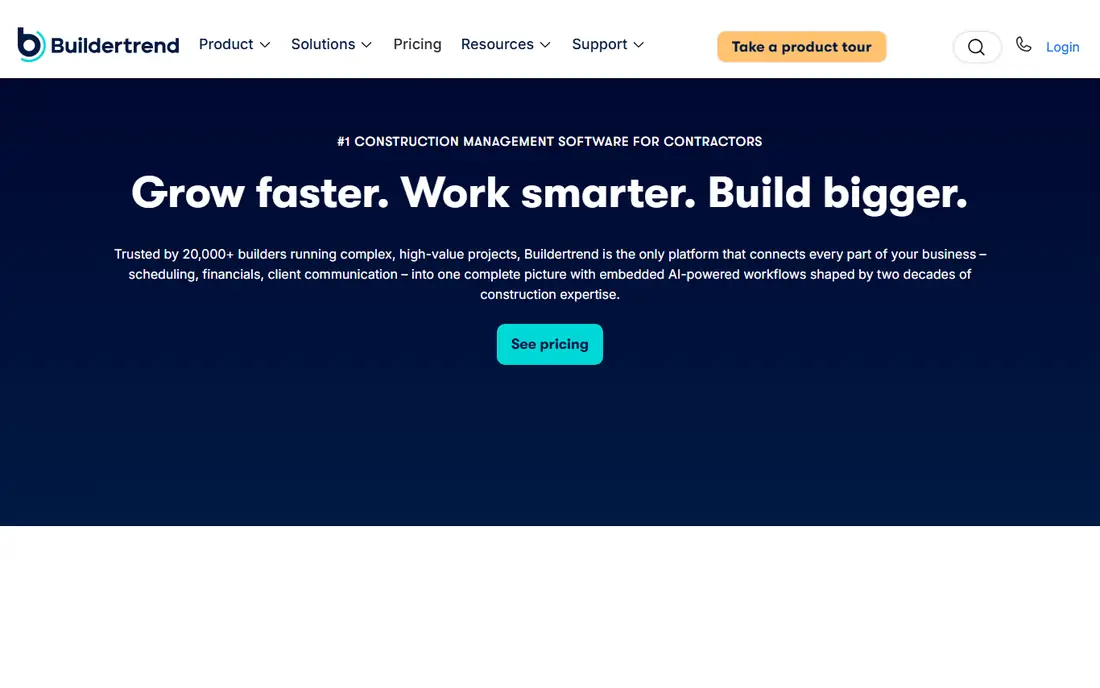
Buildertrend is designed for residential construction, not quick service visits. It handles project schedules, budgets, change orders, selections and client communication in one system, so a builder can keep homeowners informed without a chain of emails and texts. The client portal is a real selling point for remodelers, since clients can approve selections and see progress.
Pricing is quote-based, so you need a demo and a conversation to get a firm number. The system also takes time to set up well, especially for a small builder moving from spreadsheets. For residential projects with real budgets and timelines, that setup effort pays off.
- Project scheduling, budgets and change orders
- Client portal and selections
- Good for remodelers
- Quote-based pricing
- Learning curve for small teams
- More than a service crew needs
Procore is the enterprise choice on this list. It covers project management, drawings, RFIs, submittals, daily logs and field coordination for large commercial and multi-trade projects. For a general contractor running several large jobs with many subcontractors, that depth and control matter more than a low monthly price.
Small firms will find Procore heavy and expensive. Pricing is quote-based and tied to project volume and firm size, and implementation needs training and process changes. If your projects are large, complex and multi-party, Procore is worth a serious look. If you run a small crew, a simpler tool will serve you better.
- Deep project management, drawings and field tools
- Strong for large teams and subcontractors
- Broad integrations
- Quote-based and expensive for small firms
- Setup and training take real time
Fieldwire focuses on the job site itself. Foremen and crews can view plans, track tasks, build punch lists and share photos from a phone or tablet, even with patchy connectivity. That field-first design makes it useful for construction teams that struggle with paper checklists and scattered messages.
It is not a full back-office system. Invoicing, quoting and payments are lighter than in service-focused tools, so many firms pair Fieldwire with accounting or estimating software. For field coordination on construction projects, though, it is one of the clearest tools available.
- Task management and plan viewing for field teams
- Good punch lists and checklists
- Mobile-first for job sites
- Less full back-office billing than Jobber or Housecall Pro
- Higher tiers for larger projects
ServiceTitan is built for larger residential service companies, especially in HVAC, plumbing and electrical work. It combines dispatch, scheduling, estimates, invoicing, payments, marketing and detailed reporting in one system, with tools for call booking and technician performance. For a multi-truck operation, that depth can replace several separate apps.
The price and setup reflect that scale. Pricing is quote-based and per technician, and a solo operator will likely find it too much. Implementation also takes planning. For a growing service firm with several crews and a real office team, ServiceTitan is a leading candidate.
- Deep dispatch, marketing and reporting for trades
- Strong for HVAC, plumbing and electrical firms
- Good mobile tools
- Quote-based pricing
- Overkill and costly for solo operators
- Setup takes time
JobNimbus suits roofing and exterior contractors who need a CRM and job tracker built around their workflow. You can track leads, jobs, photos, documents and payments, and follow a roofing job from estimate to completion without losing details in email. Its board and calendar views make it easy to see where every job stands.
It is less of a full construction budget system than Buildertrend, so firms that need deep cost tracking may need another tool beside it. For roofing, siding and exterior work, though, JobNimbus hits a useful balance between a generic CRM and a heavy construction platform.
- Strong for roofing workflows
- Job tracking and CRM in one place
- Good photo and document handling
- Pricing is quote-based for some plans
- Construction budgeting tools are lighter than Buildertrend
Contractor Foreman is a good value pick for small general contractors who need more than a service app but cannot justify enterprise pricing. It covers estimates, scheduling, project tracking, documents, daily logs and a client portal, with field tools for crews. That breadth at a lower entry price makes it attractive for firms moving from spreadsheets.
The interface packs a lot in, so setup and training take some patience. Some advanced features also sit on higher plans, so check the tier that matches your project size. For a budget-conscious GC, Contractor Foreman offers a lot of system for the price.
- Broad project and field tools at a lower entry price
- Scheduling, estimates and client portal
- Good for small GCs
- Interface can feel busy
- Some advanced features need higher plans
Buildxact is made for small builders and remodelers who need to estimate accurately and manage jobs without a complex platform. Its takeoff and estimating tools help turn plans into quotes, and job management covers scheduling, costs and client updates. The learning curve is gentler than enterprise construction software.
Large commercial firms will outgrow it, and its integration range is narrower than Procore or Buildertrend. For a small residential builder who wants better estimates and clearer job tracking, Buildxact is a practical, focused choice.
- Simple estimating and job management for small builders
- Takeoff and quote tools
- Easy client communication
- Less suited to large commercial projects
- Integrations are narrower than Procore
How we picked these
We compared official feature pages, pricing pages and plan descriptions for contractor tools still available in October 2026, favoring tools with clear scheduling, estimating, job tracking or field coordination for real contractor work. We included service tools, residential construction tools and one enterprise platform, since those jobs need different systems. Prices for several tools are quote-based, so we used See website where a firm public price was not clear, and we recommend a demo with your real job workflow before you buy.
How to choose the best contractor management software for your firm
Start with job type. Service crews should prioritize dispatch, online booking, invoicing and payments. Residential builders should prioritize budgets, change orders, selections and client portals. Large GCs should prioritize drawings, RFIs, field coordination and subcontractor tools. A tool that is excellent for one job type can be a poor fit for another.
Trial with a real job
Run the trial on a real job, not a demo project. Create a quote, schedule the crew, log field notes, send an invoice and take a payment. That workflow test reveals missing features faster than any feature list. Also check the mobile app on the phones your crew actually uses, since field adoption decides whether the system gets used at all.
Accounting, payments and integrations
Check how the tool connects to your accounting software, since double entry wastes time and creates errors. Ask about payment processing fees, since card fees on large invoices add up. Also check integrations for estimating, CRM and marketing tools you already use, and confirm data export options so you are not locked in.
Cost per crew, not just per month
Compare total cost, not just the headline plan price. Count seats, add-ons, payment fees and training time. A cheaper tool that your crew ignores costs more than a pricier tool they use daily. A tool that replaces two or three separate apps can also be cheaper overall, even if its monthly price looks higher.
Frequently asked questions
What is the best software for contractors?
Jobber is best for most small service contractors, Housecall Pro is best for home-service teams, Buildertrend is best for residential builders, and Procore is best for large commercial projects. The right pick depends on whether you do service visits, remodels or large construction work.
What is the best construction software for general contractors?
For small general contractors, Contractor Foreman and Buildxact offer good value with project, estimating and field tools. For larger firms, Buildertrend suits residential work and Procore suits commercial work. Match the tool to project size and complexity.
What is the best software for small construction business?
Jobber suits small service firms, Buildxact suits small builders, and Contractor Foreman suits small general contractors on a budget. All three are easier to set up than enterprise platforms, and all offer trials to test with a real job.
What is the best construction management software for small business?
Buildertrend and Buildxact are strong for small residential firms, while Jobber and Housecall Pro suit small service firms. Choose based on job type: service visits need dispatch and invoicing, while remodels need budgets, change orders and client portals.
What is the best contractor app for field crews?
Fieldwire is best for field coordination, punch lists and plan viewing on job sites. Jobber and Housecall Pro also offer strong mobile apps for service techs, with job details, photos and payments in the field. Test the app on your crew phones during the trial.
Do I need separate accounting software with contractor software?
Often yes, for full bookkeeping, tax and payroll work. Most contractor tools integrate with accounting software such as QuickBooks, but they do not replace an accountant. Check the integration before you buy, and confirm how invoices, payments and costs sync.
Sources
See where you really rank - block by block
ProMapRanker scans Google Maps across a grid of your service area. Simple monthly plans from $19, white-label on every plan.
Start freeKeep reading
 free kahoot alternatives
Free Kahoot Alternatives in 2026
We compared free Kahoot alternatives for classrooms, training and large groups, checking free plans, player limits and game modes to help you pick a tool.
Read → best website build apps
Best Website Build Apps in 2026
Compare the best website build apps in 2026 for service businesses, stores, and portfolios, from Wix and Squarespace to Webflow today, with full pricing.
Read → best tools for content creation and social media management
Best Tools for Content Creation and Social Media Management in 2026
We compared the best tools for content creation and social media management, checking scheduling, design, video and pricing for creators and small teams.
Read →