 ProMapRanker
Best Content Curation Tools in 2026

Key takeaways
- Feedly is our pick for most readers who want a tidy daily feed from many sources.
- Scoop.it suits teams that publish topic pages and want a clear editorial home for curated links.
- Pocket and Flipboard are the simplest options for saving and revisiting good articles later.
- UpContent and DrumUp are better when the goal is a steady stream of shareable posts, not just reading.
Quick comparison
| Pick | Great for | Pricing starts at | Free tier | |
|---|---|---|---|---|
 Feedly | Daily reading from many sources | $6 per month | Yes | Visit |
 Scoop.it | Publishing curated topic pages | See website | Free trial | Visit |
 Pocket | Saving articles to read later | See website | Yes | Visit |
 Flipboard | Browsing curated magazines | Free | Yes | Visit |
 Wakelet | Collecting links into shareable collections | See website | Yes | Visit |
 Elink | Turning links into newsletters and pages | See website | Free trial | Visit |
 UpContent | Finding shareable articles for social posts | $15 per month | Yes | Visit |
 DrumUp | Keeping social feeds active with curated posts | See website | Yes | Visit |
 Quuu | Adding curated posts to a social queue | See website | No | Visit |
The best content curation tools
Curation works best when discovery, selection, and sharing stay in one place. The tools below cover different parts of that job, from reading feeds to publishing a polished newsletter or social queue. We compared official feature pages, pricing pages, and app listings, and we kept only tools that are live and useful for finding and sharing other publishers' content with credit and links.
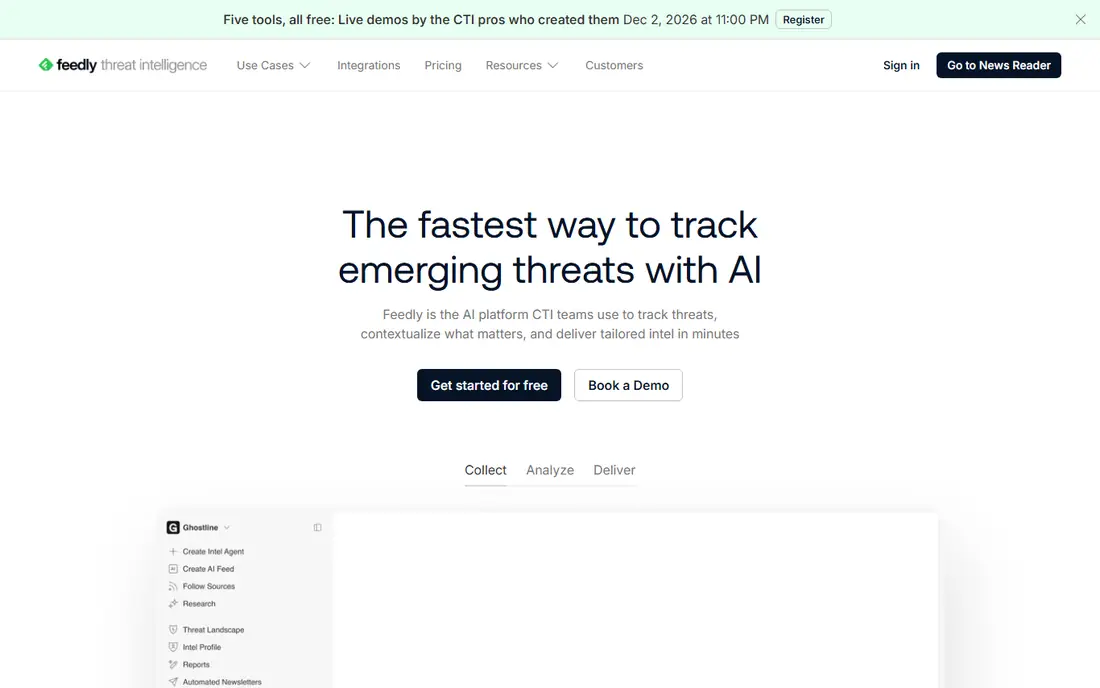
People who read a lot of industry news every day. Its broad source coverage and clean reading view stands out in our comparison, and it is the reason this tool earns a place here. In practice, that strength matters most when you use the tool every week, not just during a trial, because habits and limits only become clear with regular use. A short trial on a real project tells you more than a feature list, so run one task end to end before you commit.
The honest catch is the free plan can feel tight once you follow more than a handful of sites. That trade-off does not rule the tool out, but it should shape your trial: test the exact workflow you will rely on, check the limits on your likely plan, and confirm that support and reporting match how your team actually works. If that check passes, this is a solid choice for its stated audience.
- Follows RSS, newsletters, and keyword topics in one feed
- Leo AI features on paid plans help prioritise and summarise
- Boards make saved research easy to share
- Free plan limits sources and folders
- The most useful AI features sit on higher paid tiers
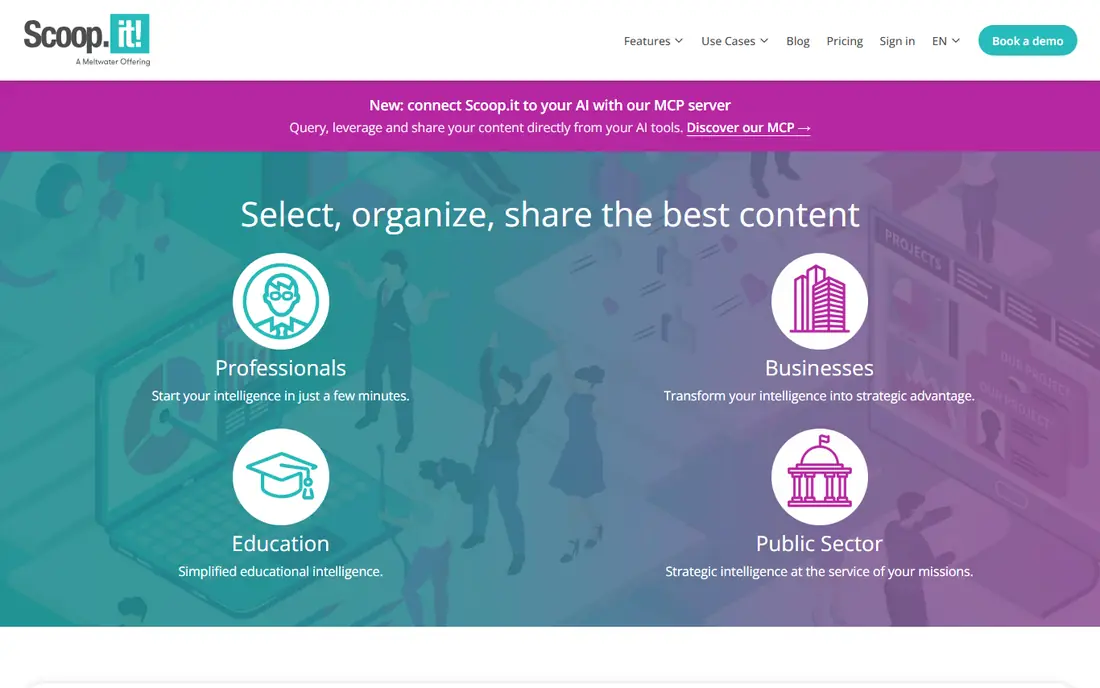
Marketing teams that want a branded home for curated content. Its topic-page format, which reads like a magazine rather than a link dump stands out in our comparison, and it is the reason this tool earns a place here. In practice, that strength matters most when you use the tool every week, not just during a trial, because habits and limits only become clear with regular use. Compare it side by side with one rival on the same task, and the differences in fit usually become clear quickly.
The honest catch is the price, which makes it hard to justify for occasional use. That trade-off does not rule the tool out, but it should shape your trial: test the exact workflow you will rely on, check the limits on your likely plan, and confirm that support and reporting match how your team actually works. If that check passes, this is a solid choice for its stated audience.
- Topic pages give curated links a clear public home
- Suggested content helps editors find relevant articles
- Sharing to websites, newsletters, and social channels is built in
- Pricing is aimed at businesses, so it is costly for a solo creator
- The free starting point is limited for regular publishing
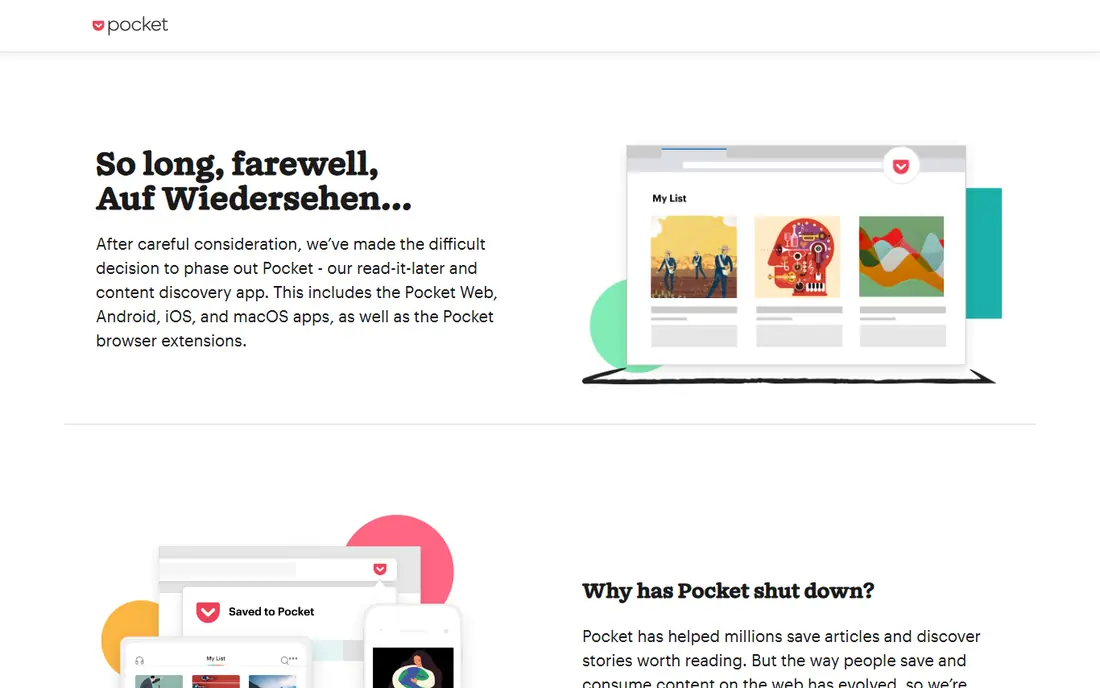
Readers who save far more than they can read in one sitting. Its simple save-and-read flow, which works across phones and desktops stands out in our comparison, and it is the reason this tool earns a place here. In practice, that strength matters most when you use the tool every week, not just during a trial, because habits and limits only become clear with regular use. Start with the free tier or trial where one exists, and judge the tool on a real task from your own work.
The honest catch is the lack of a strong built-in discovery feed for new sources. That trade-off does not rule the tool out, but it should shape your trial: test the exact workflow you will rely on, check the limits on your likely plan, and confirm that support and reporting match how your team actually works. If that check passes, this is a solid choice for its stated audience.
- One-tap saving from browsers and apps keeps reading for later
- The reading view strips clutter
- Tags and search help you find saved pieces again
- It is a saving tool first, not a discovery or publishing tool
- Sharing and team features are more limited than dedicated curation platforms
Casual readers who like browsing by topic. Its magazine layout, which makes skimming enjoyable stands out in our comparison, and it is the reason this tool earns a place here. In practice, that strength matters most when you use the tool every week, not just during a trial, because habits and limits only become clear with regular use. A short trial on a real project tells you more than a feature list, so run one task end to end before you commit.
The honest catch is the limited workflow for teams that need approval or scheduling. That trade-off does not rule the tool out, but it should shape your trial: test the exact workflow you will rely on, check the limits on your likely plan, and confirm that support and reporting match how your team actually works. If that check passes, this is a solid choice for its stated audience.
- Magazines turn followed topics into a visual, browsable feed
- Following publishers and topics is quick
- It is easy to flip through on a phone
- It is better for browsing than for structured team publishing
- Control over exact sources is less precise than an RSS reader
Teachers, event organisers, and teams sharing resource lists. Its flexible collections, which suit mixed media better than a plain link list stands out in our comparison, and it is the reason this tool earns a place here. In practice, that strength matters most when you use the tool every week, not just during a trial, because habits and limits only become clear with regular use. Compare it side by side with one rival on the same task, and the differences in fit usually become clear quickly.
The honest catch is the manual work needed to keep a growing collection organised. That trade-off does not rule the tool out, but it should shape your trial: test the exact workflow you will rely on, check the limits on your likely plan, and confirm that support and reporting match how your team actually works. If that check passes, this is a solid choice for its stated audience.
- Collections mix links, videos, images, and notes in one page
- Sharing a collection link is simple
- It works well for classrooms, events, and resource lists
- It is a collection tool, not an automated discovery engine
- Large collections need manual tidying to stay useful
Small teams sending a regular curated newsletter. Its fast route from a set of links to a presentable newsletter stands out in our comparison, and it is the reason this tool earns a place here. In practice, that strength matters most when you use the tool every week, not just during a trial, because habits and limits only become clear with regular use. Start with the free tier or trial where one exists, and judge the tool on a real task from your own work.
The honest catch is the limits on the lower tiers for high-volume senders. That trade-off does not rule the tool out, but it should shape your trial: test the exact workflow you will rely on, check the limits on your likely plan, and confirm that support and reporting match how your team actually works. If that check passes, this is a solid choice for its stated audience.
- Link collections become newsletters, web pages, or embeds with little design work
- Templates keep the result tidy
- It suits regular roundups
- The free tier is limited for frequent publishing
- Custom design options are narrower than a full email platform
Social teams that need a daily supply of relevant articles. Its discovery filters, which cut the time spent hunting for posts stands out in our comparison, and it is the reason this tool earns a place here. In practice, that strength matters most when you use the tool every week, not just during a trial, because habits and limits only become clear with regular use. A short trial on a real project tells you more than a feature list, so run one task end to end before you commit.
The honest catch is the thinner results in very narrow topics. That trade-off does not rule the tool out, but it should shape your trial: test the exact workflow you will rely on, check the limits on your likely plan, and confirm that support and reporting match how your team actually works. If that check passes, this is a solid choice for its stated audience.
- Discovery filters help teams find articles worth sharing
- Integrations support sharing to social tools
- It is built for a steady posting rhythm
- It focuses on discovery and sharing, so it does not replace a full social scheduler
- Niche topics may return fewer fresh results
Small businesses that struggle to post often enough. Its steady suggestions, which help a quiet feed stay active stands out in our comparison, and it is the reason this tool earns a place here. In practice, that strength matters most when you use the tool every week, not just during a trial, because habits and limits only become clear with regular use. Compare it side by side with one rival on the same task, and the differences in fit usually become clear quickly.
The honest catch is the need to review suggestions before they go out. That trade-off does not rule the tool out, but it should shape your trial: test the exact workflow you will rely on, check the limits on your likely plan, and confirm that support and reporting match how your team actually works. If that check passes, this is a solid choice for its stated audience.
- Content suggestions help fill gaps in a posting schedule
- Scheduling support keeps feeds active
- It suits small teams with limited time
- Depth of editorial control is less than a dedicated curation suite
- Results depend on how well you set up keywords and sources
Marketers who already use a social scheduler. Its curated suggestions, which add variety without daily searching stands out in our comparison, and it is the reason this tool earns a place here. In practice, that strength matters most when you use the tool every week, not just during a trial, because habits and limits only become clear with regular use. Start with the free tier or trial where one exists, and judge the tool on a real task from your own work.
The honest catch is the per-profile cost for teams managing many accounts. That trade-off does not rule the tool out, but it should shape your trial: test the exact workflow you will rely on, check the limits on your likely plan, and confirm that support and reporting match how your team actually works. If that check passes, this is a solid choice for its stated audience.
- Hand-picked suggestions can add variety to a social queue
- Category choices keep suggestions broadly on topic
- It pairs with scheduling tools
- It is an add-on to a scheduler, not a standalone curation workspace
- Pricing is per profile, so costs rise with more accounts
How we picked these
We compared official feature pages, pricing pages, and app store listings for each product, and we checked that each product is live and fits the topic. We gave weight to current pricing, free tiers, and the fit for a stated audience, rather than to marketing claims alone. Where a price was not published on the vendor's own page, we wrote See website instead of guessing a figure.
How to choose a curation tool for your workflow
Start by naming the job in one sentence. If you cannot state what the tool must do in a normal week, you will compare features instead of outcomes, and the cheapest or best-known option will win by default. Write down the task, the people who will use it, and the result you need, then judge every shortlisted tool against that list.
Next, run a trial on a real task, not a demo task. Import or create the kind of work you handle every day, invite the people who will actually use it, and check reporting, exports, and support. Pay attention to plan limits, because a tool that works in a trial can still fail when volume rises or when a second team joins.
Finally, check total cost and exit options before you commit. Look at per-user or per-asset pricing, annual minimums, and add-ons, and confirm how you export your data if you leave. A tool with a clear price, a usable free tier or trial, and honest limits is usually a safer buy than a cheaper tool with hidden constraints.
Frequently asked questions
What is the best content curation tool?
Feedly is the best starting point for most people because it covers discovery and reading well. Scoop.it is better if you need public topic pages, and UpContent is better if social sharing is the main job.
What is the best content curation software for a team?
Scoop.it and Elink suit teams that publish together, because both give curated links a shared, presentable home. Feedly team plans also work when the main job is shared reading and research.
Can I curate content for free?
Yes. Feedly, Pocket, Flipboard, Wakelet, and UpContent all offer free starting points. Free plans usually limit sources, collections, or publishing volume, so check those limits before you build a workflow around them.
Is content curation the same as content creation?
No. Curation means finding, selecting, and sharing useful work by others, with credit and a link to the original. Creation means making original work yourself. A good curation habit mixes both, so your own voice stays visible.
How do I avoid copying other publishers?
Share a short summary in your own words, link to the original, and add your own comment or context. Do not republish full articles without permission, and keep quotes short.
Sources
See where you really rank - block by block
ProMapRanker scans Google Maps across a grid of your service area. Simple monthly plans from $19, white-label on every plan.
Start freeKeep reading
 wpforms alternatives
Best WPForms Alternatives in 2026
We compare 9 wpforms alternatives for WordPress forms, with free and paid options, current pricing notes, and honest limits for small business sites in 2026.
Read → windows task scheduler alternatives
Best Windows Task Scheduler Alternatives in 2026
Looking for Windows Task Scheduler alternatives? We compare 9 schedulers for Windows and cross-platform work, from free tools to enterprise automation.
Read → which ai video service is best
Which AI Video Service Is Best in 2026
which ai video service is best? We compare 10 legitimate AI video services on price, avatars, editing and output quality to help you pick the right tool.
Read →