 ProMapRanker
Best Construction Estimating Software in 2026


Small residential builders and remodelers · Pricing starts at: $169 per month
Key takeaways
- Buildxact and Clear Estimates are the friendliest starting points for small residential contractors moving off spreadsheets.
- STACK and PlanSwift suit estimators who spend most of their time measuring plans, while Procore and Sage Estimating suit larger firms with complex jobs.
- Most serious tools do not publish a single simple price, so check the vendor site for the plan that matches your team size before you commit.
- A good estimate still needs current local material and labor rates, since no tool can price a job correctly from stale cost data.
Quick comparison
| Pick | Great for | Pricing starts at | Free tier | |
|---|---|---|---|---|
| Buildxact | Small residential builders and remodelers | $169 per month | Free trial | Visit |
 STACK STACK | Cloud takeoff and estimating teams | $299 per user per month | Yes | Visit |
 Clear Estimates Clear Estimates | Fast residential remodeling quotes | $59 per month | Free trial | Visit |
 JobTread JobTread | Residential builders who want budget control | $159 per month | No | Visit |
 Buildertrend Buildertrend | Client-facing residential builders | See website | No | Visit |
 Procore Procore | Large general contractors and owners | See website | No | Visit |
 PlanSwift PlanSwift | Estimators who want desktop takeoff | See website | Free trial | Visit |
 Sage Estimating Sage Estimating | Mid-size and large commercial firms | See website | No | Visit |
The best construction estimating software
Estimating is where a job is won or lost, often before anyone picks up a tool. The eight tools below cover quick residential quotes, plan-based takeoffs, and full commercial bidding, so you can match the tool to the kind of work you actually bid.
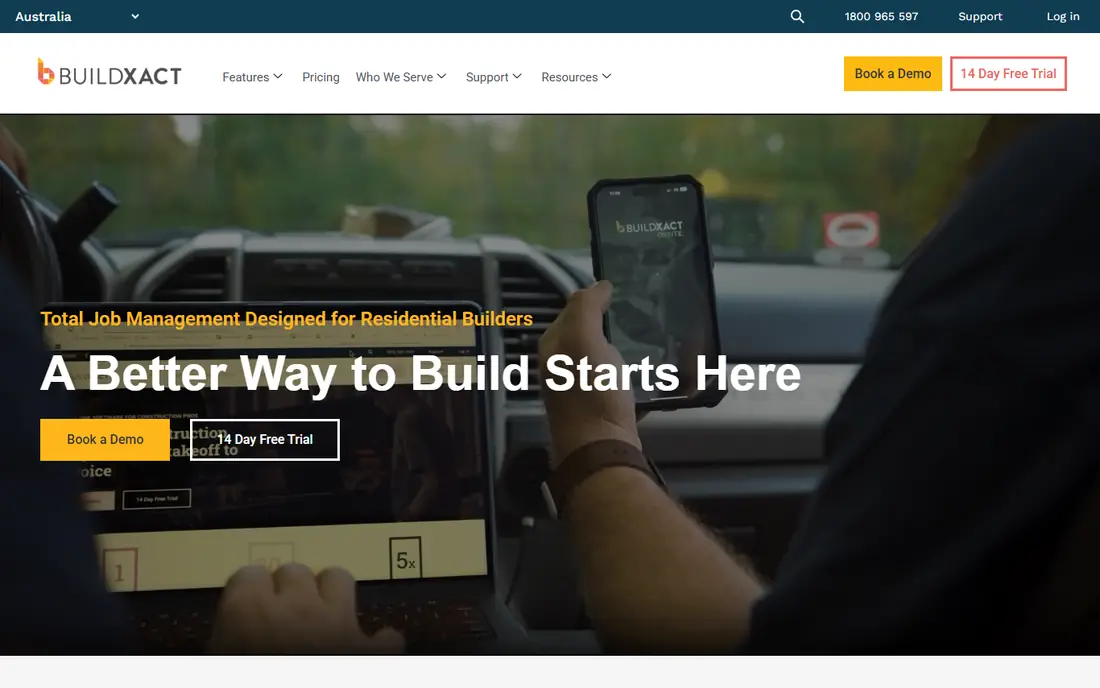
Buildxact is our pick for most small builders because it keeps the whole early job in one place. You measure plans, build the estimate, send a professional quote, and then turn the winning job into a schedule and purchase orders without rebuilding the numbers in another system. The interface is built for builders rather than accountants, which matters when the person estimating is also the person running the site.
The catch is scope. Buildxact is strongest for residential building and remodeling, and firms that need deep commercial bid analysis, complex subcontractor bid comparison, or enterprise cost controls will outgrow it. Pricing also deserves a close look, since the lower monthly figure reflects annual billing. Still, for a small team that wants fewer spreadsheets and faster quotes, it is a strong place to start.
- Simple takeoff and quoting workflow
- Live supplier pricing in supported regions
- Scheduling and job management in the same tool
- Monthly cost adds up for a solo contractor
- Commercial and heavy civil features are limited
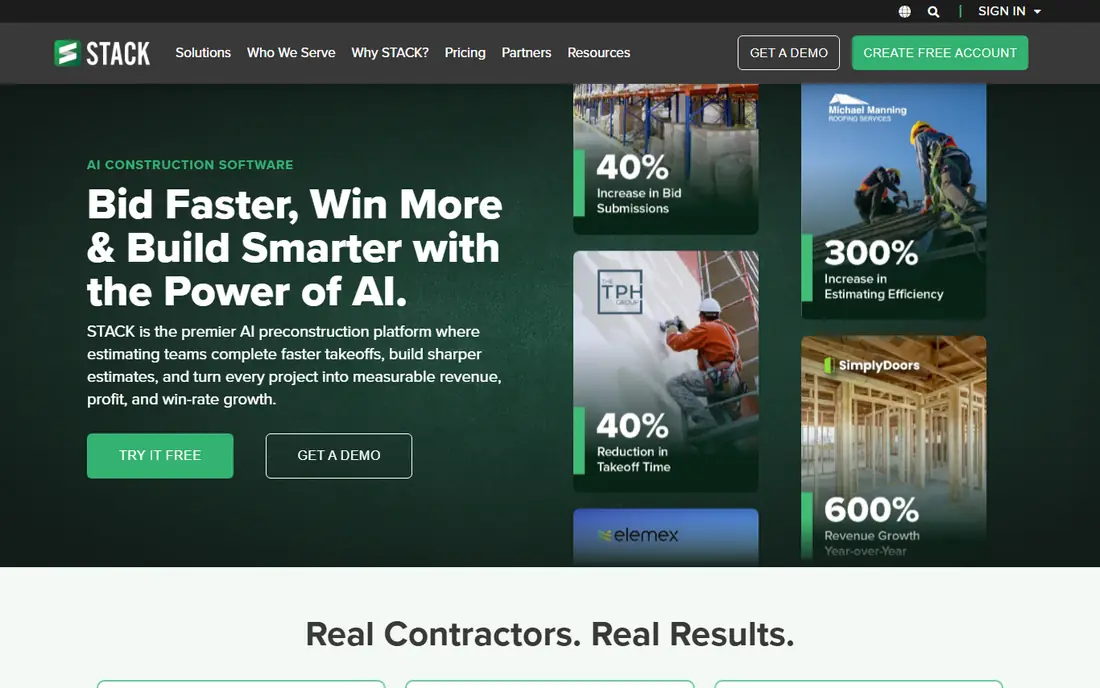
STACK suits estimators who live in plans. You upload drawings, measure areas, lengths, and counts on screen, and build the estimate from those quantities. Because it runs in a browser, a team can work on the same takeoff without passing files around, and an estimator can check a job from a laptop on site. That cloud setup is a real advantage for subcontractors and small general contractors with estimators in more than one location.
The trade-off is that STACK is primarily a takeoff and estimating tool, not a complete job management system. You will still need accounting and scheduling tools for the rest of the job, and the paid price per user can climb quickly for a larger estimating team. Start with the free version to see if the measuring workflow suits your plans before paying.
- Browser-based takeoff with no desktop install
- Team collaboration on the same plans
- Free version for basic takeoff
- Higher paid pricing per user
- Accounting integration is limited compared with full job management tools
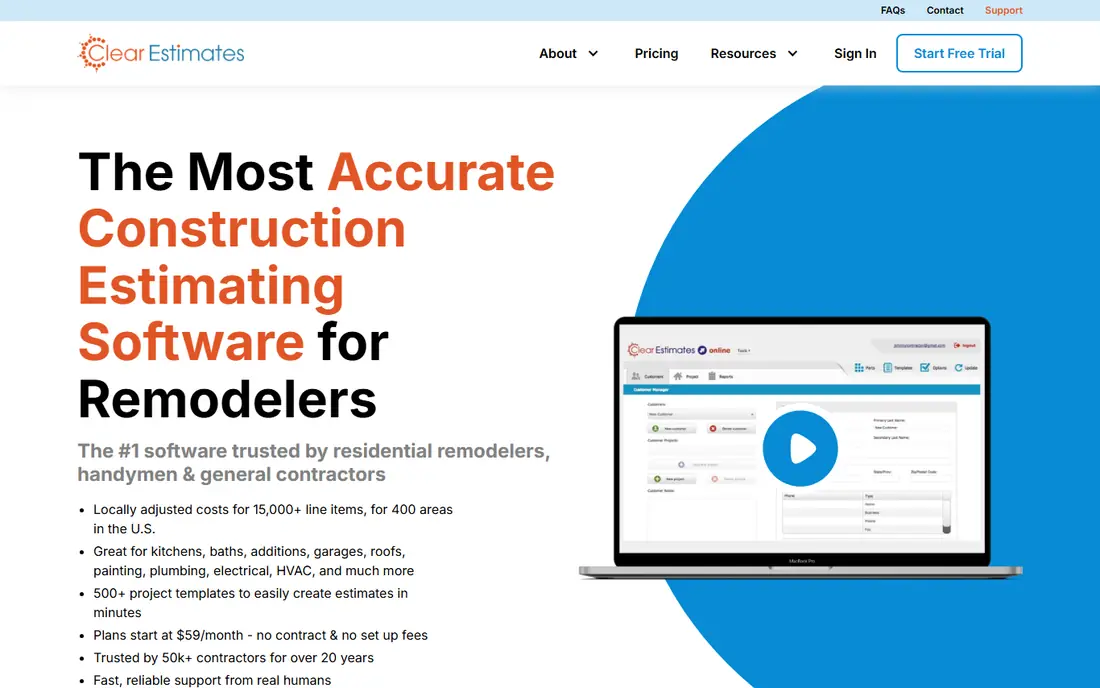
Clear Estimates is the simplest tool on this list, and that is its appeal. It is aimed at remodelers who quote similar jobs again and again, such as kitchens, bathrooms, and basements, and it uses templates and parts lists to produce a clean proposal quickly. If your current system is a spreadsheet and a word processor document, Clear Estimates will feel like a clear step up without a long learning curve.
The limit is depth. It does not try to be a full construction management platform, and commercial estimators who need detailed bid packages, multi-trade cost breakdowns, and complex reporting will need more. For a small remodeling firm that values speed and a low monthly cost, though, it is hard to beat on value.
- Low entry price for remodeling work
- Template-based estimates speed up common jobs
- Simple proposal output for homeowners
- Not built for large commercial bidding
- No accounting sync in the basic setup
JobTread takes a different approach from most estimating tools by treating the budget as the spine of the job. The estimate becomes the budget, and purchase orders, bills, change orders, and job costs all track against it, so you can see early when a job is drifting. For residential builders who have lost money on jobs that looked fine at bid time, that visibility is worth more than a slightly prettier proposal.
Pricing is straightforward in one sense, since every subscriber gets the same features and pays mainly by internal user count, with portal users free. The catch is the entry cost for a solo operator and the lack of a free plan. It also fits residential work best, so commercial firms with retainage, pay applications, and complex subcontract structures should test it carefully before switching.
- Budget-first structure links estimates to job costs
- All features on one plan
- Free portals for customers and subcontractors
- No free plan or free trial stated as a standard offer
- Residential focus limits commercial fit
Buildertrend is best thought of as a whole-job platform that includes estimating, rather than a pure estimating tool. Its strength for residential builders is the client side, where homeowners can view the budget, make selections, approve change orders, and message the builder in one portal. That reduces the back-and-forth email and phone calls that slow down residential jobs and cause disputes about what was agreed.
The downside is cost and complexity. Buildertrend does not publish a simple starting price, so you will need a quote, and the platform is a bigger commitment than a takeoff-only tool. Small firms that only need estimates should look at Clear Estimates or Buildxact first. Firms that want estimating plus scheduling, client communication, and payments in one place will get more from Buildertrend.
- Strong client portal with selections and approvals
- Scheduling, budgeting, and communication in one system
- QuickBooks and Xero integration
- Pricing is quote-based, so comparison takes a sales conversation
- May be more system than a solo contractor needs
Procore is the enterprise option here, and it shows in both capability and price. Large general contractors use it to manage estimating, budgets, contracts, drawings, field reports, and closeout across many projects, with controls and reporting that a small tool cannot match. If you run multiple large jobs at once and need consistent processes across project managers, Procore is the benchmark other platforms are measured against.
For a small contractor, though, Procore is usually the wrong tool. Pricing is quoted based on annual construction volume, implementation takes real effort, and the feature set is far larger than a team of five needs. Use it when your project size and team size demand it, not because it is the best-known name in construction software.
- Deep project management across many trades and locations
- Wide range of integrations with accounting and ERP systems
- Strong document and field tools
- Quote-based pricing tied to construction volume
- Too large and costly for most small contractors
PlanSwift has been a takeoff staple for years because it does one job very well. You open a plan on screen, point and click to measure, and the quantities flow into an estimate you can shape in Excel-style formats. Estimators who have a personal system of assemblies, formulas, and cost books often prefer this control to a cloud tool that forces a fixed workflow.
The honest catch is that PlanSwift is a desktop product in a cloud world. Collaboration, mobile access, and built-in job management are not its strengths, and pricing is quote-based, so you cannot compare it at a glance. If takeoff speed and control matter most to you, and you already have accounting and project tools, PlanSwift remains a solid choice.
- Fast on-screen takeoff from digital plans
- Strong Excel integration for custom estimate formats
- Works well for estimators who prefer a desktop tool
- Quote-based pricing makes upfront comparison harder
- Desktop focus means less built-in cloud collaboration
Sage Estimating is aimed squarely at commercial work, where estimates have many divisions, alternates, and bid-day decisions. It supports detailed cost databases, assembly pricing, and bid comparison in a way that small residential tools do not attempt. Firms already running Sage accounting will also benefit from the shared cost and project data, which reduces re-entry and errors between estimating and accounting.
That power comes with complexity. Sage Estimating is not a quick quote tool for a remodeler, and new estimators will need training time. Pricing is quote-based, so expect a sales process. For a commercial estimating team that bids large jobs and needs bid-day control, it is a serious contender. For everyone else, it is more tool than the job requires.
- Built for detailed commercial estimating and bid analysis
- Integrates with Sage accounting products
- Supports large, complex estimate structures
- Quote-based pricing
- Learning curve is steeper than small-business tools
How we picked these
We compared official feature pages, pricing pages, and public product documentation for tools that are actively sold in October 2026, and we favored tools with a clear estimating or takeoff core rather than generic project software. We included a mix of small-business, mid-size, and enterprise options so readers at different sizes can find a realistic fit. Where a vendor does not publish a price, we wrote See website rather than guessing, and prices shown here should be checked on the vendor site before purchase since plans change.
What to check before you buy estimating software
Start with your bid type, not the feature list. A remodeler who quotes kitchens needs templates and fast proposals, while a commercial estimator needs cost databases and bid analysis, and a subcontractor needs fast, accurate takeoff. List the three estimate types you produce most often, then test each shortlisted tool on a real past job and compare both the time it takes and the final number.
Check takeoff, cost data, and handoff together. Takeoff tools save time only if they handle your plan formats, cost data helps only if it reflects your region and suppliers, and an estimate helps only if it flows cleanly into a proposal, budget, and purchase orders. Ask each vendor how quantities, prices, and change orders move between systems, and whether accounting integration is included or an extra step. A short trial on a real job will reveal more than any demo.
Frequently asked questions
What is the best estimating software for small contractors?
For most small contractors, Buildxact or Clear Estimates are the best starting points, since both focus on residential quoting and are easier to learn than enterprise tools. Buildxact adds scheduling and job management, while Clear Estimates is cheaper and simpler for repeat remodeling jobs. Try both on a real past estimate before choosing.
What is the best free construction estimating software?
STACK offers a free version for basic takeoff, which is the most useful free starting point on this list. Free tools still have limits, and most firms will need a paid plan for full estimating, proposal output, and team collaboration. If your budget is zero, start with STACK and spreadsheets, then upgrade when bidding volume justifies it.
What is the best app for construction estimates on site?
Buildxact and JobTread both offer mobile access for field teams, and STACK runs in a browser on a laptop or tablet. For pure on-site quoting, a simple tool such as Clear Estimates or a mobile-friendly platform such as JobTread is usually easier than a desktop-only takeoff tool. Check mobile features during a trial, since phone access varies by plan.
What is the best software for construction estimating with takeoff?
STACK and PlanSwift are the strongest takeoff-first choices here, with STACK suited to cloud teams and PlanSwift suited to desktop estimators who want Excel control. Buildxact also includes takeoff for residential plans. Pick based on whether your team works in a browser together or on individual desktop machines.
Is Procore or Buildertrend better for a residential builder?
Buildertrend is usually the better fit for a residential builder, since it is built around homeowner communication, selections, and residential job management. Procore suits large commercial general contractors with many projects and complex controls. A small residential firm will generally find Procore too large and too costly.
How much does construction estimating software cost?
Entry prices on this list run from a free STACK version and Clear Estimates at $59 per month to several hundred dollars per user per month for larger platforms, with enterprise tools priced by quote. Annual billing often lowers the monthly figure, so compare the annual total, user count, and included features rather than the headline monthly price alone.
Sources
See where you really rank - block by block
ProMapRanker scans Google Maps across a grid of your service area. Simple monthly plans from $19, white-label on every plan.
Start freeKeep reading
 zoom alternatives
Best Zoom Alternatives in 2026
Compare Zoom alternatives in 2026, with free meeting limits and prices, so you can pick the best alternative to Zoom for your team, class, or community.
Read → which software is best for remote work
Which Software Is Best for Remote Work in 2026
Answering which software is best for remote work, we compare Slack, Zoom, Asana, Notion, Teams and more, with pricing and honest tradeoffs in 2026 now.
Read → which ai tool is best for content writing
Which AI Tool Is Best for Content Writing in 2026
Wondering which ai tool is best for content writing? We compare ChatGPT, Claude, Jasper, Grammarly, and more on price, quality, and best use in 2026 now.
Read →