 ProMapRanker
Best Computer Vision Software in 2026

Ready-made labeling and OCR · Pricing starts at: $1.50 per 1,000 images
Key takeaways
- Cloud APIs from Google, Amazon and Microsoft suit teams that want ready-made labeling, OCR and moderation with no training work.
- Roboflow, Nyckel and Ximilar suit teams that need custom models, while Viso Suite and Landing AI suit camera and factory deployments.
- Pay-as-you-go pricing can stay low for small volumes, but large image counts and video work need a close look at unit prices and plan limits.
- A free tier is useful for a pilot, yet private data, higher limits and support usually sit behind a paid plan.
Quick comparison
| Pick | Great for | Pricing starts at | Free tier | |
|---|---|---|---|---|
| Google Cloud Vision | Ready-made labeling and OCR | $1.50 per 1,000 images | Yes | Visit |
 Amazon Rekognition | AWS image and video analysis | $1.00 per 1,000 images | Yes | Visit |
 Microsoft Azure AI Vision | Microsoft-based vision apps | $1.00 per 1,000 transactions | Yes | Visit |
 Roboflow | End-to-end custom vision work | $79 per month | Yes | Visit |
 Viso Suite | Camera networks across sites | See website | Yes | Visit |
 Imagga | Simple tagging and moderation API | $79 per month | Yes | Visit |
 Nyckel | Custom models from examples | $149 per month | Yes | Visit |
 Ximilar | Visual search for catalogs | See website | Free trial | Visit |
 Landing AI | Factory visual inspection | See website | No | Visit |
The best computer vision software
These tools cover two different jobs. Some read images with models that are already trained, while others help you build and run a model of your own. We compared official feature pages, pricing pages and public documentation to sort them by fit, not by hype.
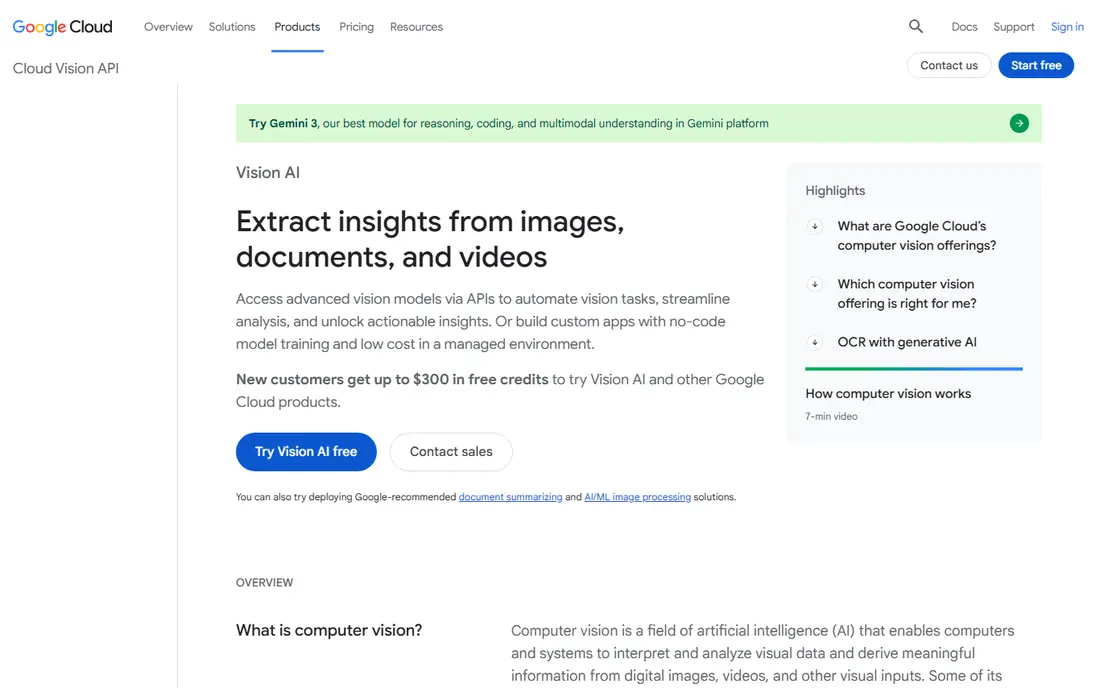
Google Cloud Vision fits teams that want results without training a model. It can label objects, read printed text, find logos and landmarks, and flag content that may need review. That breadth makes it a practical first choice for search, moderation and document intake.
The trade-off is scope. Vision is a set of ready-made features, so a team that needs a model tuned to a very specific defect, part or style will need other Google Cloud tools for training. Pricing is per feature applied to an image, so a job that applies several features to every image costs more than a single-feature job. Check the pricing page for the exact feature mix before you commit.
- Strong OCR and labeling
- Broad feature set
- Clear pay-per-use pricing
- Custom model work needs a separate Google Cloud product
- Costs rise with volume
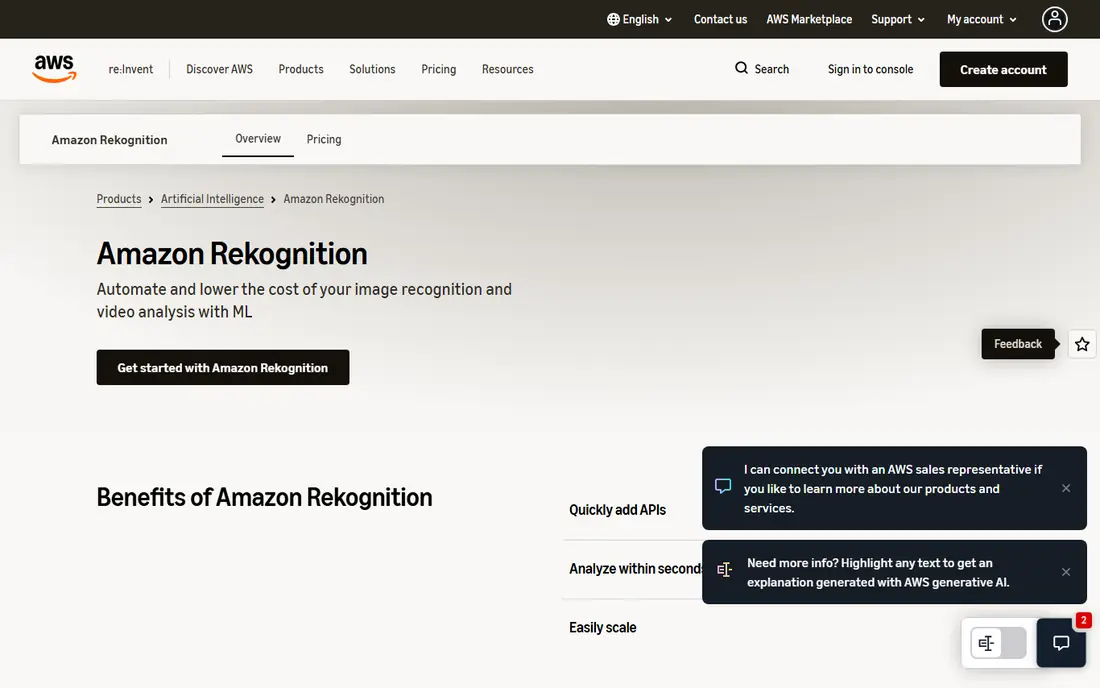
Amazon Rekognition suits teams that already store images or video in AWS. It covers labels, object detection, text in images, moderation and face analysis, plus video analysis for stored and streaming content. That range helps media, safety and retail teams that work with large libraries.
The catch is fit. Outside AWS, the setup and data movement add friction, and the free tier terms change over time, so the first year is not a good guide to long-term cost. Face features also need careful handling, with clear consent, retention and access rules. Use Rekognition where AWS is already the home for your data, and test on a small set first.
- Deep AWS integration
- Image and video analysis
- Face and moderation features
- Best value inside AWS
- Free tier terms are time limited
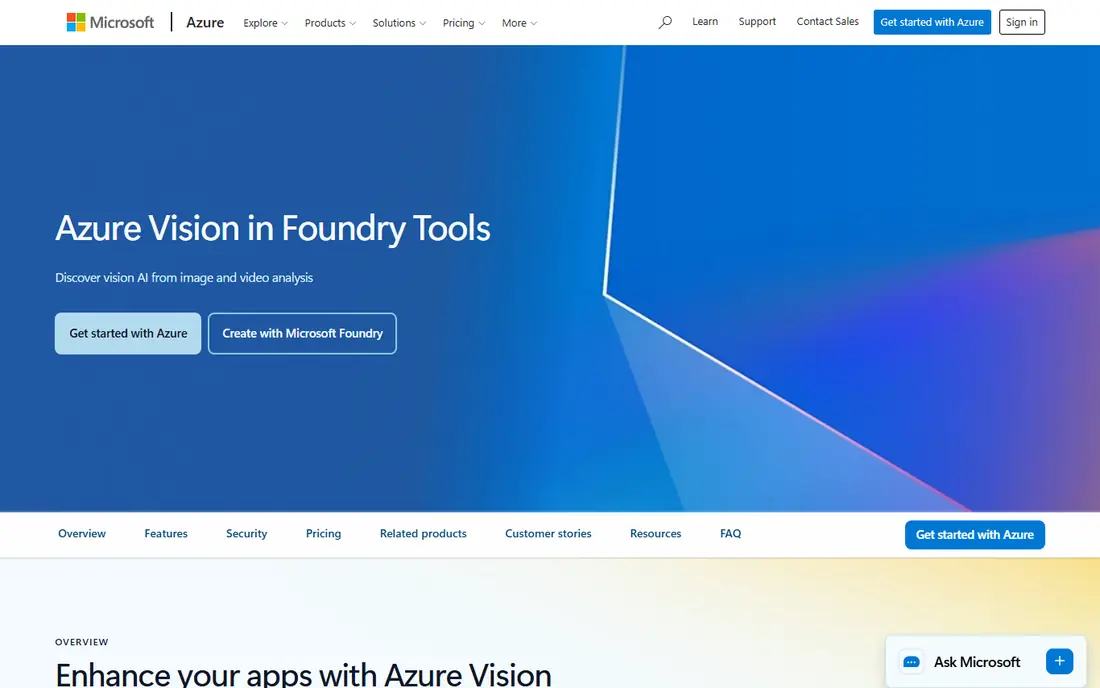
Azure AI Vision is a natural pick for teams building on Microsoft tools. It reads text, describes images, tags content and supports visual grounding for agents, which helps when an app needs to answer questions about what it sees. The service also pairs well with other Azure AI services for documents and language work.
Pricing needs care because rates differ by feature group and region, and the free tier has monthly limits. A team that runs OCR at scale should price the exact operation it uses, not a headline rate. The other limit is training. Azure AI Vision is mainly a ready-made service, so a fully custom model is a separate project inside Azure.
- Strong OCR and image analysis
- Fits Azure apps and agents
- Free tier for testing
- Pricing varies by feature and region
- Custom training sits elsewhere in Azure
Roboflow covers the full custom vision path in one workspace. Teams can annotate images, manage datasets, train models, test them and deploy to cloud or edge devices. That end-to-end path saves time compared with stitching together separate annotation, training and hosting tools.
The free plan works for learning and public projects, but private data and higher limits need a paid plan. Teams should also check how workflow credits are counted, since heavy inference can add cost beyond the base plan. For a developer team building a custom detector, Roboflow is still one of the clearest starting points.
- Annotation, training and deployment in one place
- Large public dataset community
- Cloud and edge deployment
- Private projects need a paid plan
- Workflow credits add cost on some plans
Viso Suite is aimed at organisations running vision across many cameras and sites. It supports building vision apps, managing devices and models, and rolling updates out to edge hardware. That central control matters when a retail chain, warehouse group or city service cannot manage each camera by hand.
Small teams may find it heavy for a one-off project, and pricing is quote-based, so budgeting needs a sales conversation. The free tier helps with a first test of prompt-based vision apps. Choose Viso Suite when deployment and management across sites matter as much as model accuracy.
- Built for multi-camera deployments
- Prompt-based vision apps
- Enterprise controls
- Quote-based pricing
- More than a small team needs for a single camera
Imagga suits teams that want a simple API for tagging, categorization, moderation and visual search. It works well for media libraries, catalogs and user uploads that need consistent labels without a data science team. The API design is direct, and monthly tiers make costs easy to forecast for steady volumes.
The limit is depth. Imagga is not a full training platform for a highly specific custom model, and its free tier covers only a small number of requests. Teams with a niche visual problem should test accuracy on their own images before signing up. For straightforward tagging work, it is a lean and honest option.
- Easy tagging API
- Categorization and visual search
- Clear monthly request tiers
- Narrower than full training platforms
- Free tier has a small request limit
Nyckel takes a different route to custom vision. You supply labeled examples, and it builds a model that can classify new images, with an API for predictions. That approach suits teams with a clear sorting problem, such as routing product photos, grading items or tagging content by type.
The starting price is higher than a basic tagging API, so it fits a business use case rather than a casual experiment. It also fits classification best, so teams that need precise object location or segmentation should check whether Nyckel covers that task. When the job is sorting images into groups you define, Nyckel keeps the work close to the data, not the modeling.
- Custom classification from examples
- Simple API
- No ML team required
- Higher starting price than some APIs
- Best for classification-style tasks
Ximilar focuses on visual AI for ecommerce and catalogs, with tagging, visual search and similar-item matching. That focus helps fashion, home goods and collectibles sellers whose customers search by photo or want related items. No-code options also help teams without developers.
Pricing is less transparent than the cloud APIs, so a buyer should get a written quote tied to request volume and deployment choice. The ability to run on your own infrastructure is a plus for teams with strict data rules. Test it on real catalog photos, since visual search quality depends heavily on image style and background.
- Visual search and tagging for ecommerce
- No-code options
- Can run on your own infrastructure
- Pricing is not published in full
- Trial terms need checking
Landing AI is built for visual inspection in factories and warehouses. It helps teams collect inspection images, label defects, train models and deploy them at the edge, close to the production line. That focus matters because factory lighting, speed and defect types differ sharply from consumer photo work.
The trade-off is narrowness. A general app team will find broader tools cheaper and simpler, and pricing is quote-based. There is also real setup work in capturing good defect examples and validating the model on the line. For quality teams that need to catch defects at speed, that focus is the point.
- Built for manufacturing inspection
- Data-focused tools
- Edge deployment
- Quote-based pricing
- Narrow fit outside industrial use
How we picked these
We compared official product pages, pricing pages and public documentation, and we left out products that have ended service. Clarifai is not listed here because its services were set to cease in July 2026, so a new buyer should not build on it. We favoured tools with a live homepage, a clear current use case and a pricing model a buyer can check, and we marked prices as See website where a vendor does not publish a full rate.
What to check before you buy
Start with the job, not the model
Write down the exact input and output. A tagging job, an OCR job and a defect-detection job need different tools, and a ready-made API is often enough for the first two. Custom training only earns its cost when the visual problem is specific to your products, parts or brand.
Test on your own images
Vendor demos use clean examples. Run a pilot on your own photos, with your lighting, angles and backgrounds, and score the results against your own labels. Check edge cases too, such as low light, occlusion and unusual items, since those cases decide whether a tool works in daily use.
Price the full unit, not the headline
For APIs, count every feature applied to every image, plus video minutes where relevant. For platforms, add plan limits, credits and any edge deployment cost. A low entry price can grow fast at volume, while a higher plan can be cheaper once it includes the limits you need.
Check data handling and face rules
Ask where images are stored, how long they are kept, and who can access them. Face recognition needs extra care, with consent, retention limits and a clear purpose. If you handle health or identity data, confirm compliance terms in writing before a pilot.
Frequently asked questions
What is the best computer vision software for a small team?
For ready-made work, Google Cloud Vision, Amazon Rekognition or Azure AI Vision are strong starts, since each has a free tier and pay-per-use pricing. For a custom model, Roboflow or Nyckel may fit better, depending on whether you need detection or classification.
What are the best computer vision platforms for custom models?
Roboflow covers annotation through deployment, Nyckel builds classification models from examples, and Landing AI focuses on factory inspection. Ximilar suits visual search for catalogs. The best computer vision platforms for your team depend on the task, not on a single ranking.
What is the best software for computer vision if I do not code?
Imagga and Ximilar offer simpler paths for tagging and visual search, and Viso Suite offers prompt-based vision apps for camera work. You will still need to test results on your own images, since accuracy depends on your data.
What are the best computer vision tools for video?
Amazon Rekognition covers video analysis, and Viso Suite suits camera networks that need live or recorded video handling. Check whether the tool charges per minute, per stream or per transaction, since video pricing varies a lot.
How much does computer vision software cost?
Cloud APIs often start near $1.00 to $1.50 per 1,000 images or transactions, while platforms start near $79 to $149 per month. Volume, features and deployment choice change the total, so price your exact workload before you choose.
Do I need to train my own model?
No, not for common tasks such as labeling, OCR, moderation and general object detection. Train a custom model only when your items, defects or categories are specific to your business and ready-made models miss them too often.
Sources
See where you really rank - block by block
ProMapRanker scans Google Maps across a grid of your service area. Simple monthly plans from $19, white-label on every plan.
Start freeKeep reading
 wpforms alternatives
Best WPForms Alternatives in 2026
We compare 9 wpforms alternatives for WordPress forms, with free and paid options, current pricing notes, and honest limits for small business sites in 2026.
Read → windows task scheduler alternatives
Best Windows Task Scheduler Alternatives in 2026
Looking for Windows Task Scheduler alternatives? We compare 9 schedulers for Windows and cross-platform work, from free tools to enterprise automation.
Read → which ai video service is best
Which AI Video Service Is Best in 2026
which ai video service is best? We compare 10 legitimate AI video services on price, avatars, editing and output quality to help you pick the right tool.
Read →