 ProMapRanker
Best Company Onboarding in 2026

Key takeaways
- The best onboarding companies for small teams are often payroll-linked tools, while larger teams may need HR suites with deeper workflows.
- Global hiring, IT provisioning, and I-9 compliance are the three features that most change the shortlist.
- A tool that handles paperwork well is not the same as a tool that engages new hires, so test both paths.
- Pricing varies by headcount and plan, so compare total cost for your team size, not just the base fee.
Quick comparison
| Pick | Great for | Pricing starts at | Free tier | |
|---|---|---|---|---|
 BambooHR | Small to mid-size HR teams | See website | No | Visit |
 Rippling | HR plus IT onboarding | See website | No | Visit |
 Gusto | Payroll-linked onboarding | $49 per month plus $6 per person | Free trial | Visit |
 Deel | Global hiring | See website | No | Visit |
 Greenhouse | Hiring to onboarding handoff | See website | No | Visit |
 Enboarder | Engagement-focused journeys | See website | No | Visit |
 Click Boarding | Compliance-heavy hiring | See website | No | Visit |
 WorkBright | Remote and field workers | See website | No | Visit |
 HiBob | Growing mid-size teams | See website | No | Visit |
The best company onboarding tools
We compared onboarding tools on checklists, forms, payroll links, IT provisioning, global hiring, and compliance support. These tools help HR teams run a consistent first-week process, but they do not replace legal advice on employment law in your state or country.
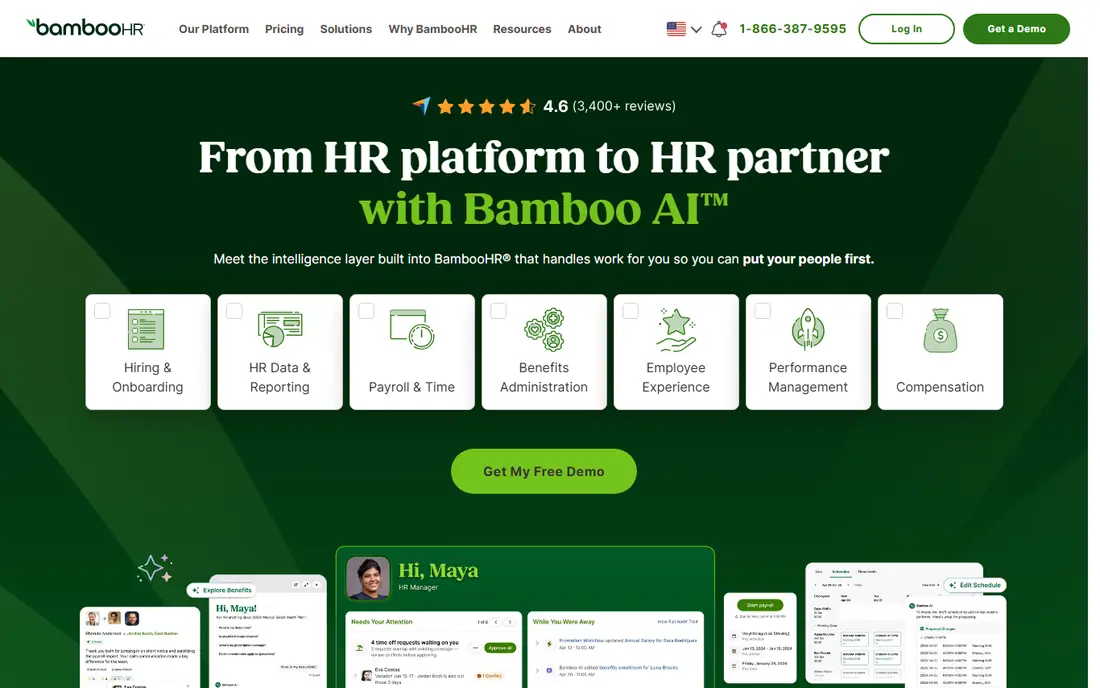
BambooHR suits small to mid-size companies moving from spreadsheets to a formal HR process. Its onboarding module offers template checklists, automated reminders, manager dashboards, and e-signatures, all tied to employee records. That structure helps HR teams see at a glance which tasks remain open for each new hire.
The limit is depth in IT setup. BambooHR handles HR tasks well, but teams that need device shipping and app provisioning in the same flow may need a second tool. Confirm pricing for your headcount, since BambooHR quotes by company size and plan.
- Clear onboarding checklists
- HR suite integration
- E-signatures and task tracking
- Pricing is quote-based
- IT provisioning is limited compared with Rippling
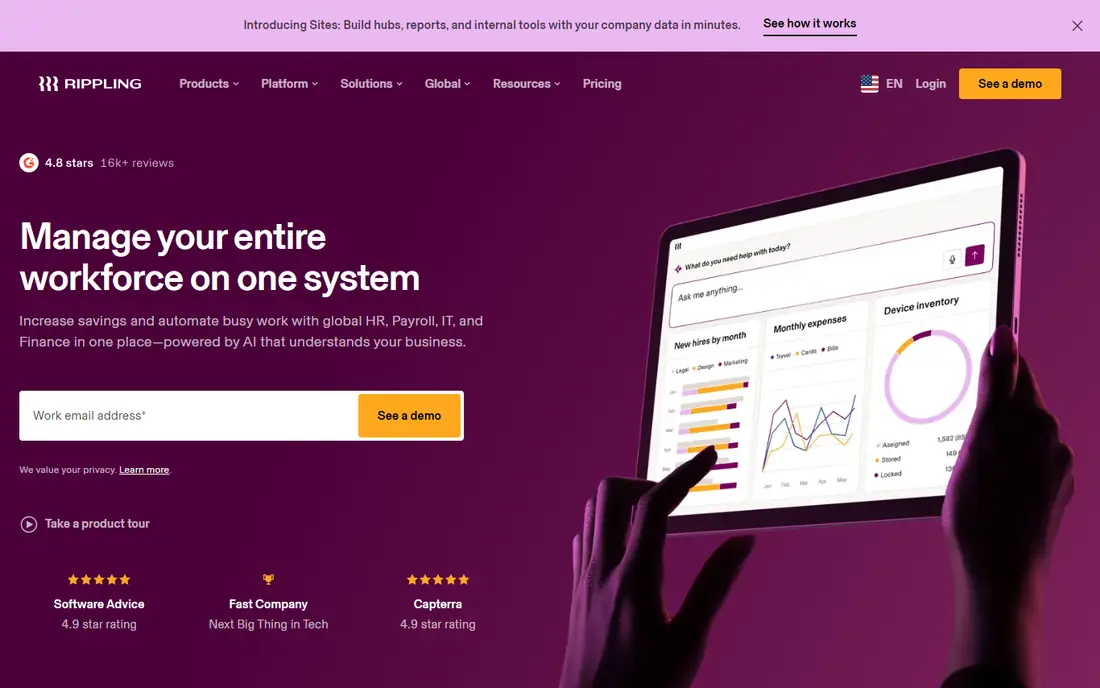
Rippling fits teams where a new hire needs accounts, apps, and a device ready on day one. Its platform links HR, payroll, benefits, and IT provisioning, so a single workflow can trigger app access and device shipment. That saves HR and IT teams from chasing separate tickets for each hire.
The trade-off is setup time. Rippling covers a lot, so smaller teams should confirm which modules they need and which they can skip. A phased rollout, starting with HR and payroll, often works better than turning on every automation at once.
- Automated app and device provisioning
- Payroll and benefits links
- Workflow automation
- Pricing is quote-based
- Breadth can mean a longer setup for very small teams
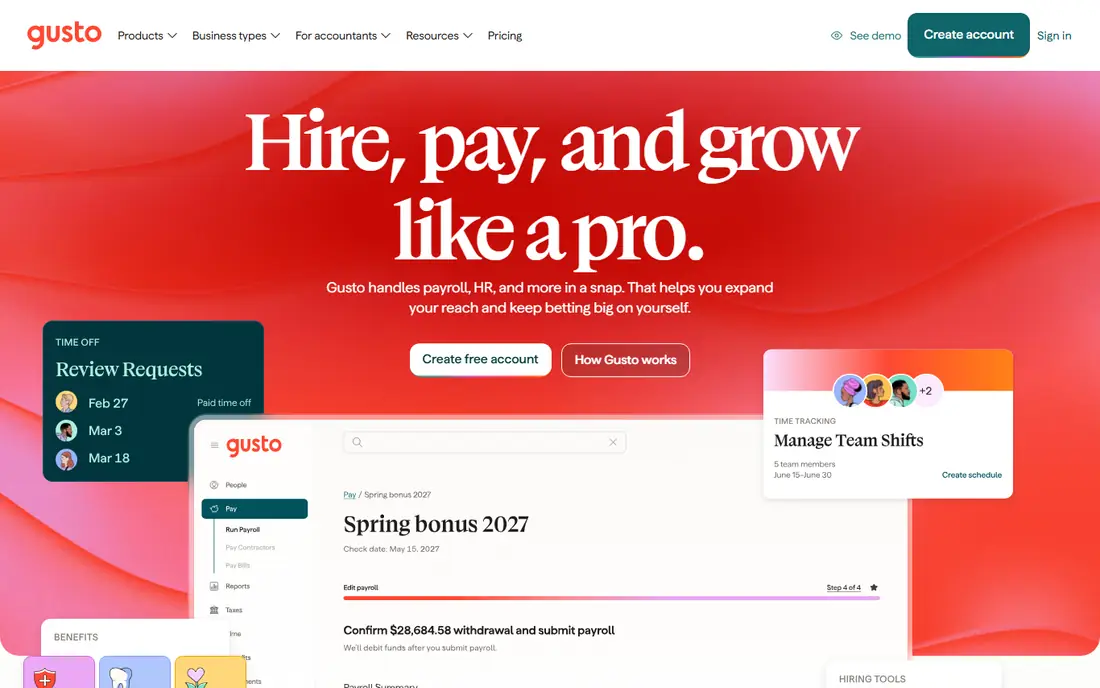
Gusto suits US small businesses that want payroll and onboarding in one simple system. Its Simple plan is listed at $49 per month plus $6 per person per month, with basic onboarding, tax forms, and employee self-service. New hires can complete forms before day one, and payroll stays linked to those records.
The catch is scope. Gusto onboarding is part of a payroll product, not a standalone onboarding suite, and deeper HR tools require higher plans. Teams that need global hiring or complex IT provisioning should compare Gusto with Deel or Rippling before they commit.
- Published pricing
- Payroll and tax forms in one place
- Simple self-guided onboarding
- Onboarding tools are not sold separately
- Advanced HR tools sit in higher plans
Deel fits teams hiring across countries, whether employees or contractors. Its platform offers localized contracts, country-specific compliance, global payroll, and onboarding checklists, with support from local experts. That depth reduces the risk of misclassification and contract errors for distributed teams.
US-only teams may find Deel broader than they need. Confirm pricing for your mix of employees and contractors, since Deel prices vary by product, and check which countries and worker types your plan covers before you enroll a large group.
- Localized contracts
- Global payroll and compliance support
- Contractor onboarding
- Pricing varies by product
- US-only teams may not need global depth
Greenhouse suits hiring teams that want recruiting and onboarding to connect without retyping data. Its onboarding product, often called Greenhouse Onboarding, carries candidate data into new-hire tasks, forms, and checklists. That handoff reduces errors and keeps hiring managers in the loop.
The limit is that Greenhouse is first an applicant tracking system. Teams that do not use Greenhouse for hiring may get less value from its onboarding module. Confirm which onboarding features sit in your plan, since some tools, such as advanced reporting, sit in higher tiers.
- Strong applicant tracking link
- Structured hiring handoff
- Audit and security features
- Pricing is quote-based
- Onboarding depth depends on plan and add-ons
Enboarder fits companies that want onboarding to feel like an experience, not just a form packet. Its platform builds guided journeys with messages, tasks, and content for new hires, managers, and buddies. That focus helps teams that worry about early attrition and first-week confusion.
The trade-off is system fit. Enboarder coordinates journeys well, but payroll, benefits, and HR records may still live elsewhere. Teams should confirm integrations with their HRIS and payroll tools, so engagement work does not create duplicate data entry.
- Rich new-hire journeys
- Workflow coordination
- Global team support
- Pricing is quote-based
- Engagement focus may need pairing with payroll or HRIS tools
Click Boarding suits HR teams hiring at scale in compliance-heavy industries. Its platform focuses on preboarding, onboarding, and offboarding, with native I-9, e-signature, and security certifications described on its site. Guided experiences help teams handle hundreds of transitions without losing track of forms.
Smaller teams may find quote-only pricing and enterprise focus heavier than they need. Ask for a clear scope, including I-9 handling, state forms, and integration with your HRIS, before you sign. A pilot with one hiring group can show whether the guided flow fits your process.
- Preboarding and onboarding focus
- I-9 and e-signature support
- Compliance certifications described on its site
- Pricing is quote-only
- Hiring at scale suits it better than very small teams
WorkBright fits US employers with remote, field, or high-volume hiring, including staffing firms. Its mobile-first forms let workers complete documents from a phone, with I-9 and E-Verify workflows at the center. That mobile path helps when new hires never visit an office before day one.
The catch is pricing clarity. Public summaries note a $25-per-record price for its WorkBright+ I-9 service, while broader plans are quote-based. Teams should confirm total cost for their hiring volume, and test the mobile flow with real workers before a large rollout.
- Mobile-first document collection
- I-9 and E-Verify focus
- HRIS integrations
- Published pricing is limited to a paid I-9 service tier
- Broader plans are quote-based
HiBob, often called Bob, suits growing teams that want one HR platform and plan to add modules over time. Its onboarding module sits alongside HR records, workflows, performance, compensation, and people analytics, with native payroll in the US and UK. That breadth helps teams that want onboarding tied to the full employee record.
The limit is focus. Teams that want a dedicated onboarding journey tool may prefer Enboarder or Click Boarding, while teams that want an HR suite may prefer HiBob. Confirm which modules are included in your quote, since HiBob prices by per-employee subscription and module mix.
- HR platform with onboarding module
- Workflows and people analytics
- US and UK payroll links
- Onboarding is a module, not a standalone product
- Pricing is per-employee quote
How we picked these
We compared official vendor pages and 2026 onboarding comparisons for checklists, forms, payroll links, IT provisioning, global hiring, and compliance support. We did not claim hands-on testing, and we listed See website where pricing is quote-based. We kept only tools with a current onboarding offering for US employers in October 2026.
How to choose an onboarding tool that fits your team
Start by mapping one real hire from offer to day 30. List every form, account, device, training step, and manager task, then check which tool covers each step without manual workarounds. A tool that covers paperwork but leaves IT provisioning manual still leaves a gap on day one.
Next, test with the people who will use it. Give HR, managers, IT, and a new hire a trial flow, and watch where they stall. Check mobile access for field workers, global forms for remote hires, and I-9 handling for US hires. Finally, compare total cost for your headcount, including add-ons, and confirm contract length and exit terms before you sign.
Frequently asked questions
What are the best onboarding companies for small businesses?
BambooHR and Gusto often fit small businesses, since both offer simple checklists tied to HR or payroll records. Gusto suits payroll-first teams, while BambooHR suits teams that want a broader HR suite. Compare total cost for your headcount, since per-person fees add up as you grow.
What is the best company onboarding tool for global teams?
Deel suits global teams, with localized contracts and country-specific compliance for employees and contractors. Enboarder also supports global journeys, though payroll may sit elsewhere. Confirm which countries, worker types, and payroll options your plan covers.
How is company onboarding different from new-hire paperwork?
Paperwork covers forms and signatures, while onboarding covers the full first-week experience, including accounts, devices, training, introductions, and manager tasks. A good tool handles both, so new hires feel ready on day one rather than just compliant on paper.
Do onboarding tools handle I-9 and E-Verify?
Some do, including Click Boarding and WorkBright, which center I-9 and E-Verify workflows. Other tools offer forms and e-signatures but rely on integrations or manual steps for compliance. Confirm I-9 handling, audit trails, and state requirements for your hiring volume before you choose.
Can onboarding software provision laptops and apps?
Rippling is the strongest pick here, with automated device and app provisioning linked to HR workflows. Most other tools coordinate tasks for IT rather than provisioning directly. If day-one device readiness matters, put IT provisioning at the top of your shortlist criteria.
How long does it take to set up onboarding software?
Setup ranges from days for simple payroll-linked tools to weeks for HR suites with custom workflows. Rippling and HiBob may take longer than Gusto for a small team, while Click Boarding at scale needs workflow design time. Ask each vendor for a realistic timeline for your hiring volume and integrations.
Sources
See where you really rank - block by block
ProMapRanker scans Google Maps across a grid of your service area. Simple monthly plans from $19, white-label on every plan.
Start freeKeep reading
 wpforms alternatives
Best WPForms Alternatives in 2026
We compare 9 wpforms alternatives for WordPress forms, with free and paid options, current pricing notes, and honest limits for small business sites in 2026.
Read → windows task scheduler alternatives
Best Windows Task Scheduler Alternatives in 2026
Looking for Windows Task Scheduler alternatives? We compare 9 schedulers for Windows and cross-platform work, from free tools to enterprise automation.
Read → which ai video service is best
Which AI Video Service Is Best in 2026
which ai video service is best? We compare 10 legitimate AI video services on price, avatars, editing and output quality to help you pick the right tool.
Read →