 ProMapRanker
Best Collaborative AI Platforms (2026)

AI-assisted project management · Pricing starts at: $10.99 per user per month
Direct answer
Start with Asana AI if you need AI-assisted project management. Listed starting prices: Asana AI from $10.99 per user per month and Slack AI from $4.38 per user a month. Google Gemini for Workspace fits Google Workspace teams; Notion AI fits Notion workspace users. The remaining 3 options are covered below with prices and limits.
If you are comparing collaborative AI platforms, this page covers 6 tools in one place: what each is best for, what it costs to start, whether it has a free plan, and the main limit to know about.
Key takeaways
- Asana AI takes the first slot, best suited to AI-assisted project management.
- Zoom AI Companion fits meeting-focused AI assistance.
- Asana AI, Slack AI: these are the 2 tools out of 6 that offer a free plan.
- The main caution on Slack AI: focused on Slack instead of documents.
Quick comparison
| Pick | Great for | Pricing starts at | Free tier | |
|---|---|---|---|---|
| Asana AI | AI-assisted project management | $10.99 per user per month | Yes | Visit |
 Google Gemini for Workspace | Google Workspace teams | See website | Not stated | Visit |
 Notion AI | Notion workspace users | See website | Not stated | Visit |
 Slack AI | Slack-centric team communication | $4.38 per user a month | Yes | Visit |
 Microsoft 365 Copilot | Microsoft 365 app users | See website | Not stated | Visit |
 Zoom AI Companion | Meeting-focused AI assistance | See website | Not stated | Visit |
The 6 tools in detail
Asana AI makes the most sense for AI-assisted project management. Asana AI is centered on project and task management, so it may not replace document or chat AI tools. For everyday use, if your primary need is writing assistance inside documents, Microsoft 365 Copilot or Google Gemini for Workspace may be more direct.
The main drawbacks: Concentrated on project and work management.
Teams not using Asana would have to adopt the product first. It is built to let AI coordinate your team and your agents, helping automate and run work across projects. Asana AI pricing: $10.99 per user per month. Asana AI has a free plan.
- Coordinates teams and AI agents
- Supports agentic work management
- Best for teams already using Asana
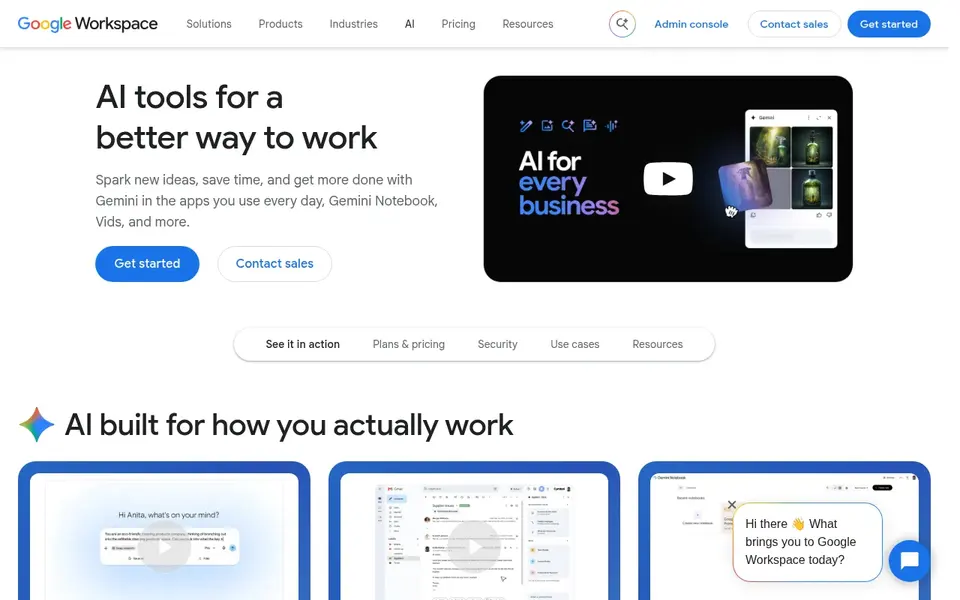
Google Gemini for Workspace works best for Google Workspace teams. Google Gemini for Workspace brings generative AI features into Gmail, Docs, Sheets, and other Google apps. It is aimed at teams that already depend on Google Workspace and want help drafting emails, generating content, and summarizing information without leaving their tools.
From a buyer's view, if your team is standardized on Microsoft apps, Microsoft 365 Copilot may be the more natural choice. As for the details, the experience is strongest inside Google Workspace; teams using Microsoft 365 or other suites may find it less integrated. Google Gemini for Workspace does not show a starting price in this comparison, so check the vendor site for current pricing. Free access: Not stated.
Where it falls short: Feature availability varies by app.
- Generative AI in Gmail, Docs, Sheets
- Helps with writing and summarizing
- Most handy within Google Workspace
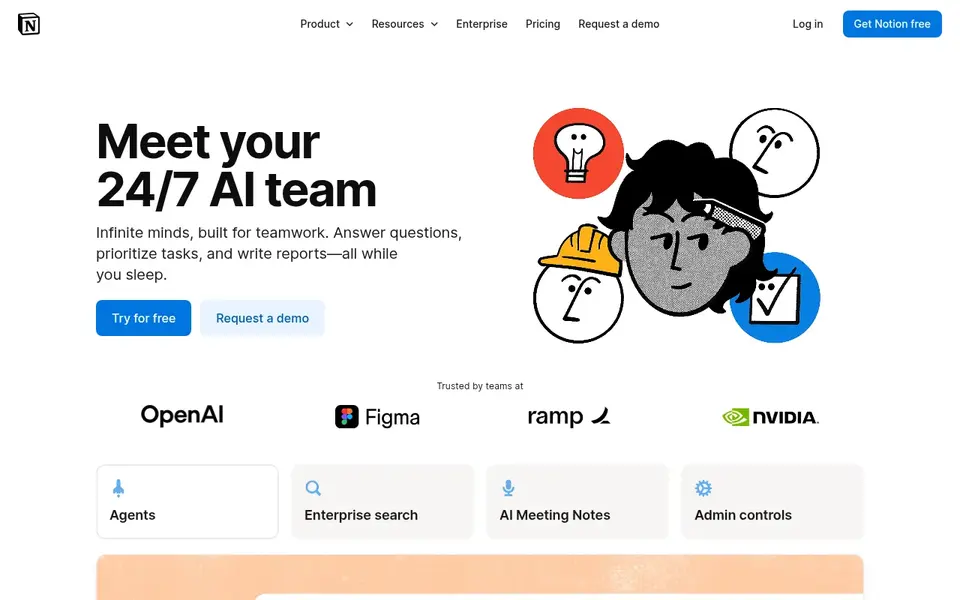
Notion AI is built with Notion workspace users in mind. It helps with drafting content and extracting insights from existing pages. Its usefulness is tied to how much work lives in Notion; teams using other document or project tools may not get full value.
If your team depends on Slack for communication and Google Workspace for documents, those native AI choices may be more practical. More specifically, some tasks may still need specialized apps. This comparison lists no price for Notion AI; ask the vendor. On free options: Not stated.
Watch-outs: May overlap with other AI assistants.
What works well: Search, produce, analyze.
- One tool for writing and analysis
- Connects with Notion pages and databases
- Requires using Notion as your workspace
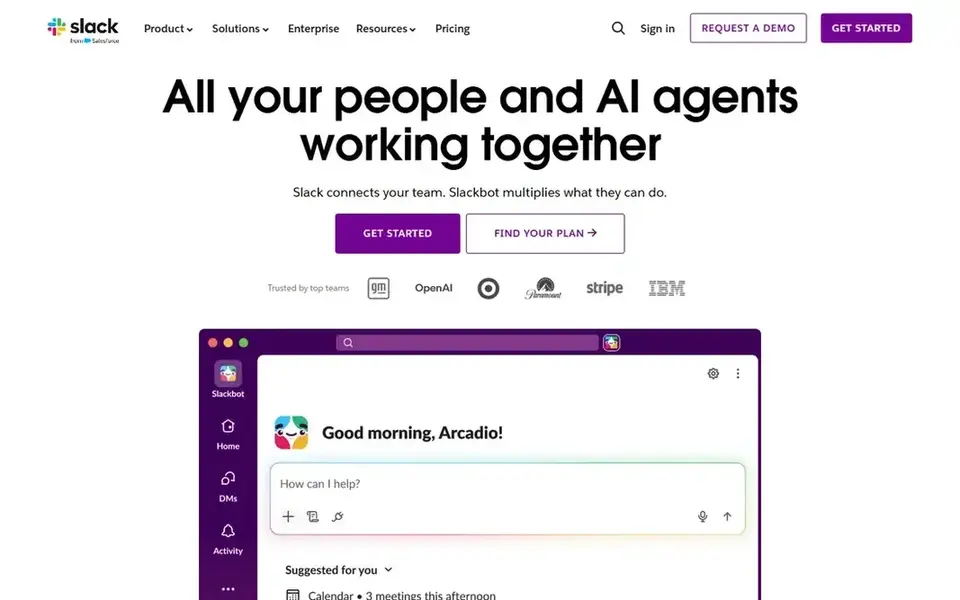
Slack AI is aimed squarely at Slack-centric team communication. Slack AI brings AI features and assistants to the Slack product, aiming to boost productivity in team communication.
Where it is weaker: Value relies on active Slack usage.
It helps users catch up on channel activity and find information within conversations. In daily use, teams with low Slack engagement may see restricted benefit. Starting cost for Slack AI: $4.38 per user per month. Slack AI includes a free tier.
- AI features built into Slack channels
- Supports AI assistants in Slack
- Centred on Slack instead of documents
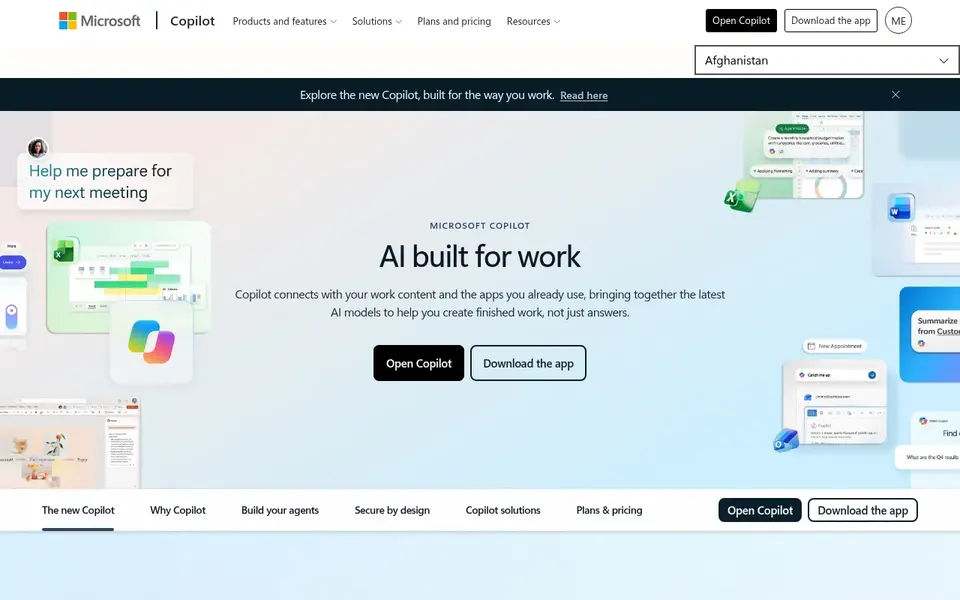
Choose Microsoft 365 Copilot for Microsoft 365 app users. Microsoft 365 Copilot is an AI assistant built into the Microsoft apps plenty of teams use daily.
Its benefits rely on how deeply your team uses Microsoft 365; mixed environments may see uneven coverage. On top of that, some advanced features are tied to specific apps or licensing levels. Microsoft 365 Copilot shows no starting price here, so confirm the cost on the vendor site. On free options: Not stated.
Points against: Feature depth varies by app.
- Works inside Word, Excel, Outlook, Teams
- Supports individuals, business, enterprise
- Best value for organizations already on Microsoft 365
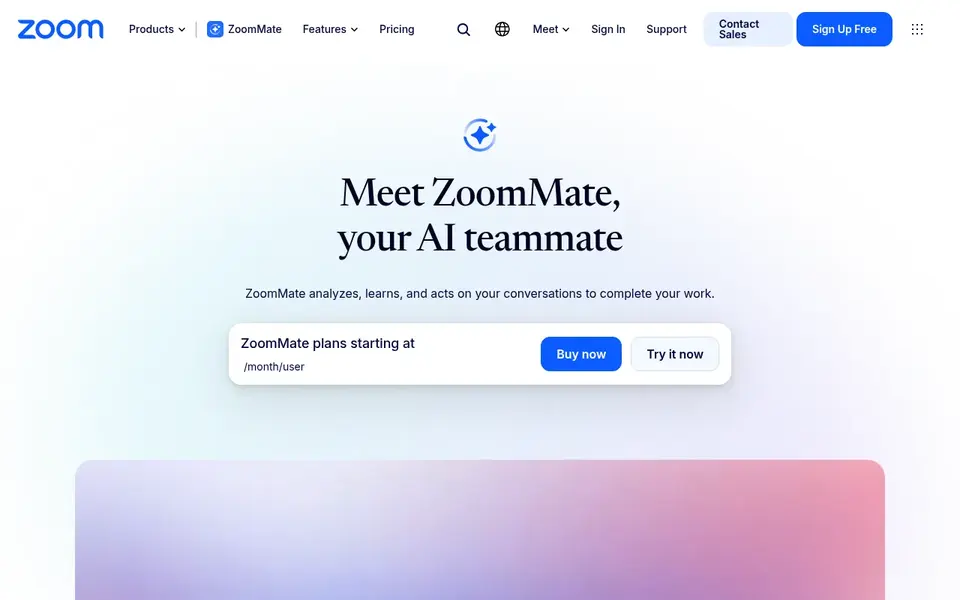
Zoom AI Companion is designed for meeting-focused AI assistance. If your priority is AI inside documents and chat, Microsoft 365 Copilot or Slack AI may be more relevant.
Limits to weigh: May not include document or project work.
Beyond that, teams seeking broader workspace AI may need additional tools. Worth adding: Zoom AI Companion is centred on conversations and meetings, so it may not supply deep document editing or project management features. Check the vendor site for Zoom AI Companion pricing; none is listed in this comparison. On free options: Not stated.
- Acts on conversation content
- Learns from your meetings
- Centered on Zoom meetings and calls
How the list was put together
We compared the tools on published pricing, free plan or trial availability, feature coverage for collaborative AI platforms, and the limits each vendor documents. Prices and plan limits come from vendor pages and can change, so confirm them on the vendor site before you buy. The order reflects how well each tool fits the most common buying scenario for collaborative AI platforms, then price clarity, then free plan access. It is a starting point, not a verdict.
What to check before you buy
- Get a written quote from Google Gemini for Workspace, Notion AI, Microsoft 365 Copilot and Zoom AI Companion; the list shows no starting price for them.
- Read the fine print on the free plans from Asana AI and Slack AI; seat, project and feature caps differ.
- Read the limits listed for Asana AI first: centred on project and work management.
- Work out what Asana AI costs with your real seat count, add-ons and usage, not just the entry price.
- Read the plan comparison for Zoom AI Companion carefully; key features often start on a higher tier.
Frequently asked questions
Can I try these options before paying?
Often, yes. Asana AI and Slack AI have a free plan. Use your own data and a real task during the test, and check what the free tier or trial limits before you rely on it.
Is Asana AI the right pick for everyone comparing collaborative AI platforms?
No single tool suits every team. Asana AI comes first because it fits AI-assisted project management, while Google Gemini for Workspace suits Google Workspace teams and Notion AI suits Notion workspace users. Match the tool to your own size, budget and workflow before deciding.
Which options for collaborative AI platforms have a free plan?
On this list, Asana AI and Slack AI include a free plan. Caps on seats, usage or features are common, so test the free plan against your real workload. Each of the 6 options in this collaborative AI platforms guide has its own card above with the price, free plan and limits.
How do I choose between Microsoft 365 Copilot and Google Gemini for Workspace?
The choice commonly relies on which productivity suite your team already uses. Microsoft 365 Copilot is made for Microsoft apps, whereas Google Gemini for Workspace is built for Google apps.
Do these tools publish their prices?
Not all of them. Google Gemini for Workspace, Notion AI, Microsoft 365 Copilot and Zoom AI Companion publish no starting price, so expect a quote request for those. The rest, Asana AI included, show a starting price, though seats and billing terms still change the final cost.
Sources
See where you really rank - block by block
ProMapRanker scans Google Maps across a grid of your service area. Simple monthly plans from $19, white-label on every plan.
Start freeBrowse all guides
← AI Note Taking App for College: Best Picks of 2026Best Property Tour Scheduling Software for Agents in 2026 →
 best ai meeting room booking systems
Best AI Meeting Room Booking Systems in 2026
Best AI meeting room booking systems: 6 contenders ranked by fit, with entry costs and free tiers. Plus the drawbacks of each tool. Read the profiles.
Read → best ai meeting notes software for consultants
5 Best AI Meeting Notes Software for Consultants in 2026
Need the best AI meeting notes software for consultants? We compare 5 tools on cost, free access and who each suits. Real limits included. Decide faster.
Read → best ai meeting assistants for venture capital firms
Best AI Meeting Assistants for Venture Capital Firms (2026)
Best AI meeting assistants for venture capital firms in 2026: 5 contenders with entry costs and free tiers. Short, factual notes on every option. Numbers first.
Read → top 10 project management software
Top 10 Project Management Software in 2026
Explore the top 10 project management software tools in 2026, with current pricing, views, automation, and the best fit for teams of every size before you buy.
Read → best workflow automation tools
8 Best Workflow Automation Tools for 2026
Compare the best workflow automation tools for teams, developers, and agencies, with pricing, free plans, integrations, and value at scale in 2026 today.
Read → odoo alternatives
Best Odoo Alternatives in 2026
Compare the best odoo alternatives for small and midsize teams, with open source, Microsoft, and enterprise ERP options, pricing, and honest trade-offs.
Read →More in Project Management & Productivity · All guides A to Z by date · Latest guides