 ProMapRanker
Best Cold Email Software in 2026

Key takeaways
- Flat-fee tools such as Instantly and Smartlead often cost less at scale than per-seat tools, because adding inboxes does not add a new seat charge.
- Warmup, inbox rotation, and domain setup matter more for delivery than any single sending feature, so check those tools before you buy.
- Apollo stands out when you still need contacts, since it pairs a contact database with sending in one account.
- Lemlist is the stronger pick when personalised images, video, and LinkedIn steps are central to your outreach.
- Start with a small list, a warmed domain, and short messages, then increase volume only after reply and bounce rates stay steady.
Quick comparison
| Pick | Great for | Pricing starts at | Free tier | |
|---|---|---|---|---|
 Instantly | High-volume sending | $47 per month | Free trial | Visit |
 Smartlead | Deliverability control at scale | $39 per month | Free trial | Visit |
 Lemlist | Personalised multichannel outreach | See website | Free trial | Visit |
 Apollo | Contacts plus sending in one place | Free | Yes | Visit |
 Saleshandy | Budget sending with lead data | See website | Free trial | Visit |
 Woodpecker | Simple, careful cold email | See website | Free trial | Visit |
 Reply.io | Email, LinkedIn, and calls together | $59 per user per month | Free trial | Visit |
 Mailshake | Fast setup for small teams | See website | Free trial | Visit |
 Snov.io | Finding contacts and sending | See website | Free trial | Visit |
The best cold email software
We compared pricing pages, feature lists, and public reviews for tools that send cold email for business outreach. The list below covers high-volume senders, personalised outreach tools, and all-in-one options with contact data.
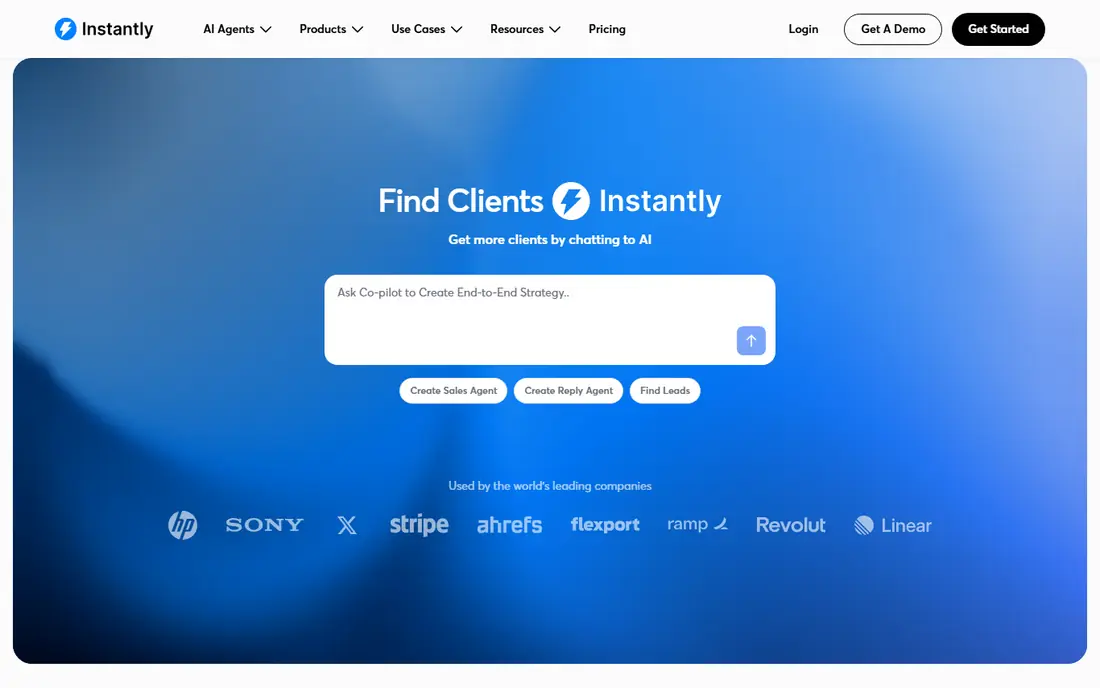
Instantly fits teams and agencies that send a lot of email from many inboxes. The flat-fee model means you can add sending accounts without paying a new seat fee for each one, which keeps the maths simple as a campaign grows. Warmup is built in, and the unified inbox pulls replies from many accounts into one place, so follow-up work stays organised.
The catch is that Instantly is mainly an email tool. If your team needs deep LinkedIn automation, call dialling, and task management in the same sequence, you may need another tool beside it. Pricing also moves up as you need more sending capacity and advanced features. For pure email volume with clear deliverability controls, it remains a strong first pick.
- Unlimited inboxes on higher plans
- Built-in warmup
- Unified inbox for replies
- Costs rise with higher volume tiers
- Less suited to complex multichannel plays
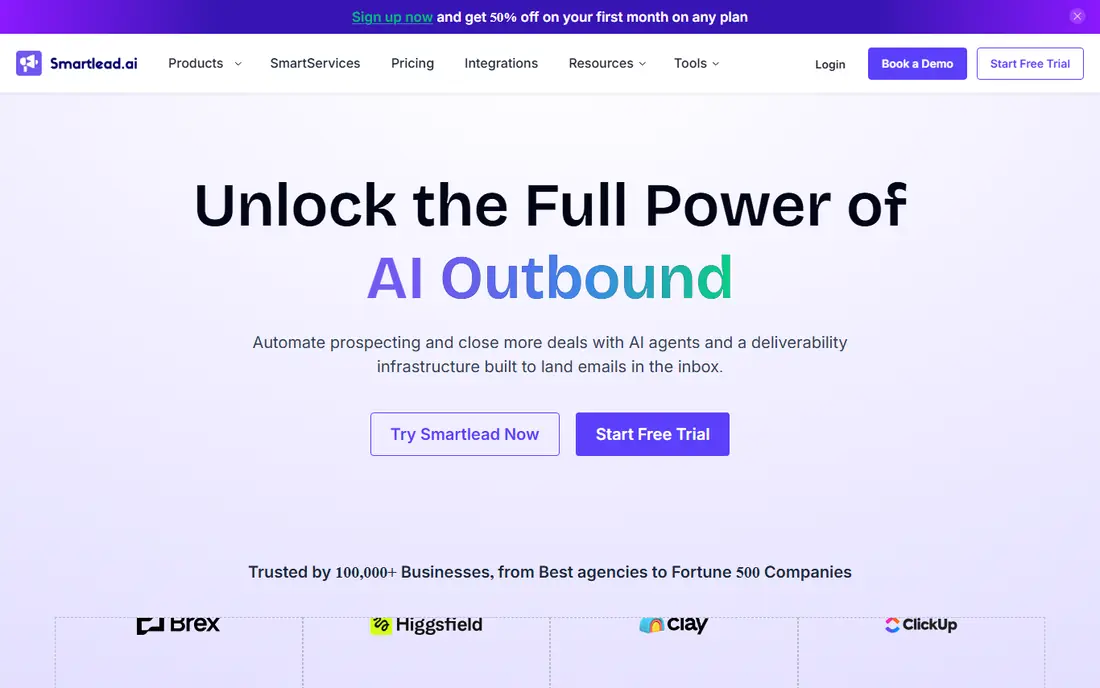
Smartlead suits senders who watch inbox placement closely. It offers mailbox rotation, warmup, and deliverability testing that help spread sending across accounts instead of pushing one inbox too hard. Agencies like the master inbox, which brings client replies together and keeps client work separate without constant account switching.
New users should expect a learning period. The settings for sending limits, rotation, and warmup reward careful setup, and rushing that stage can undo the benefit of the tools. Once set up well, Smartlead gives a high level of control for teams that run many campaigns at once. It is a practical pick for deliverability-focused work rather than for a single short campaign.
- Inbox rotation and deliverability tools
- Master inbox for client work
- Scales well for agencies
- Setup takes care for new users
- Interface can feel busy at first
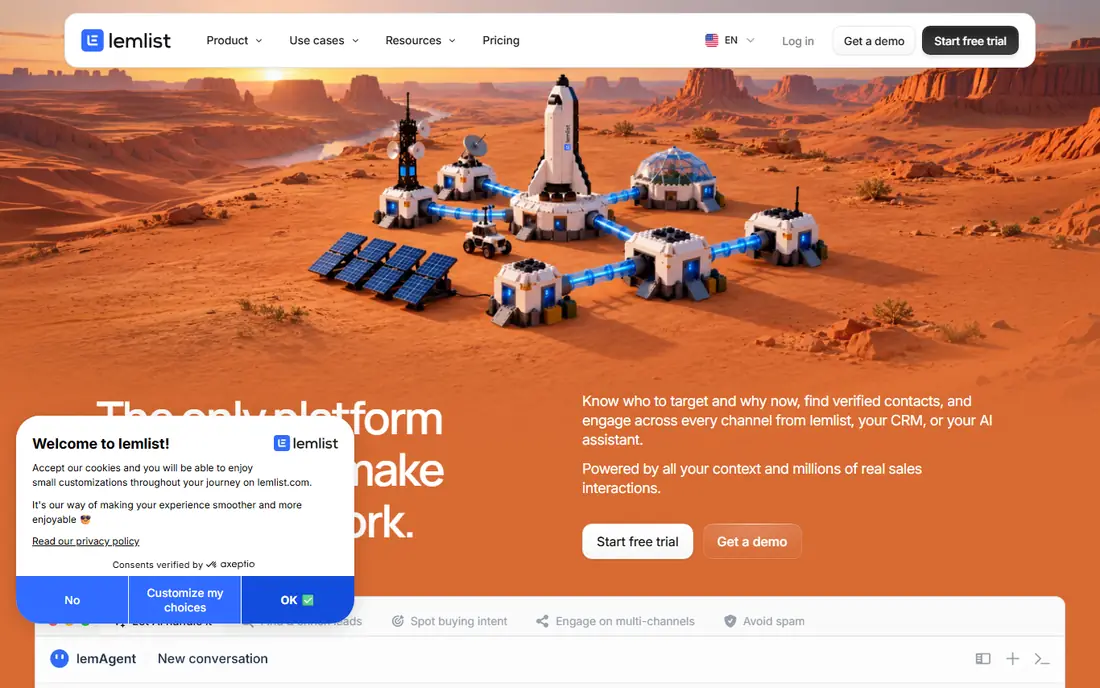
Lemlist is built for outreach that needs to stand out in a crowded inbox. Personalised images, custom landing pages, and video options let a sender tailor the first message beyond a first-name field. Sequences can also include LinkedIn steps, which helps when a prospect is more active there than in email. Its warmup tool, Lemwarm, supports new domains during the early sending period.
The main drawback is price structure. Because Lemlist charges per user, a team of five pays far more than a solo sender, and the cost gap grows against flat-fee rivals. Sending caps on some plans also matter for high-volume users. For smaller teams that value creative personalisation over raw volume, Lemlist earns its place.
- Personalised images and video
- Email plus LinkedIn steps
- Warmup tool included
- Per-user pricing adds up for larger teams
- Some plans cap monthly sending
Apollo solves the first problem many outreach teams face, which is finding people to email. Its database lets users filter by role, company size, industry, and location, then move those contacts into sequences without exporting lists between tools. The free plan gives new users a way to test the search and sending flow before paying.
Paid plans charge per user, so costs rise as a team grows, and credit limits control how many contacts and enrichments you can use each month. Apollo is less focused on pure deliverability tooling than Instantly or Smartlead. Still, for a team that needs data and sending on one bill, it is hard to beat as a starting point.
- Large contact database
- Sequences and sending built in
- Free plan for testing
- Per-seat pricing on paid plans
- Credit limits shape how much data you can use
Saleshandy appeals to small teams that want a capable sender without a large monthly bill. It covers sequences, follow-ups, and sender rotation, and it adds a lead finder so users are not forced to buy a separate database at once. The setup is direct, which suits founders and small sales teams who need to launch quickly.
It does not match Reply.io or Lemlist for multichannel depth. LinkedIn and call steps are not its main strength, and reporting stays practical rather than deep. If email is your main channel and budget matters, Saleshandy gives good value. Teams that later need full multichannel plays may outgrow it.
- Lower entry cost than many rivals
- Lead finder included
- Sender rotation support
- Multichannel features are thinner
- Reporting is simpler than enterprise tools
Woodpecker takes a careful approach to cold email. Its workflow is easy to follow, with campaigns, follow-ups, and reply handling laid out in plain steps. Deliverability monitoring helps users spot problems early, such as rising bounces, before a domain reputation takes lasting damage. That focus suits small teams that would rather send fewer, better-targeted messages.
The trade-off is scope. Woodpecker is not a full sales engagement platform, so teams that need LinkedIn, calls, and SMS in one sequence will look elsewhere. Pricing is tied to sending volume, so very large campaigns can cost more than flat-fee options. For straightforward cold email done carefully, it is a calm and dependable choice.
- Clear, simple workflow
- Deliverability monitoring
- Good for small teams
- Fewer multichannel options
- Volume pricing can rise with larger lists
Reply.io fits sales teams that run email, LinkedIn, calls, and SMS as one play. A single sequence can move a prospect through different channels based on replies and engagement, and tasks keep reps on track without a separate tracker. Reporting covers channel performance, which helps managers see where replies actually come from.
That breadth comes with cost and setup time. Per-user pricing means a team of ten pays a large monthly total, and new users need time to build sequences well. Reply.io is best for teams with a defined sales process and reps who will use every channel. Solo senders who only need email will find cheaper options above.
- True multichannel sequences
- Built-in calling and tasks
- Strong reporting
- Per-user price is high for larger teams
- More setup than email-only tools
Mailshake is known for getting a campaign live fast. The sequence builder is simple, follow-ups are easy to set, and the interface does not bury common actions. Small teams and founders can move from list to first send without a long onboarding process. Higher plans add a dialler, which helps teams that mix email with calls.
Mailshake does not offer the same depth of deliverability controls as Smartlead or Instantly, so high-volume senders need to manage warmup and domain health with care. Its lead data is also thinner than Apollo. For a team that values speed and simplicity over scale controls, Mailshake is a sensible pick.
- Quick to launch
- Simple sequence builder
- Phone dialler on higher plans
- Deliverability tooling is lighter than specialists
- Lead data is limited
Snov.io combines an email finder, verifier, and sending tool, which suits freelancers and small teams that source their own lists. Finding and verifying an address before sending reduces bounces, and drip campaigns handle follow-ups without manual tracking. The free tier lets users test the finder and a small campaign before committing.
Credits shape the experience. Searches, verifications, and recipients draw on credits, so heavy users must watch their balance and plan tier accordingly. The platform also packs many tools into one dashboard, which can feel crowded at first. For data-heavy, lower-volume outreach, Snov.io offers a useful all-in-one balance.
- Email finder and verifier
- Drip campaigns built in
- Free plan for small tests
- Credit-based limits can constrain use
- Interface mixes many tools in one place
How we picked these
We compared official pricing pages, feature lists, and public user reviews for tools that are still sold and supported in October 2026. We favoured tools with clear sending, warmup, and reply-handling features, and we included a mix of flat-fee senders, per-seat platforms, and tools with built-in contact data. We did not claim hands-on testing we did not do. Where a price varied by billing period or plan, we listed the monthly figure shown in search results or wrote See website rather than guessing.
What to check before you pay
Start with how you will be billed. Flat-fee tools suit many inboxes, while per-seat tools suit small teams that need multichannel features. Count inboxes, seats, and monthly sending volume, then compare the total for your actual team, not the headline starter price alone.
Deliverability basics
Use a separate sending domain, warm it slowly, and keep daily sending per inbox modest at first. Verify contacts before sending, remove hard bounces at once, and watch spam complaints. A tool can help with warmup and rotation, but it cannot fix a bought list or a message sent to the wrong audience.
Copy and follow-up
Keep the first message short, specific, and focused on one clear next step. Most replies come from the first message or early follow-ups, so plan three to five follow-ups that add value instead of repeating the same ask. Personalise with a real detail about the prospect, not a generic line that could fit any company.
Rules and consent
Cold email rules differ by country and by the type of recipient. In the United States, commercial email must include accurate sender details, a working opt-out, and a valid postal address in many cases. Check the rules for your market, keep opt-outs honoured at once, and never send to lists that did not come from a lawful source. When in doubt, get legal advice for your specific campaign.
Frequently asked questions
What is the best cold email tool for beginners?
Apollo or Mailshake are good starting points. Apollo helps when you need contacts, while Mailshake helps when you already have a list and want a fast launch. Start small, warm your domain, and test one campaign before scaling.
What is the best cold email platform for agencies?
Instantly and Smartlead are common agency picks because flat fees and unified inboxes keep client work manageable. Compare inbox limits, client seats, and white-label options on the current pricing page before you commit.
Do I need a separate domain for cold email?
Yes, in most cases. Sending cold mail from your main company domain puts that domain at risk if complaints or bounces rise. Use a secondary domain with proper authentication records, warm it slowly, and keep main-domain mail for customers and partners.
What is the best cold email outreach software for LinkedIn plus email?
Lemlist and Reply.io both support multichannel sequences that mix email with LinkedIn steps. Lemlist leans toward creative personalisation, while Reply.io leans toward structured sales team workflows with calls and tasks.
How many cold emails should I send per day per inbox?
There is no single safe number, and limits depend on domain age, warmup, and list quality. New inboxes should start low and rise slowly over several weeks. Watch bounce rates, spam complaints, and reply rates, and pause a campaign if those signals worsen.
Are free cold email tools worth using?
Free plans help for testing, but they usually cap contacts, sending, or features. Apollo has a useful free tier for data and sending tests, while most paid tools offer trials instead of free plans. Move to a paid plan once you need steady volume and deliverability controls.
Sources
See where you really rank - block by block
ProMapRanker scans Google Maps across a grid of your service area. Simple monthly plans from $19, white-label on every plan.
Start freeKeep reading
 wix alternatives
Wix Alternatives in 2026: 8 Products Compared
Compare the best Wix alternatives in 2026 for portfolios, stores and blogs, with current prices, free plans and the right builder by site type in this guide.
Read → webflow alternatives
Best Webflow Alternatives in 2026
Looking for webflow alternatives? We compared 8 website builders on design control, CMS, hosting and price, so you can build without the learning curve.
Read → squarespace alternatives
Best Squarespace Alternatives in 2026
We compared the best Squarespace alternatives for portfolios, stores, blogs and client work, with current pricing, free plans and honest trade-offs in 2026.
Read →