 ProMapRanker
Best Coin App in 2026: 8 Apps Compared

Fast photo identification · Pricing starts at: $39.99 per year
Key takeaways
- Photo identification apps are best for naming a coin, while PCGS and NGC resources are better for checking certified coins, grades and auction-based values.
- No app value is a firm appraisal, since condition, mint mark, variety and demand change what a buyer will pay.
- CoinSnap is our pick for most casual collectors because it covers a wide range of coins by photo, with a limited free allowance before a subscription.
- Coinoscope is a strong free starting point for foreign coins, and HeriBase offers daily free scans plus a paid human appraisal option.
Quick comparison
| Pick | Great for | Pricing starts at | Free tier | |
|---|---|---|---|---|
| CoinSnap | Fast photo identification | $39.99 per year | Yes | Visit |
 CoinIn | Global coins and banknotes | See website | Yes | Visit |
 Coinoscope | Free identification of world coins | Free | Yes | Visit |
 PCGS CoinFacts | US coin prices and research | Free | Yes | Visit |
 NGC App | Certified coin verification | Free | Yes | Visit |
 HeriBase | Daily free scans and appraisals | $39.99 per year | Yes | Visit |
 Coin ID | Guided collections and coin facts | See website | Yes | Visit |
 Collectibles.com | Scanning and managing a collection | See website | Yes | Visit |
The best coin app
Treat every app on this list as a starting point, not a final verdict on value. Use a scanner to name the coin, then check that result against a price guide or recent sold listings before you buy or sell.
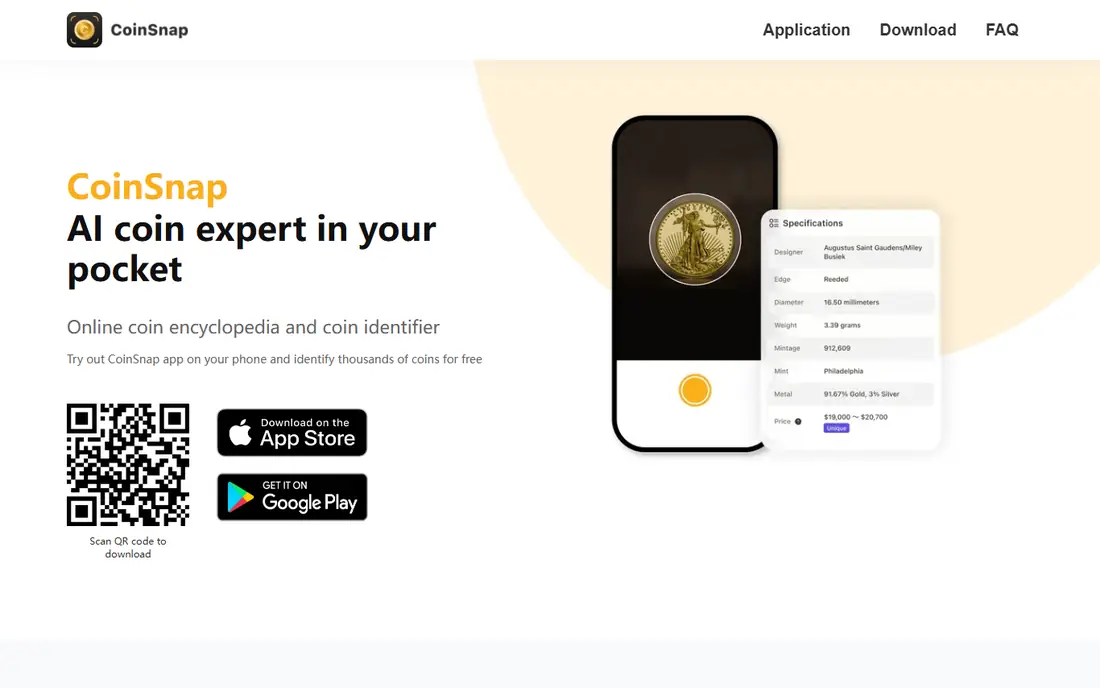
CoinSnap is the most widely used coin photo app in this list, and its strength is speed. You photograph both sides of a coin, and the app returns likely matches with origin, year and reference details. For a drawer of unknown coins, that first identification step saves hours of catalog searching.
The catch is the paywall and the value estimate. Free identification is limited, and the annual premium plan is needed for unlimited use. Treat the price shown as a reference for the coin type, not a promise for your exact coin in its exact condition. Check mint marks and wear before you trust any figure.
- Photo identification for a wide range of coins
- Collection folders with a total estimated value
- Rarity and detail pages for identified coins
- Free scans are limited
- Full features need a subscription
- Value figures are estimates, not appraisals
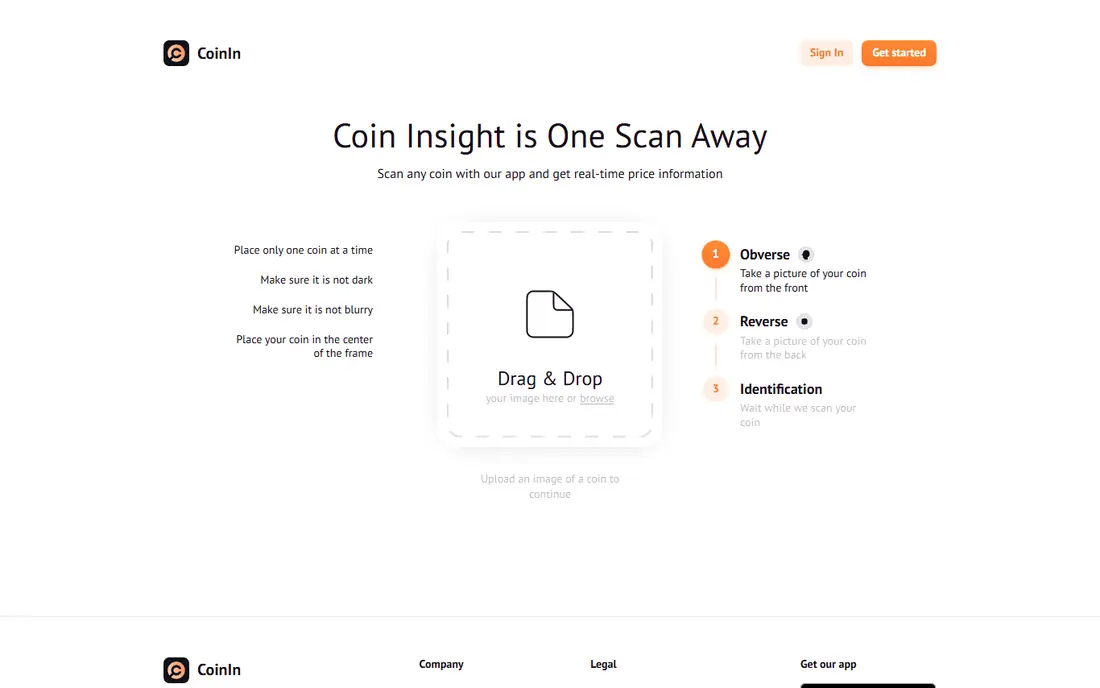
CoinIn covers a broad set of world coins and adds banknote identification, which makes it useful for travelers and inherited collections with mixed origins. The app walks you through photo positioning, which helps when a coin is small or the lighting is poor.
Billing is where you need care. CoinIn has offered short subscription terms in app stores, and some users report trouble cancelling trials. If you try it, set a reminder to cancel before any trial ends, and check the exact price shown at checkout in your store account.
- Identifies coins and banknotes
- Custom folders for organizing a collection
- Guided photo positioning for clearer scans
- Free scans are limited
- Subscription terms need careful checking
- Values can be vague for worn or older coins
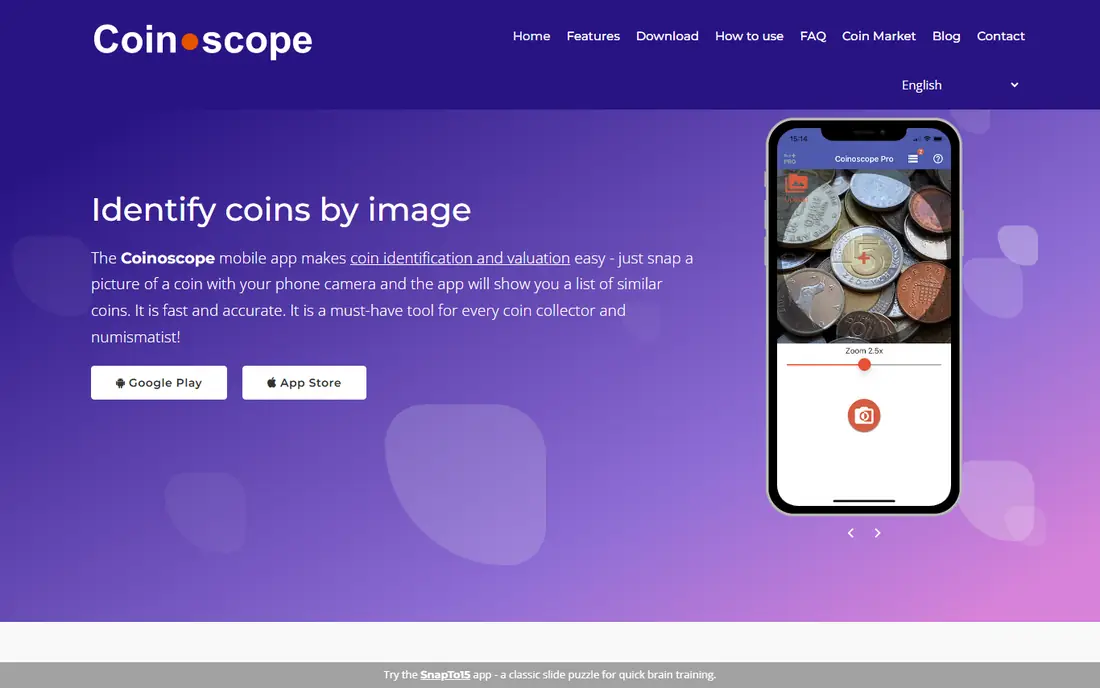
Coinoscope is the best free first step for many collectors, especially for foreign coins that US-focused guides cover poorly. You snap a photo, review similar matches, and save the coin to your collection. A Pro version removes ads and adds premium features, but the basic tool does the core job without payment.
Its weakness is precision on value. Coinoscope can point you to the right coin type, but condition and variety still decide real worth. Use it to name the coin, then confirm details such as date, mint mark and edge lettering in a catalog or price guide.
- Basic identification is free
- Strong coverage of foreign coins
- Collection saving and desktop viewing
- Ads in the free version
- Value estimates are rough
- Some results need checking against a catalog
PCGS CoinFacts is not a scanner. You need to know the coin first, or scan a barcode on a PCGS or NGC sealed holder, and then the app gives you price guide data, auction results and population counts. That makes it the right second step after CoinSnap or Coinoscope names your coin.
For US collectors, this depth is hard to match. You can compare your coin with reference photos and see how price changes by grade, which is the detail that most scanner estimates skip. Foreign coin collectors will need a different guide for most of their collection.
- Price guide by grade for US coins
- Auction prices realized
- Reference photos for comparison
- No photo identification
- US coins only
- App has not been updated as often as newer scanners
The NGC app is built around certified coins rather than raw coins from pocket change. Scan the barcode on an NGC label or enter a certification number, and you can check the coin description, grade, census population and price guide values. Collectors with graded coins will find this more reliable than a scanner estimate.
It also includes submission tracking and the NGC Registry, where you can display sets and compare them with other collectors. If your coins are not certified, start with a photo app instead, and use NGC only when you want to verify or research a graded piece.
- Verifies NGC certification by barcode or number
- Census data for rarity research
- Registry for organizing certified coins
- Mainly useful for NGC-certified coins
- No general photo identification
- Grading services cost extra
HeriBase, formerly HeritCoin, gives you a small number of free scans per day, which suits a collector who checks a few coins at a time rather than a whole jar at once. Watching ads can extend free scanning, and the annual plan covers regular use. The paid human appraisal option is a useful extra when a coin might be valuable.
Do not treat any single scan value as final. Compare the date, mint mark and variety shown with your coin, and re-check any coin that returns a high figure. For a coin that could be worth real money, a professional appraisal or a dealer opinion is worth more than any app number.
- Free scans each day, with ads to continue
- Human appraisal option for a second opinion
- Collection tracking
- Value figures can vary between scans
- Appraisal costs extra
- Some features need a subscription
Coin ID takes a photo of both sides and returns a match with size, composition, weight, year, country and designer details where available. Its official sets, such as state quarters and presidential dollars, give new collectors a clear way to track progress. That structure makes it friendlier than a bare scanner for someone building a first collection.
Like its rivals, Coin ID works best on clean, modern coins. Worn, dark or damaged coins produce weaker matches, so check the result against the coin in hand. Confirm the subscription price and renewal terms in your app store before you pay, since plans are billed weekly, monthly or annually depending on the offer shown.
- Photo identification with detailed coin pages
- Official collection sets for US series
- Multiple collections for organizing
- Subscription needed for unlimited use
- Value figures are reference prices
- Accuracy drops on worn coins
Collectibles.com suits collectors whose interests go beyond coins alone, since the same account can track other collectibles. Its scan feature gives a quick identification and estimated value, and the collection view helps you keep a record of what you own and what it might be worth in total.
Coin specialists may find the detail thinner than PCGS or NGC resources, especially for varieties and grades. Use it as an organizer and a first check, then verify any coin you plan to sell with a specialist price guide or a dealer.
- Scan and value feature for collectibles
- Collection management in one place
- Useful for mixed collections beyond coins
- Coin detail is less deep than specialist guides
- Value estimates need cross-checking
- Some features need a paid plan
How we picked these
We compared official app store listings, developer sites, pricing pages and public reviews. We kept only apps that exist and work today, with clear identification, valuation or collection features for coins. We gave extra weight to apps with a free starting point and to reference tools from established grading companies, and we flagged billing and accuracy limits where public reviews raised them.
How to use a coin app without overpaying or overselling
Start with a clear photo in good light, with both sides of the coin, and no cleaning. Cleaning a coin can destroy collector value, so never polish a coin to get a better scan. If the app returns several matches, compare date, mint mark, portrait and lettering with your coin before you accept the top result.
Next, separate identification from value. An app can often name the coin type correctly while still missing the variety or grade that decides price. Check the matched coin in PCGS CoinFacts, the NGC price guide or recent sold listings for the same date and grade. For a coin that looks rare or valuable, get a dealer or grading company opinion before you sell.
Finally, manage subscriptions with care. Most scanner apps offer a free trial that renews automatically, and deleting the app does not cancel the subscription. Cancel in your app store account at least a day before the trial ends if you do not want to keep paying, and keep a note of the renewal date.
Frequently asked questions
Which coin app is the best?
For most people, CoinSnap is the best starting point for photo identification, with Coinoscope as the best free alternative for world coins. The best choice depends on your coins: use PCGS CoinFacts for US coin values and the NGC app for certified coins.
What coin app is the best for valuing coins?
No app gives a firm appraisal. Use a scanner to identify the coin, then check PCGS or NGC price guides and recent sold listings for the same date, mint mark and grade. For high-value coins, a professional appraisal is the safer route.
Is there a best coin appraisal app free?
Coinoscope offers free basic identification, and PCGS CoinFacts and the NGC app are free for reference and verification. Free scanner apps usually limit scans or show ads, and full features need a paid plan.
Why do coin apps give different values for the same coin?
Apps use different reference data, and they may match different varieties or grades of the same coin type. Condition, mint mark and demand also affect value, so two apps can show different figures for coins that look similar in a photo.
Should I clean a coin before scanning it?
No. Cleaning can damage the surface and reduce collector value. Photograph the coin as it is, in good light, and let the app work from the natural detail.
Sources
See where you really rank - block by block
ProMapRanker scans Google Maps across a grid of your service area. Simple monthly plans from $19, white-label on every plan.
Start freeKeep reading
 free alternatives to grok imagine
Free Alternatives to Grok Imagine in 2026
We compared the best free alternatives to grok imagine for image generation, from fast daily credits to design tools, so you can create without paying.
Read → best tools for instagram content creation
Best Tools for Instagram Content Creation in 2026
Compare the best tools for Instagram content creation, from Canva and CapCut to Later and Buffer, on design, video, planning, scheduling, and price in 2026.
Read → best tool to split pdf files
Best Tool to Split PDF Files in 2026
We compared the best tool to split pdf files on split modes, file limits, privacy and price, so you can split a PDF cleanly and keep every page in one go.
Read →