 ProMapRanker
Best Code Security Tools for Cloud in 2026

Developer first dependency and code scanning · Pricing starts at: $25 per developer per month
Key takeaways
- Code to cloud security means scanning code, dependencies, containers, and cloud config together, not only running one scanner.
- Snyk, Semgrep, and SonarQube give the best developer first starting points, with free tiers for small teams.
- Wiz, Prisma Cloud, and Orca suit teams that need cloud posture and runtime context on top of code scanning.
- Checkmarx and Veracode suit regulated enterprises that need audit ready reporting, at enterprise prices.
Quick comparison
| Pick | Great for | Pricing starts at | Free tier | |
|---|---|---|---|---|
| Snyk | Developer first dependency and code scanning | $25 per developer per month | Yes | Visit |
 Semgrep | Custom rules and fast CI scans | $30 per contributor per month | Yes | Visit |
 SonarQube Cloud | Quality gates plus security | $34 per month | Yes | Visit |
 GitHub Advanced Security | GitHub native teams | $19 per user per month | Yes | Visit |
 Checkmarx | Enterprise AppSec programs | See website | No | Visit |
 Veracode | Audit ready security programs | See website | No | Visit |
 Wiz | Cloud security posture | See website | Free trial | Visit |
 Prisma Cloud | Palo Alto cloud security | See website | Free trial | Visit |
 Orca Security | Agentless cloud scanning | See website | Free trial | Visit |
The best code security tools for cloud
Code to cloud security covers the path from a developer's commit to a running cloud workload. These tools scan code, open source dependencies, containers, infrastructure as code, and cloud configuration, and they connect findings so teams fix the riskiest issues first.
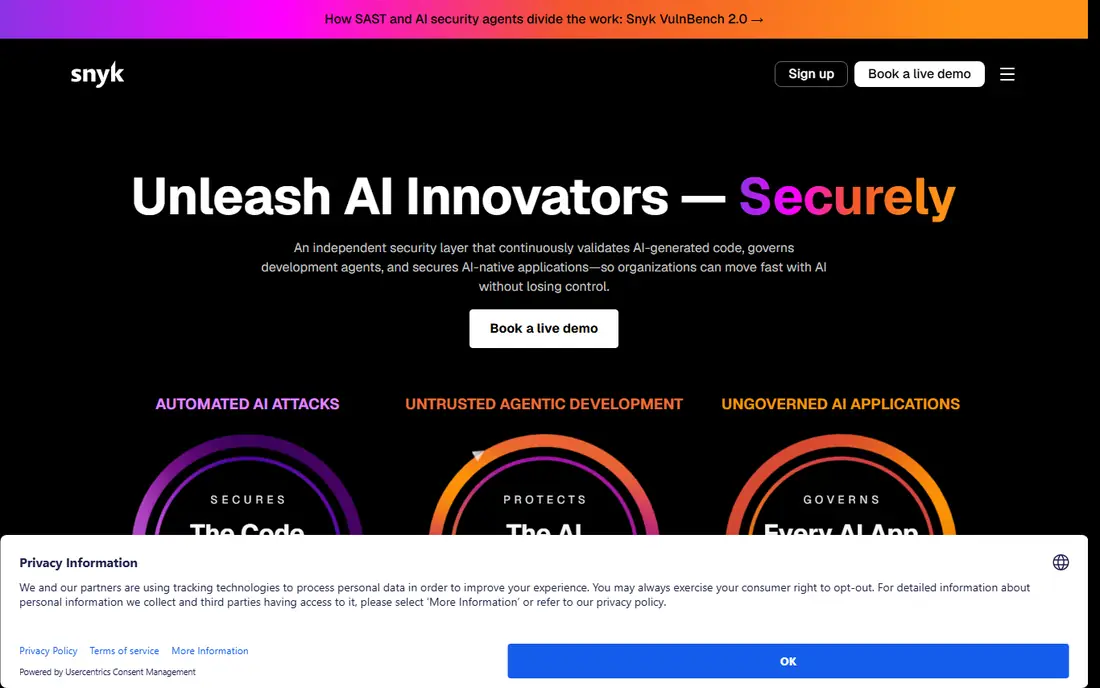
Snyk is the most developer friendly entry point in this list. It scans open source dependencies, code, containers, and infrastructure as code, and it plugs into IDEs, pull requests, and CI pipelines so fixes appear where developers already work. Its dependency database is a particular strength, which matters when AI generated code pulls in packages that may be vulnerable or simply invented.
Snyk Team starts at $25 per developer per month, with a limited free tier. The honest catch is that its code scanning, while improving, is generally seen as less deep than dedicated SAST tools such as Checkmarx or Semgrep. Teams that start with Snyk for dependencies often add a dedicated SAST tool later. As a first code to cloud tool, though, Snyk covers the most ground with the least friction.
- Wide IDE, repo, container, and IaC integrations
- Fast PR scans
- Strong dependency vulnerability data
- SAST depth is less mature than its dependency scanning
- Enterprise pricing rises with scale
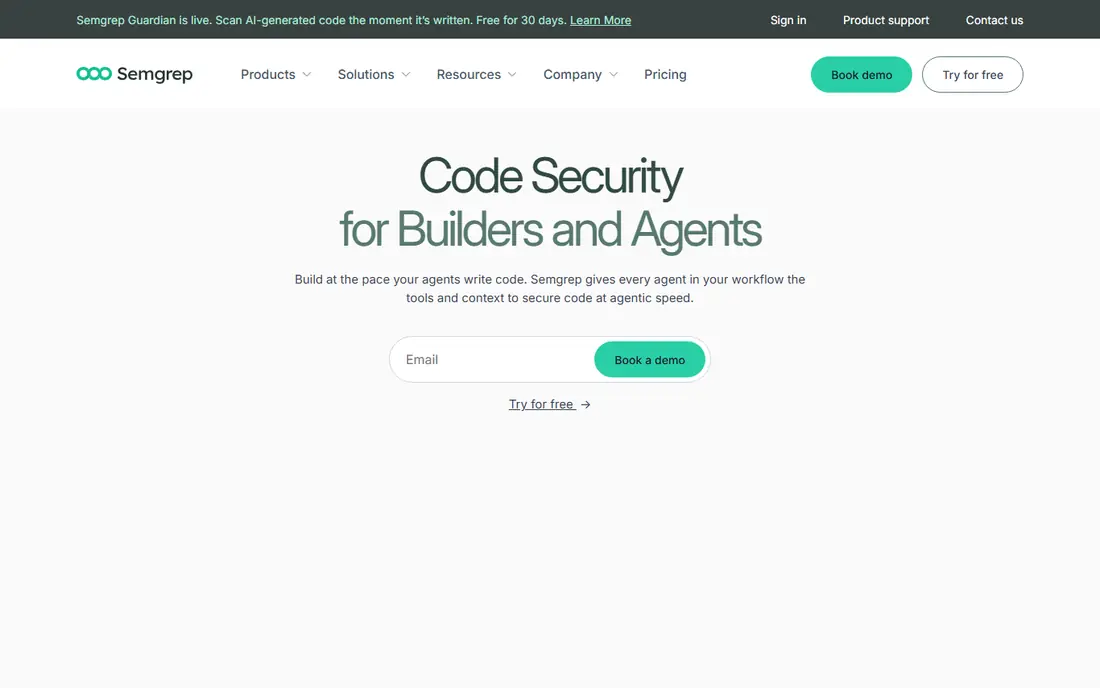
Semgrep stands out for speed and custom rules. Scans run in seconds in CI, and teams can write their own rules for internal patterns, such as a banned library or a risky API use, alongside community rules. That makes it a strong fit for teams with specific security policies that off the shelf scanners do not cover. The open source engine also means small teams and open source projects can start for free.
Published pricing for Semgrep Team varies, with recent listings at $30 per contributor per month for Code, and other sources listing different platform tiers. Confirm the current plan before buying. Semgrep needs tuning to reach the depth of an enterprise SAST suite, but for developer led teams that value speed and control, it is one of the best tools here.
- Fast scans in CI
- Custom rules teams can write and share
- Open source engine
- Needs rule tuning to match enterprise SAST depth
- Platform pricing varies by source
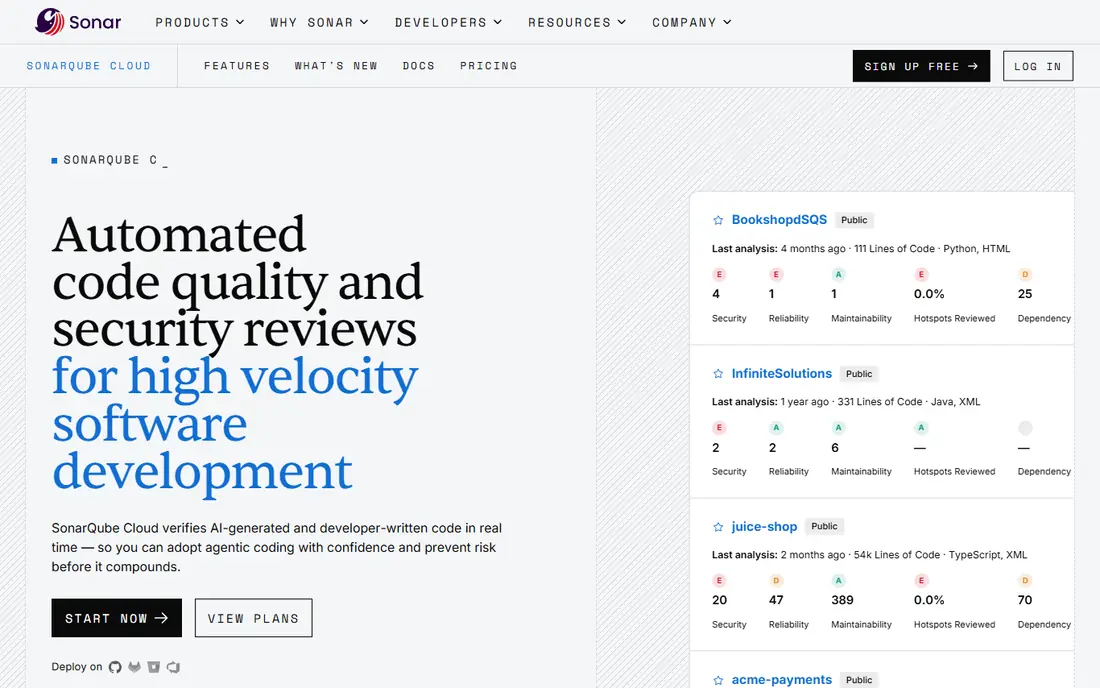
SonarQube Cloud, from SonarSource, combines code quality and security in one platform. Quality gates give teams an enforceable definition of done at pull request level: new code must pass security and quality checks before merging. Language coverage is broad, and the free tier and self-hosted Community Build make it accessible to small teams and open source projects.
Pricing for SonarQube Cloud Team starts at around $34 per month for up to 100,000 lines of code, with higher tiers for larger codebases. The catch is operational weight for self-hosted setups, and scan speed that can lag newer engines. For teams that want quality and security in one readable report that both developers and auditors can use, SonarQube remains a strong default.
- Quality gates at pull request level
- Broad language coverage
- Generous free options
- Scans can be slower than newer engines
- Self-hosted setup takes admin effort
GitHub Advanced Security brings code scanning, secret scanning, and dependency review into the platform where code already lives. CodeQL analysis finds vulnerabilities in code, secret scanning catches leaked credentials, and dependency review flags risky changes at pull request time. For a team already on GitHub, the setup is minimal and the workflow is familiar.
Pricing starts at $19 per user per month for Advanced Security on Team plans in published comparisons, with free features for public repositories. The limit is scope: it is a GitHub product, so teams with code in other systems need another tool as well. For GitHub native teams, it is the lowest friction way to add serious code security to existing workflows.
- Native code scanning, secret scanning, and dependency review in GitHub
- CodeQL analysis
- No new tool to learn
- Best only for GitHub hosted code
- Advanced features need Enterprise plans
Checkmarx One is an all-in-one application security platform covering static analysis, software composition, dynamic testing, API security, and container scanning under one roof. Its compliance reporting and policy controls suit regulated industries and large enterprises that must prove security coverage to auditors and customers. FedRAMP High-Ready status is a further signal for public sector and regulated work.
The trade-offs are price and speed. Checkmarx is quote based, with enterprise pricing commonly reported in the tens of thousands per year, and scans can take longer than developer first tools. Small teams should not start here. Large AppSec programs that need breadth, compliance evidence, and centralized policy will find Checkmarx one of the most complete options available.
- Broad SAST, SCA, DAST, API, and container coverage
- Strong compliance reporting
- FedRAMP High-Ready status
- Quote based enterprise pricing
- Scans can be slower than developer first tools
Veracode takes a different approach: it analyzes compiled binaries and bytecode, so it does not need direct access to source repositories. That suits compliance heavy organizations that prefer to keep source code private, or that need to scan third party binaries. Its policy engine and attestation reporting help teams prove to customers and auditors that applications meet security standards.
Pricing is quote based and per application, which gets expensive for microservice architectures with many services. Full scans can also take hours, so Veracode fits scheduled gates better than fast pull request feedback. For audit driven programs, it is a strong choice. For developer speed, pair it with a faster CI scanner such as Semgrep or Snyk.
- Binary analysis without repo access
- Strong policy and attestation reporting
- Cloud based
- Quote based per application pricing
- Full scans can take hours
Wiz connects cloud posture to code, so a team can trace a risky cloud workload back to the repository and commit that created it. Its agentless scanning covers cloud configuration, vulnerabilities, secrets, and runtime context, and it prioritizes issues by real exposure, not only by severity score. That context is what turns a long scanner report into a short fix list.
Wiz is quote based and aimed at mid-size to enterprise cloud teams, with a free trial available. It is not the best pure code scanner on its own, and teams that need deep SAST should pair it with Snyk, Semgrep, or Checkmarx. As the cloud side of a code to cloud stack, Wiz is one of the strongest platforms available, and its risk graph is the reason many large teams choose it.
- Agentless cloud scanning across code, cloud, and runtime
- Clear risk prioritization
- Broad cloud coverage
- Quote based enterprise pricing
- Code scanning alone is not its main strength
Prisma Cloud, from Palo Alto Networks, covers code security, cloud posture, workload protection, and network security in one platform. It scans code, dependencies, containers, and infrastructure as code, then connects those findings to running cloud resources. Policy and compliance reporting suit teams that must meet frameworks such as SOC 2 or PCI, and Palo Alto customers benefit from integration with the wider security stack.
Prisma Cloud is quote based, with a free trial, and its breadth brings complexity that small teams may not need. A startup with one cloud account and a handful of services will get faster value from Snyk or Semgrep. A larger organization standardizing on Palo Alto, with many cloud accounts and compliance duties, will find Prisma Cloud a coherent code to cloud platform.
- Code to cloud coverage in one platform
- Strong policy and compliance controls
- Palo Alto ecosystem integration
- Quote based pricing
- Complexity suits larger teams
Orca Security uses agentless SideScanning to inspect cloud workloads, including virtual machines, containers, and serverless functions, without installing agents on each workload. It visualizes attack paths, showing how a vulnerability, a misconfiguration, and an exposed asset combine into a real risk. That makes it easier for security teams to explain priorities to engineering teams in business terms.
Orca is quote based, with a free trial, and aimed at cloud teams rather than pure code scanning shops. Its code security features are part of a broader cloud platform, so teams that need the deepest SAST should pair Orca with a dedicated code tool. For cloud first teams that want fast deployment and clear risk context, Orca is a strong alternative to Wiz and Prisma Cloud.
- Agentless scanning of cloud workloads
- Side scanning without agents
- Clear attack path visualization
- Quote based pricing
- Code coverage is part of a cloud platform, not a standalone SAST leader
How we picked these
We compared official product pages, pricing pages, and public reviews, and we weighted code coverage, cloud and container coverage, CI speed, and pricing model. We excluded tools with no current cloud or code product, and we marked quote based enterprise tools as See website rather than inventing a price. Cloud security pricing changes with account count and workload, so treat published prices as starting points.
How to build a code to cloud stack
Start with the code: a fast CI scanner such as Semgrep or Snyk, plus secret scanning, so risky changes are caught at pull request time. Add dependency scanning, since most modern vulnerabilities arrive through libraries, not hand written code. Then add cloud posture with Wiz, Prisma Cloud, or Orca, so the team can see which code findings actually reach a running, exposed workload.
Fix by exposure, not by severity alone. A critical vulnerability in an internal, unreachable service matters less than a medium issue in a public facing workload with sensitive data. Review scanner findings weekly, tune rules to cut false positives, and track mean time to fix for the riskiest findings. A stack that developers ignore is worse than a smaller stack they actually use.
Frequently asked questions
What is the best code to cloud security platform?
There is no single winner. Developer teams should start with Snyk or Semgrep, GitHub teams with GitHub Advanced Security, and cloud teams with Wiz, Prisma Cloud, or Orca. Large regulated programs should evaluate Checkmarx and Veracode for audit depth.
Do I need both code scanning and cloud posture tools?
Yes, for most cloud teams. Code scanning finds problems before deployment, while cloud posture finds misconfigurations and exposures in running workloads. The best results come from connecting the two, so a cloud risk can be traced back to the code that caused it.
What is the cheapest way to start with code security?
Use free tiers: Semgrep open source engine, SonarQube Community Build, Snyk free tier, and GitHub secret and dependency features for public repos. Add paid plans only when volume, private repos, or compliance needs require them.
How do these tools handle AI generated code?
They scan it like any other code, which is the point. Dependency scanners catch invented or vulnerable packages, SAST tools catch insecure patterns, and secret scanners catch leaked keys. No scanner replaces code review, but scanning AI generated code before merge is now a basic control.
Are these tools a substitute for penetration testing?
No. Scanners find known patterns and misconfigurations at scale, while penetration testing finds logic flaws and chained attacks that scanners miss. Use both: scanners continuously, and penetration tests for high risk applications at least annually.
Sources
See where you really rank - block by block
ProMapRanker scans Google Maps across a grid of your service area. Simple monthly plans from $19, white-label on every plan.
Start freeKeep reading
 wpforms alternatives
Best WPForms Alternatives in 2026
We compare 9 wpforms alternatives for WordPress forms, with free and paid options, current pricing notes, and honest limits for small business sites in 2026.
Read → windows task scheduler alternatives
Best Windows Task Scheduler Alternatives in 2026
Looking for Windows Task Scheduler alternatives? We compare 9 schedulers for Windows and cross-platform work, from free tools to enterprise automation.
Read → which ai video service is best
Which AI Video Service Is Best in 2026
which ai video service is best? We compare 10 legitimate AI video services on price, avatars, editing and output quality to help you pick the right tool.
Read →