 ProMapRanker
Best Code Quality Tools in 2026


teams that want quality gates and security in one place · Pricing starts at: See website
Key takeaways
- SonarQube and SonarQube Cloud give the widest language coverage and the clearest quality gates in this list.
- Free and open source options such as ESLint and Semgrep cover a lot of ground before any paid plan is needed.
- Per seat pricing suits small teams, while lines of code pricing can suit larger codebases with fewer active authors.
- A tool that blocks a pull request is only useful when its rules are tuned, or teams start ignoring its warnings.
Quick comparison
| Pick | Great for | Pricing starts at | Free tier | |
|---|---|---|---|---|
| SonarQube | teams that want quality gates and security in one place | See website | Yes | Visit |
 SonarQube Cloud | cloud teams that want Sonar analysis without servers | See website | Yes | Visit |
 Codacy | small teams that want quality and security together | See website | Yes | Visit |
 Qlty | teams replacing older code health dashboards | See website | Yes | Visit |
 DeepSource | teams that want automatic fixes in pull requests | See website | Yes | Visit |
 Semgrep | teams that want custom security rules | See website | Yes | Visit |
 Snyk Code | teams already using Snyk for dependencies | See website | Yes | Visit |
 Qodana | teams that already use JetBrains tools | See website | Yes | Visit |
 CodeScene | teams that want to prioritise technical debt | See website | Yes | Visit |
 ESLint | JavaScript and TypeScript teams on any budget | Free | Yes | Visit |
The best code quality tools
We compared official feature pages, pricing pages and public documentation for 10 tools that fit this topic, and we kept only products that exist and work today. Our pick for most readers is in the list below, but the right choice depends on your budget, your team size and the job you need done first.
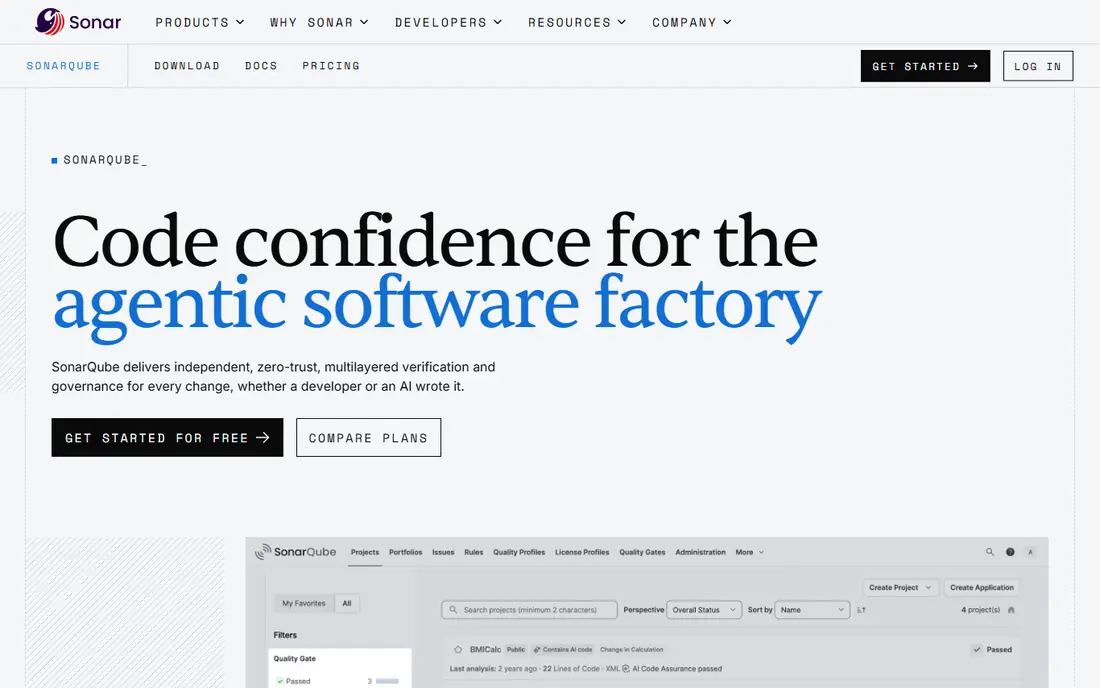
For teams that need this, teams that want quality gates and security in one place, SonarQube deserves a close look. SonarQube is the long standing reference point in this category, and its quality gate idea is simple to explain to a whole team: code either meets the bar or it does not merge. The strengths that stood out in its official pages are wide language coverage; enforceable quality gates; free self-hosted community build.
The trade-off is self-hosting takes admin work; scans can feel slower than newer engines. Before you pay, check how quality gates and security rules are licensed on the edition you plan to buy on the vendor site, and run the tool on one real project or campaign for at least a week. A short trial on real work tells you more than any feature page.
- Wide language coverage
- Enforceable quality gates
- Free self-hosted Community Build
- Self-hosting takes admin work
- Scans can feel slower than newer engines
SonarQube Cloud
Great for: cloud teams that want Sonar analysis without servers
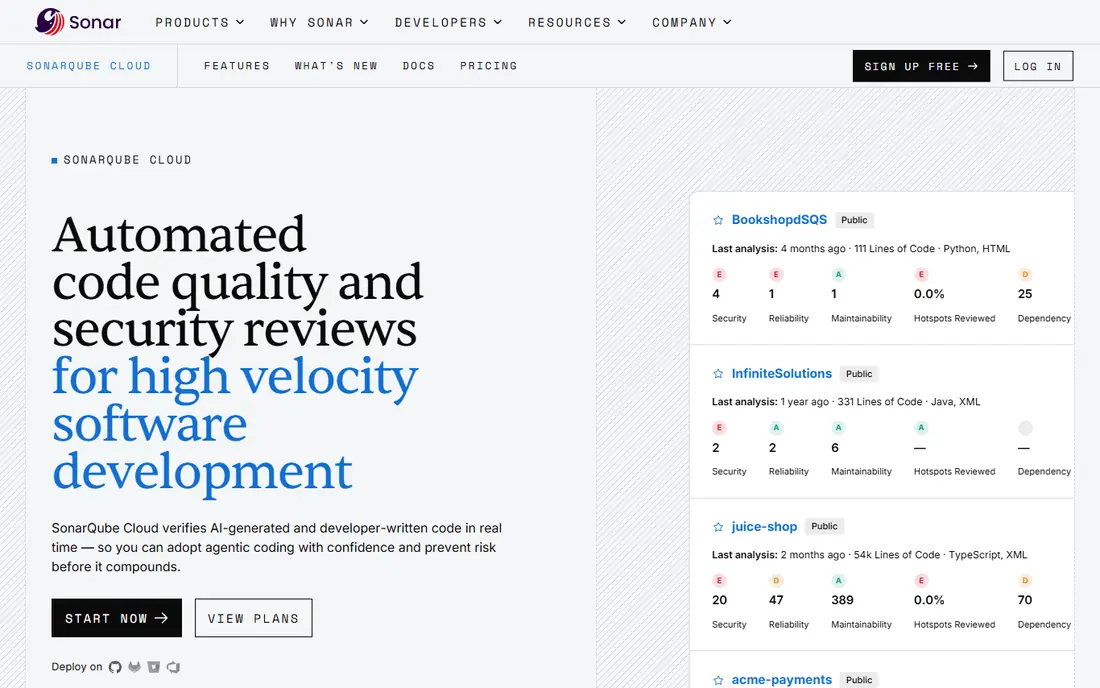
If your main job is this, cloud teams that want Sonar analysis without servers, SonarQube Cloud deserves a close look. SonarQube Cloud carries the same analysis approach as the server product into a hosted service, which removes the maintenance work that puts some teams off self-hosting. The strengths that stood out in its official pages are no server to run; free for public projects; pull request comments and gates.
The trade-off is private code limits apply on lower tiers; pricing is based on lines of code. Before you pay, check the lines of code allowance for your private projects before you sign up on the vendor site, and run the tool on one real project or campaign for at least a week. A short trial on real work tells you more than any feature page.
- No server to run
- Free for public projects
- Pull request comments and gates
- Private code limits apply on lower tiers
- Pricing is based on lines of code
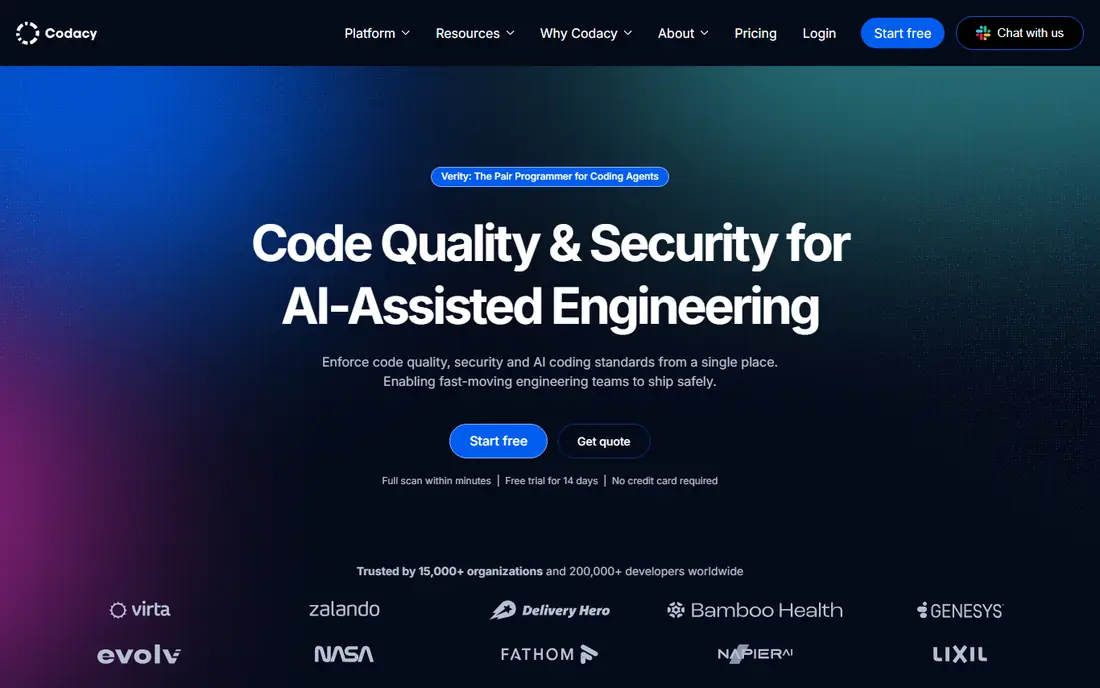
Start here when small teams that want quality and security together, Codacy deserves a close look. Codacy appeals to teams that want a fast start rather than a long configuration project, and its pull request comments point at the exact lines that need attention. The strengths that stood out in its official pages are simple setup for common repositories; free tier for open source; clear pull request feedback.
The trade-off is advanced security features sit on higher plans; rule tuning takes time. Before you pay, check which languages and security checks are included on the plan you choose on the vendor site, and run the tool on one real project or campaign for at least a week. A short trial on real work tells you more than any feature page.
- Simple setup for common repositories
- Free tier for open source
- Clear pull request feedback
- Advanced security features sit on higher plans
- Rule tuning takes time
A practical choice for teams replacing older code health dashboards, Qlty deserves a close look. Qlty, formerly Code Climate Quality, focuses on code health over time rather than a single scan, which helps teams talk about debt in concrete terms. The strengths that stood out in its official pages are free command line tool; code health and linting in one place; broad language support.
The trade-off is newer brand, so public case studies are thinner; paid plans are per contributor. Before you pay, check the contributor definition used for billing, since it decides the monthly total on the vendor site, and run the tool on one real project or campaign for at least a week. A short trial on real work tells you more than any feature page.
- Free command line tool
- Code health and linting in one place
- Broad language support
- Newer brand, so public case studies are thinner
- Paid plans are per contributor
For a team that wants this, teams that want automatic fixes in pull requests, DeepSource deserves a close look. DeepSource tries to cut the busywork out of review by fixing what it can fix, leaving reviewers to judge design and logic rather than style. The strengths that stood out in its official pages are automatic fixes for many common issues; low noise defaults; free tier for open source.
The trade-off is coverage is narrower than the largest platforms; higher plans are needed for larger teams. Before you pay, check how many pull request analyses your plan includes each month on the vendor site, and run the tool on one real project or campaign for at least a week. A short trial on real work tells you more than any feature page.
- Automatic fixes for many common issues
- Low noise defaults
- Free tier for open source
- Coverage is narrower than the largest platforms
- Higher plans are needed for larger teams
When the brief is this, teams that want custom security rules, Semgrep deserves a close look. Semgrep stands out because its rules read almost like the code patterns they look for, which makes it easier for a team to add checks for its own past mistakes. The strengths that stood out in its official pages are open source engine; fast scans; custom rules written in plain patterns.
The trade-off is writing good custom rules takes practice; the full platform is a paid product. Before you pay, check the difference between the open source engine and the paid platform features on the vendor site, and run the tool on one real project or campaign for at least a week. A short trial on real work tells you more than any feature page.
- Open source engine
- Fast scans
- Custom rules written in plain patterns
- Writing good custom rules takes practice
- The full platform is a paid product
This one earns a place for teams already using Snyk for dependencies, Snyk Code deserves a close look. Snyk Code is the natural next step for a team that already trusts Snyk for open source dependencies, because findings and fixes live in the same workflow. The strengths that stood out in its official pages are developer focused security findings; fits inside common editors and pull requests; shared snyk workflow.
The trade-off is full value shows only inside the wider snyk platform; pricing is per developer. Before you pay, check whether you need the wider Snyk platform or only the code scanning part on the vendor site, and run the tool on one real project or campaign for at least a week. A short trial on real work tells you more than any feature page.
- Developer focused security findings
- Fits inside common editors and pull requests
- Shared Snyk workflow
- Full value shows only inside the wider Snyk platform
- Pricing is per developer
For buyers focused on this, teams that already use JetBrains tools, Qodana deserves a close look. Qodana brings JetBrains inspections out of the editor and into continuous integration, so the checks a developer sees locally match the checks on a pull request. The strengths that stood out in its official pages are strong fit with jetbrains ides; community edition available; detailed inspections.
The trade-off is best experience assumes a jetbrains workflow; smaller community than sonarqube. Before you pay, check which inspections are included in the community edition versus paid plans on the vendor site, and run the tool on one real project or campaign for at least a week. A short trial on real work tells you more than any feature page.
- Strong fit with JetBrains IDEs
- Community edition available
- Detailed inspections
- Best experience assumes a JetBrains workflow
- Smaller community than SonarQube
A solid option when teams that want to prioritise technical debt, CodeScene deserves a close look. CodeScene looks at how code changes over time, not only at how it looks today, which helps a team decide which messy files are actually worth fixing first. The strengths that stood out in its official pages are behavioural analysis of code history; free tier for open source; clear debt priorities.
The trade-off is pricing is per active author; value depends on having enough commit history. Before you pay, check how an active author is counted on your plan on the vendor site, and run the tool on one real project or campaign for at least a week. A short trial on real work tells you more than any feature page.
- Behavioural analysis of code history
- Free tier for open source
- Clear debt priorities
- Pricing is per active author
- Value depends on having enough commit history
Close the shortlist with JavaScript and TypeScript teams on any budget, ESLint deserves a close look. ESLint is not a hosted platform, and that is the point: it is the free, standard linting tool for JavaScript and TypeScript, and almost every team in that stack uses it in some form. The strengths that stood out in its official pages are free and open source; huge plugin ecosystem; runs in editors and ci.
The trade-off is javascript and typescript only; setup and rule choices are yours to make. Before you pay, check the plugin set you need, since the core tool is deliberately lean on the vendor site, and run the tool on one real project or campaign for at least a week. A short trial on real work tells you more than any feature page.
- Free and open source
- Huge plugin ecosystem
- Runs in editors and CI
- JavaScript and TypeScript only
- Setup and rule choices are yours to make
How we picked these
We compared official feature pages, pricing pages, app store listings and public documentation, and we removed products that had shut down, changed direction, or no longer fit the topic. We did not claim hands-on testing that did not happen, and we wrote See website wherever a current price could not be confirmed from the vendor.
We also weighed fit over fame. A well known tool that misses the core job for this topic did not make the list, while a smaller tool that does that job well did. Prices change often, so confirm the current plan terms before you buy.
How to match the tool to your codebase
Start with language coverage, then with workflow. A tool that misses your main language is no help, however good its reports look, and a tool that does not comment on pull requests will be ignored. Run two finalists on the same repository for two weeks and compare the issues each one raises, not the marketing pages.
Next, work out the real price. Per seat pricing is easy to forecast for a stable team, while lines of code pricing can grow quietly as a codebase grows. Ask who counts as a billed user, what happens when you exceed a limit, and whether security rules are included or sold as an add-on.
Finally, agree on who owns the rules. One person should tune noisy checks, review new rules and keep the gate strict enough to matter. Without that owner, even a good tool turns into background noise that developers learn to dismiss.
Frequently asked questions
Do I need a paid code quality tool if I already use a linter?
Not always. A linter catches style and common mistakes in one language, while a paid platform adds security checks, quality gates and history across many languages. Start with the free tool, and pay only when you need shared gates or reporting.
What is a quality gate?
A quality gate is a set of pass or fail conditions on new code, such as no new critical issues and enough test coverage on changed lines. If the gate fails, the pull request should not merge until the issues are fixed.
How should a small team choose?
Pick the tool that covers your main languages, runs in your pull request workflow, and has a free tier you can try on a real repository. Avoid paying for enterprise reporting before the team actually reads the reports.
Will these tools slow down pull requests?
They can, if scans run on the whole codebase every time or rules produce many false positives. Look for diff based scanning, tune noisy rules early, and measure scan time on your largest repository.
Is self-hosting worth it?
Self-hosting gives control over data and often a lower bill for large codebases, but it adds server and upgrade work. Hosted tools cost more per team and remove that work, which suits smaller teams.
Sources
See where you really rank - block by block
ProMapRanker scans Google Maps across a grid of your service area. Simple monthly plans from $19, white-label on every plan.
Start freeKeep reading
 wpforms alternatives
Best WPForms Alternatives in 2026
We compare 9 wpforms alternatives for WordPress forms, with free and paid options, current pricing notes, and honest limits for small business sites in 2026.
Read → windows task scheduler alternatives
Best Windows Task Scheduler Alternatives in 2026
Looking for Windows Task Scheduler alternatives? We compare 9 schedulers for Windows and cross-platform work, from free tools to enterprise automation.
Read → which ai video service is best
Which AI Video Service Is Best in 2026
which ai video service is best? We compare 10 legitimate AI video services on price, avatars, editing and output quality to help you pick the right tool.
Read →